
Warrior Training and Samurai Battlefield Transition
A cinematic prompt featuring a transition from a slow-motion training scene in a courtyard to a high-speed nighttime samurai battle.
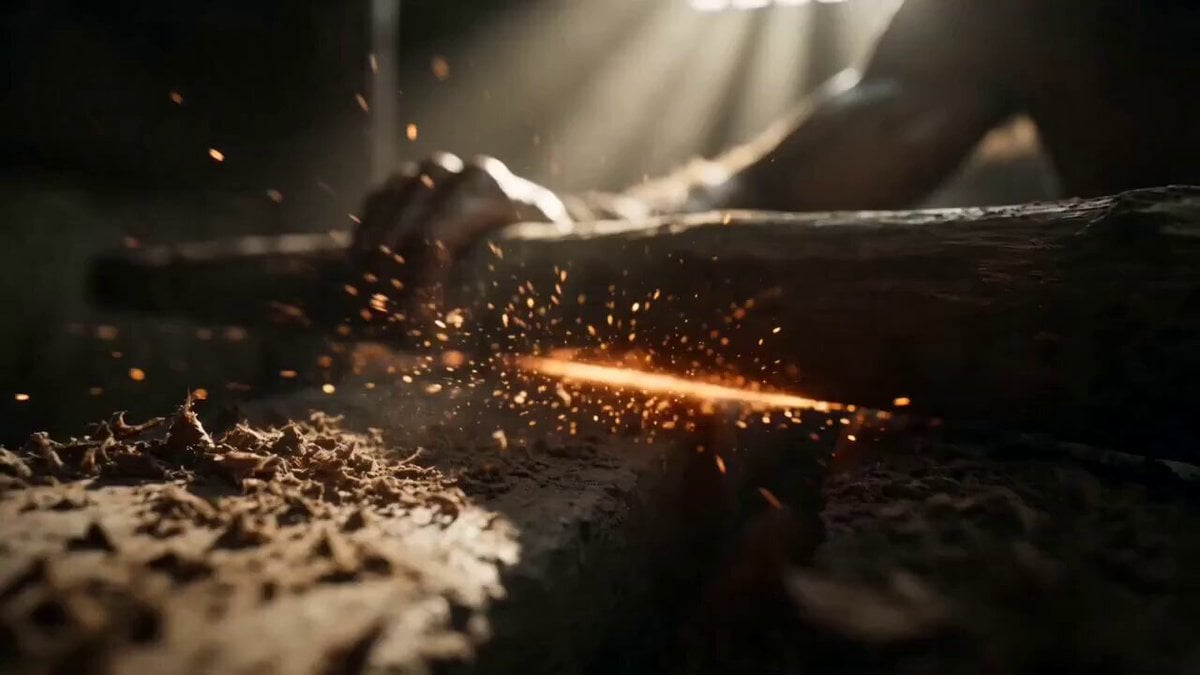
- Prompt included
- Model and format preset
- Free template
The prompt behind this video
Copy the exact prompt behind Warrior Training and Samurai Battlefield Transition, or open it in the studio and make it yours.
A cinematic live action sequence starting in a dimly lit gritty courtyard. A rugged warrior with dirt on his face meticulously grinds a thick wooden staff against a heavy stone wheel. Wood shavings and glowing sparks fly into the camera in extreme slow motion under a single shaft of natural sunlight. Suddenly the scene smash cuts to an explosive nighttime battlefield. A rapid fire cinematic montage of live action samurai warriors engaging in intense high speed sword fights. Massive bursts of practical fire and glowing orange embers explode from their clashing metal blades lighting up the dark foggy environment. Hyper realistic cinematic lighting with glowing particles swirling in the dark. Extreme close ups of the warriors with fierce determined expressions and sweat dripping from their faces. Dynamic sweeping camera movements spinning around the fast paced action. Shot on 35mm film with anamorphic lenses for natural lens flares and deep cinematic bokeh. Flawless photorealistic textures on armor skin and fire. Aspect ratio 16:9. Length 15 seconds. Seedance 2.0. Music prompt a heavy cinematic bass drop transitioning into a high energy orchestral rock hybrid with aggressive string staccatos and tribal war drums.
How to use Warrior Training and Samurai Battlefield Transition in 3 steps
- 1
Open
The prompt is already in the box next to the preview, with the template's model and format selected.
- 2…a portrait of your subject in softgolden-hour light, 85mm…
Personalize
Edit the subject and creative details for your destination.
- 3Generate
Generate
Press Generate — your video is created in PicX Studio, so you can compare it with the original and refine one variable at a time.
More like this
Templates with the same subject, style or setup. Open one to see its prompt.
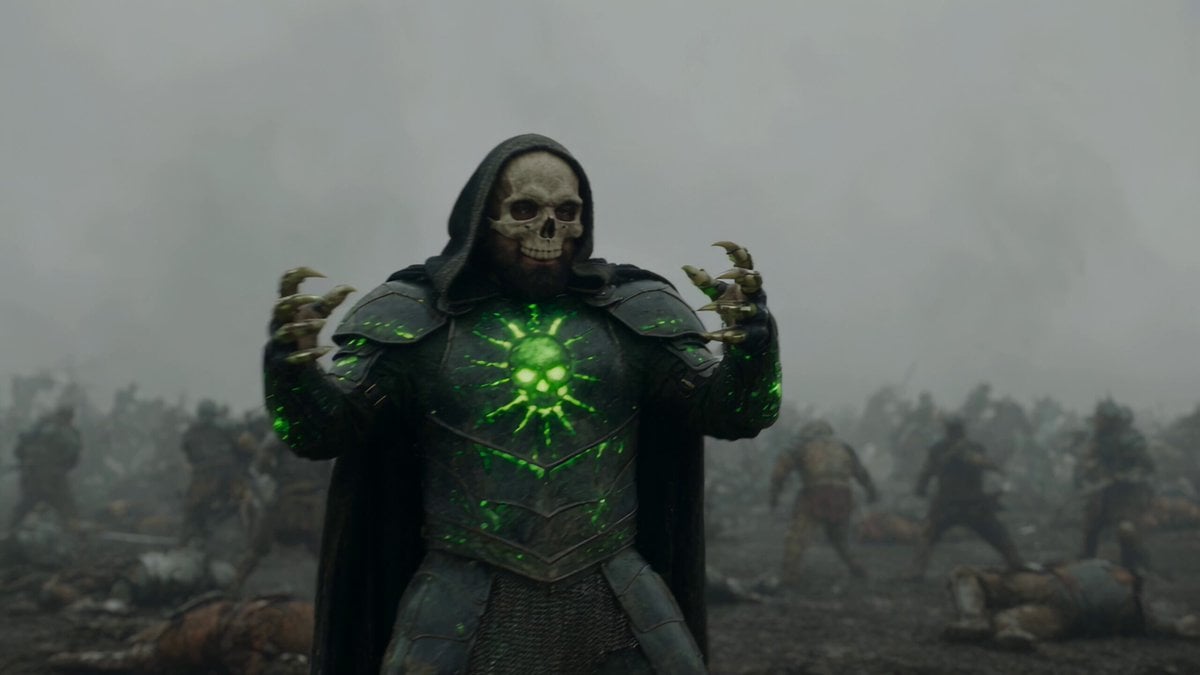
Necromancer Battlefield Orbit
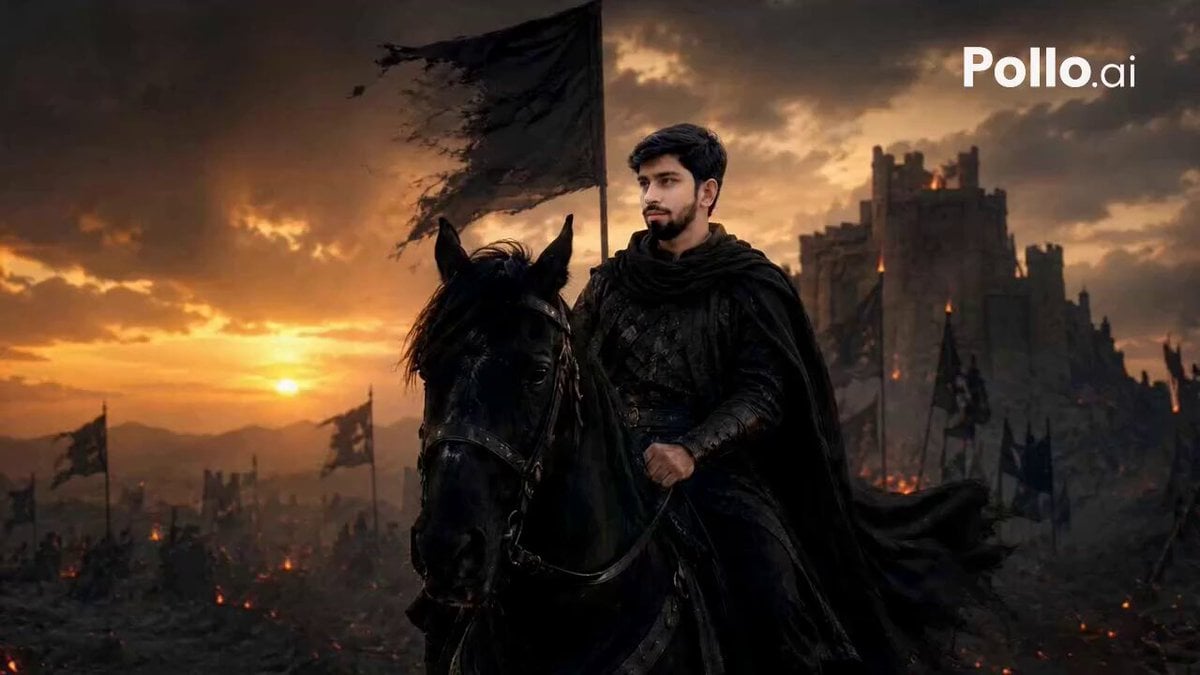
Lone Warrior Medieval Battlefield Video Prompt
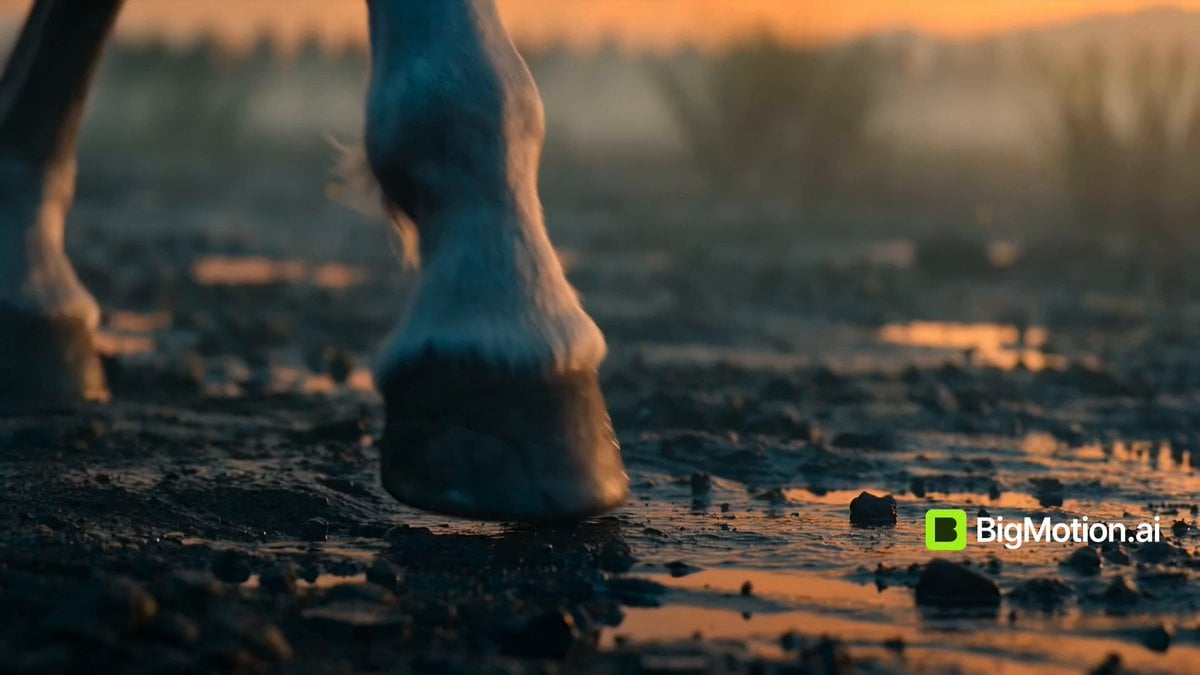
Warrior Girl Galloping on Misty Battlefield
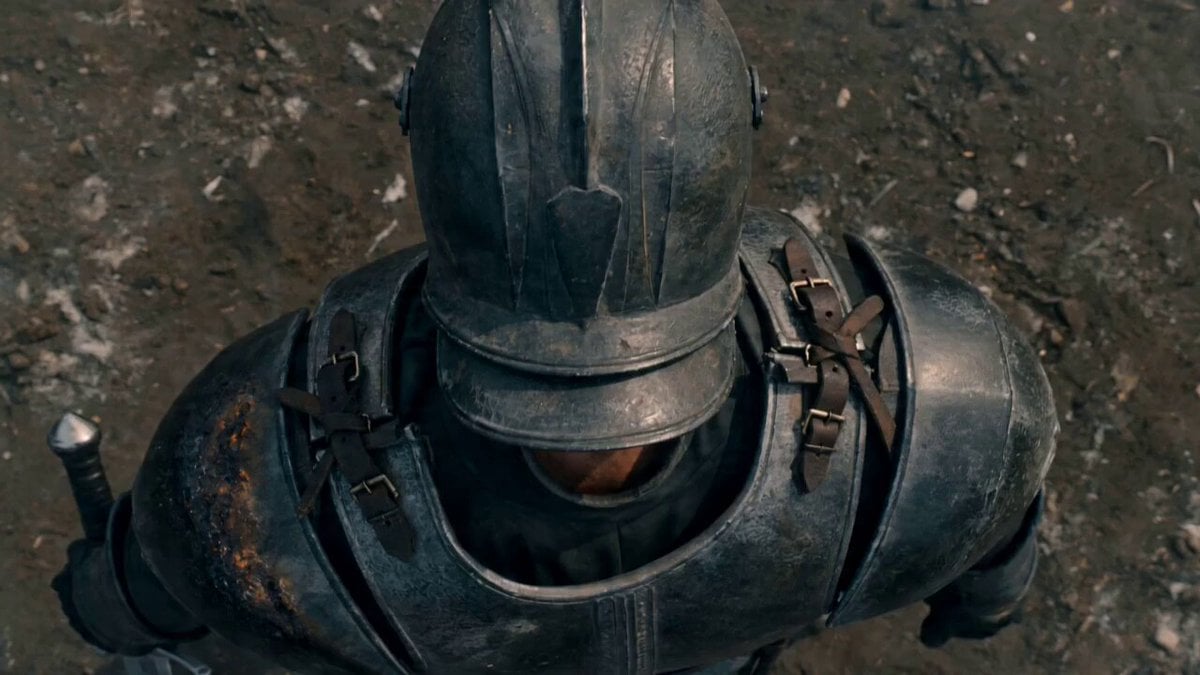
Lone Warrior on Battlefield Crane Shot Video
Ice Queen — Frozen Battlefield Time Control (Seedance)
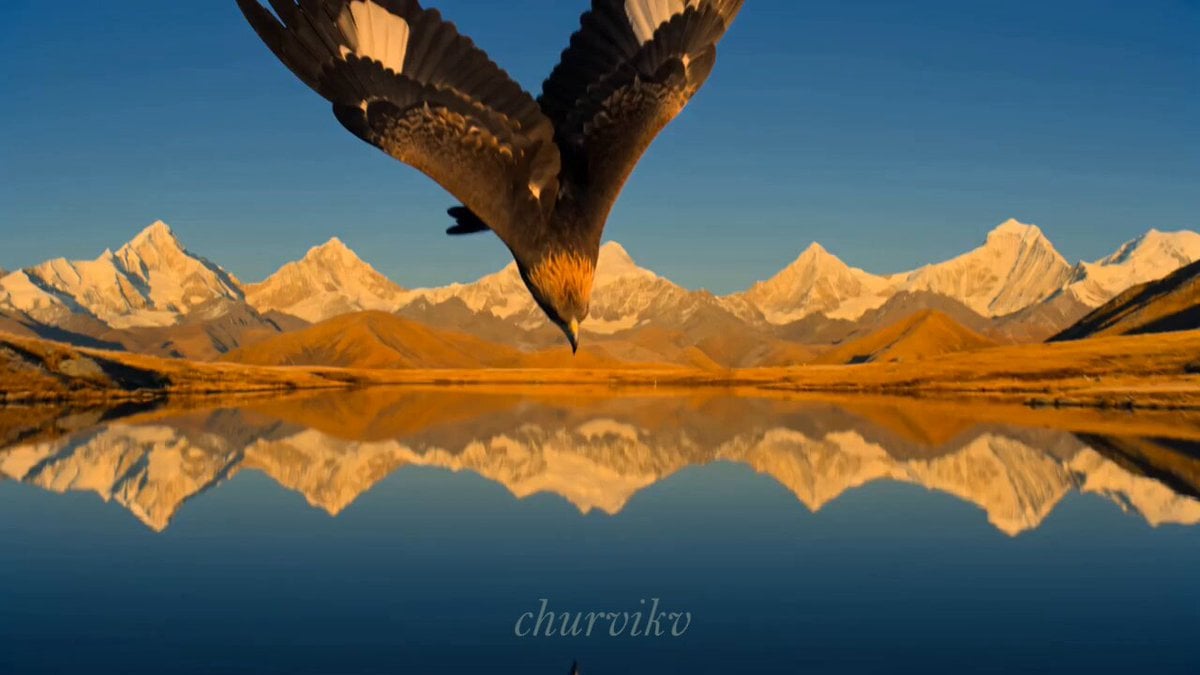
Cinematic Storyboard Sequence Transition
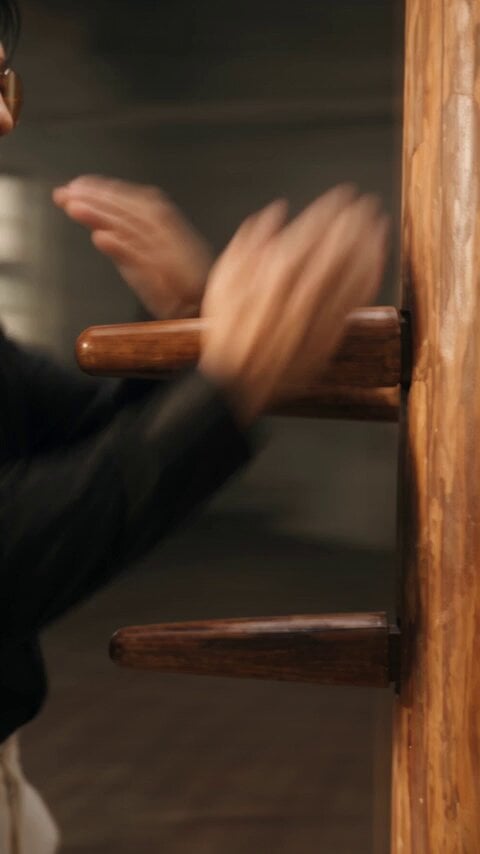
Realistic Wing Chun Kung Fu Training Video
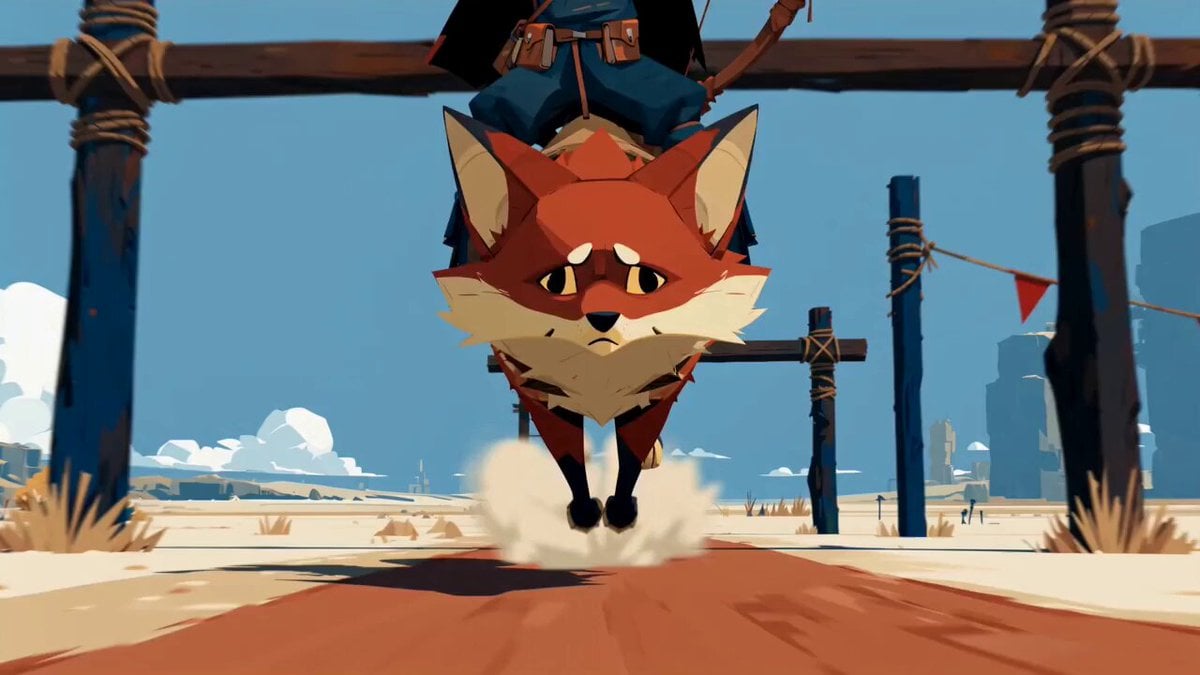
Fantasy Desert Training Sequence

Crusader Battlefield War Sequence
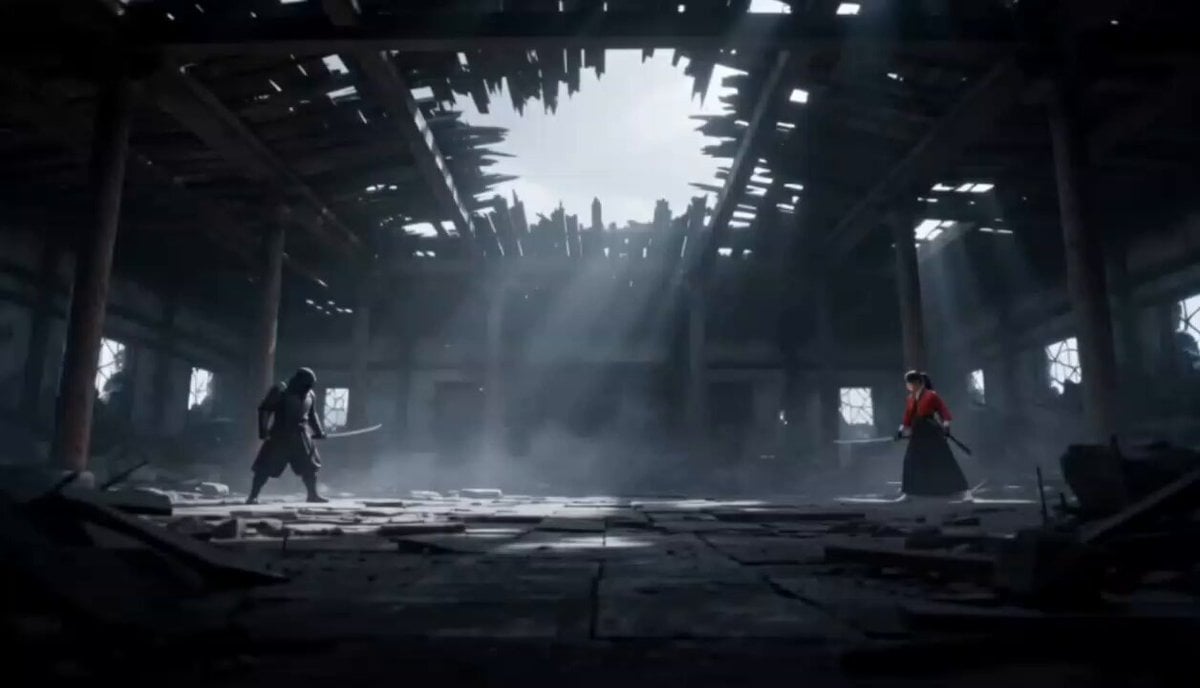
Cinematic Anime Samurai Duel
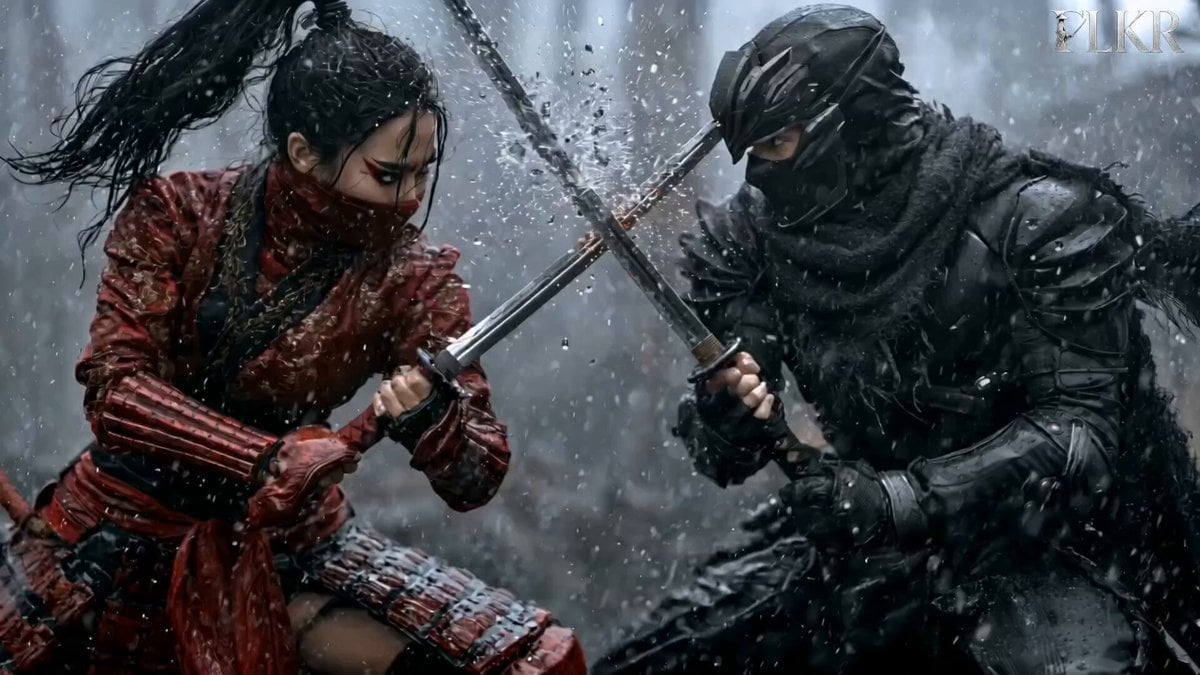
Samurai Duel in Stormy Rooftop
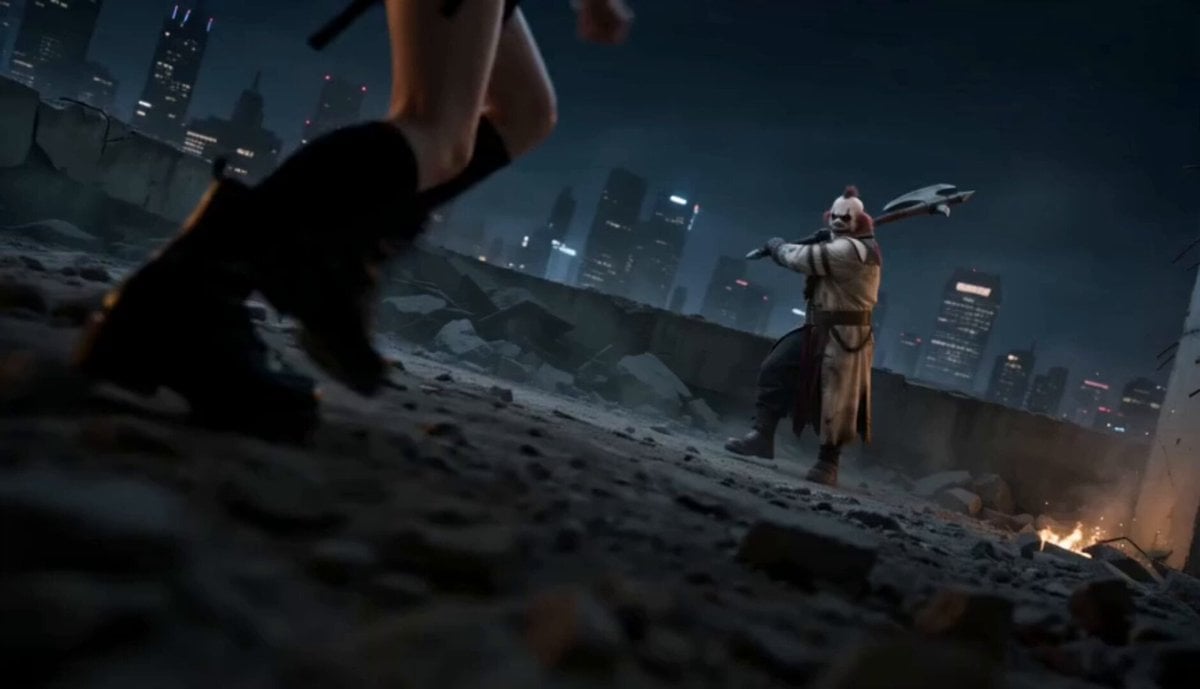
Urban Battlefield Action Scene
Make it yours
Warrior Training and Samurai Battlefield Transition works as-is. These are the safest ways to change it without losing the look.
Change one field
Copy a single group, rewrite it, and generate again so you can see what that field is doing.
Keep the frame, change the subject
Hold the composition and light of Warrior Training and Samurai Battlefield Transition, then swap wardrobe, props or the person for a new take.
| If the result… | Why | Fix |
|---|---|---|
| The result drifts from the preview | Too many fields changed at once. | Reuse Warrior Training and Samurai Battlefield Transition as-is first, then change one group — subject, light, or setting. |
| The model over-stylizes the scene | The prose prompt leaves finish and camera underspecified. | Add one camera or lighting sentence and stay on Seedance 2.0. |
More Seedance 2.0 templates
Other prompts made for Seedance 2.0.

Comical Martial Arts Punch Scene

Maglev Train Action Sequence

Martial Arts Fight Sequence

Wuxia Protection and Trust Script

Vintage Korean Arcade MiniDV Vlog

Mercedes 190 SL Luxury Ad

Rainy Night Supernatural Reverse Comedy Video Script

Amazon Civilization Discovery

Futuristic South Asian City Transformation

Cozy Luxury Cafe Commercial
More video prompts
Fresh picks from across the catalog.
Cinematic Cooking Film Scene
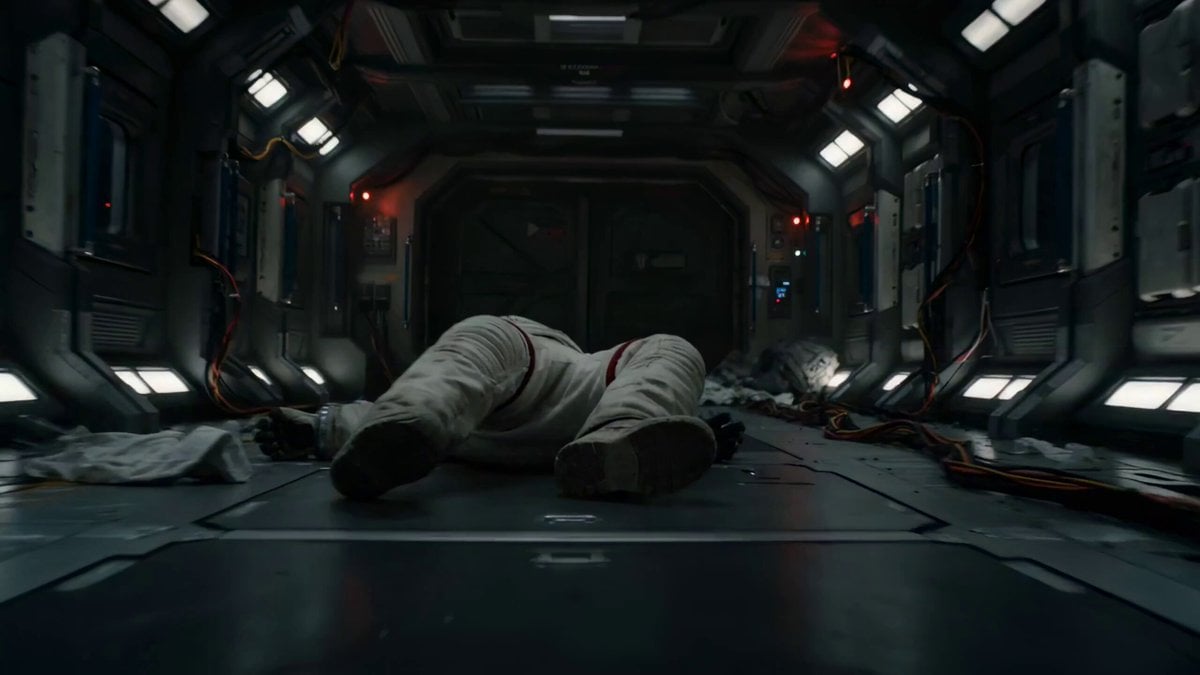
Astronaut Zero-Gravity Escape Scene
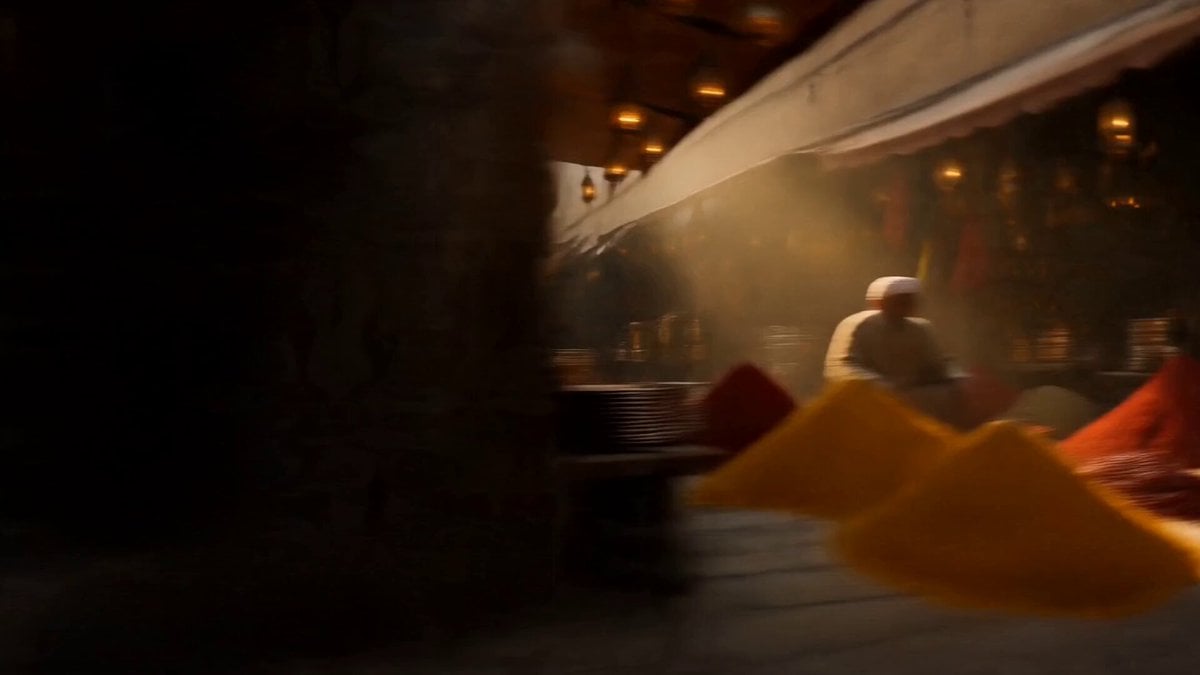
Vintage 1960s Cairo Bazaar

Anime Girl Wall Running Escape Sequence
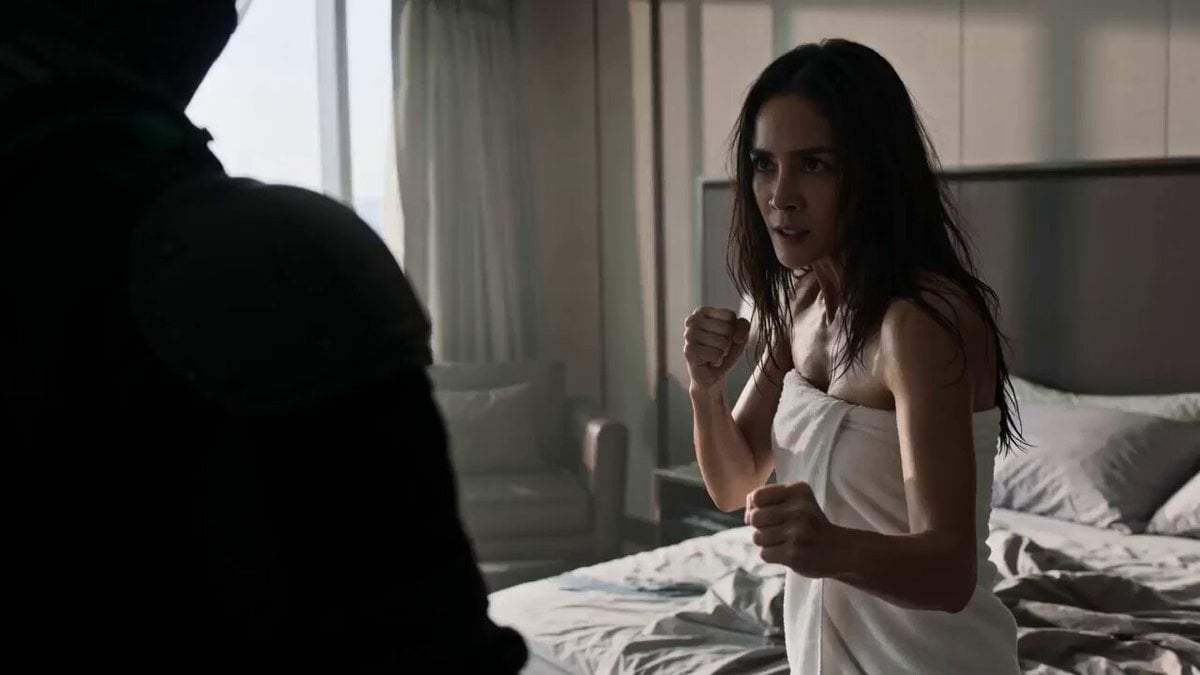
Chaotic Kung-Fu Fight Scene Prompt for Seedance 2.0

Stridex Facewash UGC Ad
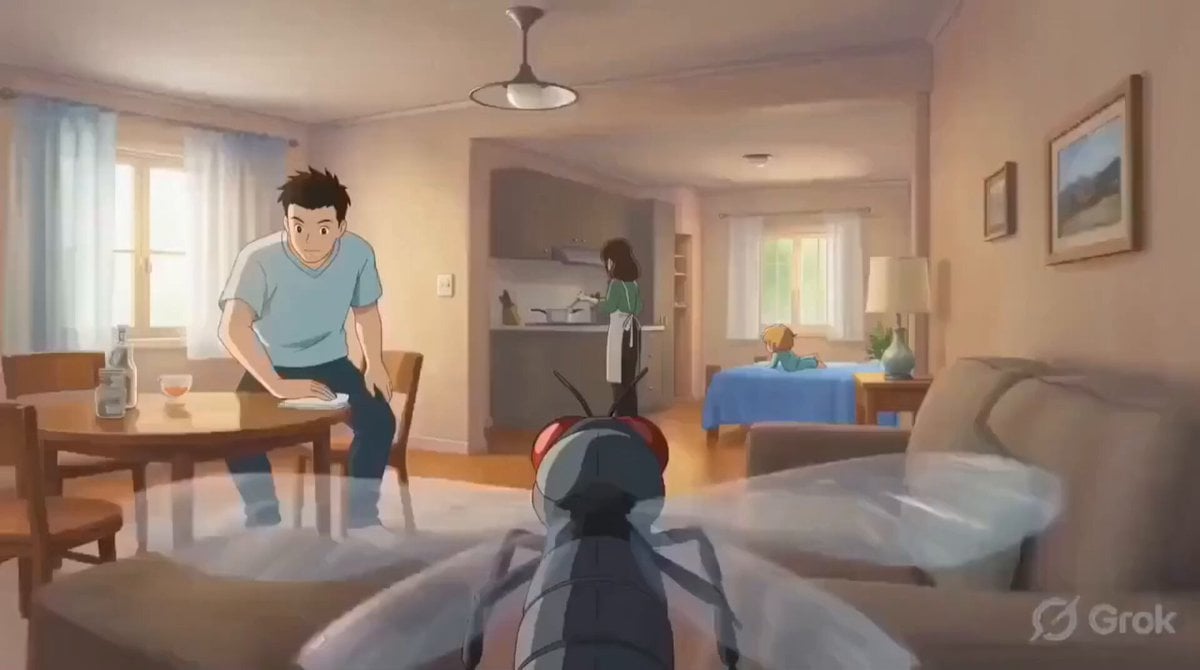
Housefly POV Video Prompt
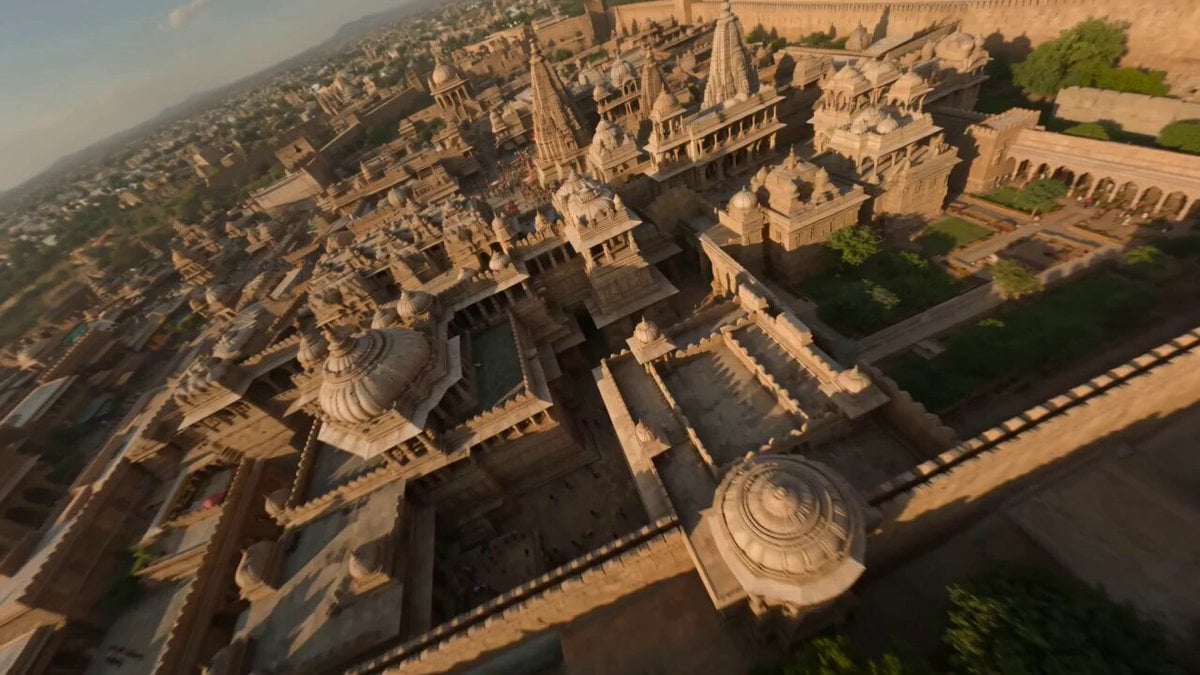
Ancient Indian Kingdom FPV
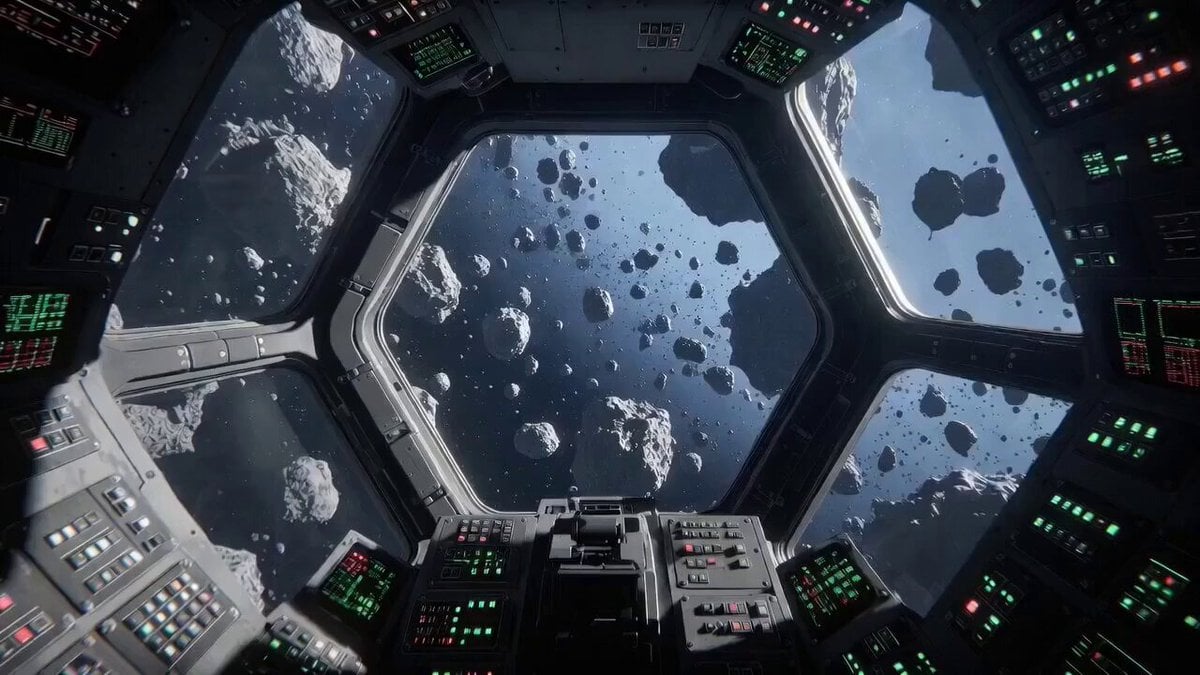
Describing Interactive Video Generation
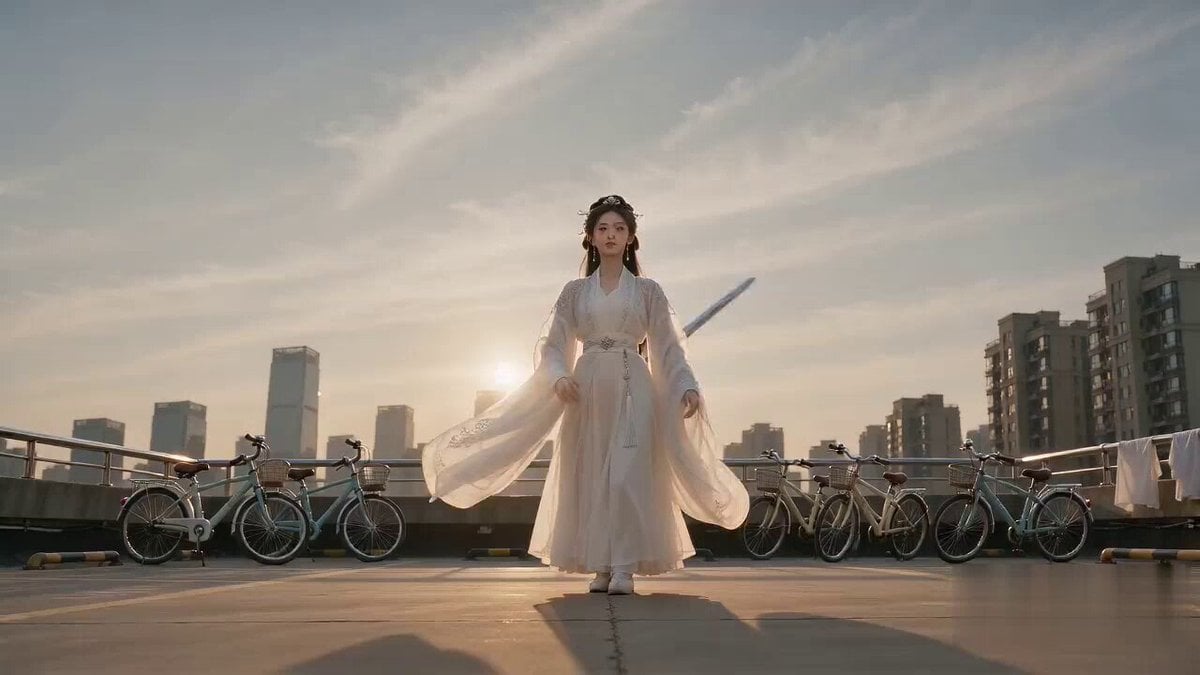
Cinematic Bicycle Array Comedy Video Prompt
Browse template categories
Warrior Training and Samurai Battlefield Transition questions
How do I use the Warrior Training and Samurai Battlefield Transition template?
Add your photo if the template asks for one, edit the prompt if you like — the template's model and format are already selected — and press Generate. Your version opens in PicX Studio.
Can I customize the Warrior Training and Samurai Battlefield Transition template?
Yes. You can change the subject, setting, lighting, mood, format, and available model controls before creating your video.
Is the Warrior Training and Samurai Battlefield Transition template free?
Opening and editing this template is free. Generating uses credits, shown on the Generate button when you are signed in.
Which AI model should I use?
Start with Seedance 2.0, which is the model associated with this template. You can compare another compatible model for a different finish.
Looking for something else? Browse all templates.

Your photo, any look
Thousands of ready templates for every top image and video model, from one credit balance.