How do I use the Lone Warrior on Battlefield Crane Shot Video template?
Edit the prompt in the box under the preview — the template's model and format are already selected — and press Generate. Your version appears right on this page.
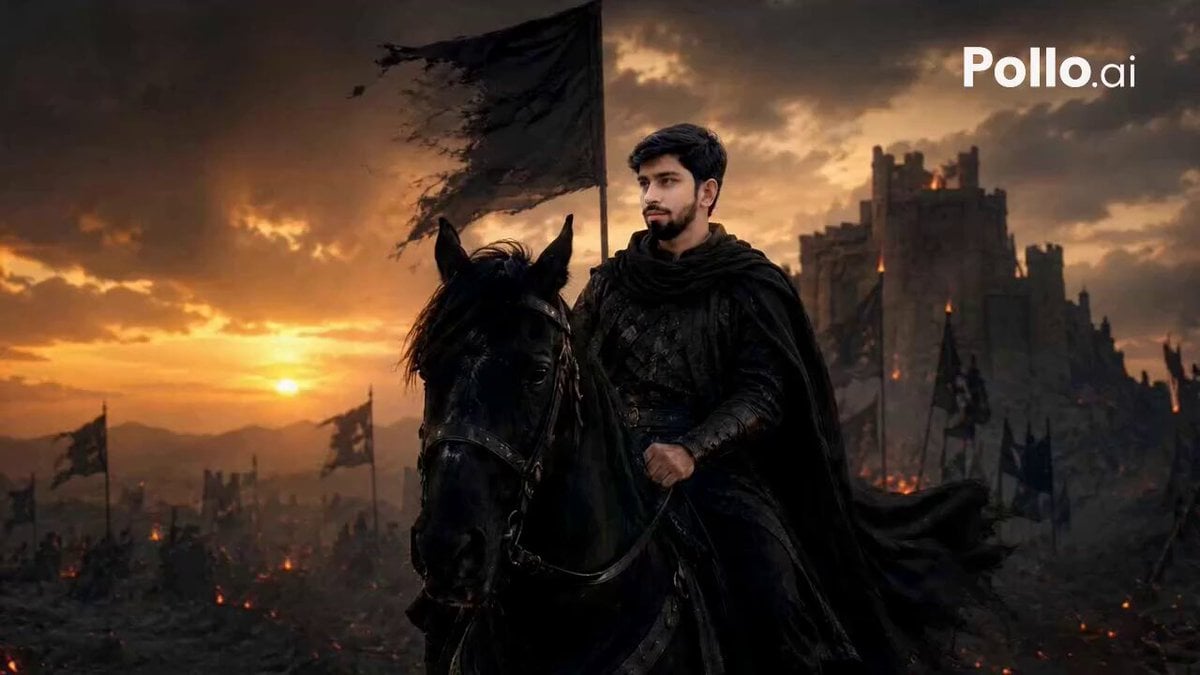
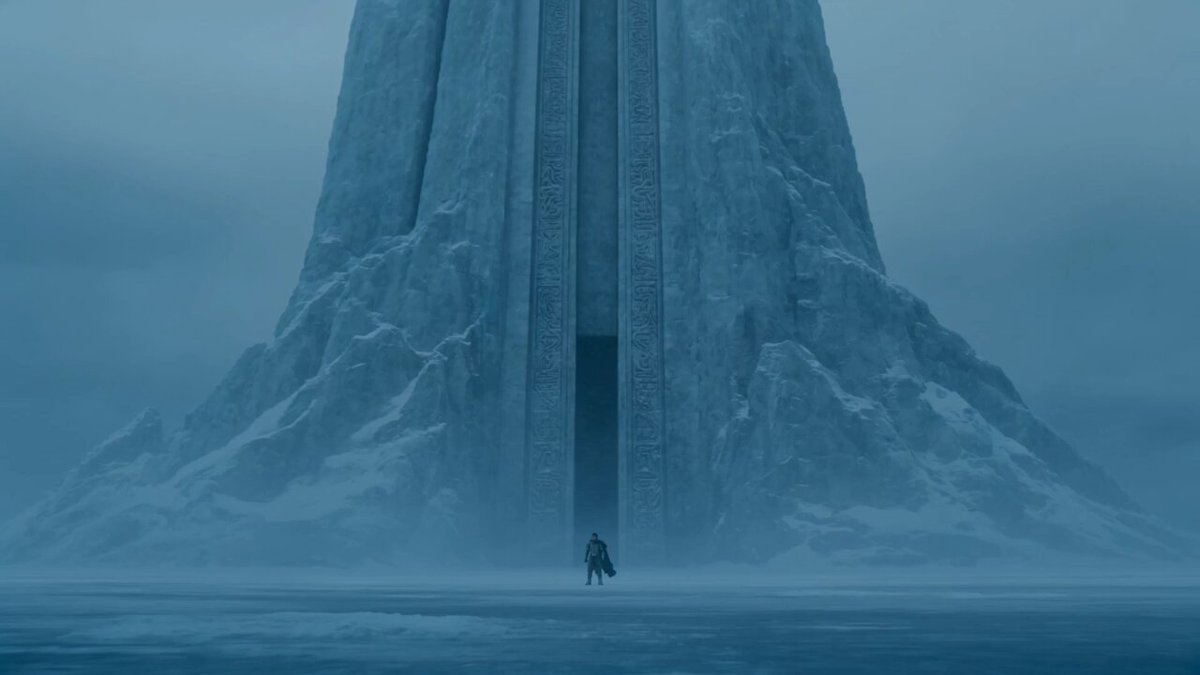
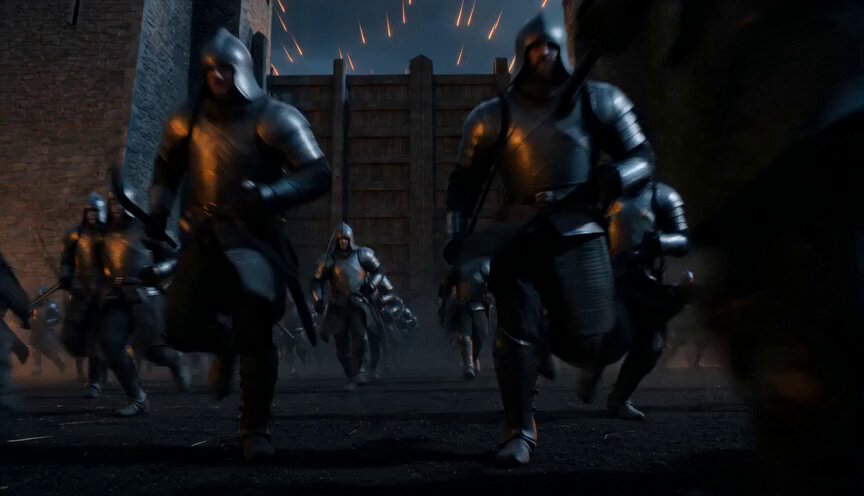
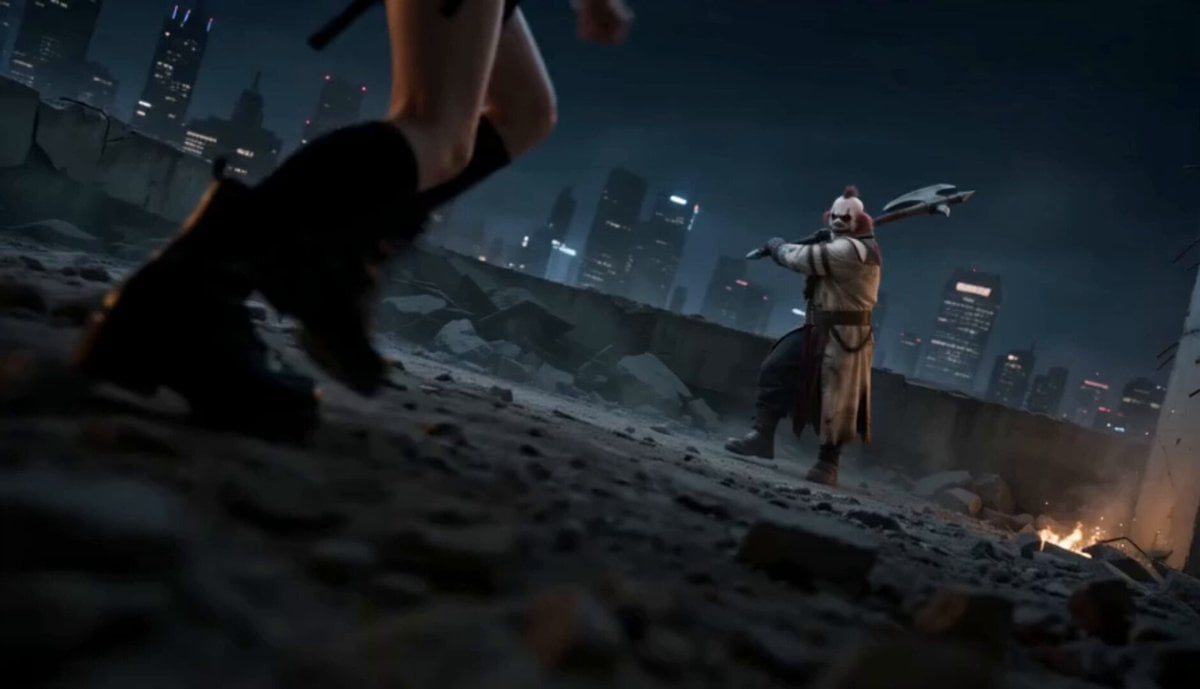
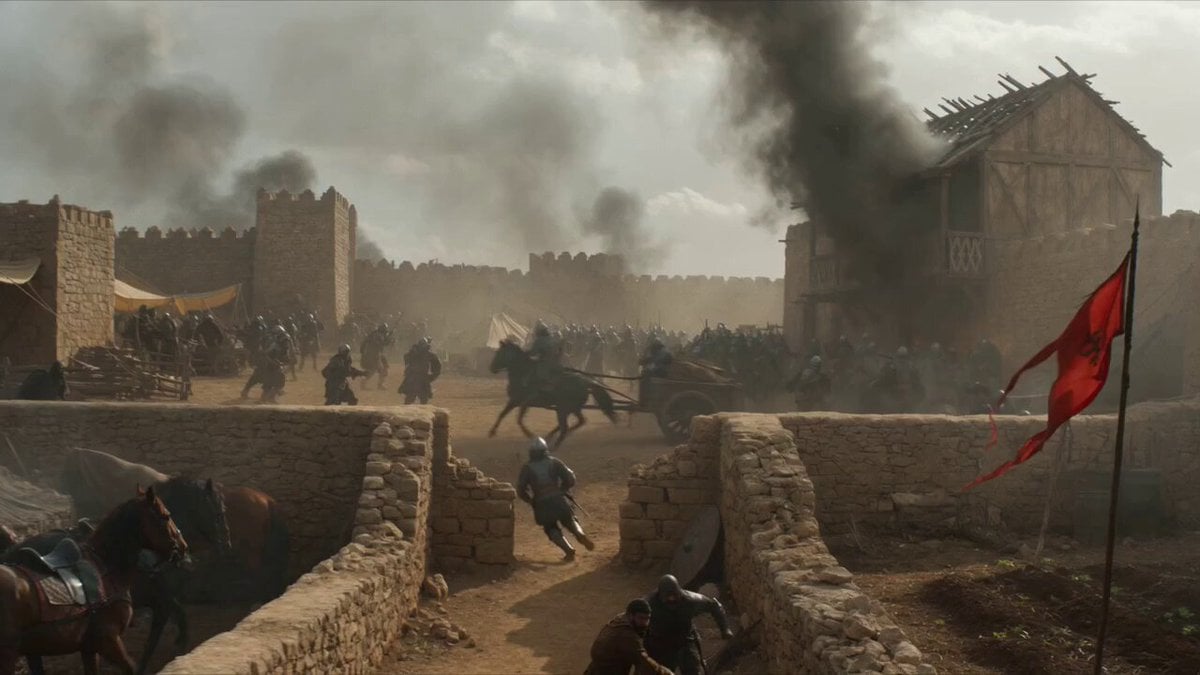
A prompt for Seedance 2.0 to generate a dramatic video scene of a lone warrior standing still after a battle.
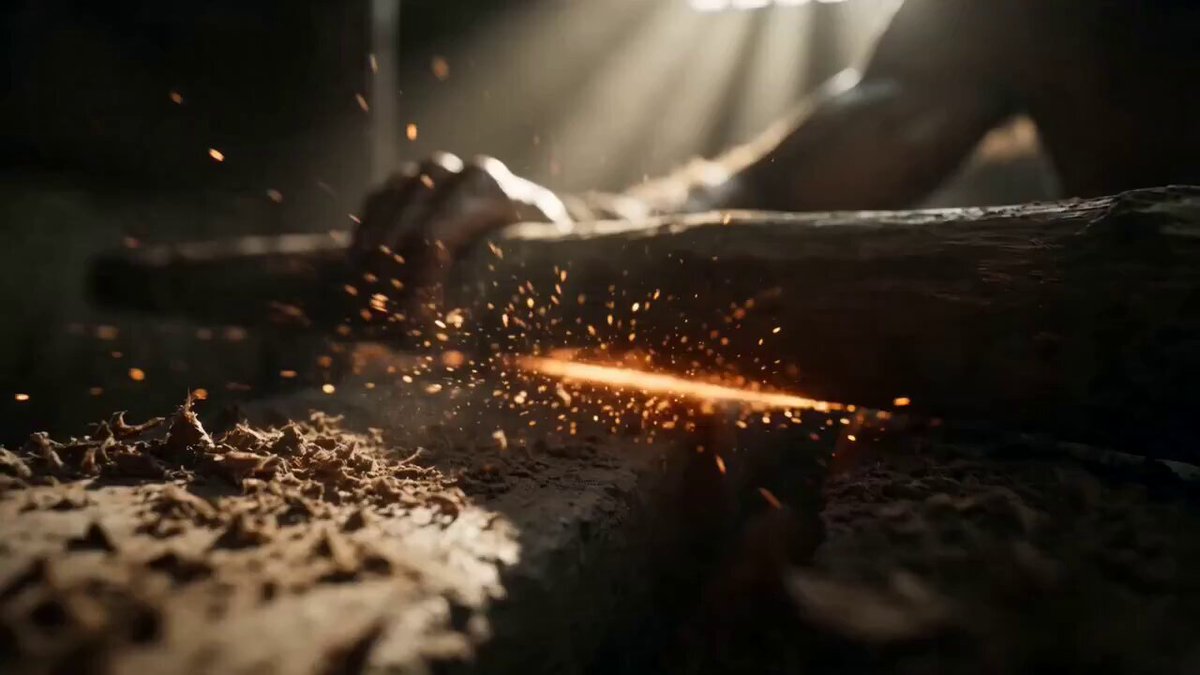
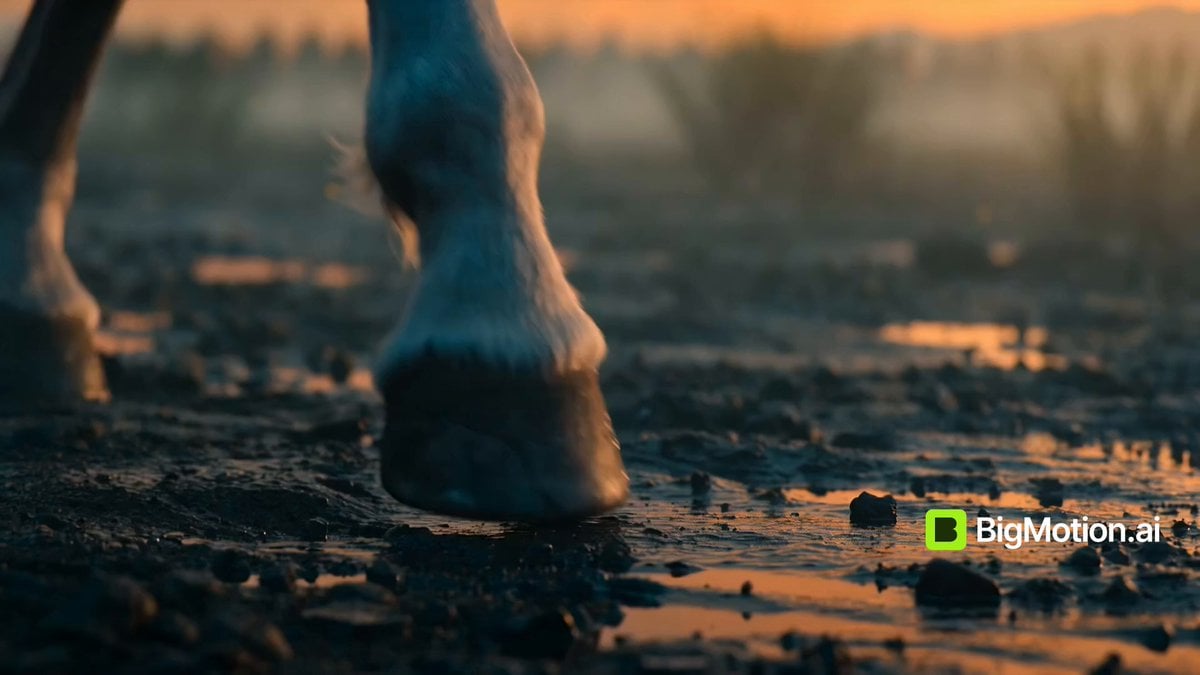
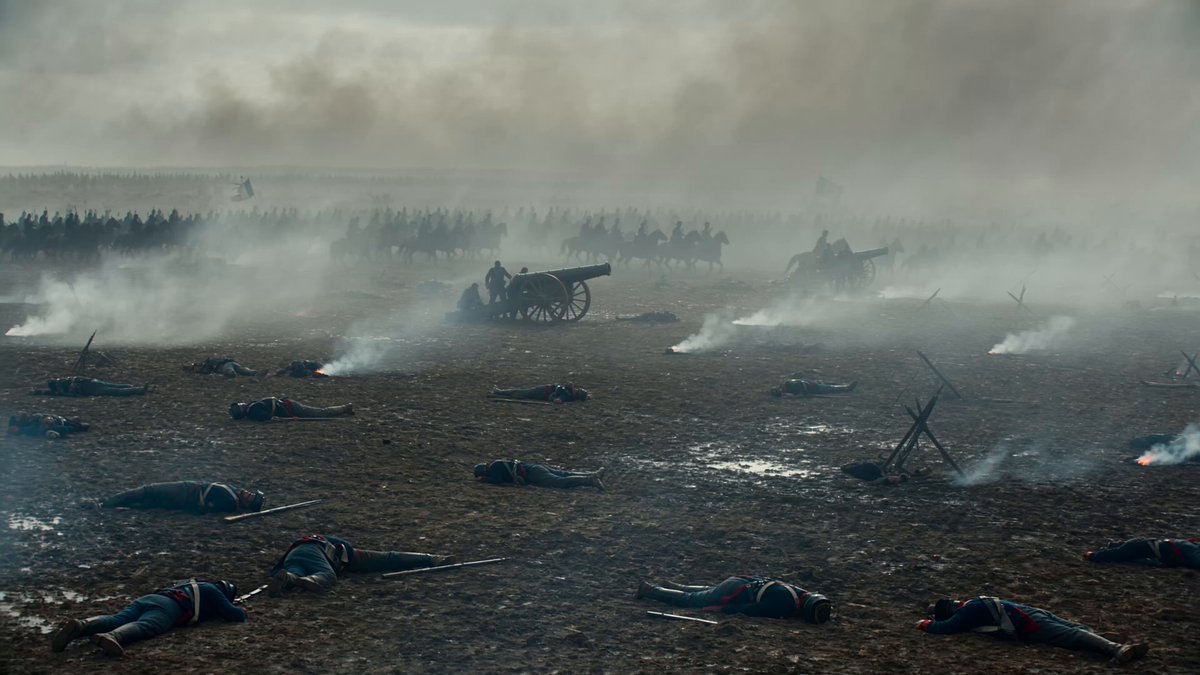
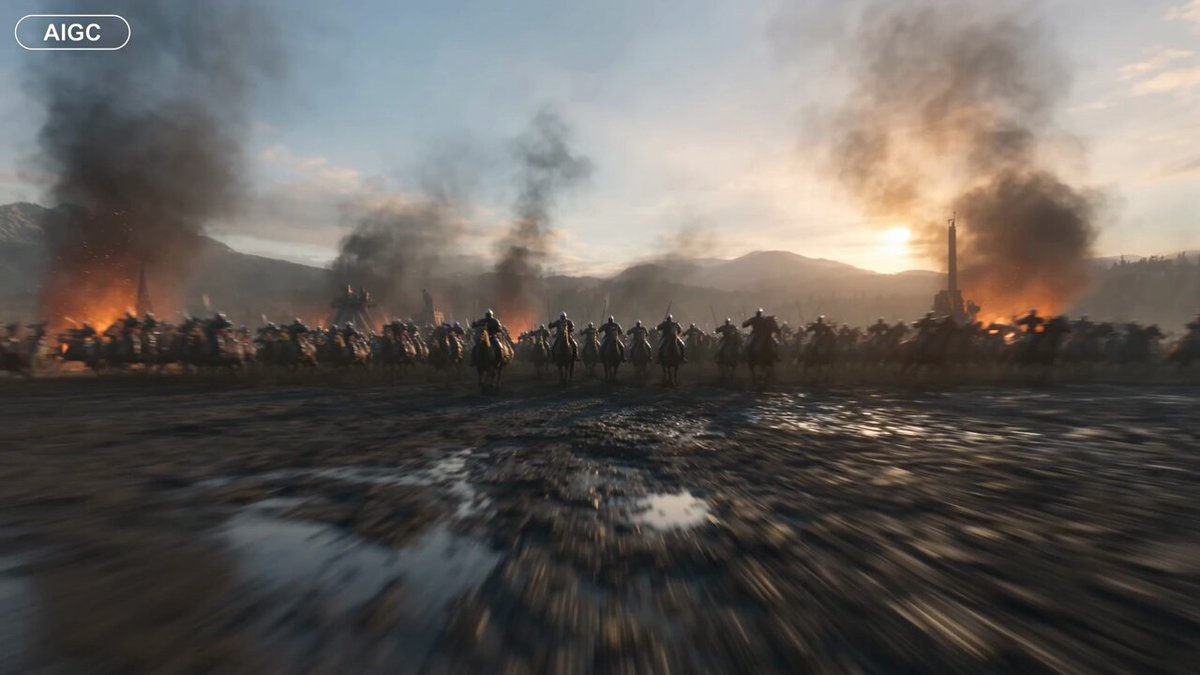
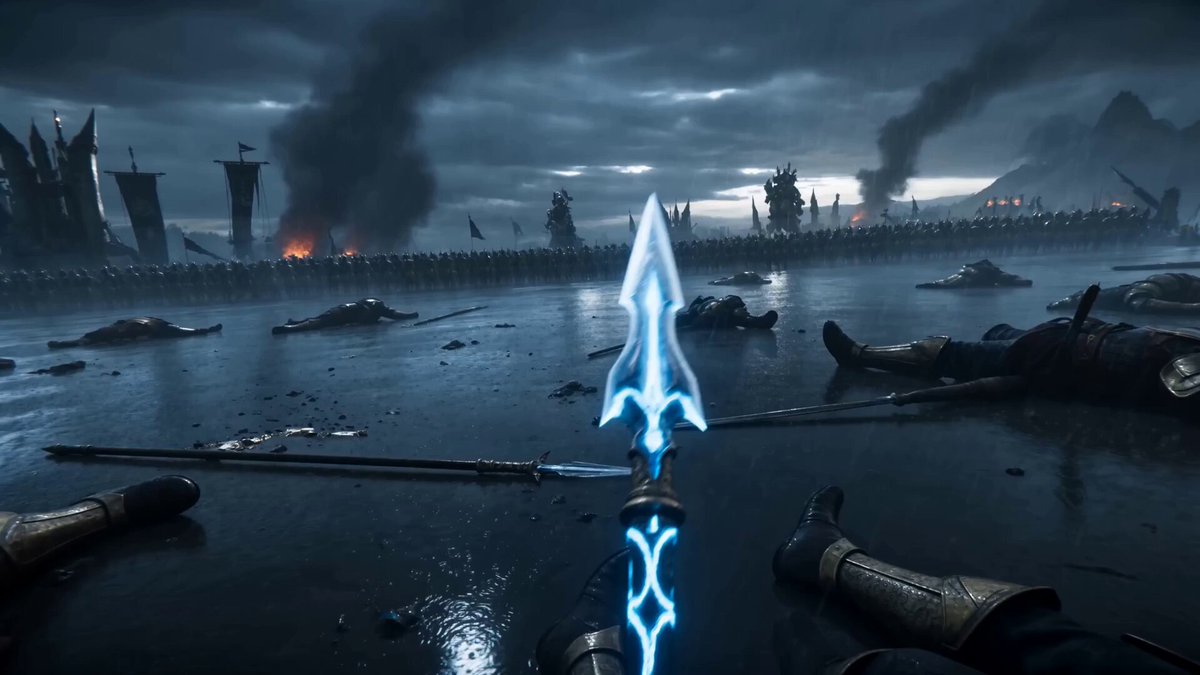
A lone warrior standing still, sword lowered, breathing heavy after battle + Slowly lifts his head as silence settles around him. Battlefield covered with fallen soldiers, broken weapons, smoke drifting slowly under gray sky. Camera starts close behind him then rises with a crane shot revealing the massive battlefield around him, slow dramatic lighting, wide lens emphasizing scale, emotional isolation within epic destruction.
A lone warrior standing still, sword lowered, breathing heavy after battle + Slowly lifts his head as silence settles around him. Battlefield covered with fallen soldiers, broken weapons, smoke drifting slowly under gray sky. Camera starts close behind him then rises with a crane shot revealing the massive battlefield around him, slow dramatic lighting, wide lens emphasizing scale, emotional isolation within epic destruction.
Edit the prompt in the box under the preview — the template's model and format are already selected — and press Generate. Your version appears right on this page.
Yes. You can change the subject, setting, lighting, mood, format, and available model controls before creating your video.
Opening and editing this template is free. Generating uses credits, shown on the Generate button when you are signed in.
Start with Seedance 2.0, which is the model associated with this template. You can compare another compatible model for a different finish.
Follow a topic to a crawlable collection of related PicX Studio templates.