
Medieval Battlefield FPV Drone Flight
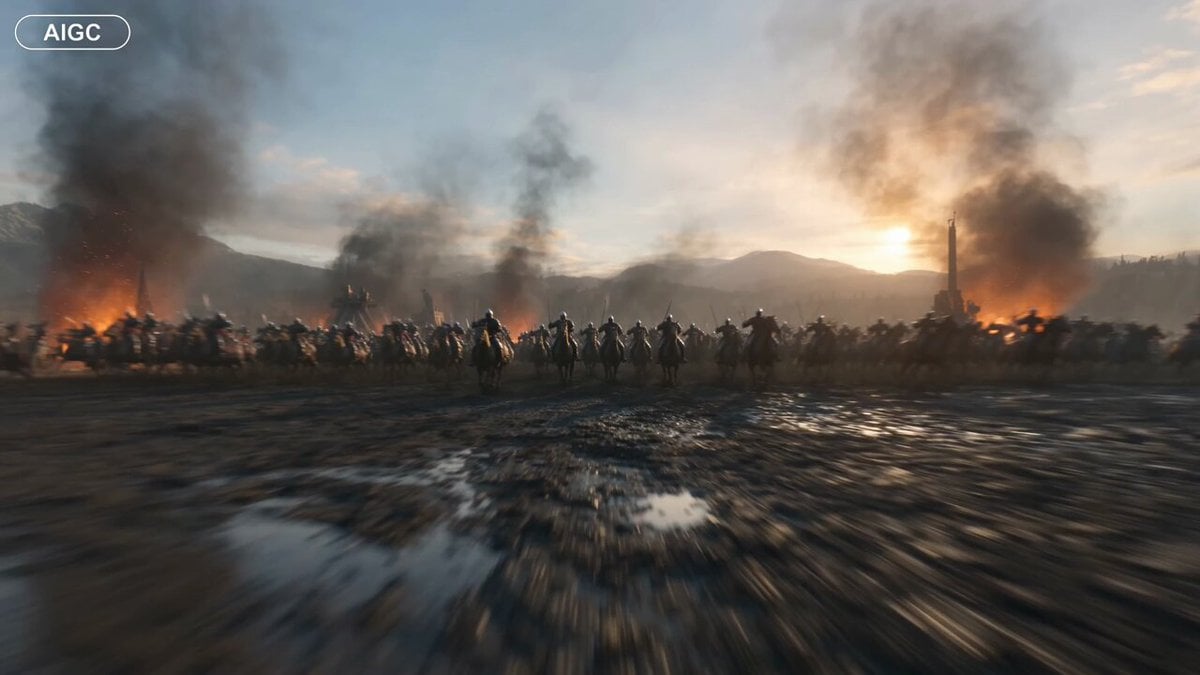
A high-speed, immersive first-person perspective video prompt depicting a chaotic medieval battle at dawn with aggressive FPV racing maneuvers through knights and siege engines.
- Prompt included
- Model and format preset
- Premium template
The prompt behind this video
Copy the exact prompt behind Medieval Battlefield FPV Drone Flight, or open it in the studio and make it yours.
Immersive first-person flying camera perspective, no visible drone or flying device. The camera launches at breathtaking speed across a colossal medieval battlefield at dawn, flying only inches above muddy ground as thousands of armored knights charge from every direction. It violently snap-rolls between galloping warhorses, knife-edges through forests of raised spears, dives beneath charging cavalry, and skims past massive wooden siege towers rolling toward towering castle walls. Flaming arrows rain from the sky while enormous trebuchets hurl burning boulders overhead, narrowly missing the camera before smashing into ancient fortifications. The camera constantly changes direction with brutal FPV precision,rapid S-turns through packed infantry formations, split-S reversals around crumbling watchtowers, corkscrews around giant siege engines, barrel rolls beneath collapsing drawbridges, wall-hugging passes along castle ramparts, and near-vertical climbs over cathedral spires before diving straight back into the chaos. Battle standards whip violently in the wind, swords flash in the firelight, shields collide, catapults unleash volleys of stone, and burning debris fills the air with sparks and smoke. The camera threads through impossibly narrow gaps between castle battlements, flies through the shattered gatehouse as it collapses, races down torch-lit stone corridors, then bursts back outside over an enormous battlefield stretching to the horizon. At the climax, the camera climbs above the entire kingdom to reveal an immense medieval war unfolding beneath towering mountains and colossal castles, before performing one final near-vertical dive through the center of the battlefield, missing banners, towers, cavalry, and siege weapons by mere centimeters. Continuous POV shot, no cuts, relentless acceleration, extreme high-speed FPV racing, aggressive banking, rapid altitude changes, barrel rolls, corkscrews, split-S maneuvers, power loops around towers, knife-edge turns, realistic inertia, cinematic motion blur, volumetric smoke, dynamic firelight, hyper-detailed medieval environments, epic blockbuster VFX, IMAX quality.
How to use Medieval Battlefield FPV Drone Flight in 3 steps
- 1
Open
The prompt is already in the box next to the preview, with the template's model and format selected.
- 2…a portrait of your subject in softgolden-hour light, 85mm…
Personalize
Edit the subject and creative details for your destination.
- 3Generate
Generate
Press Generate — your video is created in PicX Studio, so you can compare it with the original and refine one variable at a time.
More like this
Templates with the same subject, style or setup. Open one to see its prompt.
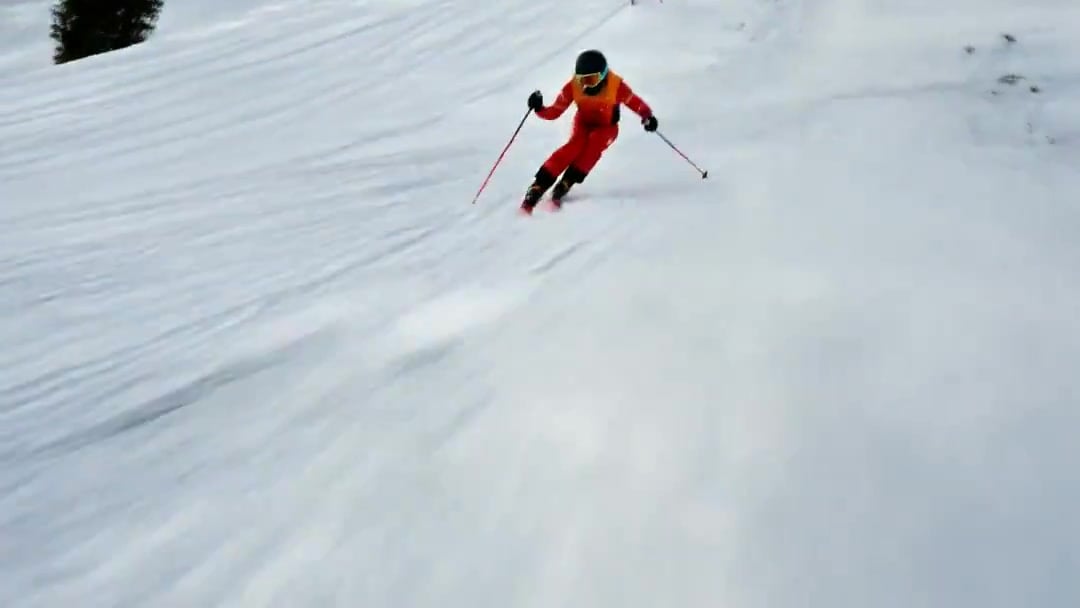
FPV Drone Skier Tracking — Kling 3.0 O3 Pro
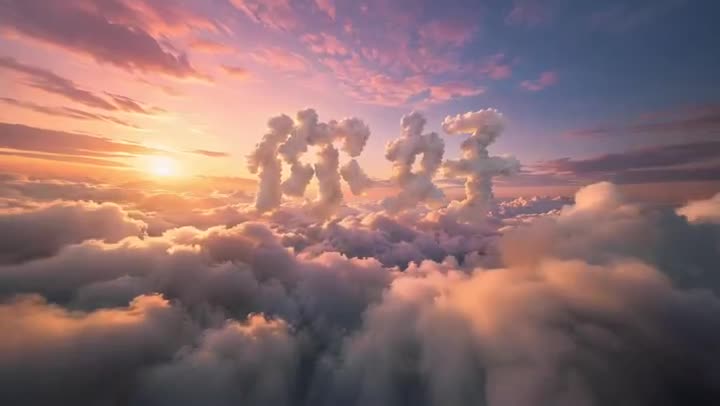
FPV Multilingual Landscape Flight
Amazon FPV Drone Chase — Seedance 2.0
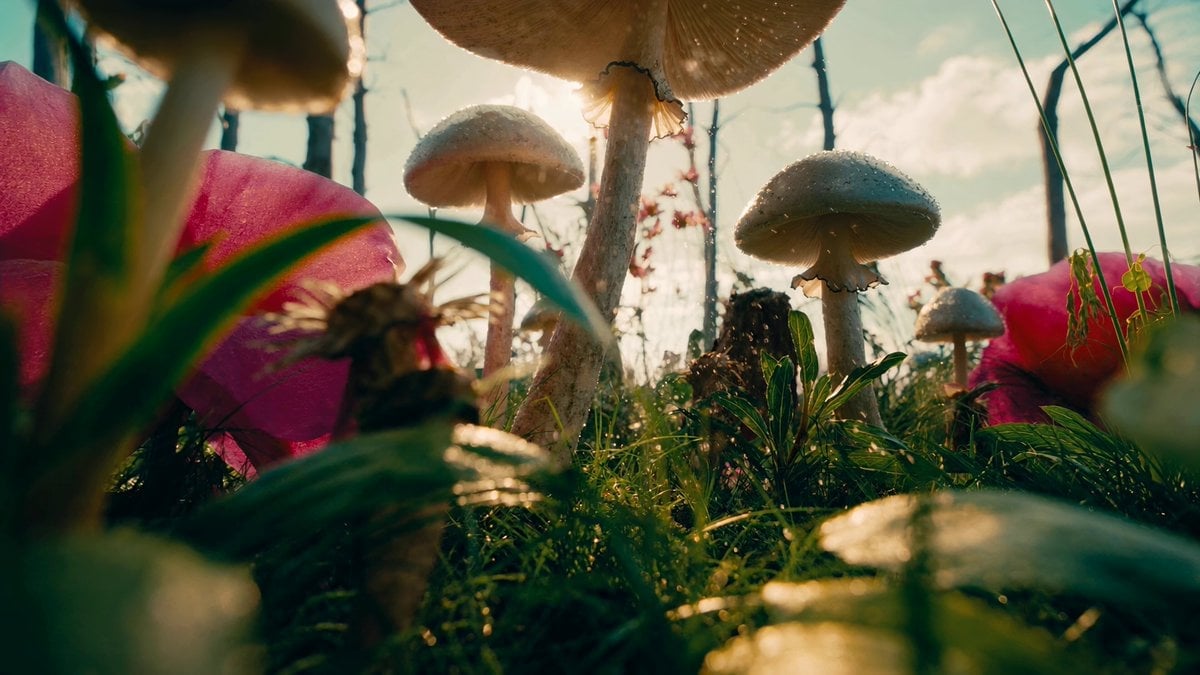
FPV Macro Fae Battlefield Drone Oner
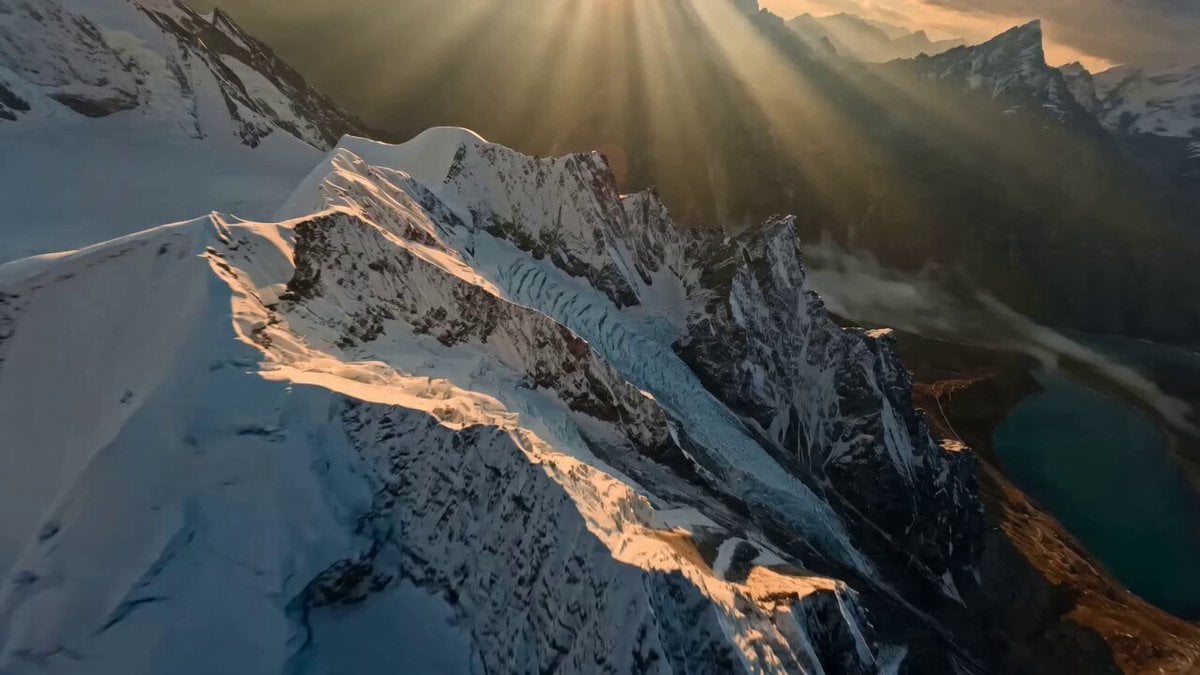
Himalayan FPV Drone Flight
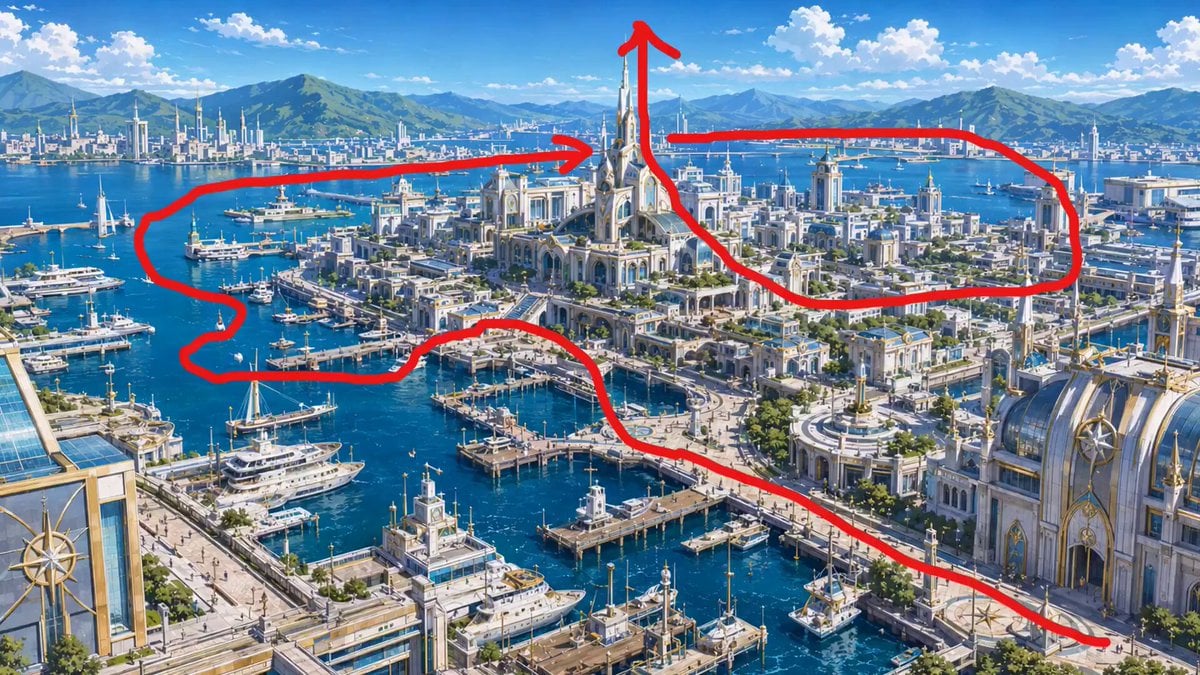
FPV Drone Flight Over Fantasy Port

Cinematic Xinjiang Drone Landscapes - Seedance 2.5
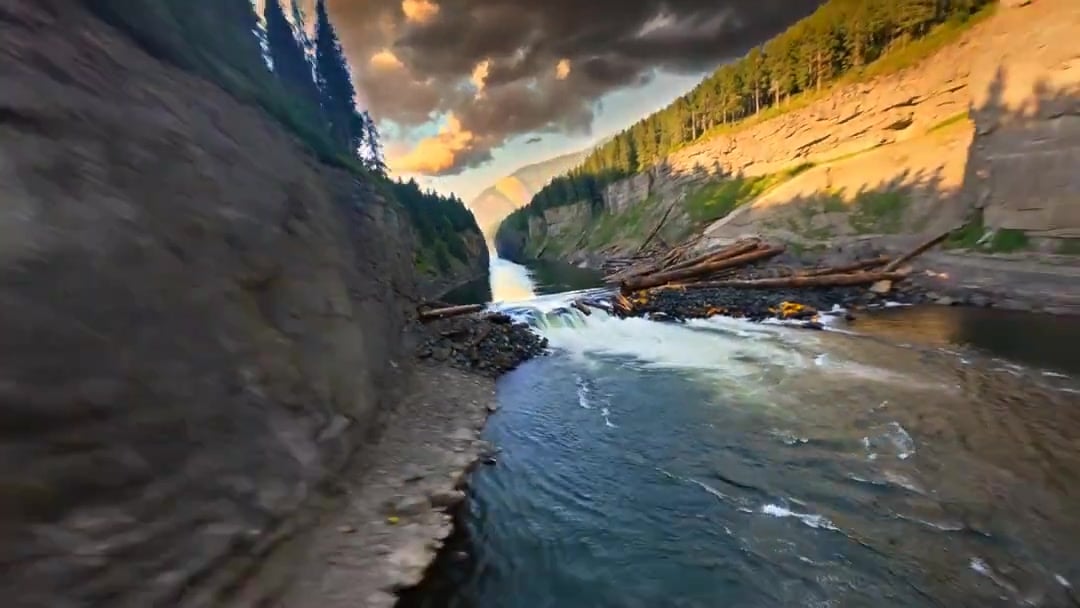
Cinematic Drone Specs Canyon — Kling 3.0 v3 Pro
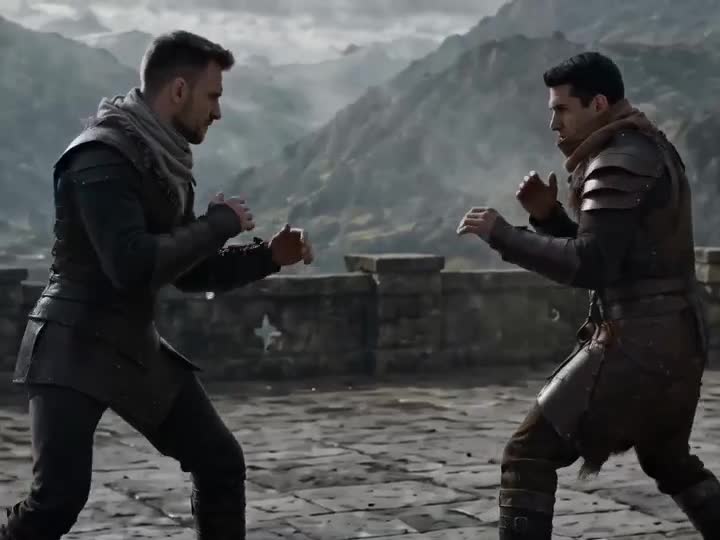
Medieval Duel Style Transfer
Drone Removal Safari Cleanup
Luxury Lifestyle Day Vlog
Necromancer Battlefield Orbit
Make it yours
Medieval Battlefield FPV Drone Flight works as-is. These are the safest ways to change it without losing the look.
Change one field
Copy a single group, rewrite it, and generate again so you can see what that field is doing.
Keep the frame, change the subject
Hold the composition and light of Medieval Battlefield FPV Drone Flight, then swap wardrobe, props or the person for a new take.
| If the result… | Why | Fix |
|---|---|---|
| The result drifts from the preview | Too many fields changed at once. | Reuse Medieval Battlefield FPV Drone Flight as-is first, then change one group — subject, light, or setting. |
| The model over-stylizes the scene | The prose prompt leaves finish and camera underspecified. | Add one camera or lighting sentence and stay on Seedance 2.0. |
More Seedance 2.0 templates
Other prompts made for Seedance 2.0.

Comical Martial Arts Punch Scene

Maglev Train Action Sequence

Martial Arts Fight Sequence

Wuxia Protection and Trust Script

Vintage Korean Arcade MiniDV Vlog

Mercedes 190 SL Luxury Ad

Rainy Night Supernatural Reverse Comedy Video Script

Amazon Civilization Discovery

Futuristic South Asian City Transformation

Cozy Luxury Cafe Commercial
More video prompts
Fresh picks from across the catalog.
Cinematic Hyperrealistic Close-up of a Female Soldier
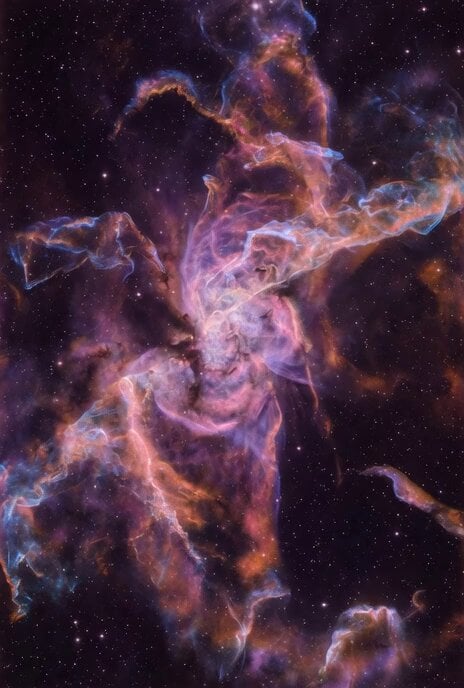
Grok Imagine prompt for the Butterfly Nebula
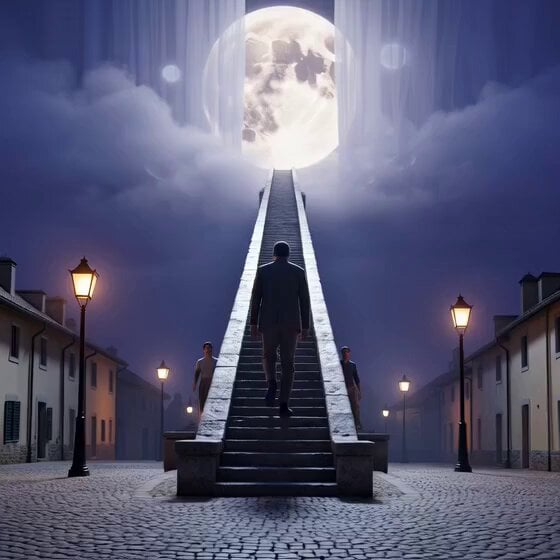
Cinematic Night Reveal of Endless Stone Staircase
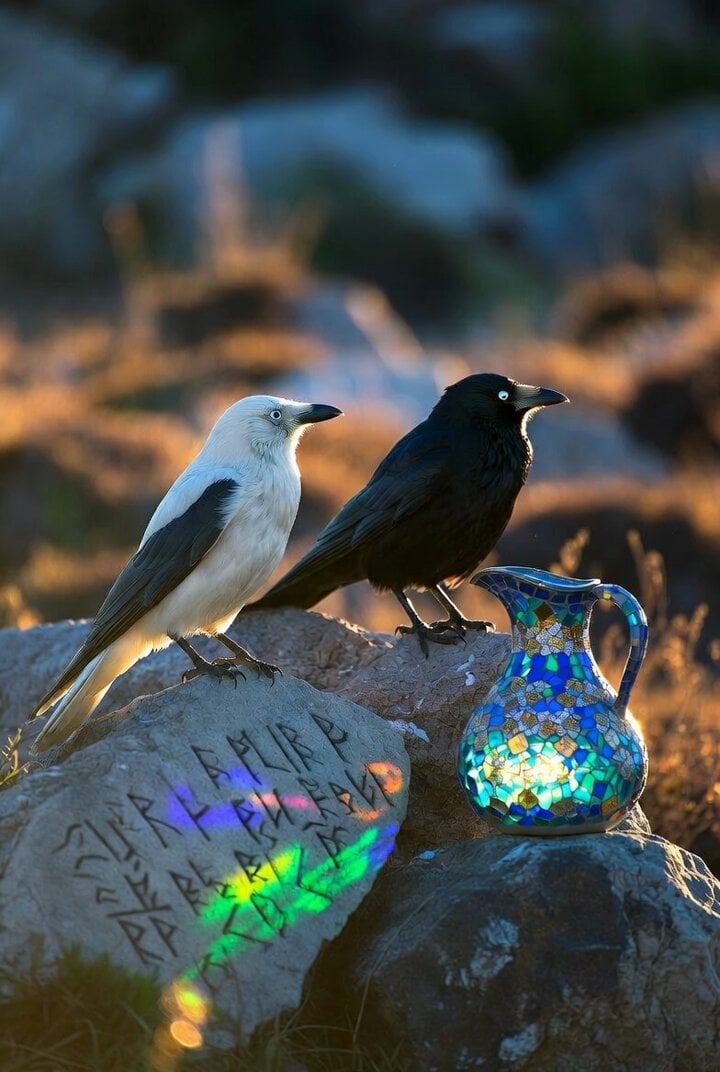
Crows on a rock with Celtic runes and glass mosaic jug
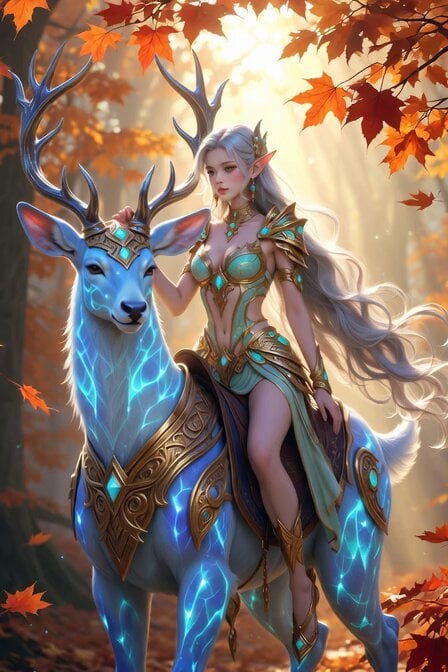
Cyber-Fantasy Elf Queen Transformation
Realistic lifestyle cinematic video of an East Asian woman
Ethereal Lunar Moth Transformation

Vibrant Tropical Ocean Splash

Time Traveler's Warning
Tornado VFX Miniature City Destruction
Browse template categories
Medieval Battlefield FPV Drone Flight questions
How do I use the Medieval Battlefield FPV Drone Flight template?
Add your photo if the template asks for one, edit the prompt if you like — the template's model and format are already selected — and press Generate. Your version opens in PicX Studio.
Can I customize the Medieval Battlefield FPV Drone Flight template?
Yes. You can change the subject, setting, lighting, mood, format, and available model controls before creating your video.
Is the Medieval Battlefield FPV Drone Flight template free?
Opening and editing this template is free. Generating uses credits, shown on the Generate button when you are signed in.
Which AI model should I use?
Start with Seedance 2.0, which is the model associated with this template. You can compare another compatible model for a different finish.
Looking for something else? Browse all templates.

Your photo, any look
Thousands of ready templates for every top image and video model, from one credit balance.