
FPV Drone Flight Over Fantasy Port
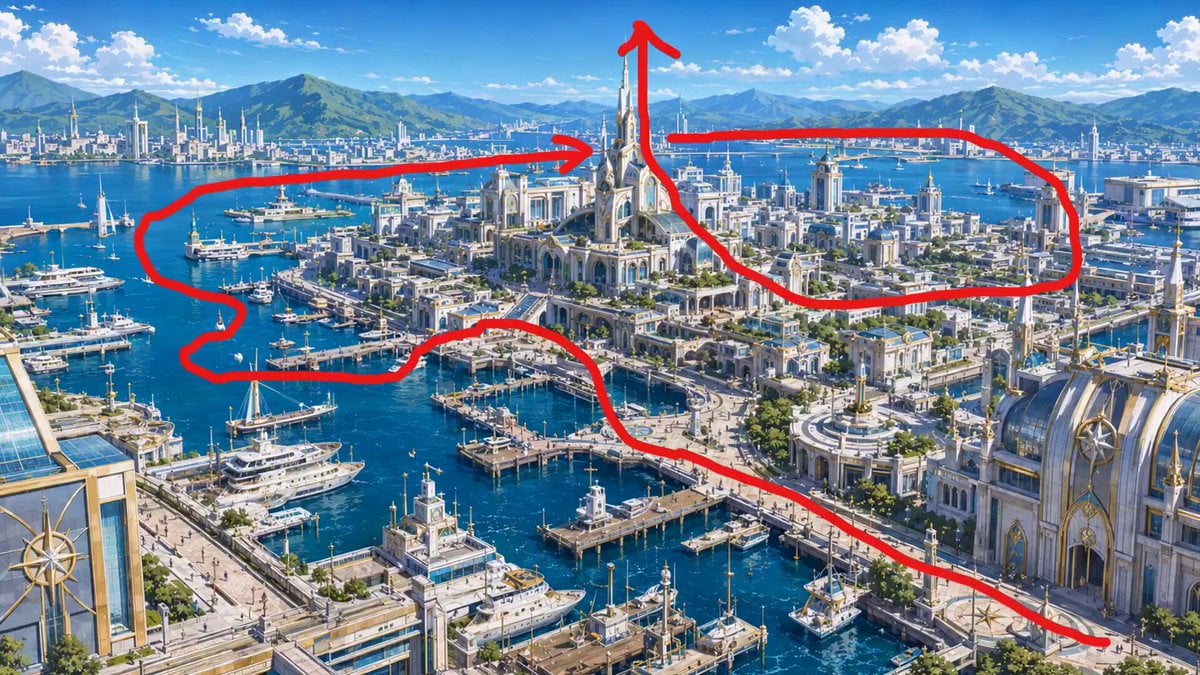
A highly detailed cinematic prompt for a high-speed FPV drone flight sequence through a magnificent fantasy port city following specific path indicators.
- Prompt included
- Model and format preset
- Free template
The prompt behind this video
Copy the exact prompt behind FPV Drone Flight Over Fantasy Port, or open it in the studio and make it yours.
女性が一人用の白い飛行船を操縦する一人称視点の超美麗なプロアニメ映像。赤い線と矢印は完成映像には一切表示しない。参照画像の白と金を基調にした壮麗な港湾都市を舞台に、カメラは一人称視点のFPVドローンのように、赤い矢印で示されたルートを忠実に超高速で飛行する。カメラは画面左側の海上からスタートし、水面すれすれのローアングルで青い港を滑るように疾走する。ヨットや桟橋、白い船、港の建築物の間を抜けながら、左から中央へ向かって海沿いの都市を高速で横断する。そのまま中央の巨大な大聖堂へ向かって加速し、建物群の上をかすめるように接近する。大聖堂の正面を通過する直前、カメラはメインタワーに沿って急上昇する。塔の尖塔を真下から見上げるような迫力で一気に上昇し、都市全体と港、遠くの山脈が広がる壮大な俯瞰へ移行する。塔の上部を越えたあと、カメラは右方向へ大きくバンクしながら旋回する。大聖堂の塔を画面中央に保ちつつ、時計回りにダイナミックに回り込み、白い宮殿のような街並み、青い海、橋、港湾施設、遠景の山々を流れるように見せる。その後、カメラは右側の都市上空を高速で抜け、赤いラインの軌道に沿ってゆるやかに下降する。運河沿いの道路、広場、桟橋、金色の装飾が施された建築物の上を低空で滑空し、右手前の大きなガラス屋根の建物と港沿いの通りへ向かって飛び抜ける。映像はシネマティックで、超高精細、滑らかなカメラワーク、強いスピード感、自然なモーションブラー、リアルな空気感、水面反射、太陽光、立体的な雲、壮大なファンタジー港湾都市のスケール感を強調する。赤いガイド線や矢印、手描きのマーク、注釈、文字は一切表示しない。
How to use FPV Drone Flight Over Fantasy Port in 3 steps
- 1
Open
The prompt is already in the box next to the preview, with the template's model and format selected.
- 2…a portrait of your subject in softgolden-hour light, 85mm…
Personalize
Edit the subject and creative details for your destination.
- 3Generate
Generate
Press Generate — your video is created in PicX Studio, so you can compare it with the original and refine one variable at a time.
More like this
Templates with the same subject, style or setup. Open one to see its prompt.
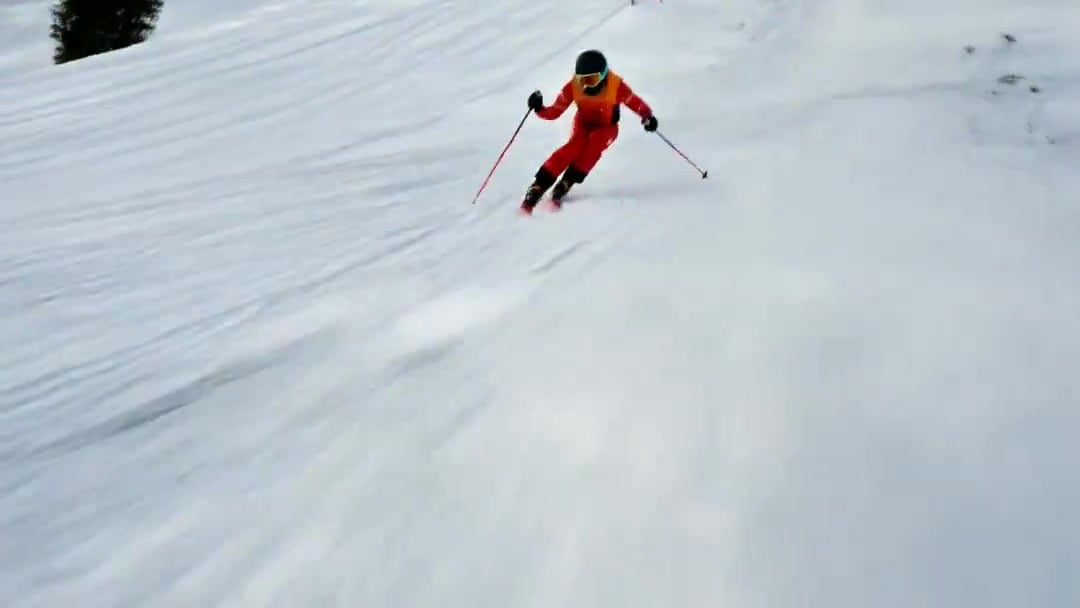
FPV Drone Skier Tracking — Kling 3.0 O3 Pro
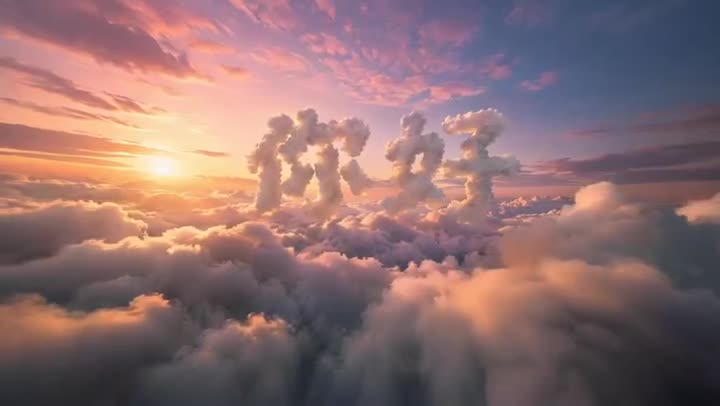
FPV Multilingual Landscape Flight
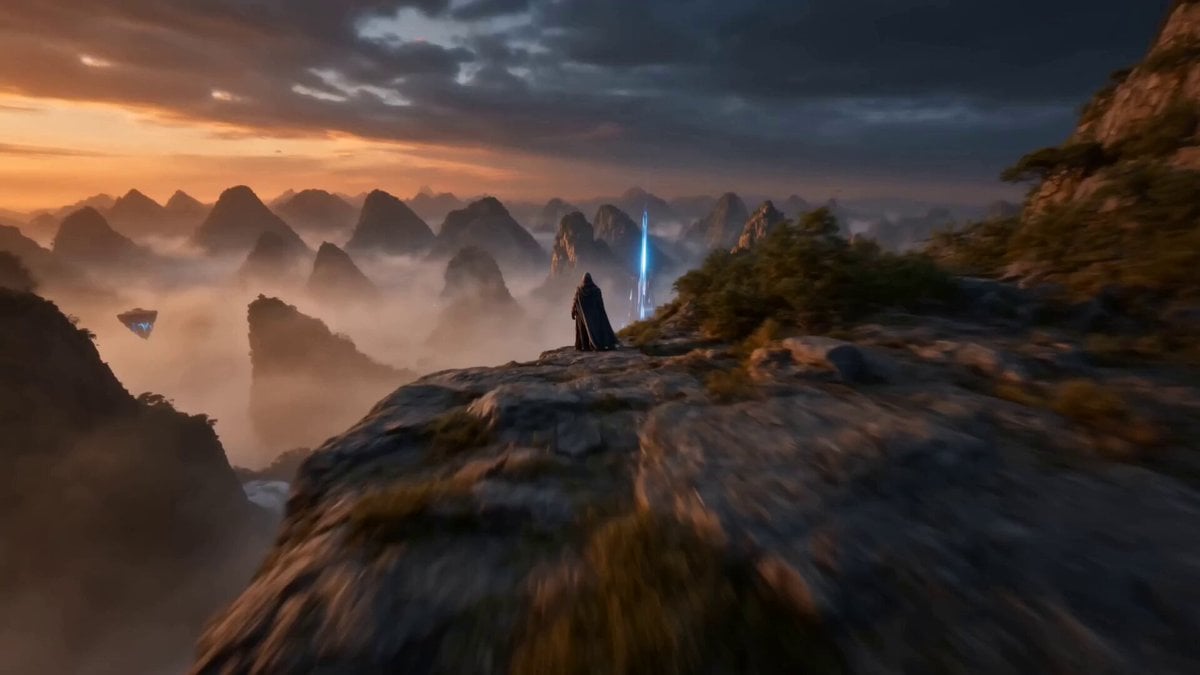
FPV Drone Fantasy Kingdom Flight
Amazon FPV Drone Chase — Seedance 2.0

Dragon Rider Cinematic Flight — Seedance 2.5
Himalayan FPV Drone Flight

FPV Fantasy Port City Airship
Fantasy Broom Flight Cinematic
Cinematic Xinjiang Drone Landscapes - Seedance 2.5
Cinematic Drone Specs Canyon — Kling 3.0 v3 Pro
Drone Removal Safari Cleanup

Forest Fantasy Girl Short Film
Make it yours
FPV Drone Flight Over Fantasy Port works as-is. These are the safest ways to change it without losing the look.
Change one field
Copy a single group, rewrite it, and generate again so you can see what that field is doing.
Keep the frame, change the subject
Hold the composition and light of FPV Drone Flight Over Fantasy Port, then swap wardrobe, props or the person for a new take.
| If the result… | Why | Fix |
|---|---|---|
| The result drifts from the preview | Too many fields changed at once. | Reuse FPV Drone Flight Over Fantasy Port as-is first, then change one group — subject, light, or setting. |
| The model over-stylizes the scene | The prose prompt leaves finish and camera underspecified. | Add one camera or lighting sentence and stay on Seedance 2.0. |
More Seedance 2.0 templates
Other prompts made for Seedance 2.0.

Comical Martial Arts Punch Scene

Maglev Train Action Sequence

Martial Arts Fight Sequence

Wuxia Protection and Trust Script

Vintage Korean Arcade MiniDV Vlog

Ancient Roman Celestial Flight

Mercedes 190 SL Luxury Ad

Rainy Night Supernatural Reverse Comedy Video Script

Amazon Civilization Discovery

Futuristic South Asian City Transformation
More video prompts
Fresh picks from across the catalog.
Bullet Time Falling Businessman
Handheld Home Video Gardening Montage
Rampaging Android Girl in Lab
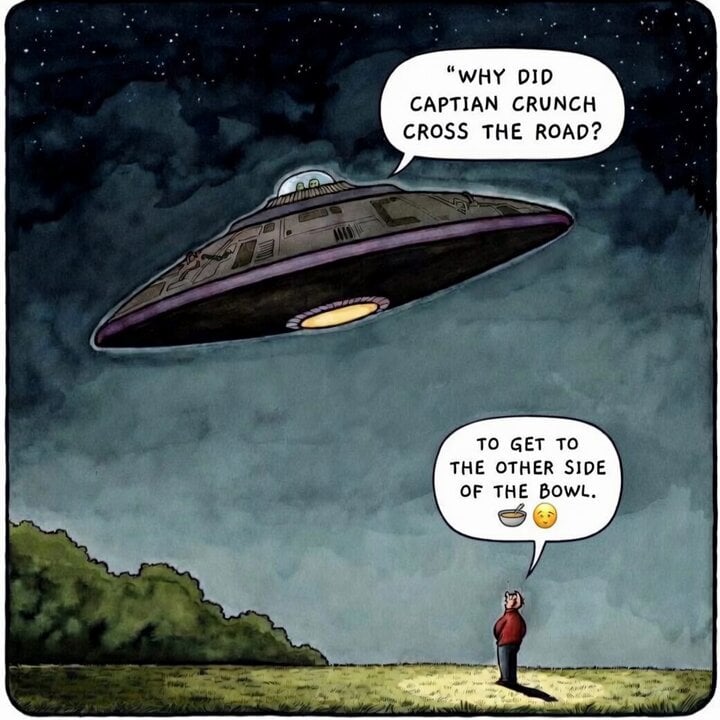
UFO Passenger Joke Video Prompt

Wall Elves Camera Zoom
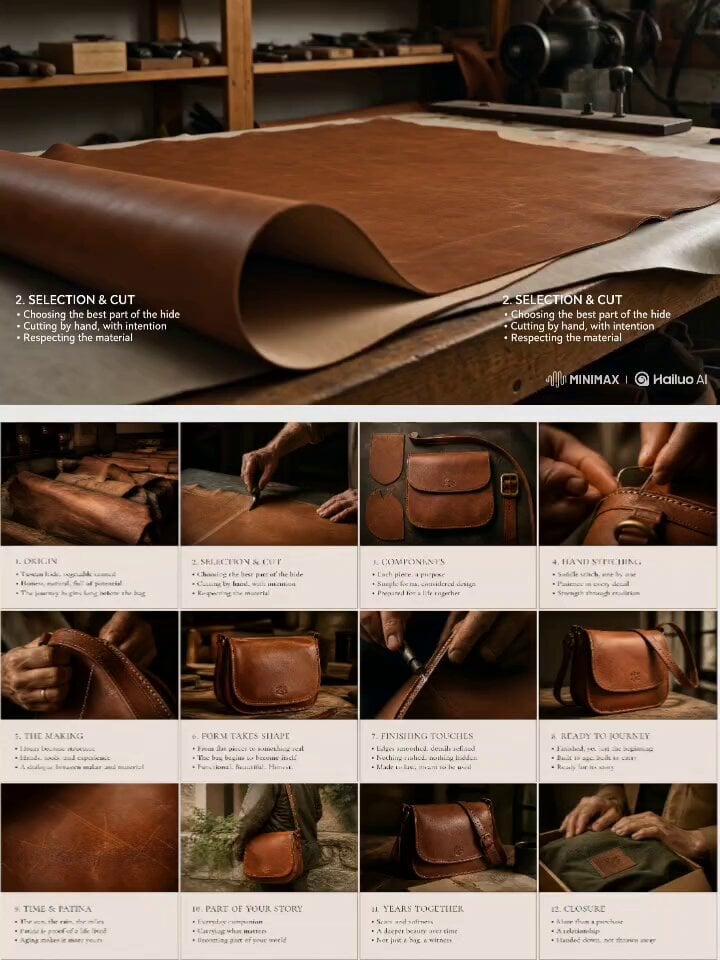
Luxury Leather Goods Animation
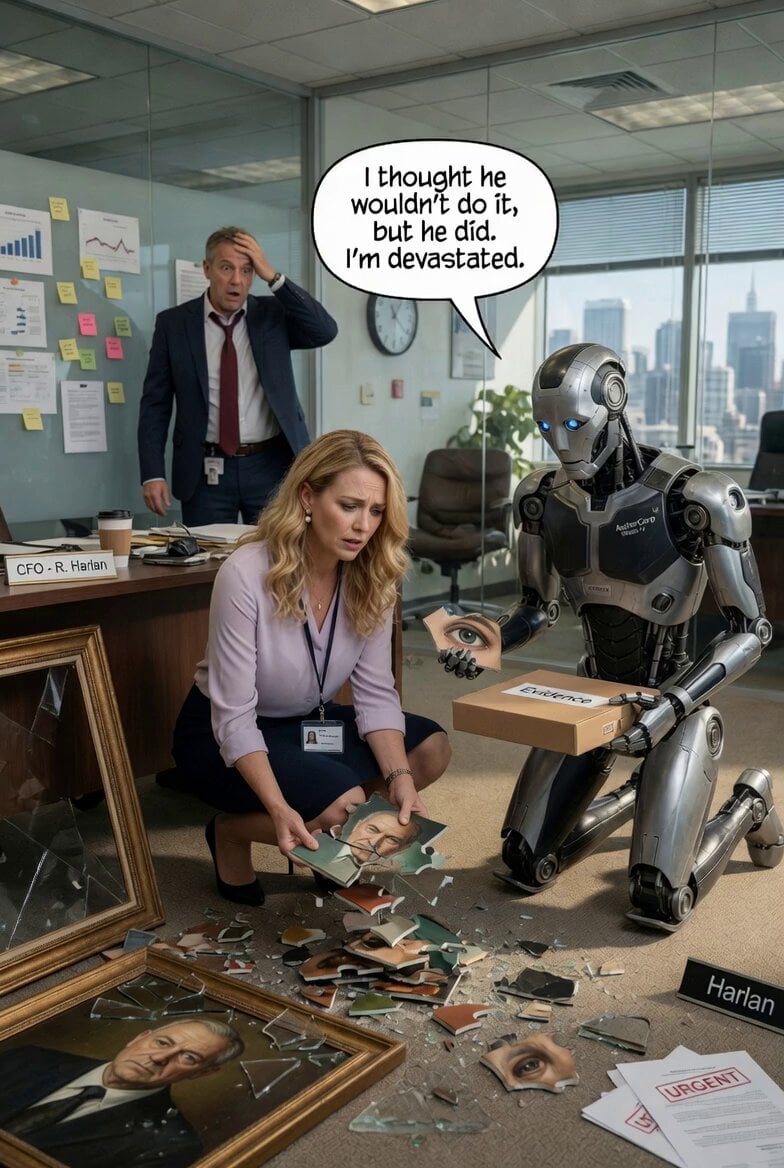
Woman and Robot in Office
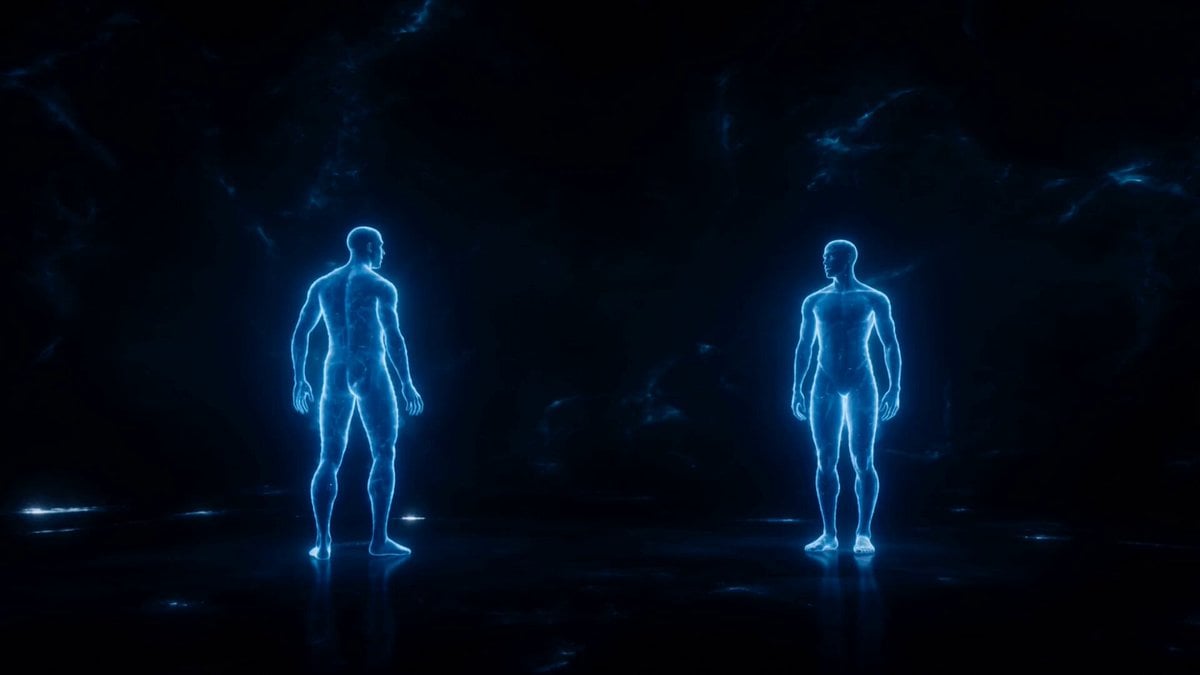
Synchronized Blue Echoes Dance
Seedance 2.0 Prompt for Time Stop Scenario in Hot Spring
Neon Bowling Alley Horror Sequence
Browse template categories
FPV Drone Flight Over Fantasy Port questions
How do I use the FPV Drone Flight Over Fantasy Port template?
Add your photo if the template asks for one, edit the prompt if you like — the template's model and format are already selected — and press Generate. Your version opens in PicX Studio.
Can I customize the FPV Drone Flight Over Fantasy Port template?
Yes. You can change the subject, setting, lighting, mood, format, and available model controls before creating your video.
Is the FPV Drone Flight Over Fantasy Port template free?
Opening and editing this template is free. Generating uses credits, shown on the Generate button when you are signed in.
Which AI model should I use?
Start with Seedance 2.0, which is the model associated with this template. You can compare another compatible model for a different finish.
Looking for something else? Browse all templates.

Your photo, any look
Thousands of ready templates for every top image and video model, from one credit balance.