
FPV Drone Fantasy Kingdom Flight
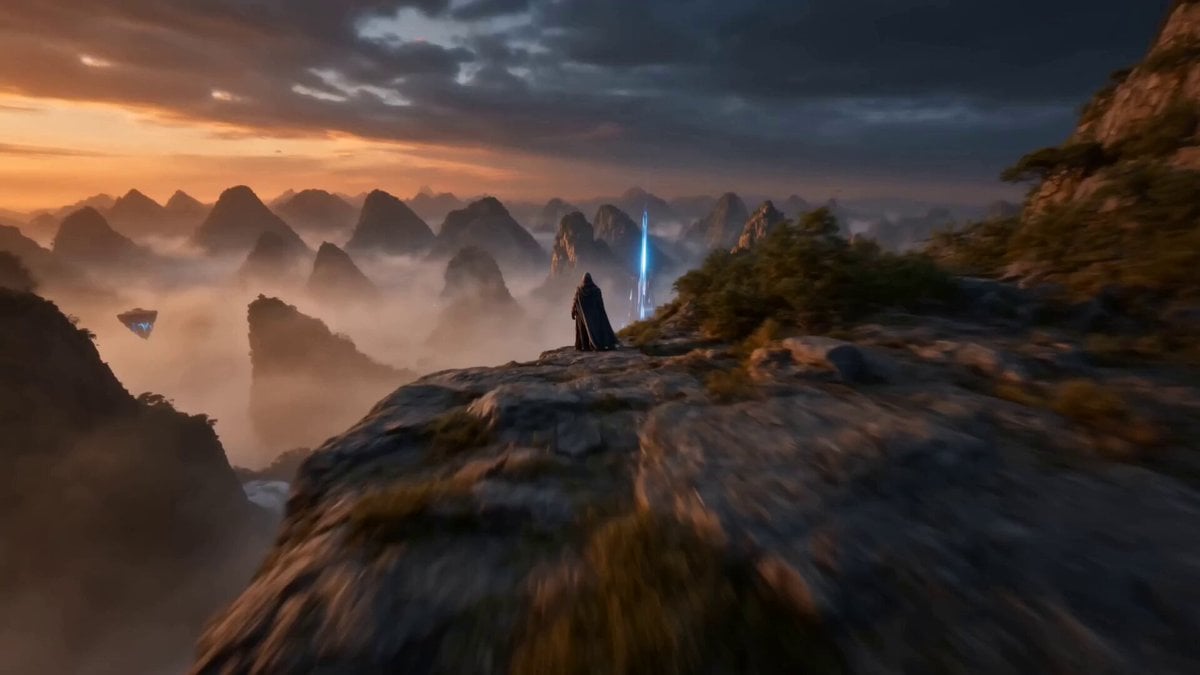
An immersive FPV drone flight through a sci-fi fantasy kingdom, starting from a cliff and diving into a valley with waterfalls and glowing city lights.
- Prompt included
- Model and format preset
- Free template
The prompt behind this video
Copy the exact prompt behind FPV Drone Fantasy Kingdom Flight, or open it in the studio and make it yours.
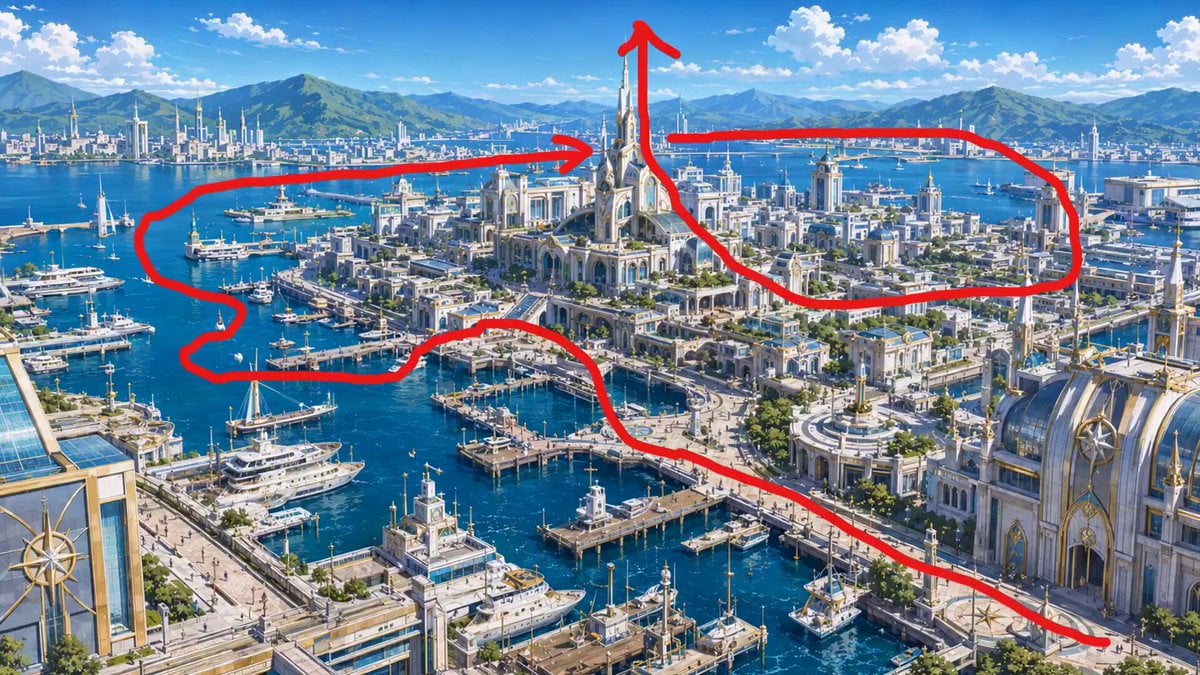
FPV drone flight based on the camera path in the reference image. Use @[image_1] as the visual reference for the fantasy sci-fi kingdom, the cloaked warrior, the cliff, the distant glowing city, and the central crystalline tower. The cloaked warrior remains completely stationary on the rocky cliff throughout the video. He does not fly, jump, walk, or move with the camera. Only the FPV drone camera moves. Start beside the cloaked warrior on the rocky cliff, very close to his right side, with the drone already moving forward past him. The camera passes the warrior from the side and immediately dives downward over the cliff edge into the misty valley. Keep the warrior behind on the cliff as the drone leaves him and flies away. The drone descends through clouds and mist, then accelerates forward above waterfalls, bridges, glowing city lights, floating rocks, and deep mountain valleys. Continue toward the distant illuminated kingdom with strong FPV energy, natural speed ramps, immersive motion, and realistic camera momentum. The camera follows a smooth flowing S-shaped route over the city rooftops, then climbs upward along the massive central crystalline tower. Wrap around the tower in a cinematic spiral, rising toward the glowing summit. At the top, the drone curves around the structure and turns back toward the entire city, ending on a wide heroic view of the glowing kingdom, mountains, sunset clouds, mist, blue energy beams, and floating structures. Style: epic cinematic fantasy sci-fi, dark storm clouds, orange sunset glow, cold blue energy lights, volumetric mist, high detail, realistic FPV drone movement, immersive travel film feeling, smooth motion blur, cinematic depth. Mandatory: do not show any red route line, neon path, start marker, end marker, arrows, text, graphics, UI elements, labels, overlays, or guide lines in the final video. The red line in the reference image is only for camera path guidance. The character must not fly or follow the camera. 16:9 aspect ratio.
How to use FPV Drone Fantasy Kingdom Flight in 3 steps
- 1Upload ImagePNG, JPG or paste
Add your photo
Upload the photo the template builds on. The prompt, model and format are already set.
- 2…a portrait of your subject in softgolden-hour light, 85mm…
Personalize
Edit the subject and creative details for your destination.
- 3Generate
Generate
Press Generate — your video is created in PicX Studio, so you can compare it with the original and refine one variable at a time.
More like this
Templates with the same subject, style or setup. Open one to see its prompt.
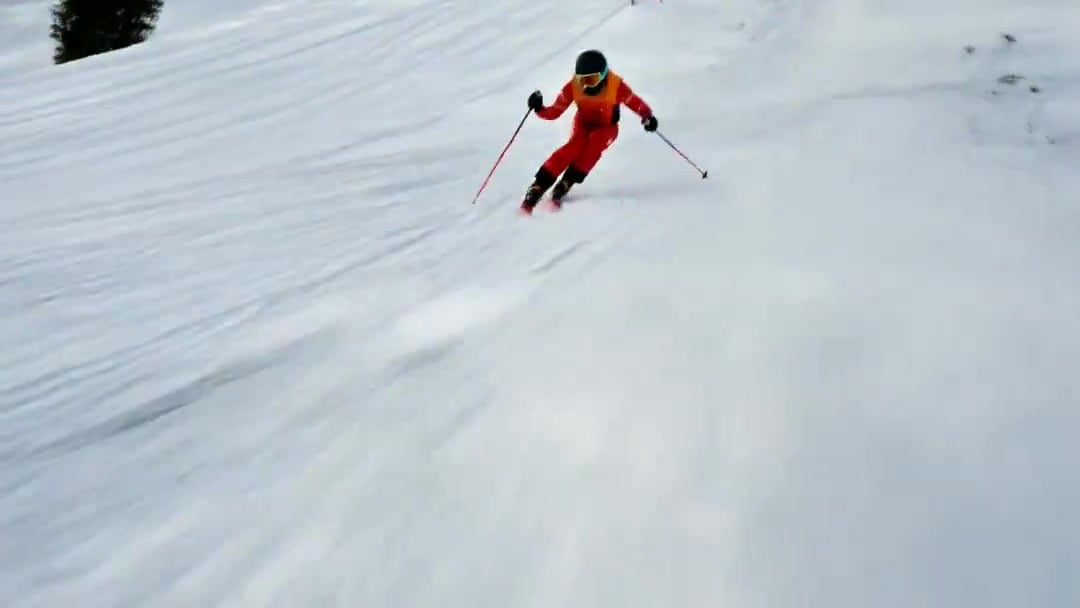
FPV Drone Skier Tracking — Kling 3.0 O3 Pro
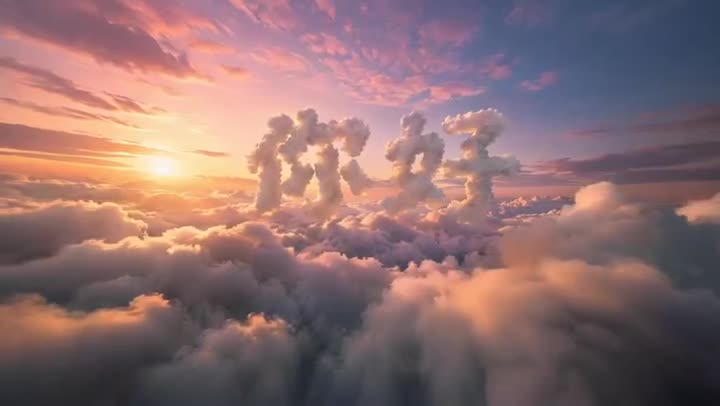
FPV Multilingual Landscape Flight
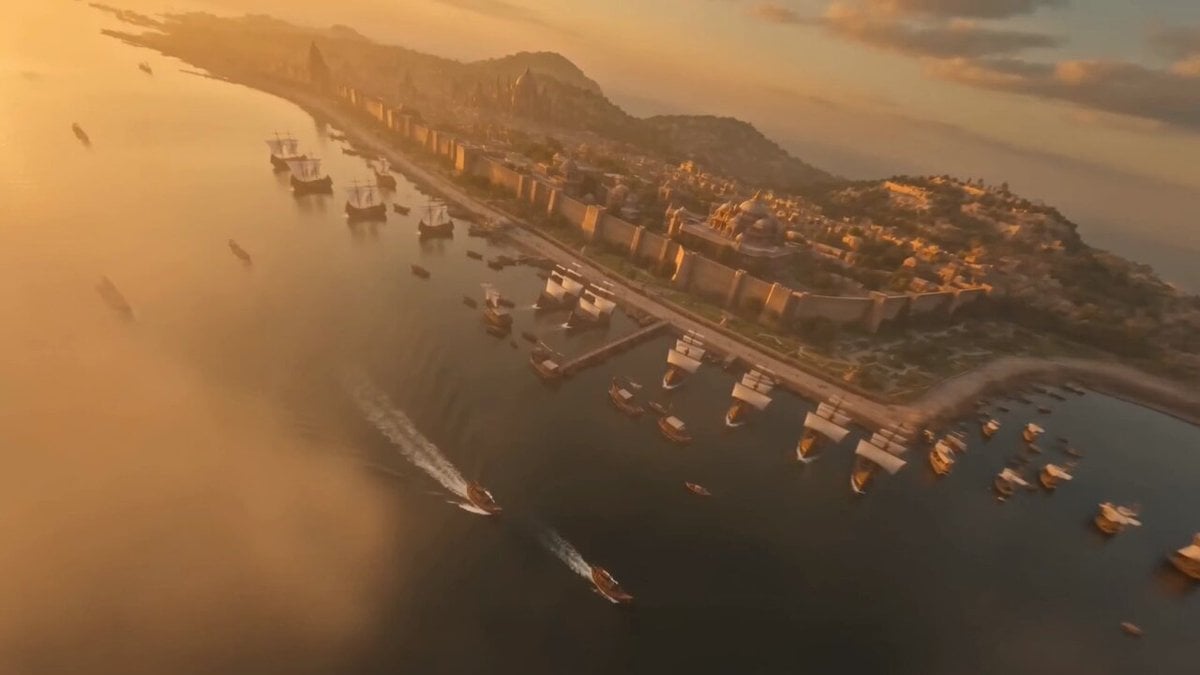
FPV Drone Flight Over Fantasy Port
Amazon FPV Drone Chase — Seedance 2.0

Dragon Rider Cinematic Flight — Seedance 2.5
Ancient Indian Kingdom FPV Drone Shot
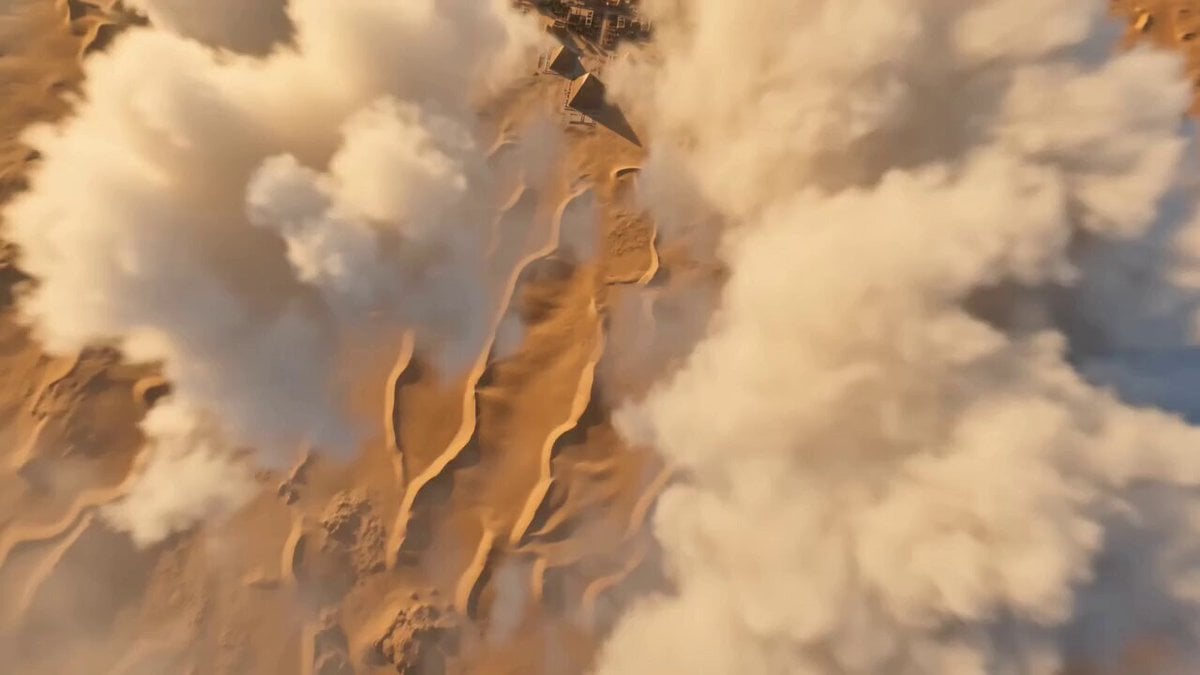
Kingdom of Kush FPV Flight
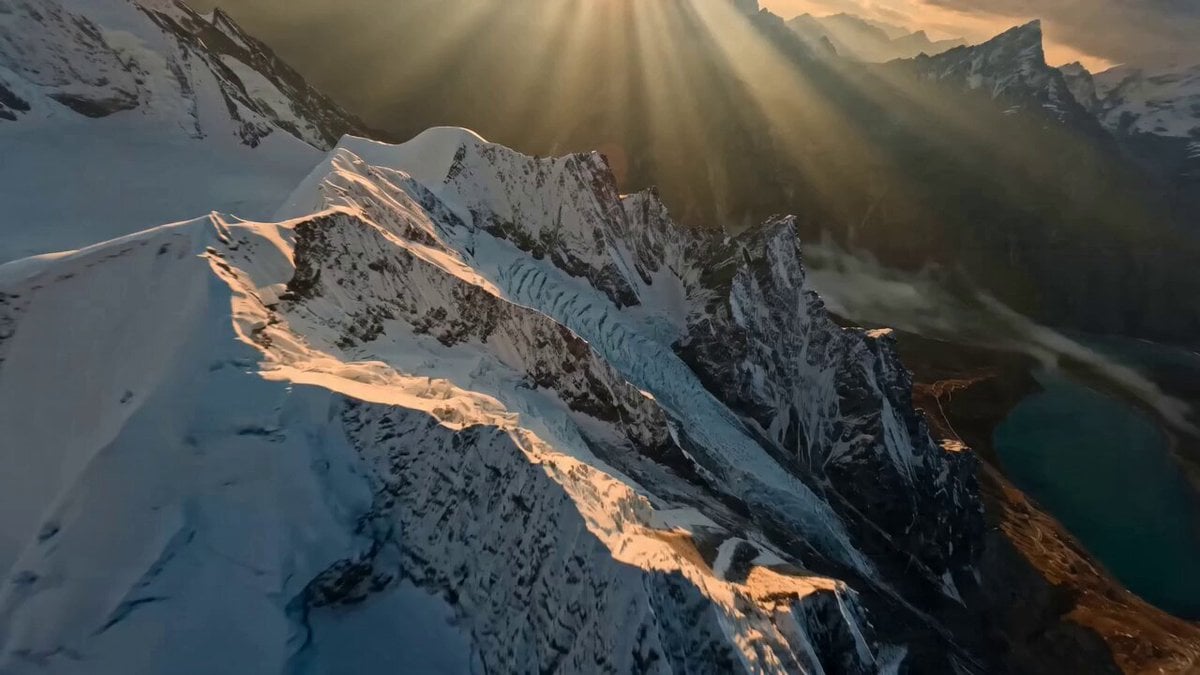
Himalayan FPV Drone Flight
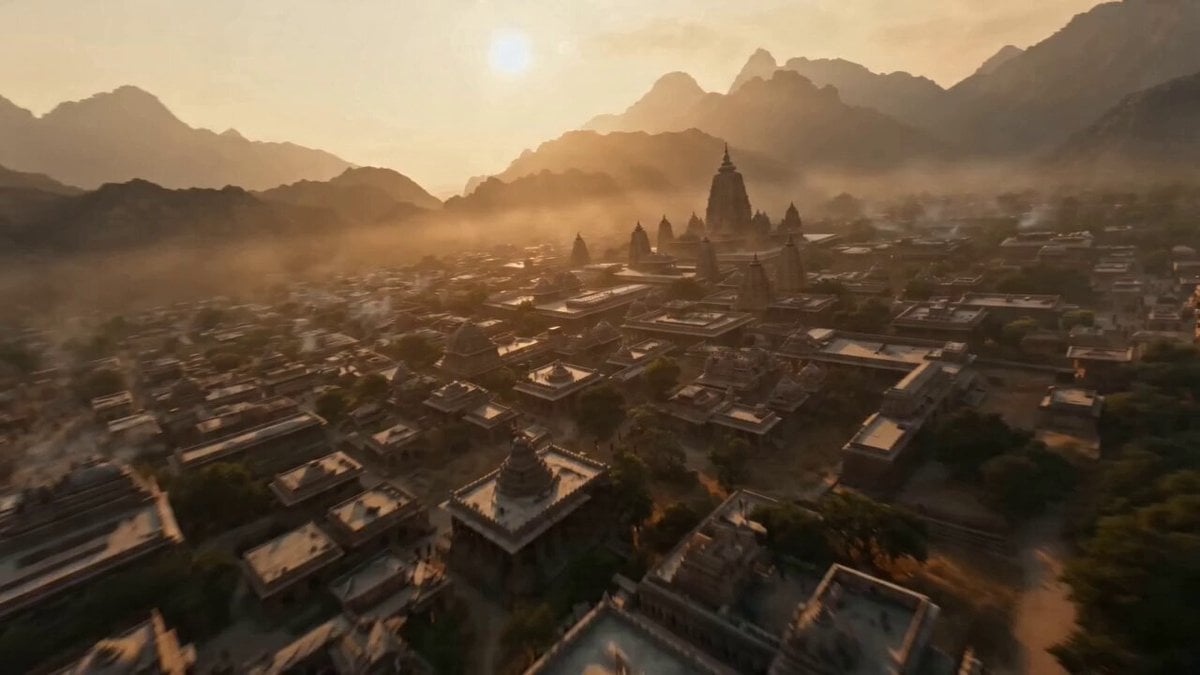
Ancient Kingdom FPV Flight
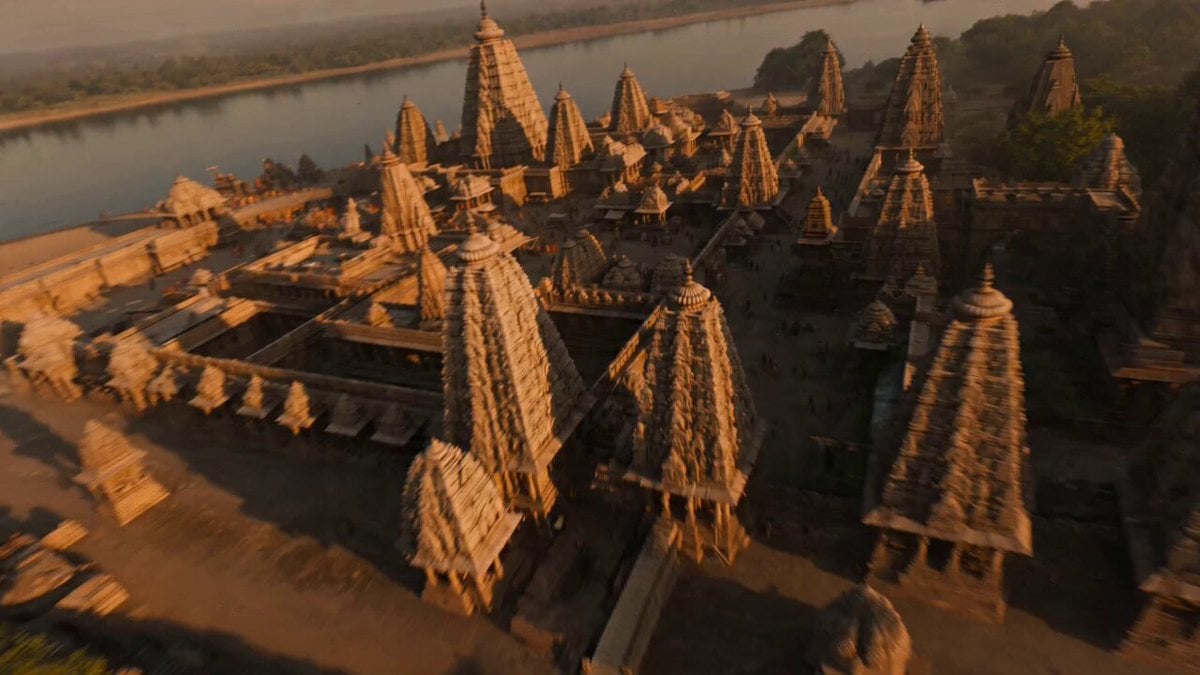
Ancient Indian Kingdom FPV Flight
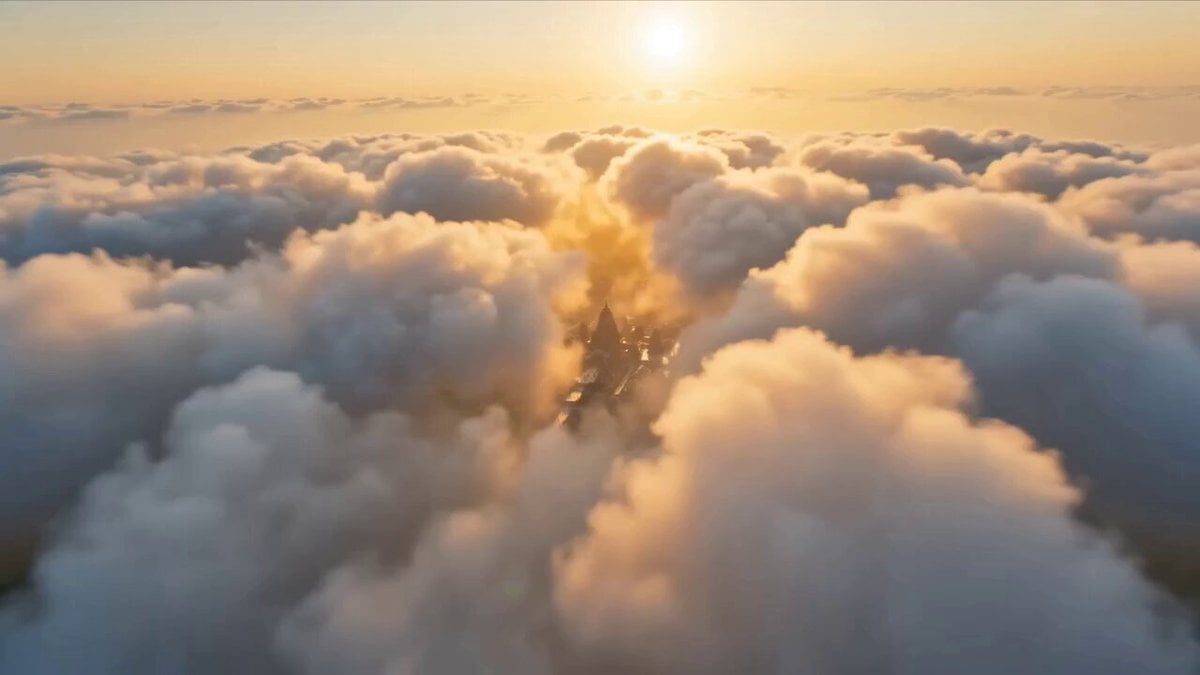
Ancient Indian Kingdom FPV Flight
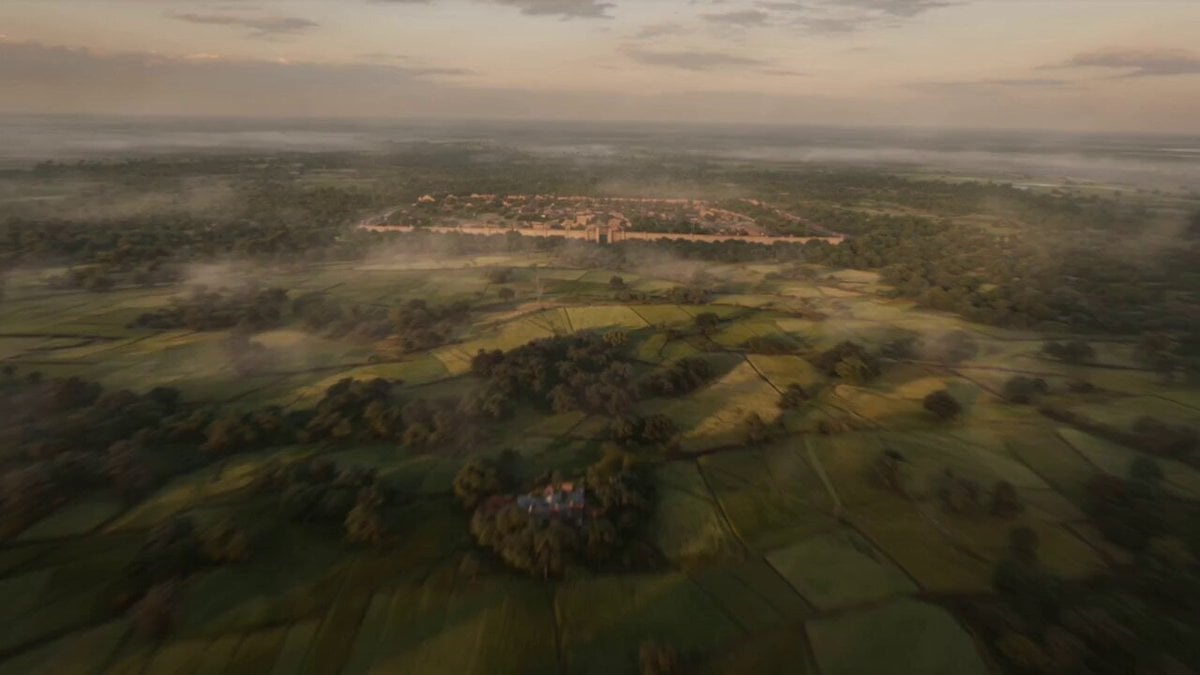
Ancient Indian Kingdom FPV Flight
Make it yours
FPV Drone Fantasy Kingdom Flight works as-is. These are the safest ways to change it without losing the look.
Change one field
Copy a single group, rewrite it, and generate again so you can see what that field is doing.
Keep the frame, change the subject
Hold the composition and light of FPV Drone Fantasy Kingdom Flight, then swap wardrobe, props or the person for a new take.
| If the result… | Why | Fix |
|---|---|---|
| The result drifts from the preview | Too many fields changed at once. | Reuse FPV Drone Fantasy Kingdom Flight as-is first, then change one group — subject, light, or setting. |
| The model over-stylizes the scene | The prose prompt leaves finish and camera underspecified. | Add one camera or lighting sentence and stay on Seedance 2.0. |
More Seedance 2.0 templates
Other prompts made for Seedance 2.0.

Comical Martial Arts Punch Scene

Maglev Train Action Sequence

Martial Arts Fight Sequence

Wuxia Protection and Trust Script

Vintage Korean Arcade MiniDV Vlog

Mercedes 190 SL Luxury Ad

Rainy Night Supernatural Reverse Comedy Video Script

Amazon Civilization Discovery

Futuristic South Asian City Transformation

Cozy Luxury Cafe Commercial
More video prompts
Fresh picks from across the catalog.
Mobile Controlled POV Outfit Transition
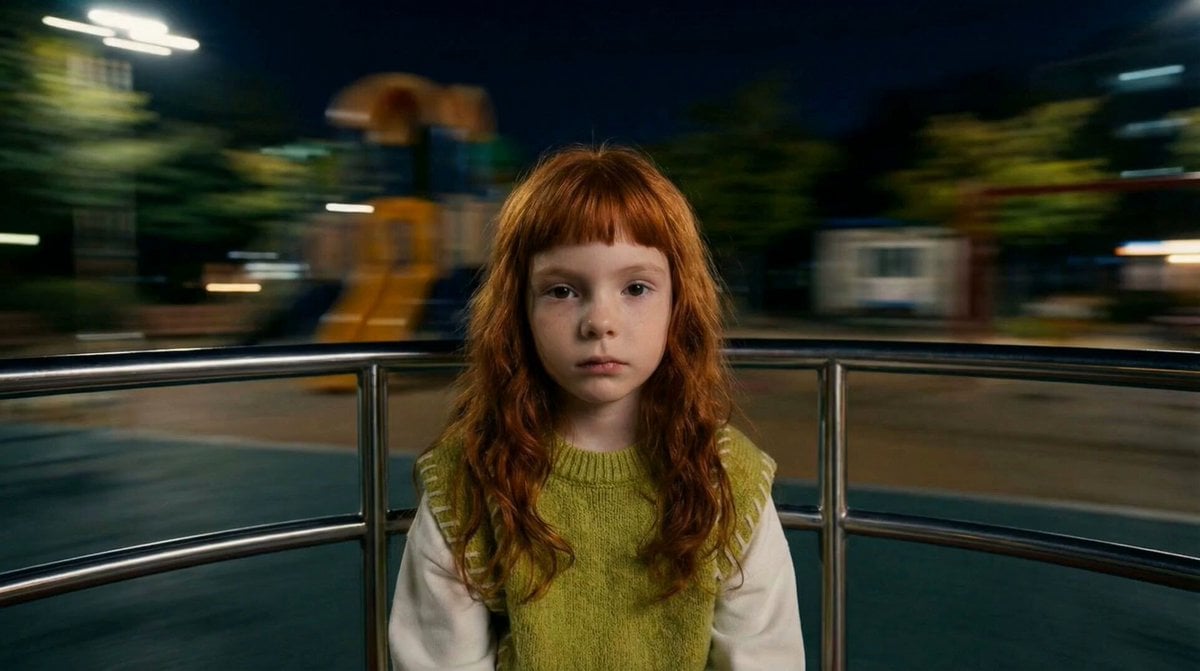
Melancholic Subject on Spinning Playground Wheel
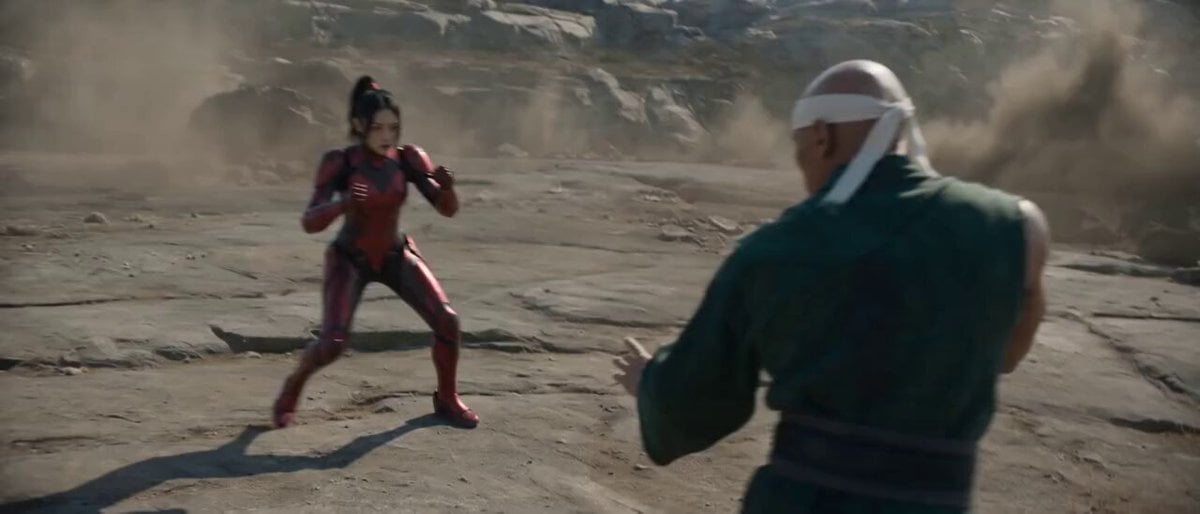
Raw Found Footage Superhuman Duel

Complex 30-Second Animated Video Prompt
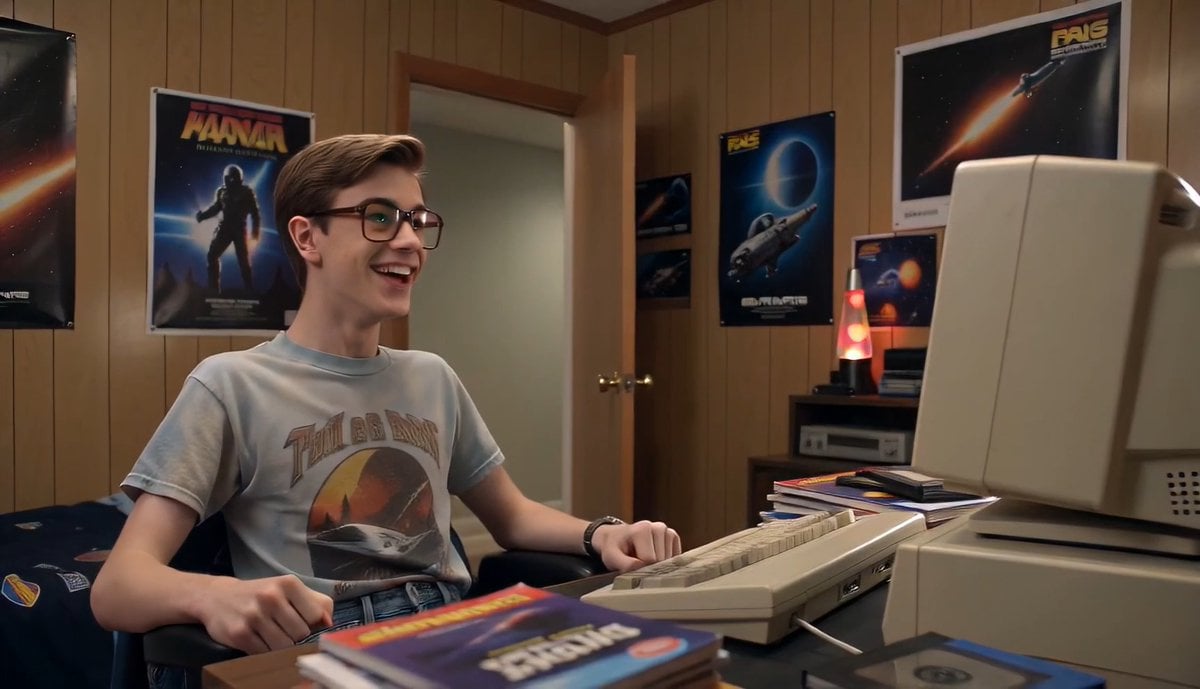
80s Computer Nerd Daily Life
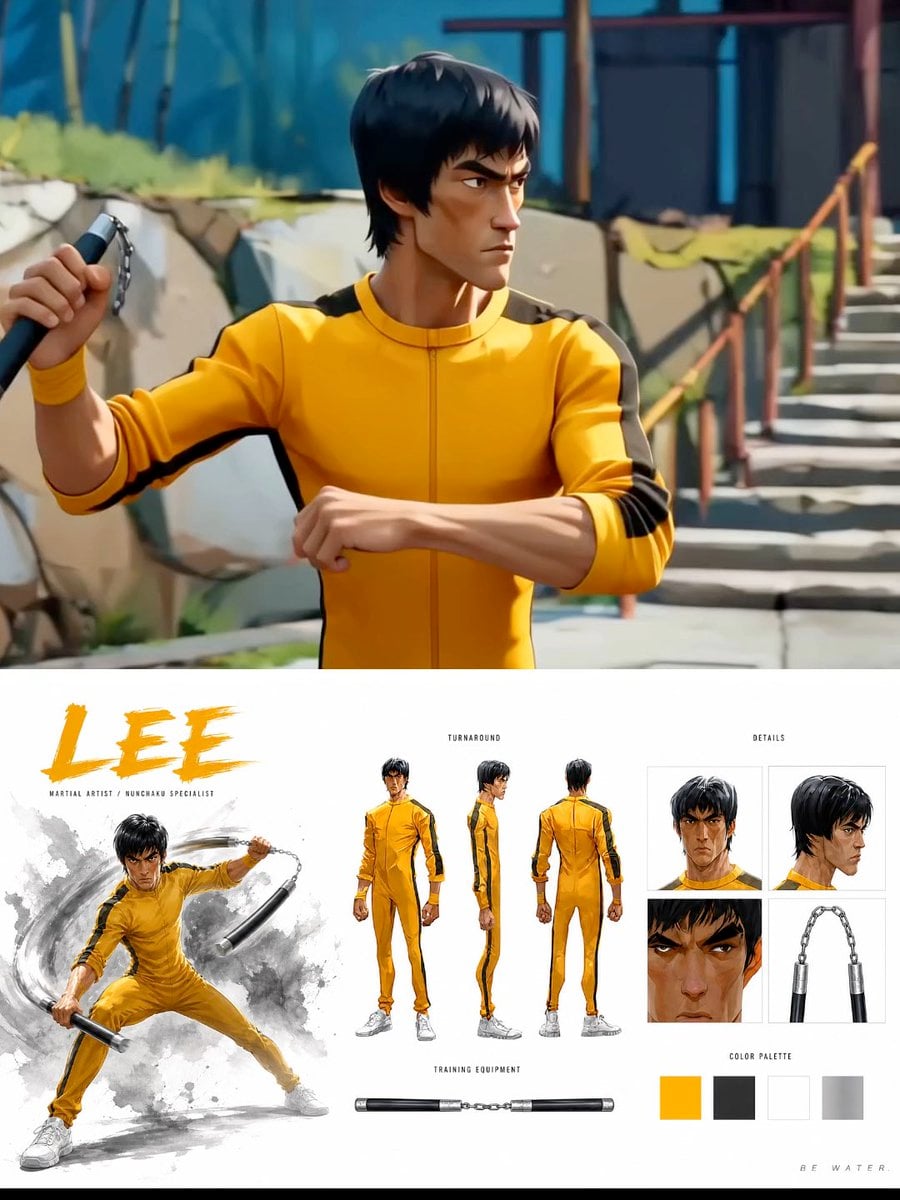
Cinematic Anime Martial Arts Training Ground
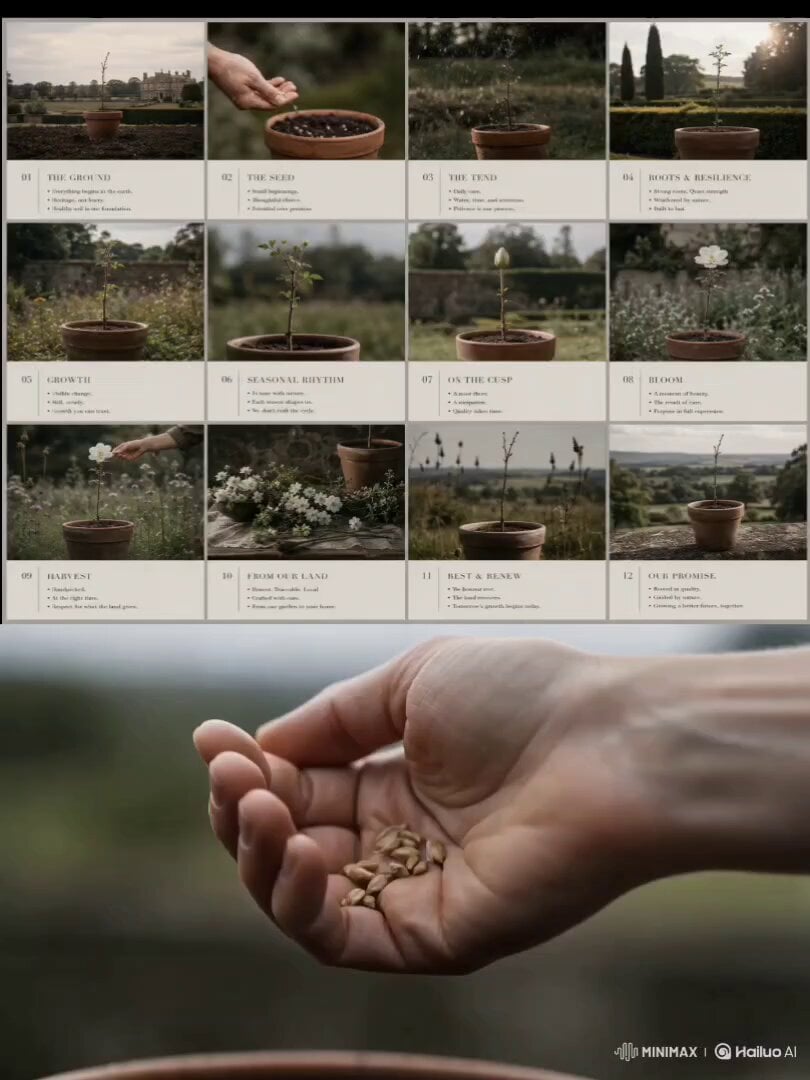
Luxury Garden Growth Animation
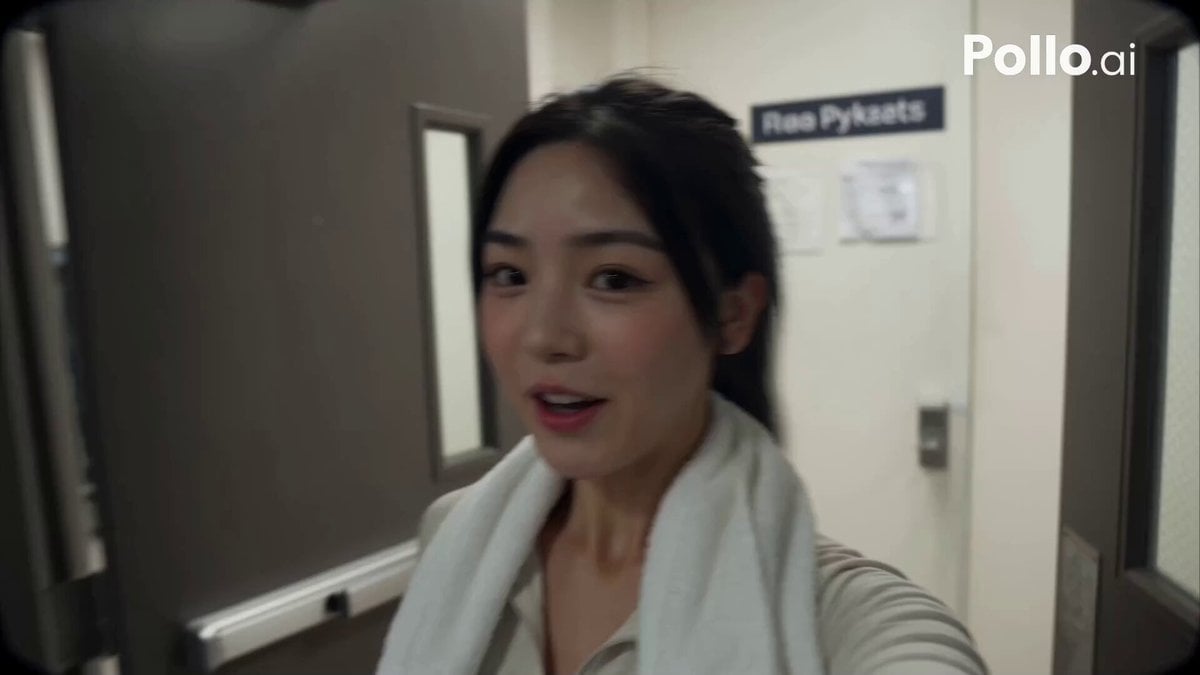
Korean Idol Gym Vlog
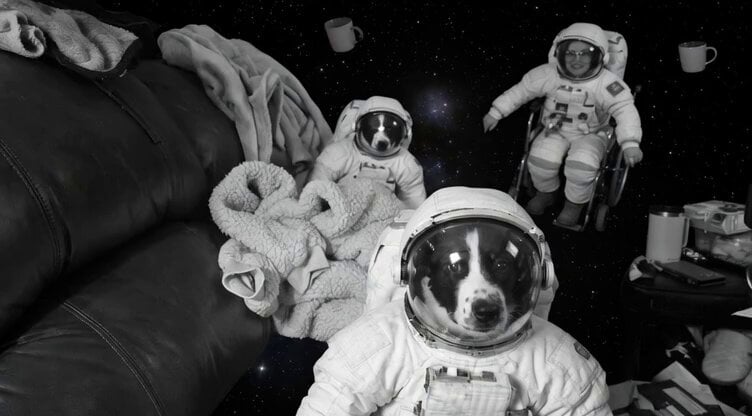
Floating Happily in Space Video Prompt
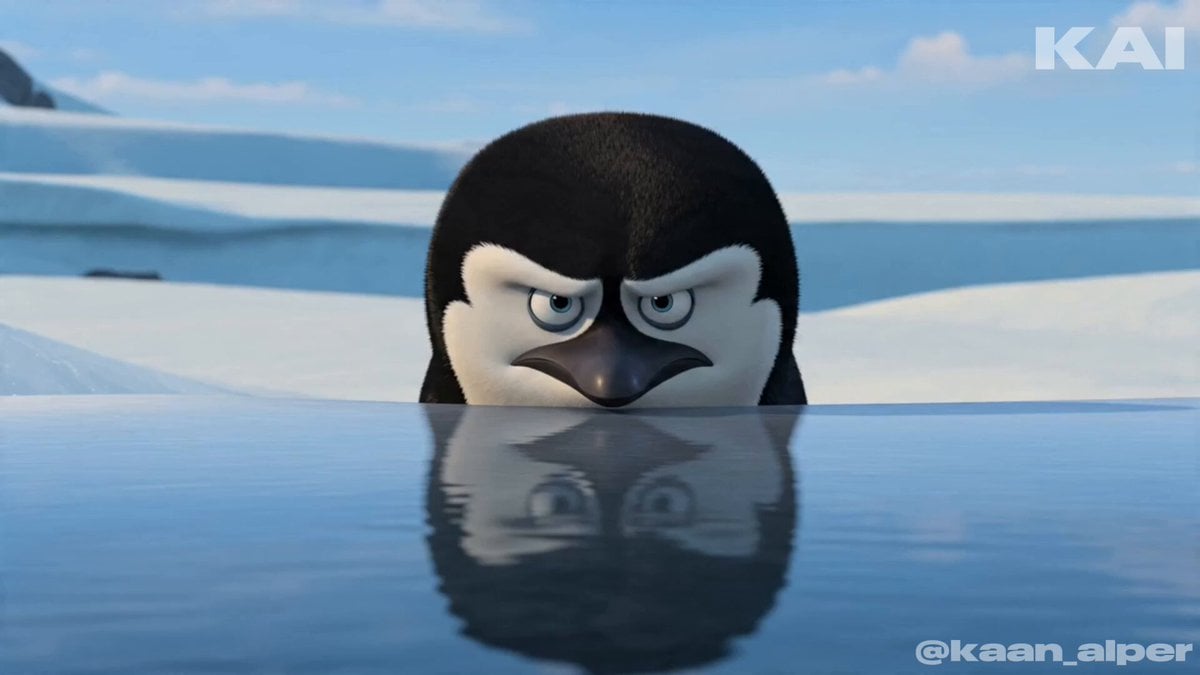
Animated Penguin Winter Slide Prompt
Browse template categories
FPV Drone Fantasy Kingdom Flight questions
How do I use the FPV Drone Fantasy Kingdom Flight template?
Add your photo if the template asks for one, edit the prompt if you like — the template's model and format are already selected — and press Generate. Your version opens in PicX Studio.
Can I customize the FPV Drone Fantasy Kingdom Flight template?
Yes. You can change the subject, setting, lighting, mood, format, and available model controls before creating your video.
Is the FPV Drone Fantasy Kingdom Flight template free?
Opening and editing this template is free. Generating uses credits, shown on the Generate button when you are signed in.
Which AI model should I use?
Start with Seedance 2.0, which is the model associated with this template. You can compare another compatible model for a different finish.
Looking for something else? Browse all templates.

Your photo, any look
Thousands of ready templates for every top image and video model, from one credit balance.