
Melancholic Subject on Spinning Playground Wheel
A highly detailed, two-part prompt for Seedance 2.0 focusing on a close-up of a subject (adult and kid) sitting on a rapidly spinning playground wheel at night.
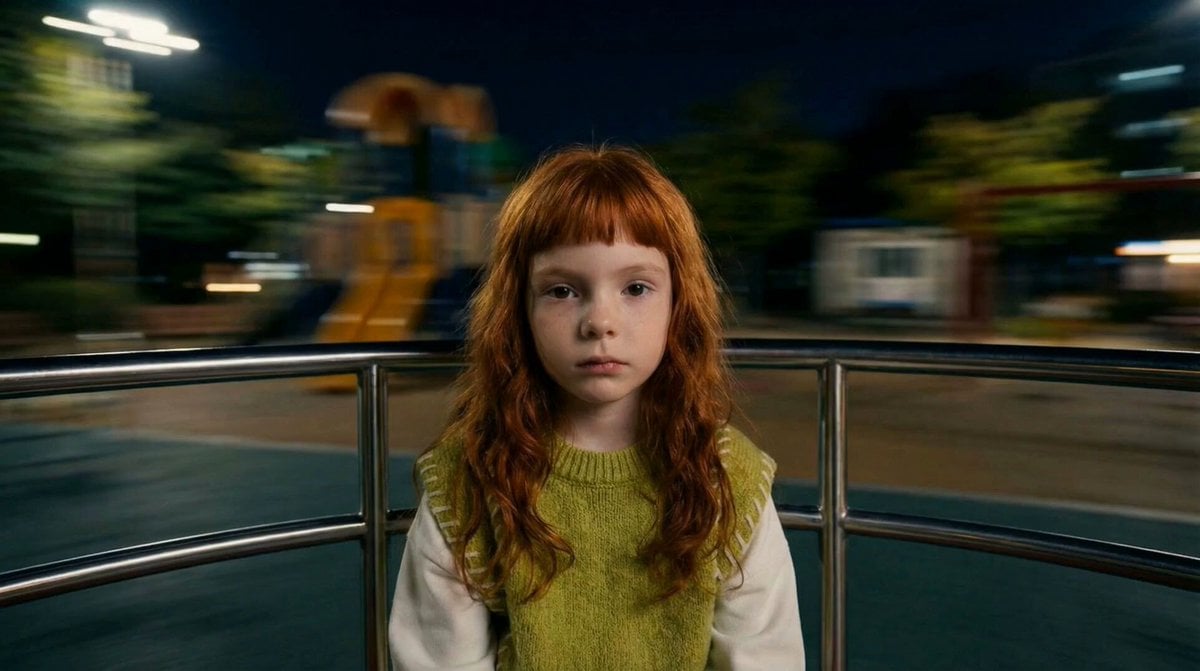
- Prompt included
- Model and format preset
- Free template
The prompt behind this video
Copy the exact prompt behind Melancholic Subject on Spinning Playground Wheel, or open it in the studio and make it yours.
Adult and kid each pic: I want a close up of the face and upper torso, sitting on a spinning playground wheel at night. do not change her fit. Only face and shoulders visible in frame. The entire background rotates rapidly in circles creating a dizzying spinning illusion - blurry nightime playground with streaking lights and trees and structures under dark sky. Slight motion blur on background to emphasize high speed. Subject keeps a serious, melancholic expression, staring directly at the camera without moving such. cinematic, moody lighting, realistic style. Big emphasis on the background all spinning horizontally video: The entire background rotates rapidly in circles creating a dizzying spinning illusion blurry nighttime playground with streaking lights, trees, and structures under dark sky. Slight motion blur on background to emphasize high speed. Hair whipping outward from rapid spinning, reacting strongly to the motion as if from contrifugal force. Subject keeps a serious, melancholic expression, staring directly at the camera without moving much. Cinematic, moody lighting, realistic style. Big emphasis on the background all spinning horizontally natural human motion, subtle chest rise and fall from breathing, natural irregular blinking, soft micro head movements, relaxed posture adjustments, hair naturally flowing with movement, organic unscripted motion, lifelike presence.
How to use Melancholic Subject on Spinning Playground Wheel in 3 steps
- 1
Open
The prompt is already in the box next to the preview, with the template's model and format selected.
- 2…a portrait of your subject in softgolden-hour light, 85mm…
Personalize
Edit the subject and creative details for your destination.
- 3Generate
Generate
Press Generate — your video is created in PicX Studio, so you can compare it with the original and refine one variable at a time.
More like this
Templates with the same subject, style or setup. Open one to see its prompt.
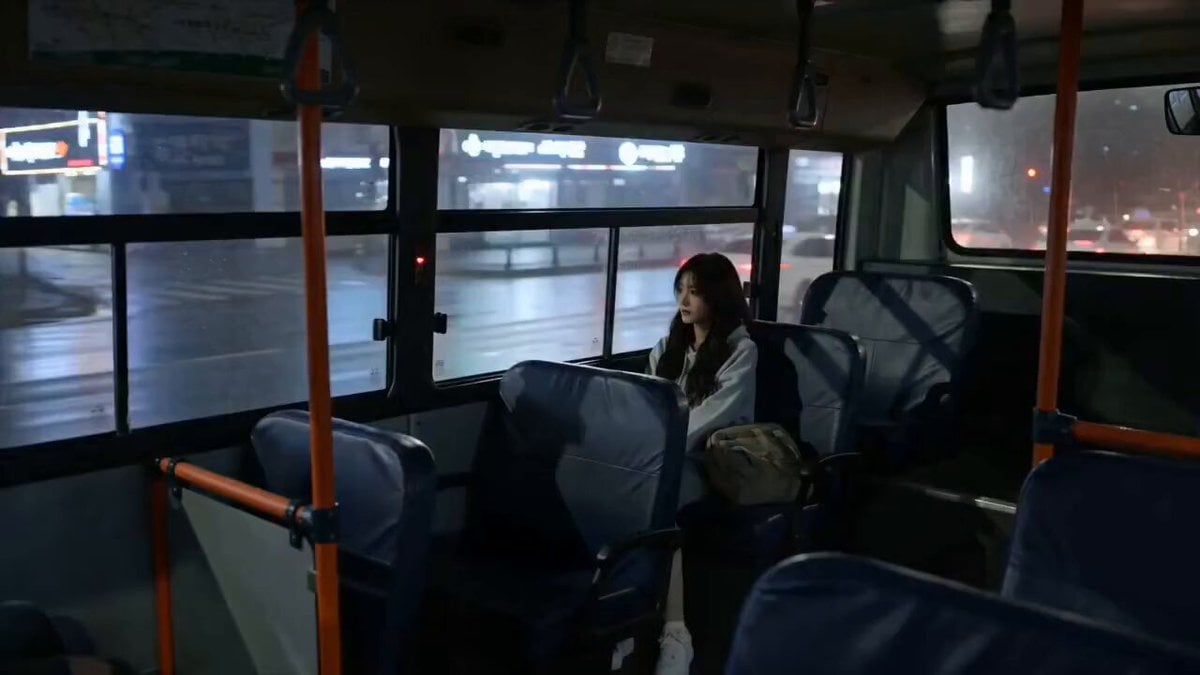
Melancholic Rain Window Close-up
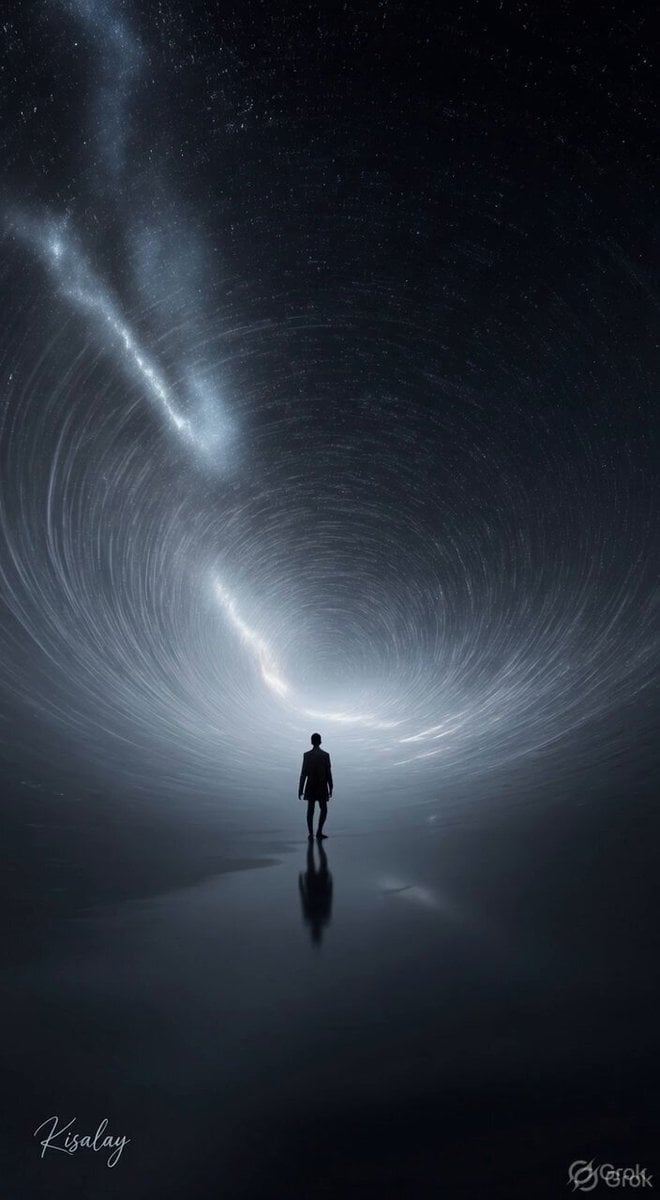
Spinning Sky Cosmic Video
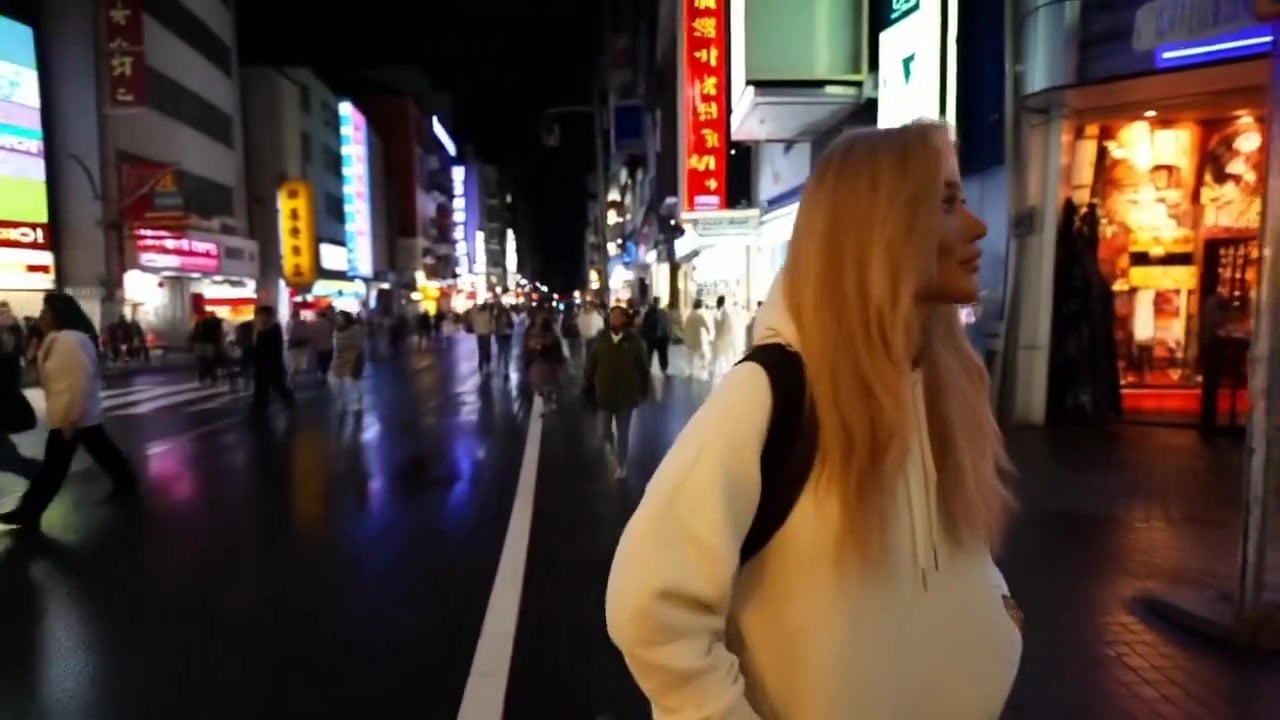
Minimax Subject Reference Breakthrough — Character Consistency

Spinning Top Championship Arena Battle
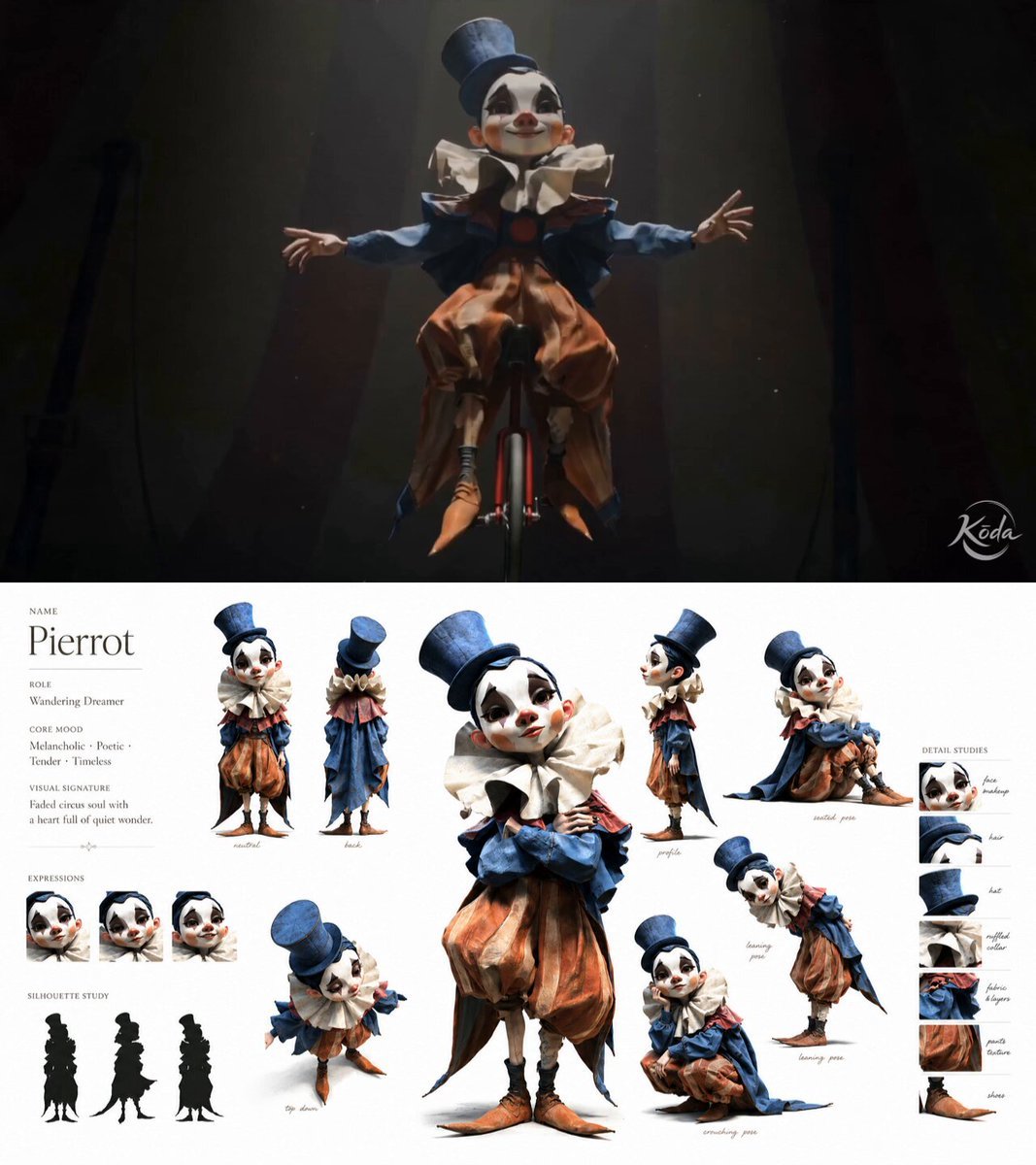
Melancholic Circus Performer Emotional Video
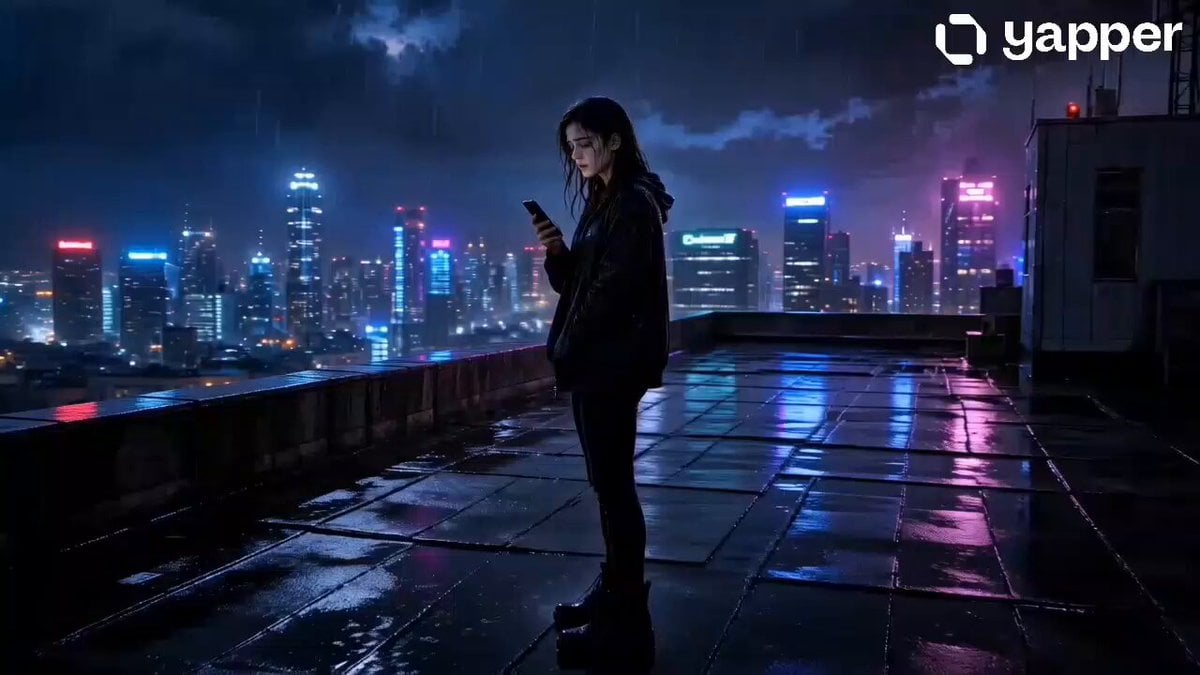
Melancholic Rainy Rooftop Character Study
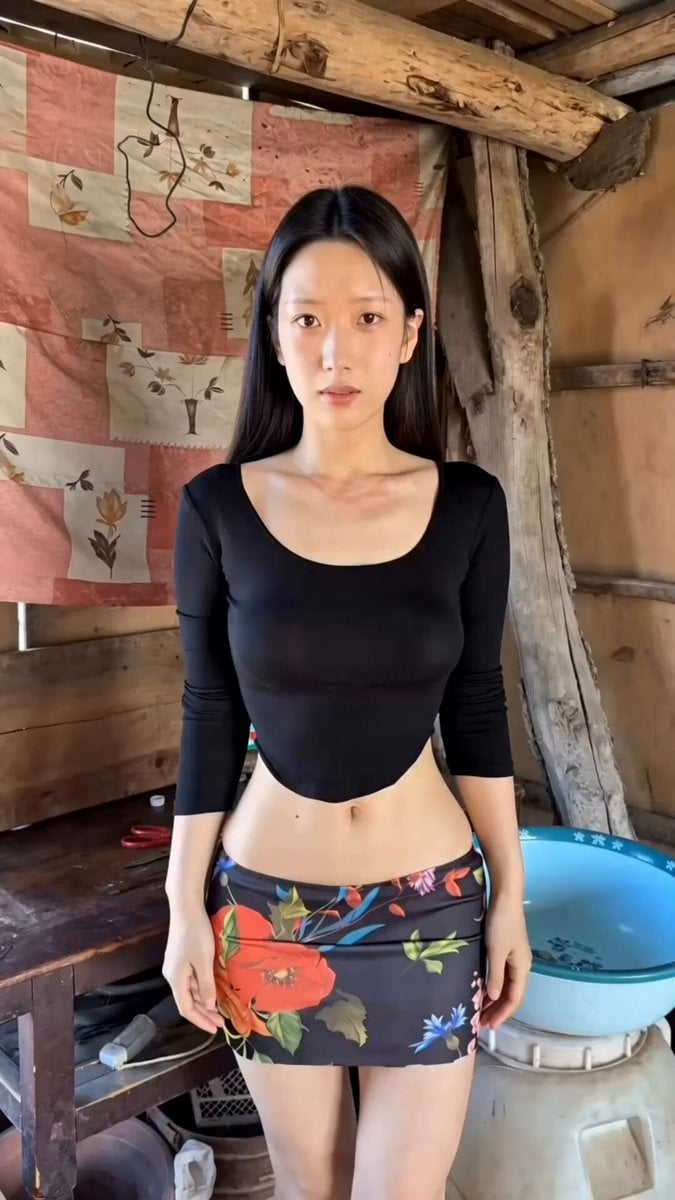
Handheld iPhone Style Melancholic Story
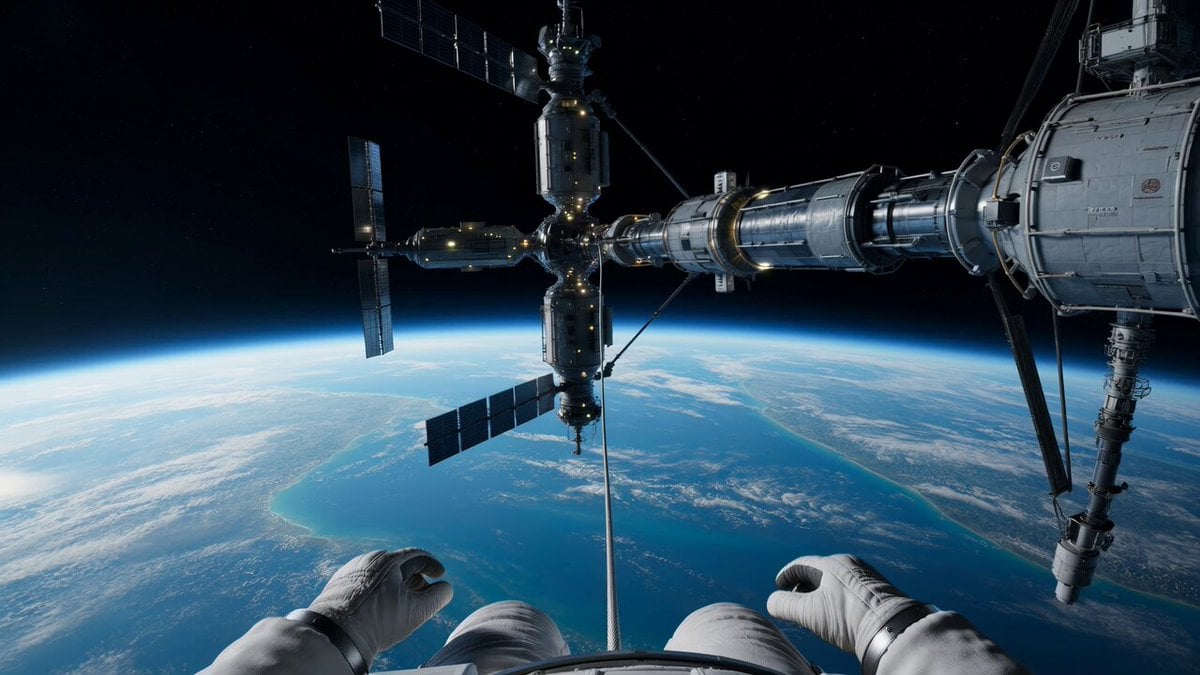
Spacewalk Explosion and Spinning Drift Video Prompt
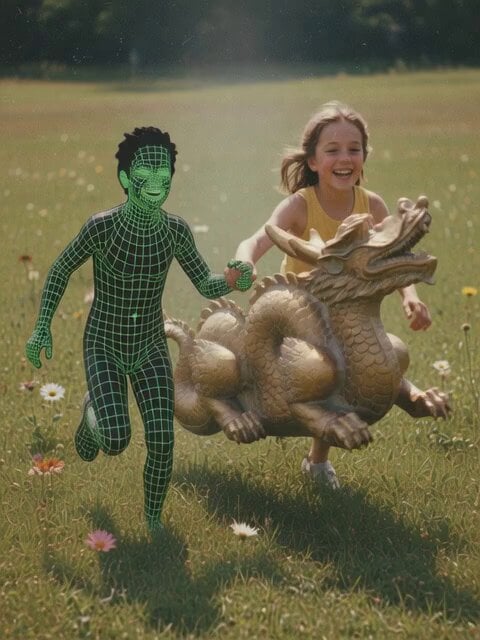
Dream-like video of subjects running through grass

Transform subject into stylized 3D animated character

Transform subjects into cute anime chibi characters
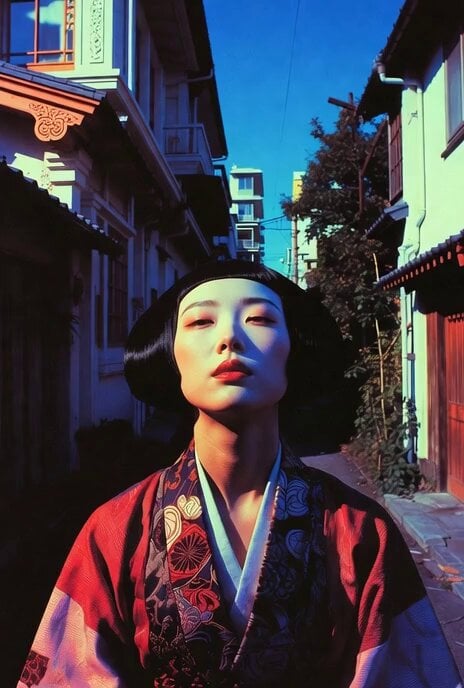
Dynamic Drone Camera Movement on Subject
Make it yours
Melancholic Subject on Spinning Playground Wheel works as-is. These are the safest ways to change it without losing the look.
Change one field
Copy a single group, rewrite it, and generate again so you can see what that field is doing.
Keep the frame, change the subject
Hold the composition and light of Melancholic Subject on Spinning Playground Wheel, then swap wardrobe, props or the person for a new take.
| If the result… | Why | Fix |
|---|---|---|
| The result drifts from the preview | Too many fields changed at once. | Reuse Melancholic Subject on Spinning Playground Wheel as-is first, then change one group — subject, light, or setting. |
| The model over-stylizes the scene | The prose prompt leaves finish and camera underspecified. | Add one camera or lighting sentence and stay on Seedance 2.0. |
More Seedance 2.0 templates
Other prompts made for Seedance 2.0.

Comical Martial Arts Punch Scene

Maglev Train Action Sequence

Wuxia Protection and Trust Script

Mercedes 190 SL Luxury Ad

Rainy Night Supernatural Reverse Comedy Video Script

Amazon Civilization Discovery

Futuristic South Asian City Transformation

Cozy Luxury Cafe Commercial

Cyber Ronin Nanotech Transformation Video
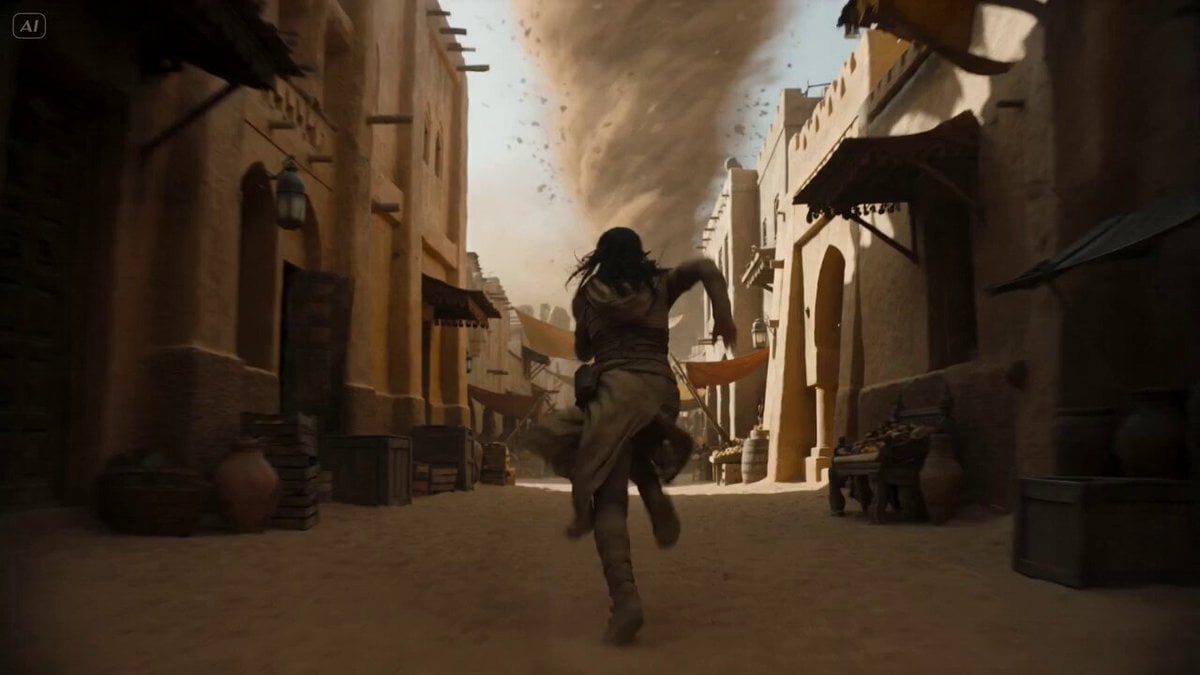
Desert Courier and Sandstorm Leviathan Chase
More video prompts
Fresh picks from across the catalog.

Anime Girl Talking About Pudding
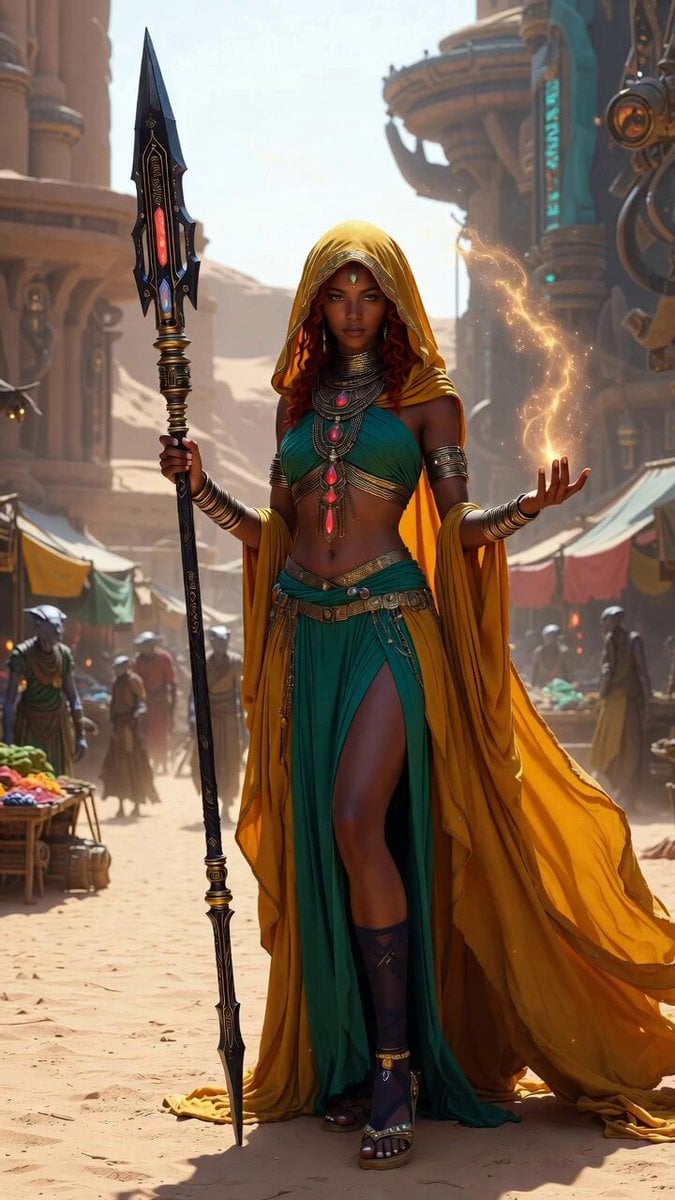
Desert Mystic Queen Portrait
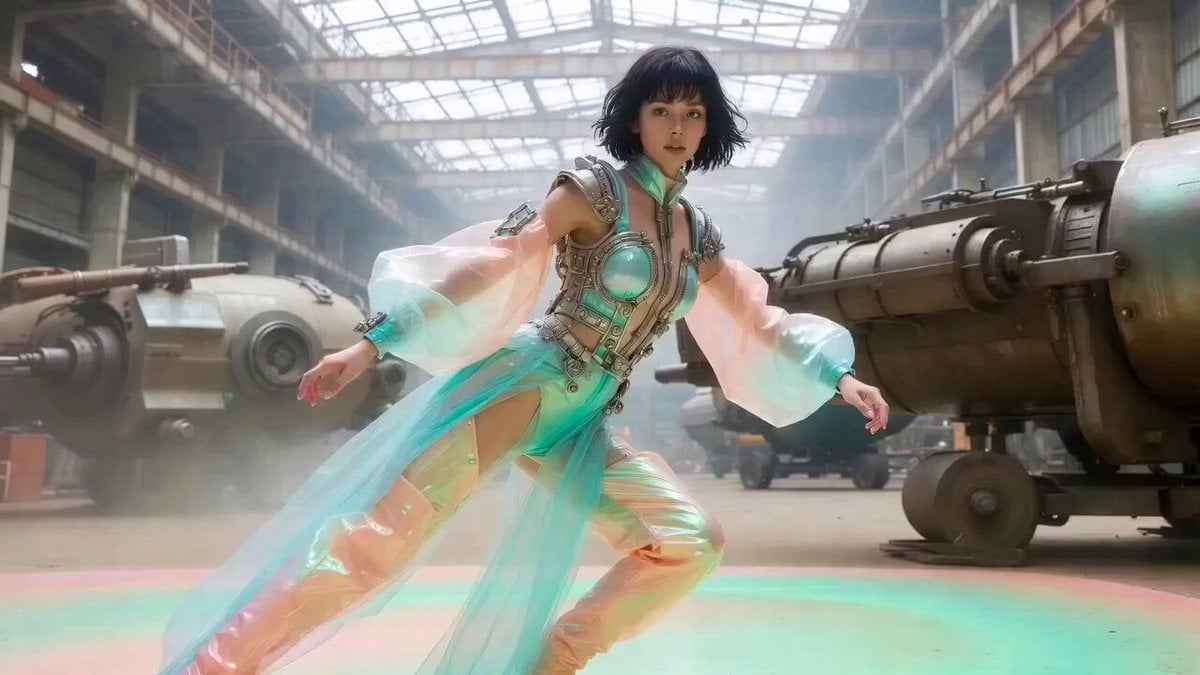
Dynamic Martial Arts Fight Sequence
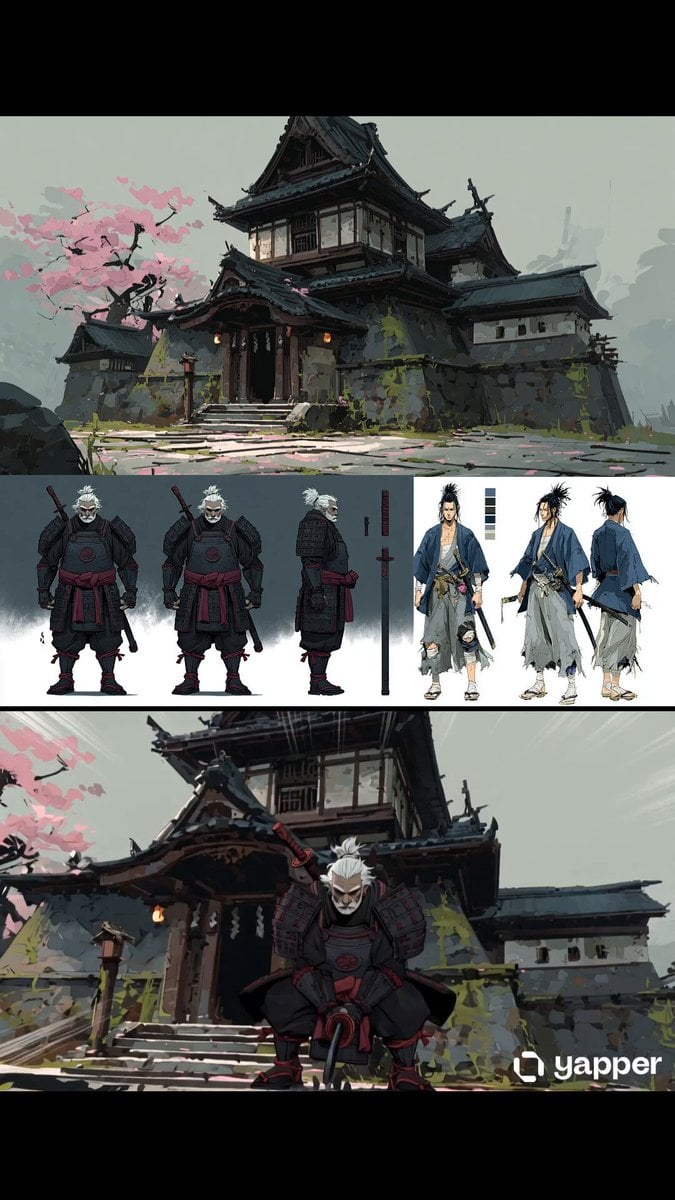
Samurai Odachi Overhead Strike
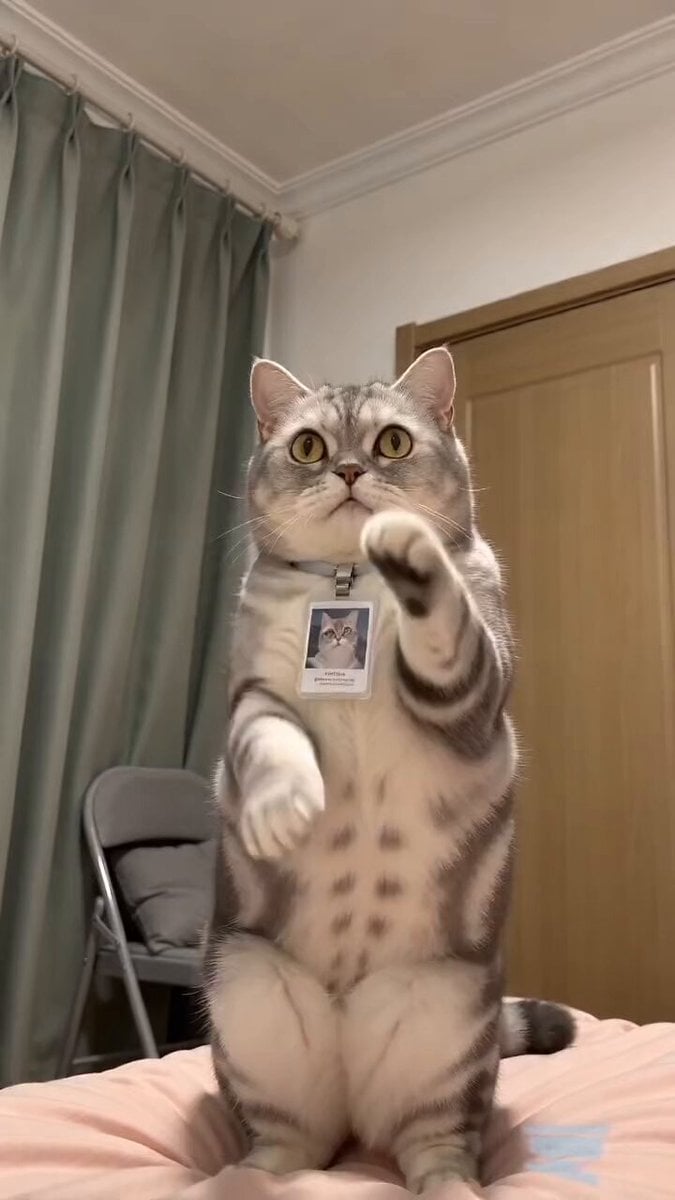
Funny Pet Dancing Expression Video
Black-and-White Alley Scene Prompt

Starborn Warrior Anime Awakening Scene
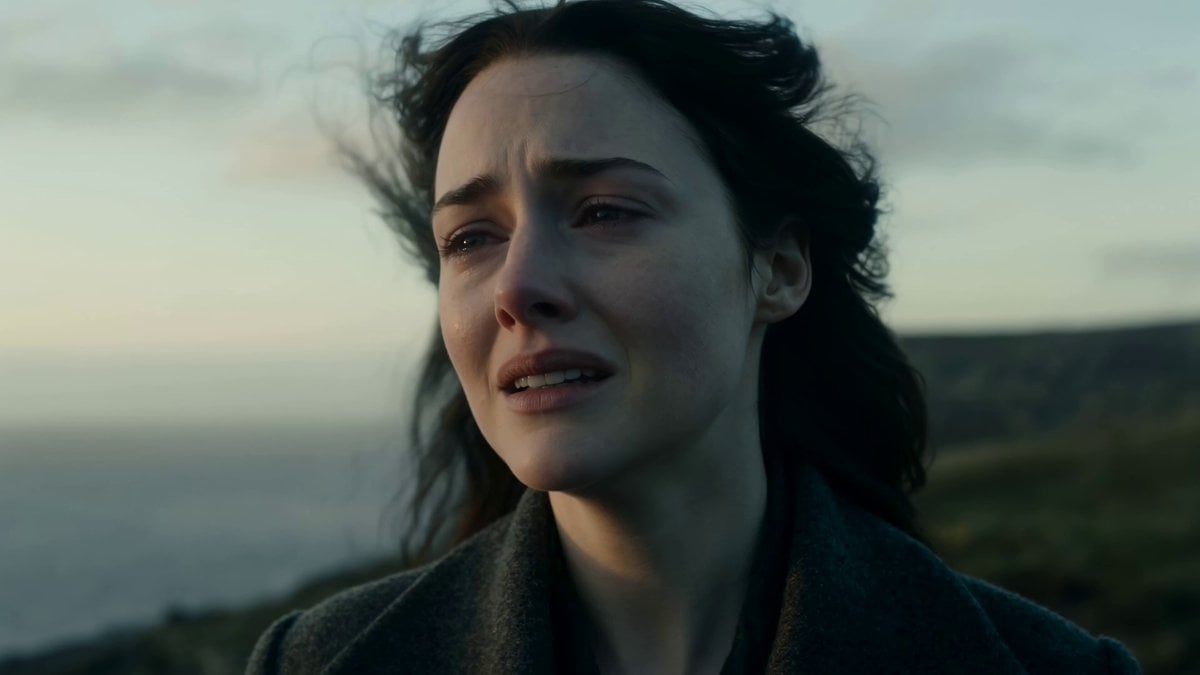
Cinematic Cliffside Ocean Reveal
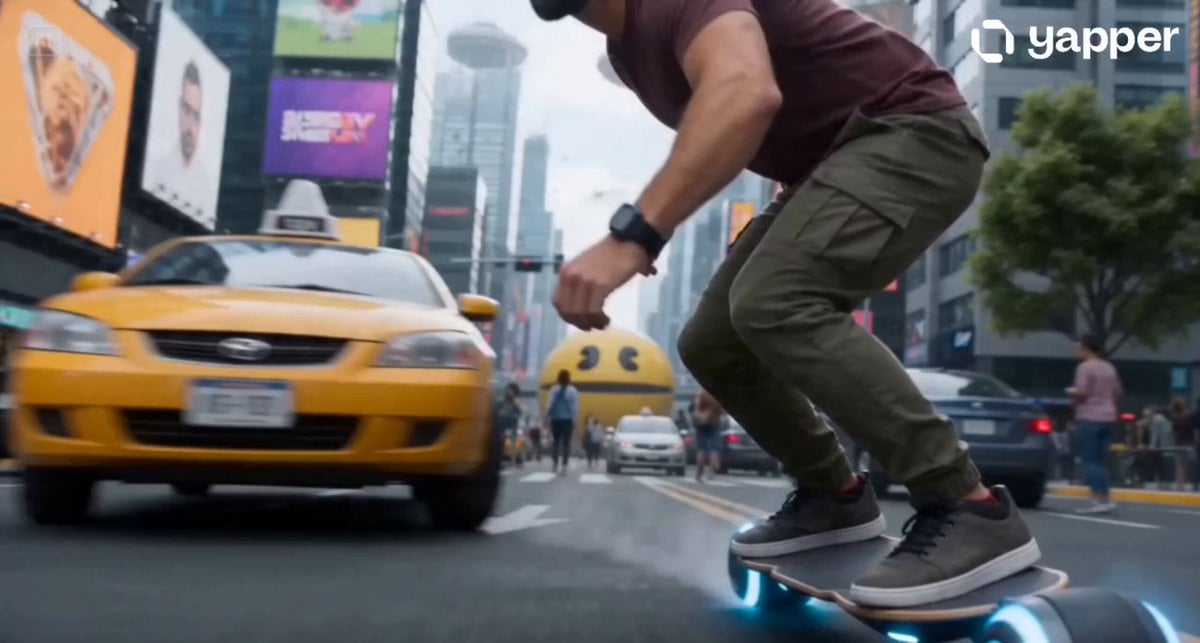
Cyberpunk Neo-Tokyo Survival Chase with Pac-Man
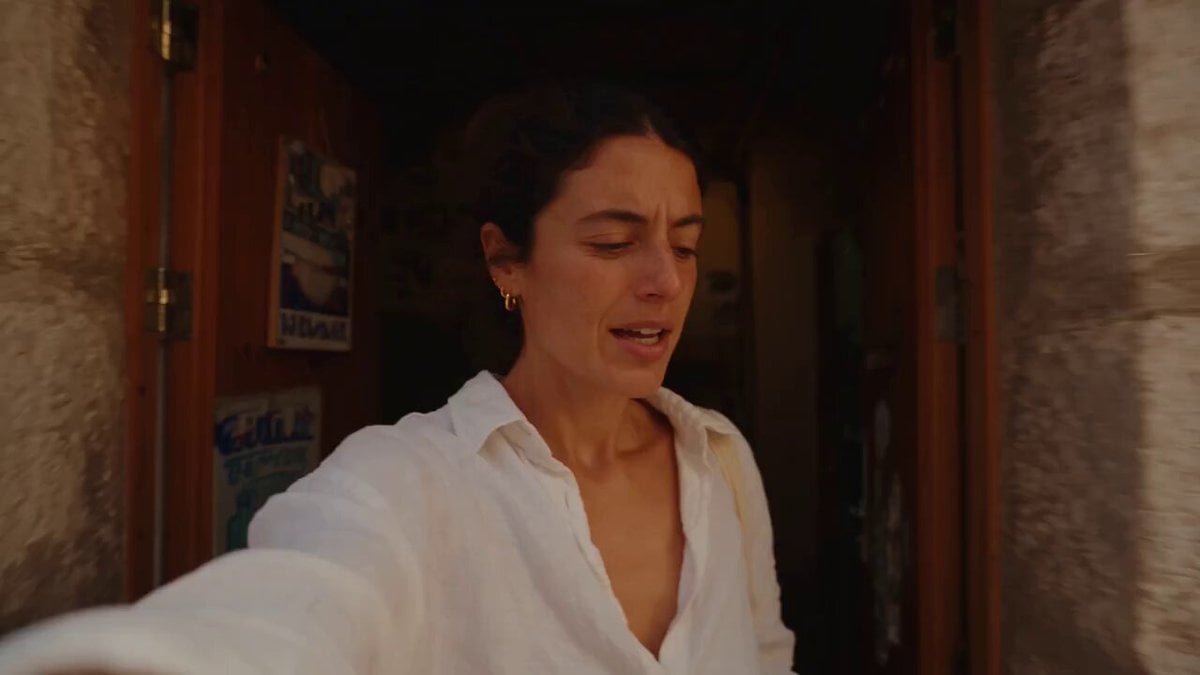
Mediterranean Morning Coffee Run Vlog (Seedance 2.5)
Browse template categories
Melancholic Subject on Spinning Playground Wheel questions
How do I use the Melancholic Subject on Spinning Playground Wheel template?
Add your photo if the template asks for one, edit the prompt if you like — the template's model and format are already selected — and press Generate. Your version opens in PicX Studio.
Can I customize the Melancholic Subject on Spinning Playground Wheel template?
Yes. You can change the subject, setting, lighting, mood, format, and available model controls before creating your video.
Is the Melancholic Subject on Spinning Playground Wheel template free?
Opening and editing this template is free. Generating uses credits, shown on the Generate button when you are signed in.
Which AI model should I use?
Start with Seedance 2.0, which is the model associated with this template. You can compare another compatible model for a different finish.
Looking for something else? Browse all templates.

Your photo, any look
Thousands of ready templates for every top image and video model, from one credit balance.