
Melancholic Circus Performer Emotional Video
A complex cinematic prompt utilizing Valence-Arousal and FACS (Facial Action Coding System) for a melancholic circus tightrope performance.
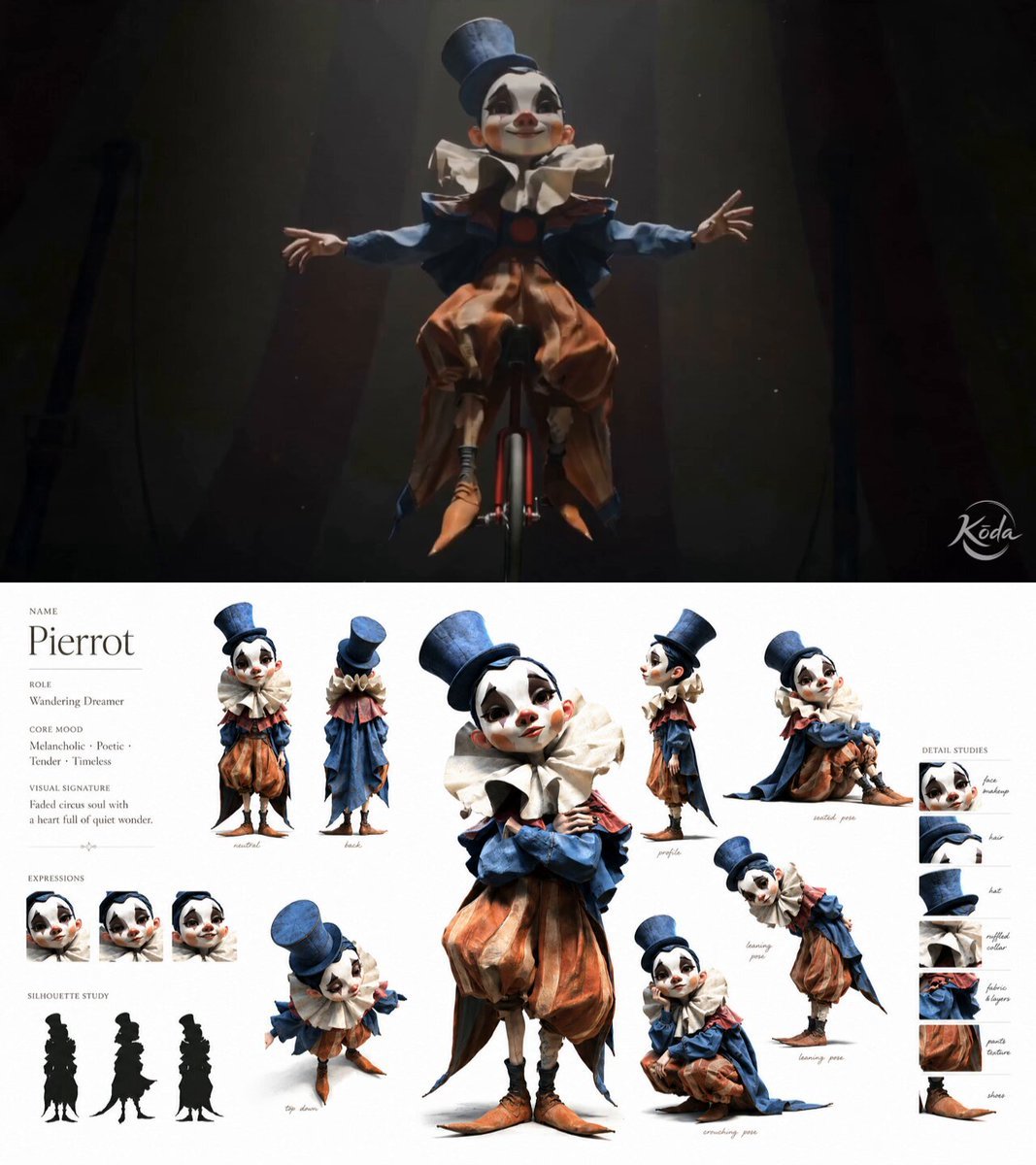
- Prompt included
- Model and format preset
- Free template
The prompt behind this video
Copy the exact prompt behind Melancholic Circus Performer Emotional Video, or open it in the studio and make it yours.
15s, circus performance. A lonely circus performer @[character ref] rides a unicycle across a tightrope high above a dark empty circus arena. The performance feels emotionally forced, fragile and melancholic. Dim warm spotlight, floating dust particles, subtle fog, soft film grain, dramatic darkness surrounding the performer. Modern cinematic realism with subtle theatrical atmosphere, shallow depth of field, emotional close-ups mixed with dangerous wide shots. Beat 1: The emotional state remains at medium-low valence and high arousal. Camera: wide low-angle shot from beneath the tightrope slow orbiting side shot tight close-up on trembling eyes and unstable smile FACS: AU1 + AU4 + AU25 Lyrics: /aɪ smɑɪld soʊ ðeɪ wʊd kiːp ðə ˈlaɪts ɑːn/ Voice: soft unstable singing voice, restrained emotion The performer balances carefully while forcing a weak stage smile. Beat 2: The emotional state gradually shifts toward very low valence and medium-low arousal. Camera: slow push-in from the front of the tightrope overhead shot showing isolation and height extreme close-up on mouth and eyes as composure collapses FACS: AU6 + AU12 briefly appearing like a forced performance smile → AU4 + AU7 + AU15 + AU17 Lyrics: /bʌt ˈɛv.ri naɪt aɪ fiːl maɪˈsɛlf gɔn/ Voice: uneven breathing, subtle vocal cracks, emotionally collapsing delivery The forced smile disappears as the performer struggles to maintain balance and composure. No exaggerated acting, no comedy, no text overlay, no watermark.
How to use Melancholic Circus Performer Emotional Video in 3 steps
- 1Upload ImagePNG, JPG or paste
Add your photo
Upload the photo the template builds on. The prompt, model and format are already set.
- 2…a portrait of your subject in softgolden-hour light, 85mm…
Personalize
Edit the subject and creative details for your destination.
- 3Generate
Generate
Press Generate — your video is created in PicX Studio, so you can compare it with the original and refine one variable at a time.
More like this
Templates with the same subject, style or setup. Open one to see its prompt.
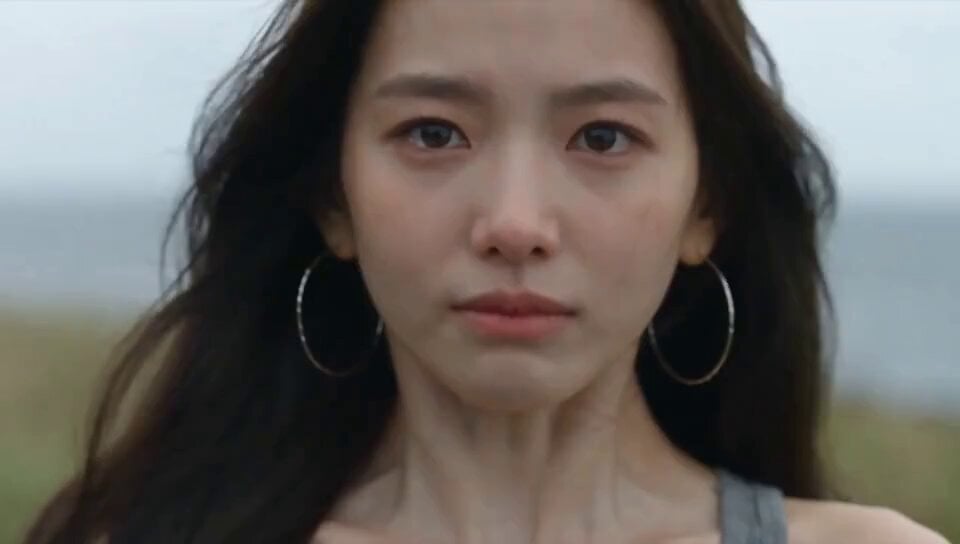
Emotional Breakdown and Fabric Interaction - Seedance 2.5
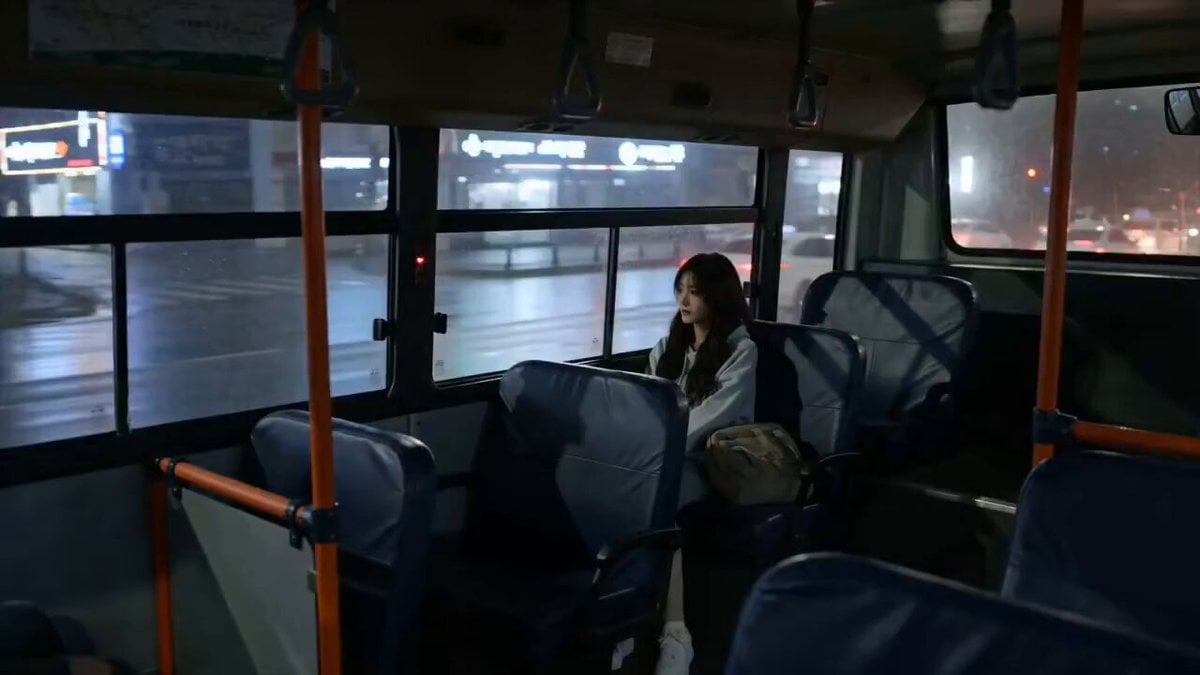
Melancholic Rain Window Close-up
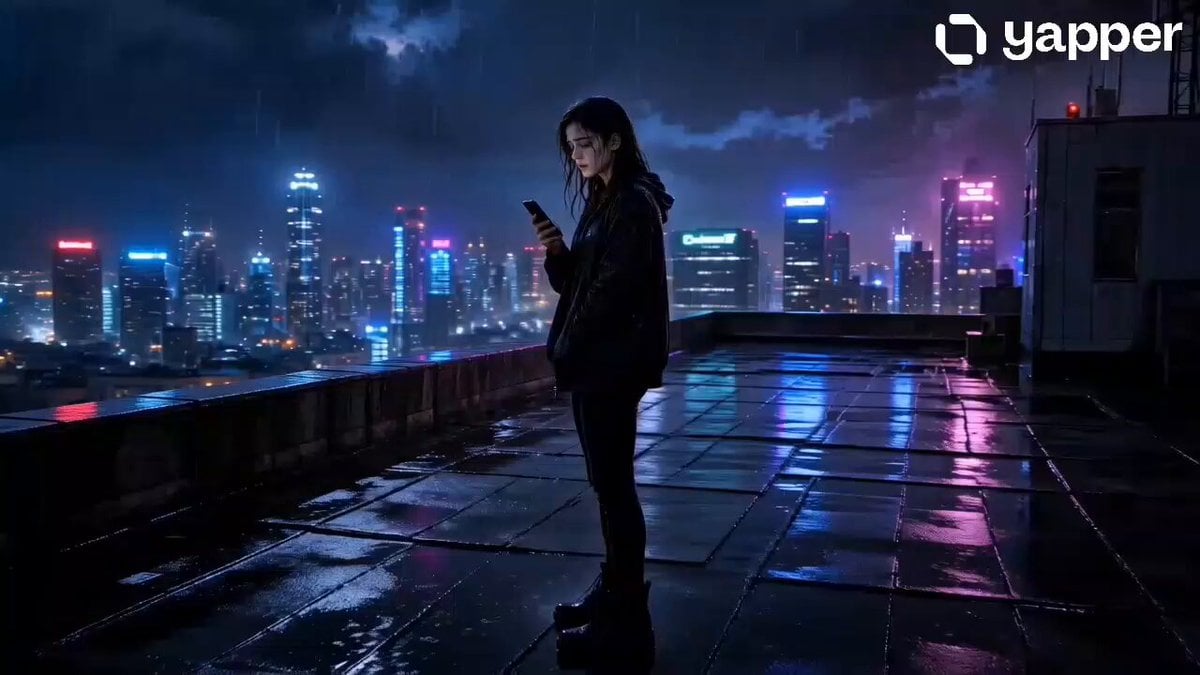
Melancholic Rainy Rooftop Character Study
Handheld iPhone Style Melancholic Story
Melancholic Subject on Spinning Playground Wheel

Seedance 2.0 Prompt: Melancholic Chibi Penguin in Snow
Melancholic Mountain Woman Video Prompt
Emotional Parisian Apartment Drama
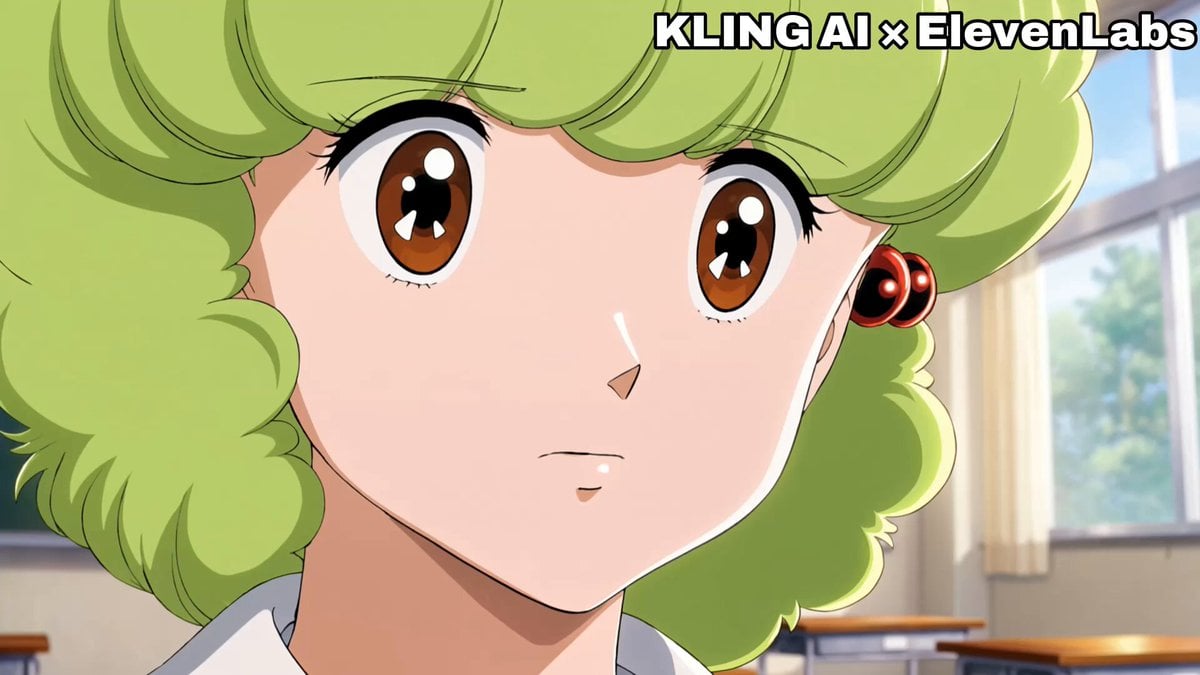
Emotional Anime Monologue Video
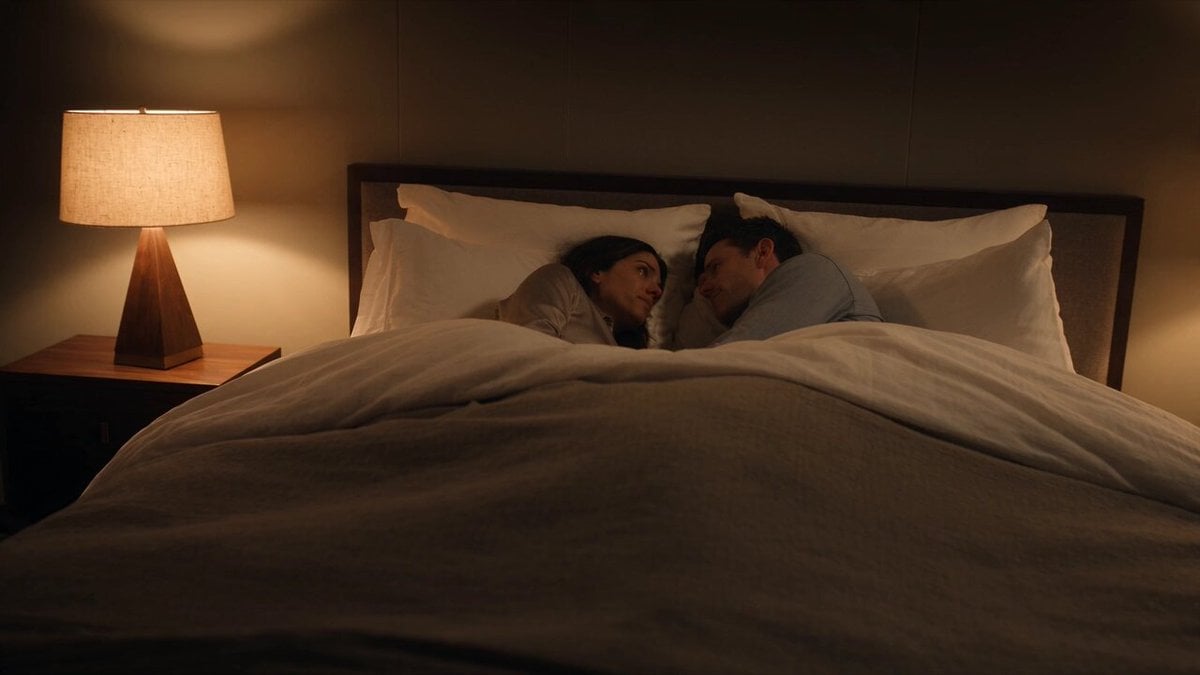
Emotional Bedroom Dialogue Scene
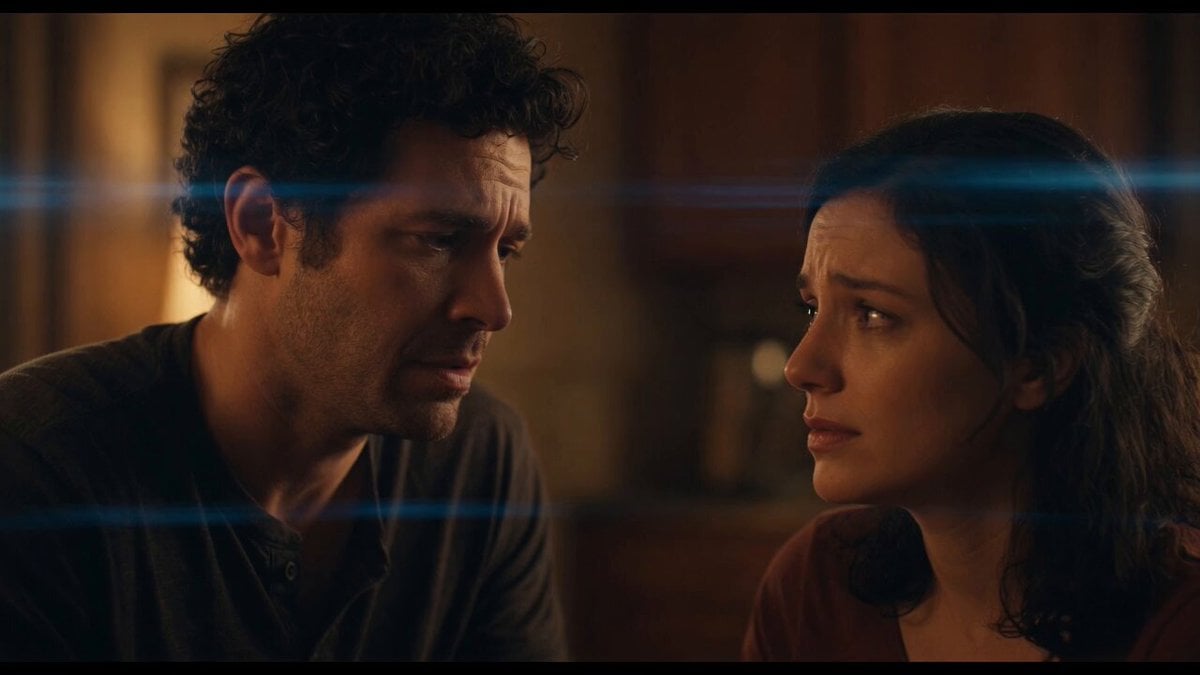
Emotional Angry Couple Drama

World Cup Final Emotional Drama
Make it yours
Melancholic Circus Performer Emotional Video works as-is. These are the safest ways to change it without losing the look.
Change one field
Copy a single group, rewrite it, and generate again so you can see what that field is doing.
Keep the frame, change the subject
Hold the composition and light of Melancholic Circus Performer Emotional Video, then swap wardrobe, props or the person for a new take.
| If the result… | Why | Fix |
|---|---|---|
| The result drifts from the preview | Too many fields changed at once. | Reuse Melancholic Circus Performer Emotional Video as-is first, then change one group — subject, light, or setting. |
| The model over-stylizes the scene | The prose prompt leaves finish and camera underspecified. | Add one camera or lighting sentence and stay on Seedance 2.0. |
More Seedance 2.0 templates
Other prompts made for Seedance 2.0.

Comical Martial Arts Punch Scene

Maglev Train Action Sequence

Martial Arts Fight Sequence

Wuxia Protection and Trust Script

Vintage Korean Arcade MiniDV Vlog

Mercedes 190 SL Luxury Ad

Rainy Night Supernatural Reverse Comedy Video Script

Amazon Civilization Discovery

Futuristic South Asian City Transformation

Cozy Luxury Cafe Commercial
More video prompts
Fresh picks from across the catalog.
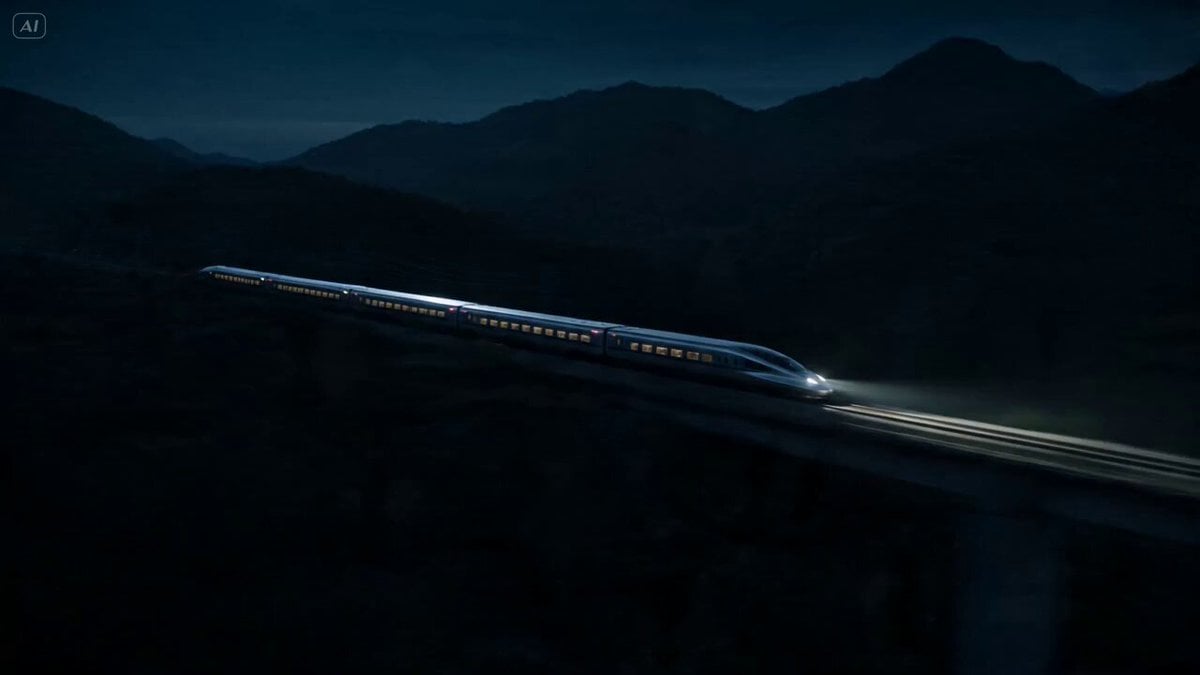
Bullet Train Parkour Action

Cinematic Phoenix Summon Sequence
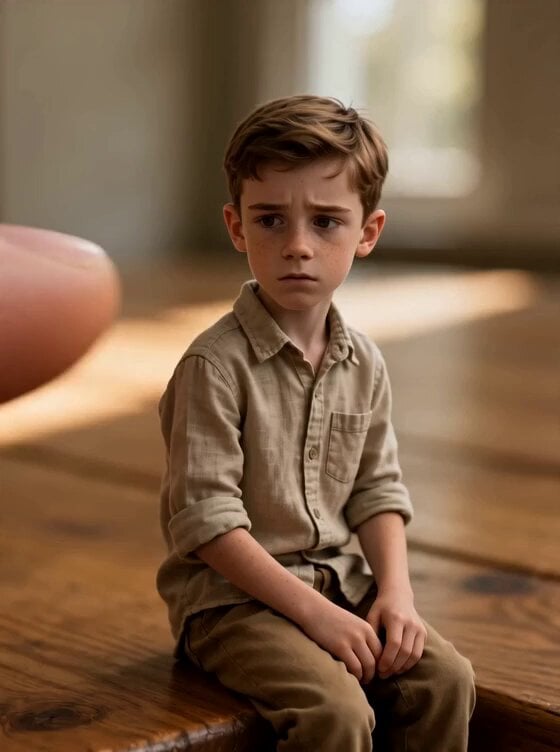
Tiny Human Ice Cream Interaction
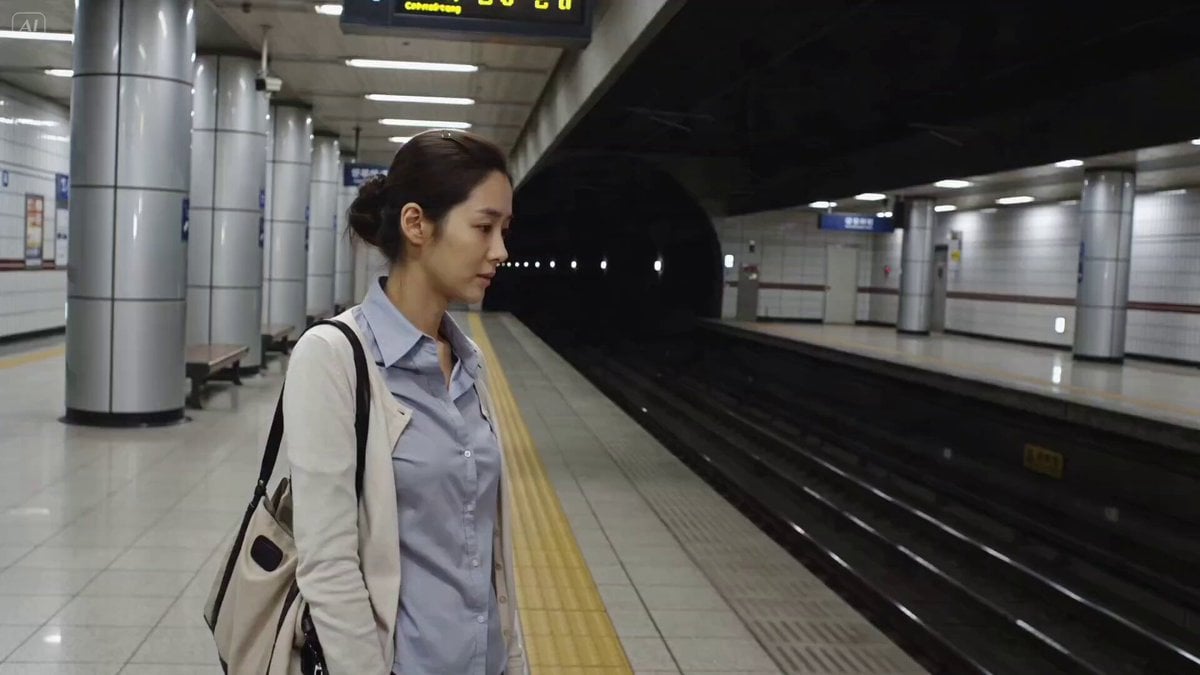
Urban Documentary Subway Commute

Cinematic Desert Combat Sequence
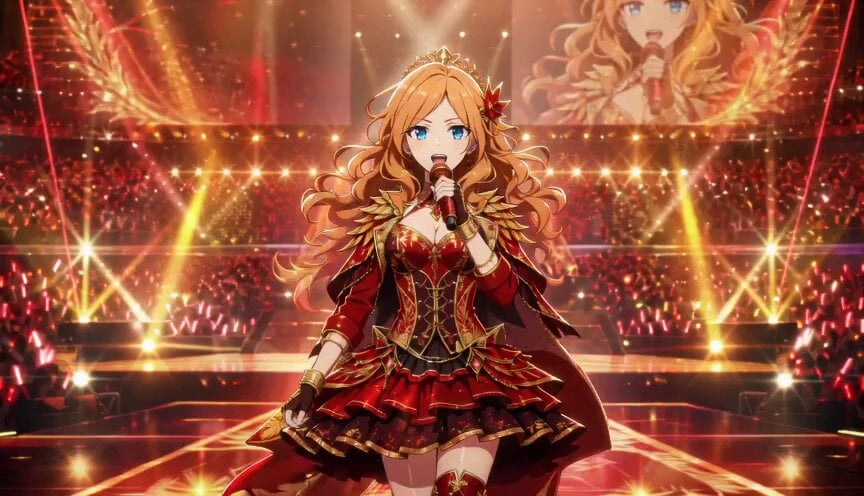
Anime Idol Frozen Time Performance
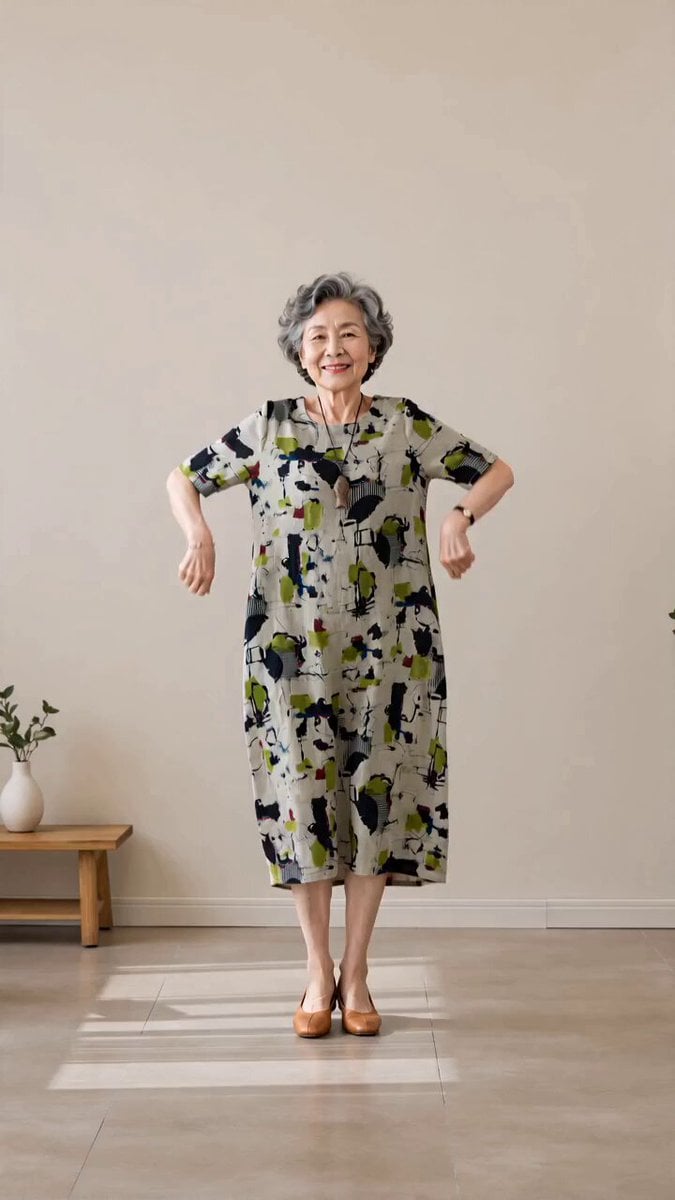
Senior Trot Dance Storyboard Video
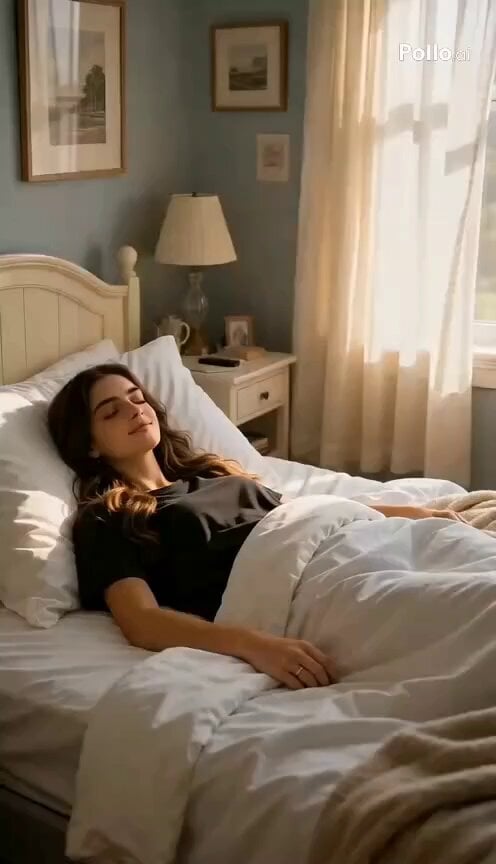
1980s Retro Lifestyle Montage
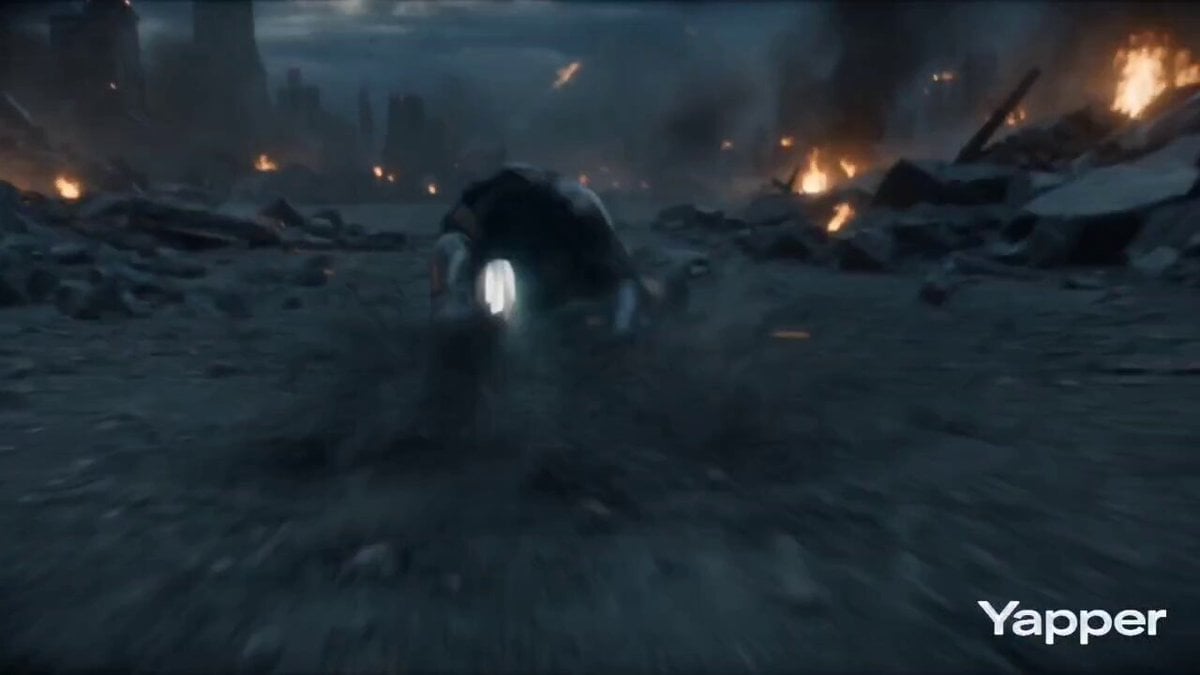
Character transformation with bruised face and armor reference
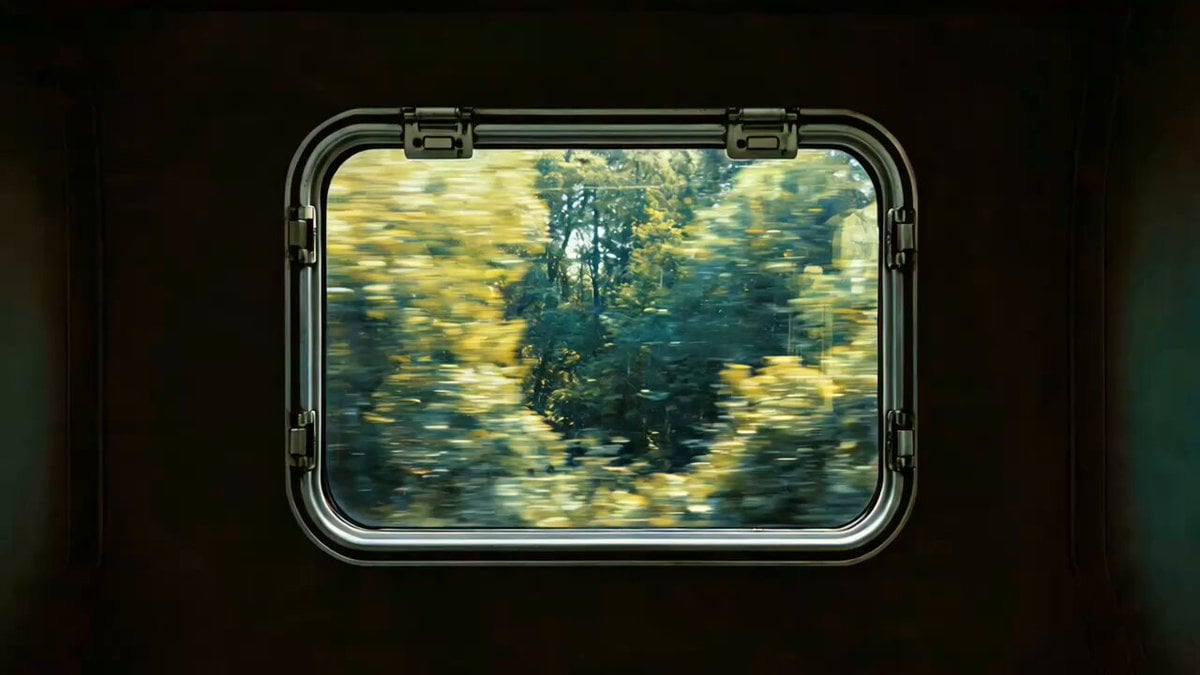
Cinematic Brand Storytelling Script with Dynamic Transitions
Browse template categories
Melancholic Circus Performer Emotional Video questions
How do I use the Melancholic Circus Performer Emotional Video template?
Add your photo if the template asks for one, edit the prompt if you like — the template's model and format are already selected — and press Generate. Your version opens in PicX Studio.
Can I customize the Melancholic Circus Performer Emotional Video template?
Yes. You can change the subject, setting, lighting, mood, format, and available model controls before creating your video.
Is the Melancholic Circus Performer Emotional Video template free?
Opening and editing this template is free. Generating uses credits, shown on the Generate button when you are signed in.
Which AI model should I use?
Start with Seedance 2.0, which is the model associated with this template. You can compare another compatible model for a different finish.
Looking for something else? Browse all templates.

Your photo, any look
Thousands of ready templates for every top image and video model, from one credit balance.