
1980s Retro Lifestyle Montage
Generates a dreamy, nostalgic 1980s-inspired video montage of a young woman's daily life with a vintage film look and soft lighting.
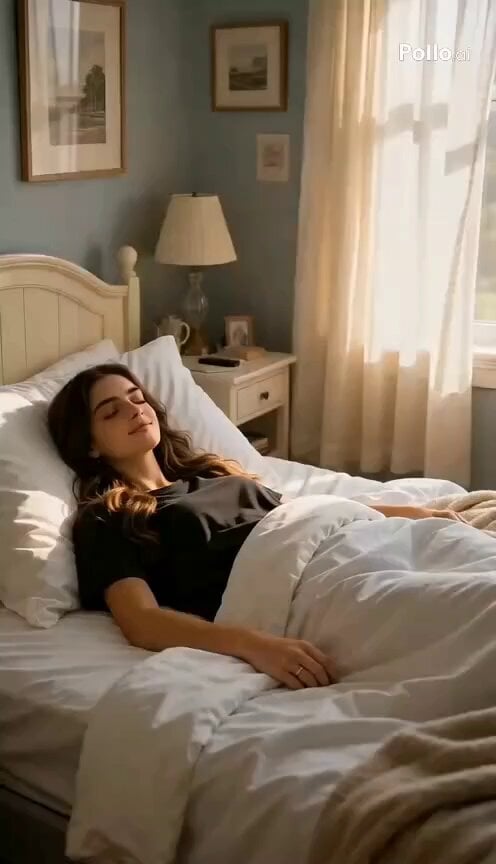
- Prompt included
- Model and format preset
- Premium template
The prompt behind this video
Copy the exact prompt behind 1980s Retro Lifestyle Montage, or open it in the studio and make it yours.
Produce a 15-second cinematic video capturing a nostalgic 1980s-inspired day in the life of a young woman. Embrace a dreamy retro atmosphere using soft film grain, warm golden sunlight, pastel tones, and hints of subtle neon lighting. Style her in authentic 80s fashion—oversized denim jackets, high-waisted jeans, loose shirts, vintage sneakers, scrunchies, and bold accessories. Begin with a serene morning moment: she wakes in a softly sunlit bedroom, sheer curtains gently swaying in the breeze. Cut to her standing at a mirror, casually getting ready—applying light makeup, adjusting her outfit with natural, unposed expressions. Transition to a vibrant street scene lined with vintage cars and retro storefronts, where she walks with calm confidence. Shift to an intimate moment of her listening to music on a cassette player, headphones on, eyes closed, fully absorbed in the sound. Move into a cozy diner setting where she sits quietly with a drink, lost in thought. Follow with a carefree bike ride, wind flowing through her hair, bathed in golden sunlight. As evening sets in, show her laughing with friends under a warm sunset, capturing genuine, candid joy. End with a peaceful night scene—she sits by a window, city lights glowing softly with a gentle neon ambiance, reflecting a calm and introspective mood. Use fluid camera movements, occasional slow motion for emotional highlights, and a mix of wide shots, close-ups, and POV angles. Focus on authenticity, soft lighting, and a cohesive nostalgic tone throughout. Avoid any text, logos, or branding.
How to use 1980s Retro Lifestyle Montage in 3 steps
- 1
Open
The prompt is already in the box next to the preview, with the template's model and format selected.
- 2…a portrait of your subject in softgolden-hour light, 85mm…
Personalize
Edit the subject and creative details for your destination.
- 3Generate
Generate
Press Generate — your video is created in PicX Studio, so you can compare it with the original and refine one variable at a time.
More like this
Templates with the same subject, style or setup. Open one to see its prompt.
1980s Retro Sci-Fi Comedy Scene

Realistic Morning Routine Lifestyle Vlog - Seedance 2.5

Mediterranean Morning Coffee Run Vlog (Seedance 2.5)
Fighter Jet Aerial Combat Montage — Seedance 2.5

Forgotten 1980s High School Documentary Seedance
Rushed Morning Routine Montage
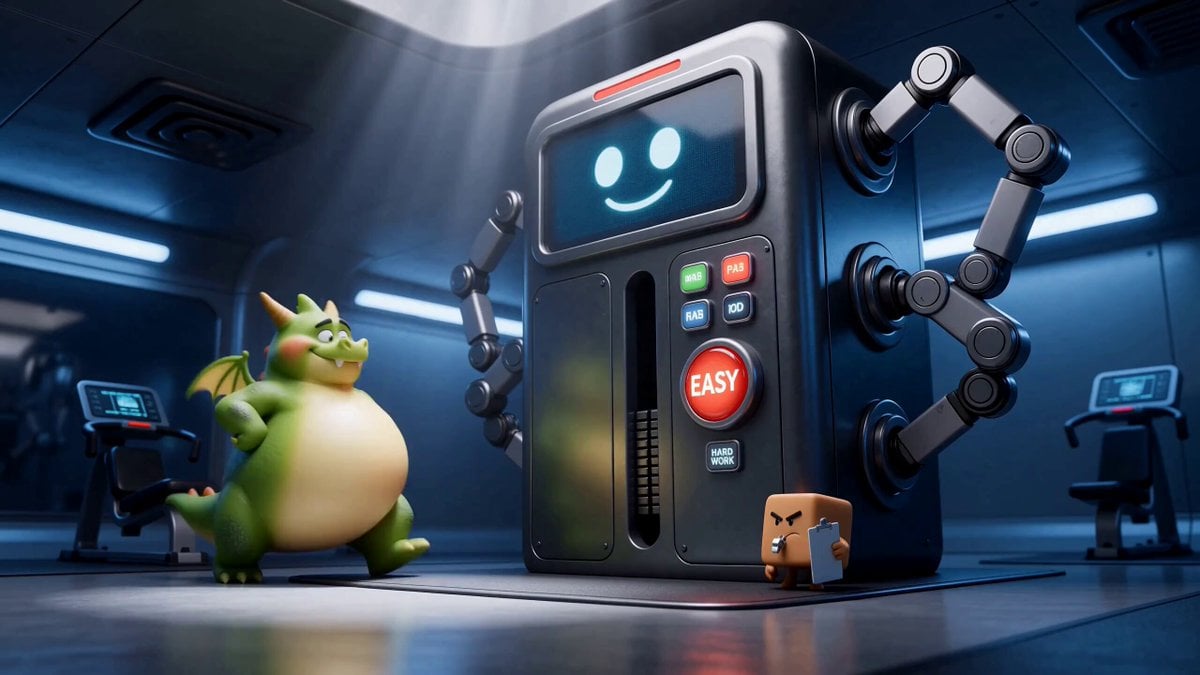
Green Dragon Training Short

Kenting Lifestyle Travel Vlog

DV Camcorder POV Gym Montage — Seedance 2.5
DV Camcorder POV Gym Montage — Seedance 2.5
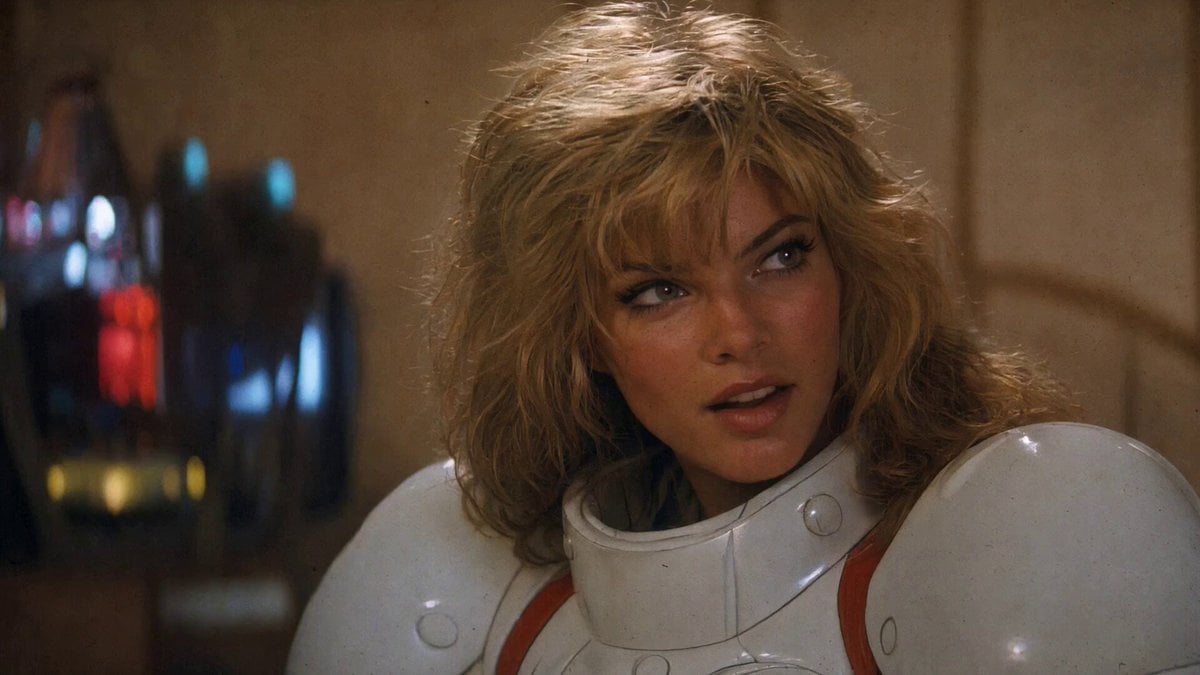
1980s Retro Action Movie Clip

Studio Ghibli Dumpling Kitchen Cooking Scene
Make it yours
1980s Retro Lifestyle Montage works as-is. These are the safest ways to change it without losing the look.
Change one field
Copy a single group, rewrite it, and generate again so you can see what that field is doing.
Keep the frame, change the subject
Hold the composition and light of 1980s Retro Lifestyle Montage, then swap wardrobe, props or the person for a new take.
| If the result… | Why | Fix |
|---|---|---|
| The result drifts from the preview | Too many fields changed at once. | Reuse 1980s Retro Lifestyle Montage as-is first, then change one group — subject, light, or setting. |
| The model over-stylizes the scene | The prose prompt leaves finish and camera underspecified. | Add one camera or lighting sentence and stay on Seedance 2.0. |
More Seedance 2.0 templates
Other prompts made for Seedance 2.0.

Comical Martial Arts Punch Scene

Maglev Train Action Sequence

Martial Arts Fight Sequence

Wuxia Protection and Trust Script

Vintage Korean Arcade MiniDV Vlog

Mercedes 190 SL Luxury Ad

Rainy Night Supernatural Reverse Comedy Video Script

Amazon Civilization Discovery

Futuristic South Asian City Transformation

Cozy Luxury Cafe Commercial
More video prompts
Fresh picks from across the catalog.
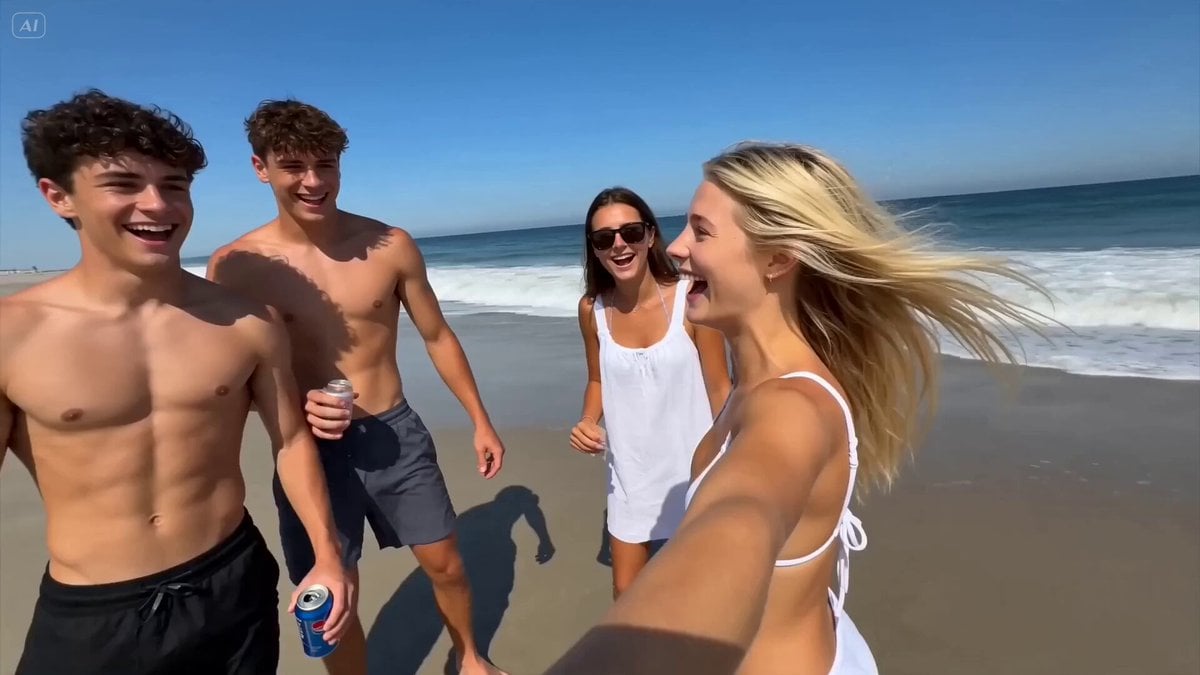
Smartphone Home Video Beach Day
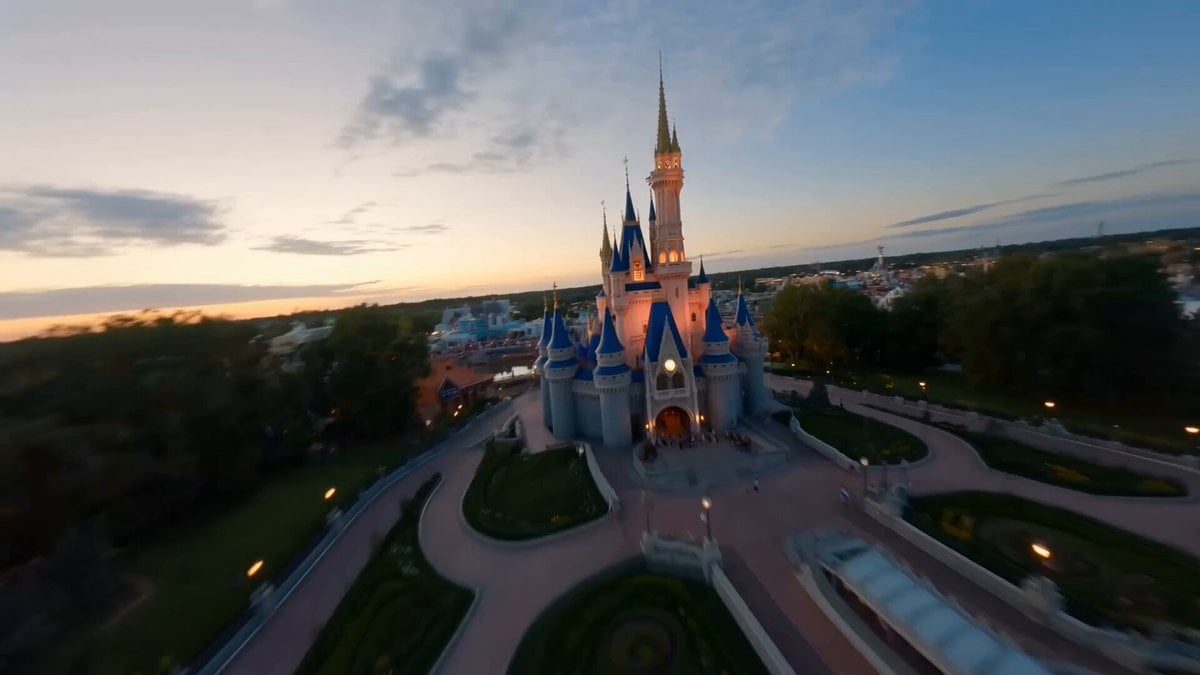
Disneyland FPV Cinematic Flight
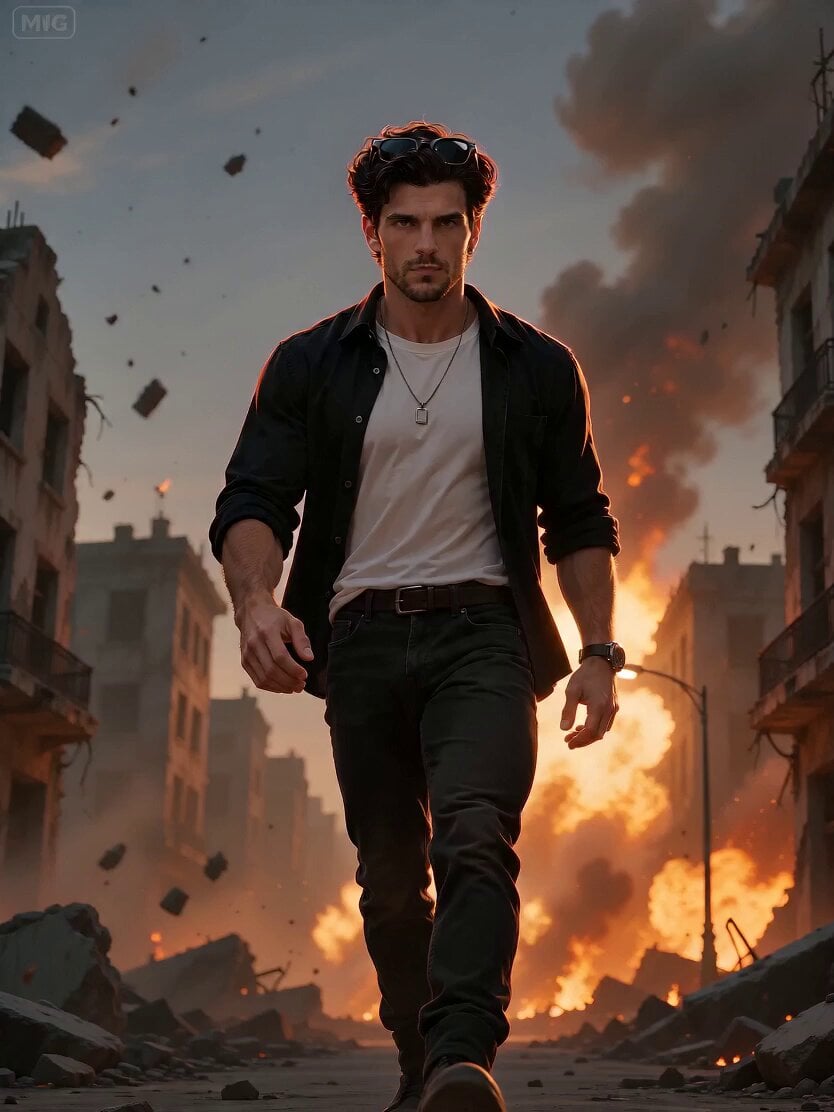
Cinematic Action Hero Combat Sequence
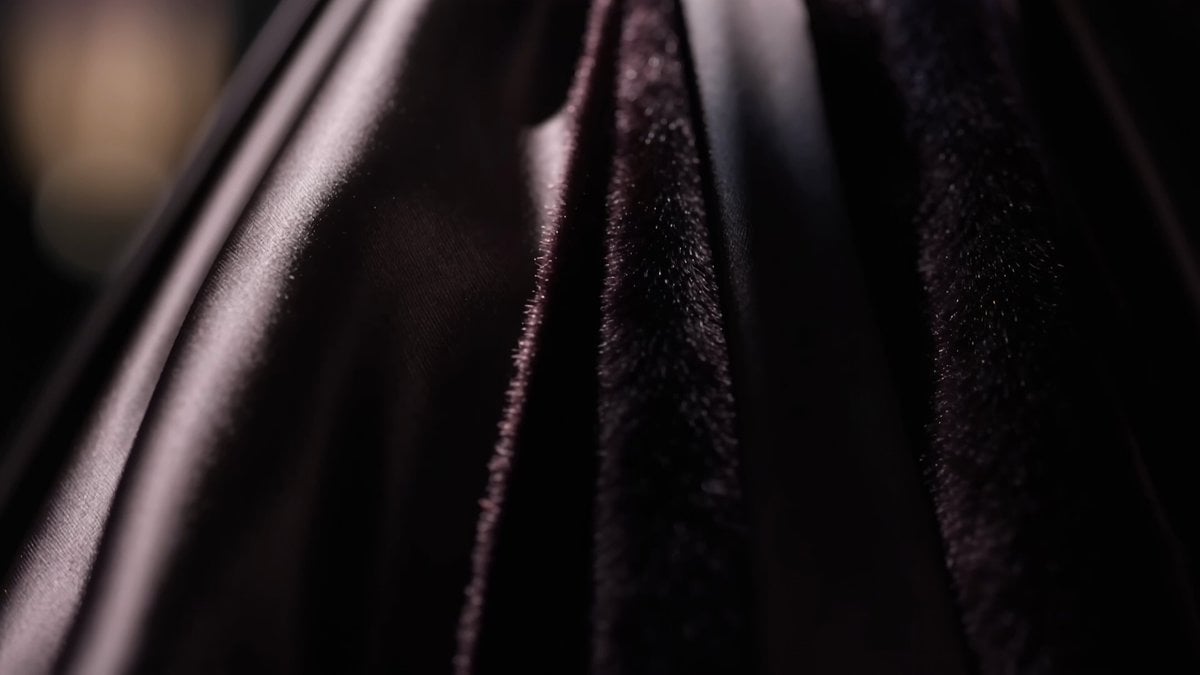
Paris Luxury Fashion Runway
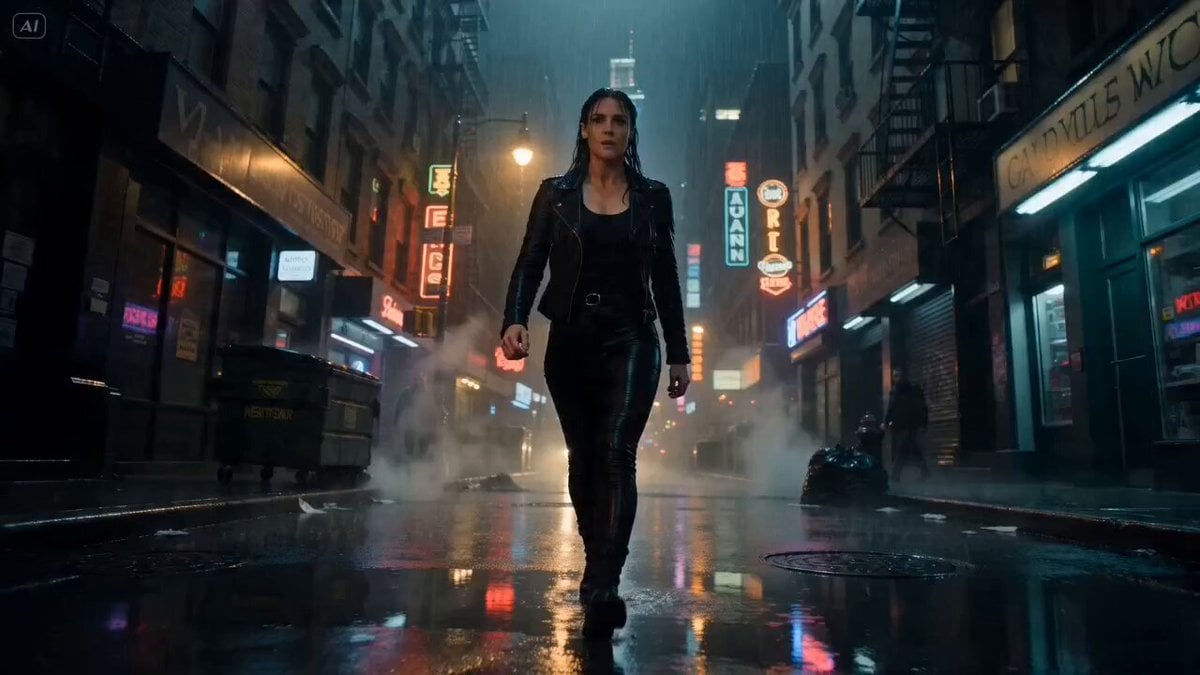
Rain-Soaked NYC Street Fight Cinematic Video Prompt
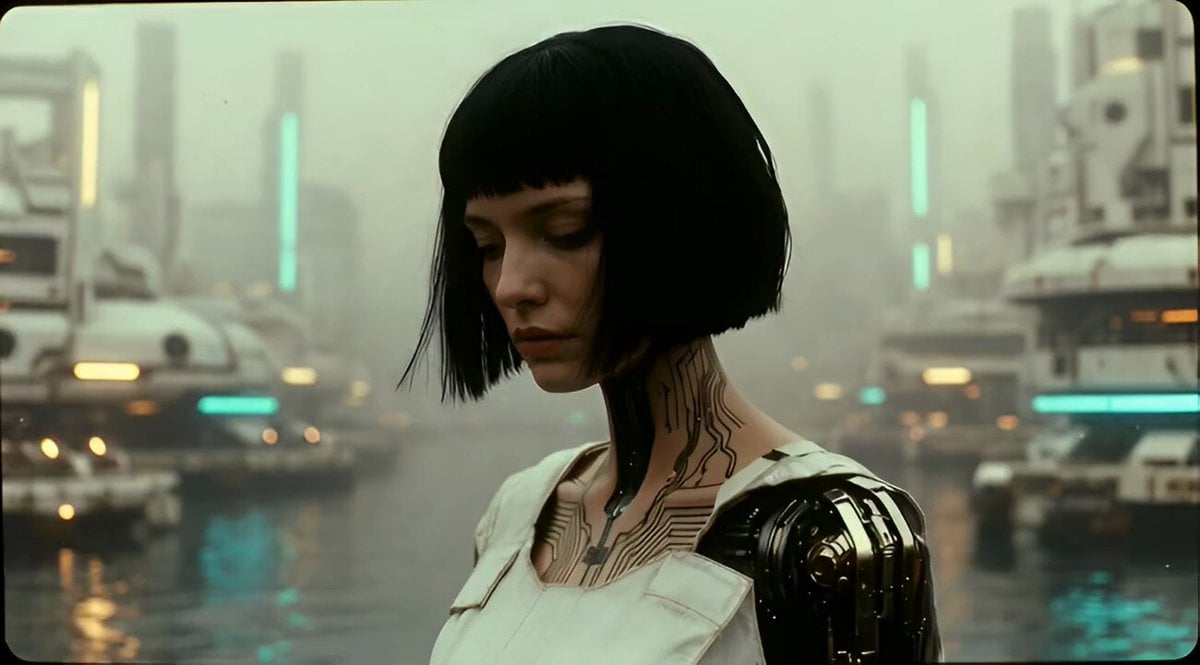
Character Speaking Famous Quote

Vast Interstellar Action Nebula Video Prompt
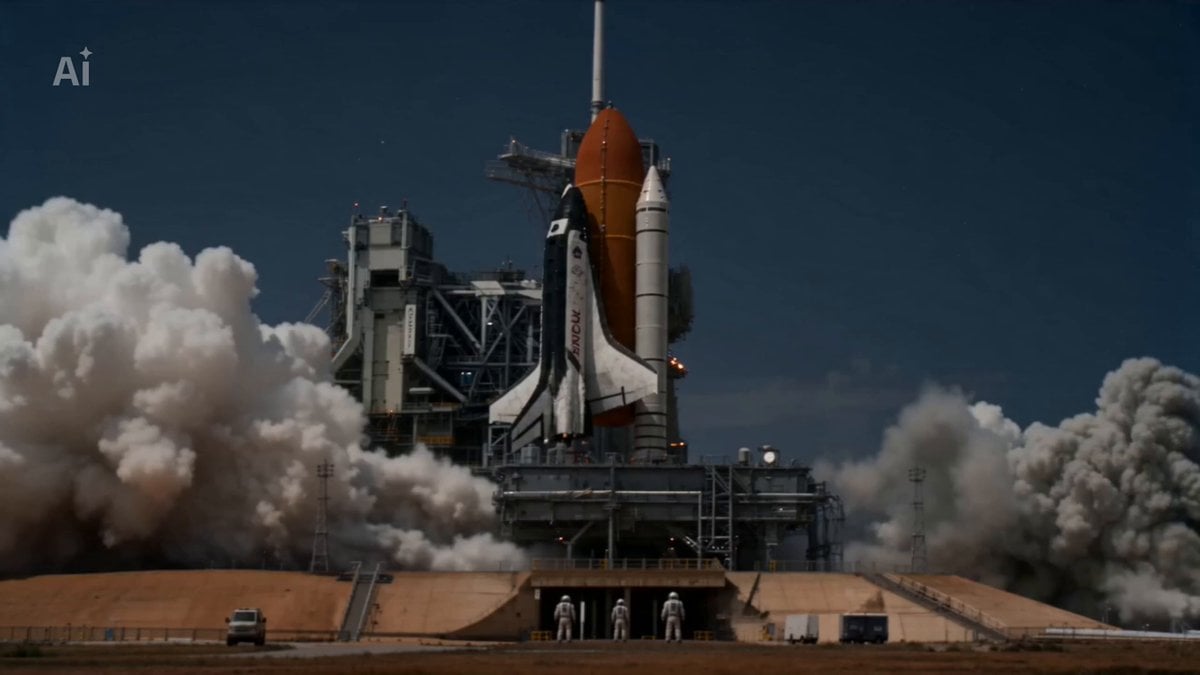
Crimson Horizon Sci-Fi Cinematic Sequence

Cinematic 4K Military CGI Scene
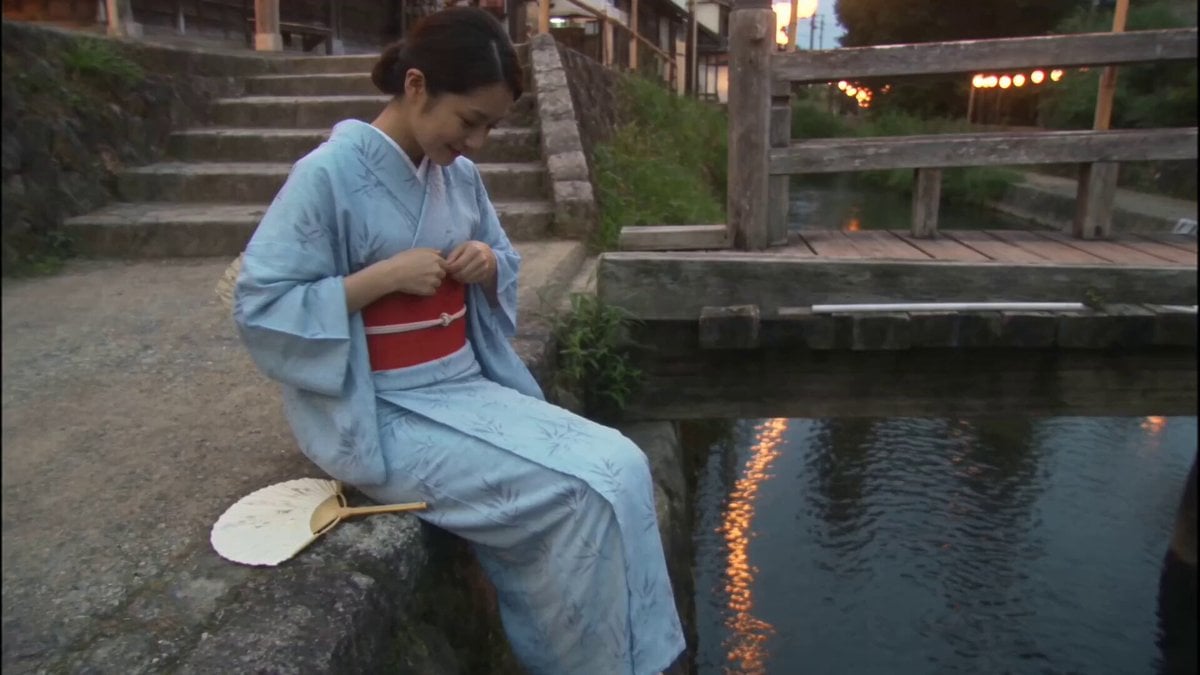
Japanese Summer Evening Candid
Browse template categories
1980s Retro Lifestyle Montage questions
How do I use the 1980s Retro Lifestyle Montage template?
Add your photo if the template asks for one, edit the prompt if you like — the template's model and format are already selected — and press Generate. Your version opens in PicX Studio.
Can I customize the 1980s Retro Lifestyle Montage template?
Yes. You can change the subject, setting, lighting, mood, format, and available model controls before creating your video.
Is the 1980s Retro Lifestyle Montage template free?
Opening and editing this template is free. Generating uses credits, shown on the Generate button when you are signed in.
Which AI model should I use?
Start with Seedance 2.0, which is the model associated with this template. You can compare another compatible model for a different finish.
Looking for something else? Browse all templates.

Your photo, any look
Thousands of ready templates for every top image and video model, from one credit balance.