
Cinematic 4K Military CGI Scene
A highly detailed, multi-segment prompt for a 15-second ultra-widescreen (2.35:1) cinematic video, focusing on a chaotic yet organized military convoy in a snowy battlefield.
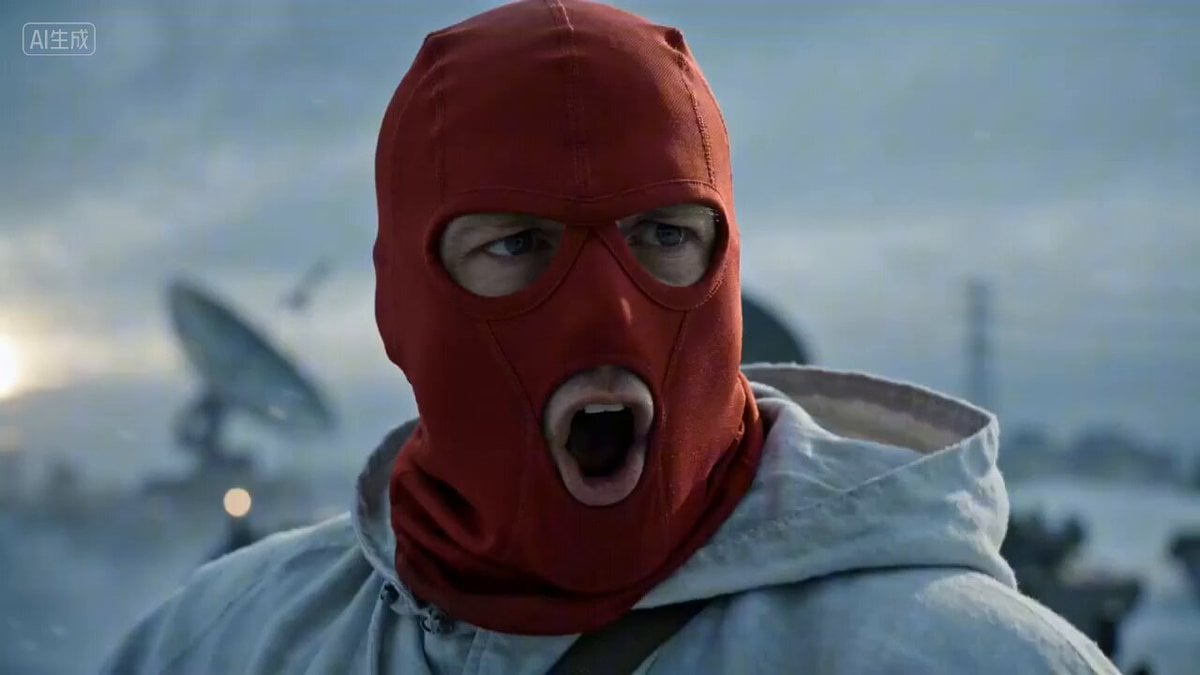
- Prompt included
- Model and format preset
- Premium template
The prompt behind this video
Copy the exact prompt behind Cinematic 4K Military CGI Scene, or open it in the studio and make it yours.
Technical specs: 2.35:1 ultra-widescreen, cinema-grade native image quality, 4K medical-grade CGI detail, differentiated modeling, 24fps. 0-3s: Starting frame from [@Image1]. Camera on a big close-up of the cloaked man, his expression cold and stern, shouting loudly in English through his face mask: "All units, move out! Fire at will!" He raises his rifle level, the muzzle spraying a highly grainy blue-white tongue of flame, shell casings flying. Note the realistic recoil vibration of the stock against his shoulder, and the visible refraction distortion in the air above the barrel caused by the heat wave from sustained fire. 3-7s: The camera rapidly pulls back and to the side/rear. The view spreads out along the diagonal path of the armored vehicle from [@Image1], but no longer in a neat formation. Amid the thick smoke, a staggered cluster of heavy vehicles of completely different models suddenly appears: some are eight-wheel-drive infantry fighting vehicles, some have huge radar dishes, some are low-slung tracked tanks. All the vehicles advance in an uneven, scattered tactical formation, each with noticeably different mud coverage and armor paint. 7-12s: A quick cut to a close-up of a heavy, thick armored vehicle, a soldier forcefully shoves open the heavy metal hatch with one hand, the hatch shuddering slightly from its own weight as it rebounds, the soldier agilely crouches inside the vehicle operating a heavy machine gun, eyes scanning warily around. Off to the side and behind, a missile vehicle is angled up toward the sky; the instant the missile ignites, it produces a huge burst of white smoke and red light, instantly blasting away the snow piled around the vehicle; as the tank's main gun fires, the black smoke and muzzle flash from the muzzle brake look extremely realistic. 12-15s: A grand aerial overview. This is a chaotic yet orderly torrent of steel, hundreds of advanced vehicles of every different shape carving tracks of varying depth and width across the snowfield. The vehicles bounce and shake realistically as they drive over the uneven snowy ground, each one's exhaust density and black smoke different from the next. The scene is accompanied by a low-frequency, heavy engine rumble and continuous flashes of explosions in the distance, full of a genuine sense of battlefield pressure. Sound: realistic, booming English commands, the heavy roar of tank cannon fire, the shrieking hiss of missile ignition, the crunching sound of tracks crushing hard ice, paired with an epic war-drum score. Prohibited: watermarks, subtitles, neat formations, repeated models.
How to use Cinematic 4K Military CGI Scene in 3 steps
- 1
Open
The prompt is already in the box next to the preview, with the template's model and format selected.
- 2…a portrait of your subject in softgolden-hour light, 85mm…
Personalize
Edit the subject and creative details for your destination.
- 3Generate
Generate
Press Generate — your video is created in PicX Studio, so you can compare it with the original and refine one variable at a time.
More like this
Templates with the same subject, style or setup. Open one to see its prompt.
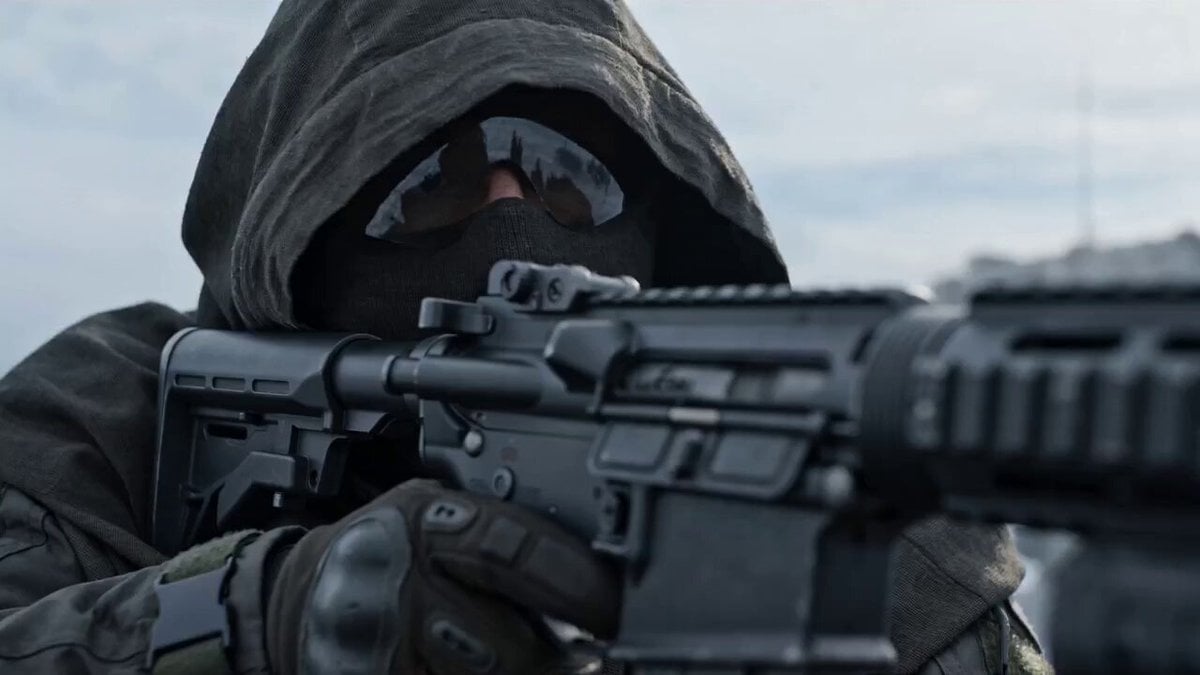
Video Prompt: Hyper-realistic Military CGI Scene

Hyper-Realistic 3D CGI Collectible
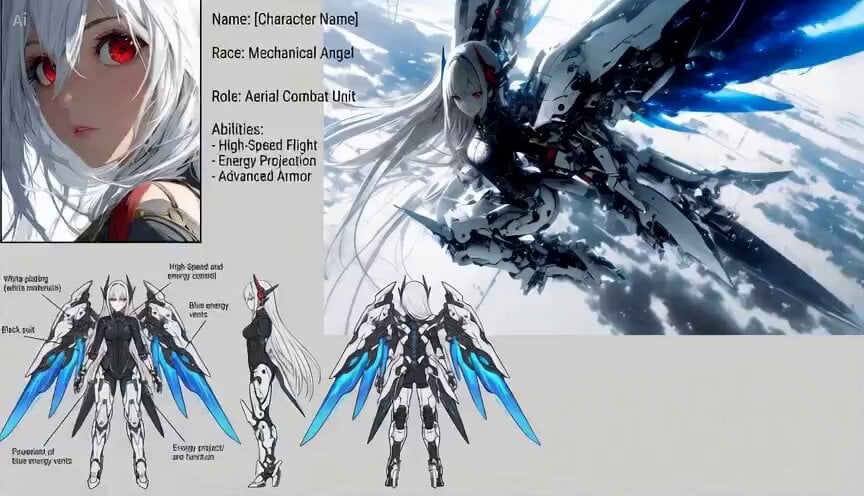
3D CGI Action Sequence Animation Prompt
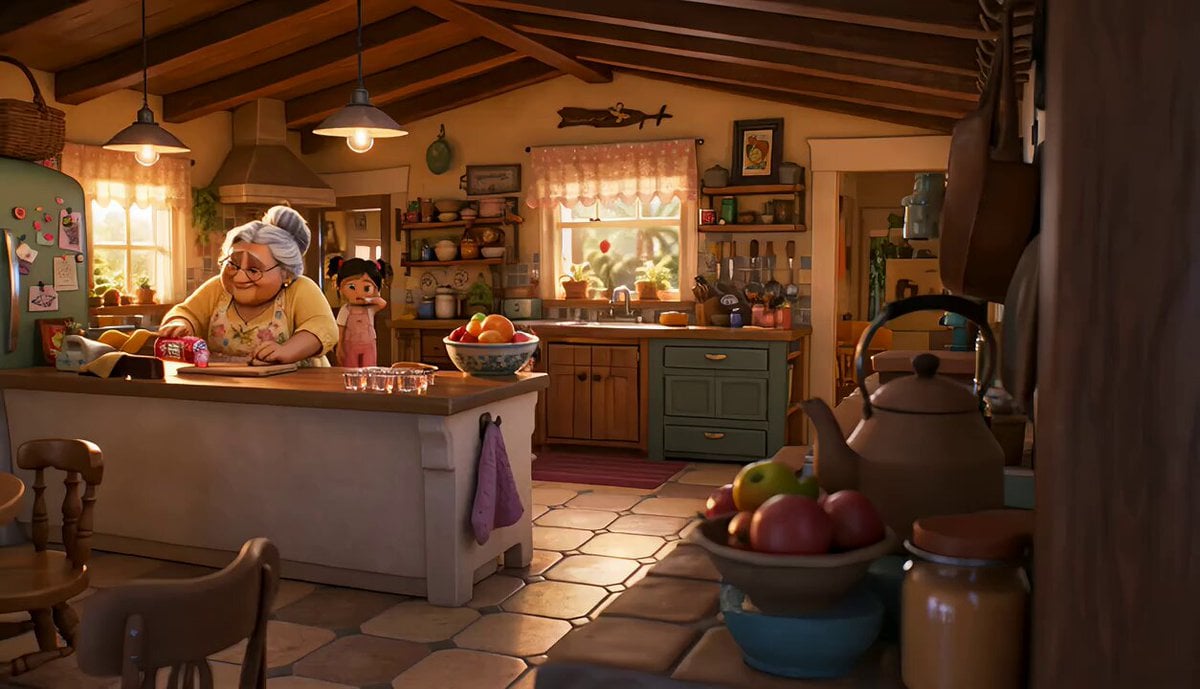
Fizz Pop CGI Drink Commercial
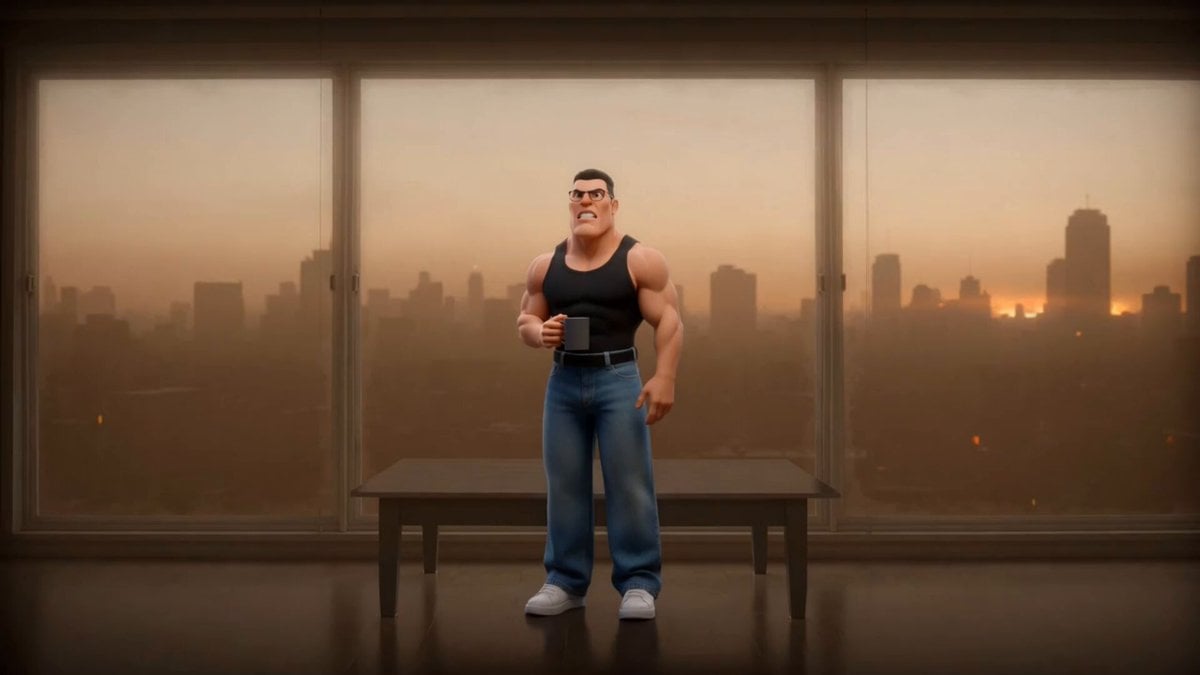
Cinematic CGI Trailer Scene: Smoggy Dawn
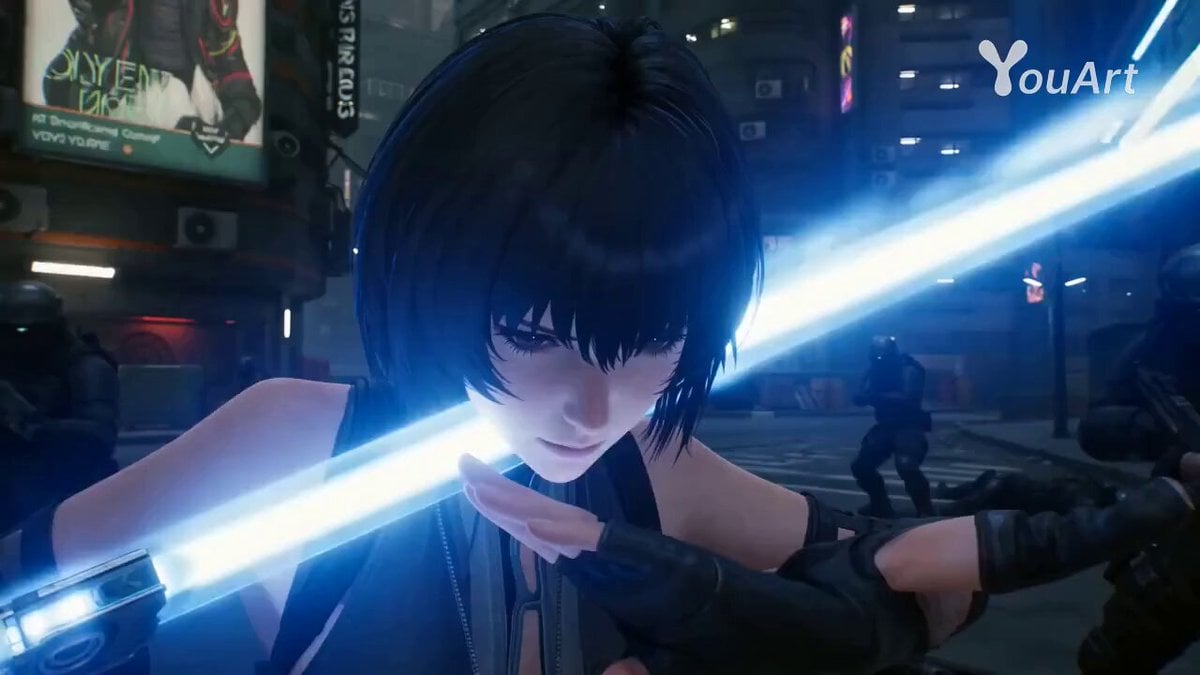
Cyberpunk Assassin CGI Scene
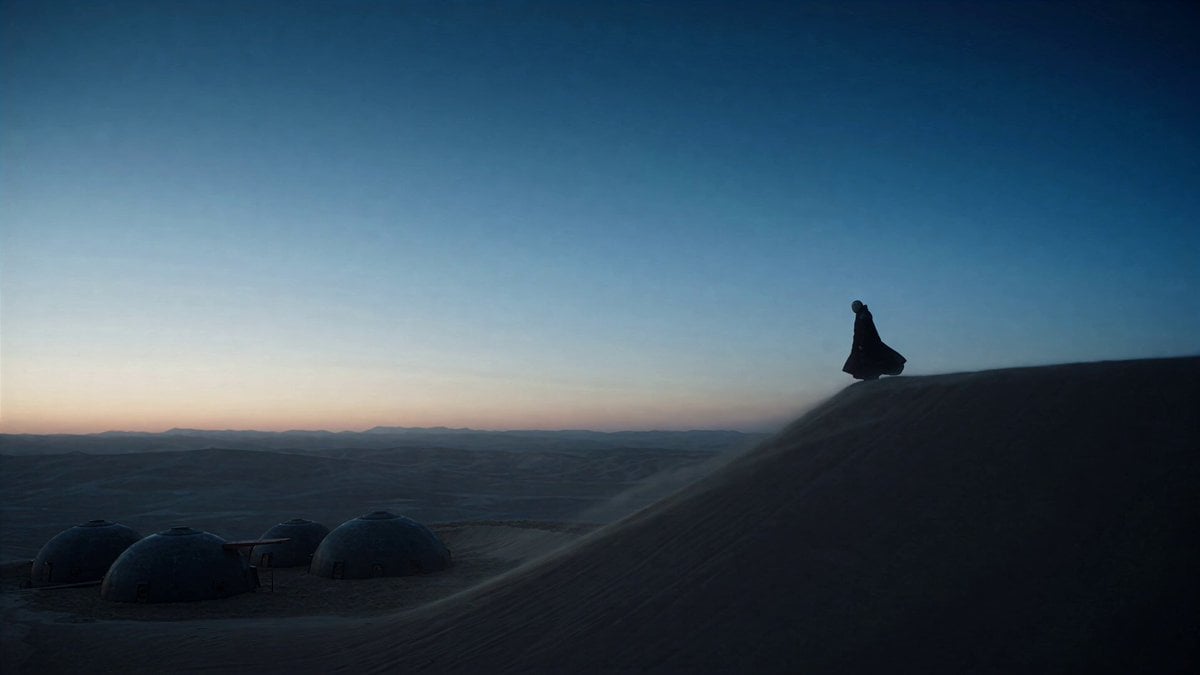
Dune Ridge Military Base Sequence
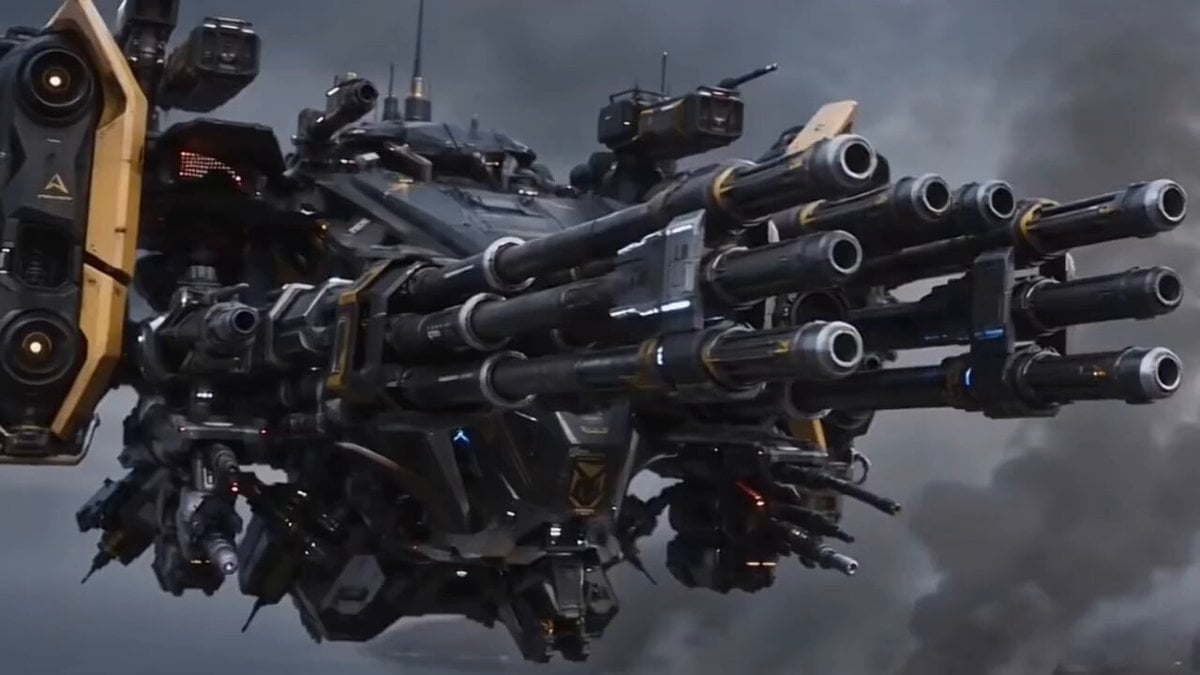
Futuristic Military Gunship Combat Scene
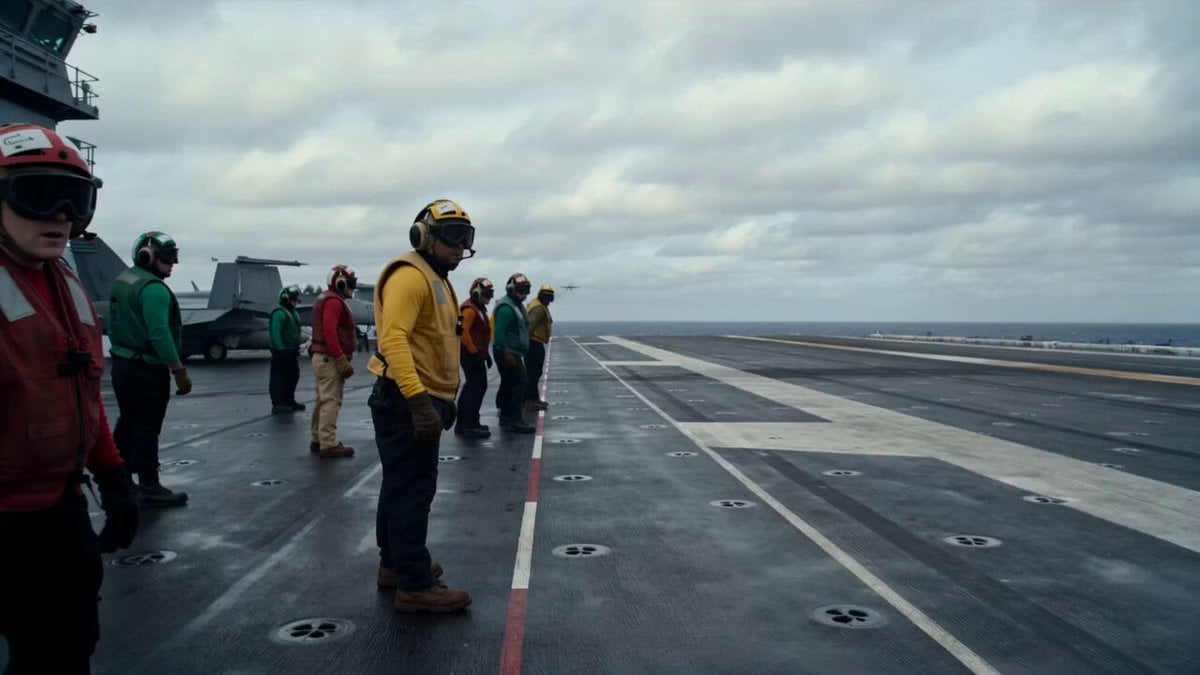
Military Carrier Emergency Documentary Prompt
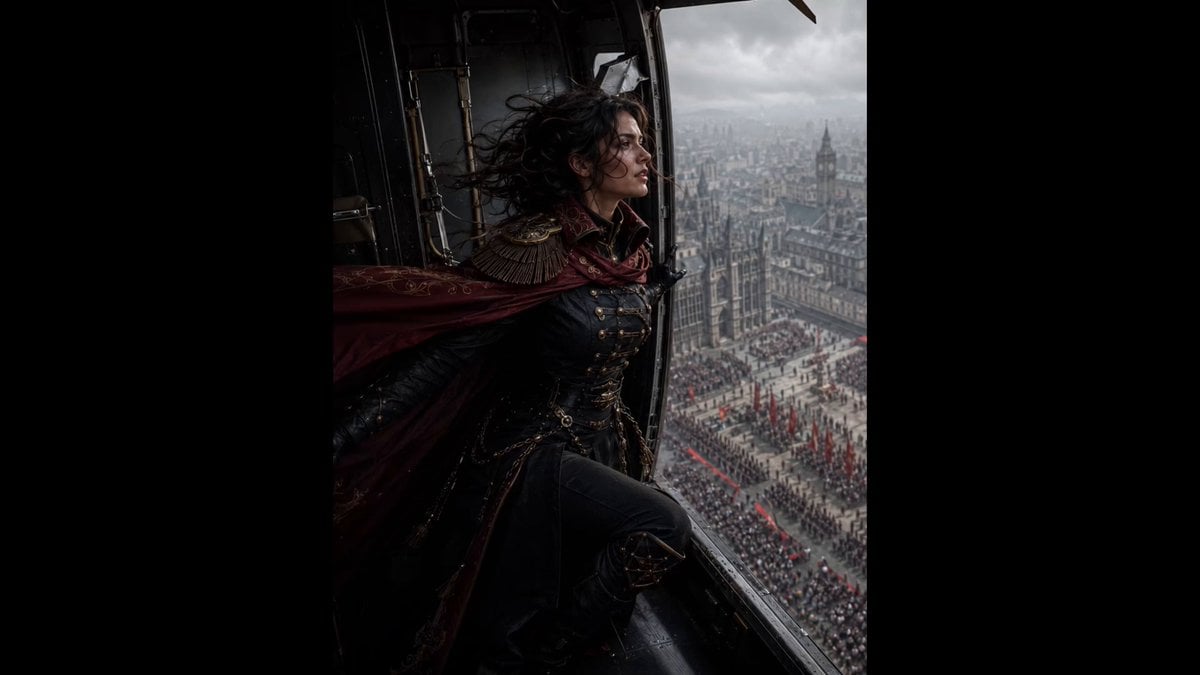
Cinematic Gothic Military Parade
Military Convoy Desert Chase
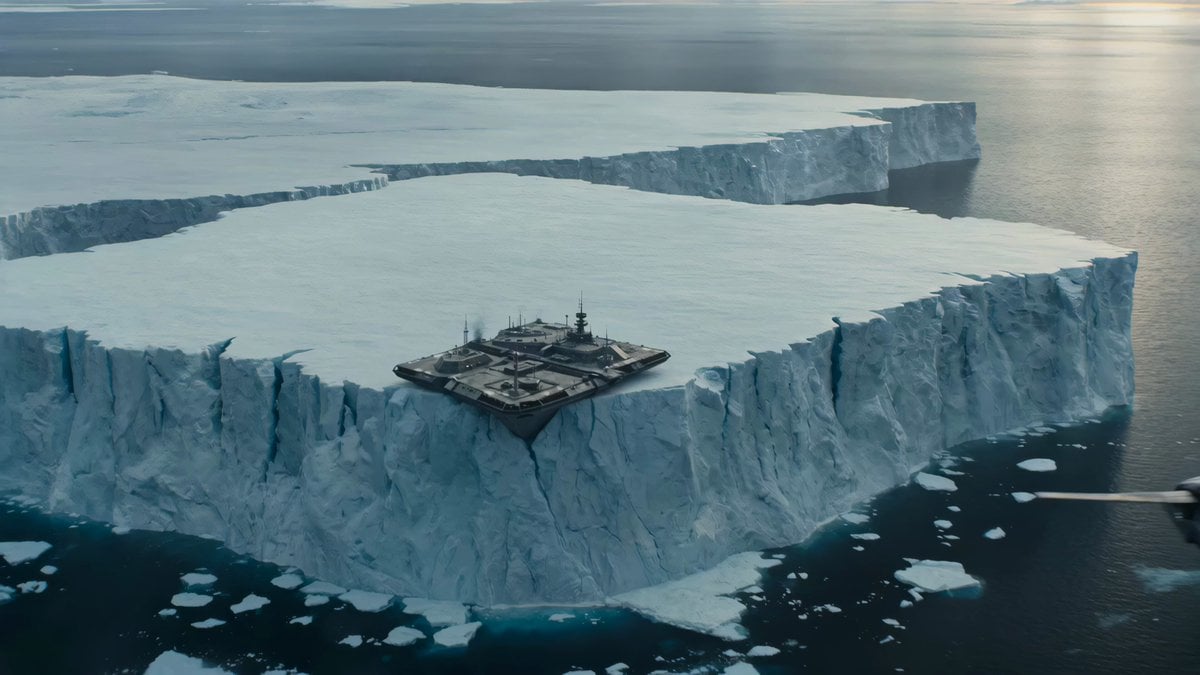
Iceberg Military Base Collapse
Make it yours
Cinematic 4K Military CGI Scene works as-is. These are the safest ways to change it without losing the look.
Change one field
Copy a single group, rewrite it, and generate again so you can see what that field is doing.
Keep the frame, change the subject
Hold the composition and light of Cinematic 4K Military CGI Scene, then swap wardrobe, props or the person for a new take.
| If the result… | Why | Fix |
|---|---|---|
| The result drifts from the preview | Too many fields changed at once. | Reuse Cinematic 4K Military CGI Scene as-is first, then change one group — subject, light, or setting. |
| The model over-stylizes the scene | The prose prompt leaves finish and camera underspecified. | Add one camera or lighting sentence and stay on Seedance 2.0. |
More Seedance 2.0 templates
Other prompts made for Seedance 2.0.

Comical Martial Arts Punch Scene

Maglev Train Action Sequence

Martial Arts Fight Sequence

Wuxia Protection and Trust Script

Vintage Korean Arcade MiniDV Vlog

Mercedes 190 SL Luxury Ad

Rainy Night Supernatural Reverse Comedy Video Script

Amazon Civilization Discovery

Futuristic South Asian City Transformation

Cozy Luxury Cafe Commercial
More video prompts
Fresh picks from across the catalog.

Ultra-realistic high fashion studio beauty portrait video prompt
Coastal Downhill Skateboarding Chase
Grok Imagine Quality Mode video descriptions
K2 Mountaineering Survival Drama
Whimsical forest scene video prompt

Cat Making Pancakes (Jianbing) - Seedance Cute Pet Series
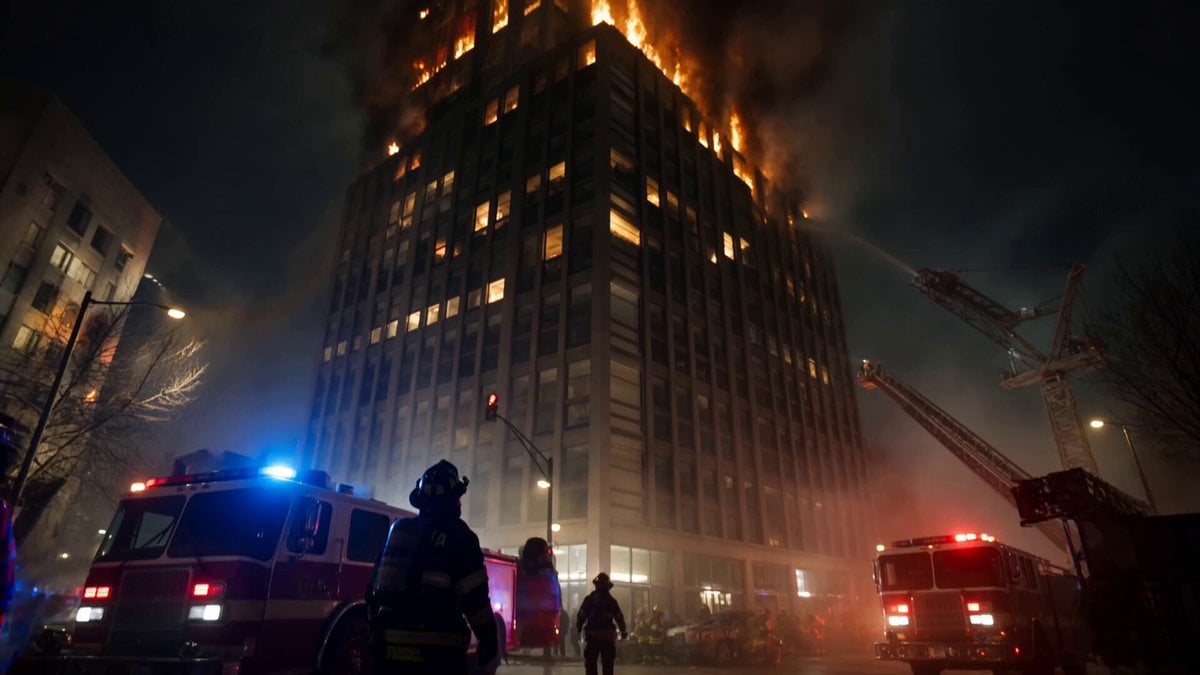
Live-Action Firefighter Rescue Night Scene
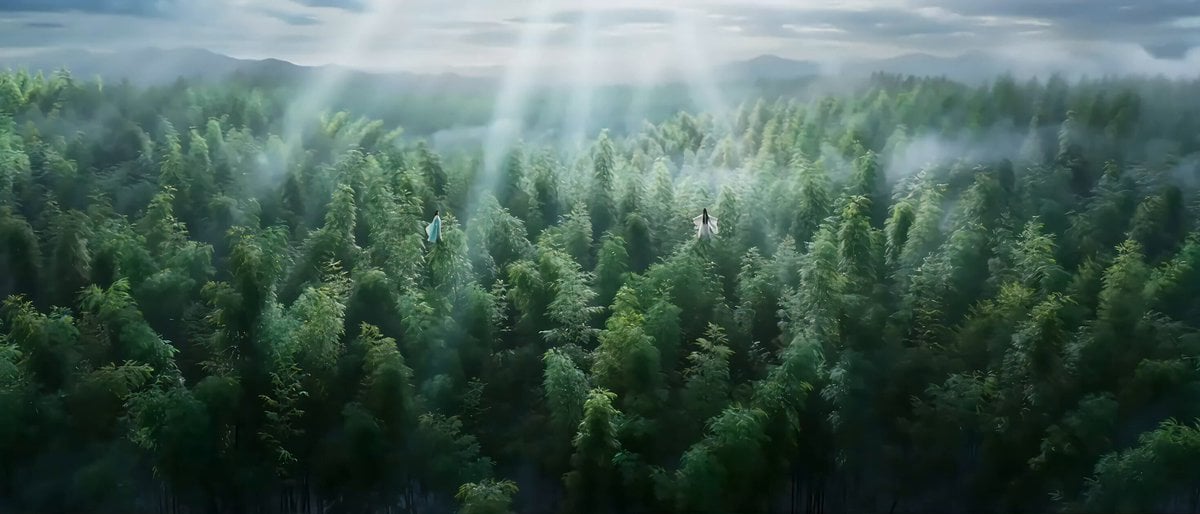
Classical Wuxia Duel in Bamboo Forest
Japanese High School Girl Cinematic Sequence
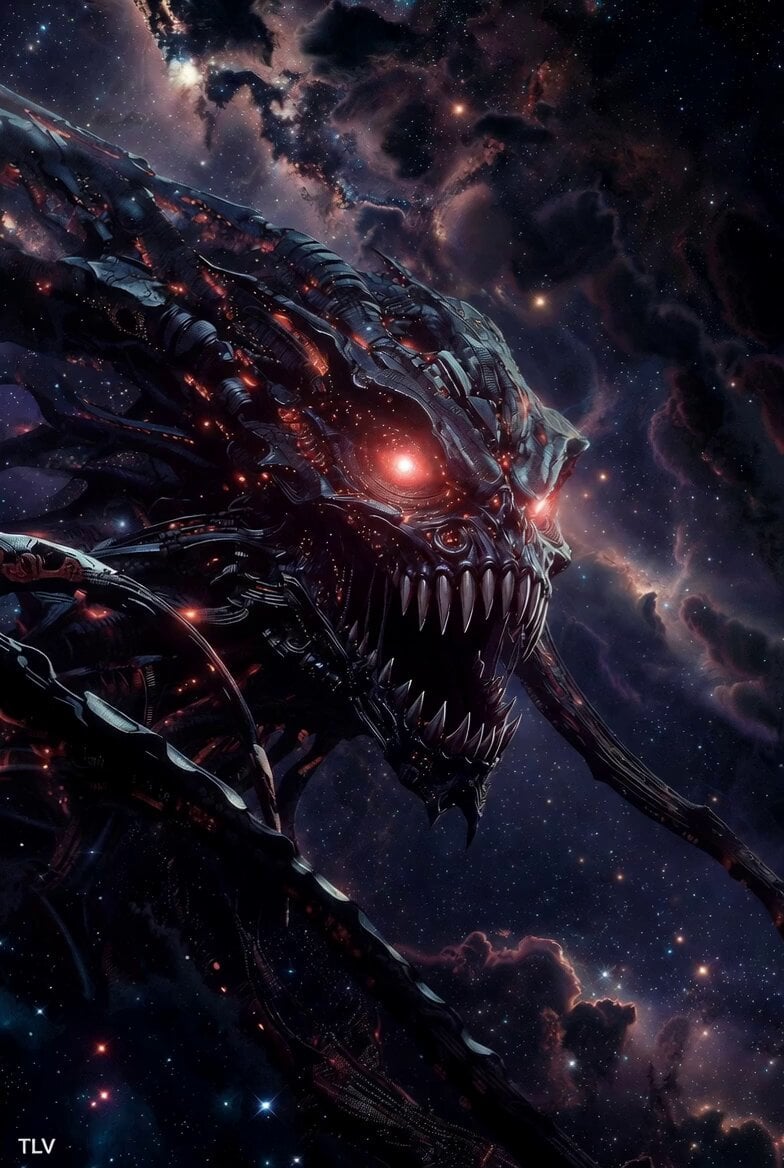
Evil Space Sci-Fi Power Threshold
Browse template categories
Cinematic 4K Military CGI Scene questions
How do I use the Cinematic 4K Military CGI Scene template?
Add your photo if the template asks for one, edit the prompt if you like — the template's model and format are already selected — and press Generate. Your version opens in PicX Studio.
Can I customize the Cinematic 4K Military CGI Scene template?
Yes. You can change the subject, setting, lighting, mood, format, and available model controls before creating your video.
Is the Cinematic 4K Military CGI Scene template free?
Opening and editing this template is free. Generating uses credits, shown on the Generate button when you are signed in.
Which AI model should I use?
Start with Seedance 2.0, which is the model associated with this template. You can compare another compatible model for a different finish.
Looking for something else? Browse all templates.

Your photo, any look
Thousands of ready templates for every top image and video model, from one credit balance.