How do I use the Live-Action Firefighter Rescue Night Scene template?
Edit the prompt in the box under the preview — the template's model and format are already selected — and press Generate. Your version appears right on this page.
Firefighter rescue video generated with Vorla AI Director.
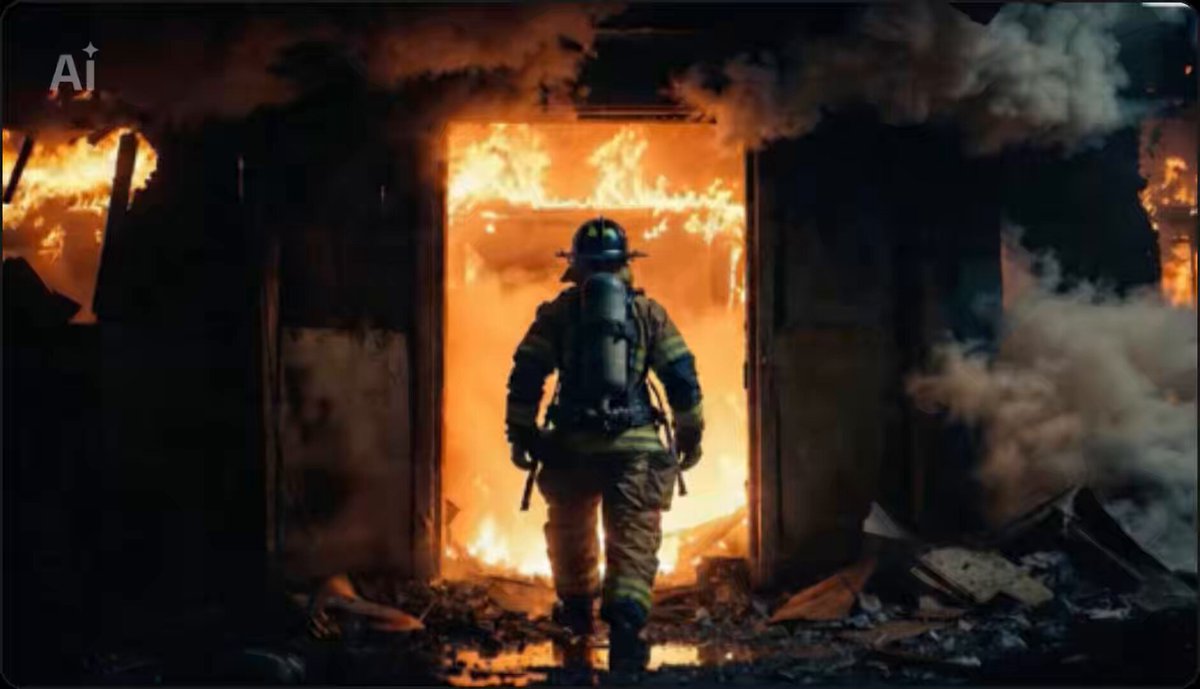
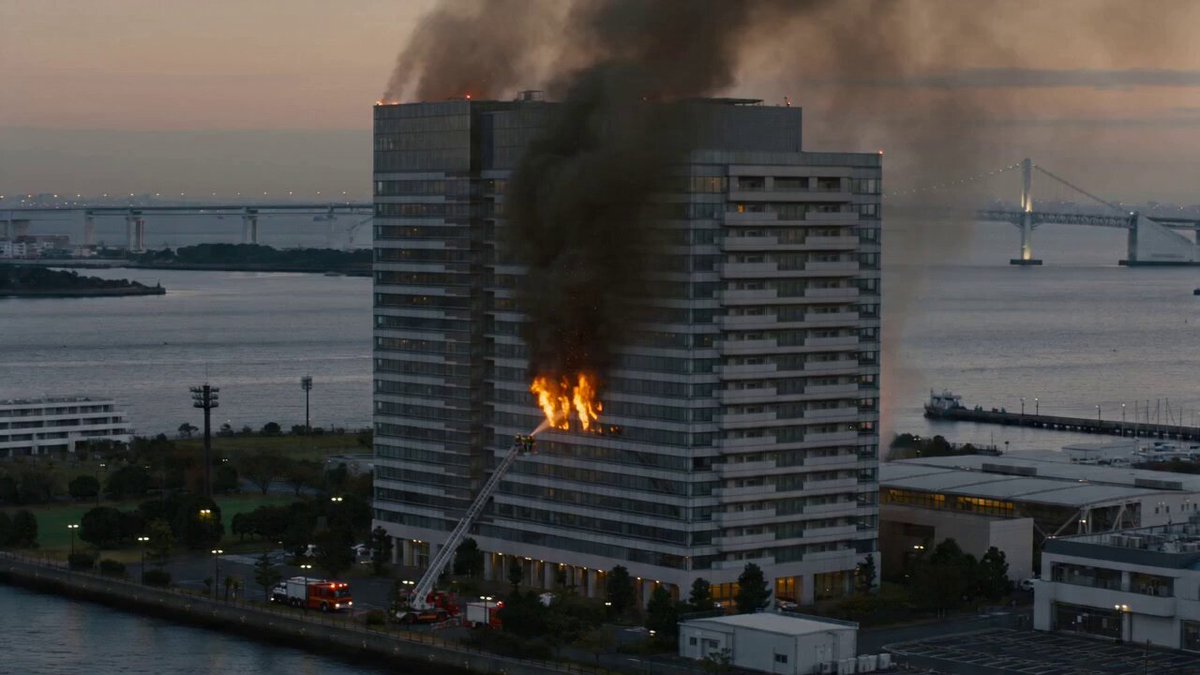
10s | 16:9 | Live-action documentary-style firefighter rescue at night. A burning skyscraper with smoke, flames, alarms, and emergency lights. Firefighters in full PPE advance through smoke-filled offices with hose lines and flashlights. A ceiling collapses, forcing a realistic retreat through dust and debris. They regroup behind cover, check teammates, and continue the rescue. Handheld camera, natural lighting, photorealistic fire physics, authentic audio, no gore or CGI look.
10s | 16:9 | Live-action documentary-style firefighter rescue at night. A burning skyscraper with smoke, flames, alarms, and emergency lights. Firefighters in full PPE advance through smoke-filled offices with hose lines and flashlights. A ceiling collapses, forcing a realistic retreat through dust and debris. They regroup behind cover, check teammates, and continue the rescue. Handheld camera, natural lighting, photorealistic fire physics, authentic audio, no gore or CGI look.
Edit the prompt in the box under the preview — the template's model and format are already selected — and press Generate. Your version appears right on this page.
Yes. You can change the subject, setting, lighting, mood, format, and available model controls before creating your video.
Opening and editing this template is free. Generating uses credits, shown on the Generate button when you are signed in.
Choose a compatible model in PicX Studio based on the style, speed, and output controls your project needs.
Follow a topic to a crawlable collection of related PicX Studio templates.