
Post-Apocalyptic Gothic Fantasy Scene
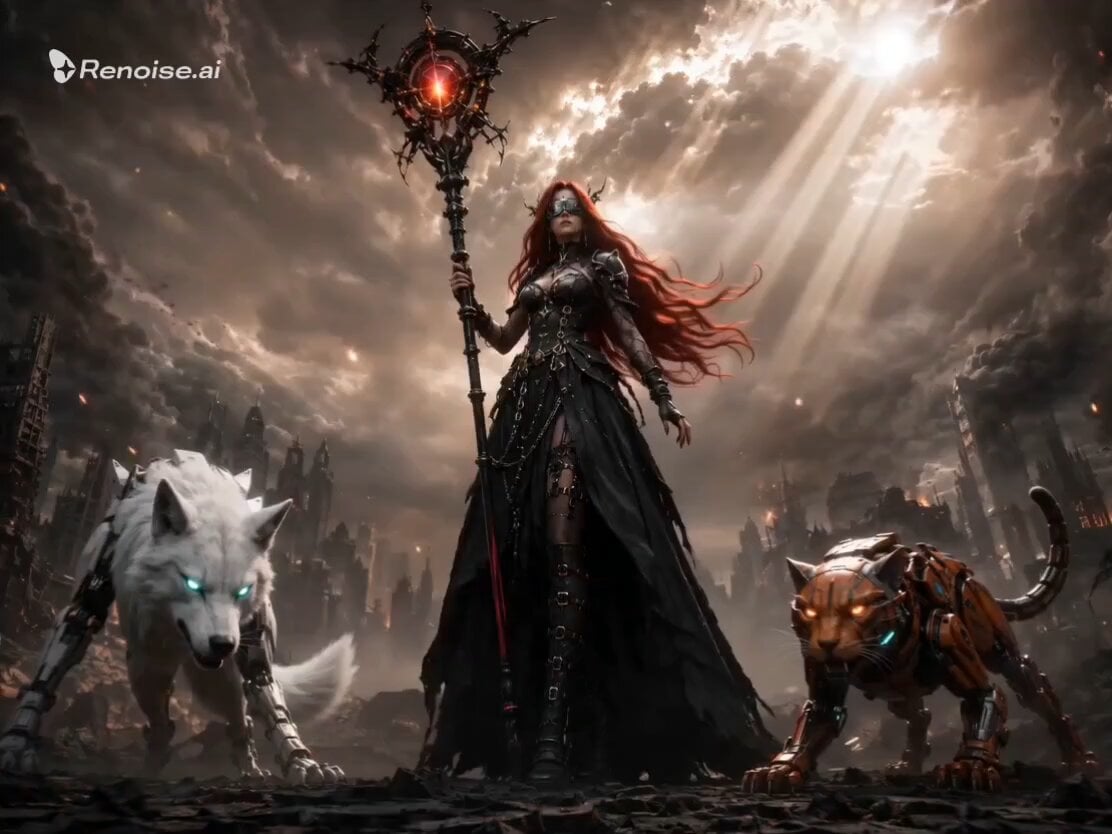
A dark fantasy video prompt featuring a woman with shadow wings and cybernetic companions in a post-apocalyptic battlefield setting.
- Prompt included
- Model and format preset
- Free template
The prompt behind this video
Copy the exact prompt behind Post-Apocalyptic Gothic Fantasy Scene, or open it in the studio and make it yours.
A powerful young woman stands motionless at the epicenter of a post-apocalyptic battlefield. Ruined skyscrapers collapse in the background, massive fires rage across the horizon, embers and ash drift upward through thick volumetric smoke. She wears a gothic black dress with tattered edges, flowing in violent wind. Her long vivid red hair whips dramatically sideways. A dark chrome visor covers her eyes, reflecting fire and destruction. Two massive black shadow wings are fully extended behind her, feathers dissolving into dark energy at the tips. She grips a towering energy staff planted into cracked, glowing ground — crimson light pulses from fractures in the earth beneath her feet. To her LEFT: a white cybernetic wolf — sleek steel chassis, glowing cyan optics, battle-worn armor plating, crouched and alert. To her RIGHT: an armored orange cybernetic feline — compact, razor-sharp, glowing amber eyes, mechanical tail raised. CAMERA ANGLE: Low angle, wide shot, slight Dutch tilt. Character dominates center frame, sky behind filled with storm clouds, lightning, and god rays breaking through smoke. LIGHTING: Dramatic volumetric backlight — rim lighting on wings and dress. Ground emits red glow upward. Color palette: desaturated grey ruins vs deep crimson, obsidian black, and glowing amber accents. STYLE: Hyper-realistic dark fantasy concept art, cinematic composition, ultra high detail, 8K resolution, anamorphic lens distortion, film grain, chromatic aberration on edges, dramatic contrast, IMAX cinematic quality.
How to use Post-Apocalyptic Gothic Fantasy Scene in 3 steps
- 1
Open
The prompt is already in the box next to the preview, with the template's model and format selected.
- 2…a portrait of your subject in softgolden-hour light, 85mm…
Personalize
Edit the subject and creative details for your destination.
- 3Generate
Generate
Press Generate — your video is created in PicX Studio, so you can compare it with the original and refine one variable at a time.
More like this
Templates with the same subject, style or setup. Open one to see its prompt.
Post-Apocalyptic Biomechanical Battle
Post-Apocalyptic Mecha Awakening Transformation
Automaton Post-Apocalyptic Jungle Run
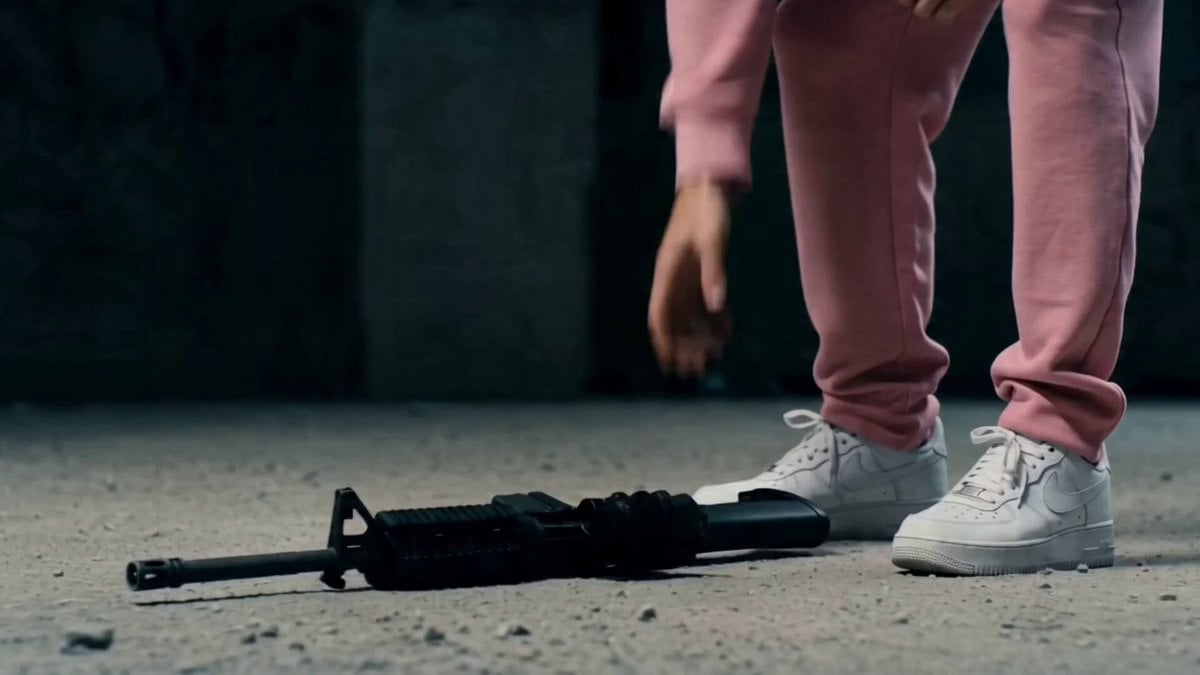
Post-Apocalyptic Survival Thriller Prompt

Post-Apocalyptic Desert Truck Action

Dragon Rider Cinematic Flight — Seedance 2.5

Forest Fantasy Girl Short Film

Necromancer Battlefield Orbit
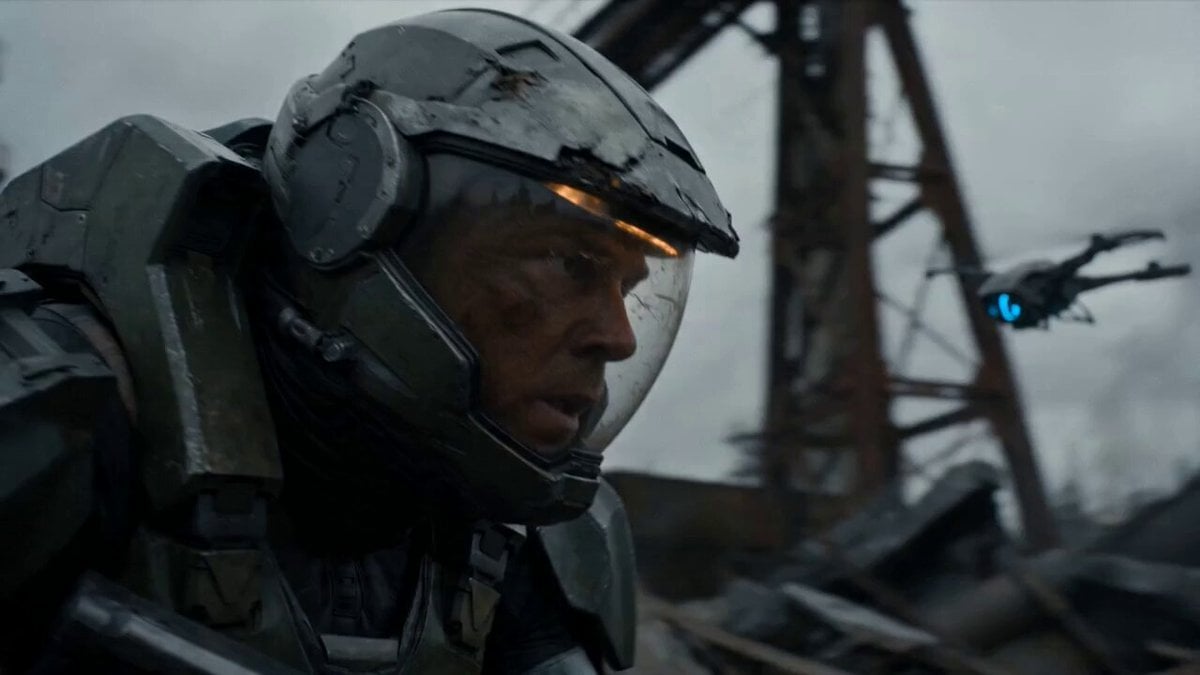
Post-Apocalyptic Sci-Fi Soldier Combat
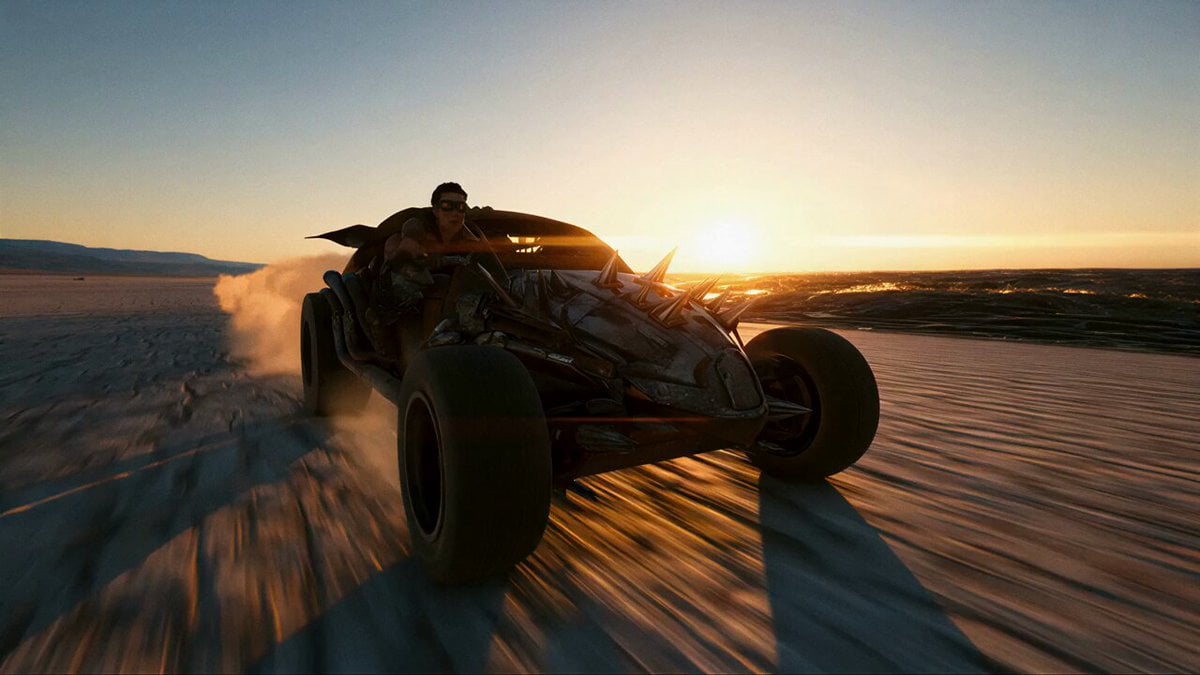
Post-Apocalyptic Cinematic Action Trailer
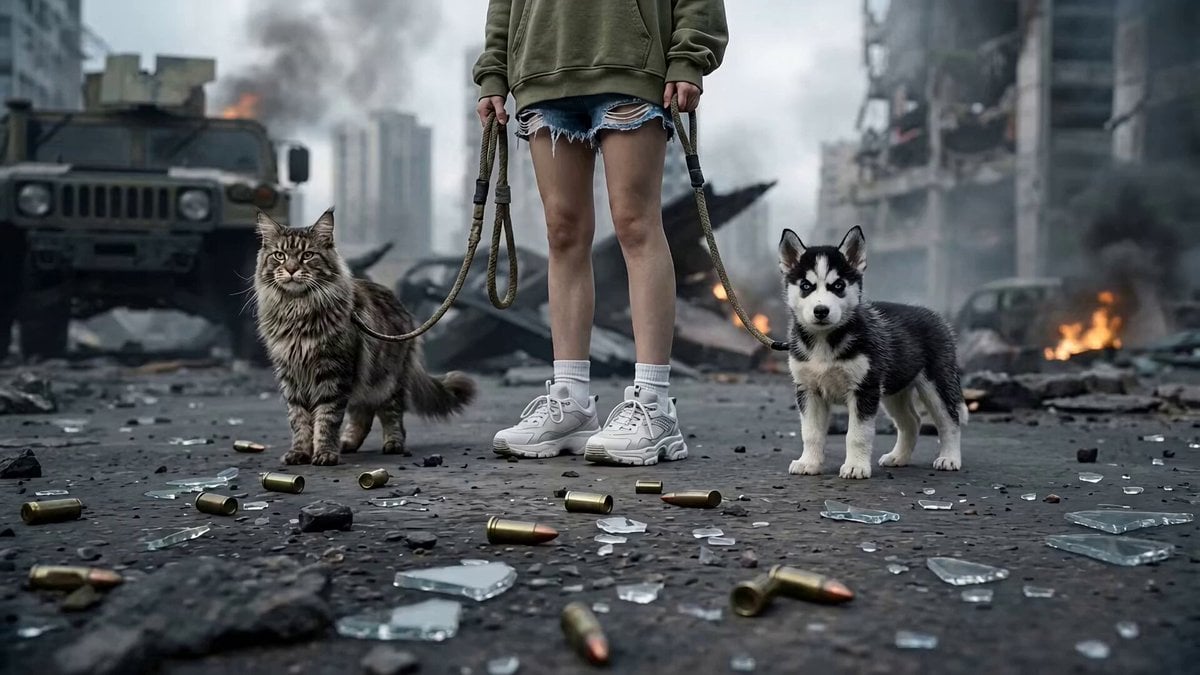
Post-Apocalyptic Cybernetic Transformation
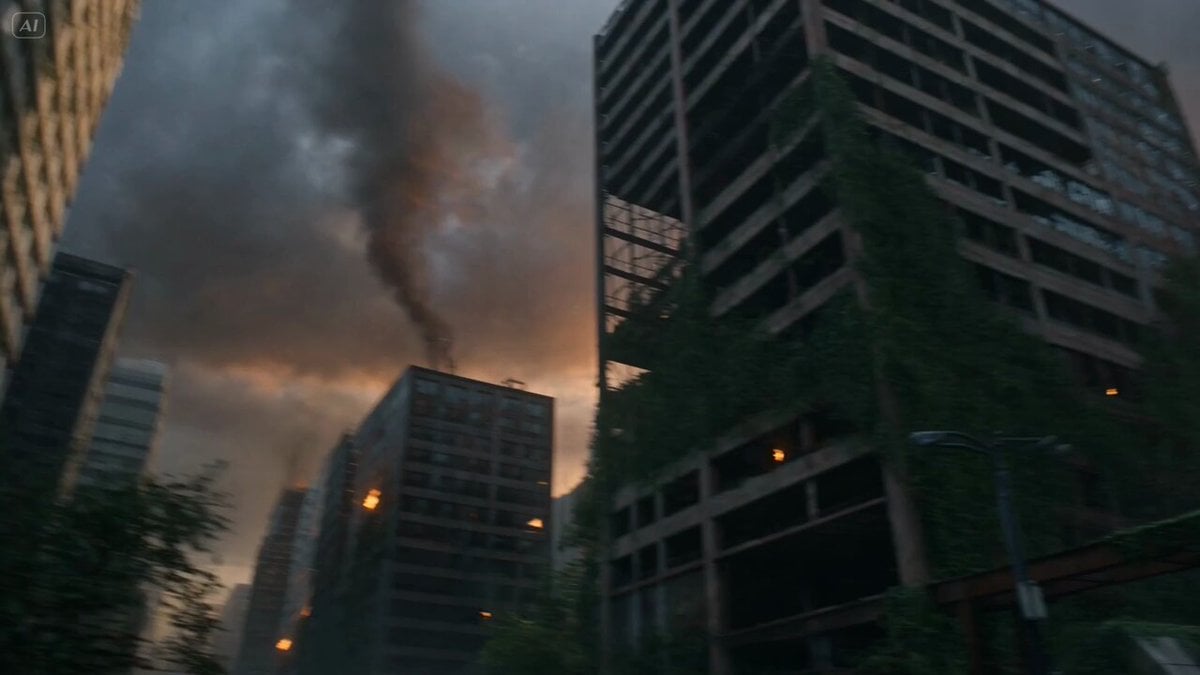
Post-Apocalyptic Survival Evasion
Make it yours
Post-Apocalyptic Gothic Fantasy Scene works as-is. These are the safest ways to change it without losing the look.
Change one field
Copy a single group, rewrite it, and generate again so you can see what that field is doing.
Keep the frame, change the subject
Hold the composition and light of Post-Apocalyptic Gothic Fantasy Scene, then swap wardrobe, props or the person for a new take.
| If the result… | Why | Fix |
|---|---|---|
| The result drifts from the preview | Too many fields changed at once. | Reuse Post-Apocalyptic Gothic Fantasy Scene as-is first, then change one group — subject, light, or setting. |
| The model over-stylizes the scene | The prose prompt leaves finish and camera underspecified. | Add one camera or lighting sentence and stay on Seedance 2.0. |
More Seedance 2.0 templates
Other prompts made for Seedance 2.0.

Comical Martial Arts Punch Scene

Maglev Train Action Sequence

Martial Arts Fight Sequence

Wuxia Protection and Trust Script

Vintage Korean Arcade MiniDV Vlog

Mercedes 190 SL Luxury Ad

Rainy Night Supernatural Reverse Comedy Video Script

Amazon Civilization Discovery

Futuristic South Asian City Transformation

Cozy Luxury Cafe Commercial
More video prompts
Fresh picks from across the catalog.
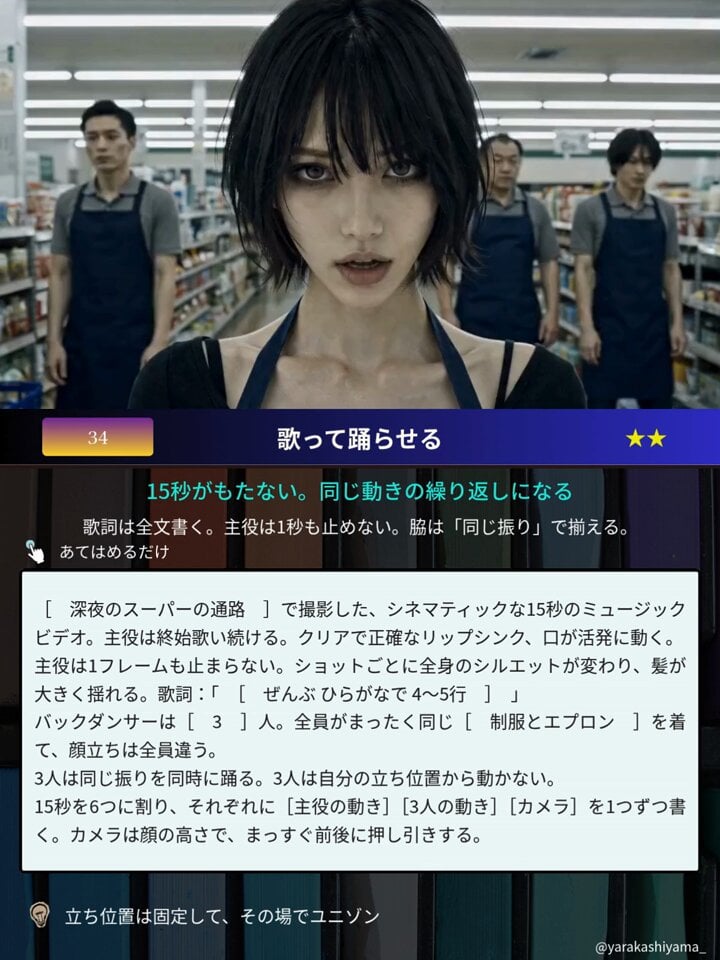
Cinematic Supermarket Music Video
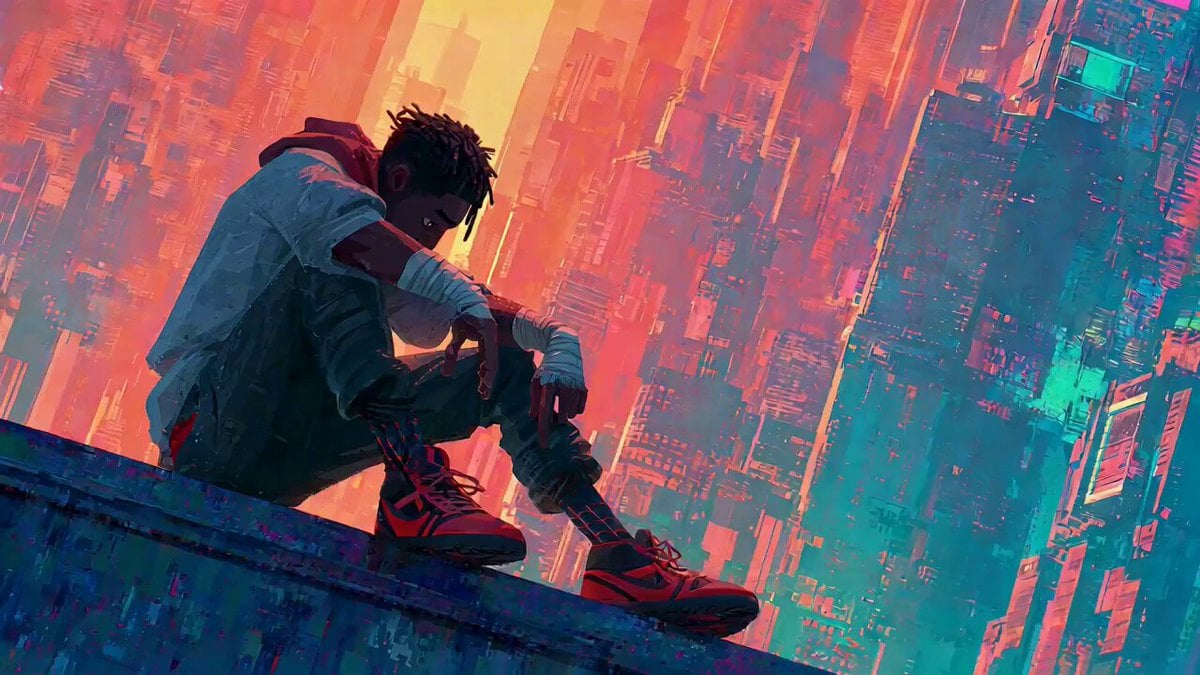
Video Generation Prompt with Image References
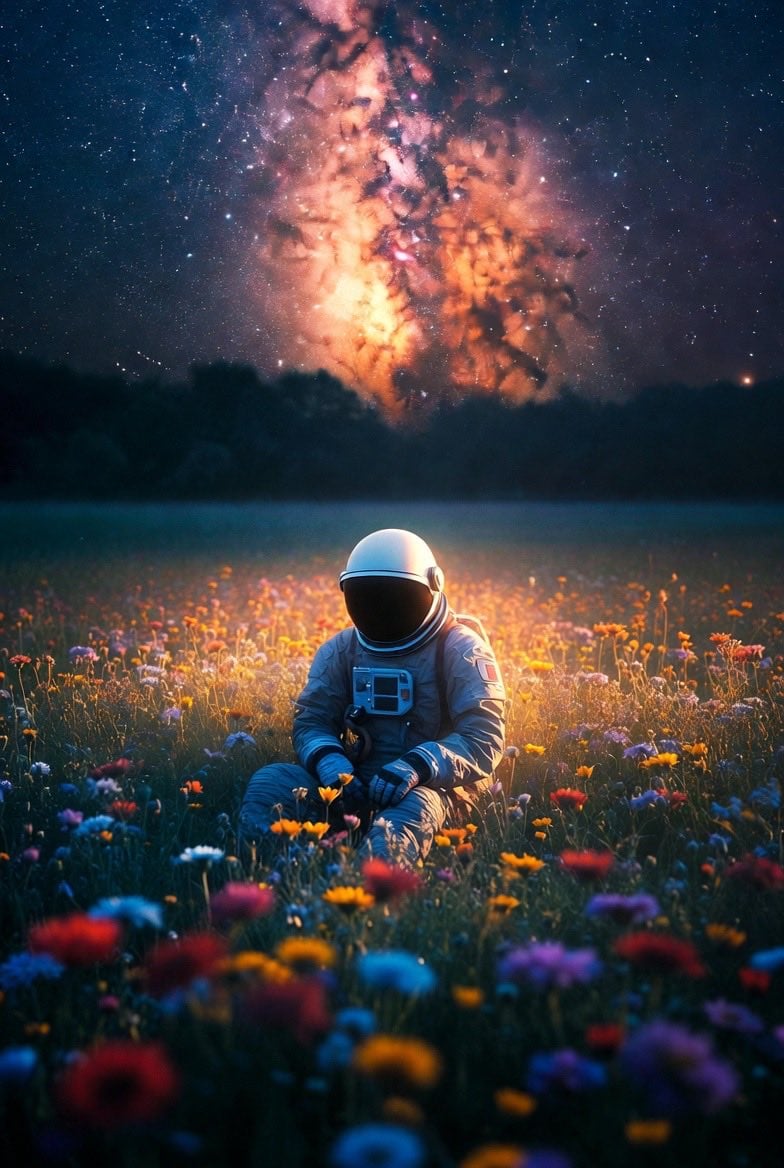
Lonely Astronaut in Flower Field Under Cosmic Sky
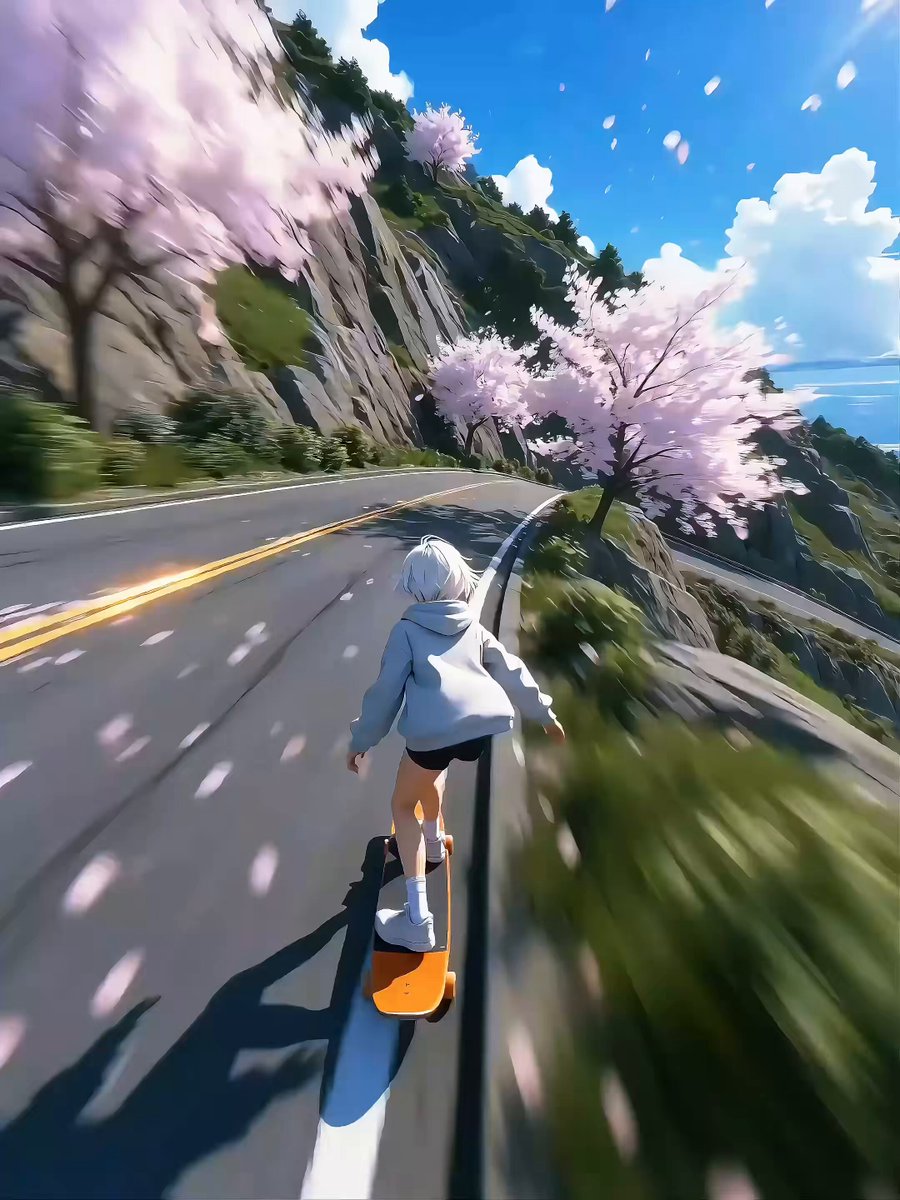
Seedance 2.0 Video Prompt: High-Speed Skateboard Chase
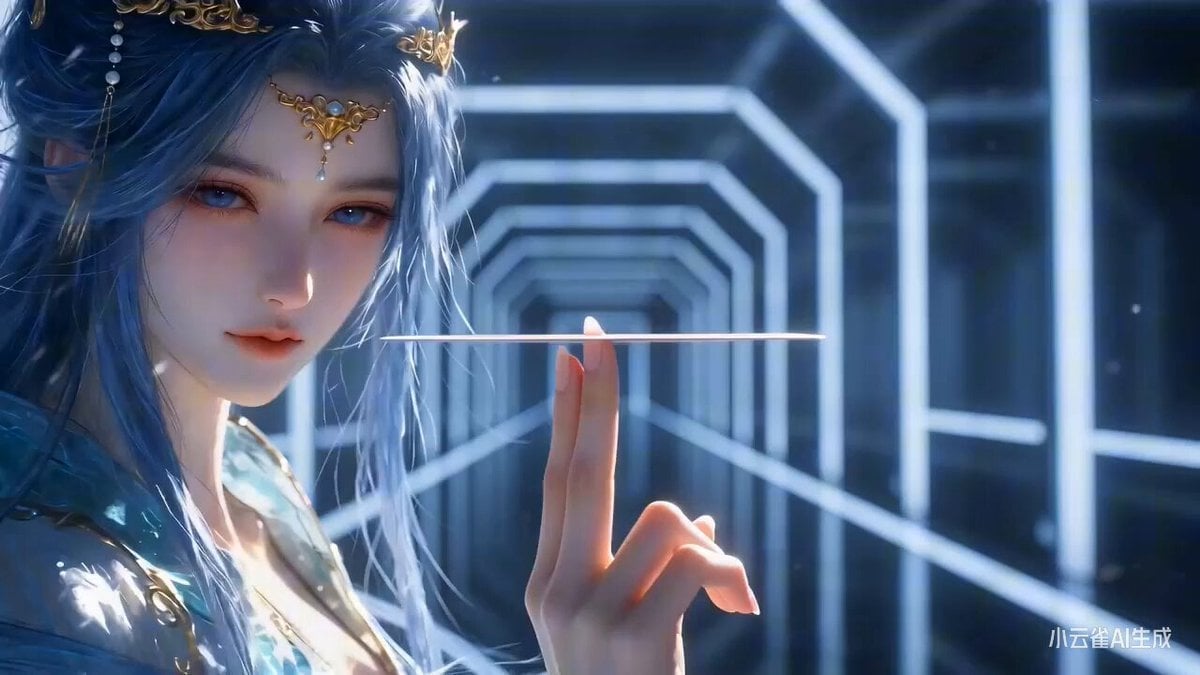
Seedance 2.0 Prompt for 'Card Check' Transition Video

Elf Warrior Katana Battle
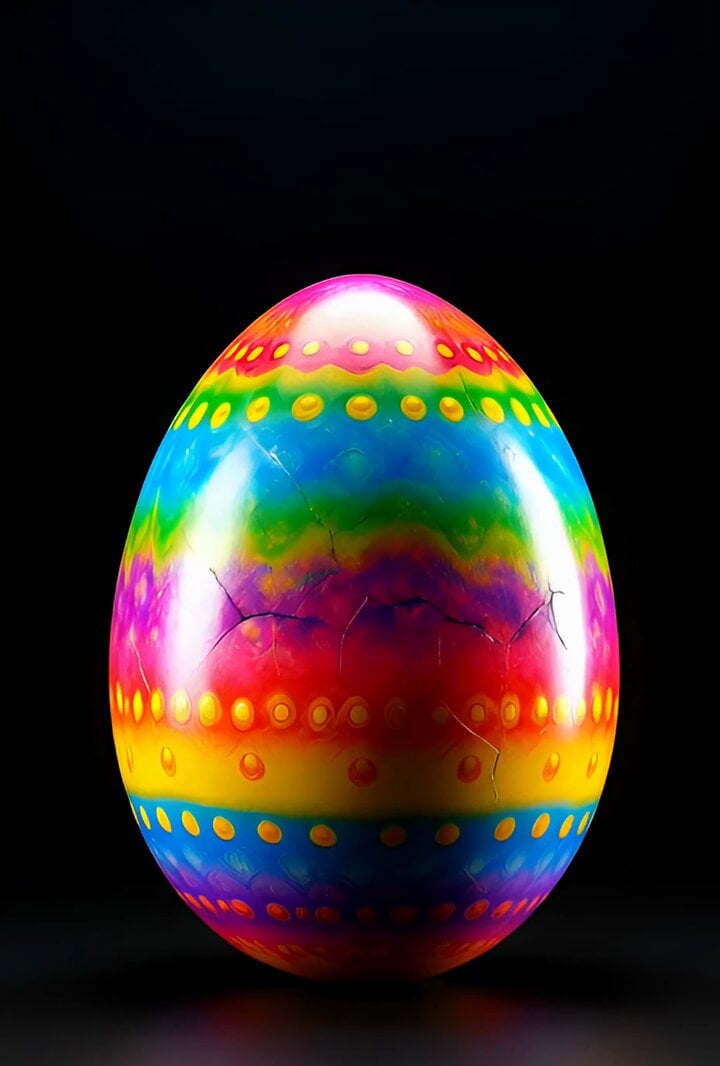
Surreal Easter egg bomb exploding with a rabbit emerging
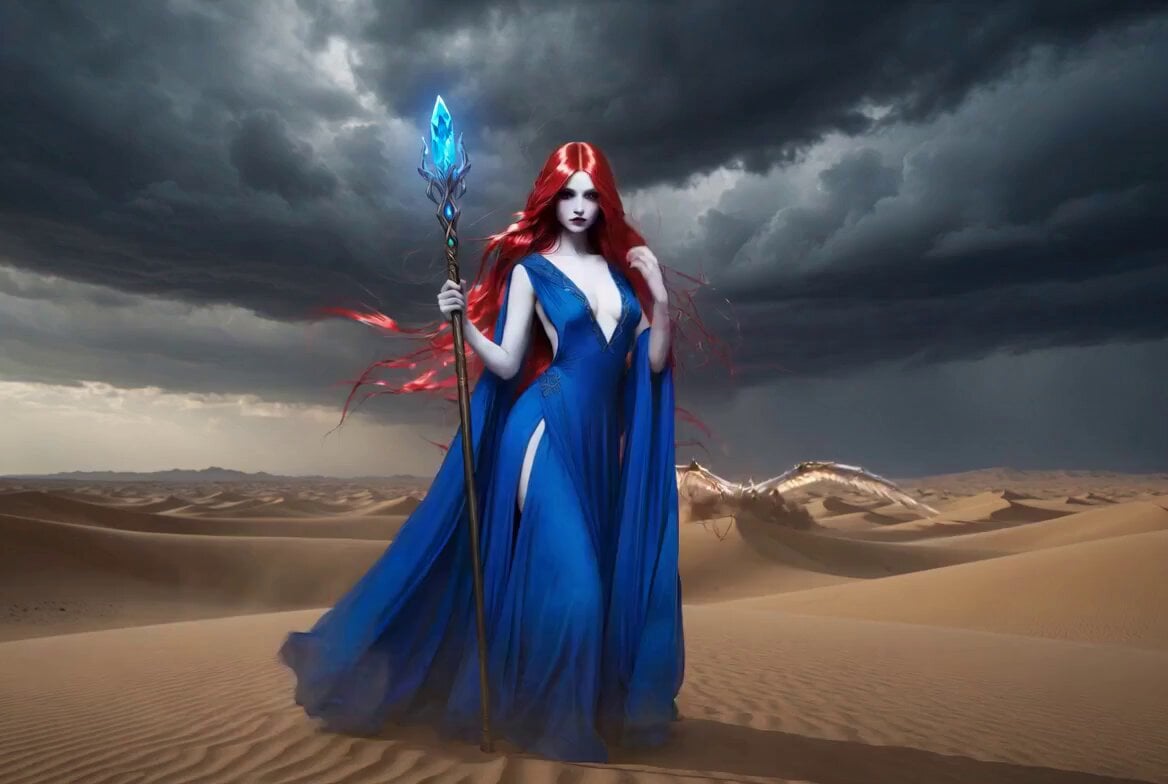
Sorceress Staff Magic Blast
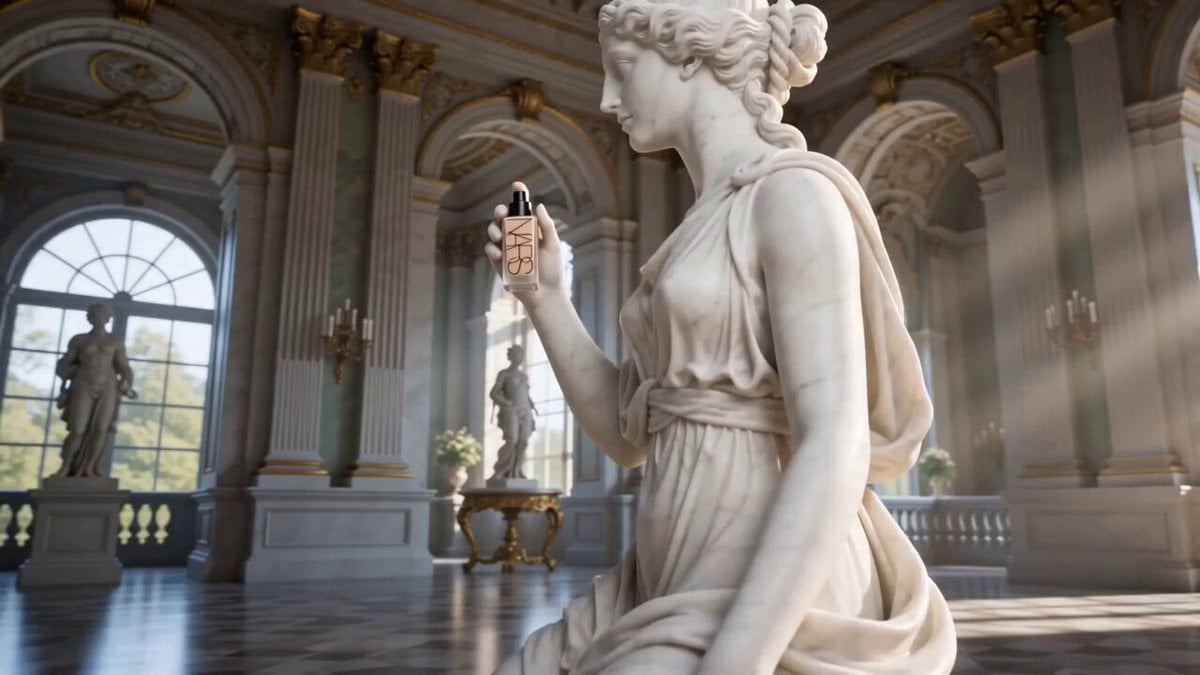
Luxury Foundation Reveal Commercial

Izakaya Date POV Animation
Browse template categories
Post-Apocalyptic Gothic Fantasy Scene questions
How do I use the Post-Apocalyptic Gothic Fantasy Scene template?
Add your photo if the template asks for one, edit the prompt if you like — the template's model and format are already selected — and press Generate. Your version opens in PicX Studio.
Can I customize the Post-Apocalyptic Gothic Fantasy Scene template?
Yes. You can change the subject, setting, lighting, mood, format, and available model controls before creating your video.
Is the Post-Apocalyptic Gothic Fantasy Scene template free?
Opening and editing this template is free. Generating uses credits, shown on the Generate button when you are signed in.
Which AI model should I use?
Start with Seedance 2.0, which is the model associated with this template. You can compare another compatible model for a different finish.
Looking for something else? Browse all templates.

Your photo, any look
Thousands of ready templates for every top image and video model, from one credit balance.