How do I use the Cinematic Supermarket Music Video template?
Edit the prompt in the box under the preview — the template's model and format are already selected — and press Generate. Your version appears right on this page.
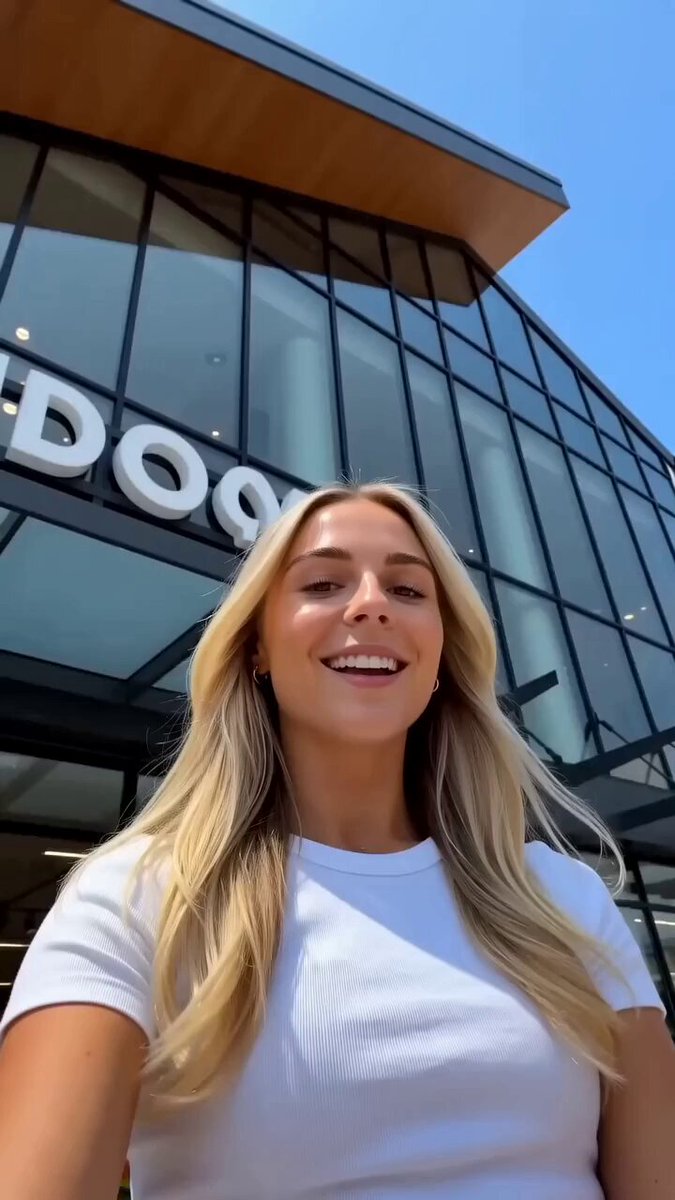
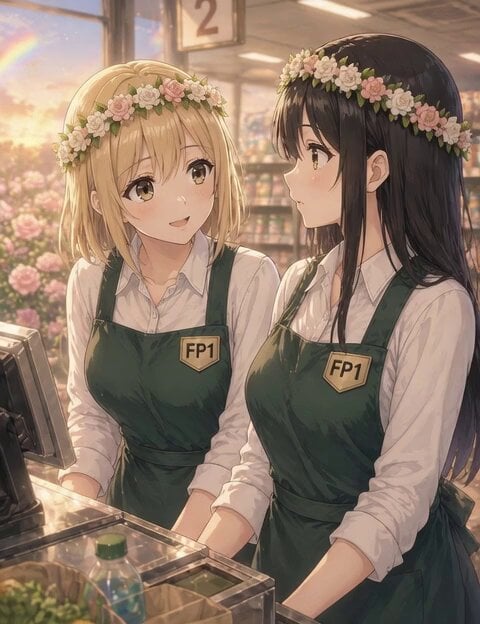
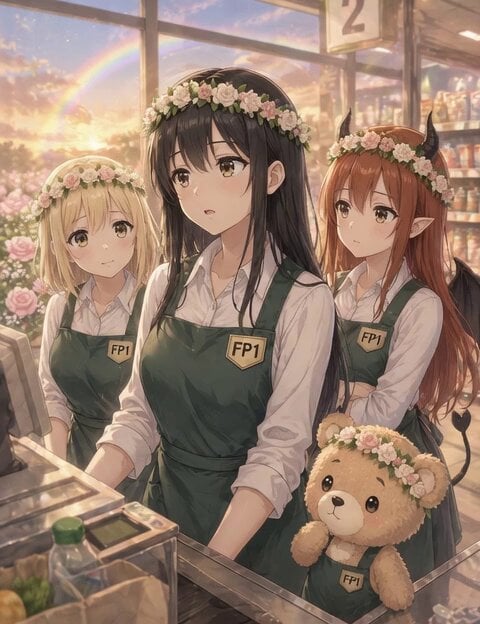
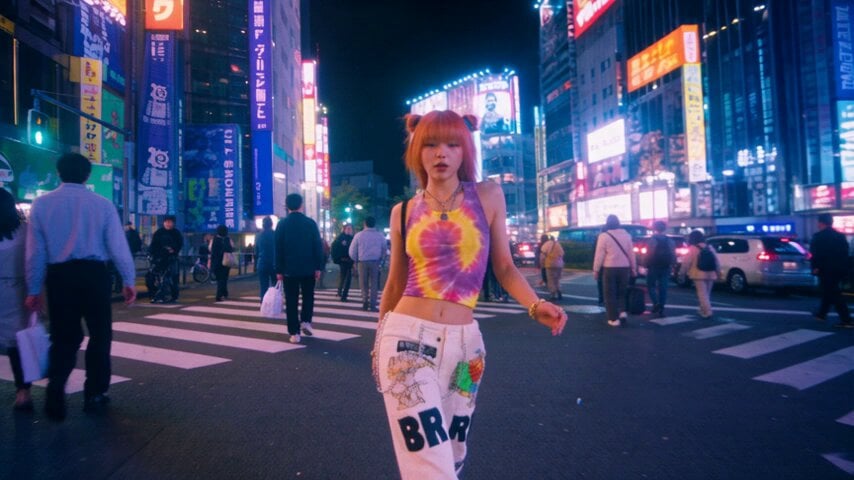
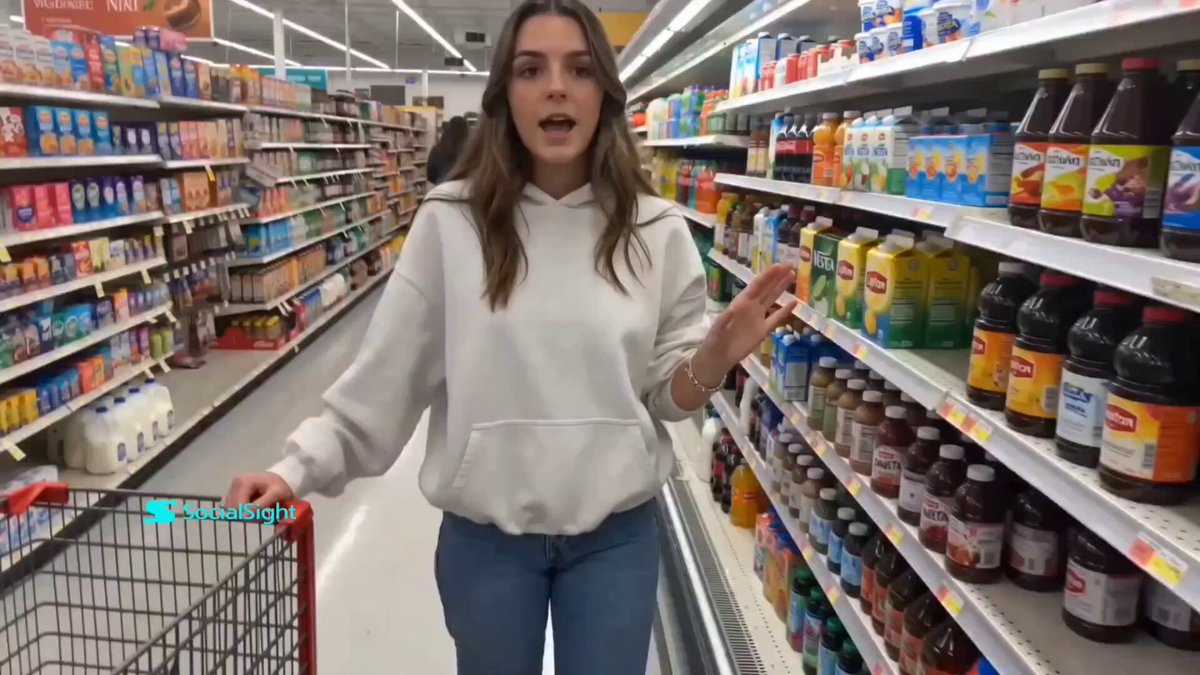
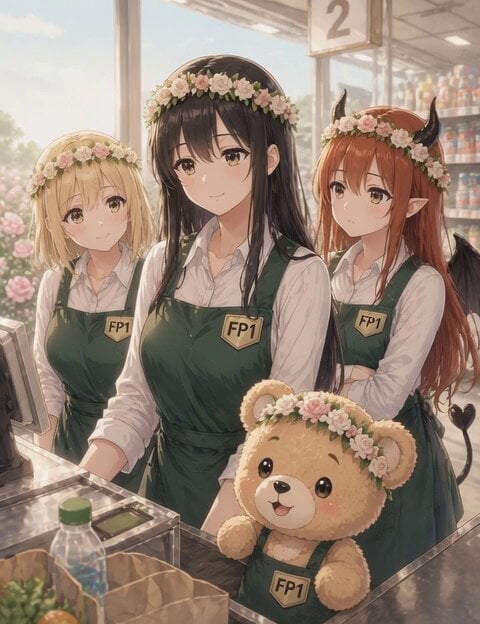
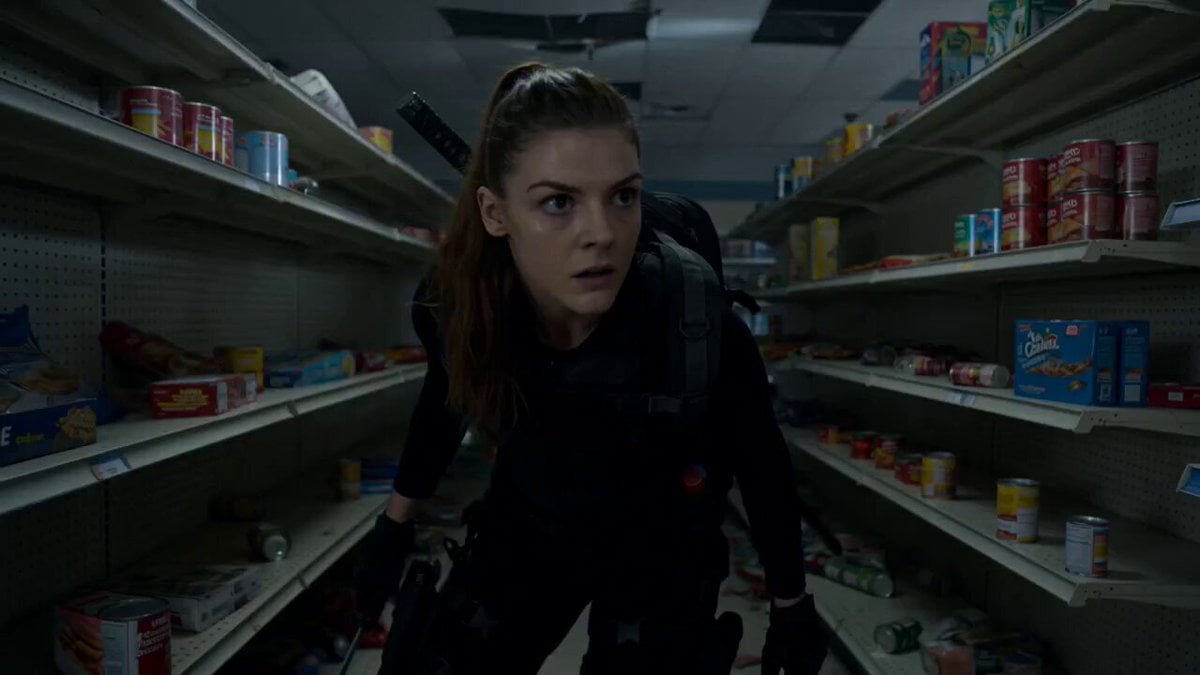
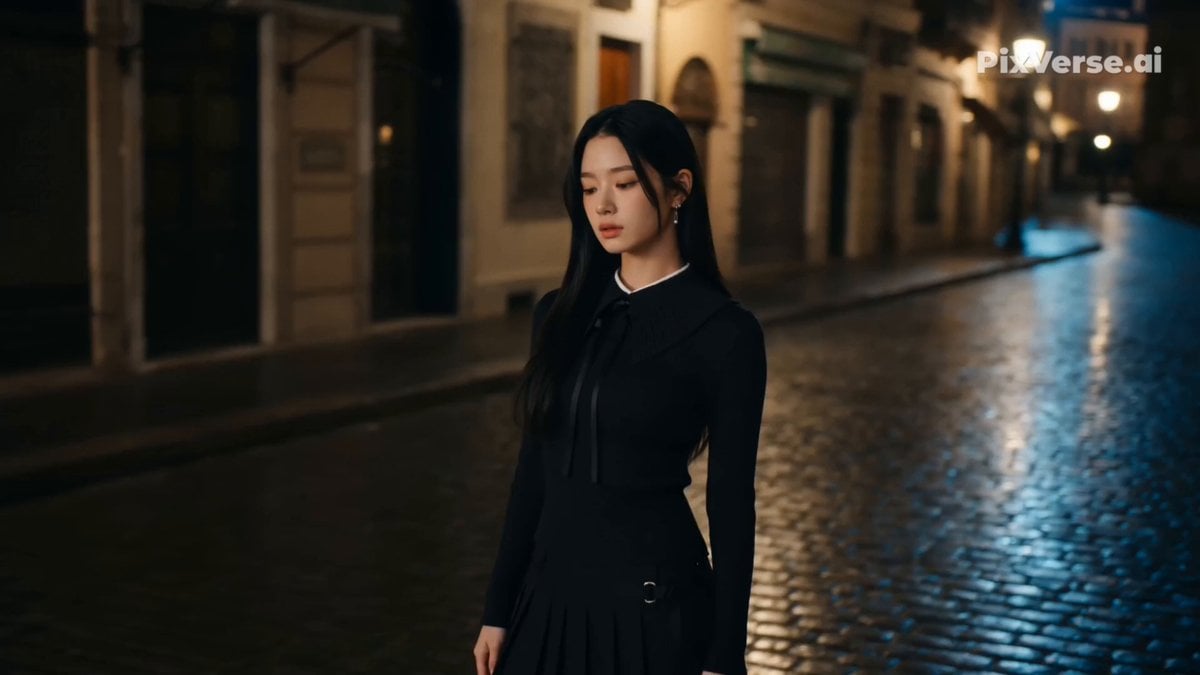
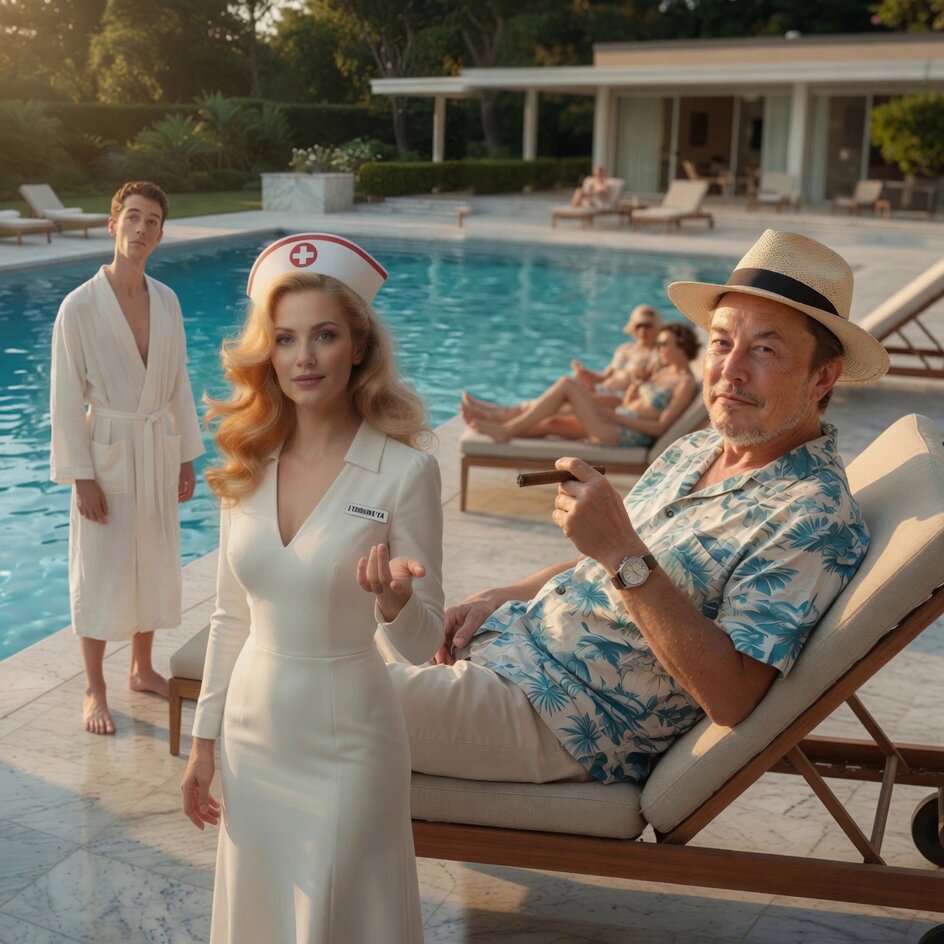
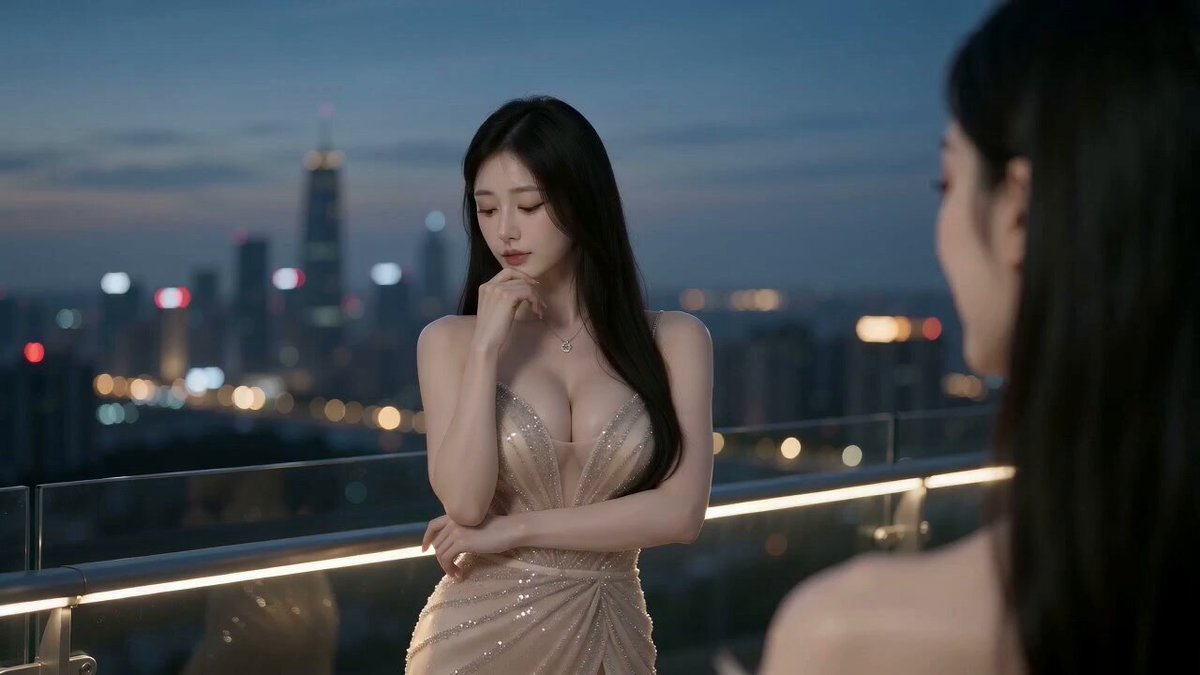
A specialized prompt for Seedance 2.0 that uses one reference image for composition and another for facial consistency to create a 15-second music video.
@Image1 は構図・服・場所を担当。@Image2 は顔アップ3面のシートで、顔の同一性だけを担当する。 髪型・服・場所は @Image1 に従う。 [深夜のスーパーの通路]で撮影した、シネマティックな15秒のミュージックビデオ。
@Image1 は構図・服・場所を担当。@Image2 は顔アップ3面のシートで、顔の同一性だけを担当する。 髪型・服・場所は @Image1 に従う。 [深夜のスーパーの通路]で撮影した、シネマティックな15秒のミュージックビデオ。
Edit the prompt in the box under the preview — the template's model and format are already selected — and press Generate. Your version appears right on this page.
Yes. You can change the subject, setting, lighting, mood, format, and available model controls before creating your video.
Opening and editing this template is free. Generating uses credits, shown on the Generate button when you are signed in.
Start with Seedance 2.0, which is the model associated with this template. You can compare another compatible model for a different finish.
Follow a topic to a crawlable collection of related PicX Studio templates.