
Supermarket Grocery Shopping Vlog
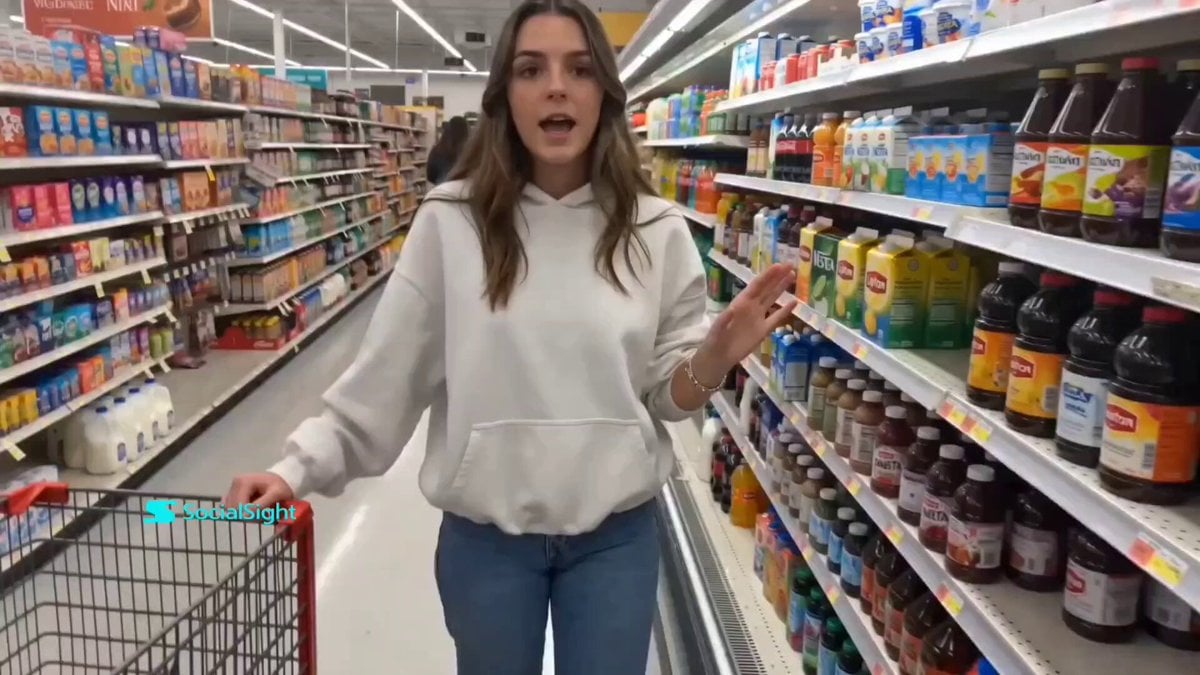
A realistic first-person vlog prompt depicting a woman shopping in a supermarket, aiming for an authentic social media aesthetic with natural lighting and handheld camera movement.
- Prompt included
- Model and format preset
- Premium template
The prompt behind this video
Copy the exact prompt behind Supermarket Grocery Shopping Vlog, or open it in the studio and make it yours.
A realistic young woman casually grocery shopping inside a well-lit supermarket during early evening. She is holding her phone at arm’s length, recording herself while walking through aisles and picking up products. Framing is slightly shaky and imperfect, like a real handheld front camera vlog. Expression: relaxed, conversational, occasionally smiling while talking about items she picks. She pauses to grab products from shelves, briefly showing them to the camera as she explains why she’s buying them. Outfit: simple everyday wear (oversized hoodie or fitted top with jeans), minimal styling. Makeup: natural, skin texture visible, no heavy filters. Lighting: bright supermarket lighting, slightly harsh but realistic. Environment: fully stocked grocery store, colorful packaging, people occasionally passing in background. Audio style: casual talking, like a voice note or vlog, unscripted feel. Style: ultra-realistic, raw phone footage, slight grain, no cinematic polish, authentic social media vibe.
How to use Supermarket Grocery Shopping Vlog in 3 steps
- 1
Open
The prompt is already in the box next to the preview, with the template's model and format selected.
- 2…a portrait of your subject in softgolden-hour light, 85mm…
Personalize
Edit the subject and creative details for your destination.
- 3Generate
Generate
Press Generate — your video is created in PicX Studio, so you can compare it with the original and refine one variable at a time.
More like this
Templates with the same subject, style or setup. Open one to see its prompt.

Everyday Grocery Shopping Lifestyle Vlog
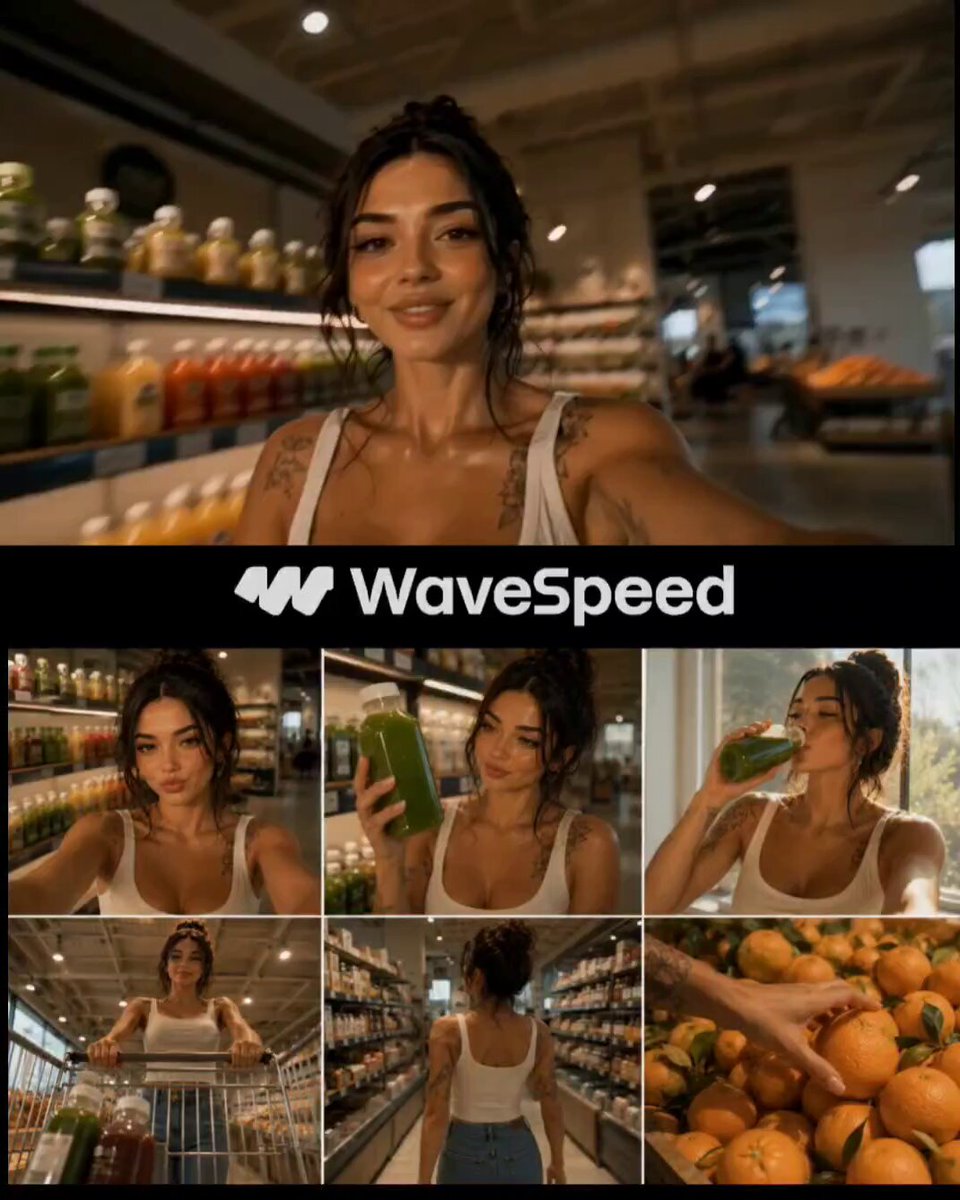
Realistic Japanese Grocery Shopping Vlog

Mediterranean Coffee Run Vlog - Seedance 2.5

Mysterious Home Exploration Vlog - Seedance 2.5

Realistic Morning Routine Lifestyle Vlog - Seedance 2.5

Handheld Tokyo Travel Vlog - Seedance 2.5

Nostalgic MiniDV Convenience Store Vlog - Seedance 2.5

Mediterranean Morning Coffee Run Vlog (Seedance 2.5)

Luxury Lifestyle Day Vlog

Luxury Airport Travel Vlog

Kyoto Morning Selfie Vlog

Kenting Lifestyle Travel Vlog
Make it yours
Supermarket Grocery Shopping Vlog works as-is. These are the safest ways to change it without losing the look.
Change one field
Copy a single group, rewrite it, and generate again so you can see what that field is doing.
Keep the frame, change the subject
Hold the composition and light of Supermarket Grocery Shopping Vlog, then swap wardrobe, props or the person for a new take.
| If the result… | Why | Fix |
|---|---|---|
| The result drifts from the preview | Too many fields changed at once. | Reuse Supermarket Grocery Shopping Vlog as-is first, then change one group — subject, light, or setting. |
| The model over-stylizes the scene | The prose prompt leaves finish and camera underspecified. | Add one camera or lighting sentence and stay on Seedance 2.0. |
More Seedance 2.0 templates
Other prompts made for Seedance 2.0.

Comical Martial Arts Punch Scene

Maglev Train Action Sequence

Martial Arts Fight Sequence

Wuxia Protection and Trust Script

Vintage Korean Arcade MiniDV Vlog

Mercedes 190 SL Luxury Ad

Rainy Night Supernatural Reverse Comedy Video Script

Amazon Civilization Discovery

Futuristic South Asian City Transformation

Cozy Luxury Cafe Commercial
More video prompts
Fresh picks from across the catalog.

Character transformation with bruised face and armor reference

Four Leaf Clover Video Prompt
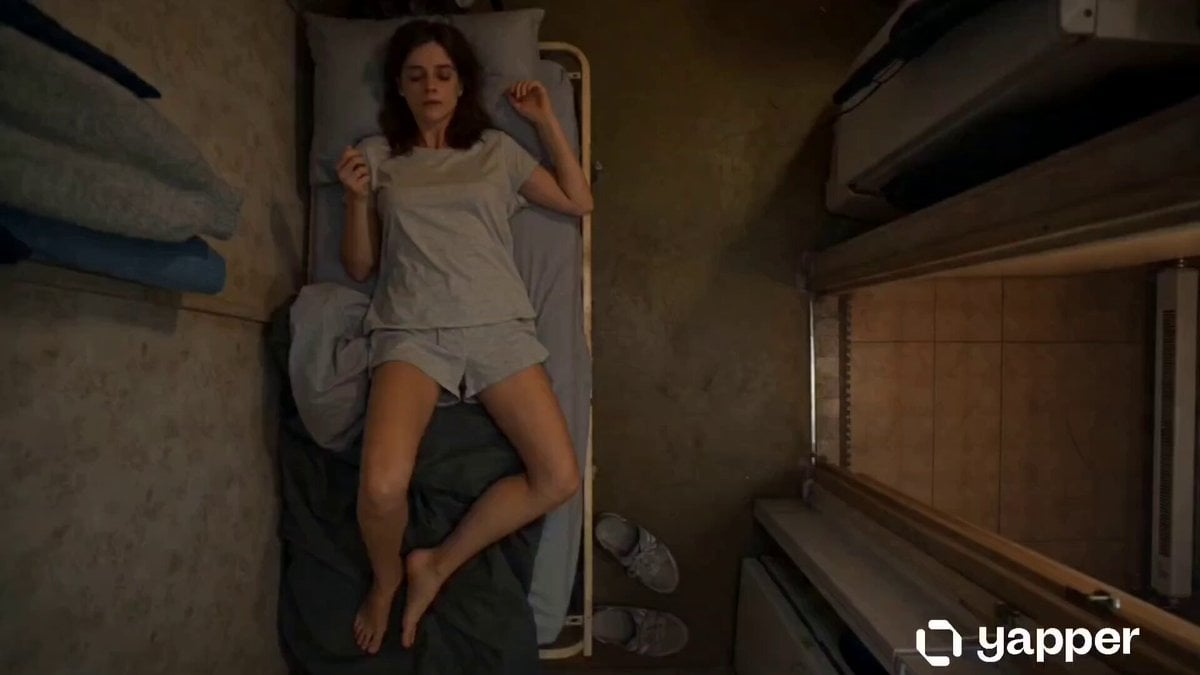
Cinematic Top-Down Routine of a Drained Young Woman
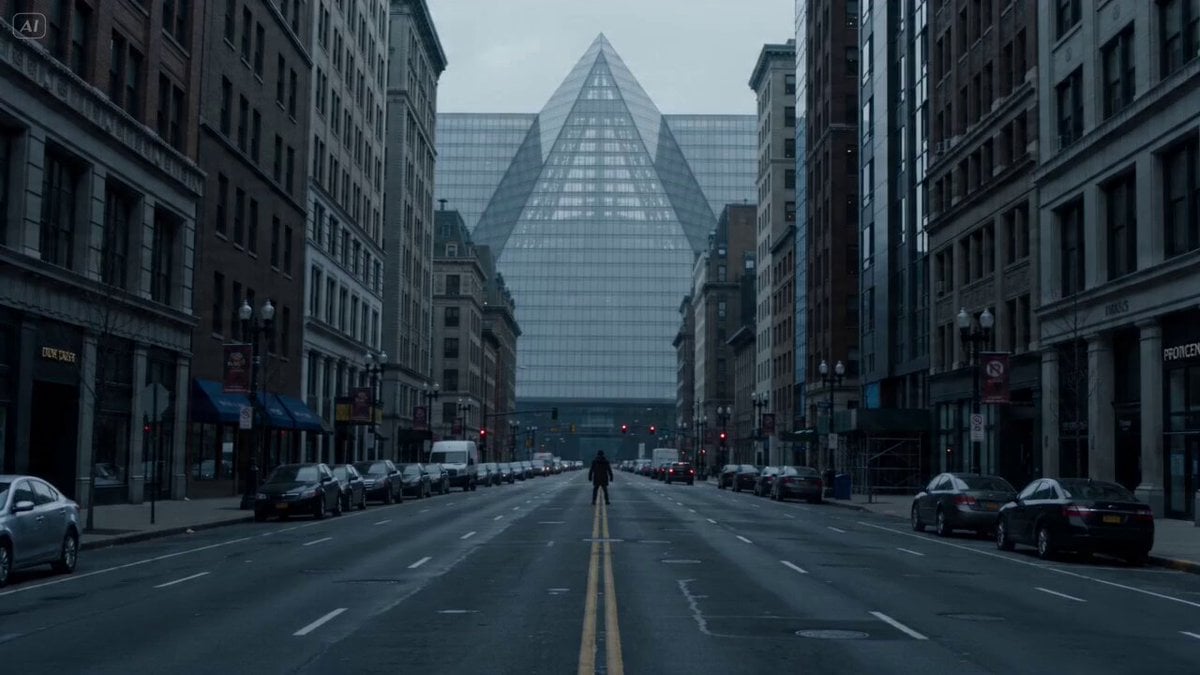
Urban Shockwave Tracking Shot

Ultra-realistic Black Lion Grooming Commercial

Cinematic Rainy Sidewalk Meeting

Giant Domino Water Parkour Challenge

Chinese Paper-Cut Animation Style Video Prompt

Jungle Woods Fire Video Prompt

Vintage Steam Train in Autumn Forest
Browse template categories
Supermarket Grocery Shopping Vlog questions
How do I use the Supermarket Grocery Shopping Vlog template?
Add your photo if the template asks for one, edit the prompt if you like — the template's model and format are already selected — and press Generate. Your version opens in PicX Studio.
Can I customize the Supermarket Grocery Shopping Vlog template?
Yes. You can change the subject, setting, lighting, mood, format, and available model controls before creating your video.
Is the Supermarket Grocery Shopping Vlog template free?
Opening and editing this template is free. Generating uses credits, shown on the Generate button when you are signed in.
Which AI model should I use?
Start with Seedance 2.0, which is the model associated with this template. You can compare another compatible model for a different finish.
Looking for something else? Browse all templates.

Your photo, any look
Thousands of ready templates for every top image and video model, from one credit balance.