How do I use the Vintage Steam Train in Autumn Forest template?
Edit the prompt in the box under the preview — the template's model and format are already selected — and press Generate. Your version appears right on this page.
A detailed Grok Imagine video prompt describing a vintage steam train chugging through an autumn forest, focusing on falling leaves, filtering sunlight, nostalgic style, and specific camera movements (close-up whistle…
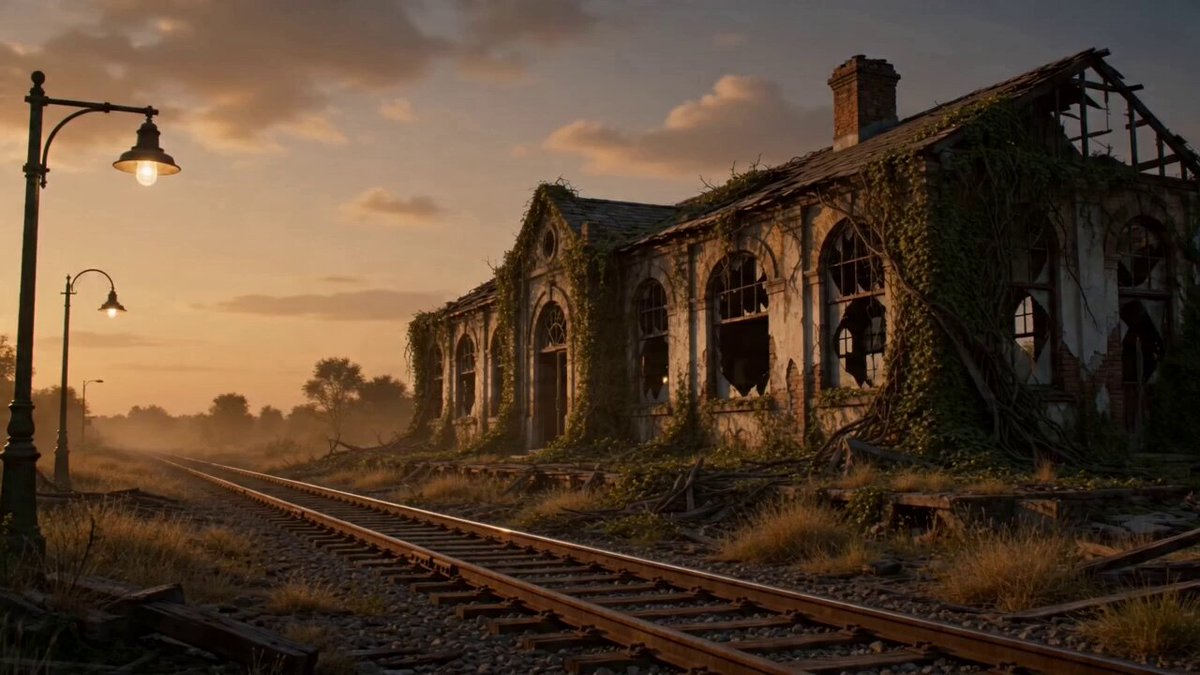
A vintage steam train chugging through a beautiful autumn forest, bright red and yellow leaves falling gently, steam puffing from the chimney, old wooden carriages with passengers looking out the windows, sunlight filtering through the trees creating moving light patterns on the tracks, ultra-detailed textures – steam particles, falling leaves, train metal shine, realistic nostalgic style, warm autumn color palette of reds, oranges, golds and deep greens, 16k resolution. Animation (10 seconds): STRONG START – At 0–2 seconds sudden close-up on the locomotive as it whistles and steam explodes forward. At 3 seconds the camera transitions into smooth side tracking alongside the moving train. Final 4 seconds: the tracking rises gently upward revealing the full train winding through the colorful forest, ending with powerful hold on the train disappearing into the golden trees. Soundtrack: Train whistle at start, layered with rhythmic chug-chug and steam puffs, leaves rustling, gentle uplifting folk melody rising to nostalgic peak.
A vintage steam train chugging through a beautiful autumn forest, bright red and yellow leaves falling gently, steam puffing from the chimney, old wooden carriages with passengers looking out the windows, sunlight filtering through the trees creating moving light patterns on the tracks, ultra-detailed textures – steam particles, falling leaves, train metal shine, realistic nostalgic style, warm autumn color palette of reds, oranges, golds and deep greens, 16k resolution. Animation (10 seconds): STRONG START – At 0–2 seconds sudden close-up on the locomotive as it whistles and steam explodes forward. At 3 seconds the camera transitions into smooth side tracking alongside the moving train. Final 4 seconds: the tracking rises gently upward revealing the full train winding through the colorful forest, ending with powerful hold on the train disappearing into the golden trees. Soundtrack: Train whistle at start, layered with rhythmic chug-chug and steam puffs, leaves rustling, gentle uplifting folk melody rising to nostalgic peak.
Edit the prompt in the box under the preview — the template's model and format are already selected — and press Generate. Your version appears right on this page.
Yes. You can change the subject, setting, lighting, mood, format, and available model controls before creating your video.
Opening and editing this template is free. Generating uses credits, shown on the Generate button when you are signed in.
Start with Grok Imagine, which is the model associated with this template. You can compare another compatible model for a different finish.
Follow a topic to a crawlable collection of related PicX Studio templates.