
Samurai Frame Breaking Action Prompt
A detailed video prompt for Seedance Pro Fast designed to create a cinematic sequence where a Japanese samurai swings a sword, shatters a picture frame, and walks out toward the viewer.
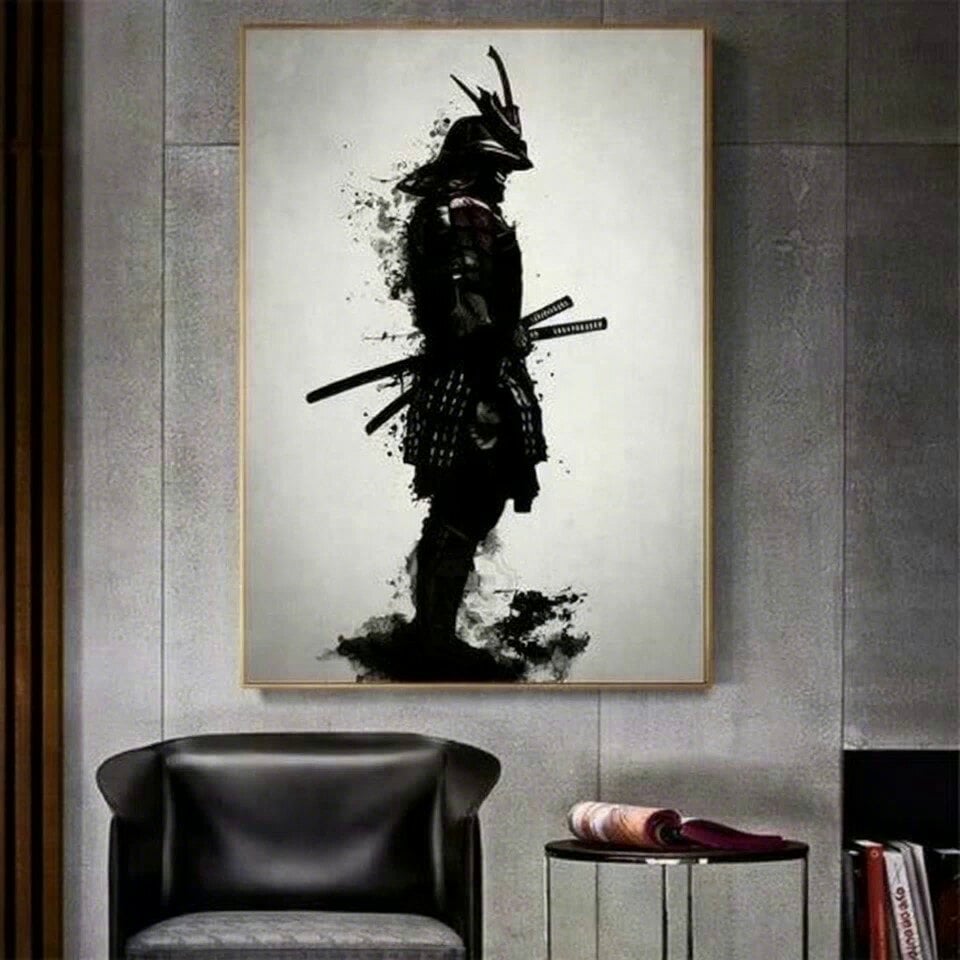
- Prompt included
- Model and format preset
- Free template
The prompt behind this video
Copy the exact prompt behind Samurai Frame Breaking Action Prompt, or open it in the studio and make it yours.
일본무사가 칼을 휘두른다. 액자 오른쪽 프레임이 깨진다. 프레임을 넘어서 무사가 오른쪽으로 검은연기를 뿜으며 걸어나온다. no text, no cut change, no character change.
How to use Samurai Frame Breaking Action Prompt in 3 steps
- 1
Open
The prompt is already in the box next to the preview, with the template's model and format selected.
- 2…a portrait of your subject in softgolden-hour light, 85mm…
Personalize
Edit the subject and creative details for your destination.
- 3Generate
Generate
Press Generate — your video is created in PicX Studio, so you can compare it with the original and refine one variable at a time.
More like this
Templates with the same subject, style or setup. Open one to see its prompt.
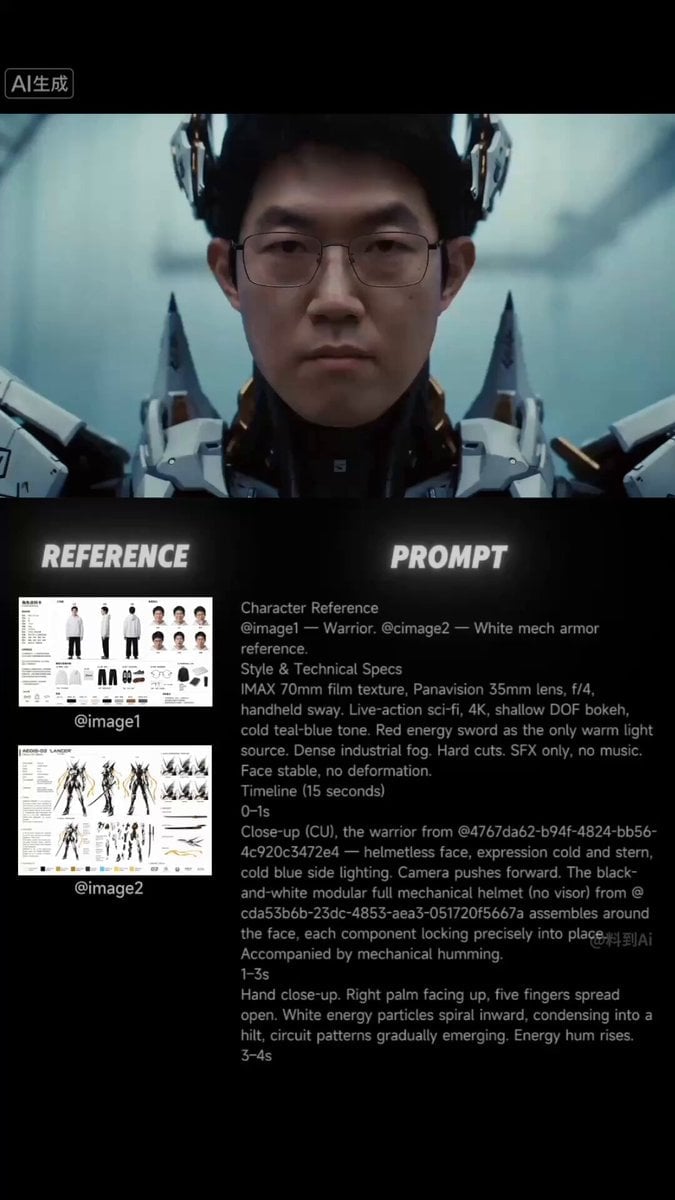
Futuristic Samurai Cinematic Action
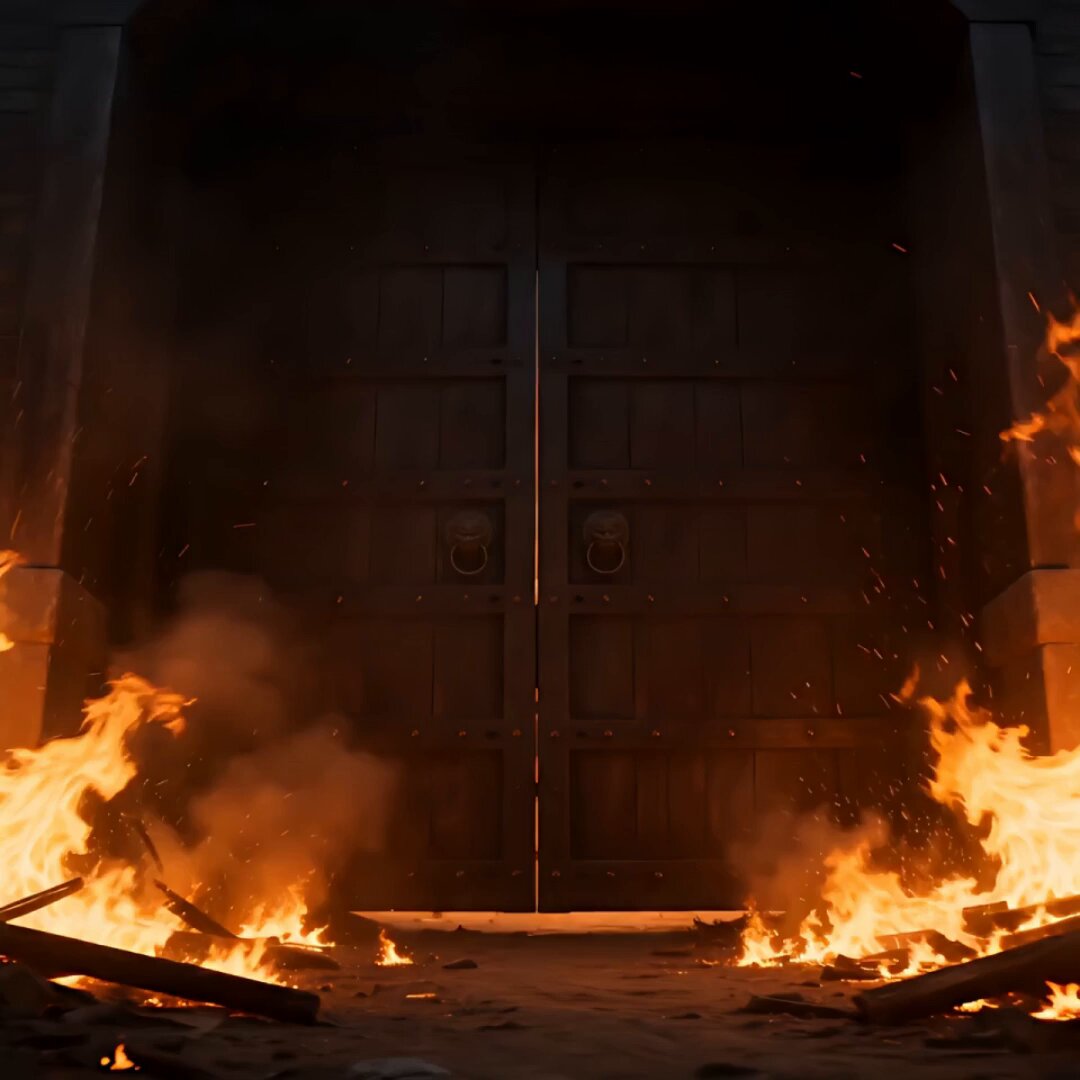
Samurai Castle Siege Action

Samurai vs Ninjas Action Video

Walking Factory with Rebel on Hoverbike - Wasteland
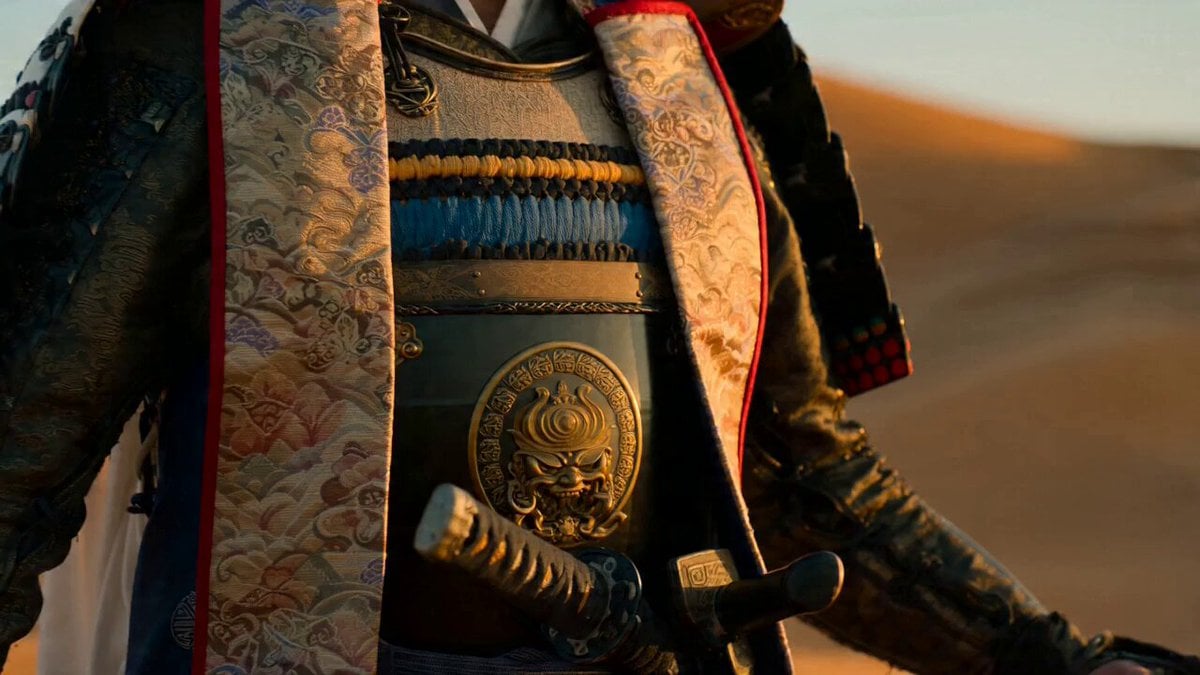
Samurai Desert Action Sequence Prompt
Thornmaw Monarch — Crimson Glass Desert Beast
Warhorse Sprint on Cliff Aqueduct
Parametric Fight Scenes Seedance

Nano Banana Seedance Time Control Streets
Colossal Sea Creature — Stormy Shore Charge (Seedance)
Skybridge Rescue — Supertall Tower Collapse (Seedance)
Highway Biker — Aggressive Lane Split (PixVerse C1)
Make it yours
Samurai Frame Breaking Action Prompt works as-is. These are the safest ways to change it without losing the look.
Change one field
Copy a single group, rewrite it, and generate again so you can see what that field is doing.
Keep the frame, change the subject
Hold the composition and light of Samurai Frame Breaking Action Prompt, then swap wardrobe, props or the person for a new take.
| If the result… | Why | Fix |
|---|---|---|
| The result drifts from the preview | Too many fields changed at once. | Reuse Samurai Frame Breaking Action Prompt as-is first, then change one group — subject, light, or setting. |
| The model over-stylizes the scene | The prose prompt leaves finish and camera underspecified. | Add one camera or lighting sentence and stay on Seedance 2.0. |
More Seedance 2.0 templates
Other prompts made for Seedance 2.0.

Comical Martial Arts Punch Scene

Maglev Train Action Sequence

Martial Arts Fight Sequence

Wuxia Protection and Trust Script

Vintage Korean Arcade MiniDV Vlog

Mercedes 190 SL Luxury Ad

Rainy Night Supernatural Reverse Comedy Video Script

Amazon Civilization Discovery

Futuristic South Asian City Transformation

Cozy Luxury Cafe Commercial
More video prompts
Fresh picks from across the catalog.
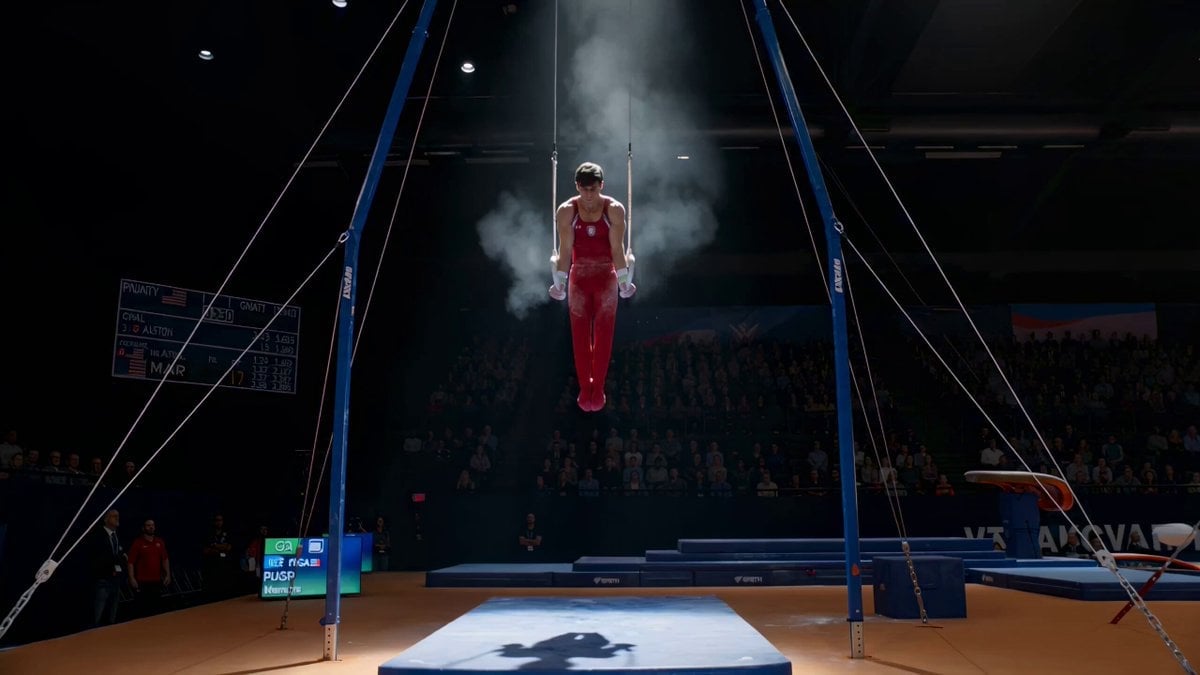
Still Rings Perfection - 6-Part Shot List
Nano Banana Seedance Environment Render Walk

First-Person POV Hangzhou Dining Prank
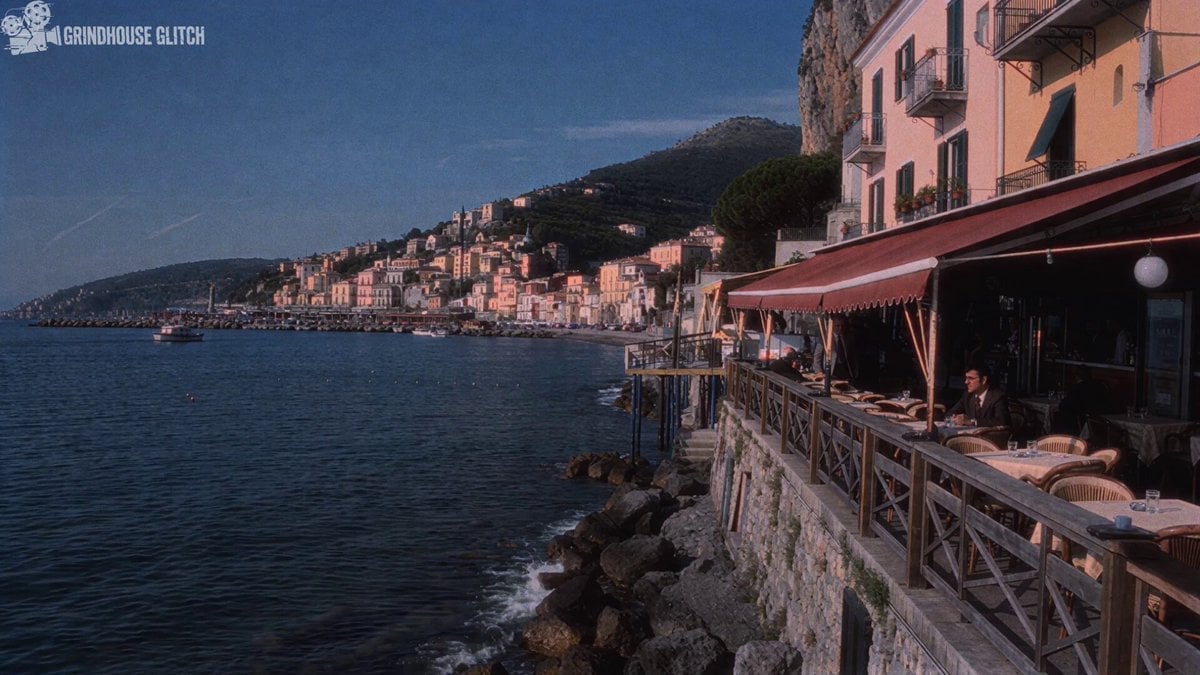
1970s Italian Crime Drama Clip Generation
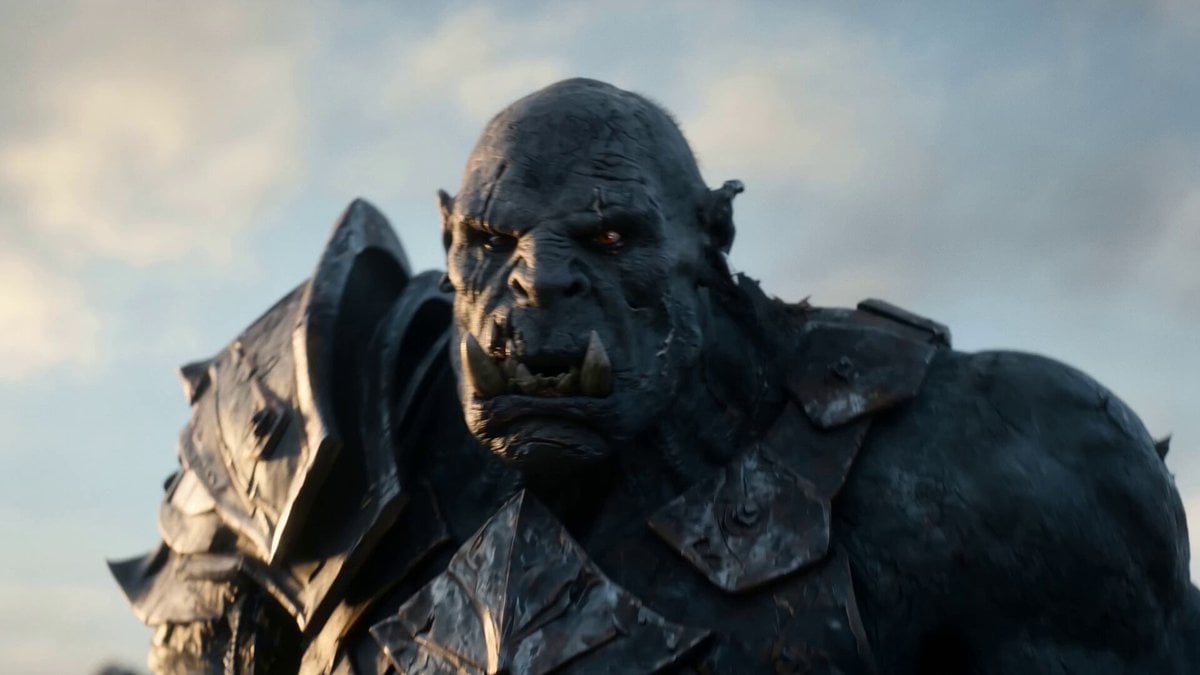
Elven vs Orc Epic Battle
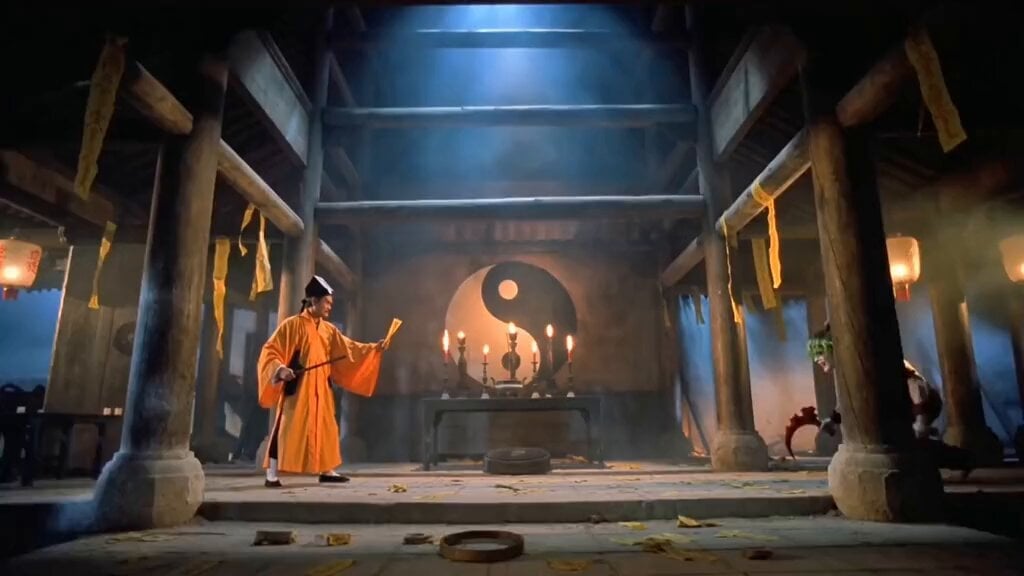
AI Generated Crossover: Lam Ching-ying vs. Gyutaro
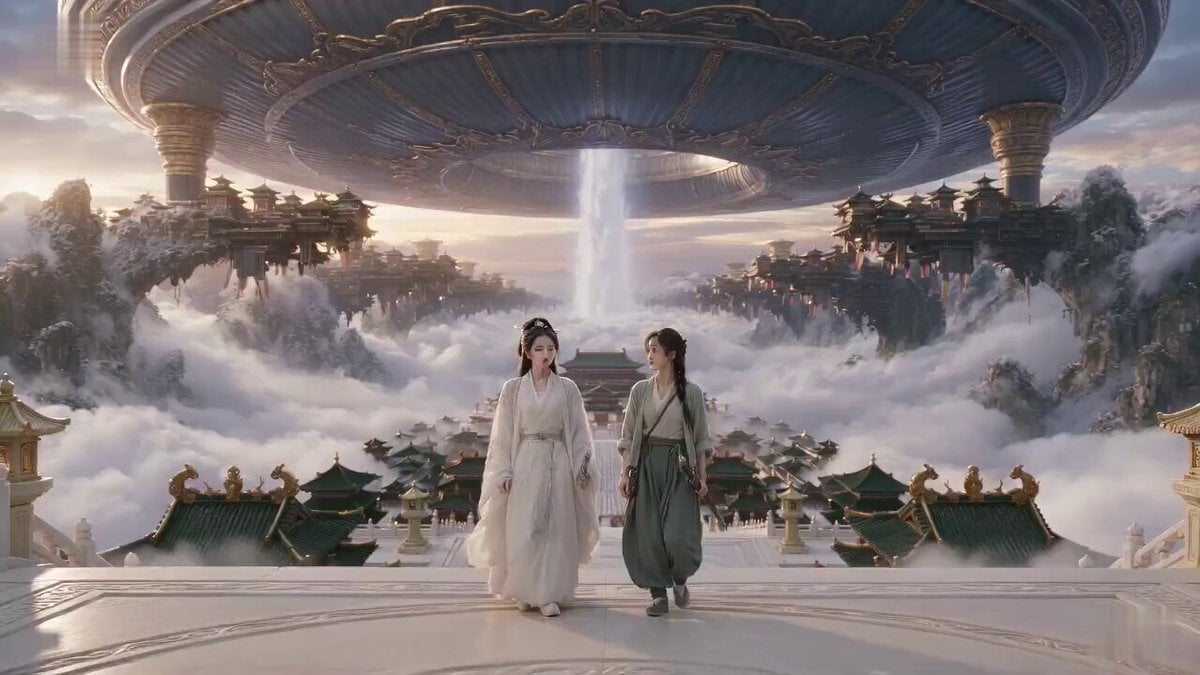
Xianxia Misunderstanding Comedy
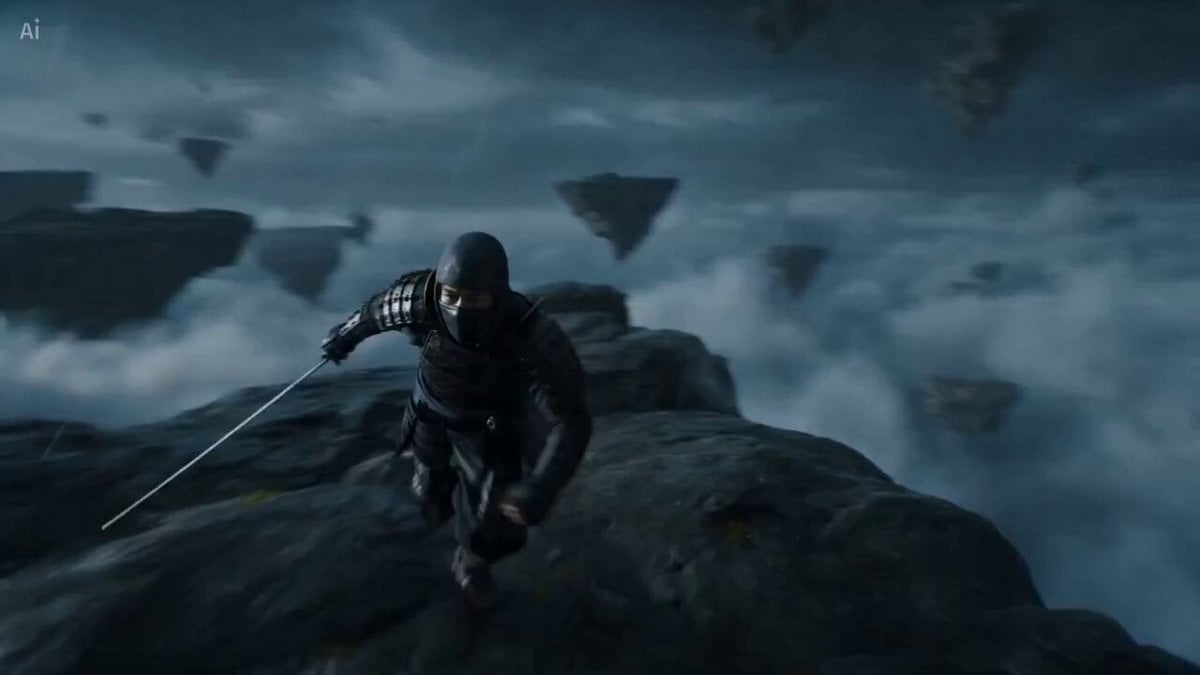
Surreal Battlefield Ronin Fight Prompt
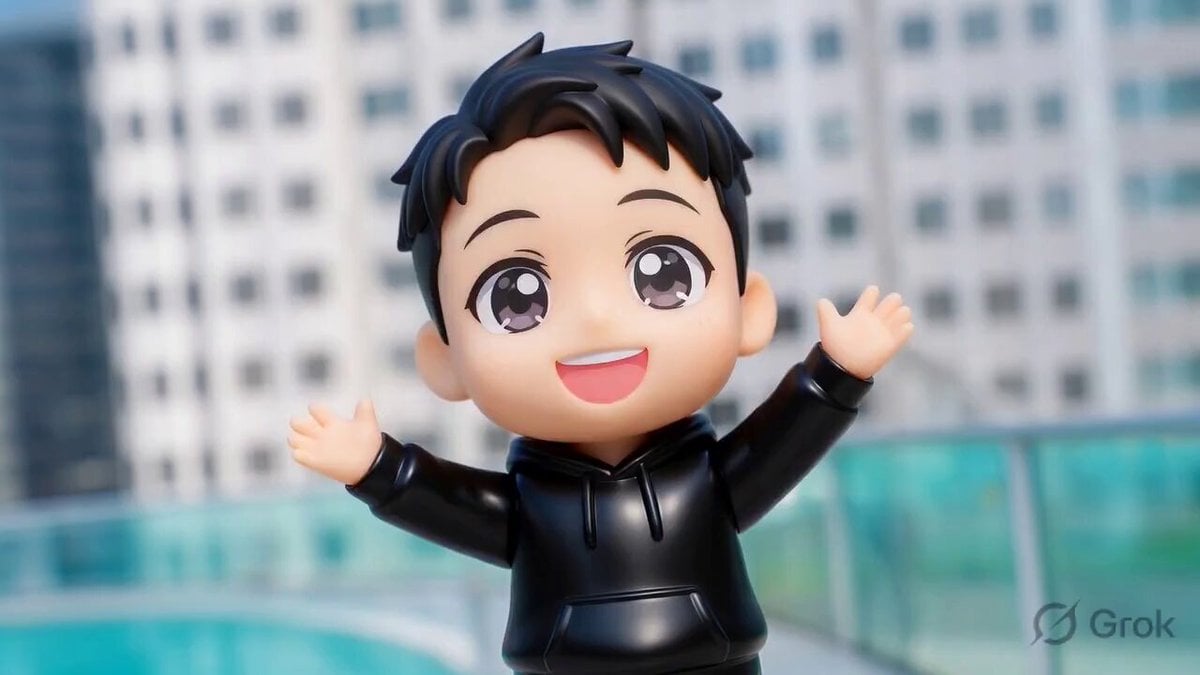
Person plays guitar and backdrop melts into a stage
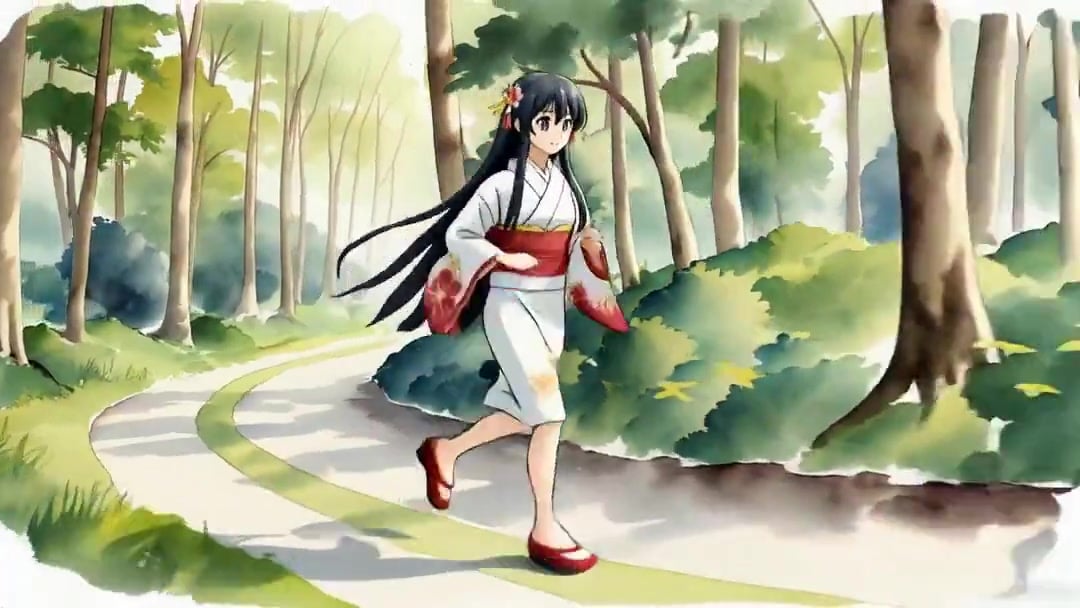
Vid2Vid Watercolor Style Transfer — Kling 3.0 O3 Pro
Browse template categories
Samurai Frame Breaking Action Prompt questions
How do I use the Samurai Frame Breaking Action Prompt template?
Add your photo if the template asks for one, edit the prompt if you like — the template's model and format are already selected — and press Generate. Your version opens in PicX Studio.
Can I customize the Samurai Frame Breaking Action Prompt template?
Yes. You can change the subject, setting, lighting, mood, format, and available model controls before creating your video.
Is the Samurai Frame Breaking Action Prompt template free?
Opening and editing this template is free. Generating uses credits, shown on the Generate button when you are signed in.
Which AI model should I use?
Start with Seedance 2.0, which is the model associated with this template. You can compare another compatible model for a different finish.
Looking for something else? Browse all templates.

Your photo, any look
Thousands of ready templates for every top image and video model, from one credit balance.