
Samurai Castle Siege Action
A detailed historical action prompt for a samurai's final charge from a burning castle, with complex camera work and atmospheric sound design.
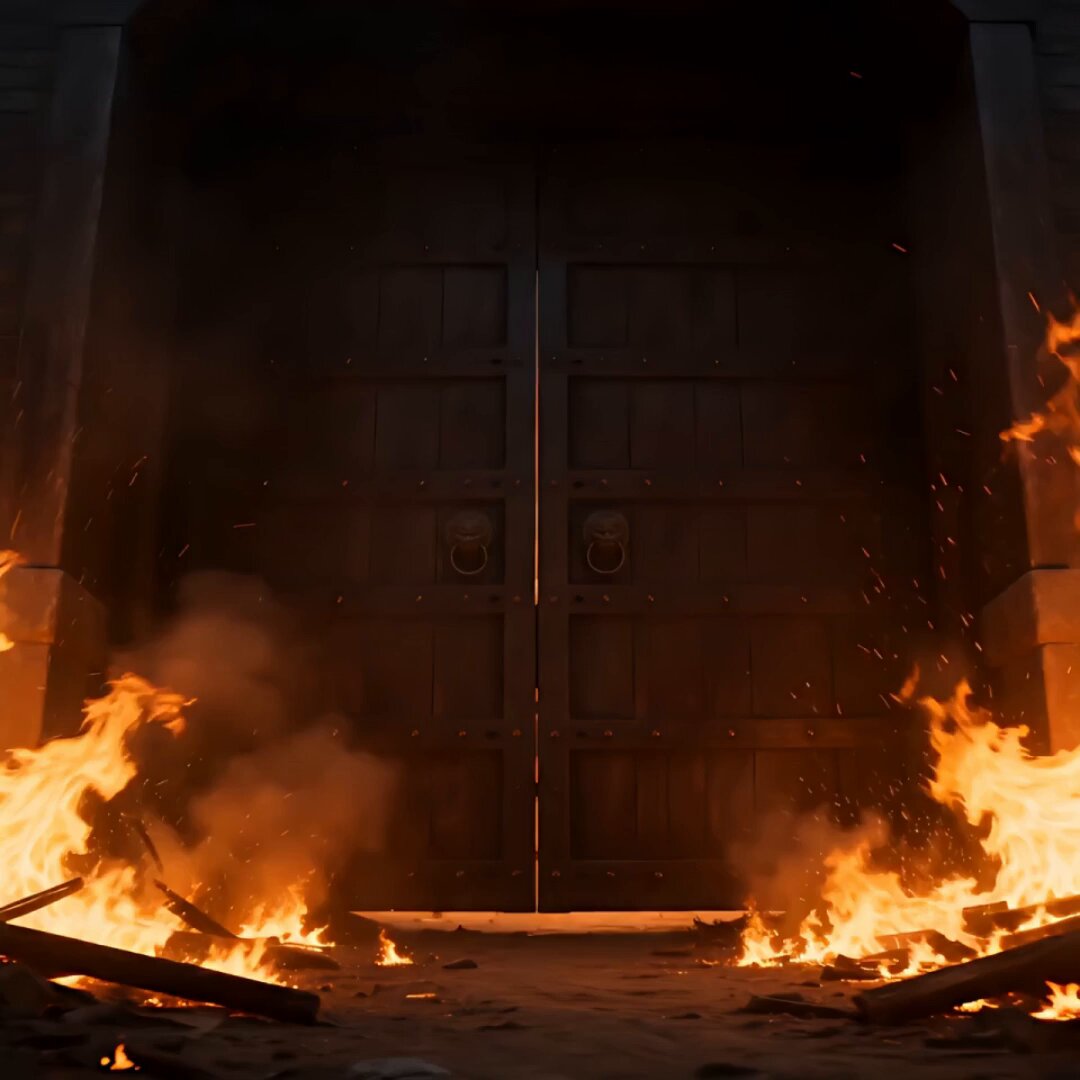
- Prompt included
- Model and format preset
- Free template
The prompt behind this video
Copy the exact prompt behind Samurai Castle Siege Action, or open it in the studio and make it yours.
Reference Image: @image1 [CONDITION DEFINITION] 約15秒、シネマティックで高精度な歴史アクション短編。参照画像の人物を唯一のキャラクターアンカーとして使用し、性別、顔立ち、目の印象、髪型、髪色、年齢感、鎧の構造、配色、布飾り、武器を維持し、同一人物として描写する。参照画像が実写なら高品質な実写のまま、アニメ・イラストなら元の線、彩色、質感を保った高品質なアニメ映像として描写し、途中で画調を変えない。参照画像の無地背景、立ち姿、待機ポーズ、構図は継承しない。 舞台は夜明け直前、落城寸前の日本の城。炎上する城門から、参照画像の騎馬武者が少数の騎馬兵を率いて最後の突撃を開始する。主役は常に先頭の参照人物1人。少数の騎馬兵は背後や周囲に短く見える補助的存在とする。 [OPTIONAL PERFORMER LOOK] 勇敢で気品があり、命を懸けた覚悟を感じる武者。顔を煙や髪で隠しすぎず、騎乗中でも同一人物と分かるようにする。鎧、布飾り、武器は途中で変化させない。 [SHOT / FLOW] 0.0–3.5秒:崩壊する城門からの出陣。低い引きで炎上する城門、崩れかけた木門、煙、火の粉、破れた旗を見せ、木材が崩れ落ちた直後に騎馬武者が勢いよく飛び出す。短いジェットカットで、目元、髪、手綱を握る手、武器の柄、揺れる鎧と布飾り、地面を蹴る蹄を連続して見せる。 3.5–8.0秒:高速加速と矢の集中。超低位置の後方斜め追尾で蹄と前脚を至近距離から追い、土煙を強く見せる。顔へ急接近し、激しい振動の中でも前方を鋭く見据える表情を見せる。側面高速追従に切り替え、城壁、炎、旗、敵兵を高速で流す。上空と前方から矢が降り、武者は上体を低くしてかわす。カメラは正面斜めから側面へ素早く回り込み、立体的な突撃にする。 8.0–12.5秒:敵前線への衝突と突破。前方に槍と盾の列が迫る。前方低位置から騎馬武者と馬がカメラへ高速で迫り、直前で横へ抜ける。武者は停止せず槍の隙間へ進路を変えて突入し、武器で敵の槍の柄を一度だけ強く弾き、短い金属火花を散らす。蹄、目元、手綱、武器と槍の接触、鎧、馬の肩、土煙を高速で切り替え、速度を維持したまま前線を突破する。 12.5–15.0秒:速度を止めない余韻。土煙の中から前方へ抜け、朝焼けに照らされた戦場へ走り続ける。背後には炎上する城、崩れた城門、乱れた敵前線、破れた旗。前方には金色の朝焼け。武者は停止せず、一瞬だけ顔を横へ向けるか、前方だけを見据えたまま走り続ける。最後はカメラが後方上空へ引き上がり、先頭の参照人物、少数騎馬、燃える城、朝焼けの戦場を同じ画面に収める。勝敗や生死は断定せず、勇敢さと悲壮感を残して締める。 [CAMERA / EDITING] 非常にダイナミックな8〜10カット構成。燃える城門の低い引き、目元の寄り、手綱と武器の寄り、蹄の超低位置追尾、側面高速追従、正面からの急接近、斜め前から側面への回り込み、敵前線への高速プッシュイン、突破後の上昇俯瞰を使用する。馬の全身を遠景や真横から長時間固定しない。蹄、前脚、馬の肩、顔、上半身、手、鎧、武器を短く切り替え、騎馬の重量感と速度を表現する。顔や足元のジェットカットは0.2〜0.6秒、主要アクションは0.8〜1.5秒、最後のみ1.5〜2秒。背景を高速で流し、風圧、土煙、火の粉、髪、布飾りで速度を強化する。 [SOUND] BGMは絶対に入れない。音楽、歌、ナレーションなし。効果音と環境音のみ。重い蹄音、地面の振動、鎧と金属装飾の揺れる音、手綱、武器と槍の短い金属衝突音、矢の風切り音、炎、崩壊する木材、旗、風、土煙、遠くの叫び声を強調する。 [NEGATIVE] 文字、字幕、ロゴ、透かし、実在する家紋、ブランド、UI、分割画面、コラージュ、参照画像そのもの、無地背景の人物シートを映像内に出さない。主役を複数人に増やさない。別の人物を主役にしない。参照画像の性別、顔、髪型、髪色、年齢感、鎧、配色、布飾り、武器、画調を途中で変更しない。武器の消失、変形、複製、持ち替えを起こさない。馬や騎手の融合、複製、脚の本数異常、不自然な大跳躍を避ける。遠景だけの騎馬走行、単調な横移動、長い直線走行、静かな出陣、長時間のスローモーション、停止した決めポーズ、過度なファンタジー、発光武器、機械的な鎧、巨大な炎エフェクト、暗すぎる画面、低コントラスト、濁った煙、人物が炎や煙に埋もれる映像を避ける。
How to use Samurai Castle Siege Action in 3 steps
- 1Upload ImagePNG, JPG or paste
Add your photo
Upload the photo the template builds on. The prompt, model and format are already set.
- 2…a portrait of your subject in softgolden-hour light, 85mm…
Personalize
Edit the subject and creative details for your destination.
- 3Generate
Generate
Press Generate — your video is created in PicX Studio, so you can compare it with the original and refine one variable at a time.
More like this
Templates with the same subject, style or setup. Open one to see its prompt.
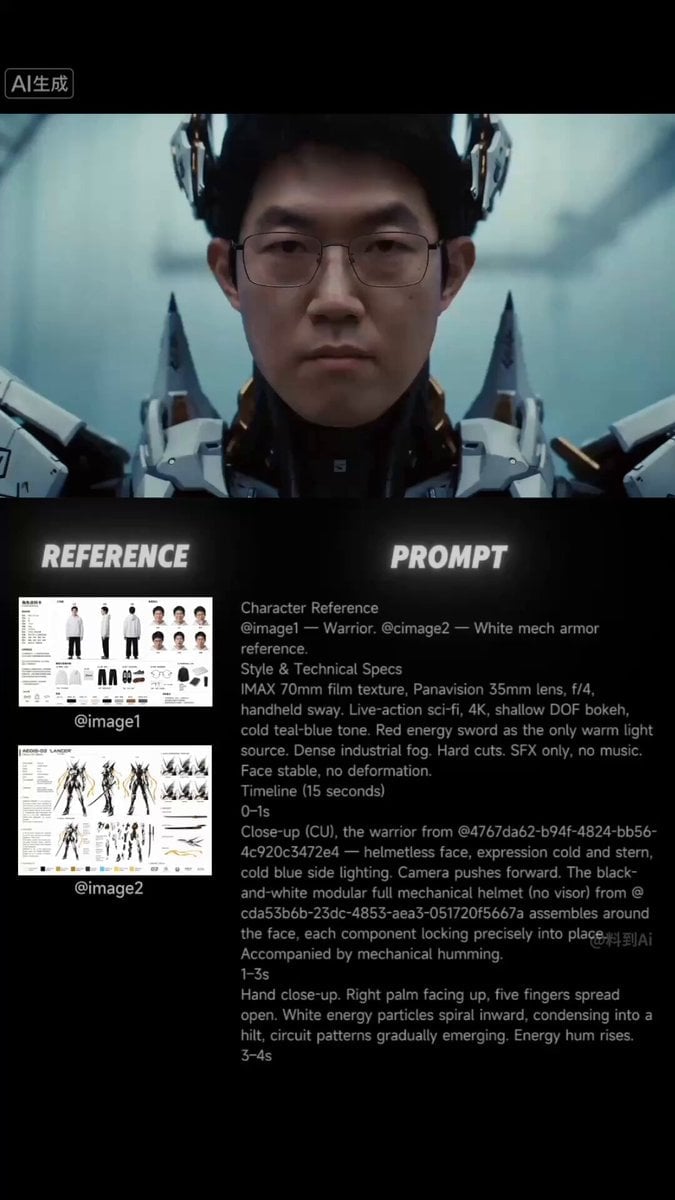
Futuristic Samurai Cinematic Action
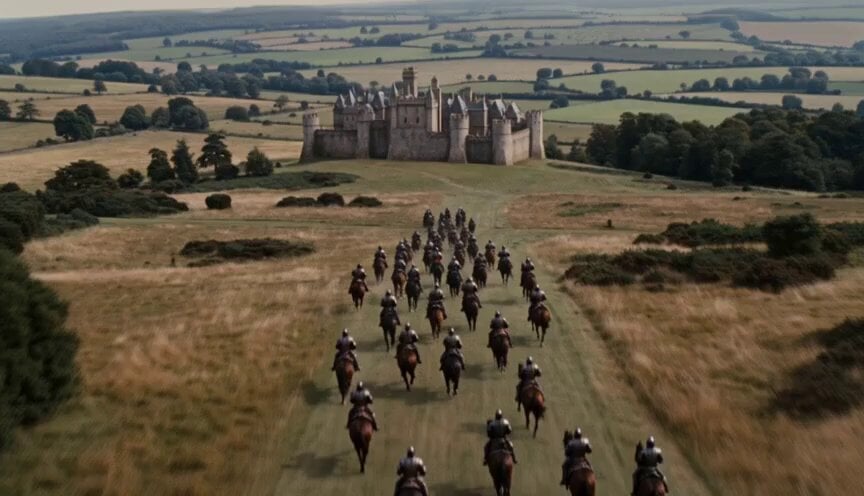
Walking Castle Medieval Siege Prompt
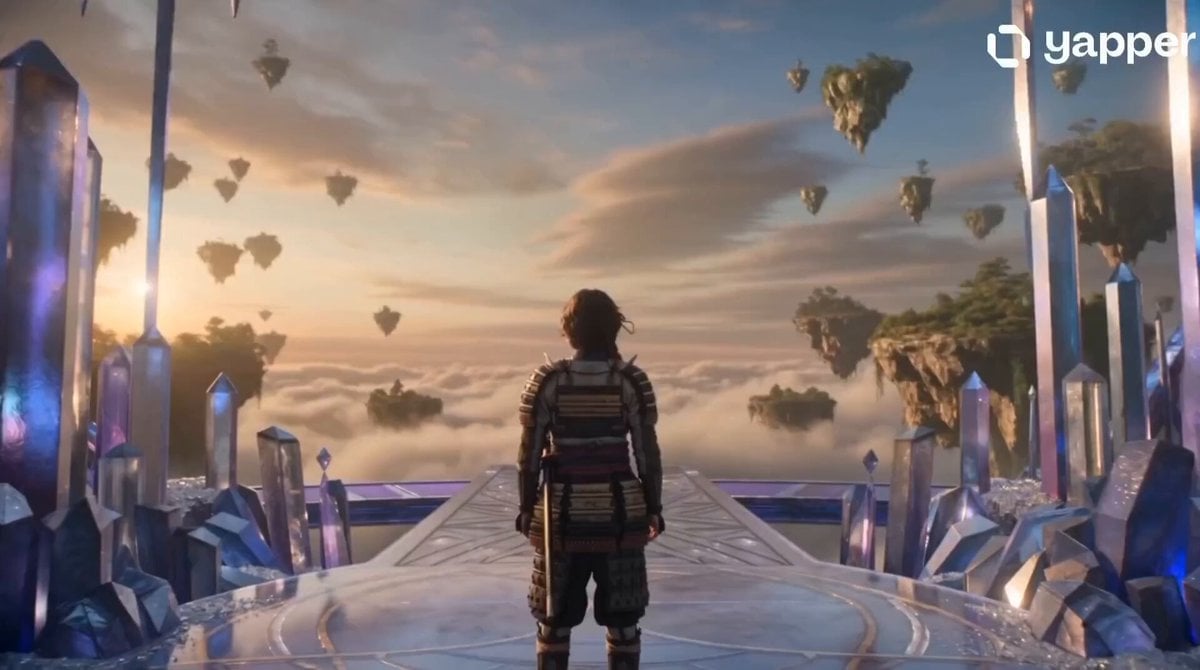
Crystal Castle Samurai Journey
Cinematic Sengoku Period Castle Siege

Samurai vs Ninjas Action Video

Walking Factory with Rebel on Hoverbike - Wasteland
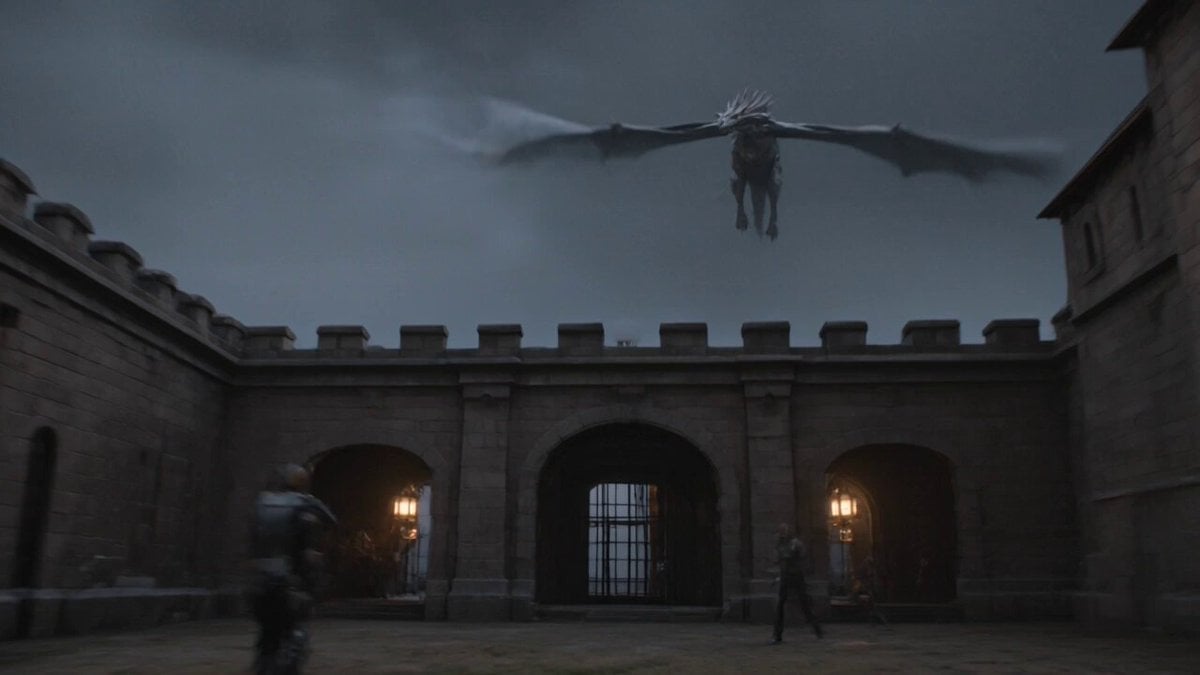
Ancient Castle Siege by Dragon
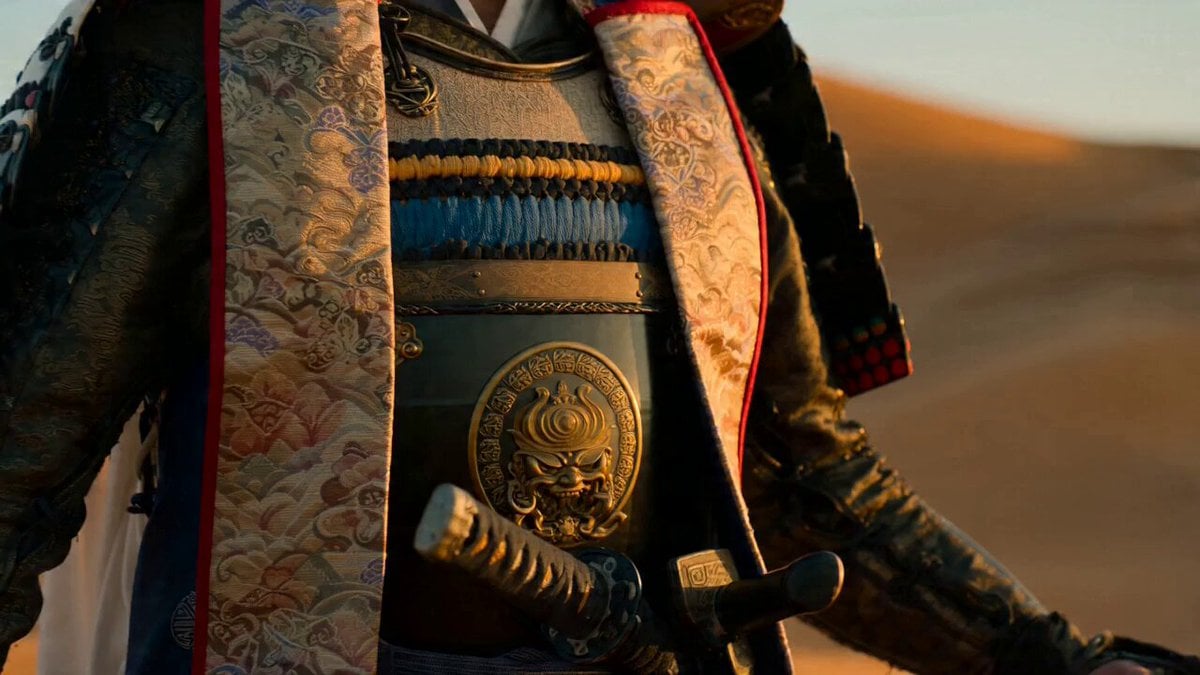
Samurai Desert Action Sequence Prompt
Thornmaw Monarch — Crimson Glass Desert Beast
Warhorse Sprint on Cliff Aqueduct
Parametric Fight Scenes Seedance

Nano Banana Seedance Time Control Streets
Make it yours
Samurai Castle Siege Action works as-is. These are the safest ways to change it without losing the look.
Change one field
Copy a single group, rewrite it, and generate again so you can see what that field is doing.
Keep the frame, change the subject
Hold the composition and light of Samurai Castle Siege Action, then swap wardrobe, props or the person for a new take.
| If the result… | Why | Fix |
|---|---|---|
| The result drifts from the preview | Too many fields changed at once. | Reuse Samurai Castle Siege Action as-is first, then change one group — subject, light, or setting. |
| The model over-stylizes the scene | The prose prompt leaves finish and camera underspecified. | Add one camera or lighting sentence and stay on Seedance 2.0. |
More Seedance 2.0 templates
Other prompts made for Seedance 2.0.

Comical Martial Arts Punch Scene

Maglev Train Action Sequence

Martial Arts Fight Sequence

Wuxia Protection and Trust Script

Vintage Korean Arcade MiniDV Vlog

Mercedes 190 SL Luxury Ad

Rainy Night Supernatural Reverse Comedy Video Script

Amazon Civilization Discovery

Futuristic South Asian City Transformation

Cozy Luxury Cafe Commercial
More video prompts
Fresh picks from across the catalog.
World Evolution Cinematic Animation
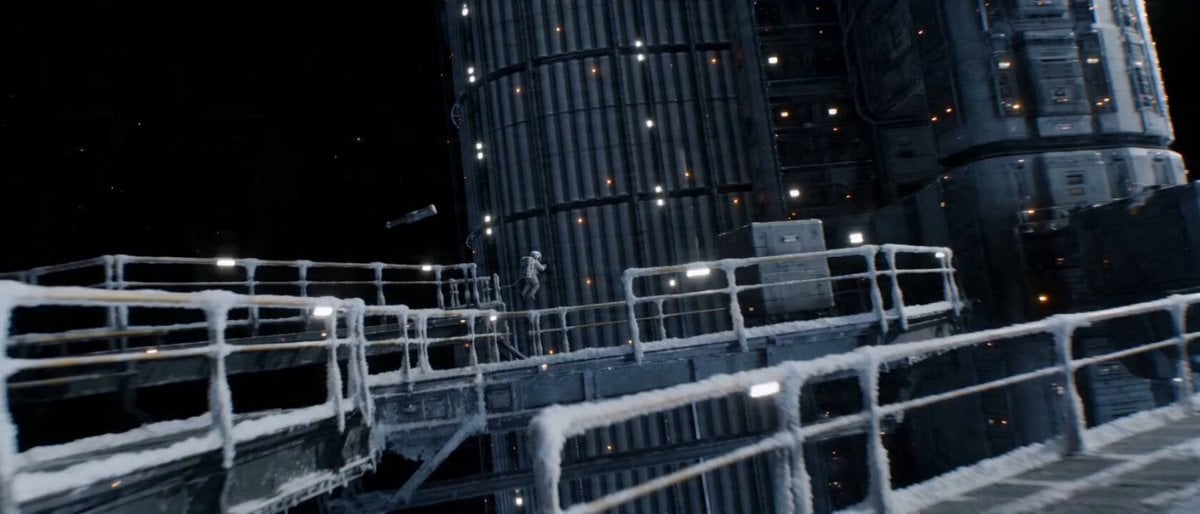
Continuous Shot Astronaut Video Prompt (Seedance 2.0 Omni)

Cincinnati Park Scene with Hovering Car
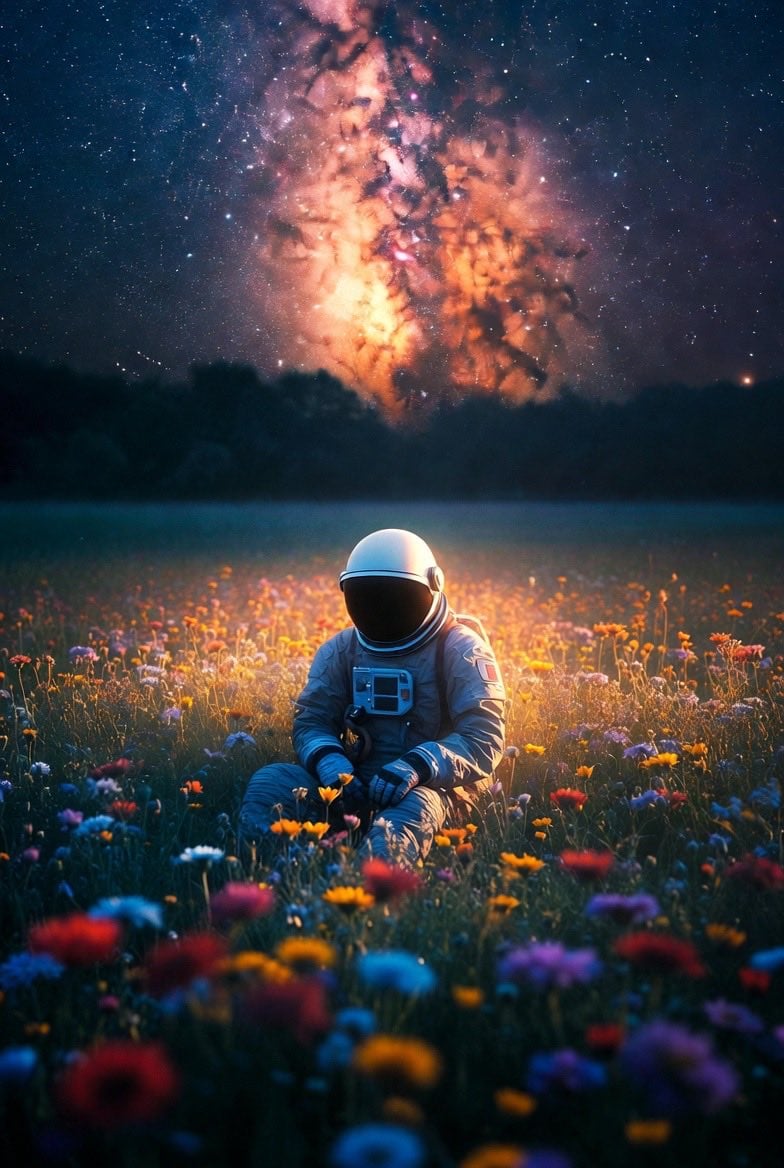
Lonely Astronaut in Flower Field Under Cosmic Sky
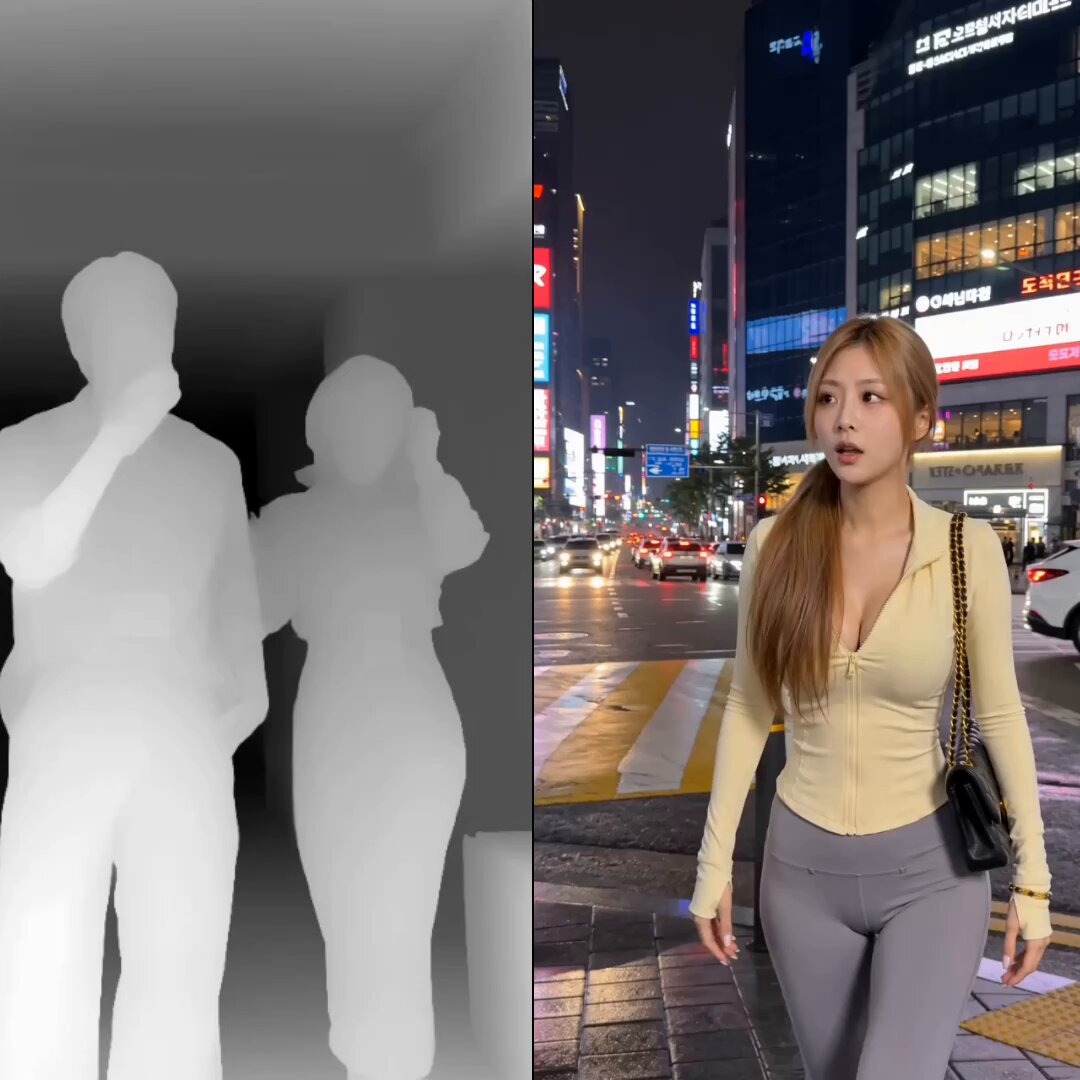
K-Pop Dance Motion Transfer
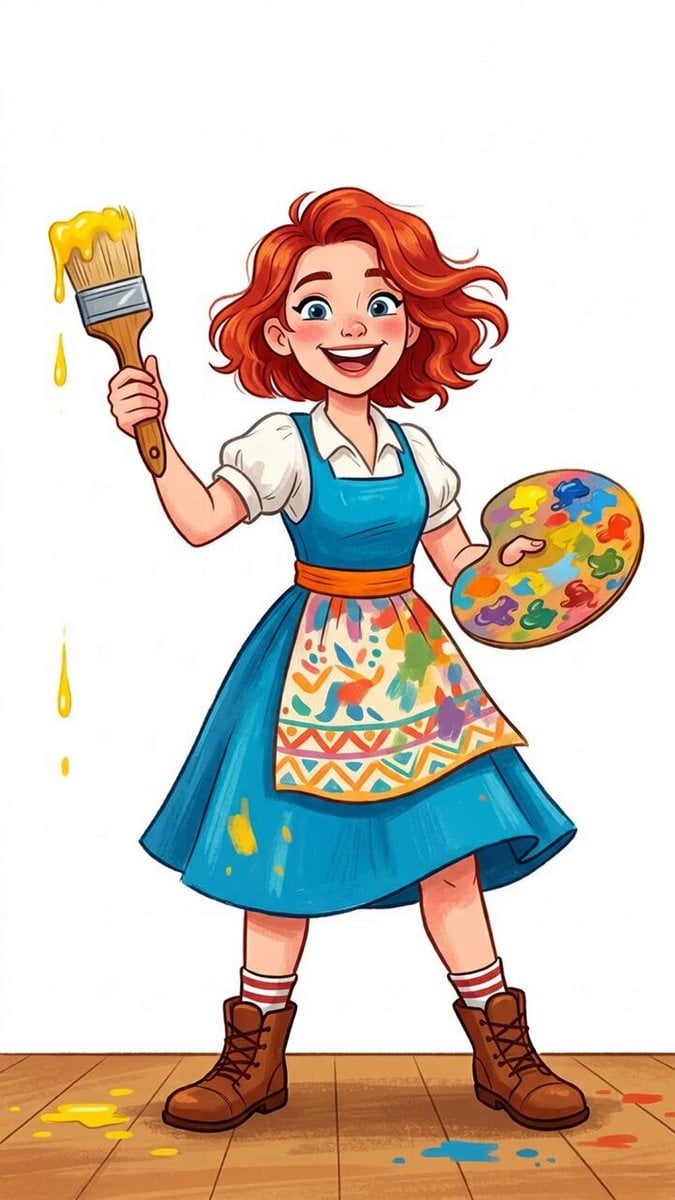
Girl painting with circular brush strokes and falling colors

Romantic Rain Dance Sequence
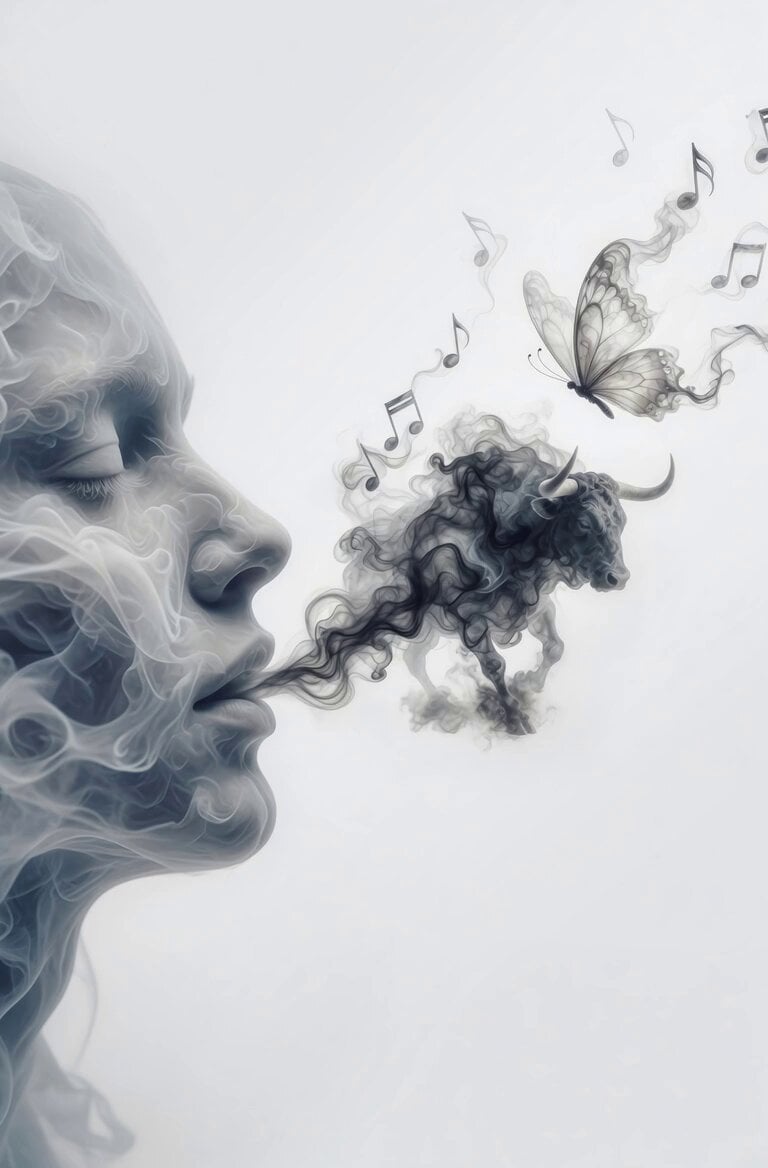
Smoky Ethereal Profile Animation
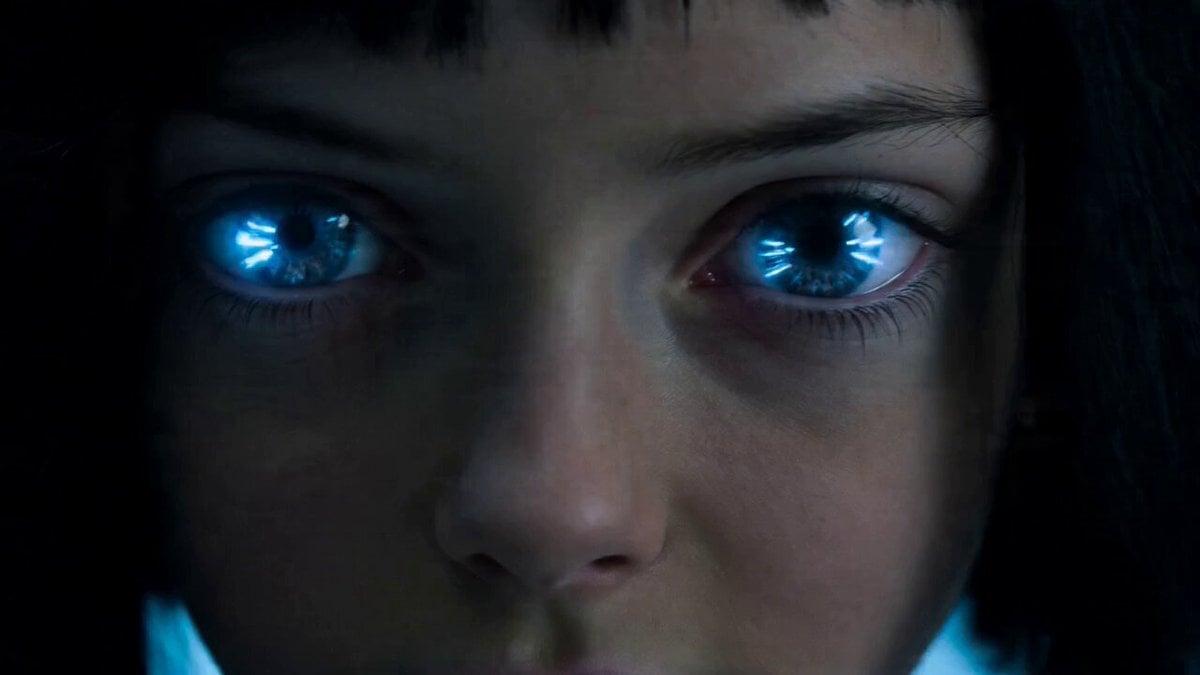
Rampaging Android Girl in Lab
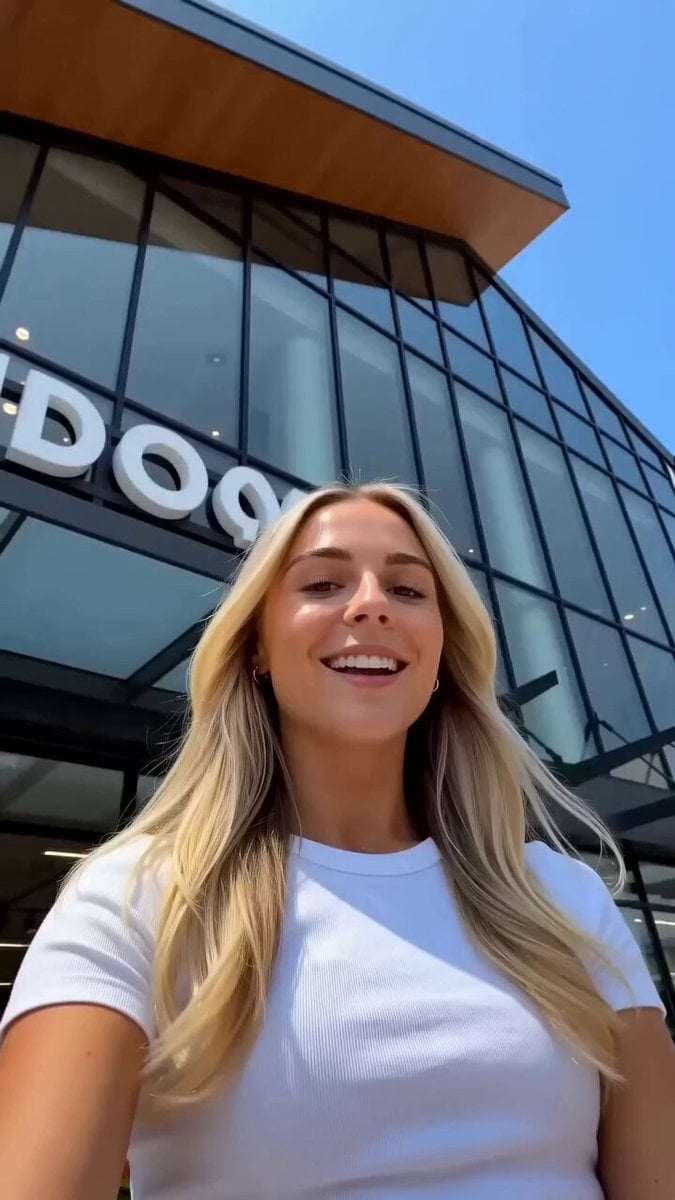
Realistic Lifestyle Supermarket Vlog
Browse template categories
Samurai Castle Siege Action questions
How do I use the Samurai Castle Siege Action template?
Add your photo if the template asks for one, edit the prompt if you like — the template's model and format are already selected — and press Generate. Your version opens in PicX Studio.
Can I customize the Samurai Castle Siege Action template?
Yes. You can change the subject, setting, lighting, mood, format, and available model controls before creating your video.
Is the Samurai Castle Siege Action template free?
Opening and editing this template is free. Generating uses credits, shown on the Generate button when you are signed in.
Which AI model should I use?
Start with Seedance 2.0, which is the model associated with this template. You can compare another compatible model for a different finish.
Looking for something else? Browse all templates.

Your photo, any look
Thousands of ready templates for every top image and video model, from one credit balance.