
K-Pop Dance Motion Transfer
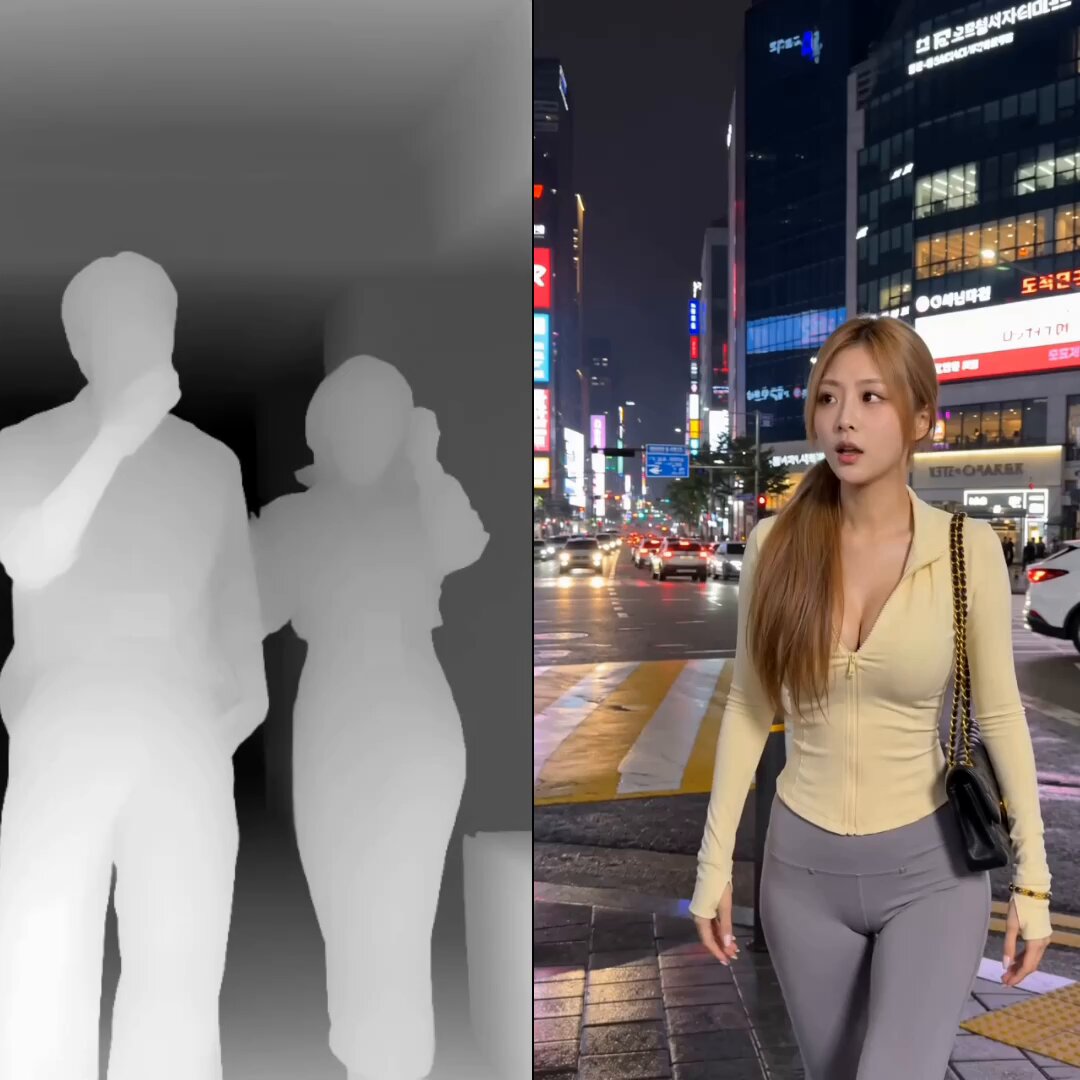
A highly specific prompt for Seedance 2.0 that replicates K-pop dance movements using depth video references and image inputs for character and background replacement.
- Prompt included
- Model and format preset
- Premium template
The prompt behind this video
Copy the exact prompt behind K-Pop Dance Motion Transfer, or open it in the studio and make it yours.
韩式 KPOP MV 质感,背景替换成夜晚的首尔霓虹街头。女主外貌和服装严格参考@图片1,男主外貌和服装严格参考@图片2。男女主的全部动作、走位、身体姿态、互动过程和节奏,严格参考@深度视频,完整复刻,不得自行修改。 视频开头,女主先出现并自然开口说:“我会用韩语跟他说:오빠, 정신 차려!” 前半句“我会用韩语跟他说”使用中文,后半句“오빠, 정신 차려”使用自然韩语发音,语气带一点着急和提醒,口型与两种语言准确同步。 后续人物出场顺序和所有动作继续严格跟随@深度视频。保持两位角色全程样貌一致、五官稳定、动作自然流畅。9:16竖屏,一镜到底,无字幕、无文字、无水印,不出现人物错位、角色互换或手脚变形。
How to use K-Pop Dance Motion Transfer in 3 steps
- 1
Open
The prompt is already in the box next to the preview, with the template's model and format selected.
- 2…a portrait of your subject in softgolden-hour light, 85mm…
Personalize
Edit the subject and creative details for your destination.
- 3Generate
Generate
Press Generate — your video is created in PicX Studio, so you can compare it with the original and refine one variable at a time.
More like this
Templates with the same subject, style or setup. Open one to see its prompt.
Hanfu Character Dance and Motion Transfer
Image-to-Video Dance Motion Transfer
Slow-Motion 90s Diner Explosion - Seedance 2.5
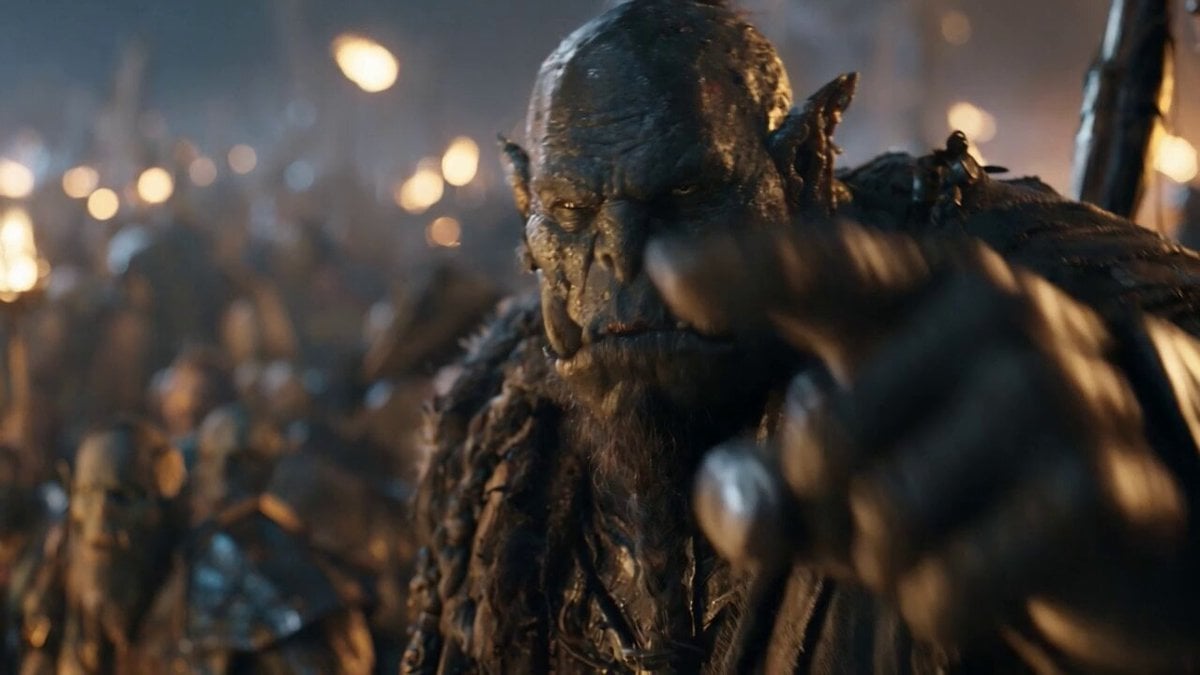
Orc Warlord Performance Transfer - Seedance 2.5
Nano Banana Seedance Environment Render Walk
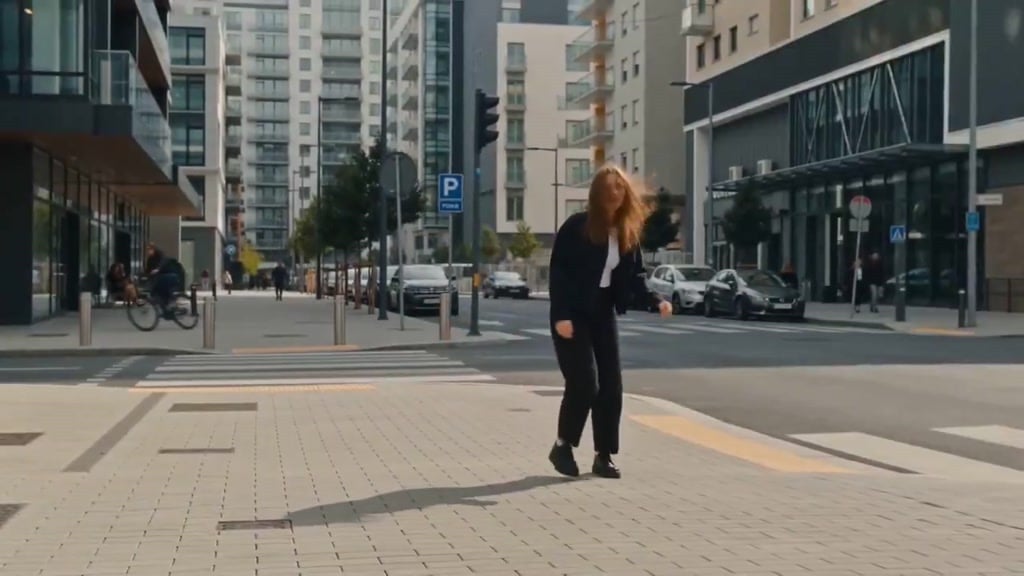
Seedance Wind Guides Path
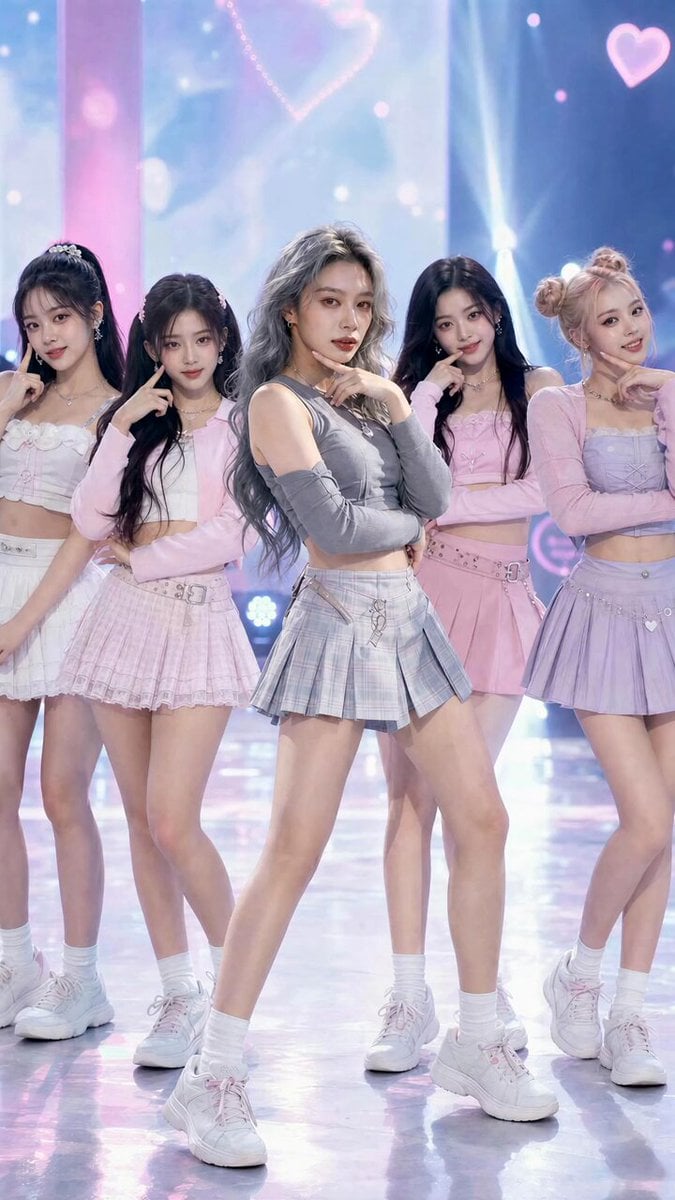
K-Pop Fancam Style Dance Animation
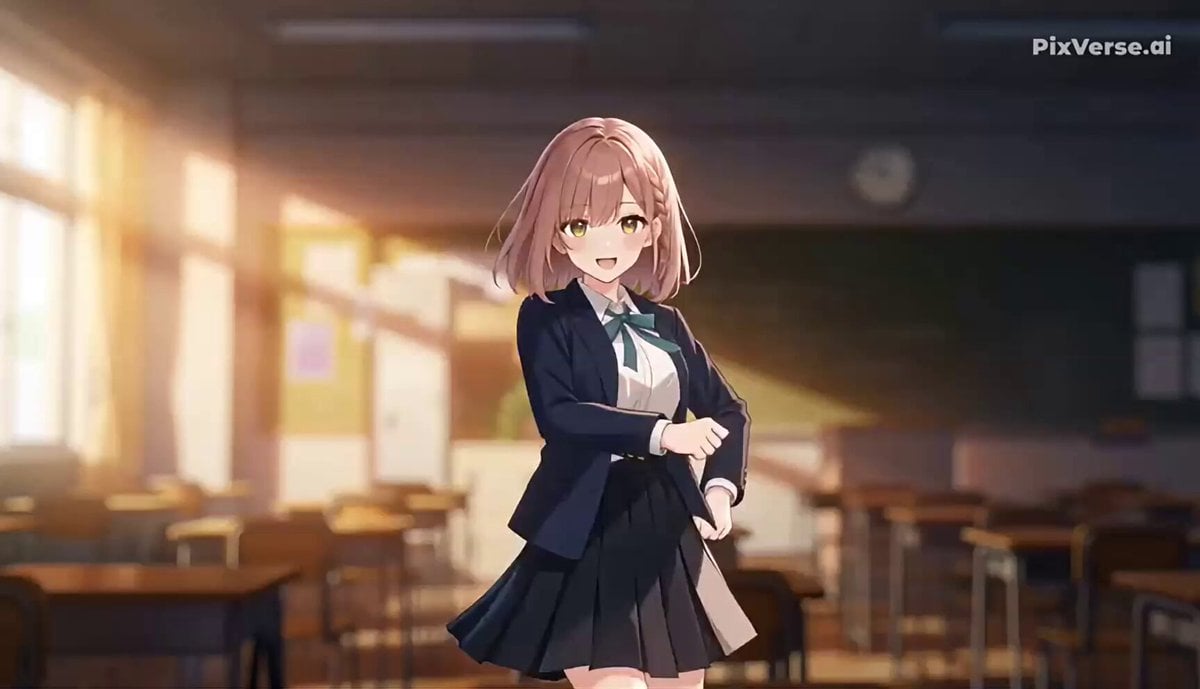
J-Pop Idol Classroom Dance Sequence
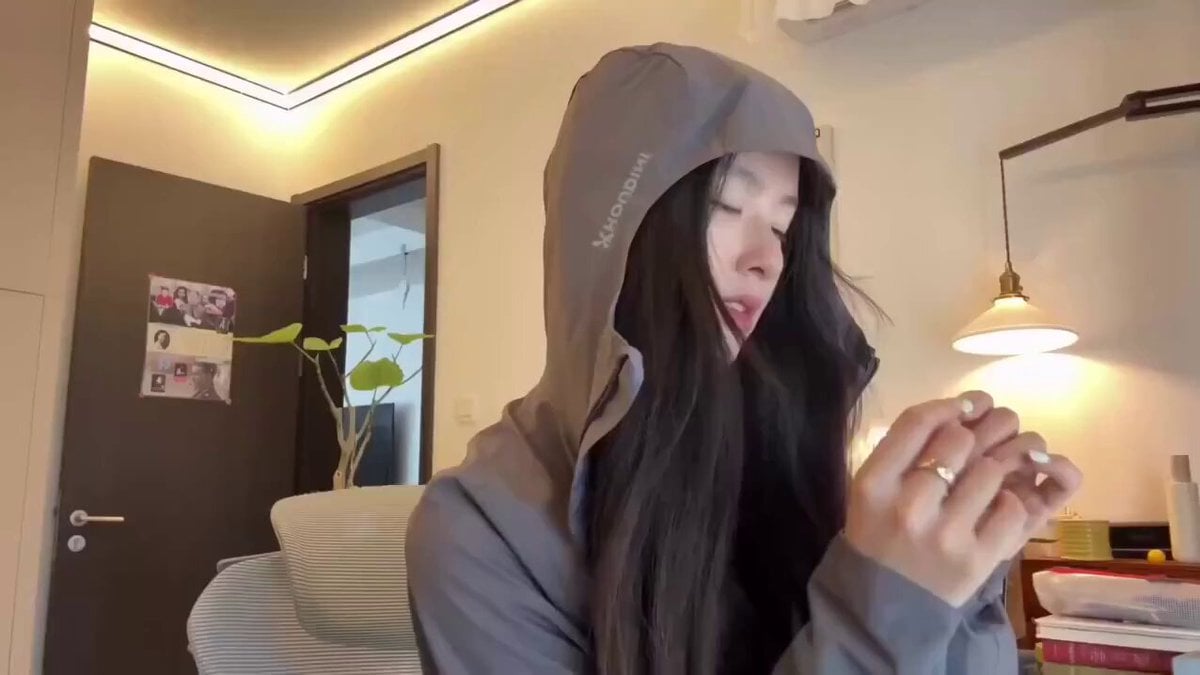
Cyberpunk Holographic Dance Performance - Seedance 2.5
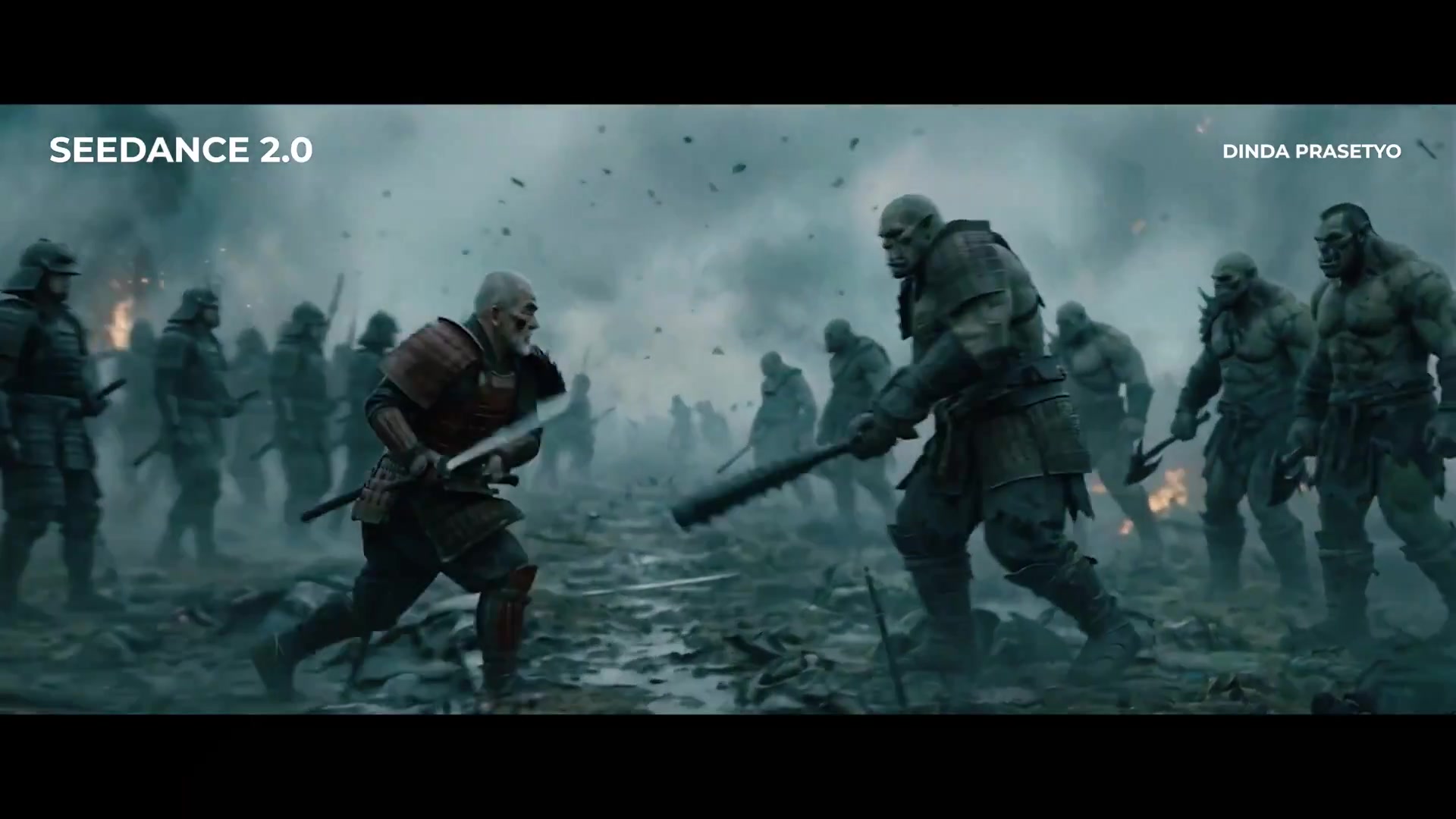
Seedance 2.0 First Test — Dynamic Motion Showcase
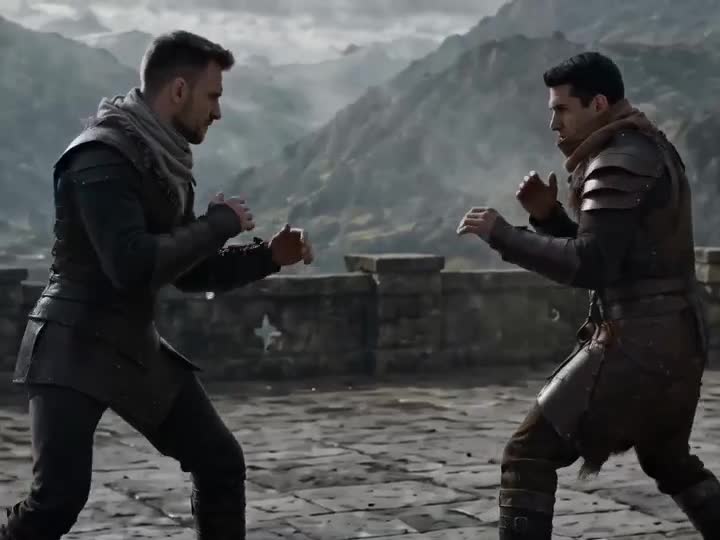
Medieval Duel Style Transfer
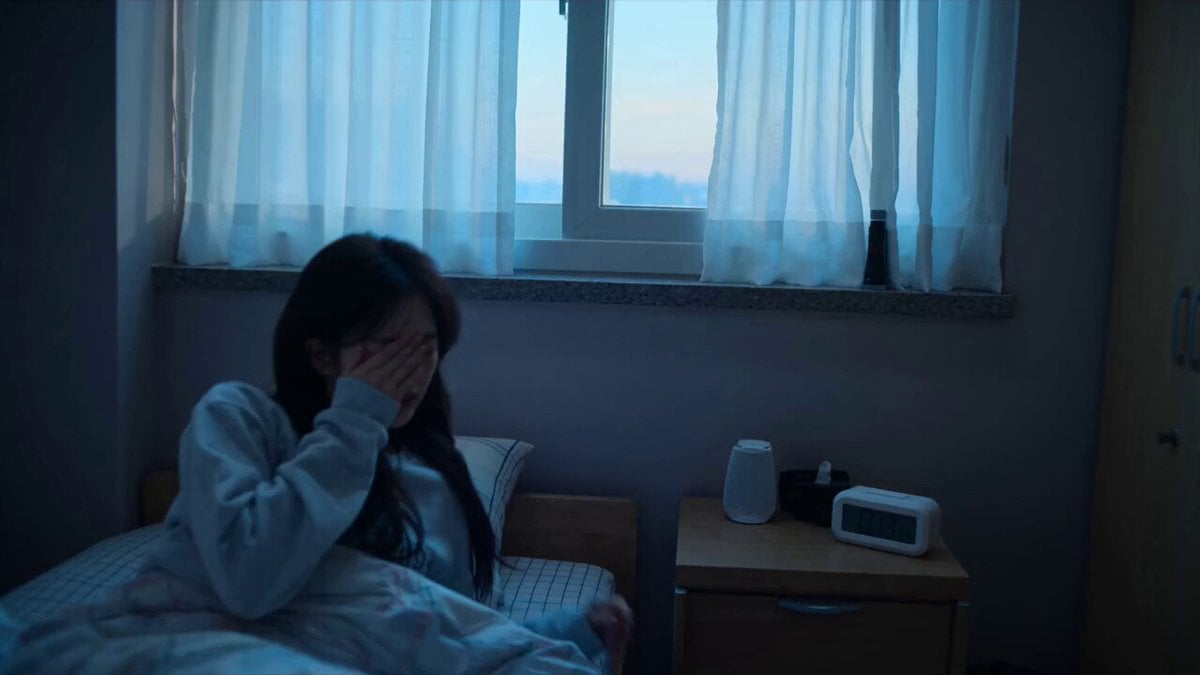
Early-2000s Trainee Flashback Film
Make it yours
K-Pop Dance Motion Transfer works as-is. These are the safest ways to change it without losing the look.
Change one field
Copy a single group, rewrite it, and generate again so you can see what that field is doing.
Keep the frame, change the subject
Hold the composition and light of K-Pop Dance Motion Transfer, then swap wardrobe, props or the person for a new take.
| If the result… | Why | Fix |
|---|---|---|
| The result drifts from the preview | Too many fields changed at once. | Reuse K-Pop Dance Motion Transfer as-is first, then change one group — subject, light, or setting. |
| The model over-stylizes the scene | The prose prompt leaves finish and camera underspecified. | Add one camera or lighting sentence and stay on Seedance 2.0. |
More Seedance 2.0 templates
Other prompts made for Seedance 2.0.

Comical Martial Arts Punch Scene

Maglev Train Action Sequence

Martial Arts Fight Sequence

Wuxia Protection and Trust Script

Vintage Korean Arcade MiniDV Vlog

Mercedes 190 SL Luxury Ad

Rainy Night Supernatural Reverse Comedy Video Script

Amazon Civilization Discovery

Futuristic South Asian City Transformation

Cozy Luxury Cafe Commercial
More video prompts
Fresh picks from across the catalog.
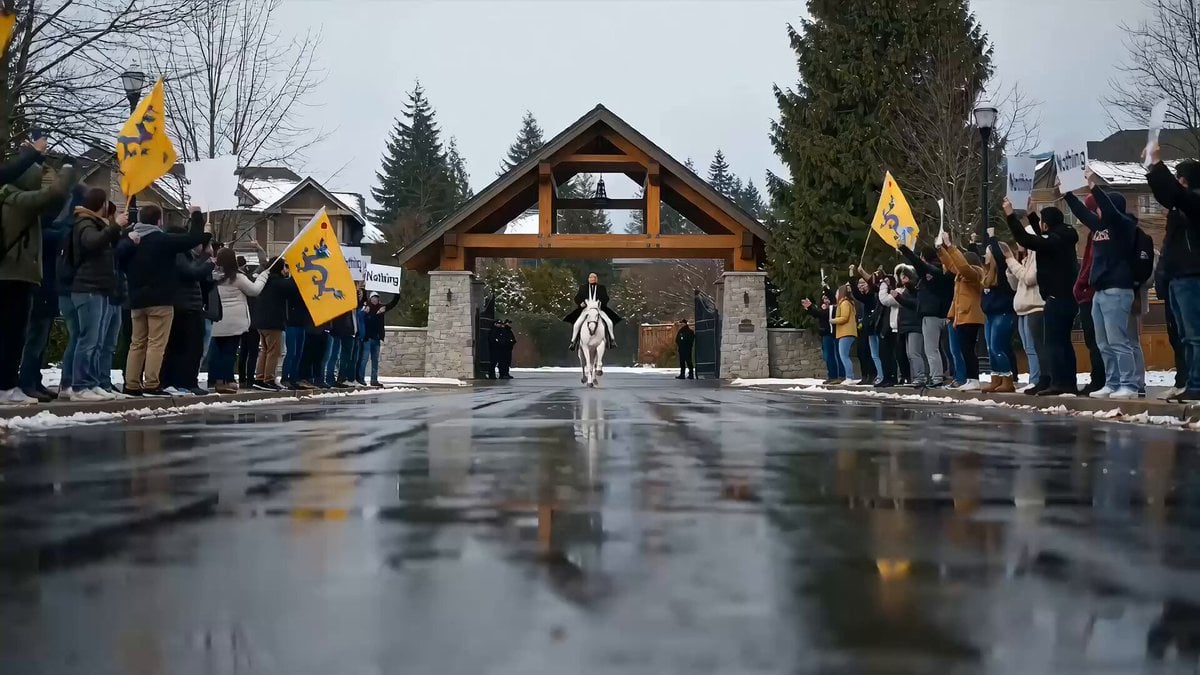
Political Satire Short Film: The 'Nothing' Hero's Ride
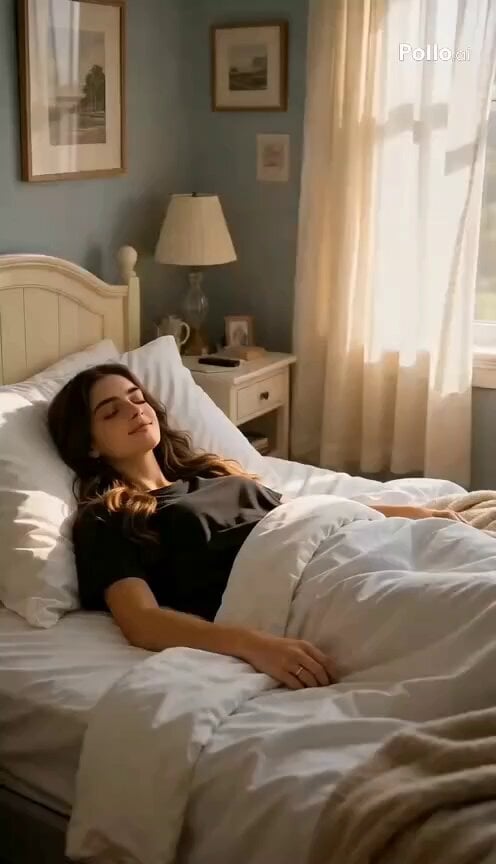
1980s Retro Lifestyle Montage
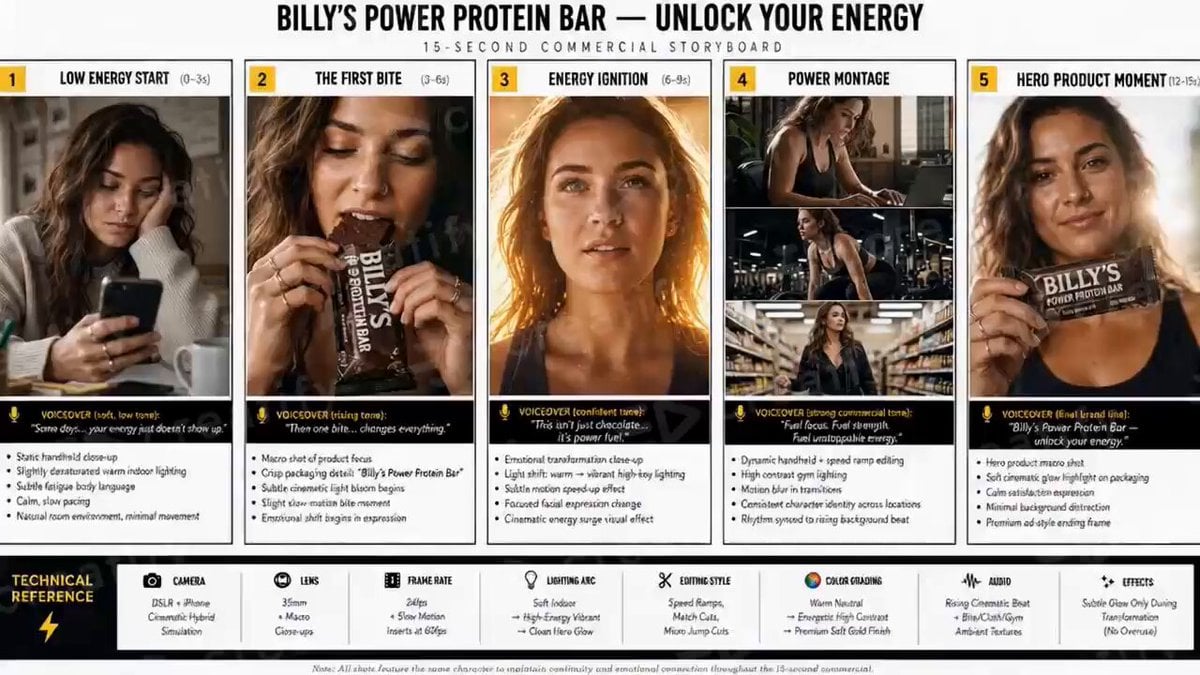
Protein Bar Transformation Commercial
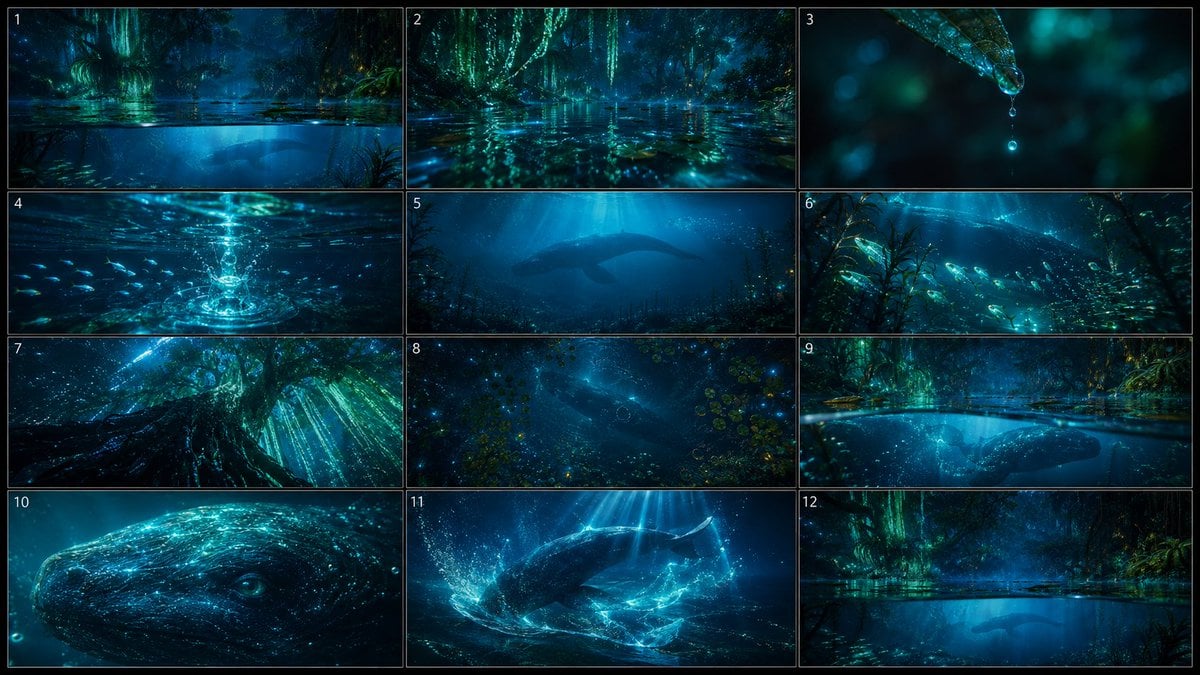
Bioluminescent Night Underwater Creature
Woman vs Combat Robot Battle
3D Cartoon Park Scene
Retro Soda Commercial Crimson Cola
Luxury Fashion Sunglasses Commercial
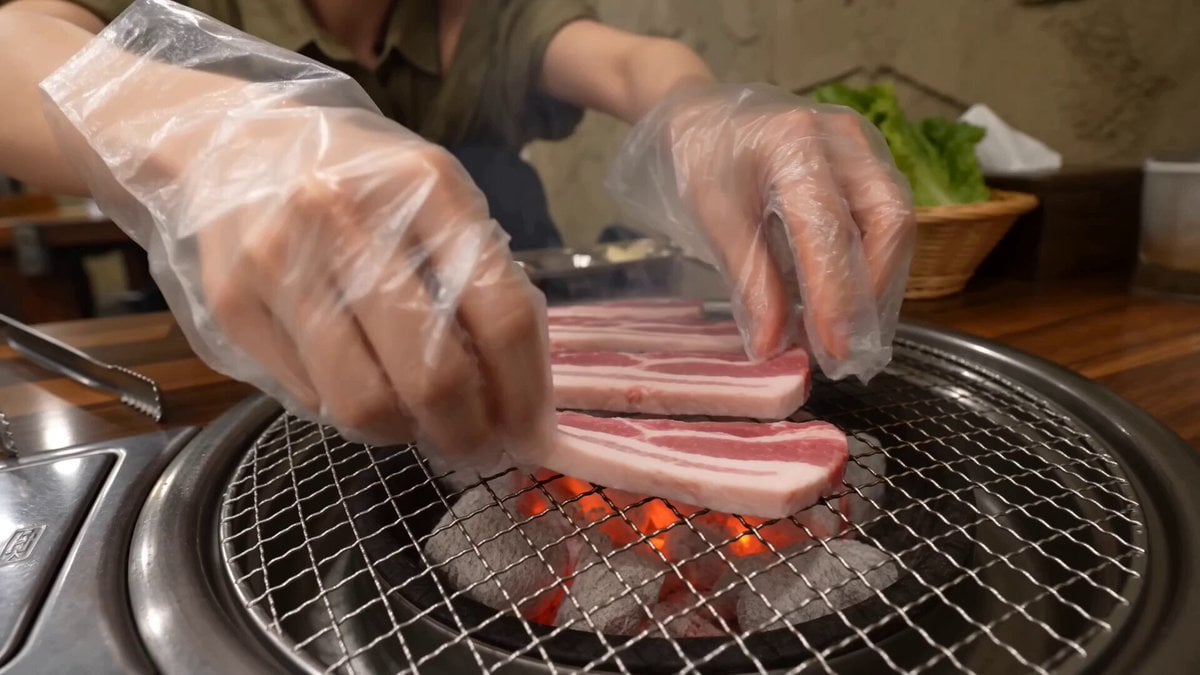
Authentic Korean Samgyupsal Vlog
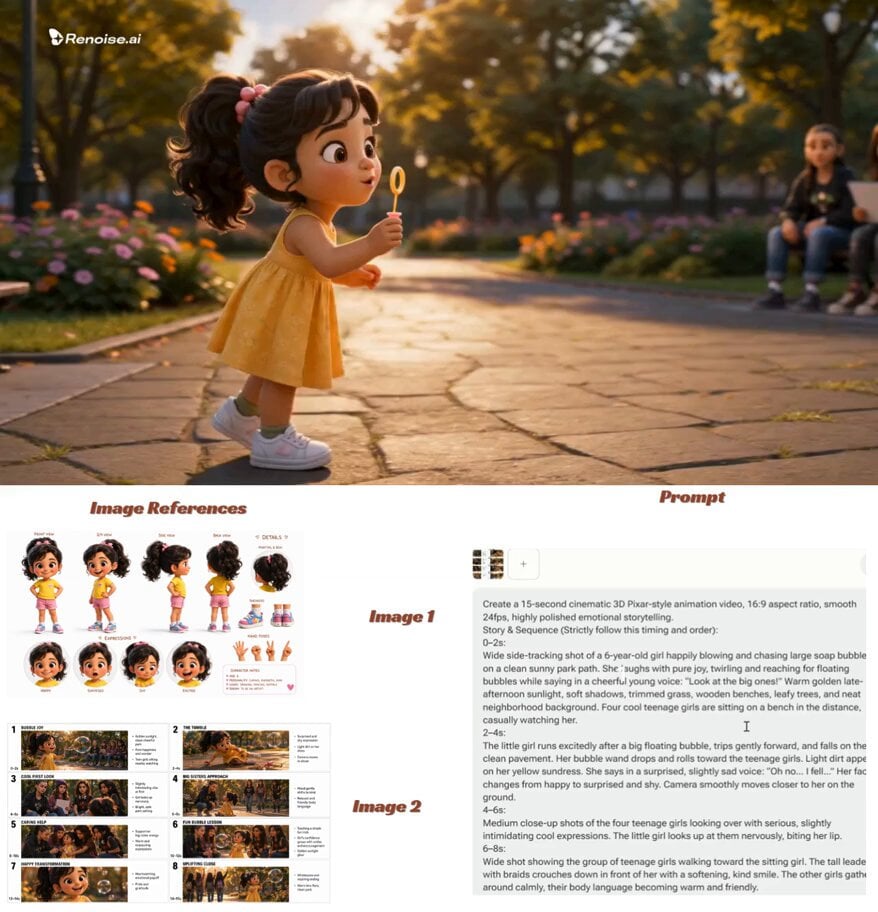
Pixar-Style Child Character Sheet
Browse template categories
K-Pop Dance Motion Transfer questions
How do I use the K-Pop Dance Motion Transfer template?
Add your photo if the template asks for one, edit the prompt if you like — the template's model and format are already selected — and press Generate. Your version opens in PicX Studio.
Can I customize the K-Pop Dance Motion Transfer template?
Yes. You can change the subject, setting, lighting, mood, format, and available model controls before creating your video.
Is the K-Pop Dance Motion Transfer template free?
Opening and editing this template is free. Generating uses credits, shown on the Generate button when you are signed in.
Which AI model should I use?
Start with Seedance 2.0, which is the model associated with this template. You can compare another compatible model for a different finish.
Looking for something else? Browse all templates.

Your photo, any look
Thousands of ready templates for every top image and video model, from one credit balance.