
Pixar-Style Child Character Sheet
A detailed character design sheet prompt for a 6-year-old girl in 3D Pixar style, showing multiple angles and expressions.
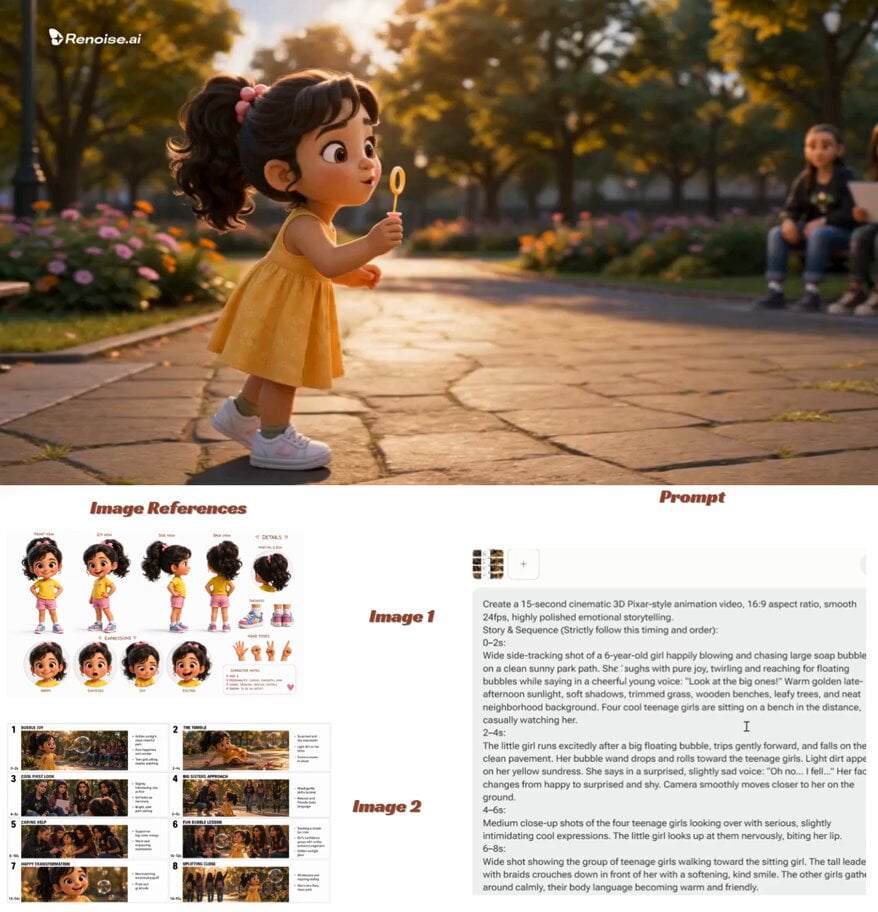
- Prompt included
- Model and format preset
- Free template
The prompt behind this video
Copy the exact prompt behind Pixar-Style Child Character Sheet, or open it in the studio and make it yours.
Create a clean, professional Pixar-style 3D character sheet of a 6-year-old girl, highly detailed, vibrant colors, polished family-friendly animation style. Character Description: Adorable 6-year-old girl with soft dark wavy hair tied in a cute high ponytail with a small pink bow. Big sparkling brown eyes, round expressive face, rosy cheeks, small button nose, and a warm friendly smile. She has a healthy, energetic child body type suitable for a 6-year-old. Outfit: Bright yellow t-shirt, light pink shorts, white ankle socks, and colorful small sneakers (blue and pink accents). Character Sheet Layout: A single clean vertical character sheet with multiple views of the same girl arranged neatly: Top Left: Full-body front view, standing naturally with hands on hips, smiling confidently. Top Right: Full-body 3/4 angle view, showing depth and personality. Middle Left: Full-body side profile view (facing right). Middle Right: Full-body back view. Bottom Center: Large close-up of her face showing 4 different expressions in small circles — Happy smile, Surprised, Shy/embarrassed, and Excited/grinning. Bottom Right: Small extra details — close-up of her ponytail with bow, shoe details, and hand poses. Style & Quality: Beautiful 3D Pixar animation style, smooth rounded shapes, expressive eyes, soft realistic textures, vibrant yet soft lighting, clean white background with subtle light shadows, highly polished, professional character design sheet, perfect proportions, studio quality, sharp details, warm and wholesome feel. 16:9 aspect ratio, ultra-detailed, cinematic lighting.
How to use Pixar-Style Child Character Sheet in 3 steps
- 1
Open
The prompt is already in the box next to the preview, with the template's model and format selected.
- 2…a portrait of your subject in softgolden-hour light, 85mm…
Personalize
Edit the subject and creative details for your destination.
- 3Generate
Generate
Press Generate — your video is created in PicX Studio, so you can compare it with the original and refine one variable at a time.
More like this
Templates with the same subject, style or setup. Open one to see its prompt.

Pixar Style Child and Kitten Animation
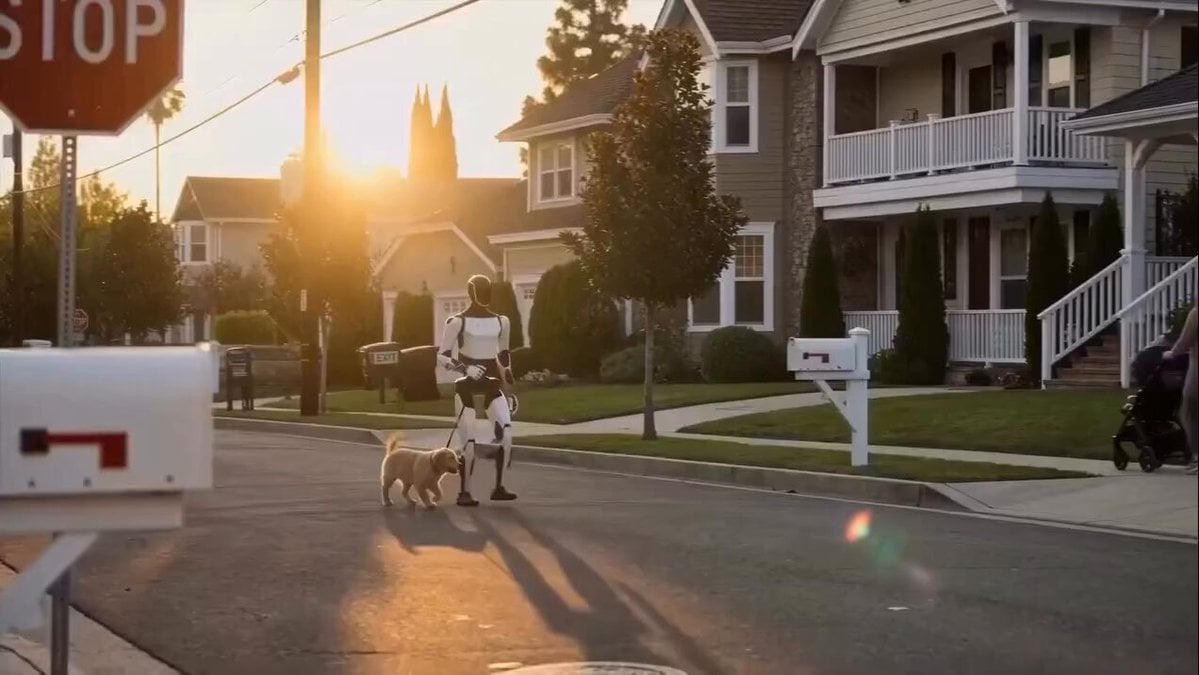
Humanoid Robot Helping Child

Dragon Protecting Child Fantasy Film

Child UFO abduction animation

Gentle Mother and Child Animation
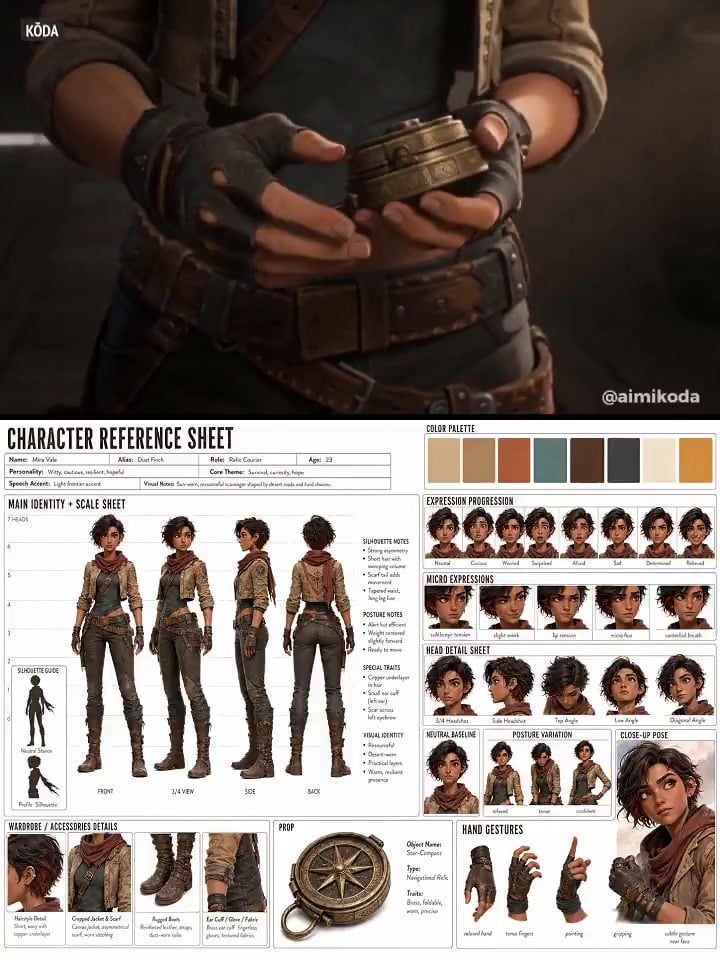
Character Reference Sheet → Cinematic Intro — GPT Image 2 + Seedance 2.0
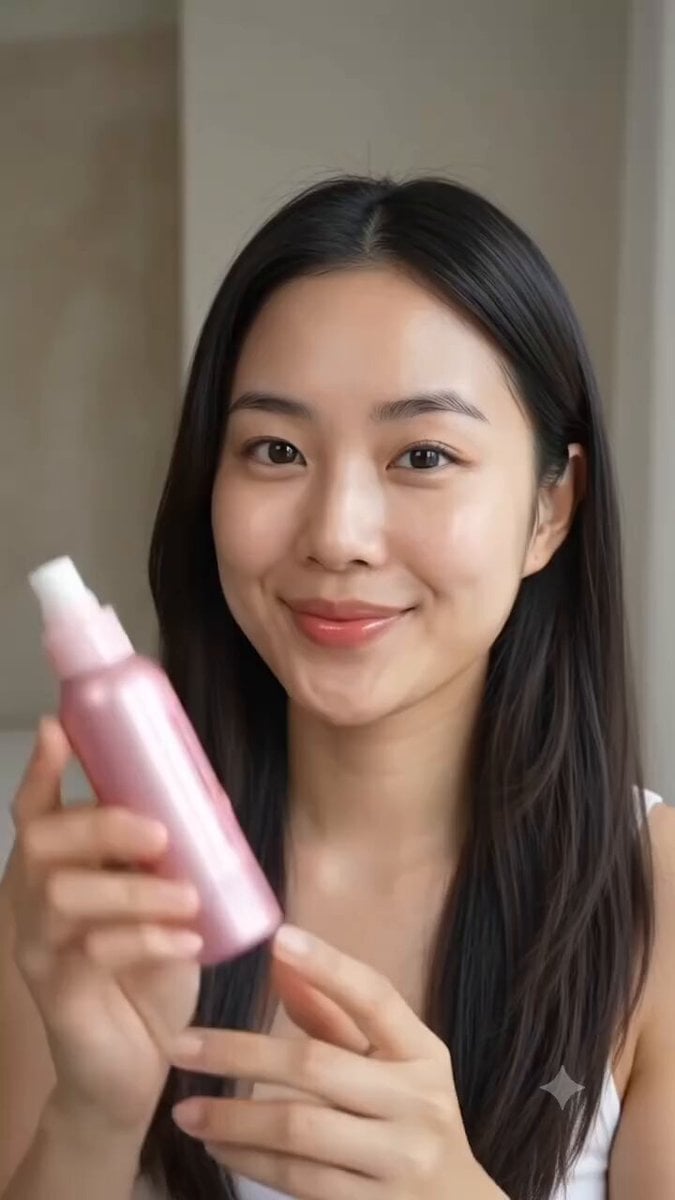
Multi Panel Storyboard Sheet
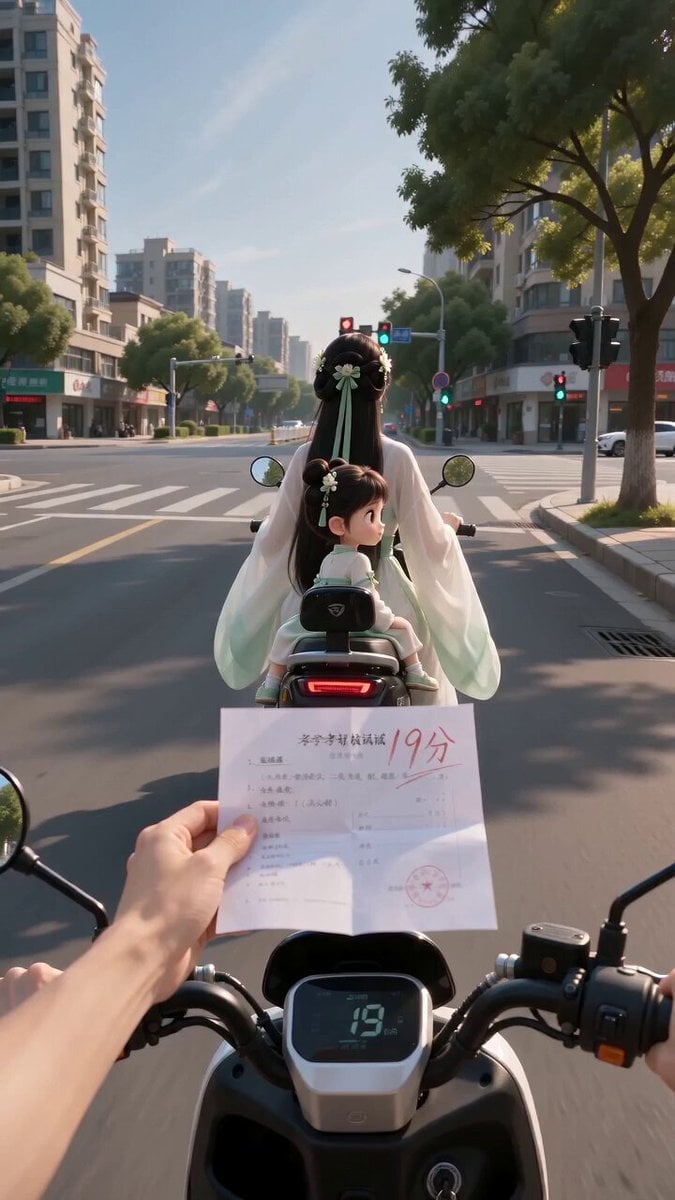
Ancient POV Child Report Card
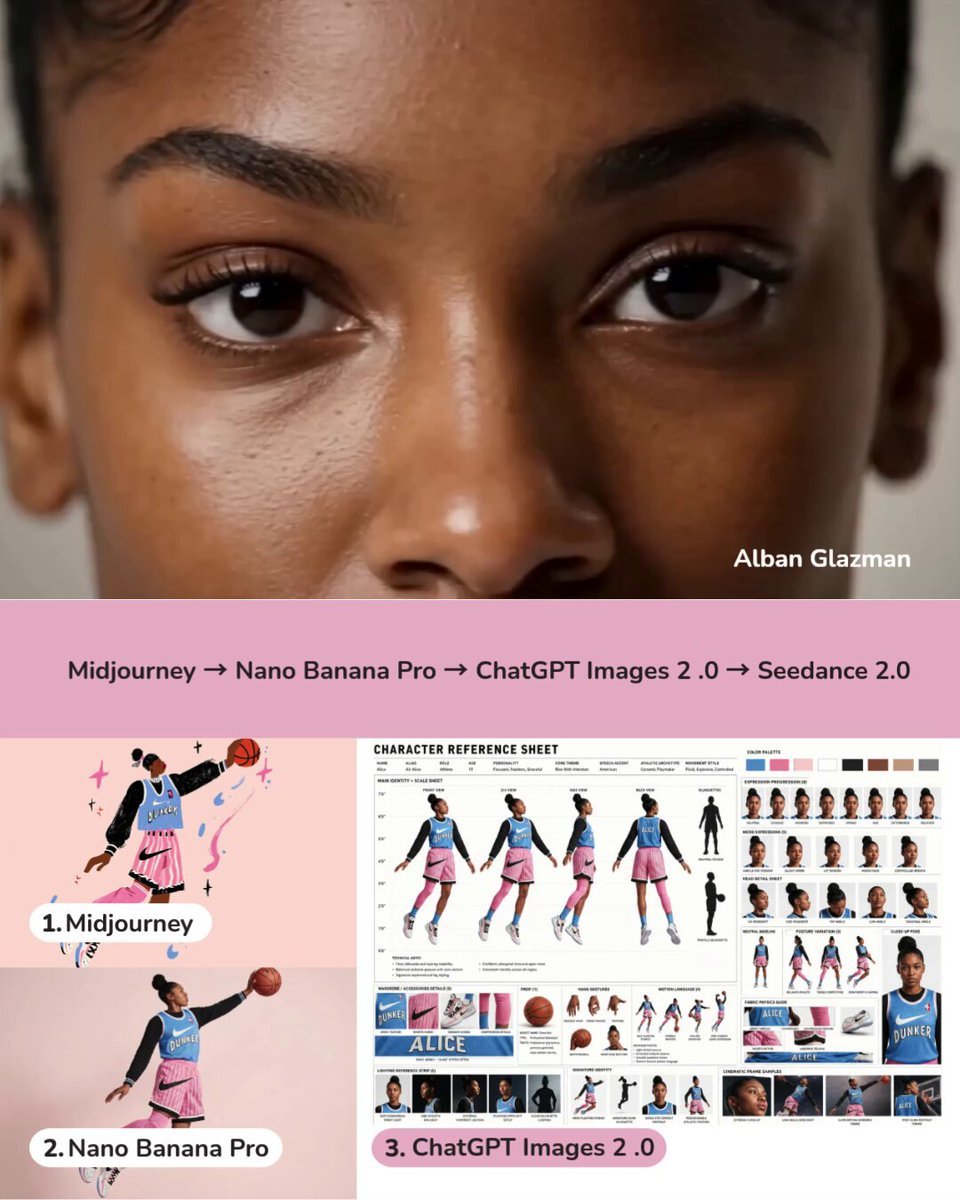
Dynamic Character Sheet Reference

Grok Imagine video prompt: Child Drawing Chalk on Sidewalk

second magical childhood stream video prompt
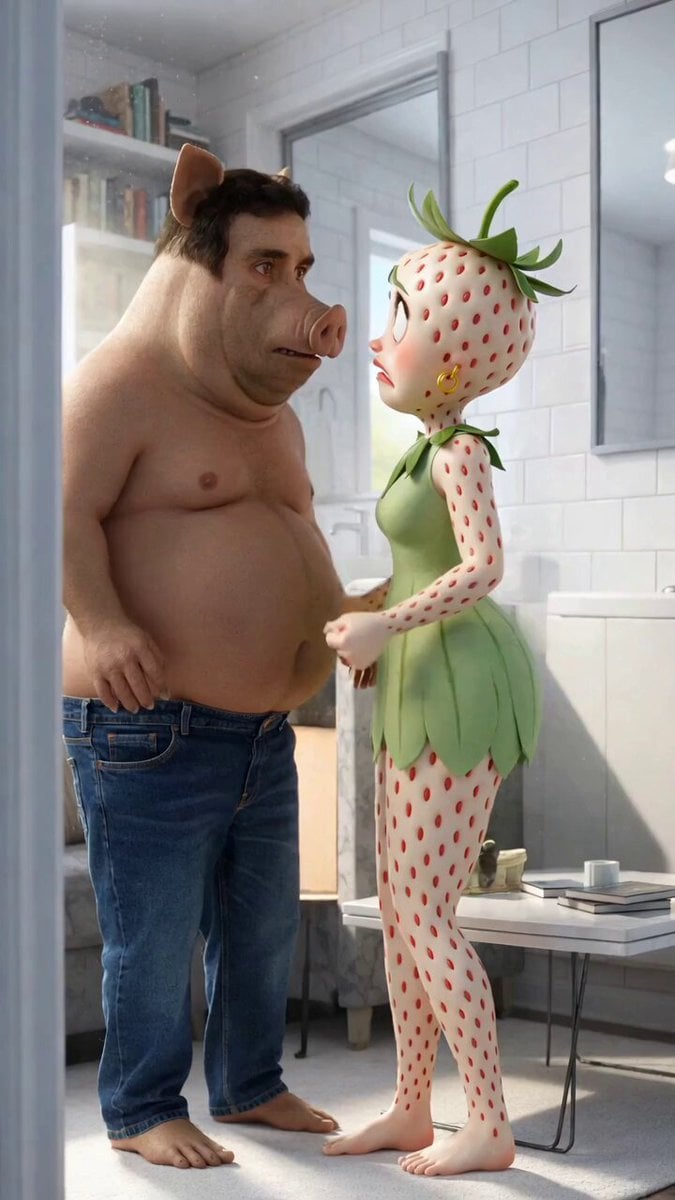
Nikita Boar and the Eggplant Child Video
Make it yours
Pixar-Style Child Character Sheet works as-is. These are the safest ways to change it without losing the look.
Change one field
Copy a single group, rewrite it, and generate again so you can see what that field is doing.
Keep the frame, change the subject
Hold the composition and light of Pixar-Style Child Character Sheet, then swap wardrobe, props or the person for a new take.
| If the result… | Why | Fix |
|---|---|---|
| The result drifts from the preview | Too many fields changed at once. | Reuse Pixar-Style Child Character Sheet as-is first, then change one group — subject, light, or setting. |
| The model over-stylizes the scene | The prose prompt leaves finish and camera underspecified. | Add one camera or lighting sentence and stay on Seedance 2.0. |
More Seedance 2.0 templates
Other prompts made for Seedance 2.0.

Comical Martial Arts Punch Scene

Maglev Train Action Sequence

Martial Arts Fight Sequence

Wuxia Protection and Trust Script

Vintage Korean Arcade MiniDV Vlog

Mercedes 190 SL Luxury Ad

Rainy Night Supernatural Reverse Comedy Video Script

Amazon Civilization Discovery

Futuristic South Asian City Transformation

Cozy Luxury Cafe Commercial
More video prompts
Fresh picks from across the catalog.
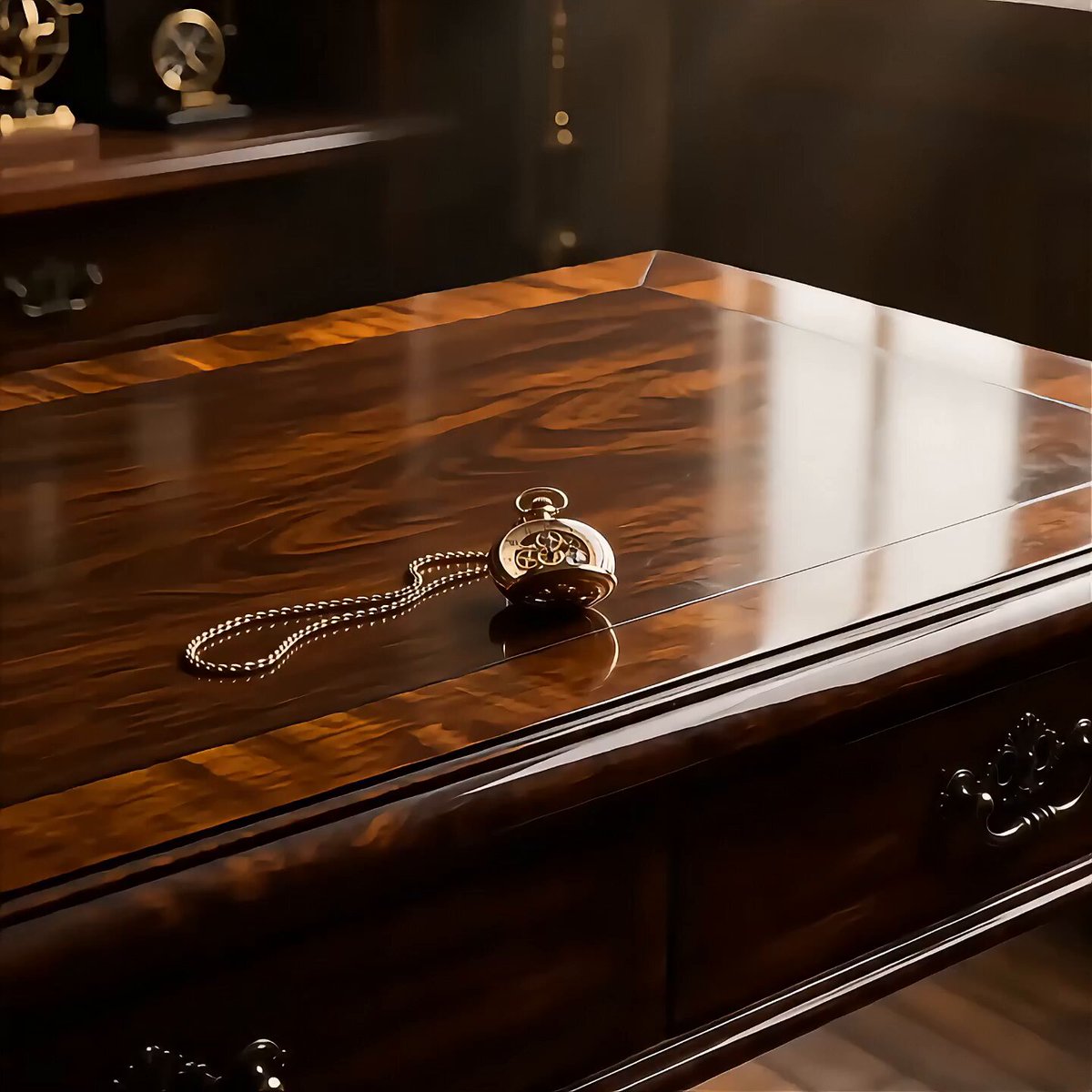
Mechanical Steam Engine Pocket Watch
Live-Action Scenery Switching Prompt (Randomized)

Gorilla Fight Scene Prompt

Chang'e Flying to the Moon Cinematic Prompts (Three Versions)
Pixar Style Barber Shop Animation

Woman in Winter Storm with HUD Overlay

Cinematic Urban Billboard Liquid Paint
Gouache Concept Art Animation
Butterfly FPV Shot over Chaotic Picnic
Cinematic Brand Storytelling Script with Dynamic Transitions
Browse template categories
Pixar-Style Child Character Sheet questions
How do I use the Pixar-Style Child Character Sheet template?
Add your photo if the template asks for one, edit the prompt if you like — the template's model and format are already selected — and press Generate. Your version opens in PicX Studio.
Can I customize the Pixar-Style Child Character Sheet template?
Yes. You can change the subject, setting, lighting, mood, format, and available model controls before creating your video.
Is the Pixar-Style Child Character Sheet template free?
Opening and editing this template is free. Generating uses credits, shown on the Generate button when you are signed in.
Which AI model should I use?
Start with Seedance 2.0, which is the model associated with this template. You can compare another compatible model for a different finish.
Looking for something else? Browse all templates.

Your photo, any look
Thousands of ready templates for every top image and video model, from one credit balance.