
Character Reference Sheet → Cinematic Intro — GPT Image 2 + Seedance 2.0
Two-stage workflow: GPT Image 2 generates a comprehensive master character reference sheet (11 sections: identity, expressions, head details, wardrobe, props, gestures), then Seedance 2.0 uses that sheet as @[image1]…
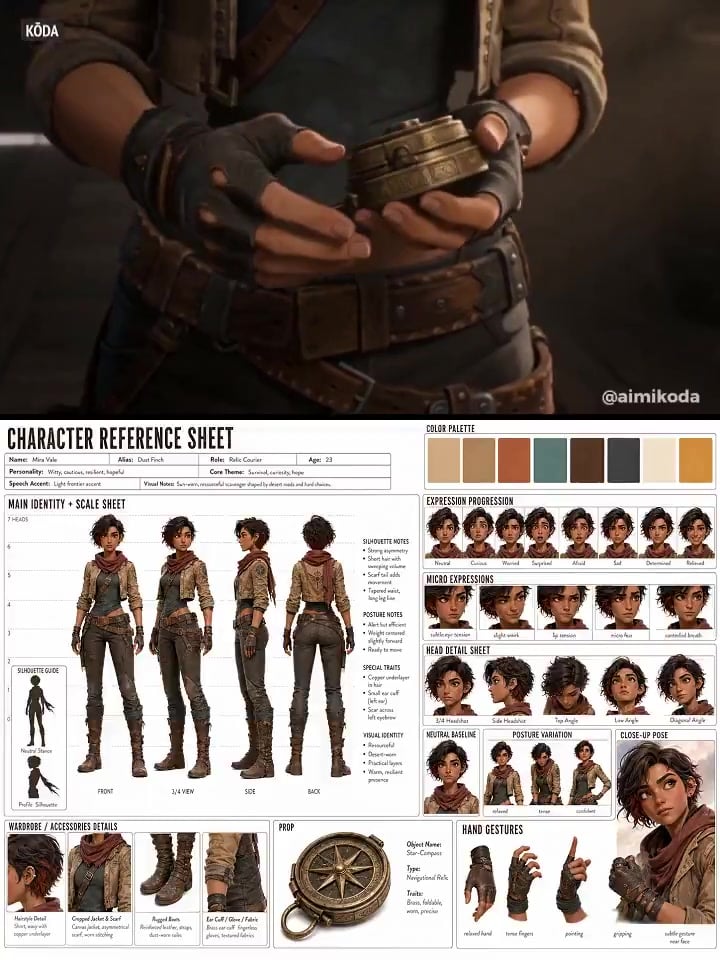
- Prompt included
- Model and format preset
- Free template
The prompt behind this video
Copy the exact prompt behind Character Reference Sheet → Cinematic Intro — GPT Image 2 + Seedance 2.0, or open it in the studio and make it yours.
GPT Image 2 Prompt: Create a single unified MASTER CHARACTER REFERENCE SHEET from these inputs: [STYLE]: [anime / stylized 3d / realistic 3d / live-action / cinematic realism / noir / stop-motion / any other style] [SUBJECT_DESCRIPTION]: [character or person description] Create the board in a 4:3 horizontal layout. The board layout, background, typography and spacing must be clean, neutral, minimal and technical, on a pure white or clean off-white background. Use clear section titles, readable English labels, balanced spacing, no clutter, no watermark, no logo. Apply [STYLE] only to the character and visual elements, not to the board layout or UI. All text must be clearly readable at normal viewing size. Avoid tiny or dense text. Infer all missing details from the subject description, including name, alias if suitable, role, age, personality, core theme, accent, wardrobe details, accessories, key prop if clearly relevant, visual notes and a fitting color palette. Use this layout: top row = left: title + horizontal info block, right: COLOR PALETTE center = large MAIN IDENTITY + SCALE SHEET as the biggest section right = EXPRESSION PROGRESSION + HEAD DETAIL SHEET + NEUTRAL BASELINE + POSTURE VARIATION + CLOSE-UP POSE bottom = WARDROBE / ACCESSORIES DETAILS + PROP + HAND GESTURES Include: Title: CHARACTER REFERENCE SHEET 1. TOP INFO BLOCK Name, Alias, Role, Age, Personality, Core Theme, Speech Accent 2. COLOR PALETTE Place this in the top-right header area. Show 6 to 8 minimal clean color swatches that match the subject's style, wardrobe, world and mood. Don't add labels. 3. MAIN IDENTITY + SCALE SHEET This must be the largest and most prominent section. Show the subject only, with no prop, no bag, no handheld object, no extra item interaction. Show: Front, 3/4 View, Side, Back Place the character views over subtle measurement guide lines, like a clean model sheet scale background with height marks. Also include a small SILHOUETTE GUIDE inside this same section: 2 small clean silhouette thumbnails, Neutral Stance and Profile Silhouette. Keep the silhouettes small and secondary, placed in a corner of the MAIN IDENTITY + SCALE SHEET. The subject should appear in a clean neutral presentation focused only on identity, body shape, outfit, silhouette and proportions. Add a few small notes for silhouette, posture, special traits, visual identity. 4. EXPRESSION PROGRESSION Show exactly 8 panels of the same subject: Neutral, Curious, Worried, Surprised, Afraid, Sad, Determined, Relieved MICRO EXPRESSIONS Show exactly 5 panels of the same subject: subtle eye tension, slight smirk, lip tension, micro fear, controlled breath These panels should function as both an expression sheet and a light emotional progression. 5. HEAD DETAIL SHEET Show several close-up head references of the same subject from different angles: 3/4 Headshot, Side Headshot, Top Angle, Low Angle, Diagonal Angle Keep facial structure, hairstyle, eyes, proportions and identity fully consistent. 6. NEUTRAL BASELINE 1 panel: fully relaxed, no emotion 7. POSTURE VARIATION 2-3 panels: relaxed, tense, confident 8. CLOSE-UP POSE Show exactly 1 cinematic close-up pose of the same subject from chest-up or shoulder-up. Use a natural expressive pose that best fits the subject's personality and story tone. This close-up should clearly show facial identity, hairstyle, expression, upper wardrobe detail and emotional presence. 9. WARDROBE / ACCESSORIES DETAILS Show exactly 4 close-up callouts for important styling details such as hairstyle, outerwear, footwear, accessories, fabric or material detail. 10. PROP Only include this section if a prop is clearly important to the subject. Show exactly 1 single clean isolated image of the prop only. Add a small info block: Object Name, Type, Traits 11. HAND GESTURES relaxed hand, tense fingers, pointing, gripping, subtle gesture near face Keep the subject fully consistent across all panels. The MAIN IDENTITY + SCALE SHEET must visually dominate the board. The final image should look like a premium production visual bible / character continuity sheet matching the selected [STYLE]. --- Seedance 2.0 Prompt: Use the provided character sheet @[image1] as reference. Create a cinematic character introduction video. Open with the character looking into camera and speaking naturally, introducing herself in her own words. Do not treat the sheet as a single image. Use its elements as separate shots. Structure: detail → identity → presence → full reveal Make the character active: she moves, reacts, interacts with her environment and prop while talking short, natural gestures, small shifts, purposeful motion Show acting range: subtle emotional shifts while speaking (confidence, hesitation, curiosity, intensity) express through micro-expressions, eyes, tone, and body language Include: face close-ups, outfit/material details, prop usage, expressive performance moments Keep everything grounded and realistic. Camera: controlled, minimal movement (soft push-ins, light tracking, subtle handheld) Lighting: cinematic and consistent End on a confident mid or full shot, character fully established.
How to use Character Reference Sheet → Cinematic Intro — GPT Image 2 + Seedance 2.0 in 3 steps
- 1Upload ImagePNG, JPG or paste
Add your photo
Upload the photo the template builds on. The prompt, model and format are already set.
- 2…a portrait of your subject in softgolden-hour light, 85mm…
Personalize
Edit the subject and creative details for your destination.
- 3Generate
Generate
Press Generate — your video is created in PicX Studio, so you can compare it with the original and refine one variable at a time.
More like this
Templates with the same subject, style or setup. Open one to see its prompt.

Dragon Rider Cinematic Flight — Seedance 2.5
Minimax Subject Reference Breakthrough — Character Consistency
DV Camcorder POV Gym Montage — Seedance 2.5

Wholesome Puppy and Kitten Story - Seedance 2.5

Mysterious Home Exploration Vlog - Seedance 2.5

Dark Tokusatsu Transformation - Seedance 2.5

Cinematic Xinjiang Drone Landscapes - Seedance 2.5

Late Night Kitchen Phone Recording - Seedance 2.5

3D Animated Cat and Old Man - Seedance

Realistic City Street Story Cinematic Video - Seedance

Seedance 2.0 First Test — Dynamic Motion Showcase
Hospital Car Park Dialogue Lip Sync
Make it yours
Character Reference Sheet → Cinematic Intro — GPT Image 2 + Seedance 2.0 works as-is. These are the safest ways to change it without losing the look.
Change one field
Copy a single group, rewrite it, and generate again so you can see what that field is doing.
Keep the frame, change the subject
Hold the composition and light of Character Reference Sheet → Cinematic Intro — GPT Image 2 + Seedance 2.0, then swap wardrobe, props or the person for a new take.
| If the result… | Why | Fix |
|---|---|---|
| The result drifts from the preview | Too many fields changed at once. | Reuse Character Reference Sheet → Cinematic Intro — GPT Image 2 + Seedance 2.0 as-is first, then change one group — subject, light, or setting. |
| The model over-stylizes the scene | The prose prompt leaves finish and camera underspecified. | Add one camera or lighting sentence and stay on Seedance 2.0. |
More Seedance 2.0 templates
Other prompts made for Seedance 2.0.

Comical Martial Arts Punch Scene

Maglev Train Action Sequence

Martial Arts Fight Sequence

Wuxia Protection and Trust Script

Vintage Korean Arcade MiniDV Vlog

Mercedes 190 SL Luxury Ad

Rainy Night Supernatural Reverse Comedy Video Script

Amazon Civilization Discovery

Futuristic South Asian City Transformation

Cozy Luxury Cafe Commercial
More video prompts
Fresh picks from across the catalog.
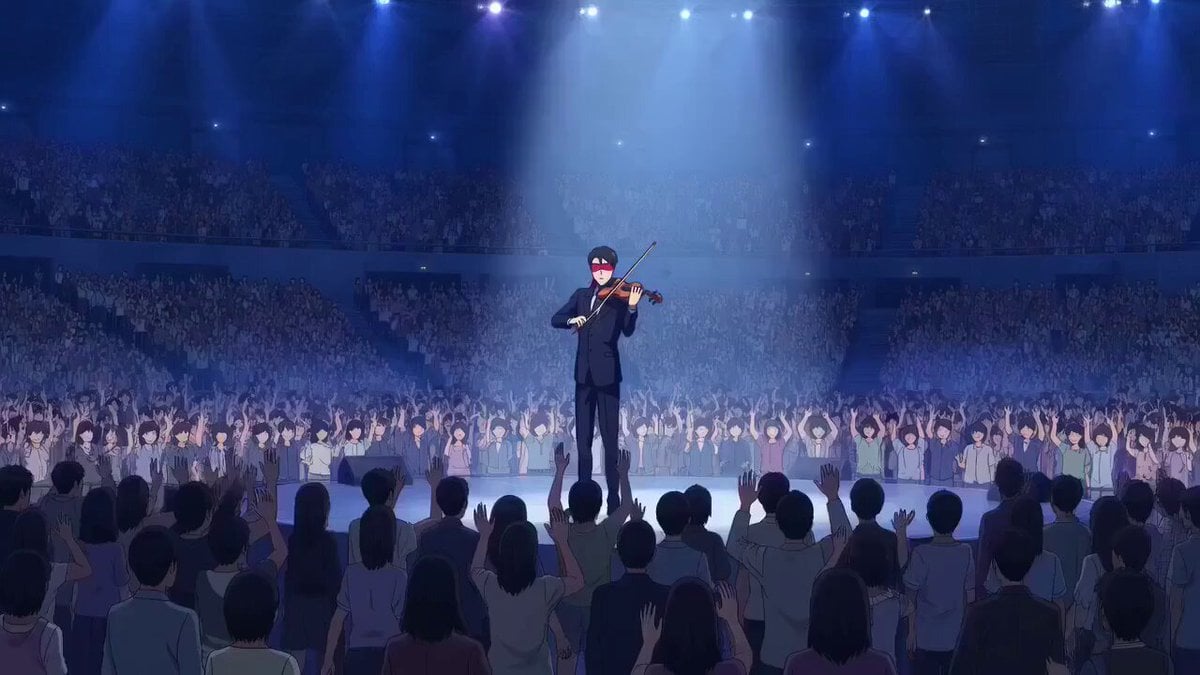
OVA anime style violinist with levitation and sinister observer

Floating Sky Garden Video Prompt
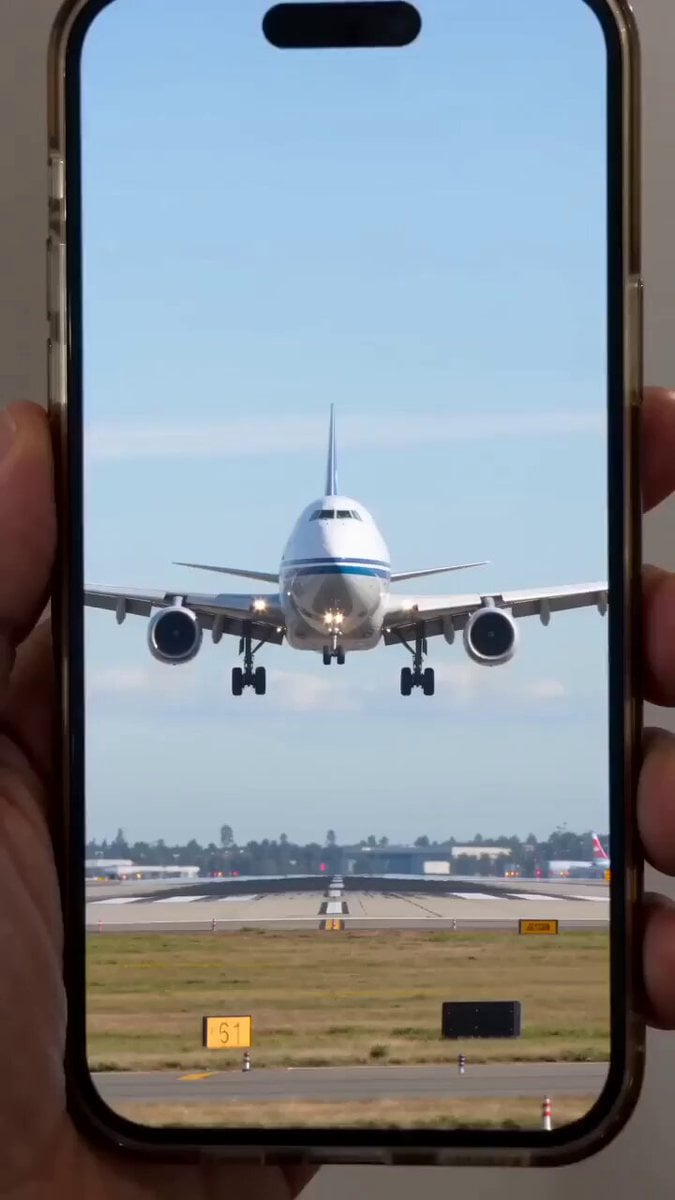
Giant mechanical robot transformation from airplane
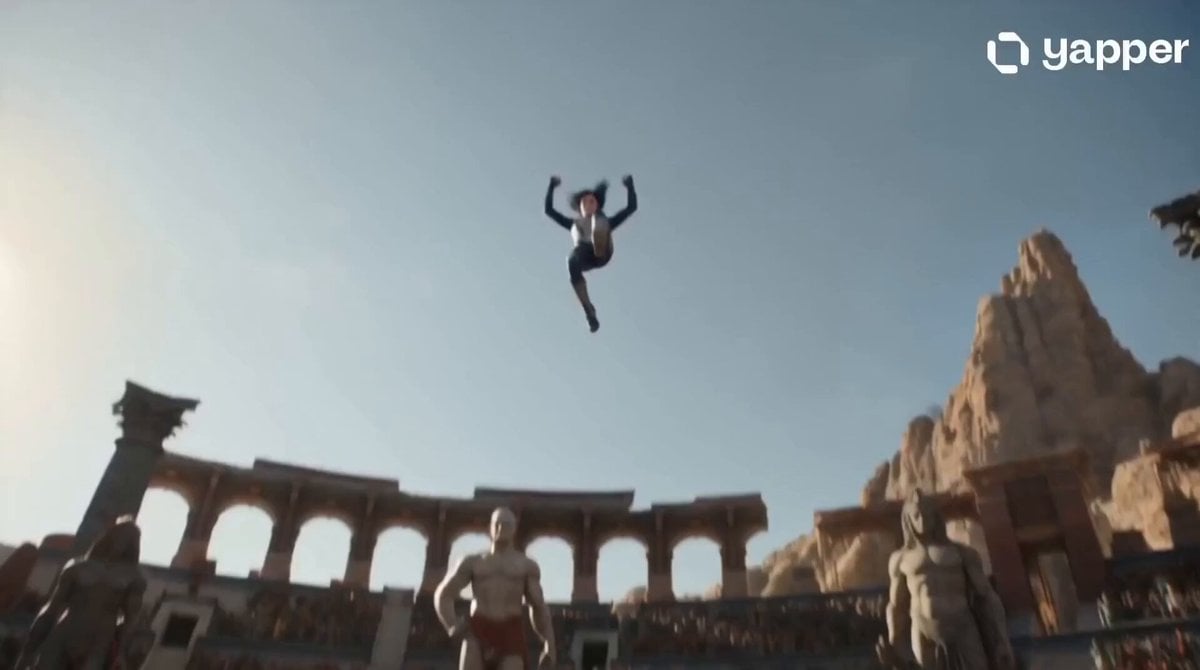
Celestial Warrior Combat Scene
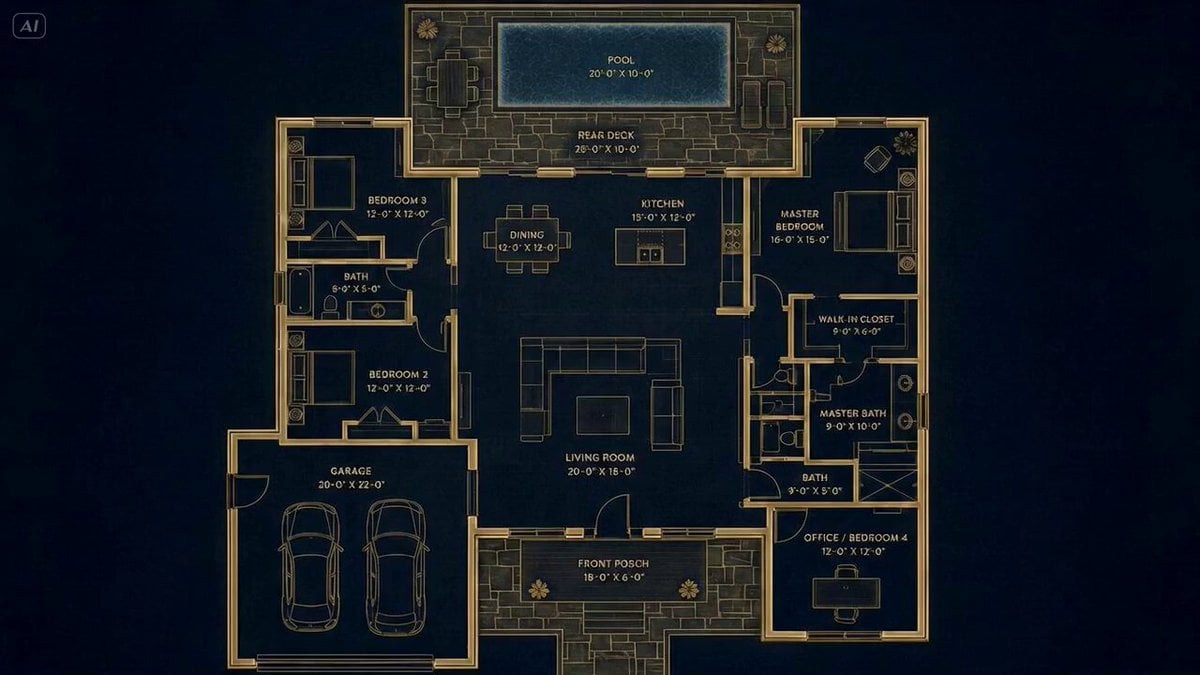
Architectural Blueprint to Reality Transformation
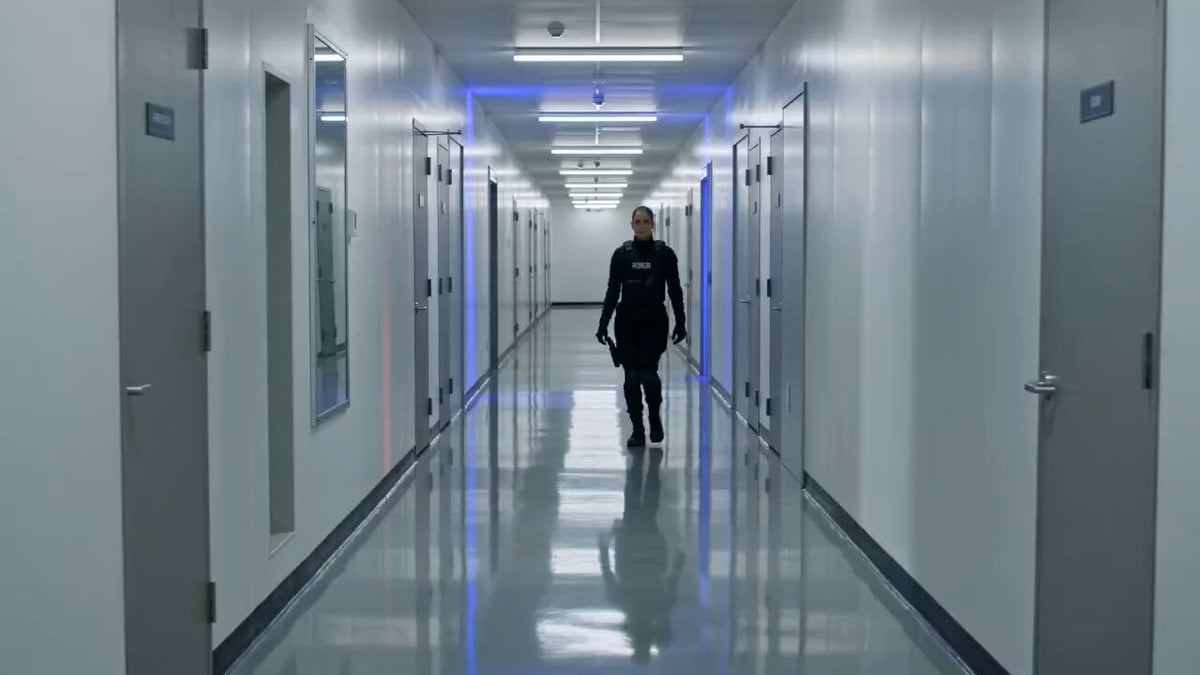
Tactical Gun-Fu Combat Sequence
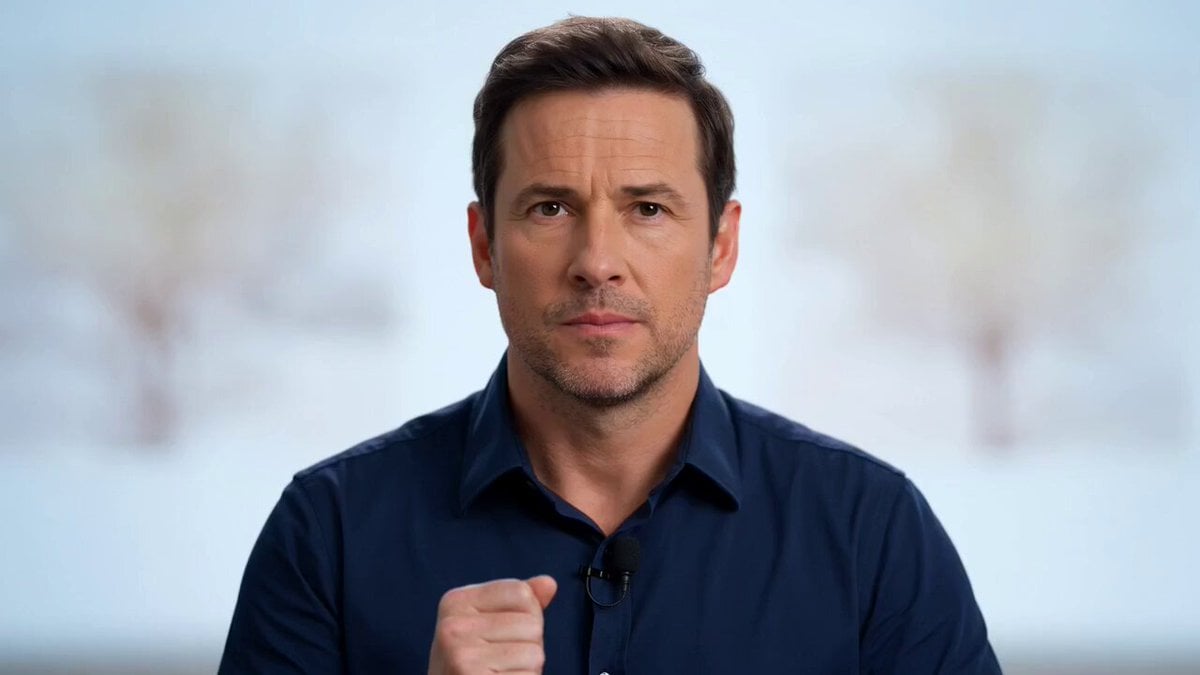
Fake game show intro video
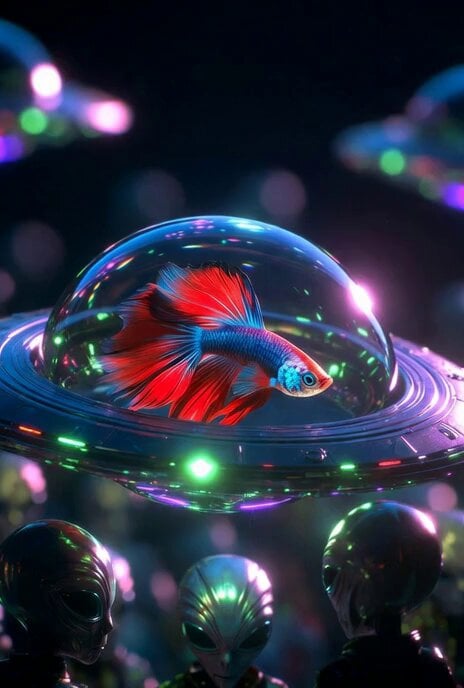
Betta Fish in a Flying Saucer
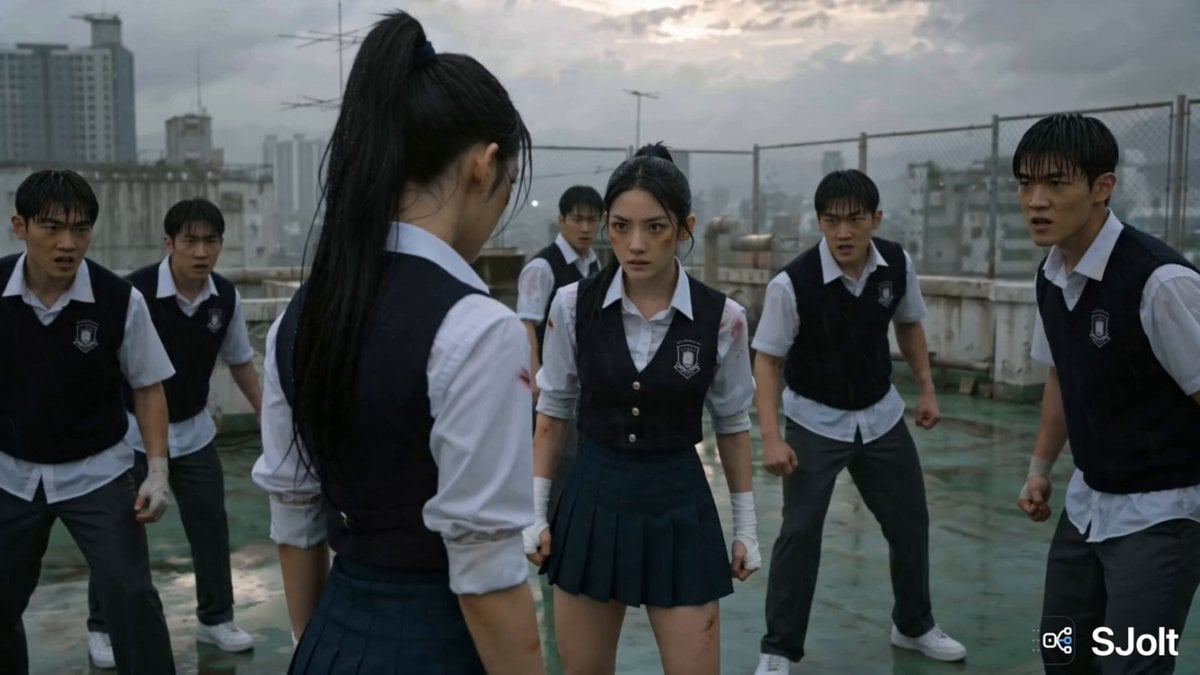
Korean Rooftop Martial Arts Fight
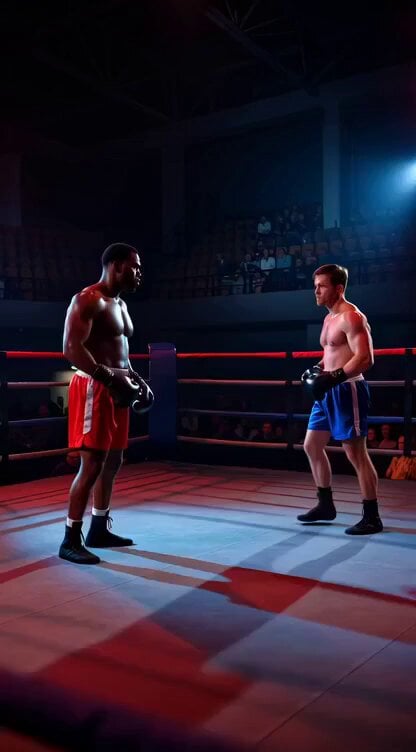
Boxing knockout climax video prompt
Browse template categories
Character Reference Sheet → Cinematic Intro — GPT Image 2 + Seedance 2.0 questions
How do I use the Character Reference Sheet → Cinematic Intro — GPT Image 2 + Seedance 2.0 template?
Add your photo if the template asks for one, edit the prompt if you like — the template's model and format are already selected — and press Generate. Your version opens in PicX Studio.
Can I customize the Character Reference Sheet → Cinematic Intro — GPT Image 2 + Seedance 2.0 template?
Yes. You can change the subject, setting, lighting, mood, format, and available model controls before creating your video.
Is the Character Reference Sheet → Cinematic Intro — GPT Image 2 + Seedance 2.0 template free?
Opening and editing this template is free. Generating uses credits, shown on the Generate button when you are signed in.
Which AI model should I use?
Start with Seedance 2.0, which is the model associated with this template. You can compare another compatible model for a different finish.
Looking for something else? Browse all templates.

Your photo, any look
Thousands of ready templates for every top image and video model, from one credit balance.