
Floating Sky Garden Video Prompt
A highly detailed video generation prompt for Grok Imagine describing a breathtaking floating sky garden paradise with a young ethereal gardener, including specific animation sequences and a detailed soundtrack…

- Prompt included
- Model and format preset
- Free template
The prompt behind this video
Copy the exact prompt behind Floating Sky Garden Video Prompt, or open it in the studio and make it yours.
A breathtaking floating sky garden paradise at eternal golden hour, massive levitating islands covered in enormous blooming flowers the size of houses – giant luminous lotus blossoms in soft pastel pinks, lavenders and creams, vines cascading like waterfalls of petals into the clouds below, a young ethereal gardener with flowing rose-gold hair woven with living flower vines and tiny glowing butterflies, wearing a light airy dress made of layered translucent petals and silk ribbons that flutter gently in the breeze, standing on the edge of the largest island tending to a colossal glowing orchid with delicate hands, endless blue sky with fluffy white clouds drifting lazily, distant smaller floating islands connected by thin vine bridges, soft sunlight filtering through petal canopies creating dappled golden patterns, ultra-detailed textures – velvet petal surfaces, dew drops sparkling like diamonds, translucent fabric catching light, intricate flower veins and butterfly wings, masterpiece quality, dreamy romantic sky fantasy style with gentle magical whimsy, vibrant yet soft color palette of pastels, golds and heavenly blues, 16k resolution. Animation (10 seconds): She begins kneeling beside the giant orchid, gently touching a petal that responds by opening slowly with a soft glow. At 2 seconds she stands gracefully, arms spreading as butterflies rise from the flowers around her. At 4 seconds a gentle breeze picks up, causing petals to swirl upward in slow spirals and her dress to flow like liquid light. At 7 seconds the camera begins a dreamy upward crane shot, rising slowly through the falling petals and butterflies, revealing more floating islands in the distance. Final 3 seconds: she turns toward the camera with a serene smile, reaching out as if inviting the viewer, camera holding on her face with soft golden light and swirling petals framing her. Soundtrack: Light and airy celesta and harp glissandos with gentle reverb, layered with soft wind chimes and distant bird-like flutes, faint rustling of petals and butterfly wing flutters, subtle uplifting vocal hums rising into a peaceful sigh, overall whimsical sky lullaby mix with high dynamic range and 3D spatial audio that feels like floating among the clouds.
How to use Floating Sky Garden Video Prompt in 3 steps
- 1
Open
The prompt is already in the box next to the preview, with the template's model and format selected.
- 2…a portrait of your subject in softgolden-hour light, 85mm…
Personalize
Edit the subject and creative details for your destination.
- 3Generate
Generate
Press Generate — your video is created in PicX Studio, so you can compare it with the original and refine one variable at a time.
More like this
Templates with the same subject, style or setup. Open one to see its prompt.
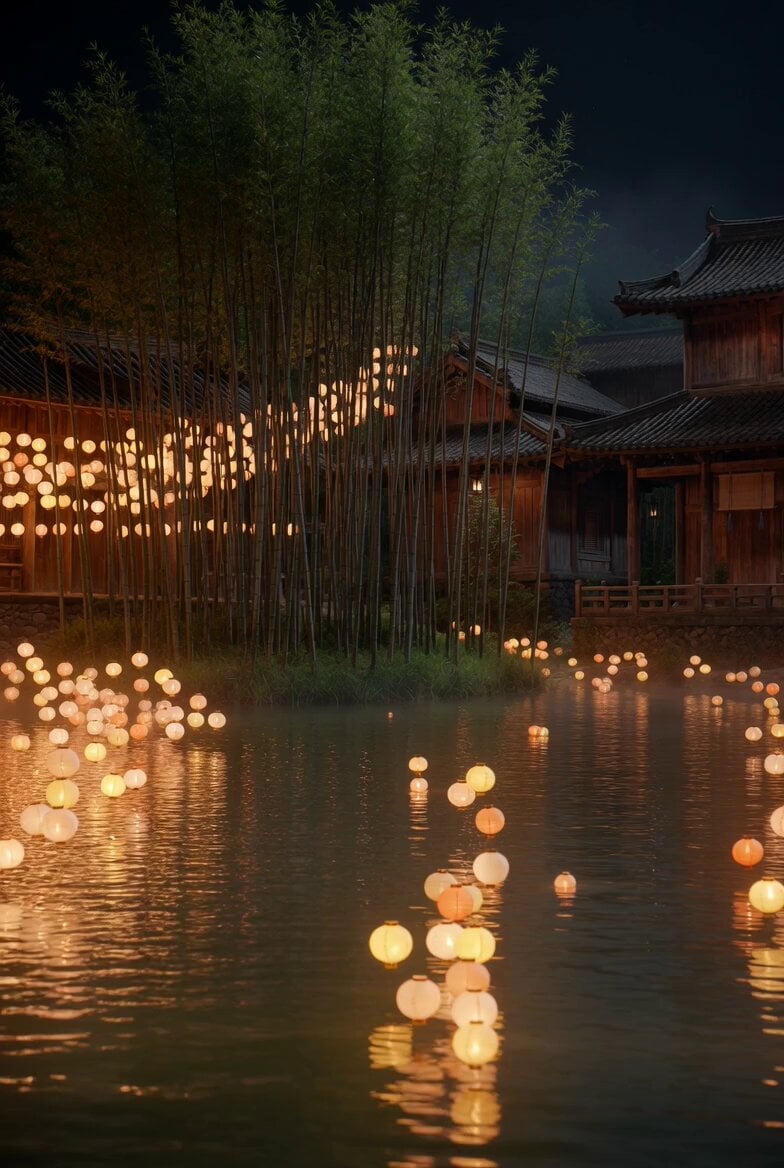
Floating Lights and Lantern Glow Video
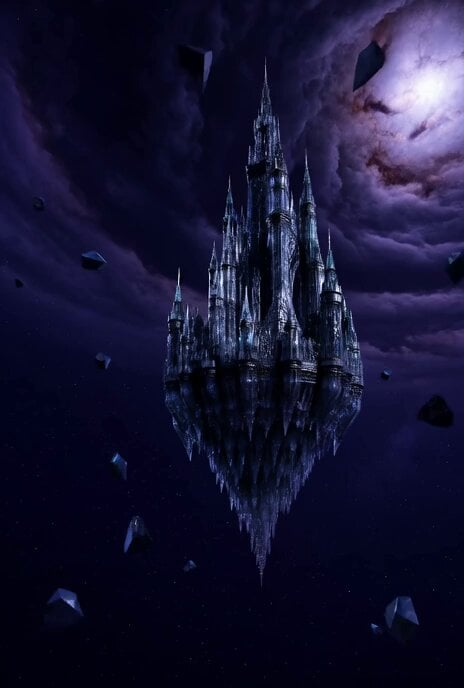
Floating Glass Castle in Cosmic Storm
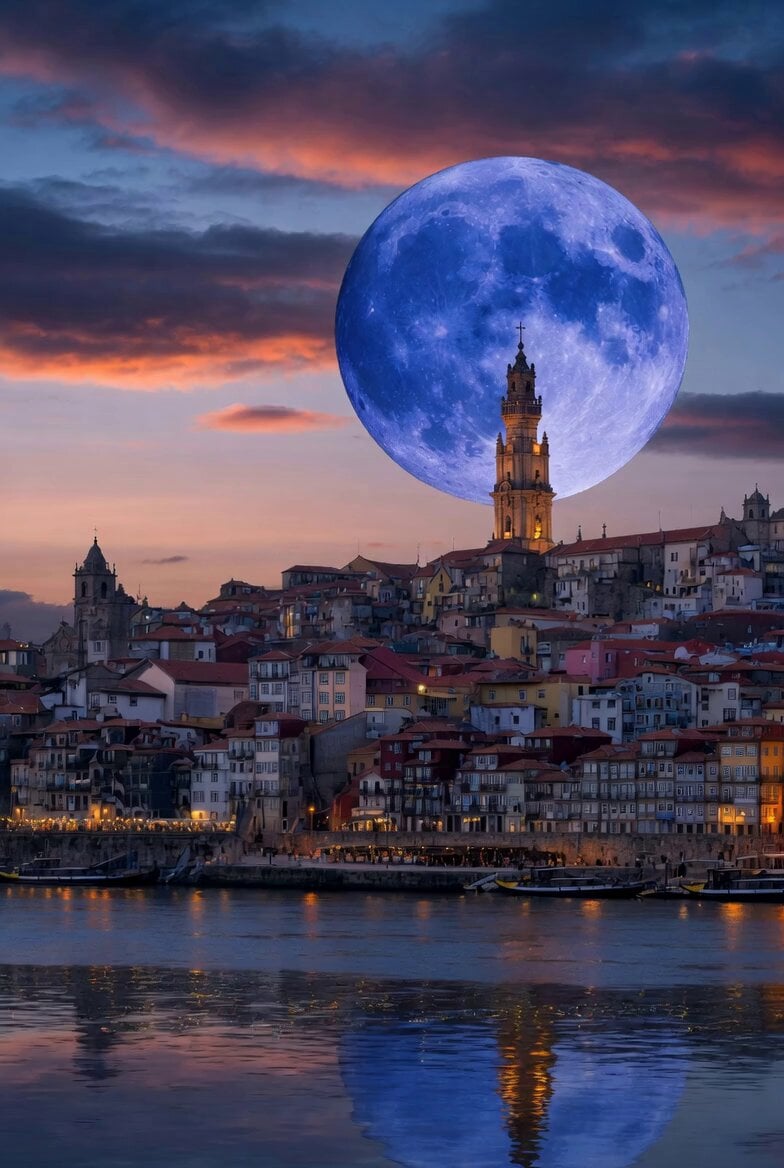
Blue Moon Over Porto Skyline

Floating in Space Flight
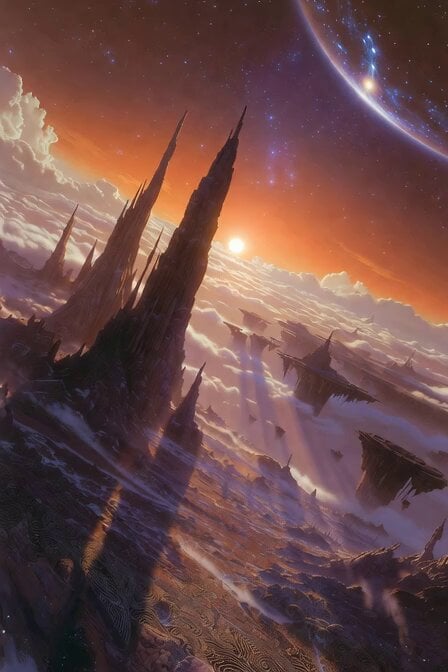
Floating Islands and Rock Spires

Whimsical Floating Turtle Island

Floating Chinese Palace Ship

Floating Girl with Star Light

Futuristic Neon Metropolis Sky
Spinning Sky Cosmic Video
Fantasy Glowing Potion and Floating Herbs
Silver Lace Queen in Silent Garden
Make it yours
Floating Sky Garden Video Prompt works as-is. These are the safest ways to change it without losing the look.
Change one field
Copy a single group, rewrite it, and generate again so you can see what that field is doing.
Keep the frame, change the subject
Hold the composition and light of Floating Sky Garden Video Prompt, then swap wardrobe, props or the person for a new take.
| If the result… | Why | Fix |
|---|---|---|
| The result drifts from the preview | Too many fields changed at once. | Reuse Floating Sky Garden Video Prompt as-is first, then change one group — subject, light, or setting. |
| The model over-stylizes the scene | The prose prompt leaves finish and camera underspecified. | Add one camera or lighting sentence and stay on Grok Imagine. |
More Grok Imagine templates
Other prompts made for Grok Imagine.

Kaleidoscopic Cosmic Dolphin Video

Horror Daffy Duck Video Transition

America 250th Anniversary Celebration

Glowing Water Forest Night Prompt

Soft Pink Roses Dreamer Prompt

Ninja Wizard Levitation Jump

Coffee Cup Interaction Motion

Voice Controlled Water Animation

Pterodactyl Transformation Journey

Candle Mandala Mirror Video
More video prompts
Fresh picks from across the catalog.
NBA Jumbotron Reaction Shot

Virtual display of customer spending at Costco

River Crawler Bridge Attack
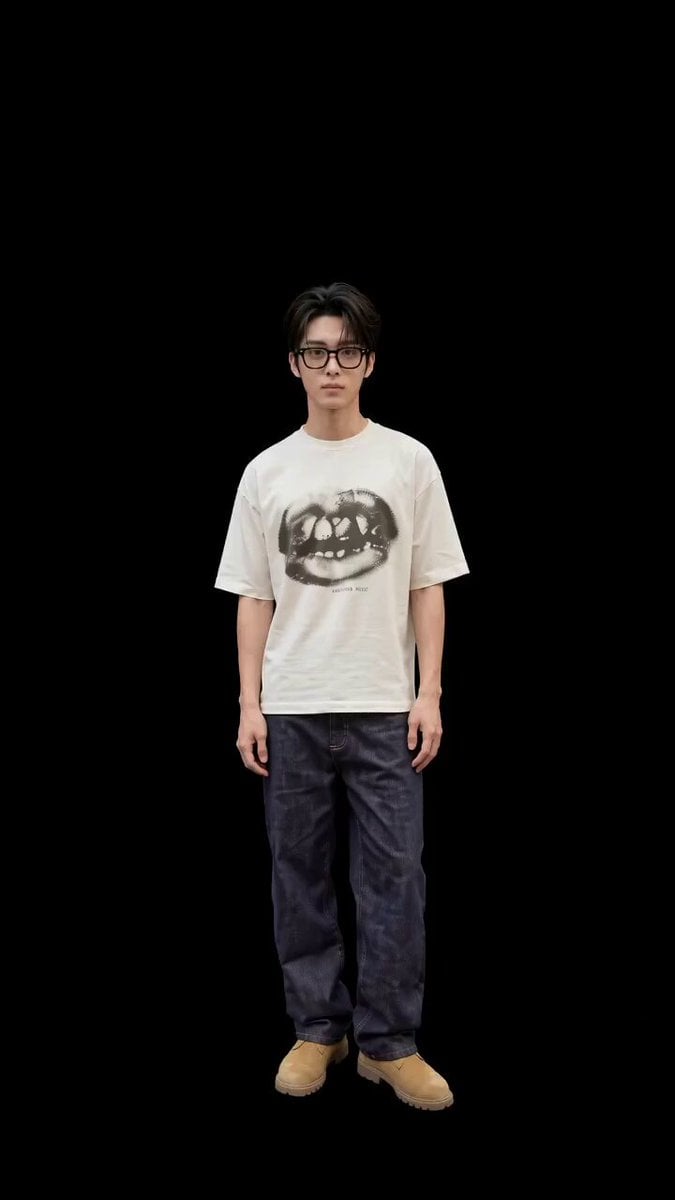
Fantasy Ancient Style Transformation Video Prompt (Four Spirits)
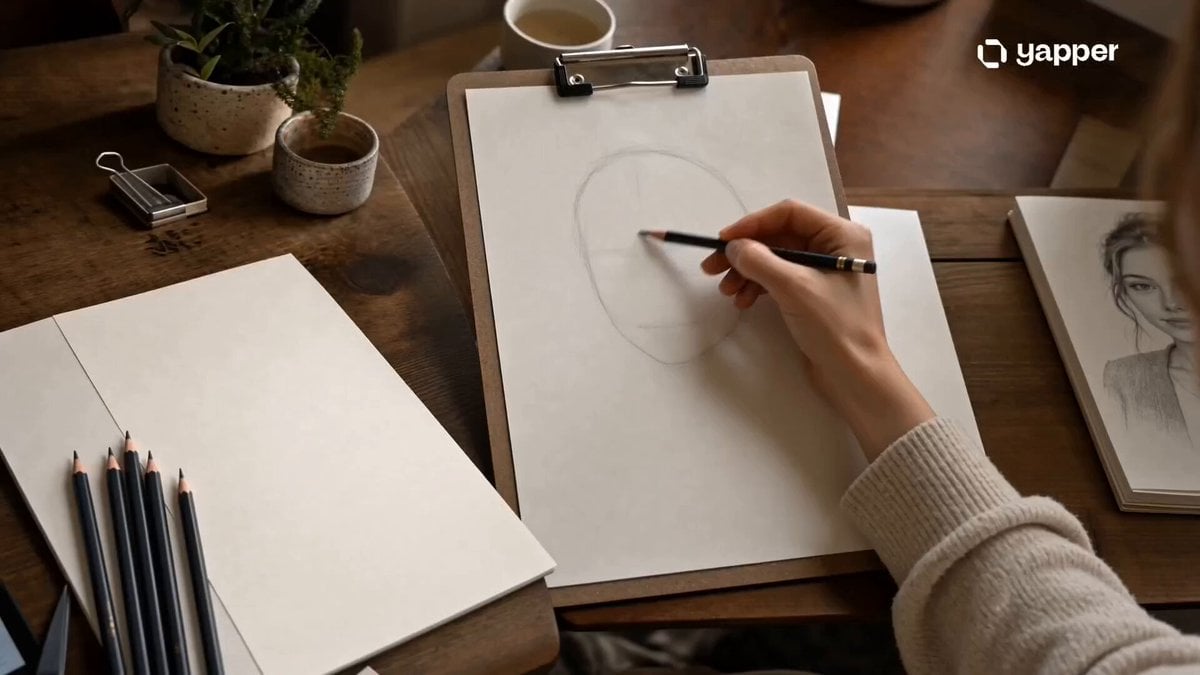
Pencil Sketch Portrait Living Timelapse
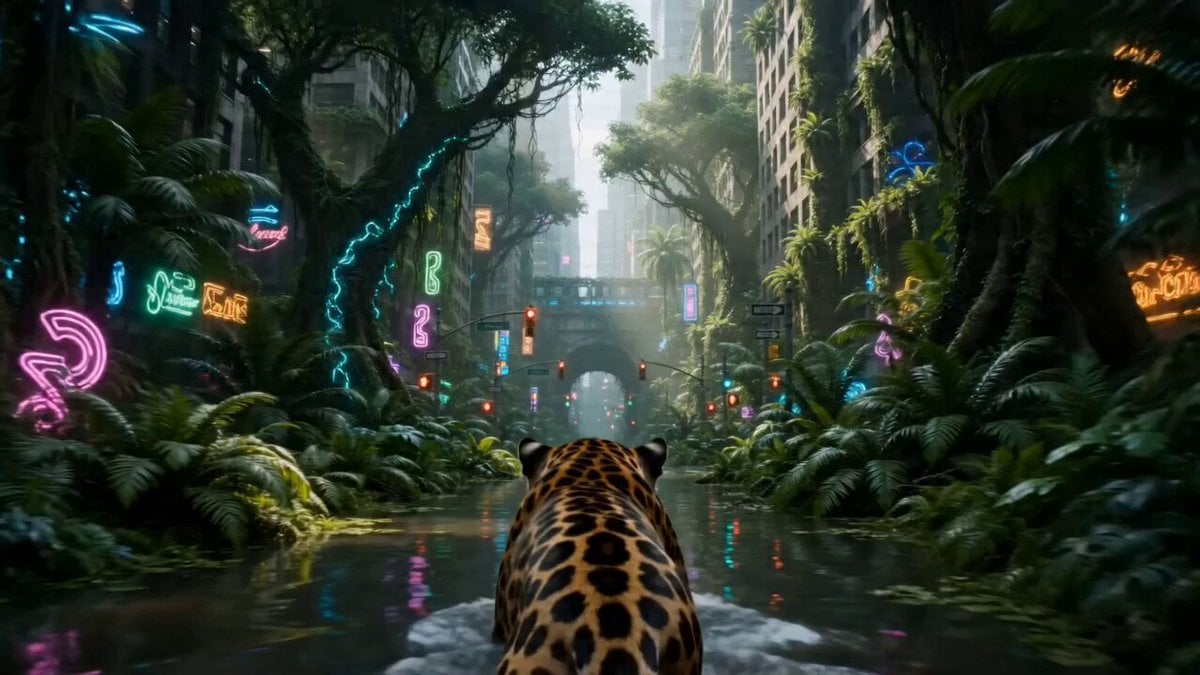
Overgrown Megacity Jungle

Cosmic OHM Transformation
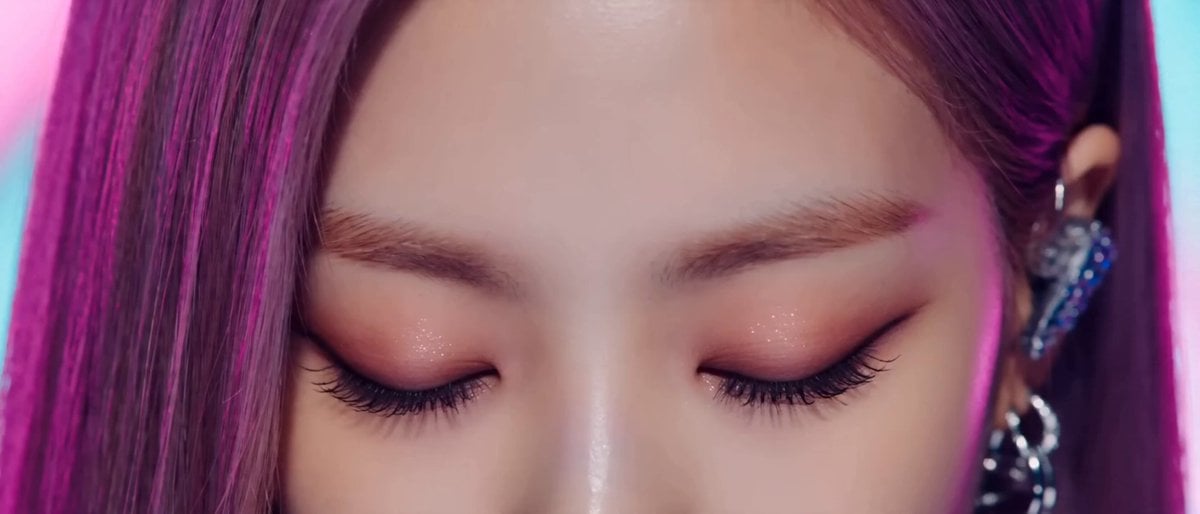
K-pop Music Video Performance

Smoky Ethereal Profile Animation

Easter Bunnies Falling Through a Portal
Browse template categories
Floating Sky Garden Video Prompt questions
How do I use the Floating Sky Garden Video Prompt template?
Add your photo if the template asks for one, edit the prompt if you like — the template's model and format are already selected — and press Generate. Your version opens in PicX Studio.
Can I customize the Floating Sky Garden Video Prompt template?
Yes. You can change the subject, setting, lighting, mood, format, and available model controls before creating your video.
Is the Floating Sky Garden Video Prompt template free?
Opening and editing this template is free. Generating uses credits, shown on the Generate button when you are signed in.
Which AI model should I use?
Start with Grok Imagine, which is the model associated with this template. You can compare another compatible model for a different finish.
Looking for something else? Browse all templates.

Your photo, any look
Thousands of ready templates for every top image and video model, from one credit balance.