
Pencil Sketch Portrait Living Timelapse
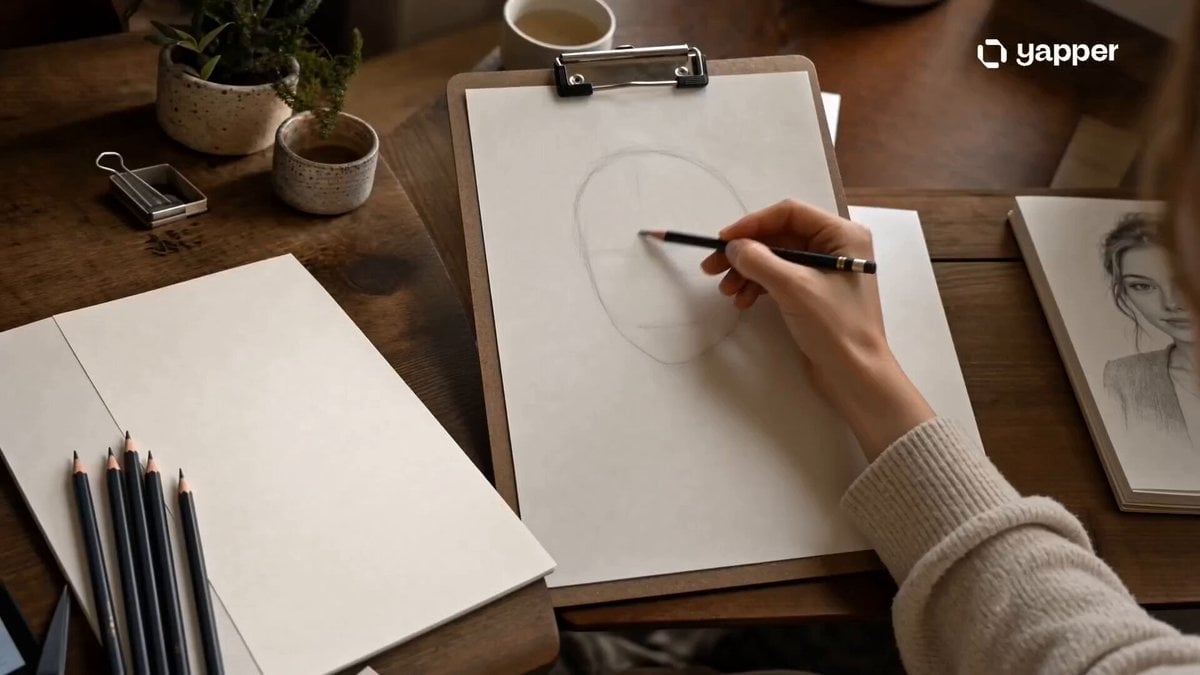
A calming cinematic prompt for Seedance 2.0 that visualizes the creation of a detailed graphite pencil portrait from initial outlines to refinement.
- Prompt included
- Model and format preset
- Free template
The prompt behind this video
Copy the exact prompt behind Pencil Sketch Portrait Living Timelapse, or open it in the studio and make it yours.
Style: Cinematic artistic realism, warm studio atmosphere, soft natural window lighting, shallow depth of field, ultra-detailed graphite textures, smooth timelapse transitions, calming creative energy, cozy handcrafted aesthetic, film-like realism. 0–4s — The First Lines Close-up of a clean white sketchbook resting on a wooden desk inside a cozy art studio. Warm sunlight pours through a nearby window, casting soft shadows across scattered pencils and paper textures. A young girl gently places her pencil onto the page, slowly sketching the first delicate outlines of a female portrait. Subtle dust particles float through the golden light. 4–8s — The Face Comes Alive Smooth cinematic transition into detailed facial construction. Eyes, nose, and lips begin forming with realistic shading and depth. The camera glides across the paper while graphite strokes blend seamlessly. Focus shifts between the moving hand and the portrait’s emerging expression. 8–12s — Artistic Refinement Fast artistic cuts show layered pencil strokes refining hair texture, shadows, and highlights. Fingers softly smudge graphite for realism while tiny sketch details sharpen into lifelike depth. The portrait slowly transforms from rough lines into an ultra-detailed realistic drawing. 12–15s — Final Reveal Wide cinematic shot of the completed pencil portrait resting beautifully on the wooden table. The artist gently lifts her hand away, quietly admiring the finished work. Warm sunlight illuminates the graphite textures as the camera slowly pushes in. Final frame freezes on the realistic sketch with a calm inspiring atmosphere.
How to use Pencil Sketch Portrait Living Timelapse in 3 steps
- 1
Open
The prompt is already in the box next to the preview, with the template's model and format selected.
- 2…a portrait of your subject in softgolden-hour light, 85mm…
Personalize
Edit the subject and creative details for your destination.
- 3Generate
Generate
Press Generate — your video is created in PicX Studio, so you can compare it with the original and refine one variable at a time.
More like this
Templates with the same subject, style or setup. Open one to see its prompt.

Romantic Pencil Sketch Animation

Sneaker Product Commercial

Cinematic Portrait Study 3

Cinematic Portrait Study

Pencil Sketch Woman Holding a Vivid Moon

Ethereal Woman Ink and Pencil Sketch
City Timelapse Growth — Seedance 2.0
Civilization Timelapse — Centuries in One Shot

Migrating Living Mountains Landscape
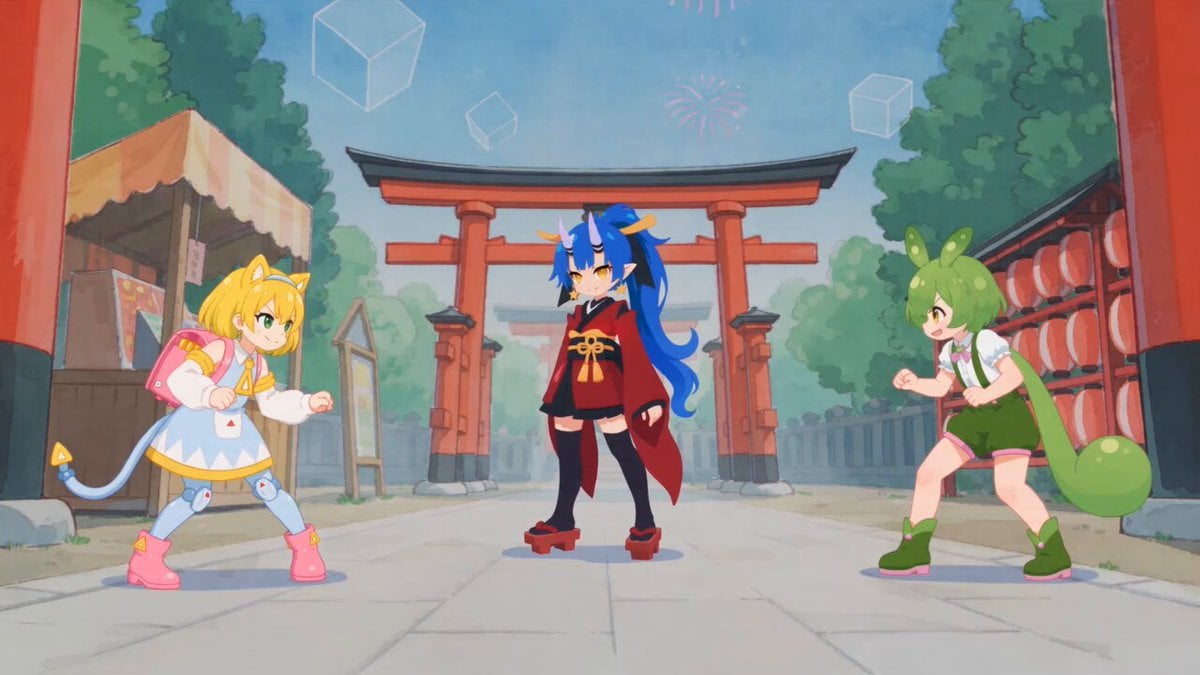
Fluid Sketch Martial Arts Battle
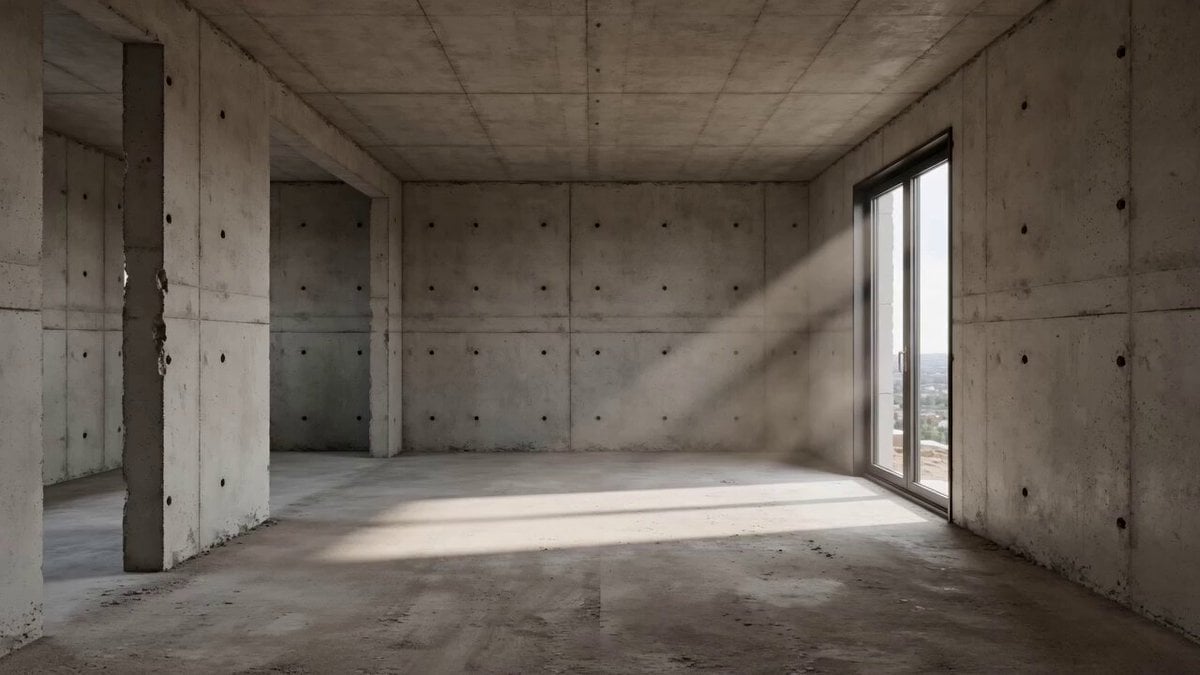
Architectural Space Renovation Timelapse
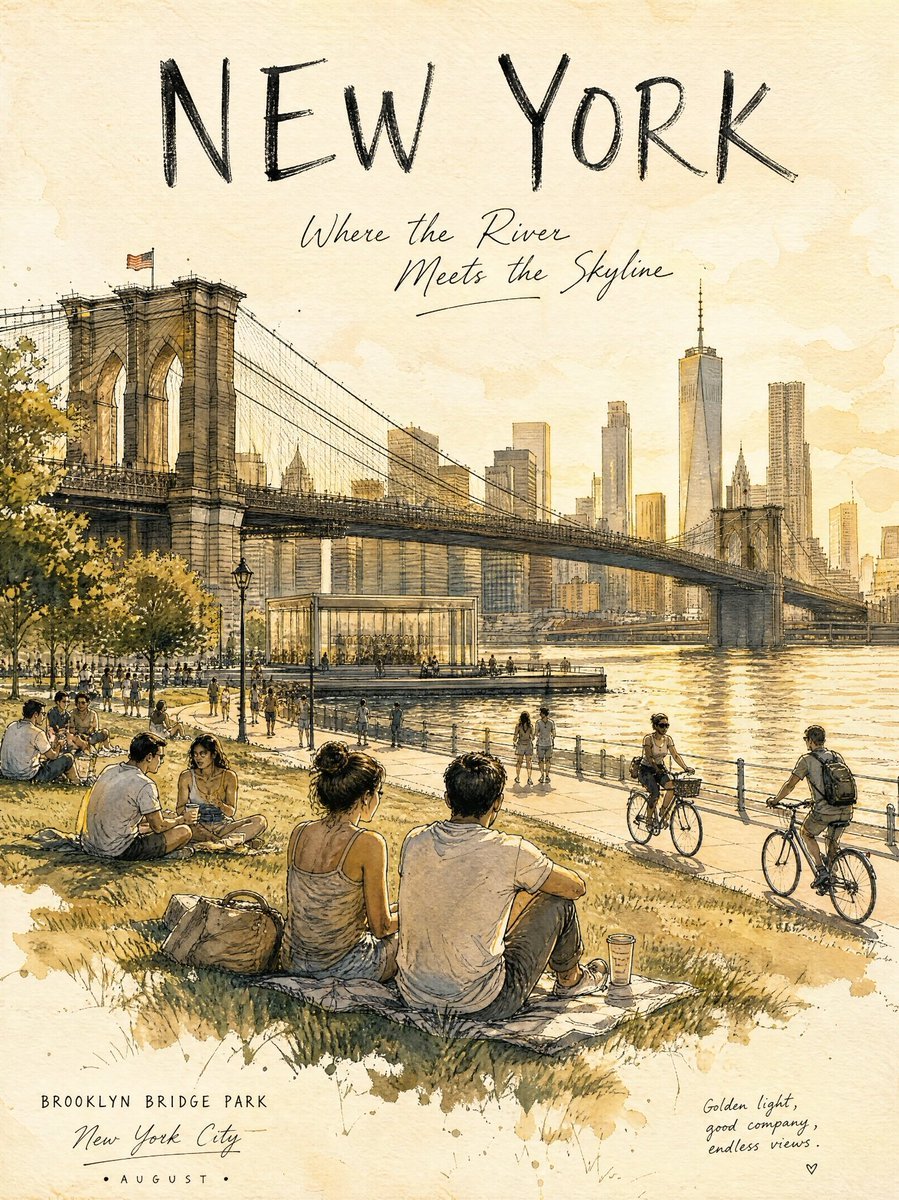
Central Park Summer Urban Sketch Poster
Make it yours
Pencil Sketch Portrait Living Timelapse works as-is. These are the safest ways to change it without losing the look.
Change one field
Copy a single group, rewrite it, and generate again so you can see what that field is doing.
Keep the frame, change the subject
Hold the composition and light of Pencil Sketch Portrait Living Timelapse, then swap wardrobe, props or the person for a new take.
| If the result… | Why | Fix |
|---|---|---|
| The result drifts from the preview | Too many fields changed at once. | Reuse Pencil Sketch Portrait Living Timelapse as-is first, then change one group — subject, light, or setting. |
| The model over-stylizes the scene | The prose prompt leaves finish and camera underspecified. | Add one camera or lighting sentence and stay on Seedance 2.0. |
More Seedance 2.0 templates
Other prompts made for Seedance 2.0.

Comical Martial Arts Punch Scene

Maglev Train Action Sequence

Martial Arts Fight Sequence

Wuxia Protection and Trust Script

Vintage Korean Arcade MiniDV Vlog

Mercedes 190 SL Luxury Ad

Rainy Night Supernatural Reverse Comedy Video Script

Amazon Civilization Discovery

Futuristic South Asian City Transformation

Cozy Luxury Cafe Commercial
More video prompts
Fresh picks from across the catalog.

Virtual display of customer spending at Costco

TMNT Pizza Catch Video
Western Narrative Multi-Cut Video Prompt

Madoka Magica Bullshit Prompt
FPV Cinematic Camera Path

Technical animation of a levitating, exploding vintage television
Grocery Store Slice-of-Life Realism
Premium Fanta Beverage Commercial
Cinematic Horror/Action Text-to-Video

Childhood Memory of an Orange Fireball
Browse template categories
Pencil Sketch Portrait Living Timelapse questions
How do I use the Pencil Sketch Portrait Living Timelapse template?
Add your photo if the template asks for one, edit the prompt if you like — the template's model and format are already selected — and press Generate. Your version opens in PicX Studio.
Can I customize the Pencil Sketch Portrait Living Timelapse template?
Yes. You can change the subject, setting, lighting, mood, format, and available model controls before creating your video.
Is the Pencil Sketch Portrait Living Timelapse template free?
Opening and editing this template is free. Generating uses credits, shown on the Generate button when you are signed in.
Which AI model should I use?
Start with Seedance 2.0, which is the model associated with this template. You can compare another compatible model for a different finish.
Looking for something else? Browse all templates.

Your photo, any look
Thousands of ready templates for every top image and video model, from one credit balance.