
Grocery Store Slice-of-Life Realism
A grounded cinematic prompt capturing the ordinary moments and sensory details of a grocery store visit in a documentary style.
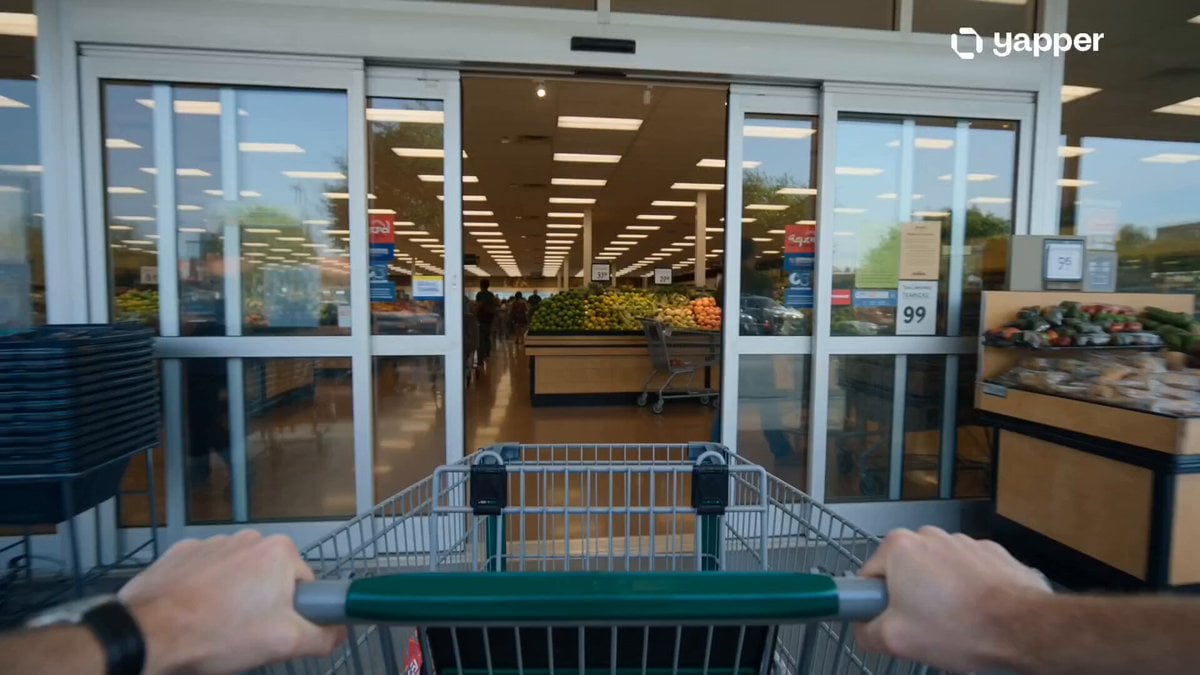
- Prompt included
- Model and format preset
- Premium template
The prompt behind this video
Copy the exact prompt behind Grocery Store Slice-of-Life Realism, or open it in the studio and make it yours.
Style: Cinematic slice-of-life realism, soft natural lighting, handheld documentary feel, shallow depth of field, subtle emotional tone, ambient grocery store soundscape, slow-motion everyday highlights, grounded realism. 0–3s — Entrance Calm A shopper pushes a cart through automatic sliding doors into a busy grocery store. Soft chime as doors open. Warm indoor lighting replaces the outside world. Background crowd movement slightly blurred, calm yet alive atmosphere. 3–6s — Choosing Moments Close-up shots of hands selecting fresh fruit, gently pressing items, comparing labels on shelves. Subtle slow motion on small decisions. Other shoppers pass in soft focus. Cart wheels roll smoothly over polished floors. 6–9s — Human Chaos Rhythm Aisles become busier. People cross paths naturally, carts pass closely in narrow spaces. A child reaches excitedly for snacks. A brief shared pause as two shoppers hesitate in the same aisle, then continue moving. 9–12s — Checkout Pressure At the counter, items scan in rapid rhythm. Repeating barcode beeps create a steady tempo. Quick cuts of wallet opening, phone payments, subtle impatience and tired expressions in line. Realistic store noise builds layered texture. 12–15s — Quiet Exit Moment Groceries are handed over in final bag. The shopper steps outside. Warm sunlight hits the face instantly. Store noise fades into distant hum as the door closes behind—ordinary routine dissolving into a quiet cinematic ending.
How to use Grocery Store Slice-of-Life Realism in 3 steps
- 1
Open
The prompt is already in the box next to the preview, with the template's model and format selected.
- 2…a portrait of your subject in softgolden-hour light, 85mm…
Personalize
Edit the subject and creative details for your destination.
- 3Generate
Generate
Press Generate — your video is created in PicX Studio, so you can compare it with the original and refine one variable at a time.
More like this
Templates with the same subject, style or setup. Open one to see its prompt.
Bookstore Slice-of-Life Encounter

Nostalgic MiniDV Convenience Store Vlog - Seedance 2.5

Open-World RPG Grocery Store Quest Prompt
Cinematic Grocery Store Sequence
Cinematic Grocery Store Emotional Story
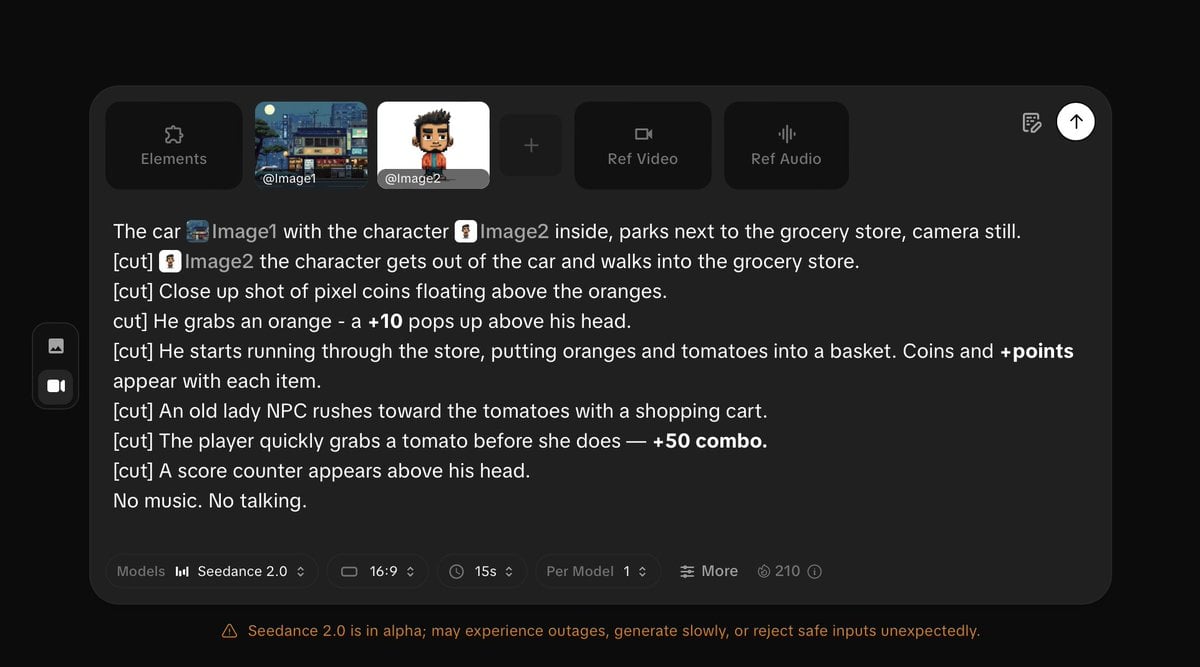
Pixel Game Style Grocery Store Heist
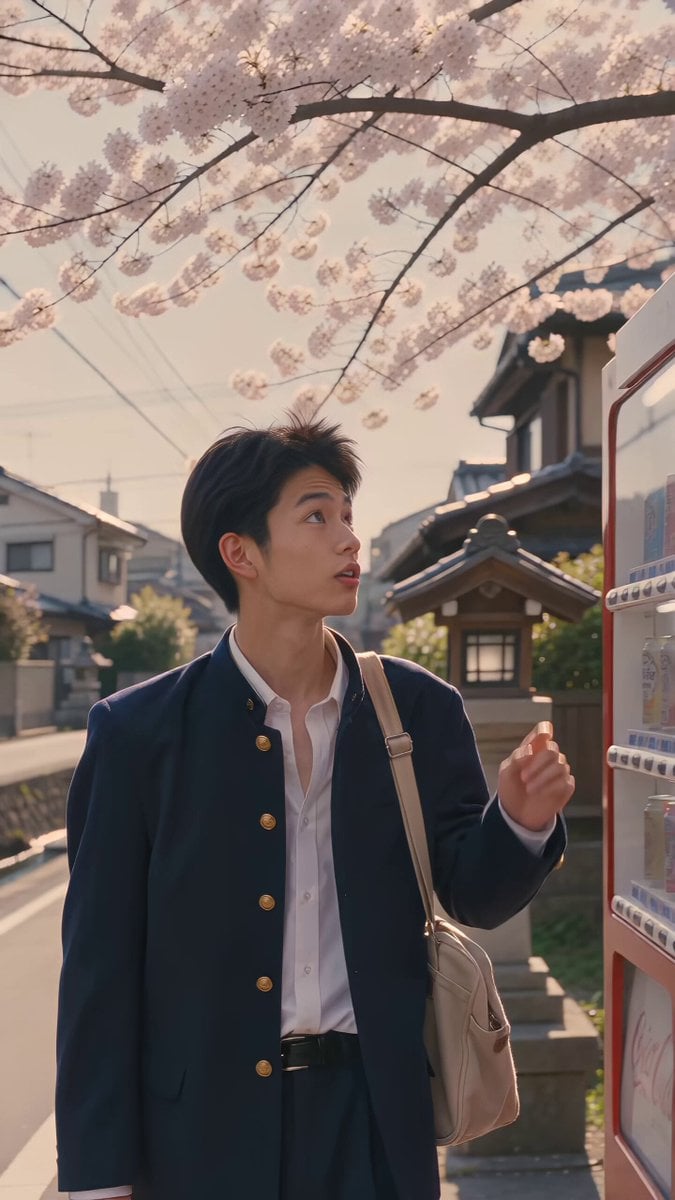
Kyoto 1987 VHS Slice of Life

Everyday Grocery Shopping Lifestyle Vlog

Rural Japanese Slice of Life Journey
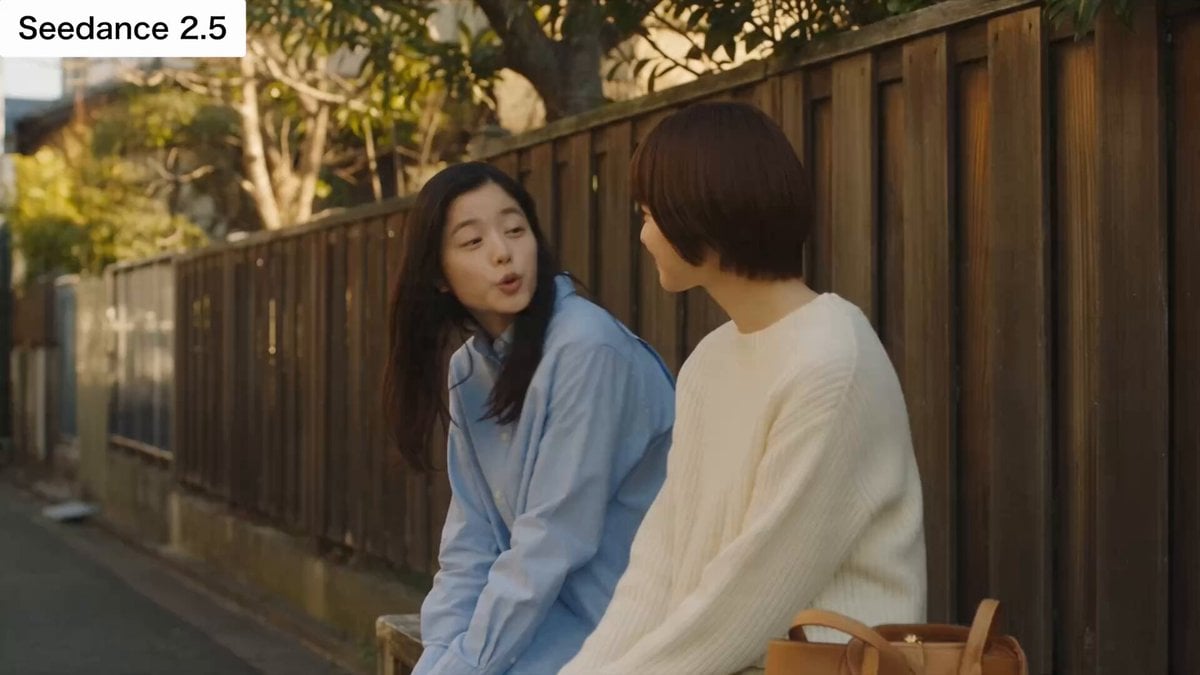
Japanese Slice-of-Life Conversation with Lip Sync
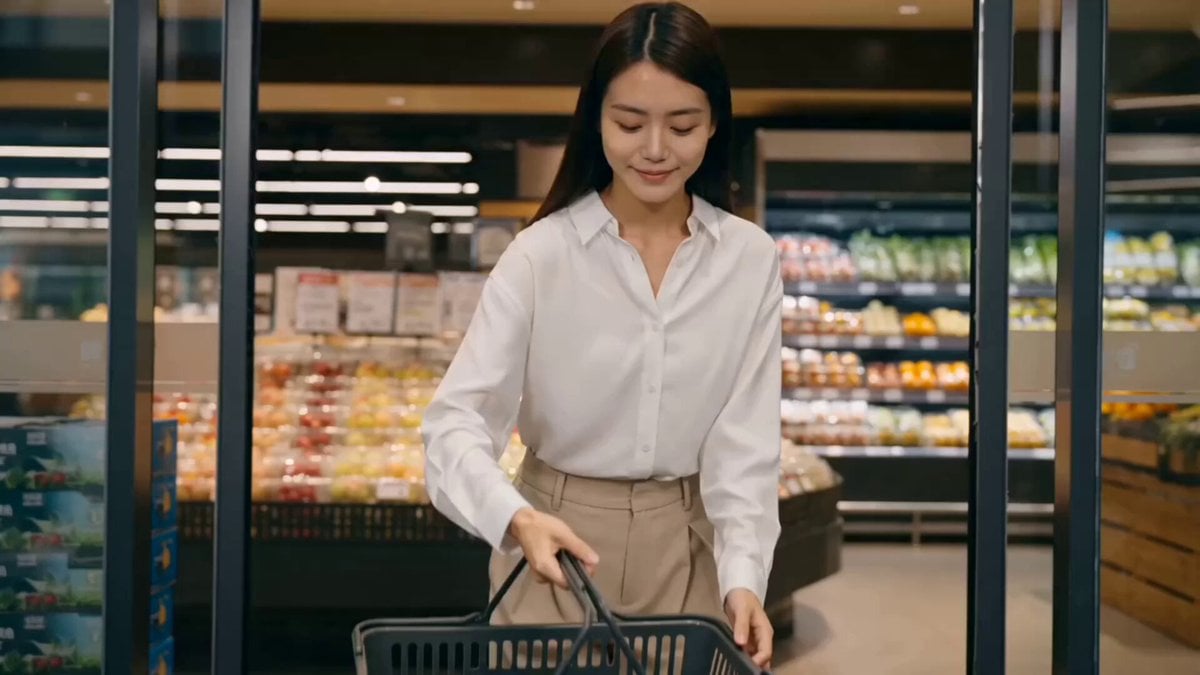
Luxury Grocery Run Lifestyle Vlog Prompt

Japanese Slice-of-Life Street Conversation
Make it yours
Grocery Store Slice-of-Life Realism works as-is. These are the safest ways to change it without losing the look.
Change one field
Copy a single group, rewrite it, and generate again so you can see what that field is doing.
Keep the frame, change the subject
Hold the composition and light of Grocery Store Slice-of-Life Realism, then swap wardrobe, props or the person for a new take.
| If the result… | Why | Fix |
|---|---|---|
| The result drifts from the preview | Too many fields changed at once. | Reuse Grocery Store Slice-of-Life Realism as-is first, then change one group — subject, light, or setting. |
| The model over-stylizes the scene | The prose prompt leaves finish and camera underspecified. | Add one camera or lighting sentence and stay on Seedance 2.0. |
More Seedance 2.0 templates
Other prompts made for Seedance 2.0.

Comical Martial Arts Punch Scene

Maglev Train Action Sequence

Martial Arts Fight Sequence

Wuxia Protection and Trust Script

Vintage Korean Arcade MiniDV Vlog

Mercedes 190 SL Luxury Ad

Rainy Night Supernatural Reverse Comedy Video Script

Amazon Civilization Discovery

Futuristic South Asian City Transformation

Cozy Luxury Cafe Commercial
More video prompts
Fresh picks from across the catalog.
Grok Imagine Prompt: Render two kids outside dressed in winter coats and toques in traditional Easte
First-Person Beach Family Travel Vlog
Seedance 2.5 Supernatural Action Short Film

Giant Mountain Koi Video Prompt
Drone FPV Scenic Tour Generation

Will Smith Fighting a Spaghetti Monster in an 80s Action Movie Style
Action Movie Fight Sequence Prompt
Dark Fantasy Dragon Rider Sequence

The Saddest Story Told in Stop-Motion Clay Animation

GoPro POV Mountain Bike Sunset Descent
Browse template categories
Grocery Store Slice-of-Life Realism questions
How do I use the Grocery Store Slice-of-Life Realism template?
Add your photo if the template asks for one, edit the prompt if you like — the template's model and format are already selected — and press Generate. Your version opens in PicX Studio.
Can I customize the Grocery Store Slice-of-Life Realism template?
Yes. You can change the subject, setting, lighting, mood, format, and available model controls before creating your video.
Is the Grocery Store Slice-of-Life Realism template free?
Opening and editing this template is free. Generating uses credits, shown on the Generate button when you are signed in.
Which AI model should I use?
Start with Seedance 2.0, which is the model associated with this template. You can compare another compatible model for a different finish.
Looking for something else? Browse all templates.

Your photo, any look
Thousands of ready templates for every top image and video model, from one credit balance.