How do I use the First-Person Beach Family Travel Vlog template?
Edit the prompt in the box under the preview — the template's model and format are already selected — and press Generate. Your version appears right on this page.
A detailed prompt for generating a realistic 15-second first-person travel vlog of a beach day with family, including selfie transitions and golden hour lighting.
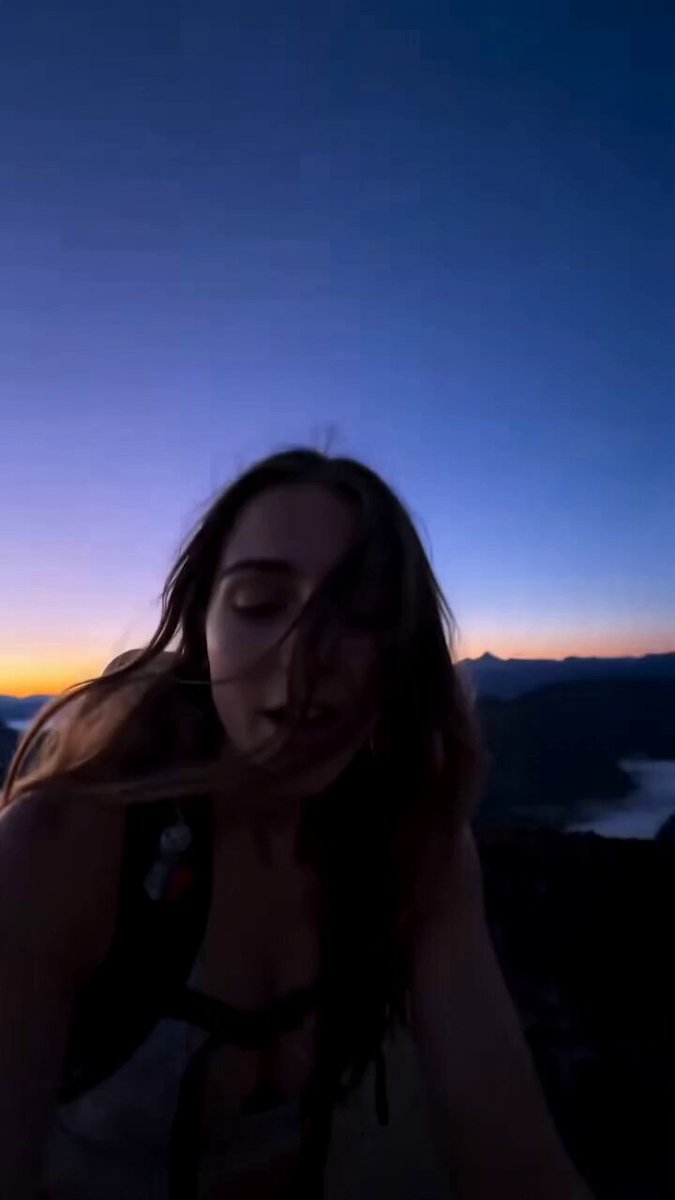
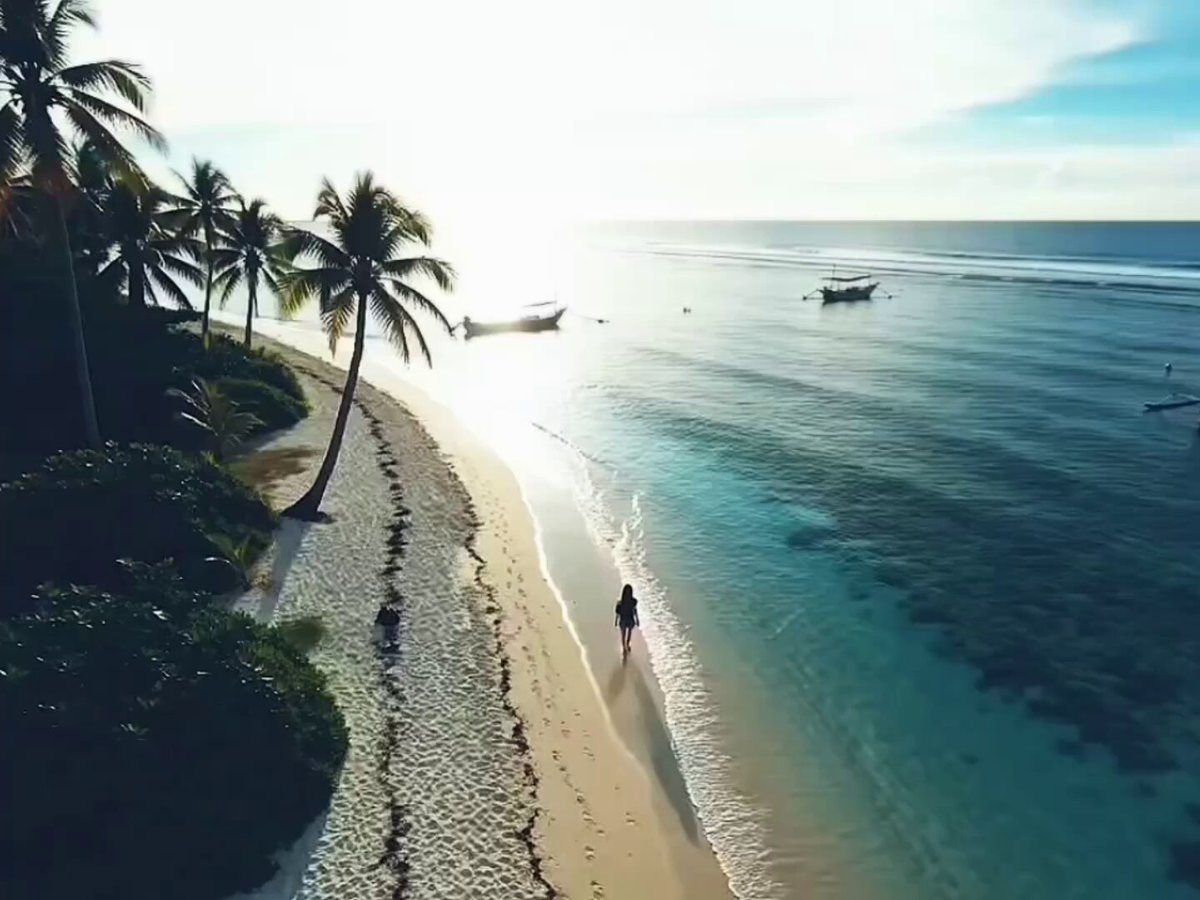
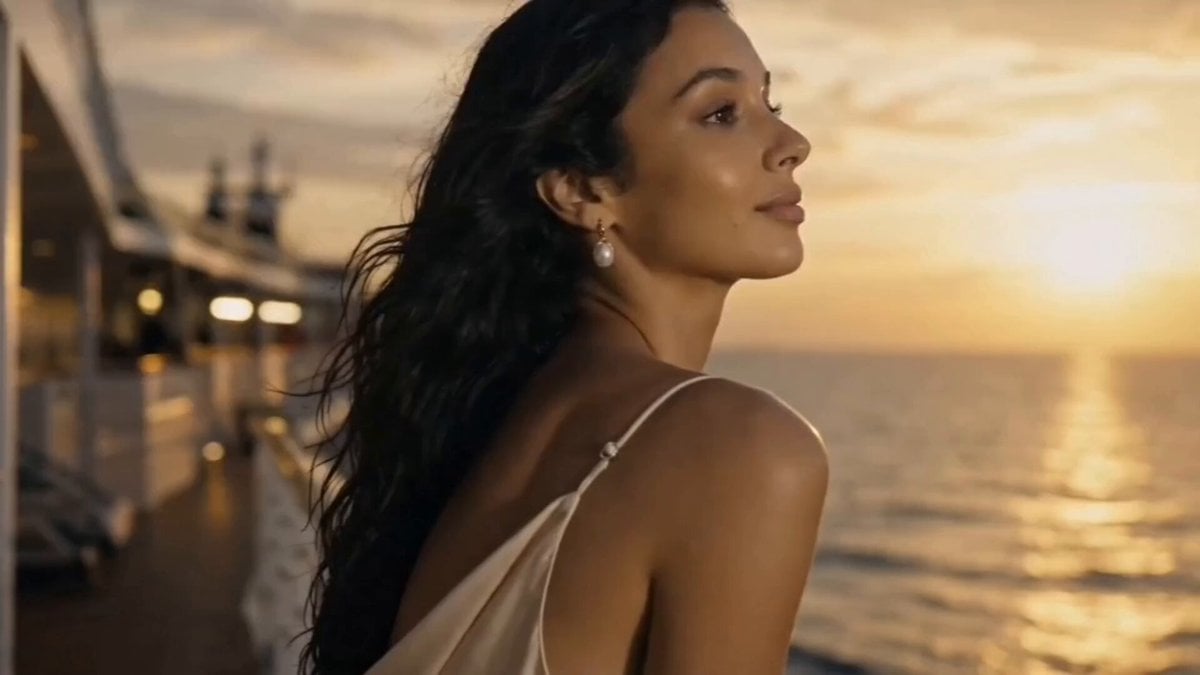
Ultra-realistic 4K first-person travel vlog. A young woman is filming herself with her smartphone while spending a day at the beach with her family during golden hour. The video begins with a smiling selfie as she says hello to the camera, then she flips the camera to show the ocean and her family walking behind her. She records her younger siblings building a sandcastle, kneels down to help them while holding the phone in one hand, captures close-up shots of shells and wet sand, then switches back to selfie mode while laughing. She records her parents smiling in the background, then films everyone running into the shallow waves. The final shot is a joyful selfie with the whole family behind her splashing water. Natural handheld phone movements, realistic front and rear camera transitions, slight camera shake, authentic vlog framing, cinematic golden-hour lighting, photorealistic skin textures, genuine emotions, documentary style, no AI look.\n\nVoice-over (15 seconds)\n\n> \"Nothing beats a beach day with the people you love. Just sunshine, salty air, endless laughter, and memories I'll never forget.\"
Ultra-realistic 4K first-person travel vlog. A young woman is filming herself with her smartphone while spending a day at the beach with her family during golden hour. The video begins with a smiling selfie as she says hello to the camera, then she flips the camera to show the ocean and her family walking behind her. She records her younger siblings building a sandcastle, kneels down to help them while holding the phone in one hand, captures close-up shots of shells and wet sand, then switches back to selfie mode while laughing. She records her parents smiling in the background, then films everyone running into the shallow waves. The final shot is a joyful selfie with the whole family behind her splashing water. Natural handheld phone movements, realistic front and rear camera transitions, slight camera shake, authentic vlog framing, cinematic golden-hour lighting, photorealistic skin textures, genuine emotions, documentary style, no AI look.\n\nVoice-over (15 seconds)\n\n> \"Nothing beats a beach day with the people you love. Just sunshine, salty air, endless laughter, and memories I'll never forget.\"
Edit the prompt in the box under the preview — the template's model and format are already selected — and press Generate. Your version appears right on this page.
Yes. You can change the subject, setting, lighting, mood, format, and available model controls before creating your video.
Opening and editing this template is free. Generating uses credits, shown on the Generate button when you are signed in.
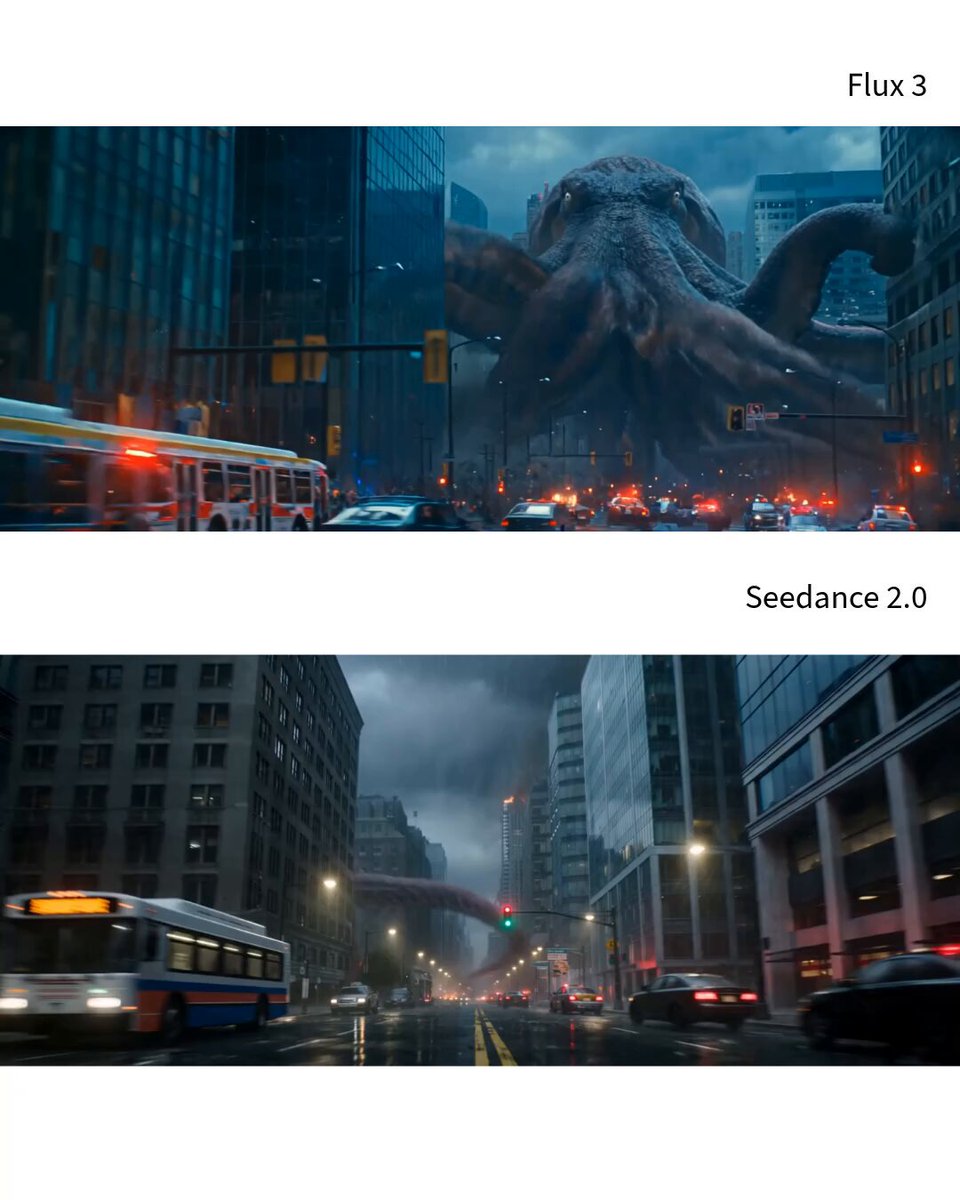
Start with Seedance 2.0, which is the model associated with this template. You can compare another compatible model for a different finish.
Follow a topic to a crawlable collection of related PicX Studio templates.