
Shield Deflection Action Sequence
A detailed Scela-structured prompt for a cinematic sequence where a giant monster throws an aircraft at an armored warrior who deflects it with an energy shield.
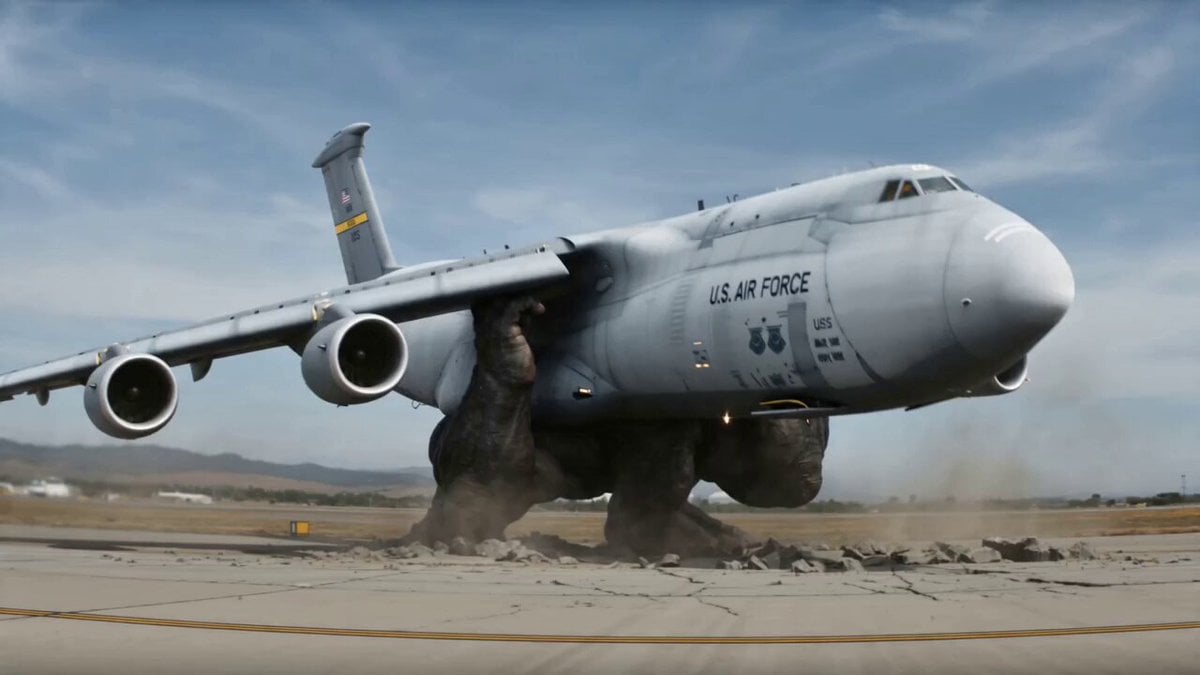
- Prompt included
- Model and format preset
- Free template
The prompt behind this video
Copy the exact prompt behind Shield Deflection Action Sequence, or open it in the studio and make it yours.
“SHIELD DEFLECTION (ULTRA SMOOTH)” Reference Input: @image1 = armored warrior (same red-black exosuit design, heavy plating, glowing visor) @image2 = military transport aircraft (large cargo plane, realistic scale) ⏱️ FORMAT 15 seconds · ultra cinematic · seamless motion flow · heavy physics realism 🧠 SCELA STRUCTURE S — SUBJECT Colossal giant monster (massive scale, far larger than aircraft) inside military airbase Armored warrior (@image1) standing at distance Large military transport aircraft (@image2) used as projectile weapon C — CAMERA (SMOOTH FLOW RULES) Continuous motion tracking (no hard cuts) Directional follow-through (throw → flight → impact same vector) Inertia-based camera lag (slight delay for realism) Micro slow-motion only at impact Final stabilized cinematic frame E — EFFECTS Ground fracture under monster Aircraft structural strain while lifted Air shockwave during throw Semi-transparent light-blue energy shield (gradual build, ripple distortion) Deflection arc physics (realistic redirection) Dust, debris, runway destruction L — LIGHTING Harsh daylight military base Realistic metallic reflections Subtle blue emission from shield Impact flash highlights A — AUDIO Only realistic sound effects (SFX), no background music, no cinematic score, no music layers. Focus on natural environmental sounds and action-based audio only. Deep ground rumble Metal strain and bending Air tearing velocity sound Energy shield hum + ripple Heavy impact shockwave Debris crash and sliding 🎞️ TIMELINE (ULTRA-SMOOTH DIRECTOR VERSION) 0:00–0:02 — HOOK (CONTINUOUS POWER DISPLAY) Director Note (Smoothness): Start already in motion — no static frame. Camera slightly drifting before action. Action: Colossal monster already gripping a massive transport aircraft (@image2) with both hands. It slowly lifts it upward, weight clearly visible. Camera: Low-angle tracking upward (continuous motion, no cut) SFX: Deep زمین rumble Metal creaking under pressure 0:02–0:04 — FORCE BUILD-UP → THROW Director Note: Add micro hesitation before throw (0.2 sec) for realism. Action: Monster pulls aircraft back → then violently throws forward in same motion arc Camera: Follow-through motion (no cut, continuous arc tracking) SFX: Air displacement burst Heavy force release 0:04–0:06 — FLIGHT CONTINUITY (NO CUT FEEL) Director Note: Camera stays locked to aircraft trajectory → smooth transition. Action: Aircraft spinning, moving directly toward warrior Warrior already reacting — body turning into incoming direction Camera: Tracking shot continues → slight lag → then reframes hero SFX: High-speed air tear Wind turbulence 0:06–0:08 — SHIELD BUILD-UP (GRADUAL, NOT INSTANT) Director Note: Shield must grow, not pop. Action: Warrior raises hand → first: subtle distortion in air then: faint blue shimmer then: full shield forms Camera: Smooth push-in (no shake) SFX: S
How to use Shield Deflection Action Sequence in 3 steps
- 1
Open
The prompt is already in the box next to the preview, with the template's model and format selected.
- 2…a portrait of your subject in softgolden-hour light, 85mm…
Personalize
Edit the subject and creative details for your destination.
- 3Generate
Generate
Press Generate — your video is created in PicX Studio, so you can compare it with the original and refine one variable at a time.
More like this
Templates with the same subject, style or setup. Open one to see its prompt.

Walking Factory with Rebel on Hoverbike - Wasteland
Thornmaw Monarch — Crimson Glass Desert Beast
Warhorse Sprint on Cliff Aqueduct
Parametric Fight Scenes Seedance

Nano Banana Seedance Time Control Streets
Colossal Sea Creature — Stormy Shore Charge (Seedance)
Skybridge Rescue — Supertall Tower Collapse (Seedance)
Highway Biker — Aggressive Lane Split (PixVerse C1)
Bullet Time Selfie — Modular Parameter Template (Seedance)
Dragon Rescue — Volcanic Kingdom Collapse (Seedance)
Swordsman vs Shadow Monster — Bamboo Forest Battle
Stone Colossus Desert Riders — Golden Fire Reveal
Make it yours
Shield Deflection Action Sequence works as-is. These are the safest ways to change it without losing the look.
Change one field
Copy a single group, rewrite it, and generate again so you can see what that field is doing.
Keep the frame, change the subject
Hold the composition and light of Shield Deflection Action Sequence, then swap wardrobe, props or the person for a new take.
| If the result… | Why | Fix |
|---|---|---|
| The result drifts from the preview | Too many fields changed at once. | Reuse Shield Deflection Action Sequence as-is first, then change one group — subject, light, or setting. |
| The model over-stylizes the scene | The prose prompt leaves finish and camera underspecified. | Add one camera or lighting sentence and stay on Seedance 2.0. |
More Seedance 2.0 templates
Other prompts made for Seedance 2.0.

Comical Martial Arts Punch Scene

Martial Arts Fight Sequence

Wuxia Protection and Trust Script

Vintage Korean Arcade MiniDV Vlog

Mercedes 190 SL Luxury Ad

Rainy Night Supernatural Reverse Comedy Video Script

Amazon Civilization Discovery

Futuristic South Asian City Transformation

Cozy Luxury Cafe Commercial

Cyber Ronin Nanotech Transformation Video
More video prompts
Fresh picks from across the catalog.

Surreal Dark Beauty Portrait
POV Japanese Omurice Cooking Scene
Ultra-Realistic Fashion Sportswear Commercial

Daughter of the Forest Transformation
Cyberpunk Street Fighter Action
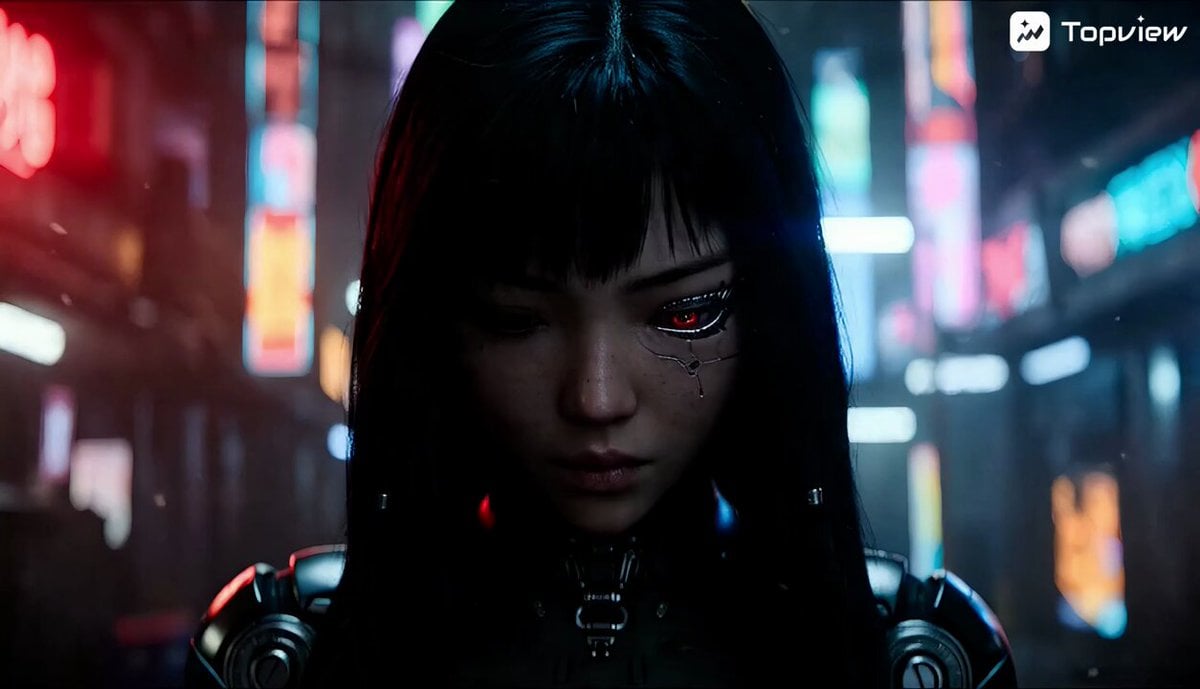
Cinematic Sci-Fi Action Video Prompt on Train Tracks
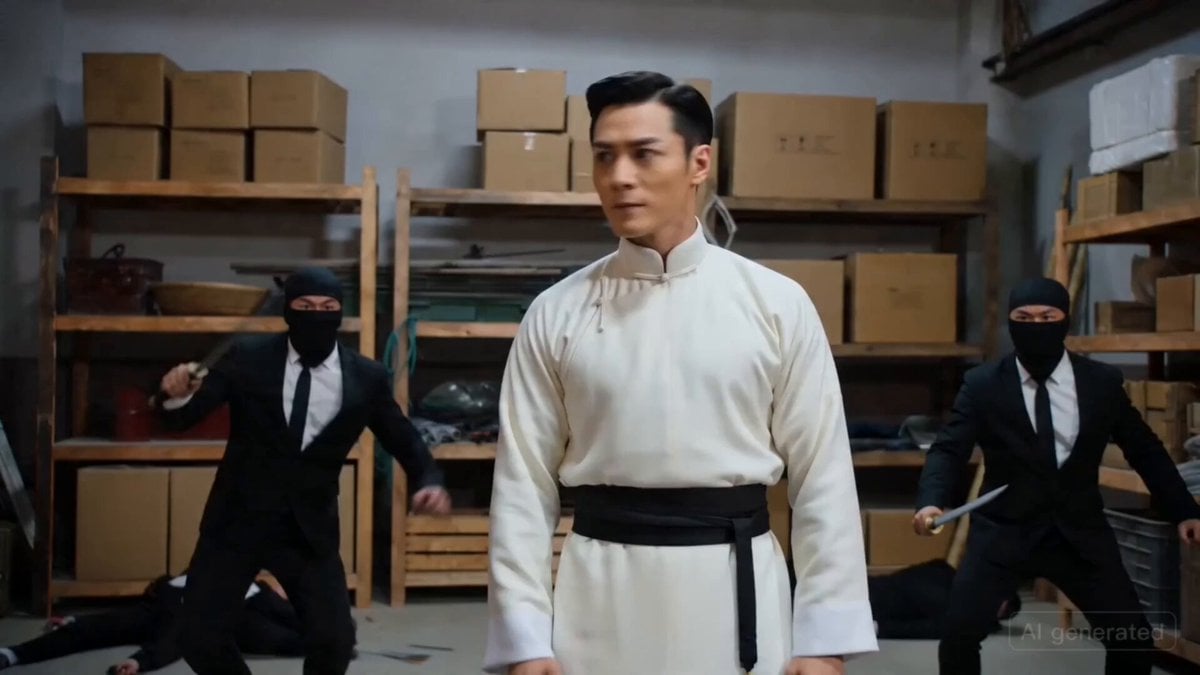
Warehouse Action Sequence Prompt
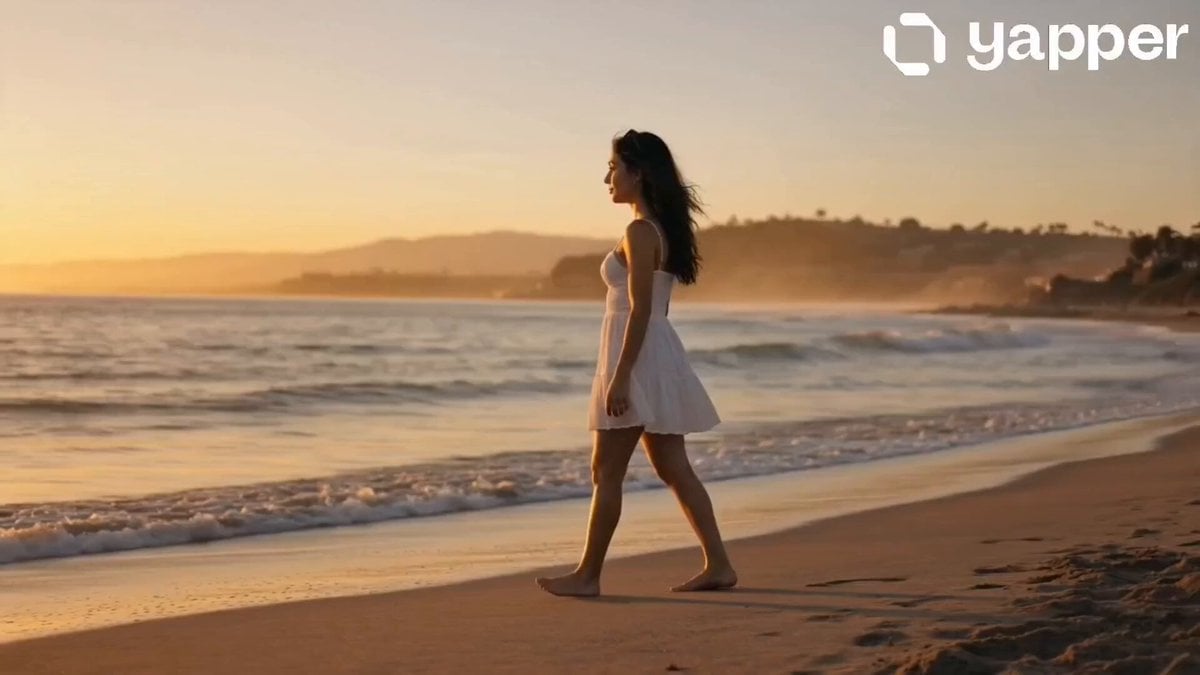
Serene Beach Golden Hour
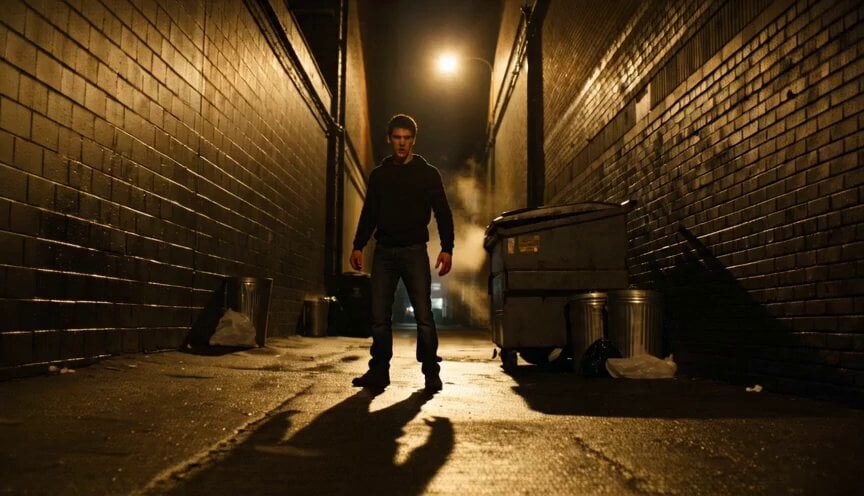
Hyper-Realistic Gritty Street Fight

Bitcoin liferaft video prompt
Browse template categories
Shield Deflection Action Sequence questions
How do I use the Shield Deflection Action Sequence template?
Add your photo if the template asks for one, edit the prompt if you like — the template's model and format are already selected — and press Generate. Your version opens in PicX Studio.
Can I customize the Shield Deflection Action Sequence template?
Yes. You can change the subject, setting, lighting, mood, format, and available model controls before creating your video.
Is the Shield Deflection Action Sequence template free?
Opening and editing this template is free. Generating uses credits, shown on the Generate button when you are signed in.
Which AI model should I use?
Start with Seedance 2.0, which is the model associated with this template. You can compare another compatible model for a different finish.
Looking for something else? Browse all templates.

Your photo, any look
Thousands of ready templates for every top image and video model, from one credit balance.