
Bullet Time Selfie — Modular Parameter Template (Seedance)
Seedance 2.0 modular parameter prompt by @aimikoda — Bullet time selfie template with swappable variables: CHARACTER, ENVIRONMENT, UNEXPECTED_EVENT, OUTCOME_ACTION, FINAL_STATE.
- Prompt included
- Model and format preset
- Premium template
The prompt behind this video
Copy the exact prompt behind Bullet Time Selfie — Modular Parameter Template (Seedance), or open it in the studio and make it yours.
FORMAT: 15s / ONE CONTINUOUS SHOT / BULLET TIME SELFIE PARAMS: <CHARACTER>: define subject, outfit, state <ENVIRONMENT>: define location, time, atmosphere <UNEXPECTED_EVENT>: define threat / accident / impact <OUTCOME_ACTION>: define reaction (attack / dodge / collision / escape) <FINAL_STATE>: define ending state RULE: Freeze the world, keep only <CHARACTER> in real-time motion. Delay character action inside slow motion (~2s hold before selfie). Selfie must clearly include both <CHARACTER> and the <UNEXPECTED_EVENT> in the same frame. STRUCTURE: 0.0–3.0s — SETUP <CHARACTER> in <ENVIRONMENT>, normal flow. <UNEXPECTED_EVENT> begins and escalates rapidly. 3.0–10.0s — PEAK (SLOW MOTION) 3.0–5.0s Time slows almost to a freeze at the critical moment. <CHARACTER> holds position, tension builds. 5.0–10.0s [cam: close, slight orbit / bullet time] [sfx: ambience stretch, single phone snap] <CHARACTER> pulls out phone → takes selfie capturing the moment → puts it back. 10.0–13.0s — OUTCOME ACTION Time snaps back instantly. <OUTCOME_ACTION> plays out. 13.0–15.0s — END <FINAL_STATE>.
How to use Bullet Time Selfie — Modular Parameter Template (Seedance) in 3 steps
- 1
Open
The prompt is already in the box next to the preview, with the template's model and format selected.
- 2…a portrait of your subject in softgolden-hour light, 85mm…
Personalize
Edit the subject and creative details for your destination.
- 3Generate
Generate
Press Generate — your video is created in PicX Studio, so you can compare it with the original and refine one variable at a time.
More like this
Templates with the same subject, style or setup. Open one to see its prompt.
Dragon Rescue — Volcanic Kingdom Collapse (Seedance)
Stone Colossus Desert Riders — Golden Fire Reveal
Ice Queen — Frozen Battlefield Time Control (Seedance)
Luxury House Tour — 15 Shots in 15 Seconds (Seedance)
Skybridge Rescue — Supertall Tower Collapse (Seedance)
Naval Painting Breach — Art Gallery Flood (Seedance)
Swordsman vs Shadow Monster — Bamboo Forest Battle
Time Freeze — Snap Shockwave Scene Seedance

Blonde Woman Driving Green 1960s Mustang Golden Hour

Nano Banana Seedance Time Control Streets
Bullet time selfie video template

Sneaker Product Commercial
Make it yours
Bullet Time Selfie — Modular Parameter Template (Seedance) works as-is. These are the safest ways to change it without losing the look.
Change one field
Copy a single group, rewrite it, and generate again so you can see what that field is doing.
Keep the frame, change the subject
Hold the composition and light of Bullet Time Selfie — Modular Parameter Template (Seedance), then swap wardrobe, props or the person for a new take.
| If the result… | Why | Fix |
|---|---|---|
| The result drifts from the preview | Too many fields changed at once. | Reuse Bullet Time Selfie — Modular Parameter Template (Seedance) as-is first, then change one group — subject, light, or setting. |
| The model over-stylizes the scene | The prose prompt leaves finish and camera underspecified. | Add one camera or lighting sentence and stay on Seedance. |
More Seedance templates
Other prompts made for Seedance.
More video prompts
Fresh picks from across the catalog.
Iain Banks' Excession Cinematic Scene

Pixar Style 3D Animation Prompt
Empty City Memory Echoes
High-Speed Ship Descent with Seedance 2.0
Cinematic Racing Cat Commercial
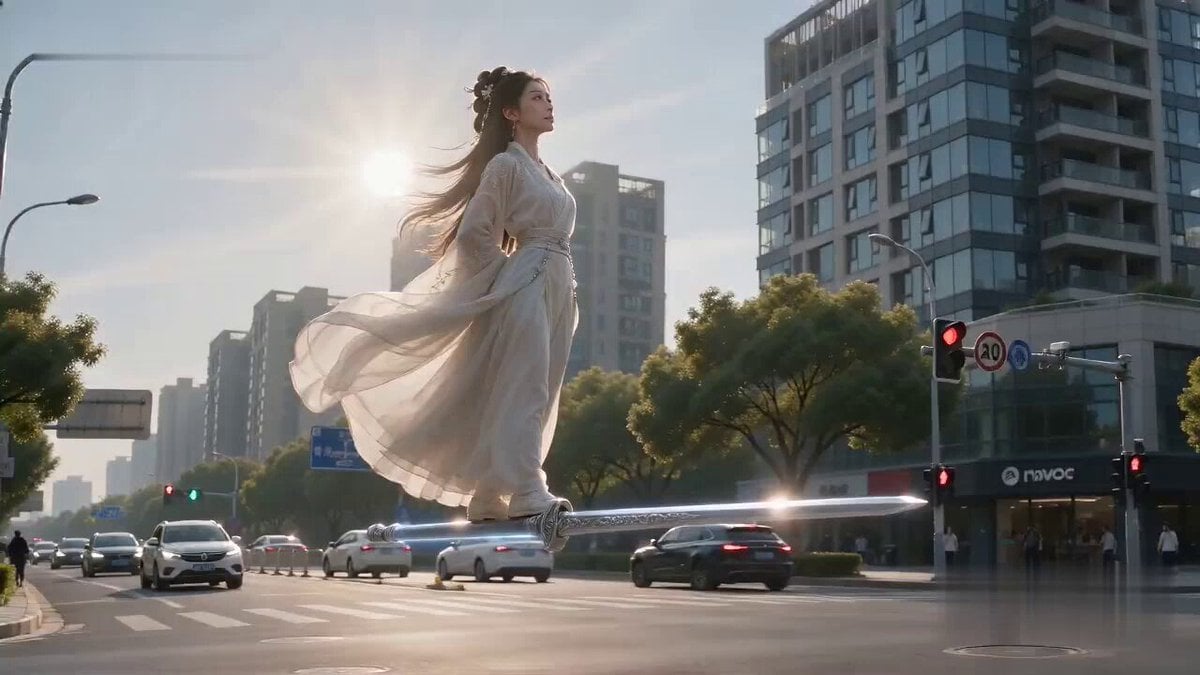
Flying Sword Traffic Light Violation
Seedance 2.5 - @YourAlphaMom - 283935
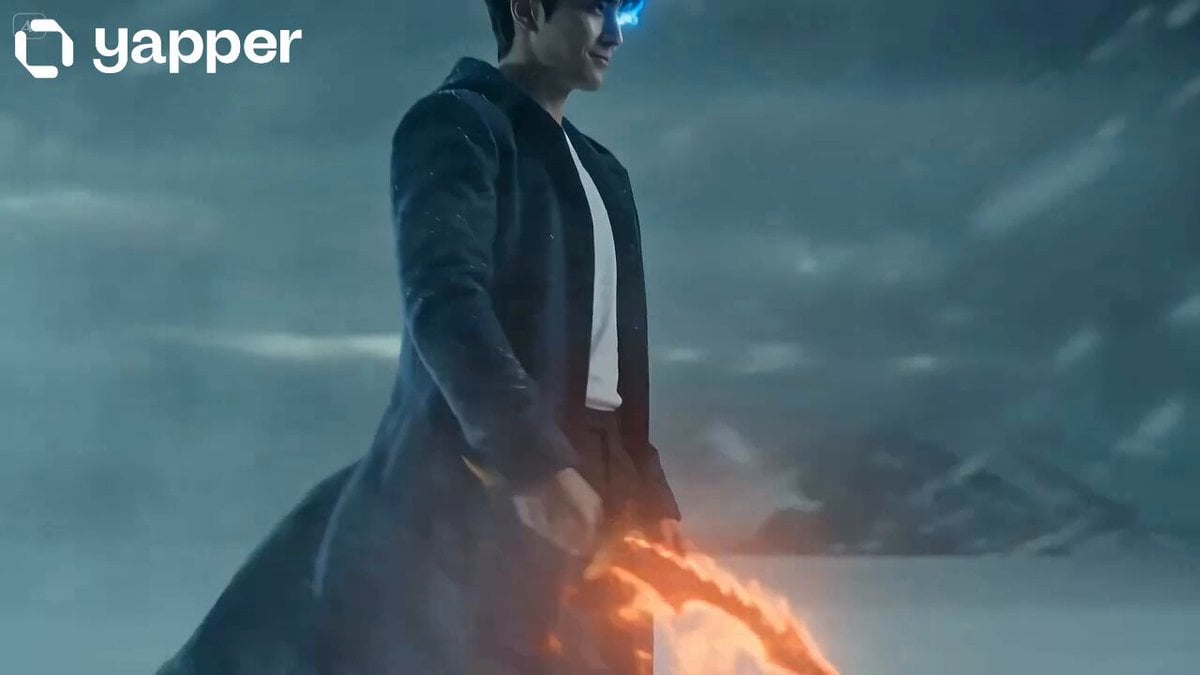
Shadow Monarch Tundra Scene
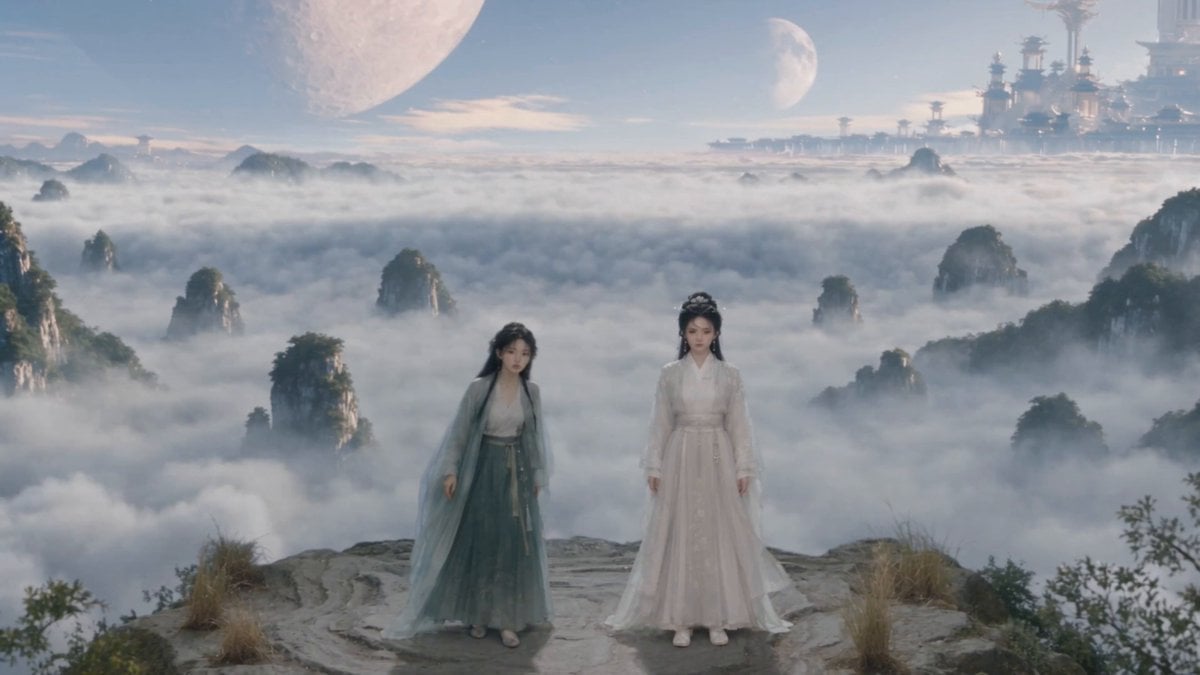
Wuxia Environmental Narrative Landscape
Tiktok Influencer Product Ad
Browse template categories
Bullet Time Selfie — Modular Parameter Template (Seedance) questions
How do I use the Bullet Time Selfie — Modular Parameter Template (Seedance) template?
Add your photo if the template asks for one, edit the prompt if you like — the template's model and format are already selected — and press Generate. Your version opens in PicX Studio.
Can I customize the Bullet Time Selfie — Modular Parameter Template (Seedance) template?
Yes. You can change the subject, setting, lighting, mood, format, and available model controls before creating your video.
Is the Bullet Time Selfie — Modular Parameter Template (Seedance) template free?
Opening and editing this template is free. Generating uses credits, shown on the Generate button when you are signed in.
Which AI model should I use?
Start with Seedance, which is the model associated with this template. You can compare another compatible model for a different finish.
Looking for something else? Browse all templates.

Your photo, any look
Thousands of ready templates for every top image and video model, from one credit balance.