
Shadow Monarch Tundra Scene
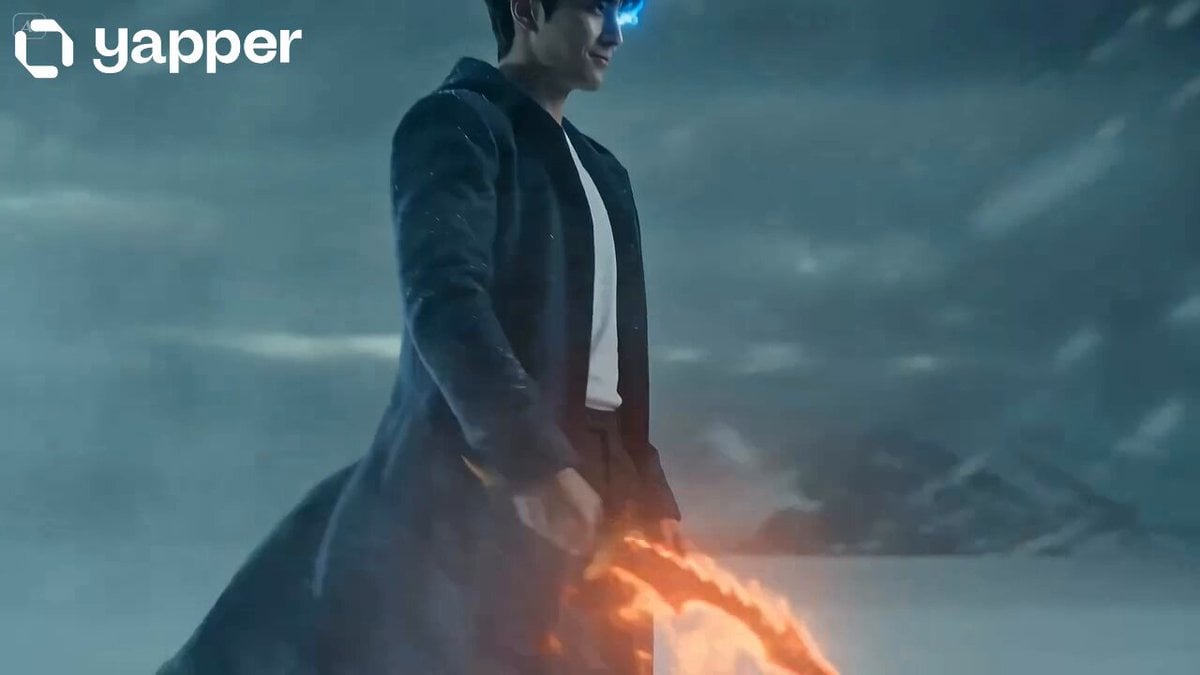
An epic, multi-stage timeline prompt describing a supernatural character summoning commanders in a frozen tundra, using cinematic lens and lighting cues.
- Prompt included
- Model and format preset
- Premium template
The prompt behind this video
Copy the exact prompt behind Shadow Monarch Tundra Scene, or open it in the studio and make it yours.
Hyperrealistic cinematic shot, 35mm anamorphic lens, heavy film grain, aggressive handheld camera with visible sway. Teal and amber palette with violet-purple accents. No zoom. Snowstorm atmosphere, volumetric fog, breath vapor visible [0s-3s] Low-angle shot from ground level. Vast frozen tundra, dark overcast sky, heavy snow falling. @ShadowMonarch walks forward through knee-deep snow, silhouette emerging from blizzard fog. Molten dagger blade melts nearby snowflakes, casting faint orange light. Camera tracks with handheld drift. Desolate, silent atmosphere. [3s-5s] Medium shot, chest height, slight Dutch angle. @ShadowMonarch stops. His right eye ignites with blue flame, casting cyan light across his face and snow. Confident smirk. He extends the dagger outward to his side. Red blade pulses brighter. Wind picks up violently. [5s-7s] Close-up to medium shot, below eye level. @ShadowMonarch barely tilts his chin up, eyes half-closed with cold arrogance, and commands "ÁLZATE" through a slight smirk - not shouting, almost whispering it, as if the word itself is beneath him but the world must obey anyway. Massive shockwave of violet-purple necromantic energy explodes outward across the snow. Ground cracks in fractal patterns, ice shatters, snowflakes freeze mid-air. Coat and hair blow back violently. Blue eye flame flares. Frame shakes with energy burst. [7s-9s] Wide shot pulling back. Three enormous columns of black smoke and purple lightning erupt from cracked ground behind @ShadowMonarch in triangular formation, spiraling upward 15 feet, crackling with energy. Snow melts and refreezes into black ice around each column. @ShadowMonarch stands still, dagger lowered, watching forward - not looking back. Camera drifts right. [9s-11s] Medium-wide shot. @Commander1 materializes from the left column, stepping forward, each footstep cracking the ground. @Commander2 emerges from the center column, shadow smoke pouring outward. Both advance toward @ShadowMonarch's flanks [11s-13s] @Commander3 descends from the right column, floating downward from above, casting enormous shadows across the snowfield. All three commanders now stand in formation behind @ShadowMonarch, combined supernatural energy illuminating the snowfield. 13s-15s] Final wide shot, low angle. @ShadowMonarch foreground, dagger glowing, blu ye flame steady. @Commander1, @Commander2, @Commander3 in V-formation behin him. Snow swirls violently. Volumetric purple-blue-cyan light cuts through fog. Camera holds with subtle handheld micro-movements. Heroic tableau. Heavy 35mm film grain, photorealistic textures. Final frame.
How to use Shadow Monarch Tundra Scene in 3 steps
- 1
Open
The prompt is already in the box next to the preview, with the template's model and format selected.
- 2…a portrait of your subject in softgolden-hour light, 85mm…
Personalize
Edit the subject and creative details for your destination.
- 3Generate
Generate
Press Generate — your video is created in PicX Studio, so you can compare it with the original and refine one variable at a time.
More like this
Templates with the same subject, style or setup. Open one to see its prompt.
Dark Fantasy Duel: Shadow Monarch vs Knight
Cinematic Portrait of Female Fantasy Warrior in Arctic Tundra Video Prompt
Cinematic Mecha Sniper in Arctic Tundra
Thornmaw Monarch — Crimson Glass Desert Beast
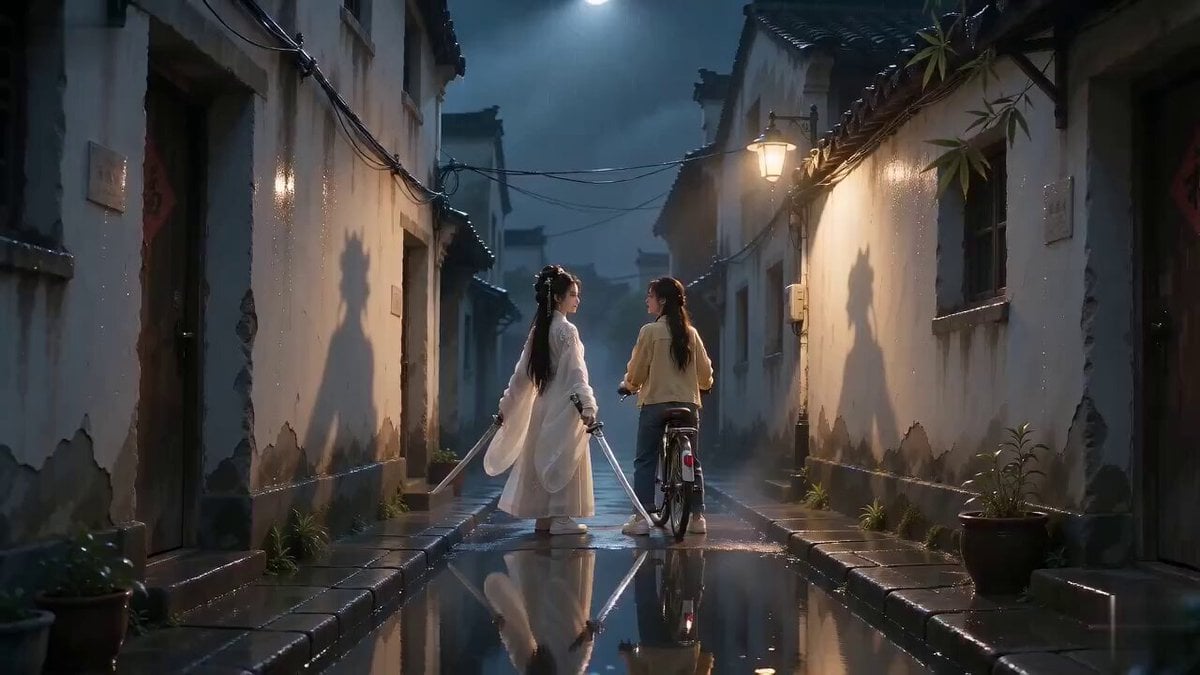
Urban Xianxia Shadow Play Comedy
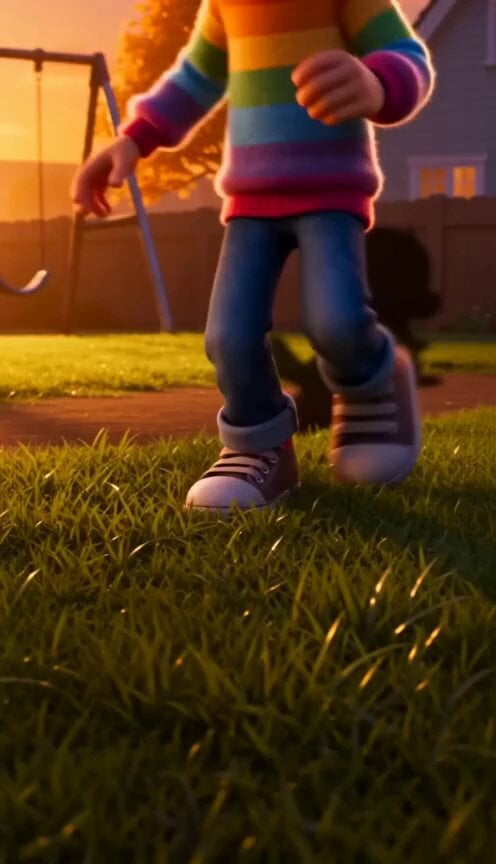
The Shadow Quit 3D Animation
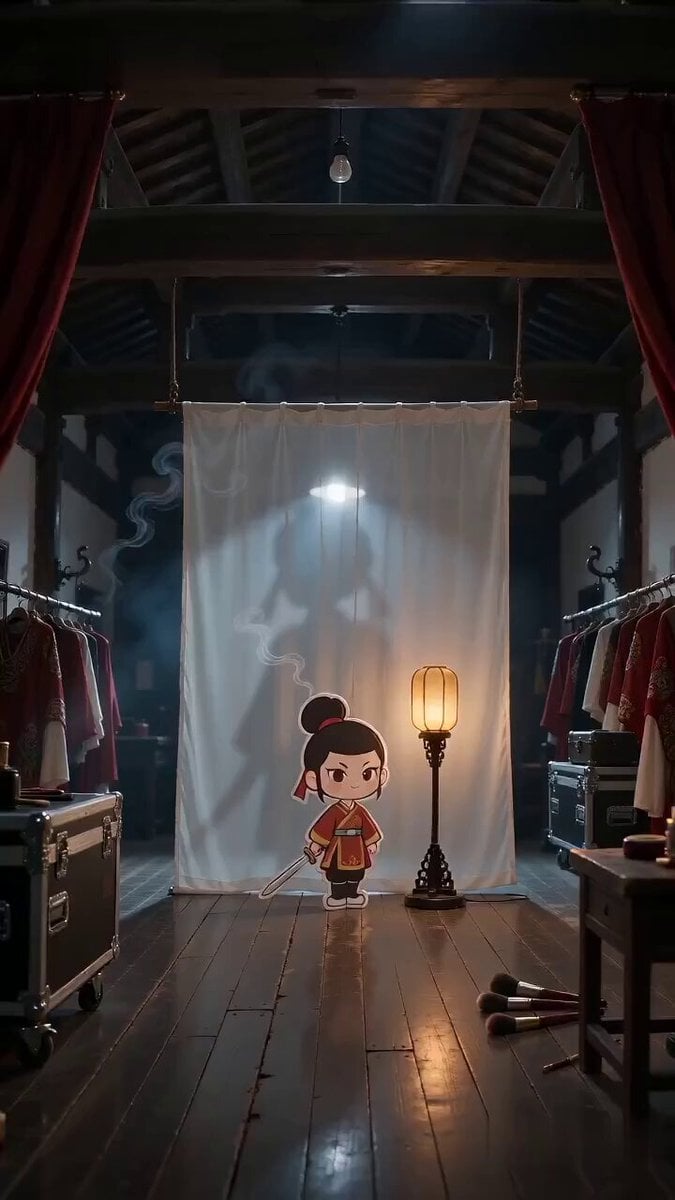
Paper Cutout Hero Shadow Comedy
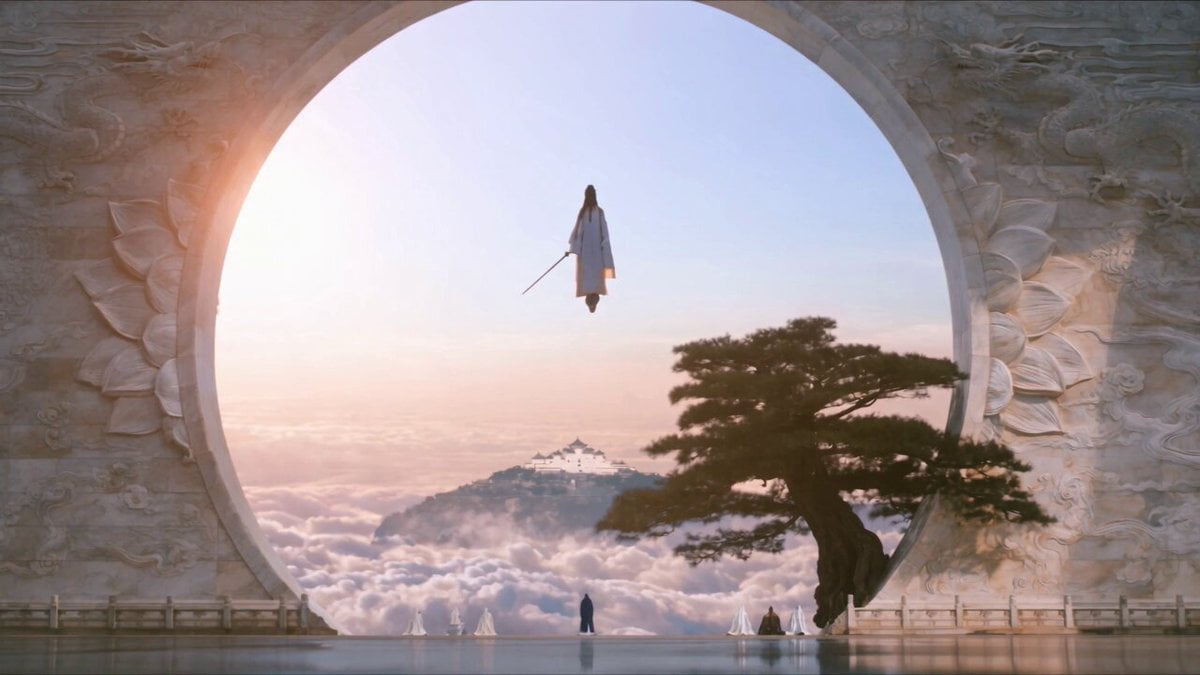
Celestial City Dragon Shadow Deception
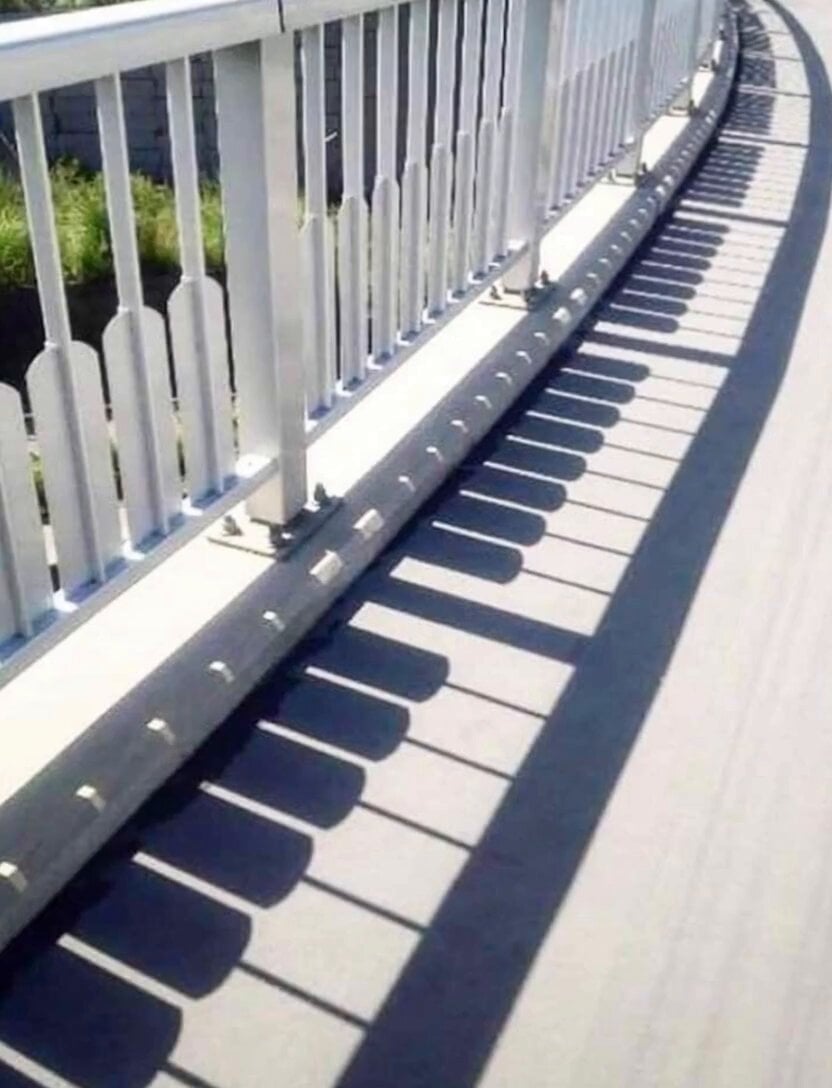
Piano Key Shadow Performance
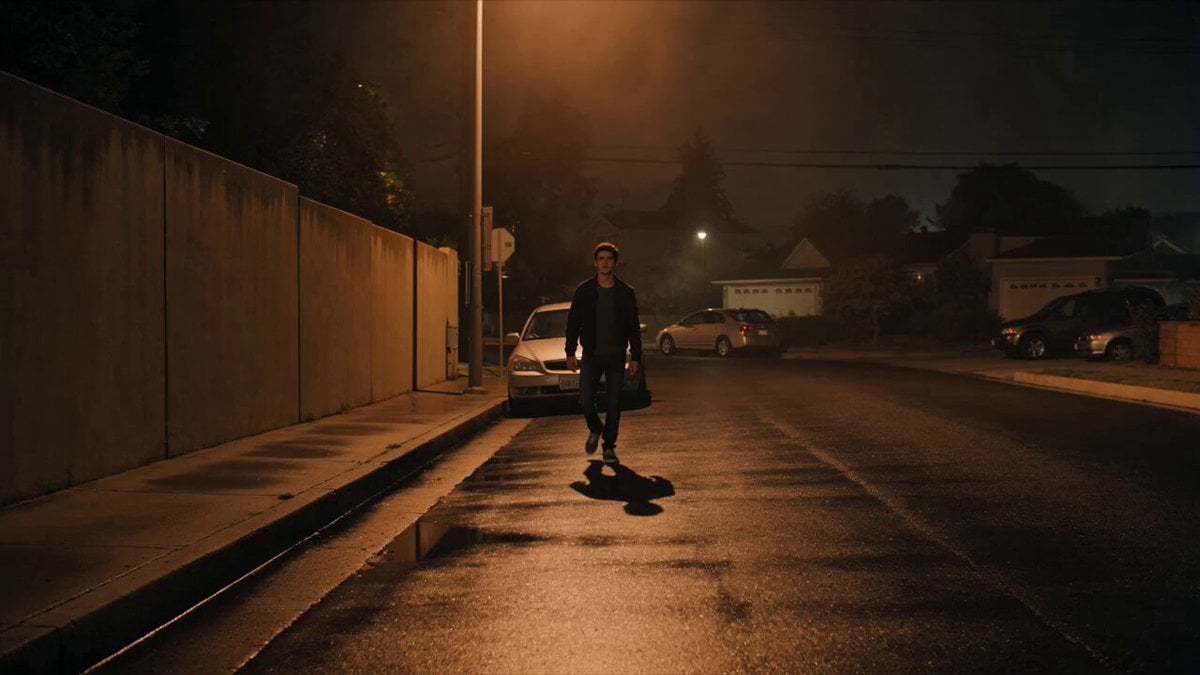
Cinematic Shadow Horror Scene
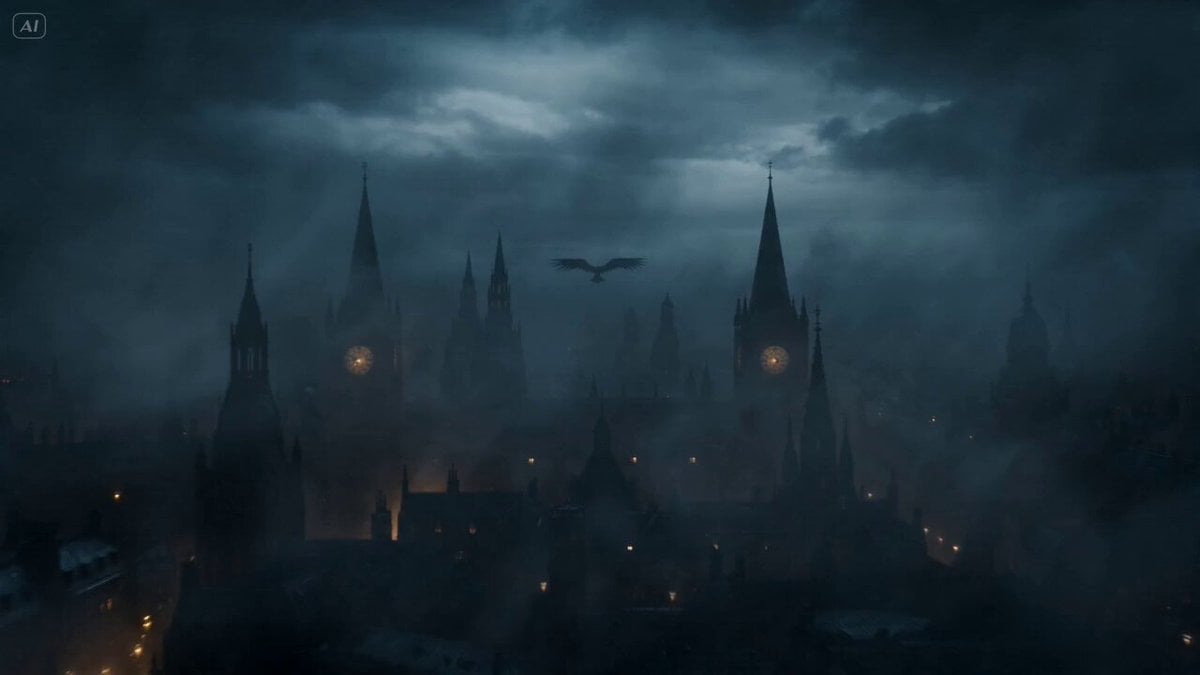
Gothic Shadow Raven Storm VFX
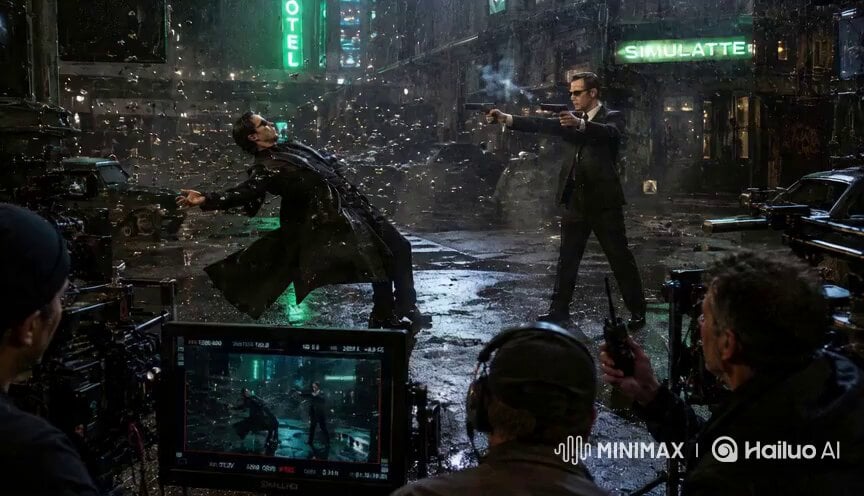
Matrix Style Fire vs Shadow Duel BTS
Make it yours
Shadow Monarch Tundra Scene works as-is. These are the safest ways to change it without losing the look.
Change one field
Copy a single group, rewrite it, and generate again so you can see what that field is doing.
Keep the frame, change the subject
Hold the composition and light of Shadow Monarch Tundra Scene, then swap wardrobe, props or the person for a new take.
| If the result… | Why | Fix |
|---|---|---|
| The result drifts from the preview | Too many fields changed at once. | Reuse Shadow Monarch Tundra Scene as-is first, then change one group — subject, light, or setting. |
| The model over-stylizes the scene | The prose prompt leaves finish and camera underspecified. | Add one camera or lighting sentence and stay on Seedance 2.0. |
More Seedance 2.0 templates
Other prompts made for Seedance 2.0.

Comical Martial Arts Punch Scene

Maglev Train Action Sequence

Martial Arts Fight Sequence

Wuxia Protection and Trust Script

Vintage Korean Arcade MiniDV Vlog

Mercedes 190 SL Luxury Ad

Rainy Night Supernatural Reverse Comedy Video Script

Amazon Civilization Discovery

Futuristic South Asian City Transformation

Cozy Luxury Cafe Commercial
More video prompts
Fresh picks from across the catalog.
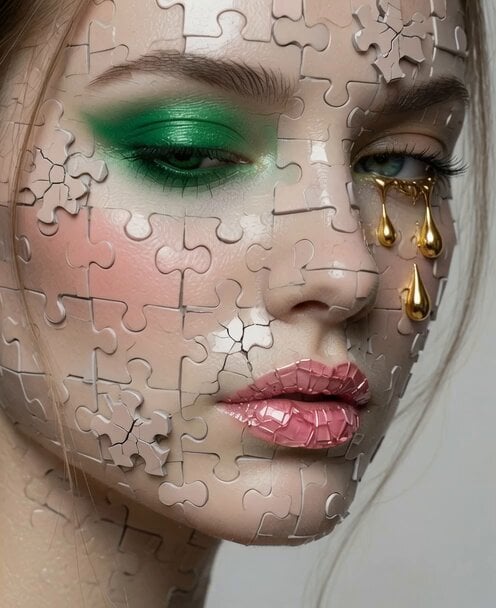
Video Editing and Animation Prompt
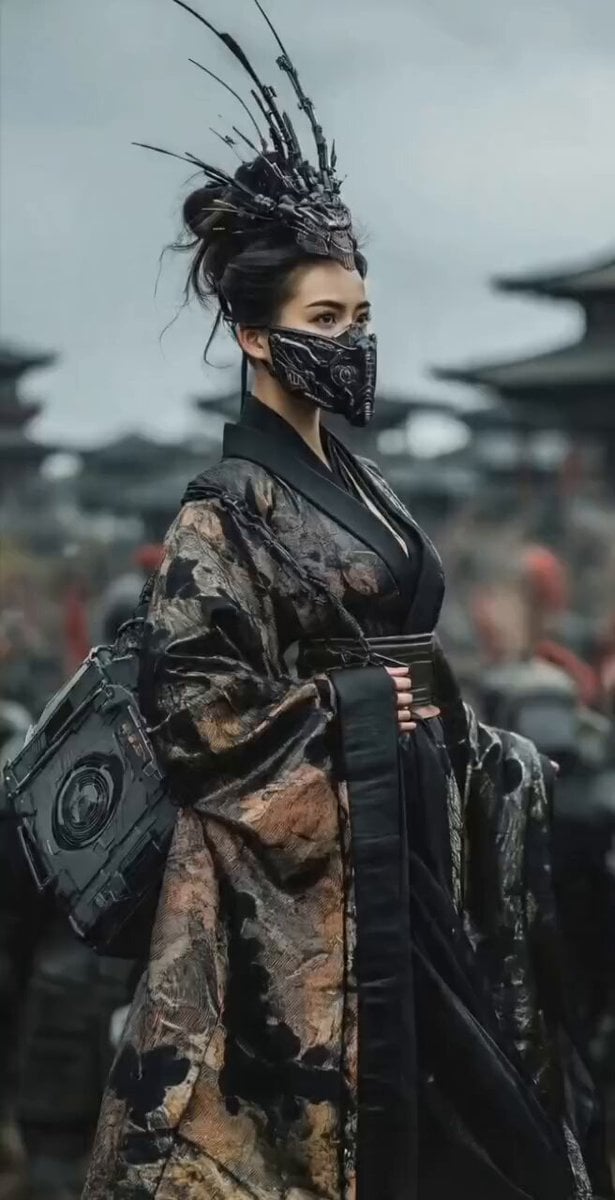
Mysterious Japanese Warrior
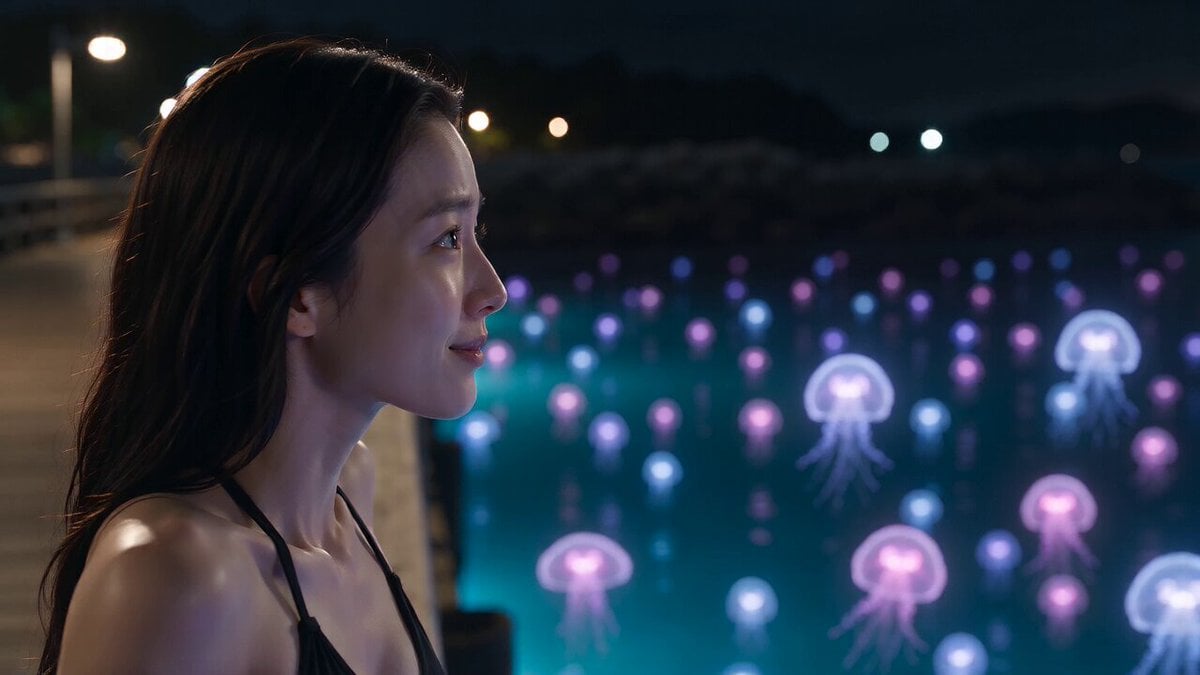
Bioluminescent Jellyfish and Prehistoric Monster Attack
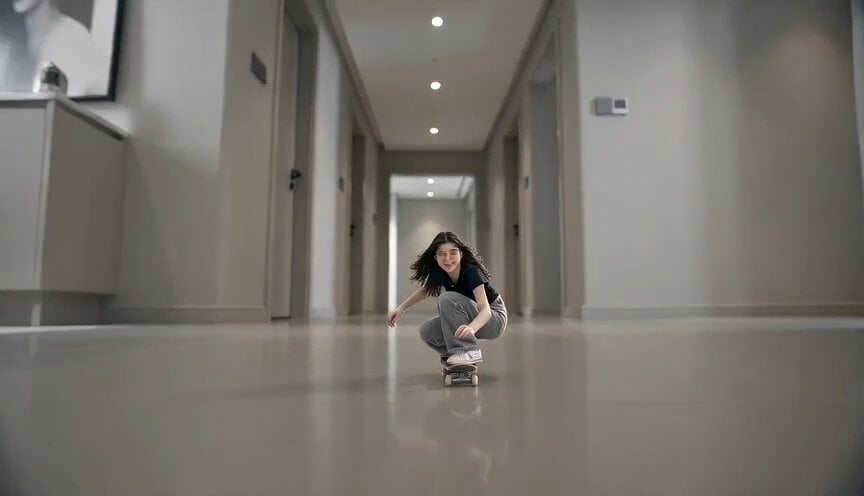
Miniature Skateboarder Bedroom Chase
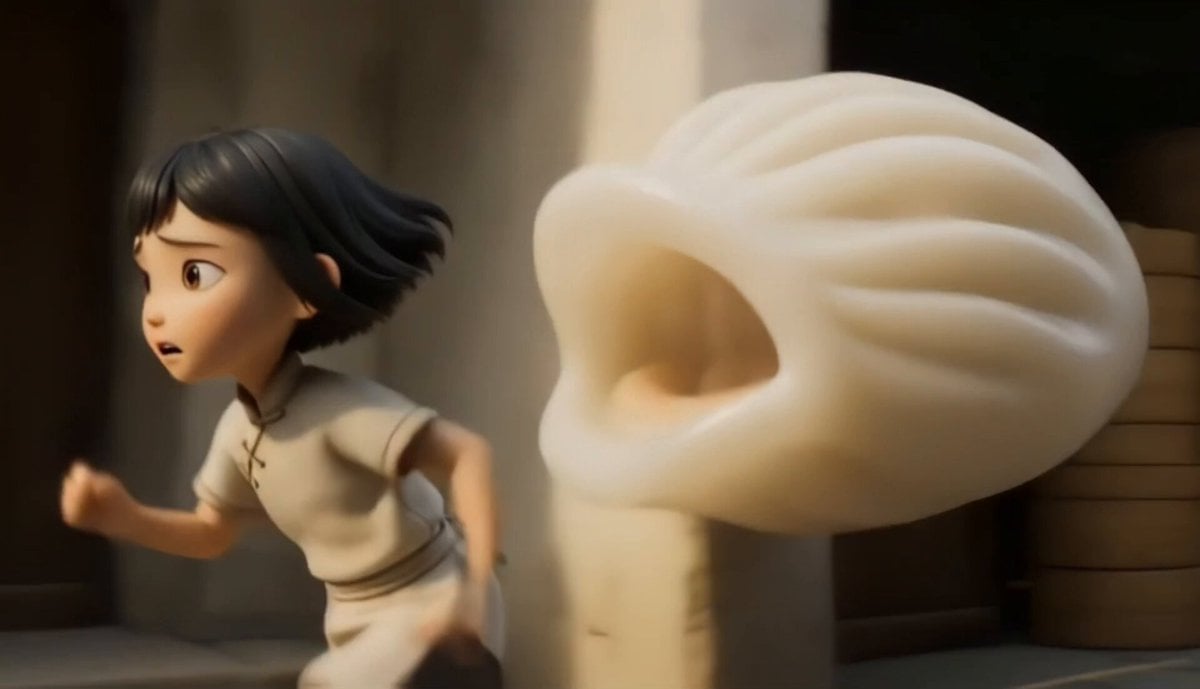
Chinese Dim Sum Shop Girl Character

Space Scout Exit Strategy
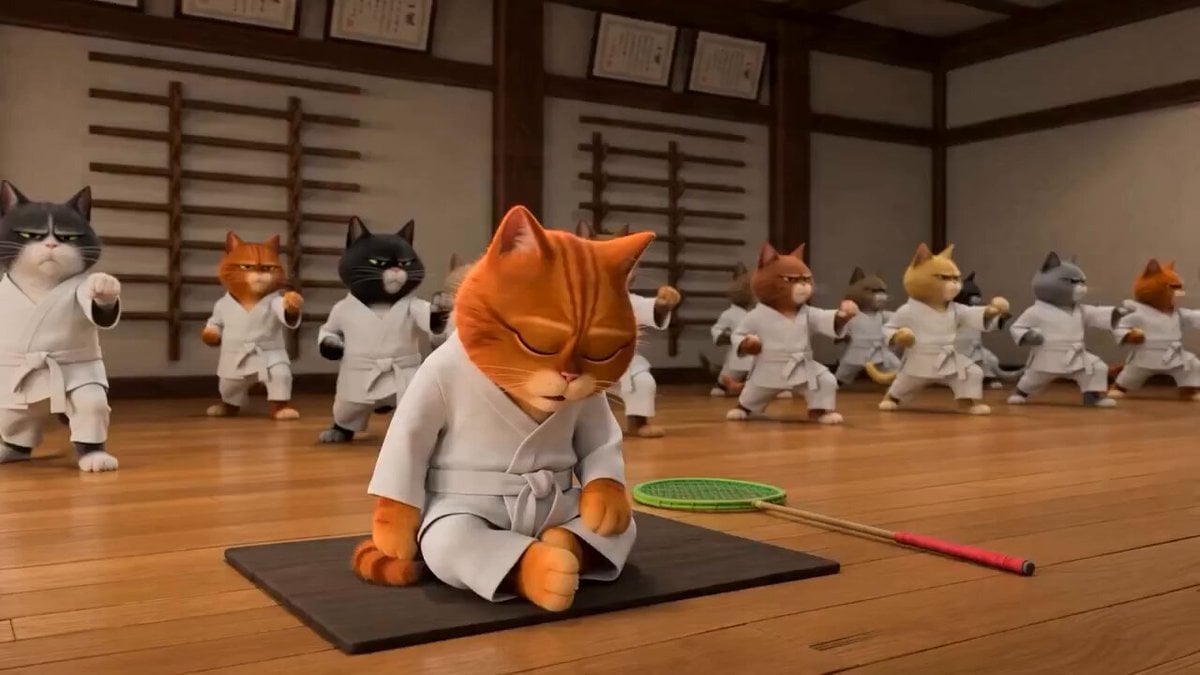
Taekwondo Cat Rooftop Chase
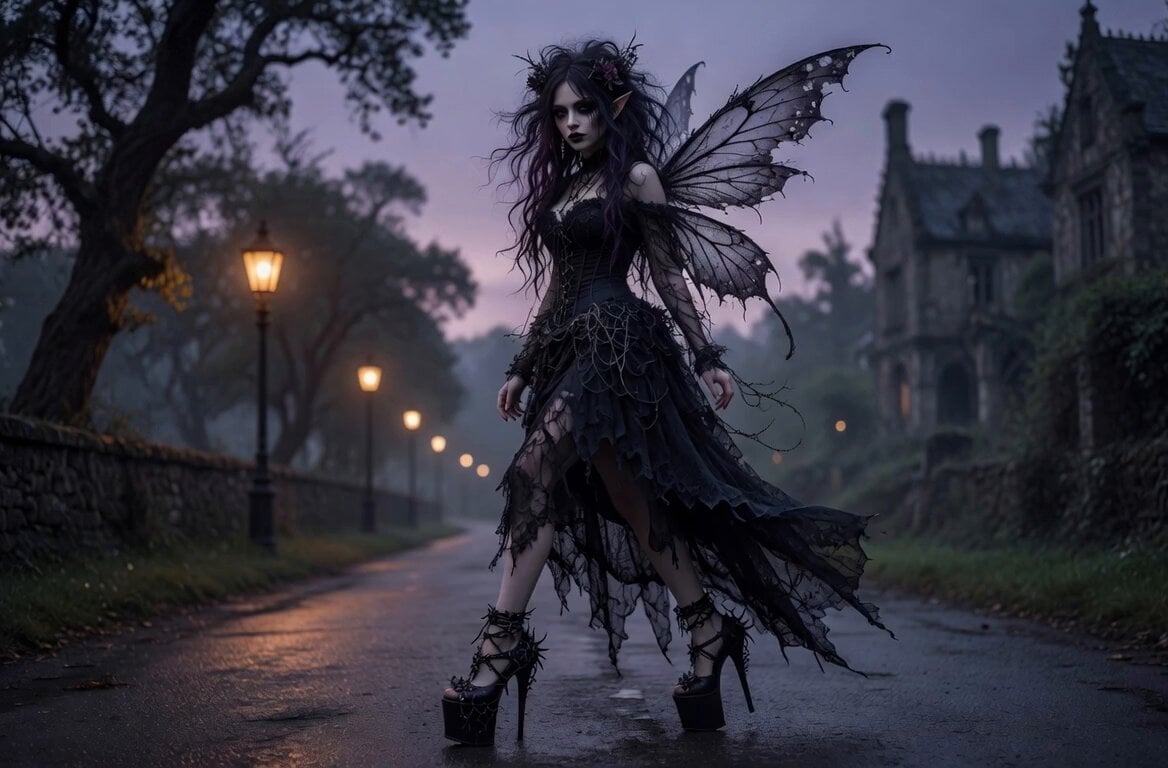
Gothic Fairy and Stylish Man Walking
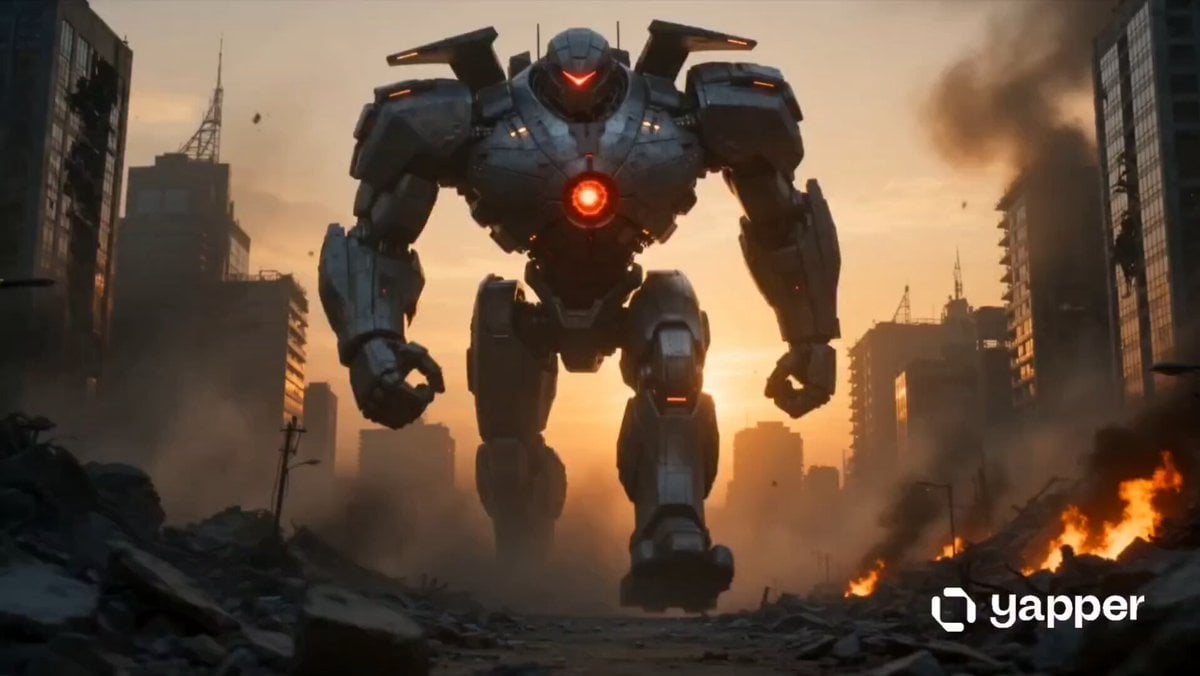
Woman vs War Robot
Funny Farmyard Hen Surprise
Browse template categories
Shadow Monarch Tundra Scene questions
How do I use the Shadow Monarch Tundra Scene template?
Add your photo if the template asks for one, edit the prompt if you like — the template's model and format are already selected — and press Generate. Your version opens in PicX Studio.
Can I customize the Shadow Monarch Tundra Scene template?
Yes. You can change the subject, setting, lighting, mood, format, and available model controls before creating your video.
Is the Shadow Monarch Tundra Scene template free?
Opening and editing this template is free. Generating uses credits, shown on the Generate button when you are signed in.
Which AI model should I use?
Start with Seedance 2.0, which is the model associated with this template. You can compare another compatible model for a different finish.
Looking for something else? Browse all templates.

Your photo, any look
Thousands of ready templates for every top image and video model, from one credit balance.