
Cinematic Shadow Horror Scene
A high-quality cinematic horror prompt for Seedance 2.0 featuring a man whose shadow detaches and attacks him on a dark residential street.
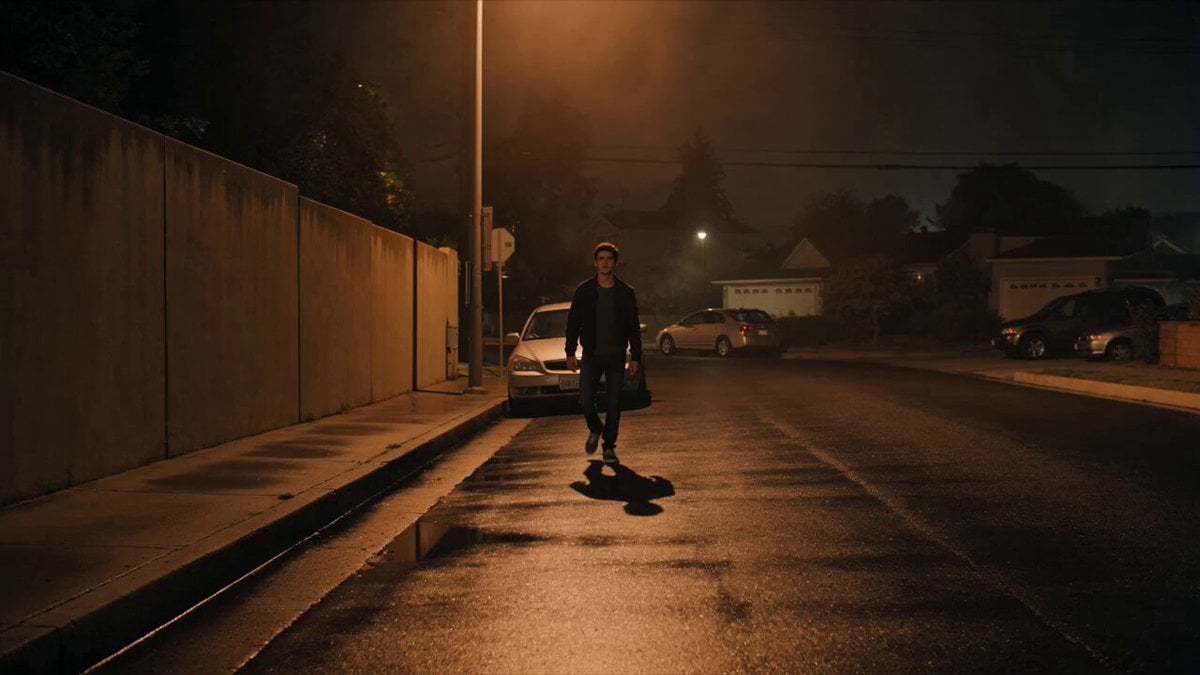
- Prompt included
- Model and format preset
- Free template
The prompt behind this video
Copy the exact prompt behind Cinematic Shadow Horror Scene, or open it in the studio and make it yours.
STYLE Ultra-realistic live-action cinematic horror, photorealistic, Hollywood-quality filmmaking, grounded realism, natural human movement, realistic skin textures, subtle film grain, high dynamic range, dramatic cinematic lighting, dark atmospheric mood, suspenseful psychological horror, realistic physics, immersive storytelling. CHARACTER A handsome young adult male with short dark hair, realistic facial features, expressive eyes, wearing a black jacket over a dark gray T-shirt, dark jeans, and sneakers. Natural body proportions, realistic skin texture, authentic facial expressions, no exaggerated acting. ENVIRONMENT A quiet empty residential street at night. Warm orange streetlights illuminate the pavement, parked cars line the roadside, dim houses in the background, light fog drifting through the street, wet asphalt reflecting the streetlights, gentle night breeze moving leaves, realistic urban atmosphere. CAMERA STYLE Shot on an ARRI Alexa 65 with anamorphic lenses. Smooth cinematic camera movements, realistic handheld stabilization during intense moments, shallow depth of field, natural motion blur, cinematic framing, subtle lens breathing, dramatic composition. LIGHTING Warm sodium-vapor streetlights, soft moonlight fill, realistic shadows, volumetric fog, subtle rim lighting, high contrast without crushing blacks, natural reflections on wet pavement. TIMELINE 0.0–4.0s | Scene 1 – The Walk Wide establishing shot of the quiet street at night. The handsome man walks alone at a relaxed pace down the empty road. Long realistic shadow stretches behind him from the streetlights. The camera slowly tracks behind him at waist height. Ambient night sounds only. The atmosphere feels calm but unsettling. 4.0–8.0s | Scene 2 – The Shadow Escapes As he casually walks past a concrete wall, his shadow suddenly tears itself away from the pavement with an unnatural ripping motion. Instead of following him, the shadow rapidly climbs onto the wall beside him while his real body continues walking. The camera pushes in as he notices the impossible movement. He abruptly stops, slowly turns toward the wall, his face frozen in disbelief and fear. 8.0–12.0s | Scene 3 – The Shadow Attacks The shadow peels away from the wall and rapidly transforms into a solid three-dimensional pitch-black humanoid version of himself with a featureless matte-black body. It lunges forward and violently grabs his shoulders. He screams in absolute terror, struggling desperately to break free before pulling away and trying to run. Handheld camera movement increases the intensity while maintaining realistic motion. 12.0–16.0s | Scene 4 – Surrounded As he runs, multiple identical shadow figures silently emerge from walls, parked cars, lamp posts, and the ground itself. They completely surround him in a circle. He spins in panic, breathing heavily, screaming uncontrollably. He covers his face
How to use Cinematic Shadow Horror Scene in 3 steps
- 1
Open
The prompt is already in the box next to the preview, with the template's model and format selected.
- 2…a portrait of your subject in softgolden-hour light, 85mm…
Personalize
Edit the subject and creative details for your destination.
- 3Generate
Generate
Press Generate — your video is created in PicX Studio, so you can compare it with the original and refine one variable at a time.
More like this
Templates with the same subject, style or setup. Open one to see its prompt.
Rainforest Thriller — Searching the Unseen
Chibi Cave Adventure — He Doesn't Know What's Coming
Urban Xianxia Shadow Play Comedy
The Shadow Quit 3D Animation
Paper Cutout Hero Shadow Comedy
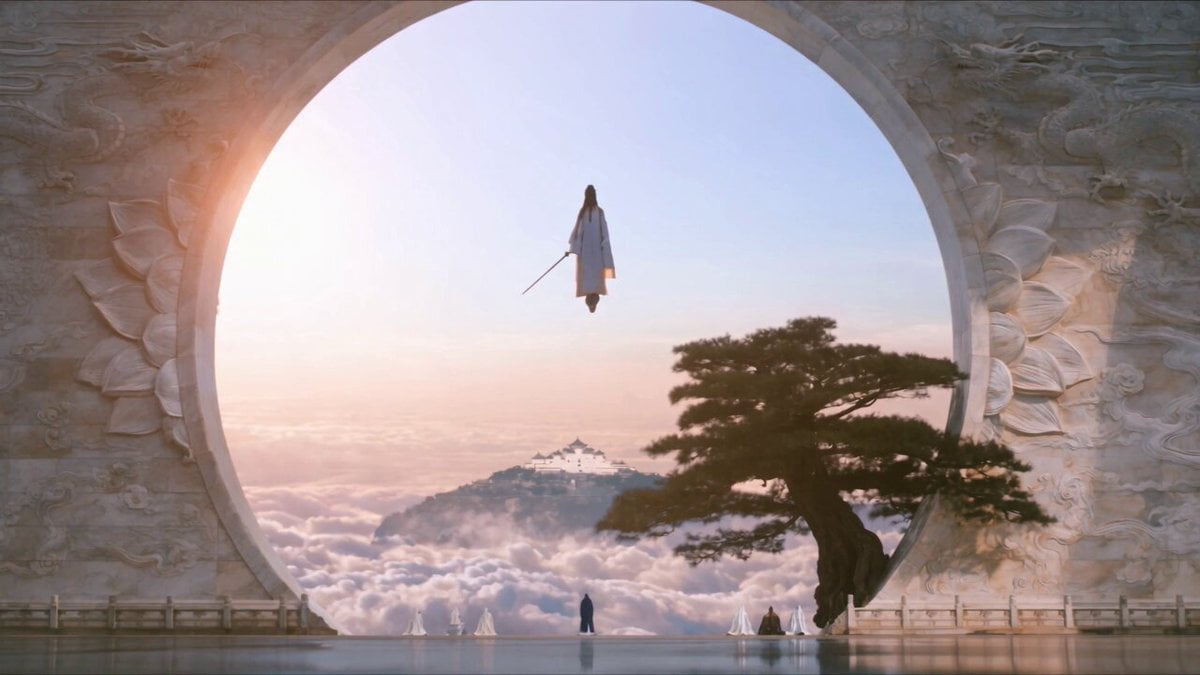
Celestial City Dragon Shadow Deception
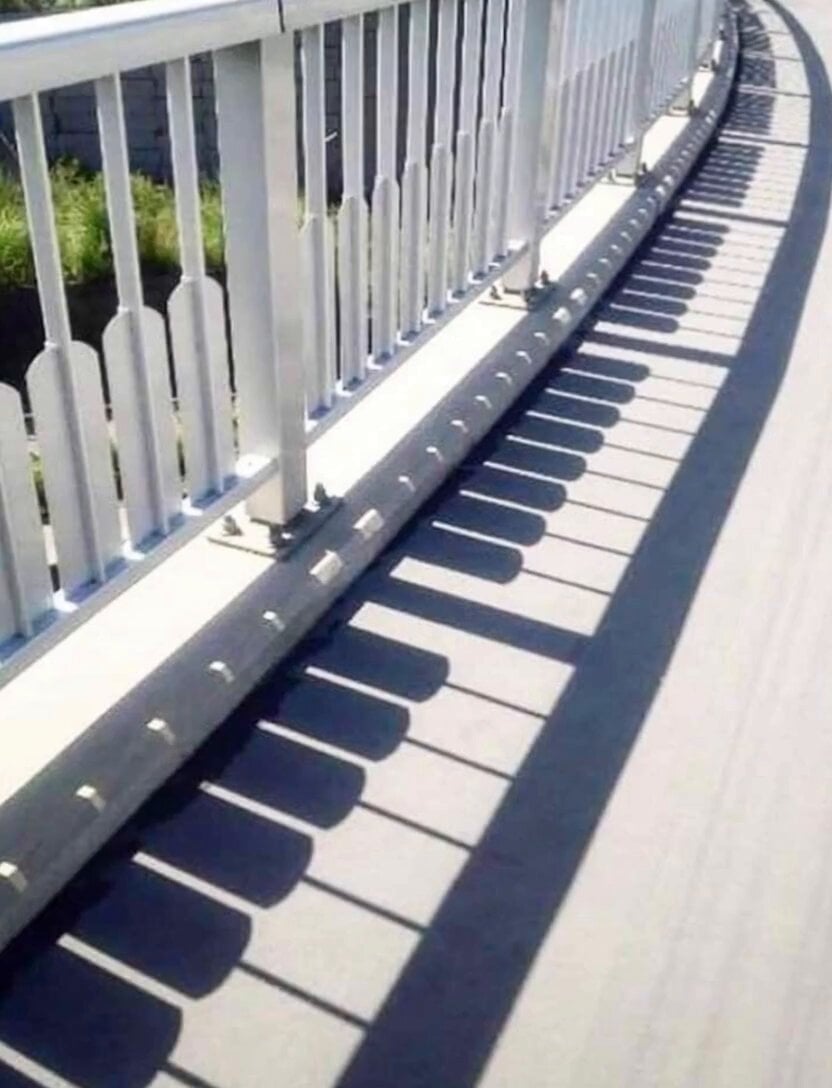
Piano Key Shadow Performance
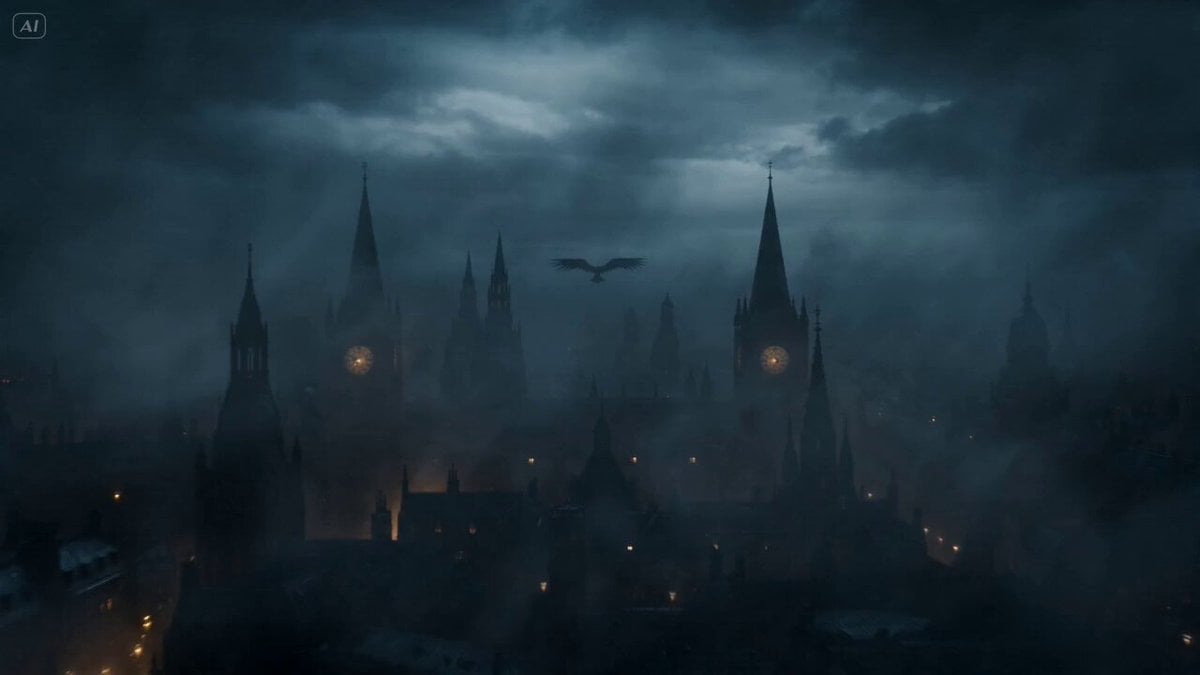
Gothic Shadow Raven Storm VFX
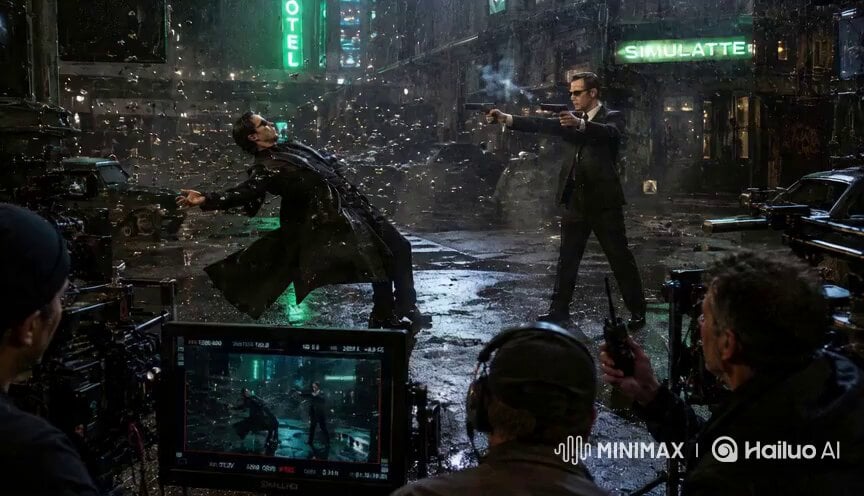
Matrix Style Fire vs Shadow Duel BTS
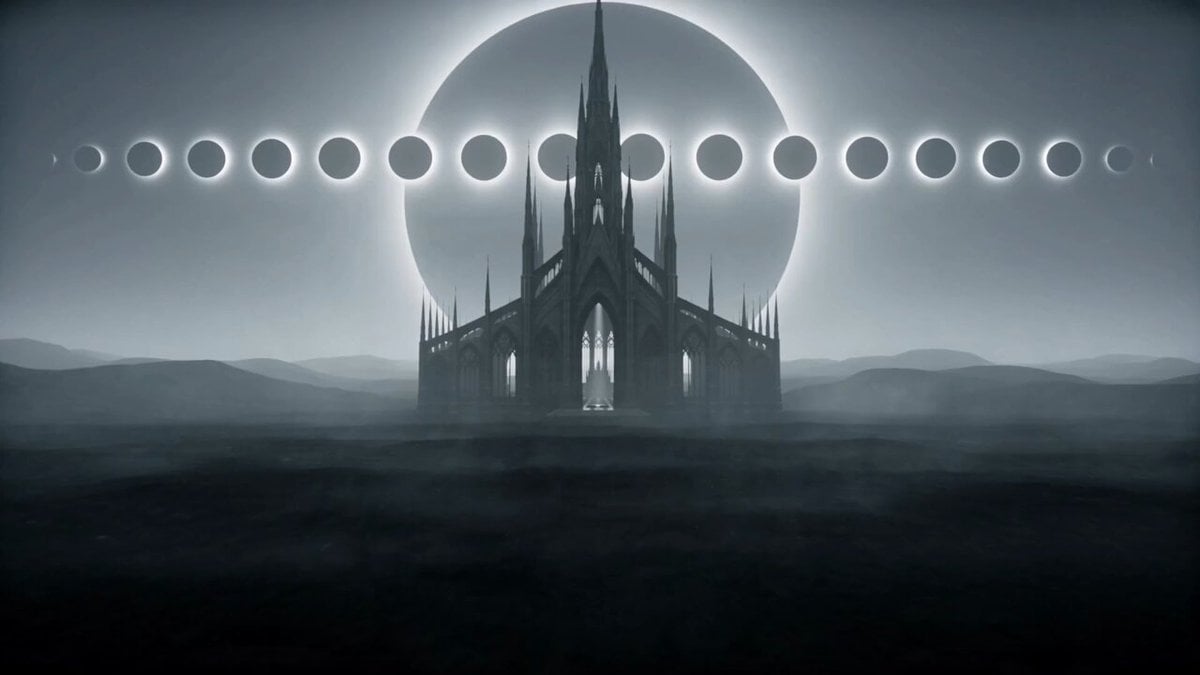
Abandoned Gothic Cathedral with Shadow Figures

Explosion of light and giant shadow

Sun to my back, shadow as proof
Make it yours
Cinematic Shadow Horror Scene works as-is. These are the safest ways to change it without losing the look.
Change one field
Copy a single group, rewrite it, and generate again so you can see what that field is doing.
Keep the frame, change the subject
Hold the composition and light of Cinematic Shadow Horror Scene, then swap wardrobe, props or the person for a new take.
| If the result… | Why | Fix |
|---|---|---|
| The result drifts from the preview | Too many fields changed at once. | Reuse Cinematic Shadow Horror Scene as-is first, then change one group — subject, light, or setting. |
| The model over-stylizes the scene | The prose prompt leaves finish and camera underspecified. | Add one camera or lighting sentence and stay on Seedance 2.0. |
More Seedance 2.0 templates
Other prompts made for Seedance 2.0.

Comical Martial Arts Punch Scene

Maglev Train Action Sequence

Martial Arts Fight Sequence

Wuxia Protection and Trust Script

Vintage Korean Arcade MiniDV Vlog

Mercedes 190 SL Luxury Ad

Rainy Night Supernatural Reverse Comedy Video Script

Amazon Civilization Discovery

Futuristic South Asian City Transformation

Cozy Luxury Cafe Commercial
More video prompts
Fresh picks from across the catalog.
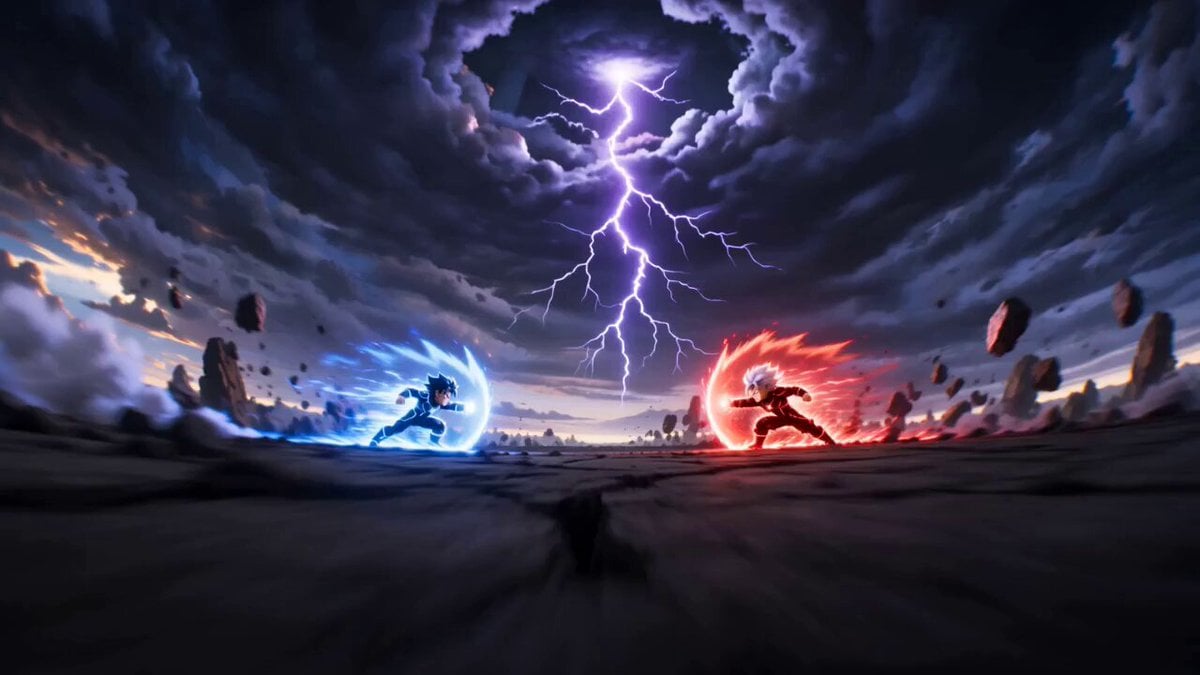
Cartoon Fight Scene Animation Frame
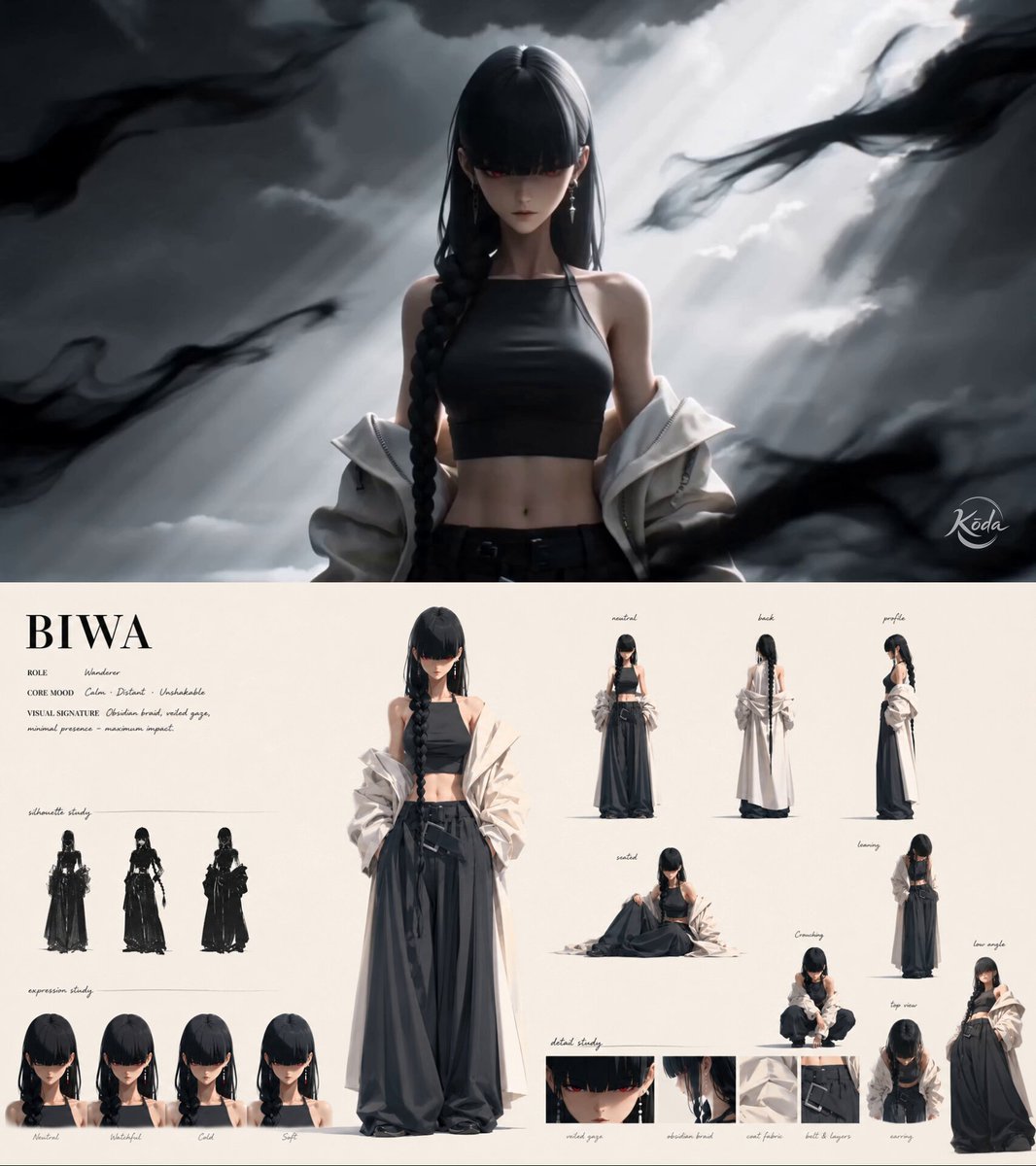
Ink-Brush Cinematic 3D Anime Action

Luxury Cruise Sunset Journey
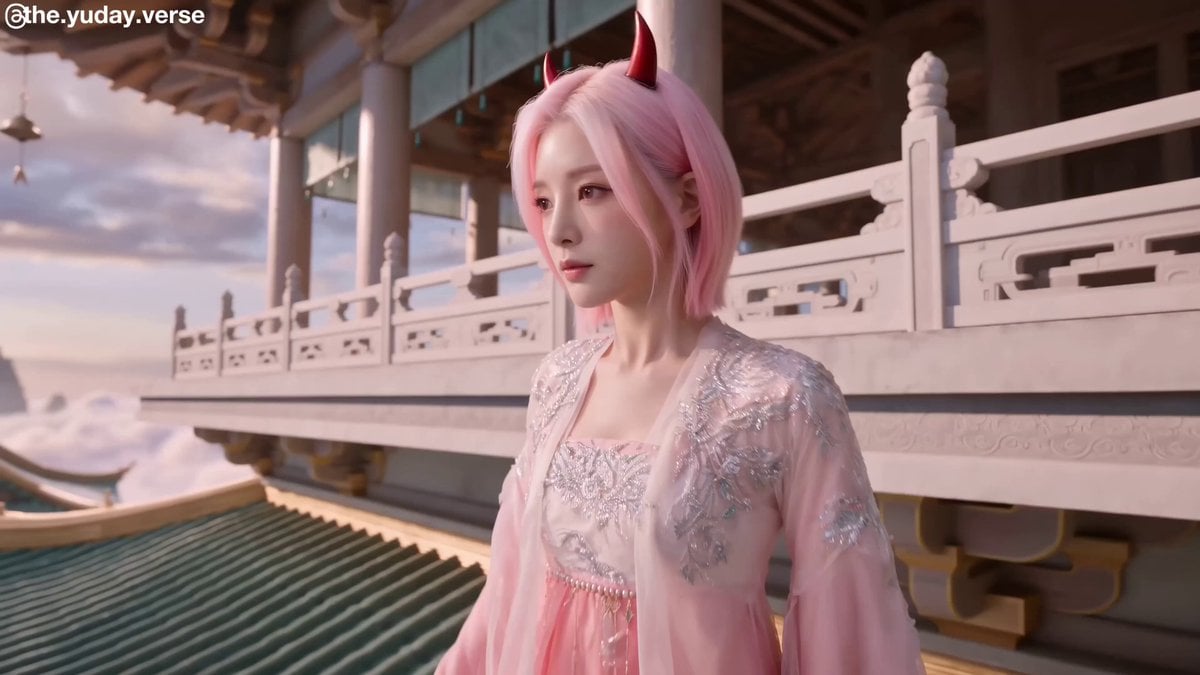
Sky Kingdom Wuxia Fantasy
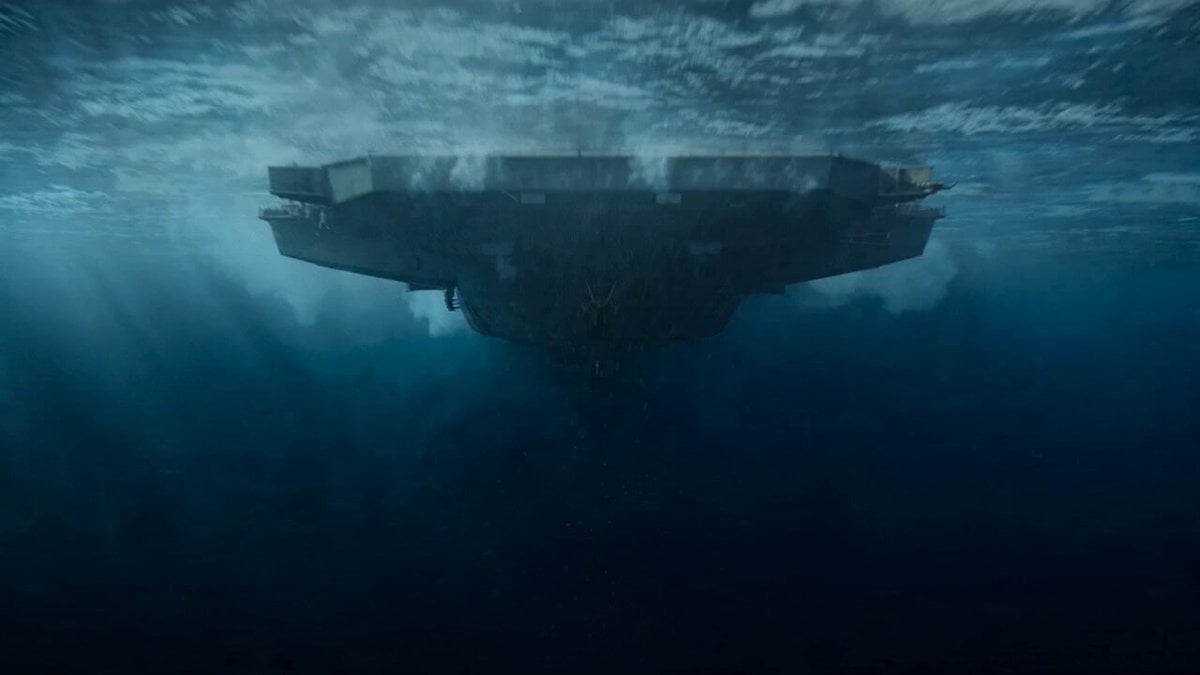
Impossible Naval War Camera Shot Prompt for Seedance 2.0
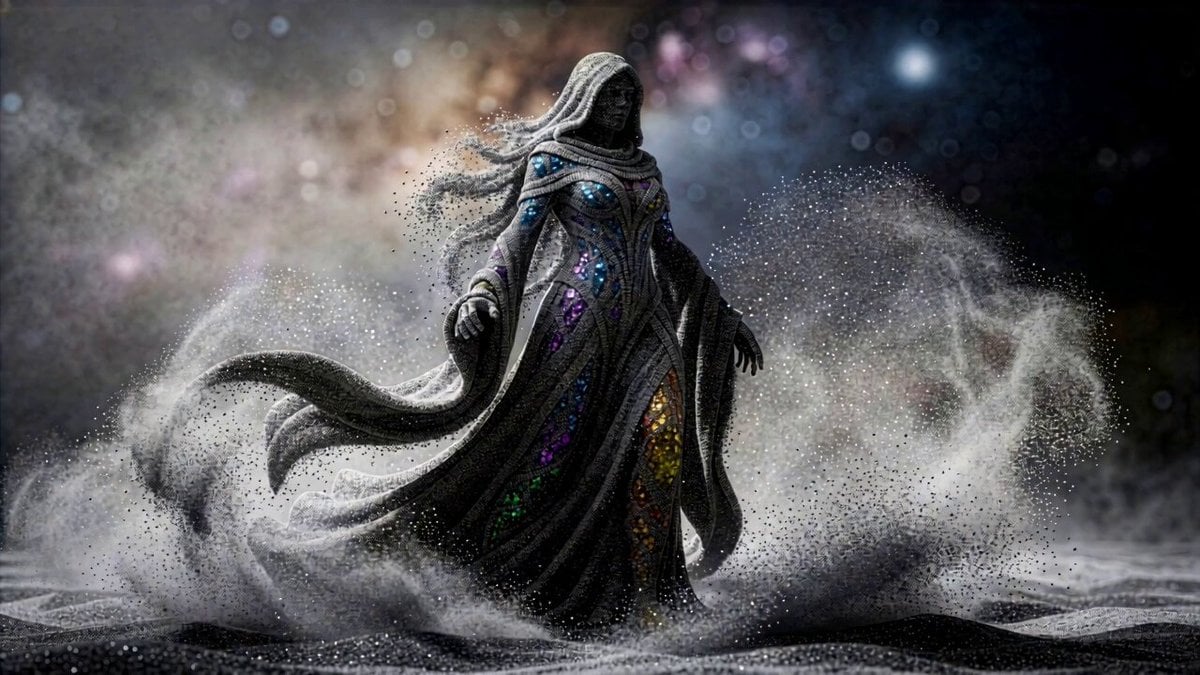
Cosmic Sand Woman Transformation

Wall Elves Camera Zoom
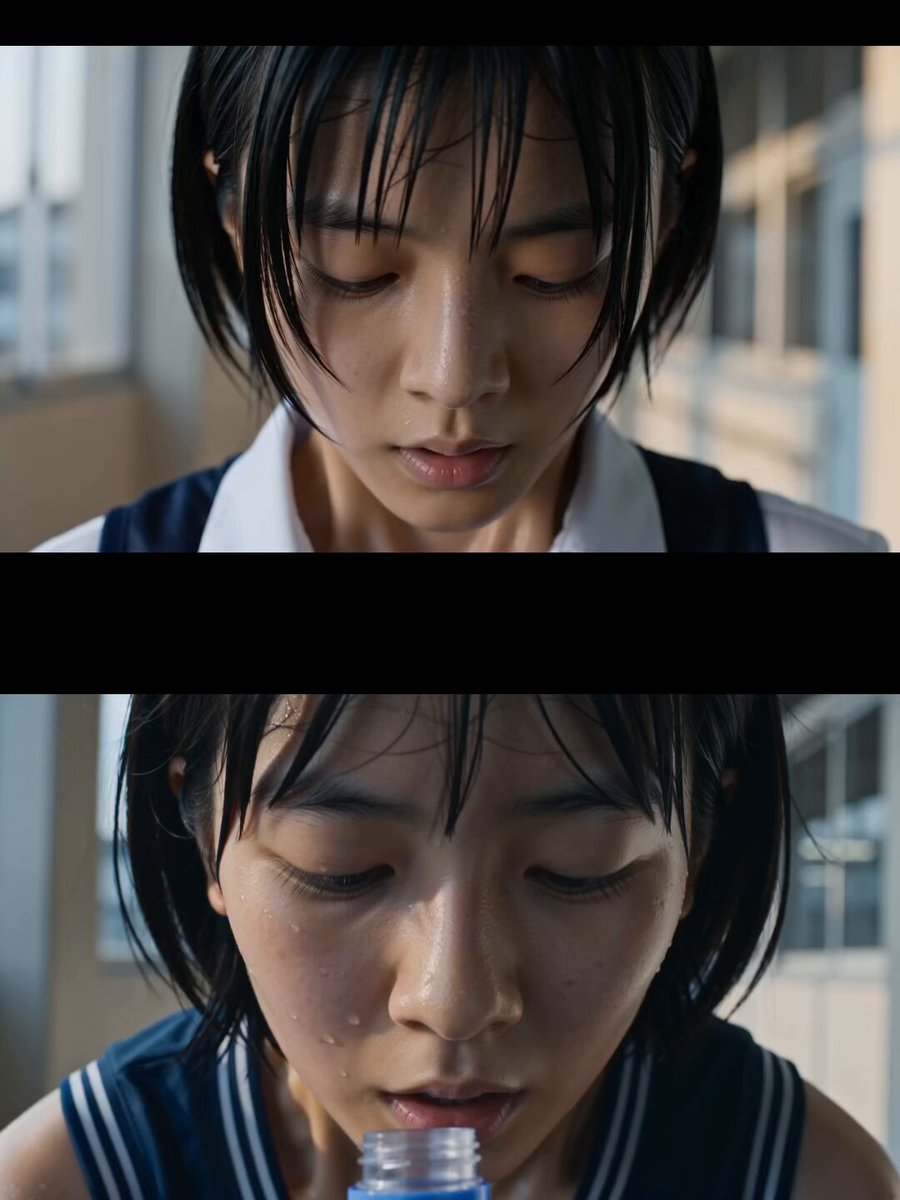
Japanese High School Soda Commercial
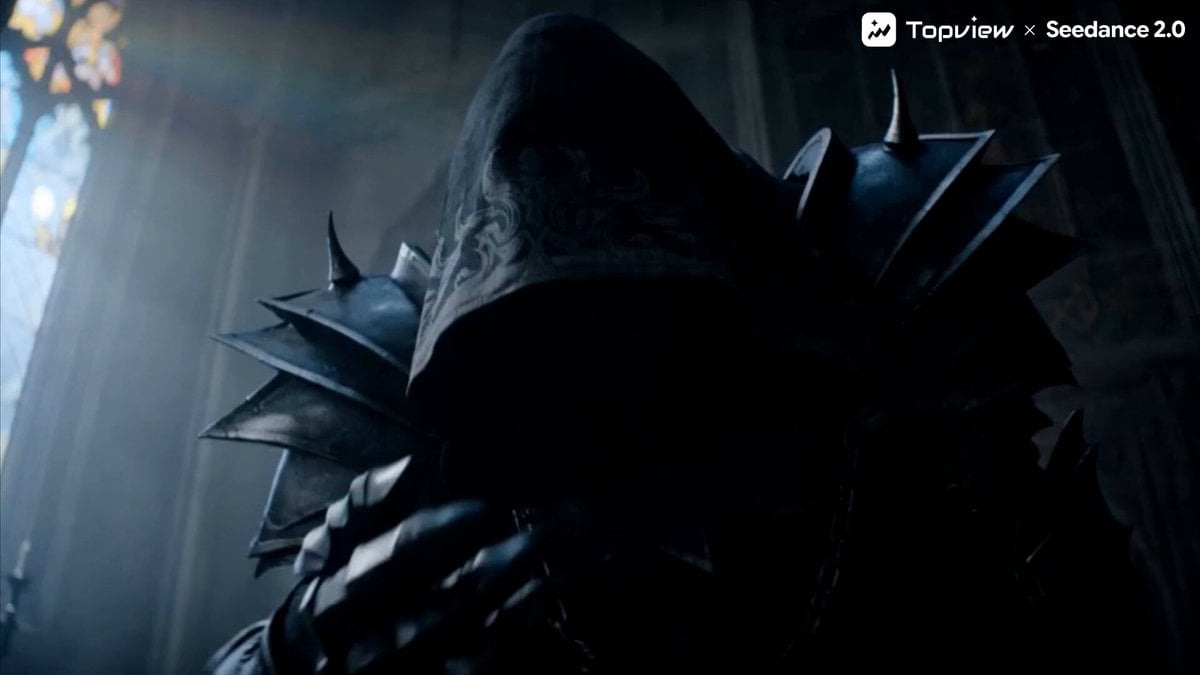
Dark Fantasy Action Short Film Trailer

Douyin Catch and Wipe Fashion Transition
Browse template categories
Cinematic Shadow Horror Scene questions
How do I use the Cinematic Shadow Horror Scene template?
Add your photo if the template asks for one, edit the prompt if you like — the template's model and format are already selected — and press Generate. Your version opens in PicX Studio.
Can I customize the Cinematic Shadow Horror Scene template?
Yes. You can change the subject, setting, lighting, mood, format, and available model controls before creating your video.
Is the Cinematic Shadow Horror Scene template free?
Opening and editing this template is free. Generating uses credits, shown on the Generate button when you are signed in.
Which AI model should I use?
Start with Seedance 2.0, which is the model associated with this template. You can compare another compatible model for a different finish.
Looking for something else? Browse all templates.

Your photo, any look
Thousands of ready templates for every top image and video model, from one credit balance.