
The Shadow Quit 3D Animation
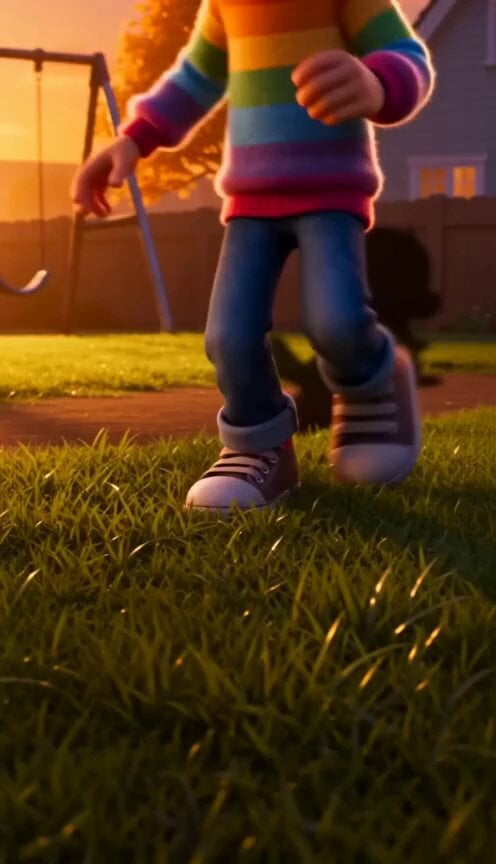
A playful Pixar-style 3D animation prompt about a young girl and her rebellious, independent shadow.
- Prompt included
- Model and format preset
- Free template
The prompt behind this video
Copy the exact prompt behind The Shadow Quit 3D Animation, or open it in the studio and make it yours.
- Title
- The Shadow Quit
- Style
- 3D Pixar family animation. Warm suburban dusk, golden-hour lighting, stylized characters, handheld feel.
- Shots › 0 › Time
- 00:00-00:03
- Shots › 0 › Type
- EXT. CLOSE-UP
- Shots › 0 › Action
- Mina's sneakers hit grass. She stops. Her shadow stays seated cross-legged.
- Shots › 0 › Camera
- Low angle, slight handheld wobble.
- Shots › 0 › Dialogue
- Mina: 'Come on, we have mac and cheese tonight!'
- Shots › 1 › Time
- 00:03-00:05
- Shots › 1 › Type
- WIDE
- Shots › 1 › Action
- Mina stands confused. Her shadow points at the swing set, arms folded.
- Shots › 1 › Camera
- Static wide. Swing set silhouetted.
- Shots › 1 › Dialogue
- Shadow: (shakes head silently)
- Shots › 2 › Time
- 00:05-00:08
- Shots › 2 › Type
- MEDIUM
- Shots › 2 › Action
- Mina crouches, pleading. Shadow draws hopscotch in dirt with dreamy lag.
- Shots › 2 › Camera
- Push-in on Mina's face.
- Shots › 2 › Dialogue
- Mina: 'You can swing tomorrow. I promise.'
- Shots › 3 › Time
- 00:08-00:12
- Shots › 3 › Type
- OVERHEAD
- Shots › 3 › Action
- Shadow hops hopscotch alone. Mina watches, smiling. Leaves fall slow-motion.
- Shots › 3 › Camera
- Crane shot descending.
- Shots › 3 › Dialogue
- Mina: (soft giggle)
- Shots › 4 › Time
- 00:12-00:16
- Shots › 4 › Type
- CLOSE-UP
Raw JSON
{ "title": "The Shadow Quit", "style": "3D Pixar family animation. Warm suburban dusk, golden-hour lighting, stylized characters, handheld feel.", "shots": [ {"time":"00:00-00:03","type":"EXT. CLOSE-UP","action":"Mina's sneakers hit grass. She stops. Her shadow stays seated cross-legged.","camera":"Low angle, slight handheld wobble.","dialogue":"Mina: 'Come on, we have mac and cheese tonight!'"}, {"time":"00:03-00:05","type":"WIDE","action":"Mina stands confused. Her shadow points at the swing set, arms folded.","camera":"Static wide. Swing set silhouetted.","dialogue":"Shadow: (shakes head silently)"}, {"time":"00:05-00:08","type":"MEDIUM","action":"Mina crouches, pleading. Shadow draws hopscotch in dirt with dreamy lag.","camera":"Push-in on Mina's face.","dialogue":"Mina: 'You can swing tomorrow. I promise.'"}, {"time":"00:08-00:12","type":"OVERHEAD","action":"Shadow hops hopscotch alone. Mina watches, smiling. Leaves fall slow-motion.","camera":"Crane shot descending.","dialogue":"Mina: (soft giggle)"}, {"time":"00:12-00:16","type":"CLOSE-UP","action":"Shadow stops, reaches up for high-five.","camera":"Two-shot becoming extreme close-up. Sunset flares.","dialogue":"(none)"}, {"time":"00:16-00:19","type":"SLOW-MO CLOSE-UP","action":"Hands meet. Shadow reattaches with soft snap and ripple of light.","camera":"Macro lens. Dust particles explode.","dialogue":"(soft snap sound)"}, {"time":"00:19-00:24","type":"TRACKING","action":"Mina runs to house. Shadow runs beside her on grass, up wall, synced.","camera":"Side-tracking.","dialogue":"(none)"}, {"time":"00:24-00:30","type":"INT. WIDE","action":"Mina slides into chair. Shadow on wall steals macaroni with impossibly long arm.","camera":"Wide through doorway.","dialogue":"Mina: 'Hey!' (laughs)"} ] }How to use The Shadow Quit 3D Animation in 3 steps
- 1
Open
The prompt is already in the box next to the preview, with the template's model and format selected.
- 2…a portrait of your subject in softgolden-hour light, 85mm…
Personalize
Edit the subject and creative details for your destination.
- 3Generate
Generate
Press Generate — your video is created in PicX Studio, so you can compare it with the original and refine one variable at a time.
More like this
Templates with the same subject, style or setup. Open one to see its prompt.
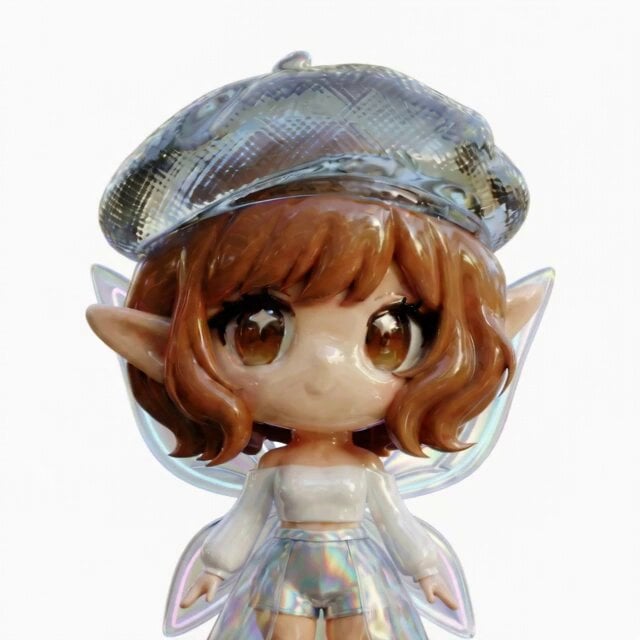
3D Glossy Fairy Animation - Seedance 2.5

Silk Road Pomegranate Folk Animation
Multilingual Creative Typography Loop
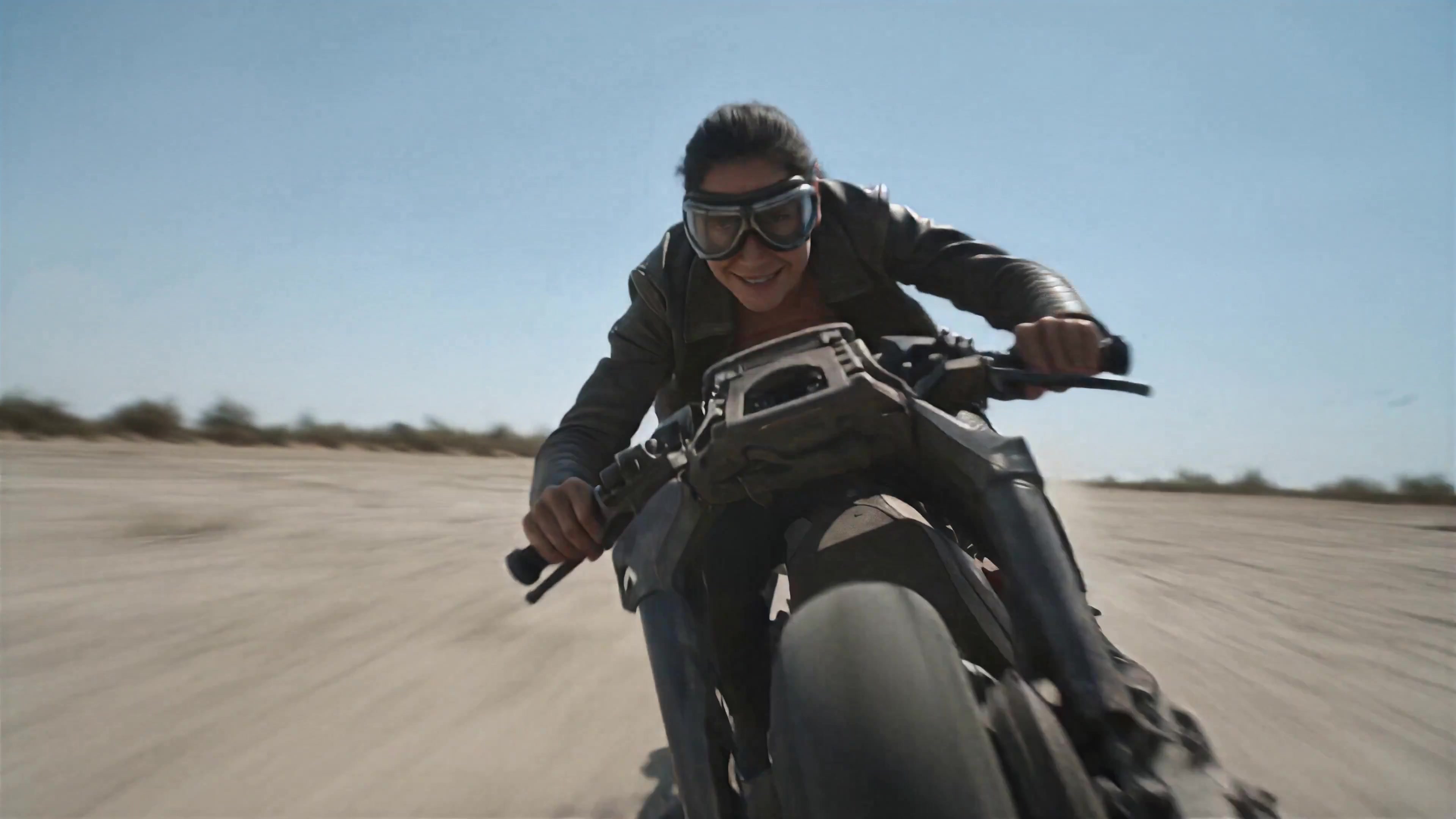
Walking Factory with Rebel on Hoverbike - Wasteland
Cartoon Bullfight Arena — Girl vs Bull (Seedance)
Dim Sum Chase — Shrimp Dumpling Monster
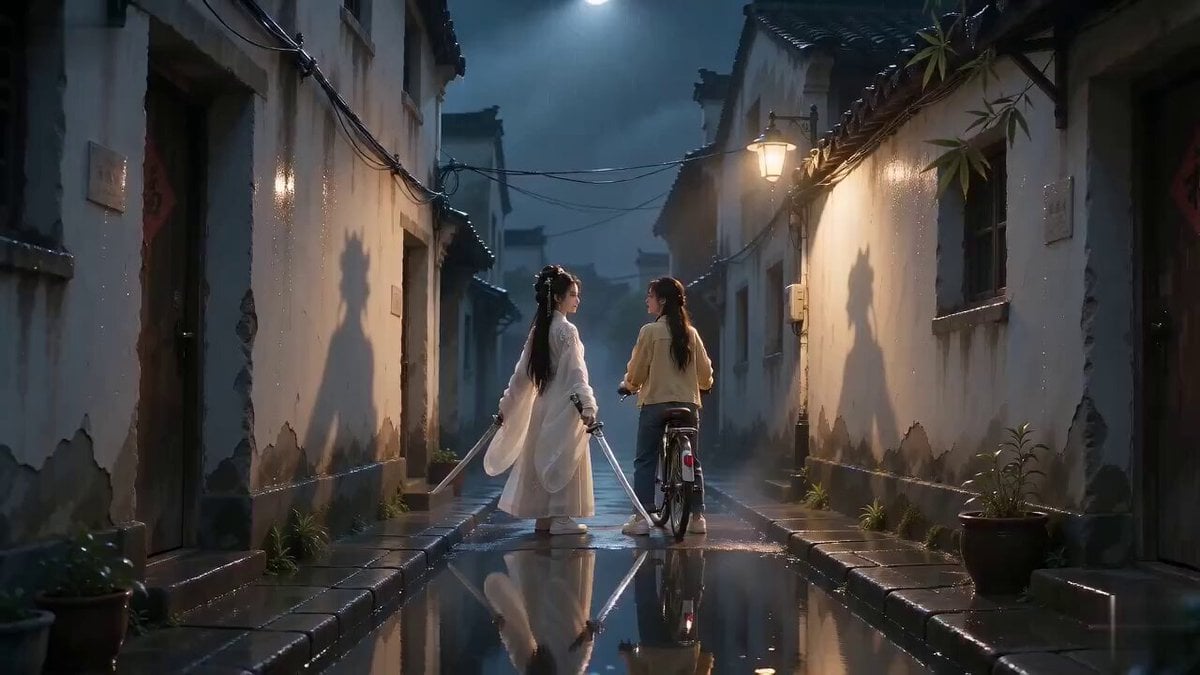
Urban Xianxia Shadow Play Comedy
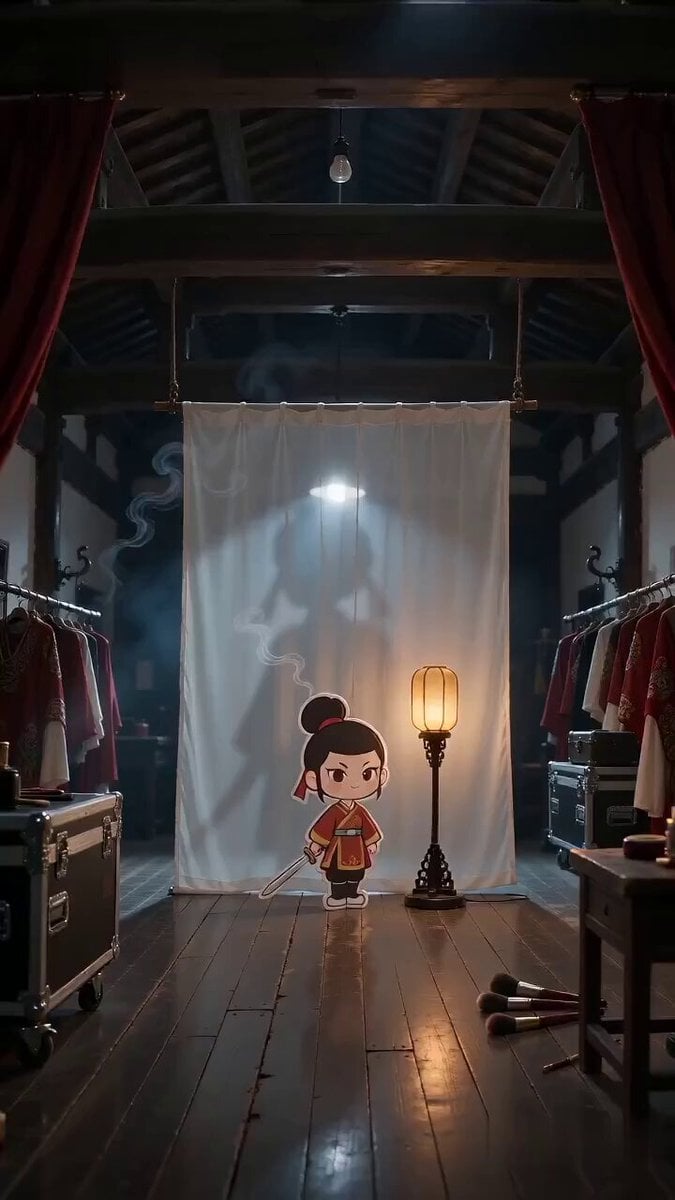
Paper Cutout Hero Shadow Comedy
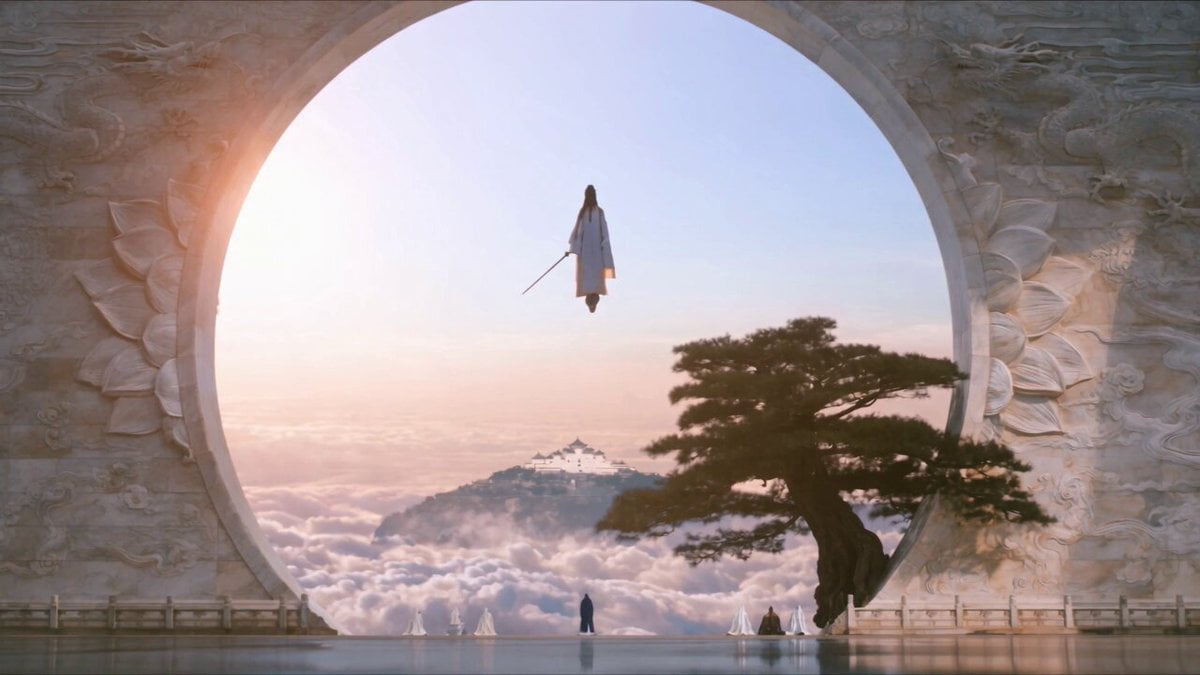
Celestial City Dragon Shadow Deception
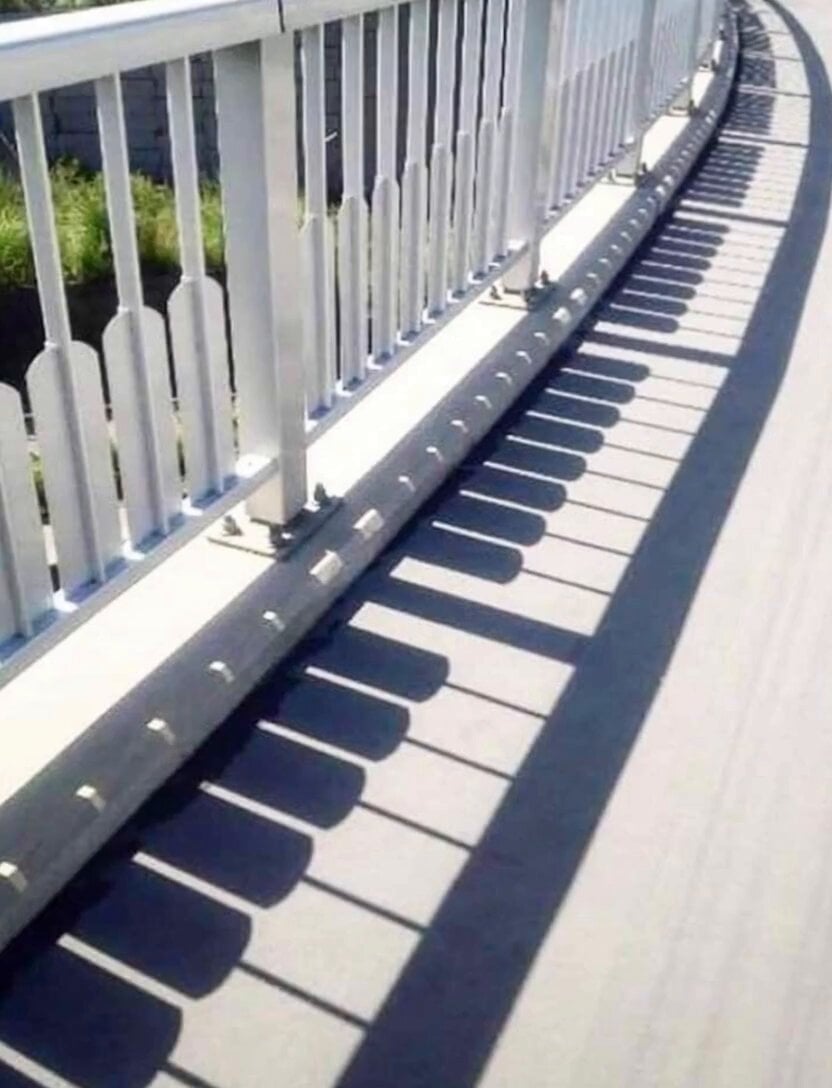
Piano Key Shadow Performance
Cinematic Shadow Horror Scene
Gothic Shadow Raven Storm VFX
Make it yours
The Shadow Quit 3D Animation works as-is. These are the safest ways to change it without losing the look.
Change one field
Copy a single group, rewrite it, and generate again so you can see what that field is doing.
Keep the frame, change the subject
Hold the composition and light of The Shadow Quit 3D Animation, then swap wardrobe, props or the person for a new take.
| If the result… | Why | Fix |
|---|---|---|
| The result drifts from the preview | Too many fields changed at once. | Reuse The Shadow Quit 3D Animation as-is first, then change one group — subject, light, or setting. |
| Seedance 2.0 ignores part of the JSON | Some models flatten or skip nested keys. | Keep the same values and paste them as a short paragraph instead. |
More Seedance 2.0 templates
Other prompts made for Seedance 2.0.

Comical Martial Arts Punch Scene

Maglev Train Action Sequence

Martial Arts Fight Sequence

Wuxia Protection and Trust Script

Vintage Korean Arcade MiniDV Vlog

Mercedes 190 SL Luxury Ad

Rainy Night Supernatural Reverse Comedy Video Script

Amazon Civilization Discovery

Futuristic South Asian City Transformation

Cozy Luxury Cafe Commercial
More video prompts
Fresh picks from across the catalog.
Taiwanese Girlfriend POV Video Prompt
Neon Wireframe Parrot
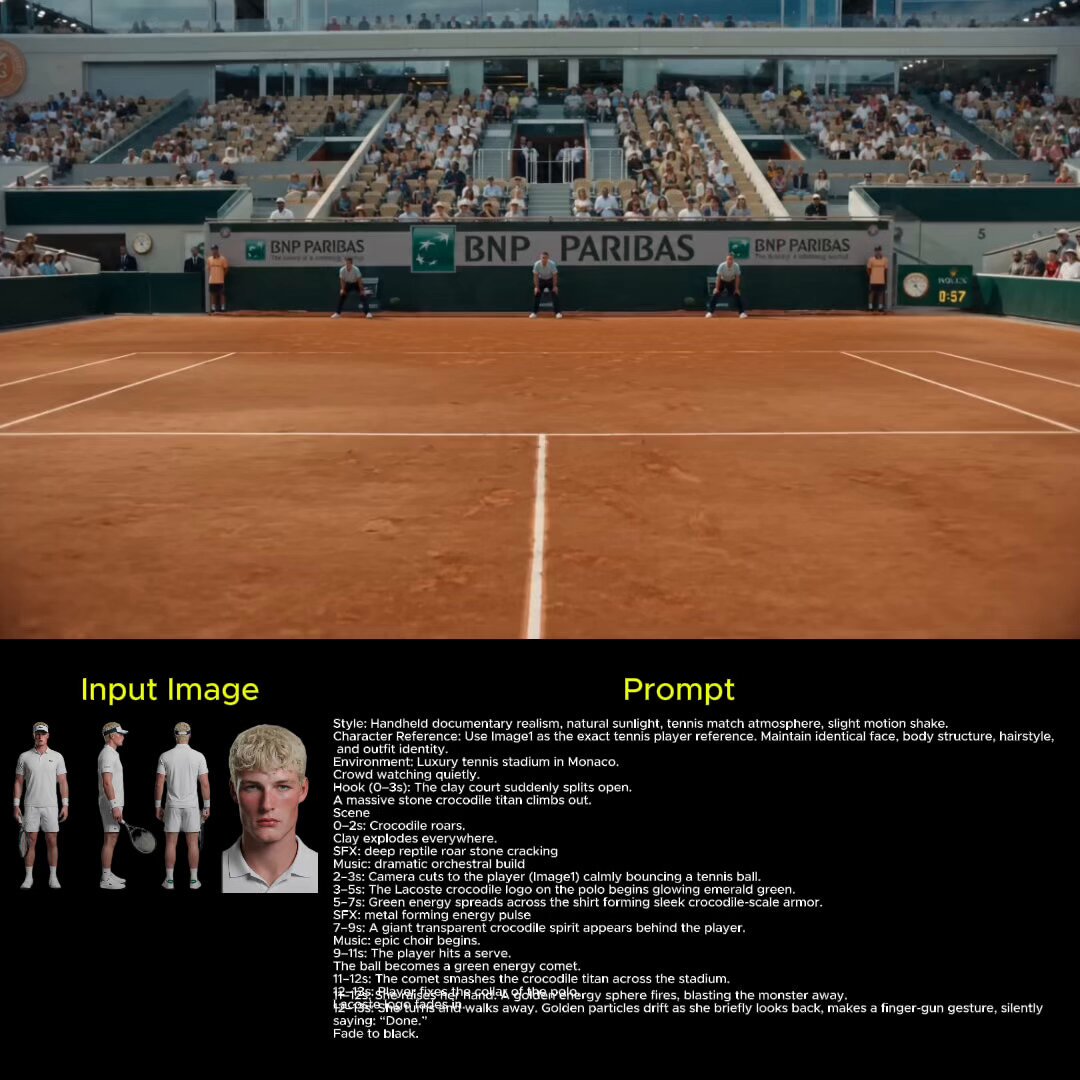
Lacoste Surreal Tennis Match
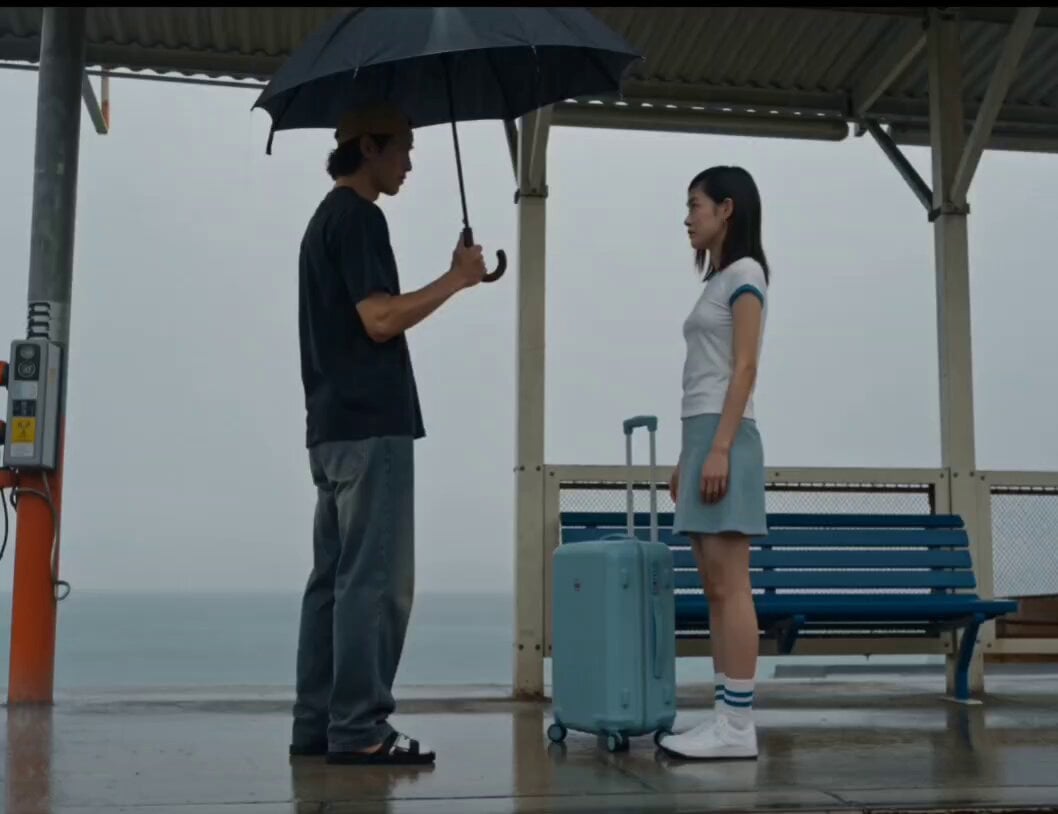
Rainy Seaside Station Goodbye Video Prompt
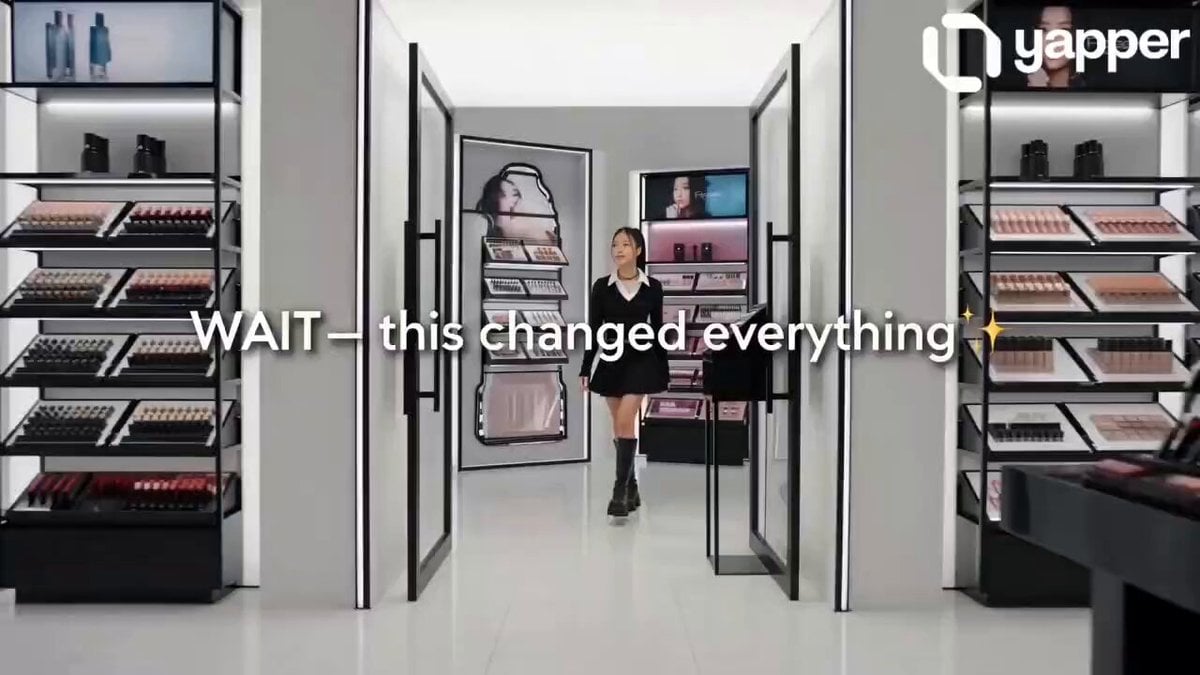
TikTok Style Beauty Product Ad

Living Magazine Cover Animation
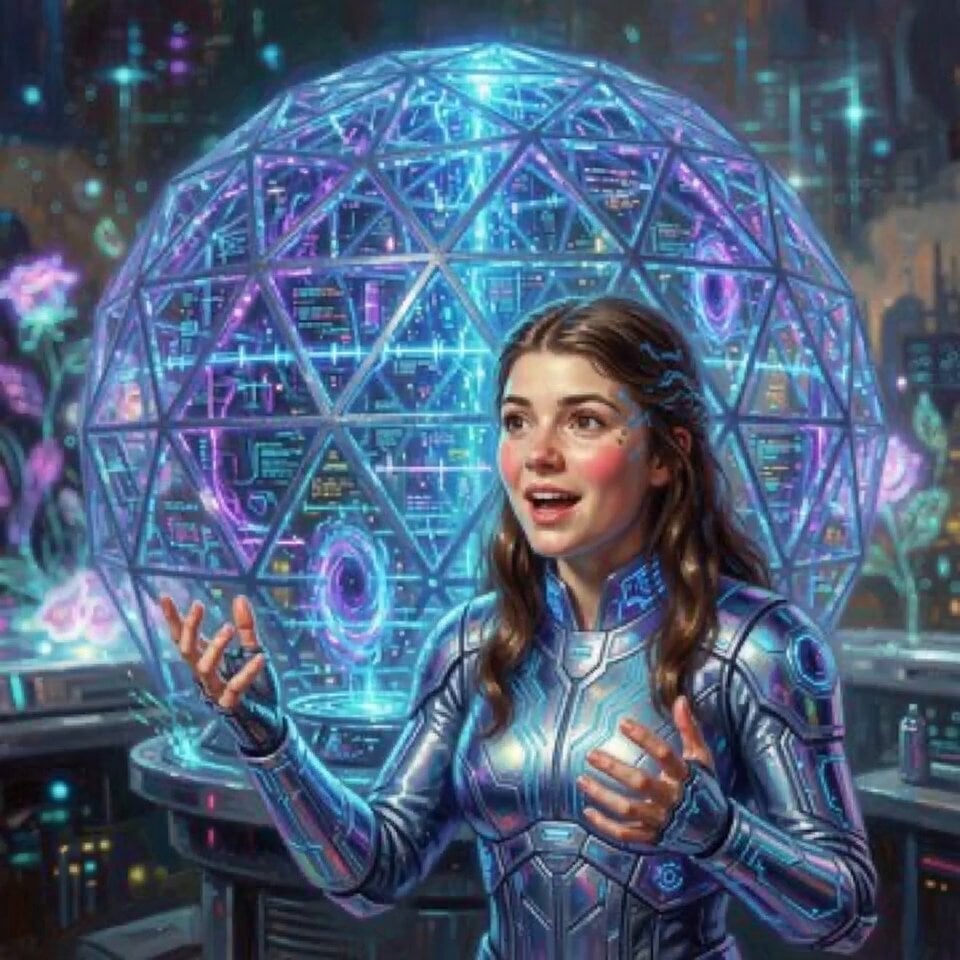
Alana Future Message Video

Soft Pink Peonies Dreamscape
DV Style Idol Montage
Video prompt: Seamless continuation of Evangelion Unit-09
Browse template categories
The Shadow Quit 3D Animation questions
How do I use the The Shadow Quit 3D Animation template?
Add your photo if the template asks for one, edit the prompt if you like — the template's model and format are already selected — and press Generate. Your version opens in PicX Studio.
Can I customize the The Shadow Quit 3D Animation template?
Yes. You can change the subject, setting, lighting, mood, format, and available model controls before creating your video.
Is the The Shadow Quit 3D Animation template free?
Opening and editing this template is free. Generating uses credits, shown on the Generate button when you are signed in.
Which AI model should I use?
Start with Seedance 2.0, which is the model associated with this template. You can compare another compatible model for a different finish.
Looking for something else? Browse all templates.

Your photo, any look
Thousands of ready templates for every top image and video model, from one credit balance.