
TikTok Style Beauty Product Ad
A high-energy TikTok-style beauty advertisement prompt for a luxury cosmetics store, featuring rapid cuts and dynamic camera movement.
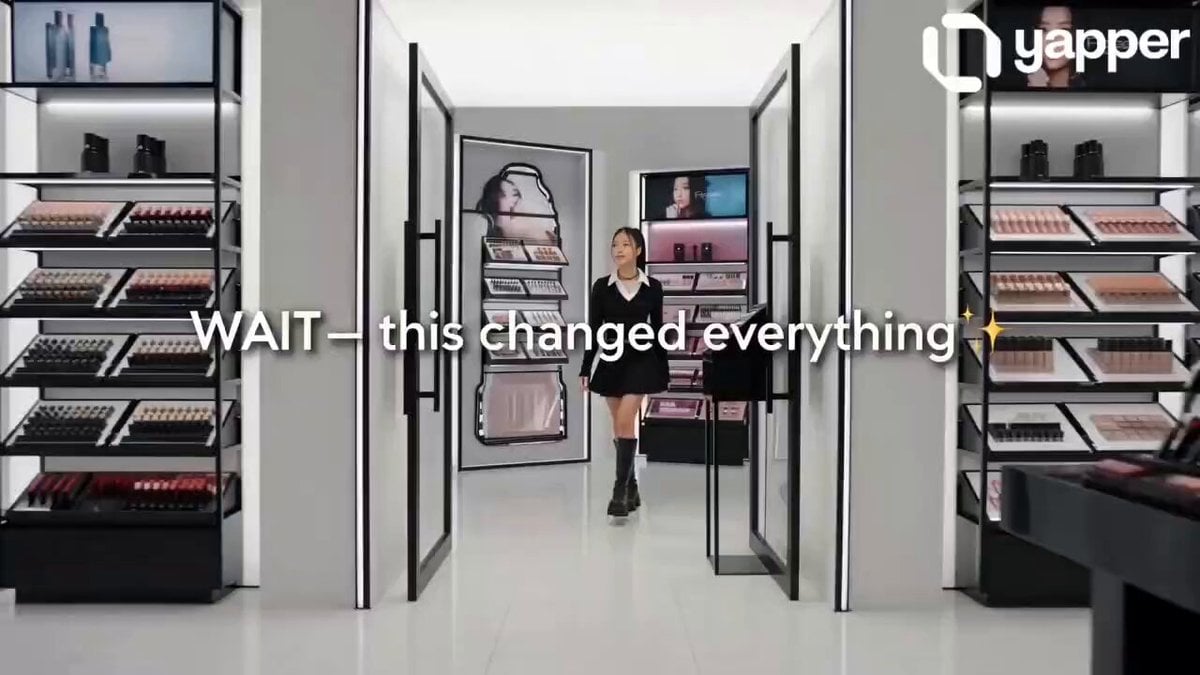
- Prompt included
- Model and format preset
- Premium template
The prompt behind this video
Copy the exact prompt behind TikTok Style Beauty Product Ad, or open it in the studio and make it yours.
Base Setup: “Ultra-realistic fast-paced TikTok-style beauty ad inside a luxury cosmetics store. Bright lighting, glossy reflections, trendy aesthetic. A stylish Korean girl with glowing skin and modern outfit. Fast cuts, dynamic camera movement, viral editing style, 4K.” ⏱️ 0:00 – 0:02 (Hook – Scroll Stopper) – Quick zoom-in on girl entering store – Flash cuts of colorful makeup shelves 🎙️ Text on screen: “WAIT—this changed everything 💄✨” 🎧 Sound: trending upbeat TikTok beat drop ⏱️ 0:02 – 0:05 (Fast Shopping Montage) – Rapid cuts: • Grabbing products • Tossing items into cart • Close-up hand swipes across shelves 🎙️ Text: “Trying EVERYTHING…” ⏱️ 0:05 – 0:07 (Discovery Moment) – Sudden slow-motion contrast – Spotlight on lip gloss – Product label visible: “LUMIÉRA Seoul – Glass Glow Lip Elixir” 👩 Girl (whisper, excited): “Wait… this one?” ⏱️ 0:07 – 0:10 (Transformation Apply) – Quick mirror transition – Fast close-up of lip gloss applying – Smooth glossy shine appears instantly 🎙️ Text: “OMG 😳” 👩 Girl: “Okay… WOW.” ⏱️ 0:10 – 0:13 (Results + Beauty Shots) – Rapid aesthetic cuts: • Lips glowing • Hair flip • Confident look 🎙️ Text: “Glass lips in seconds ✨” ⏱️ 0:13 – 0:15 (Product Close + CTA) – Fast zoom into product – Clean luxury product shot 🎙️ Voiceover: “LUMIÉRA Seoul – Glass Glow Lip Elixir.” 🎙️ Text on screen: “Get yours NOW 🔥” – Beat drop ends Editing Style: Fast cuts, jump transitions, speed ramps, zoom-ins, flash transitions Camera Style: Handheld + quick zooms + macro beauty shots Sound: Trending TikTok audio, beat drops synced with cuts Mood & Style: Trendy, addictive, high-energy, viral beauty ad Modern Gen-Z aesthetic, ultra-polished, 4K
How to use TikTok Style Beauty Product Ad in 3 steps
- 1
Open
The prompt is already in the box next to the preview, with the template's model and format selected.
- 2…a portrait of your subject in softgolden-hour light, 85mm…
Personalize
Edit the subject and creative details for your destination.
- 3Generate
Generate
Press Generate — your video is created in PicX Studio, so you can compare it with the original and refine one variable at a time.
More like this
Templates with the same subject, style or setup. Open one to see its prompt.
Tiktok Influencer Product Ad

Sneaker Product Commercial
Multi Panel Storyboard Sheet
Skincare Product Commercial 3
Cinematic Portrait Study 3
Product UGC Commercial
Cinematic Portrait Study
Iced Coffee Dog Good-News Montage
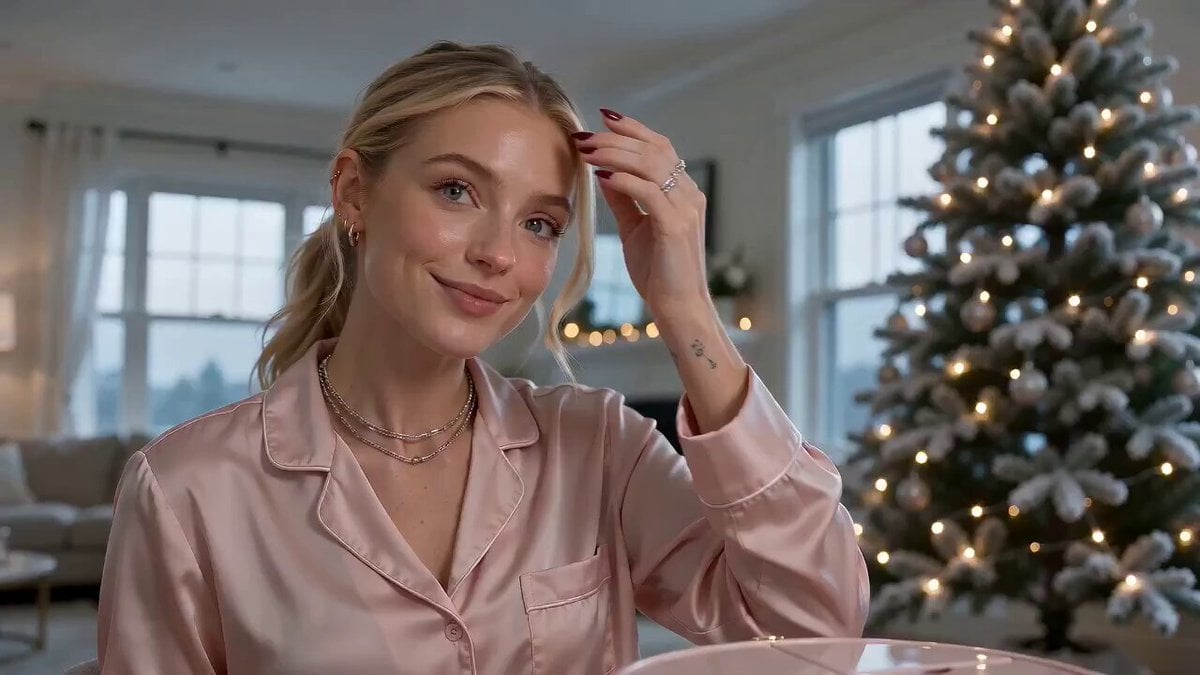
Beauty Advent Calendar Unboxing Vlog
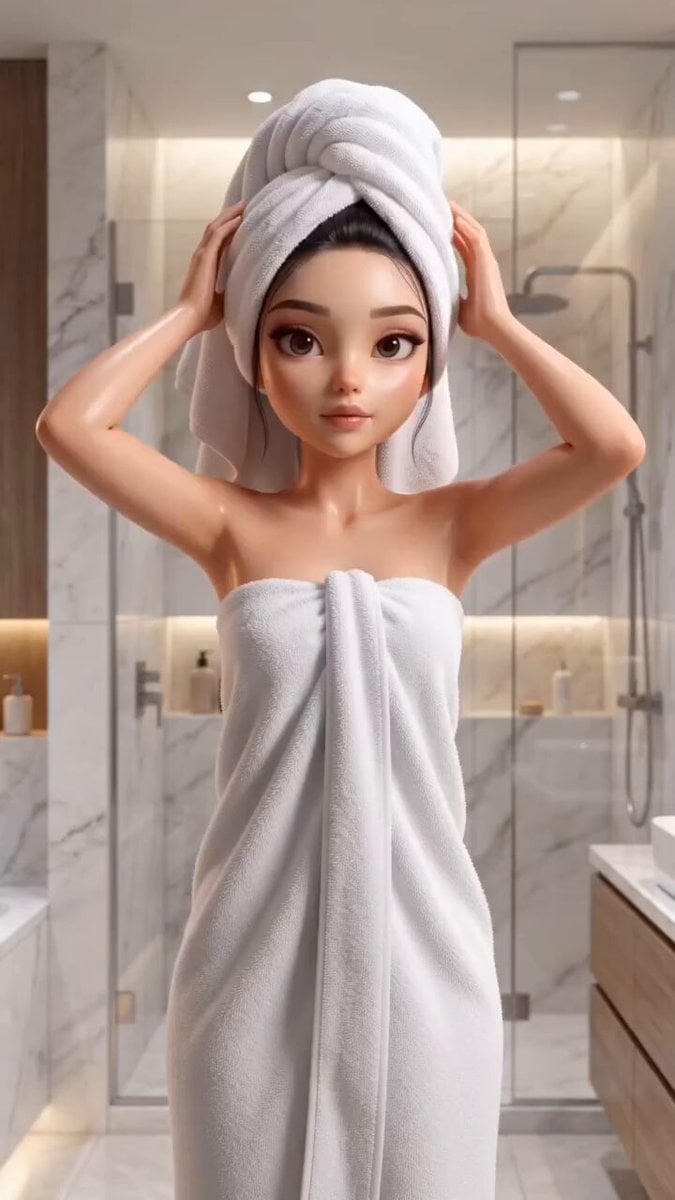
Pixar Style Beauty Routine Animation

Romantic Comedy Tiktok Style Video
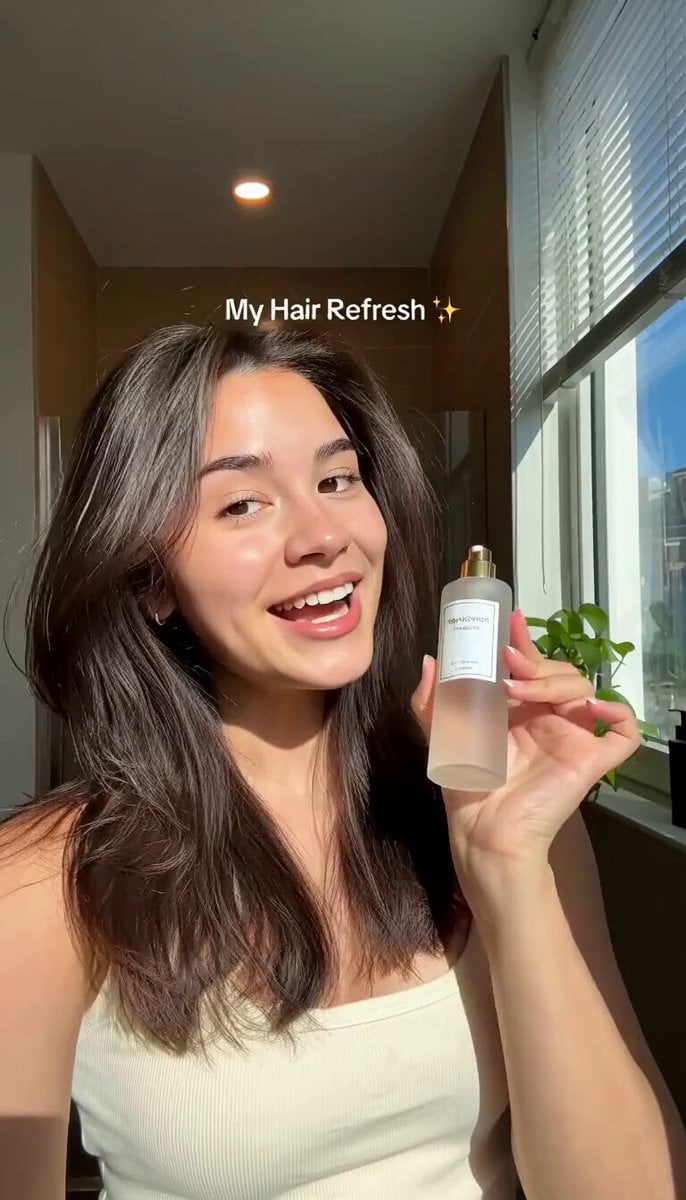
Hair Refresh Beauty Advertisement
Make it yours
TikTok Style Beauty Product Ad works as-is. These are the safest ways to change it without losing the look.
Change one field
Copy a single group, rewrite it, and generate again so you can see what that field is doing.
Keep the frame, change the subject
Hold the composition and light of TikTok Style Beauty Product Ad, then swap wardrobe, props or the person for a new take.
| If the result… | Why | Fix |
|---|---|---|
| The result drifts from the preview | Too many fields changed at once. | Reuse TikTok Style Beauty Product Ad as-is first, then change one group — subject, light, or setting. |
| The model over-stylizes the scene | The prose prompt leaves finish and camera underspecified. | Add one camera or lighting sentence and stay on Seedance 2.0. |
More Seedance 2.0 templates
Other prompts made for Seedance 2.0.

Comical Martial Arts Punch Scene

Maglev Train Action Sequence

Martial Arts Fight Sequence

Wuxia Protection and Trust Script

Vintage Korean Arcade MiniDV Vlog

Mercedes 190 SL Luxury Ad

Rainy Night Supernatural Reverse Comedy Video Script

Amazon Civilization Discovery

Futuristic South Asian City Transformation

Cozy Luxury Cafe Commercial
More video prompts
Fresh picks from across the catalog.

Last Girl and Android Servants

Cinematic Shot of a Colossal Dyson Sphere

Hyperrealistic Miniature Girl on a Paper Airplane Video Prompt

Rainy Bus Stop Memory

Astronaut to Apartment Match Cut Transition

Romantic Film Strip Ocean Memories

Cinematic Cliff Trail Motorcycle Action

Cozy Home Cooking Video
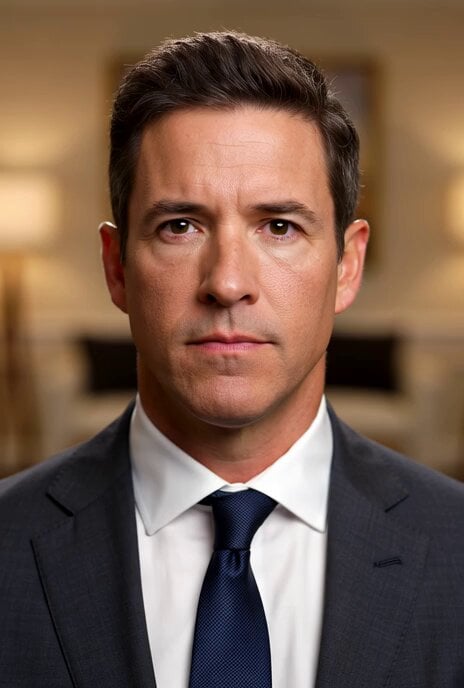
Winning the War Statement
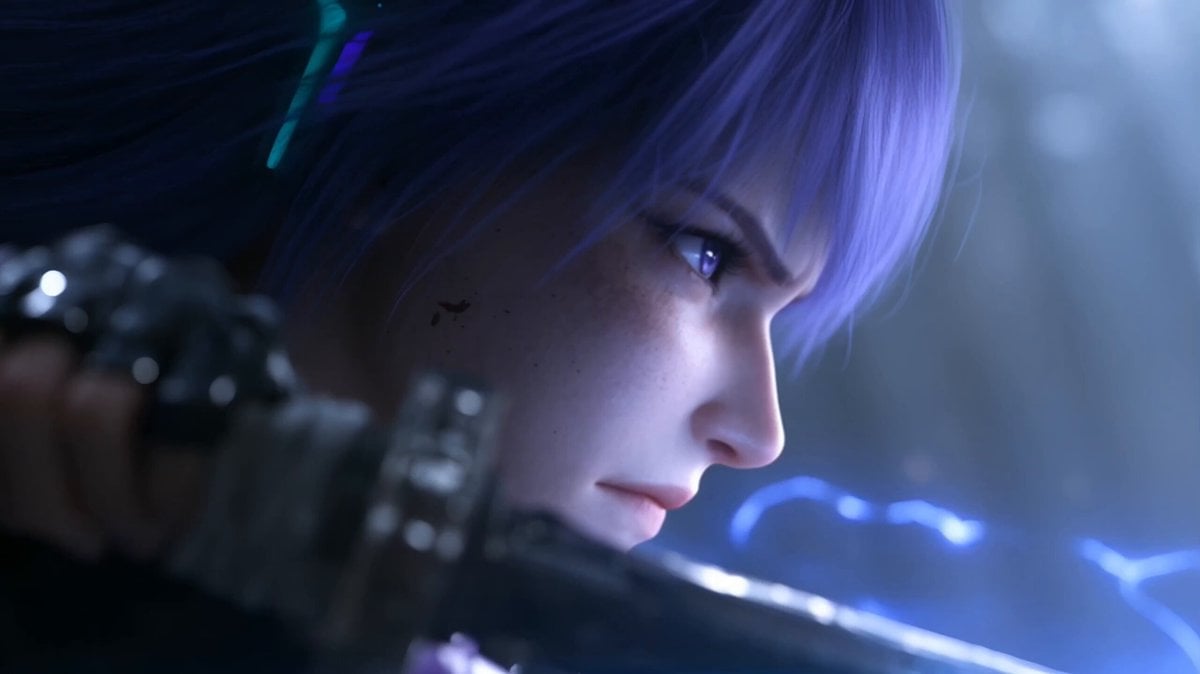
Cinematic Fantasy Anime Sword Duel
Browse template categories
TikTok Style Beauty Product Ad questions
How do I use the TikTok Style Beauty Product Ad template?
Add your photo if the template asks for one, edit the prompt if you like — the template's model and format are already selected — and press Generate. Your version opens in PicX Studio.
Can I customize the TikTok Style Beauty Product Ad template?
Yes. You can change the subject, setting, lighting, mood, format, and available model controls before creating your video.
Is the TikTok Style Beauty Product Ad template free?
Opening and editing this template is free. Generating uses credits, shown on the Generate button when you are signed in.
Which AI model should I use?
Start with Seedance 2.0, which is the model associated with this template. You can compare another compatible model for a different finish.
Looking for something else? Browse all templates.

Your photo, any look
Thousands of ready templates for every top image and video model, from one credit balance.