
Cinematic Portrait Study
Cinematic Portrait Study is a ready video look for Seedance 2.5.

- Prompt included
- Model and format preset
- Free template
The prompt behind this video
Copy the exact prompt behind Cinematic Portrait Study, or open it in the studio and make it yours.
GPT image 2 × Gemini Omni flash Prompt ↓ TITLE: Premium Commercial Storyboard Presentation FORMAT: • Single-page premium storyboard • 3:4 Portrait ratio • Luxury advertising agency presentation board • Client-ready storyboard layout • 8 storyboard frames • Editorial Swiss grid system • High-end presentation quality • Print-ready infographic HEADER: • Large elegant serif title • Premium minimalist information bar • Information cards: - Duration - Style - Audience - Audio Suggestion • Rounded "Why This Style Works" section • Gold decorative doodles, stars, sparkles, hearts • Soft cream luxury background • Thin beige border • Clean editorial spacing STORYBOARD LAYOUT: • 8 equal storyboard panels • 2 rows × 4 columns • Rounded white cards • Soft realistic shadows • Perfect alignment • Equal margins • Professional grid layout • Large cinematic image in upper section • Information block below image EVERY STORYBOARD PANEL INCLUDES: • Scene number inside white outlined circle • Duration badge in top-right corner • Large commercial-quality photograph • Sections: - Visual - Action - Dialogue • Bold section titles • Perfect typography hierarchy • Consistent spacing • Premium card design PHOTOGRAPHY STYLE: • Ultra realistic commercial photography • Cinematic product shots • Natural daylight • Soft warm lighting • Luxury advertising look • Shallow depth of field • Smooth background bokeh • High-end product styling • Professional color grading • DSLR quality • Premium lifestyle photography GRAPHIC STYLE: • Apple keynote presentation aesthetic • Behance showcase quality • Modern editorial magazine design • Premium infographic • Clean UI composition • Luxury branding • Elegant typography • Minimalist design language • Print-quality layout FOOTER: • Total Duration • Format • Visual Style • Minimal line icons • Premium editorial finish QUALITY: Ultra detailed, 8K, razor sharp, perfectly aligned, symmetrical composition, luxury commercial presentation, agency-quality storyboard, realistic textures, flawless typography, premium client presentation.
How to use Cinematic Portrait Study in 3 steps
- 1Upload ImagePNG, JPG or paste
Add your photo
Upload the photo the template builds on. The prompt, model and format are already set.
- 2…a portrait of your subject in softgolden-hour light, 85mm…
Personalize
Edit the subject and creative details for your destination.
- 3Generate
Generate
Press Generate — your video is created in PicX Studio, so you can compare it with the original and refine one variable at a time.
More like this
Templates with the same subject, style or setup. Open one to see its prompt.

Sneaker Product Commercial
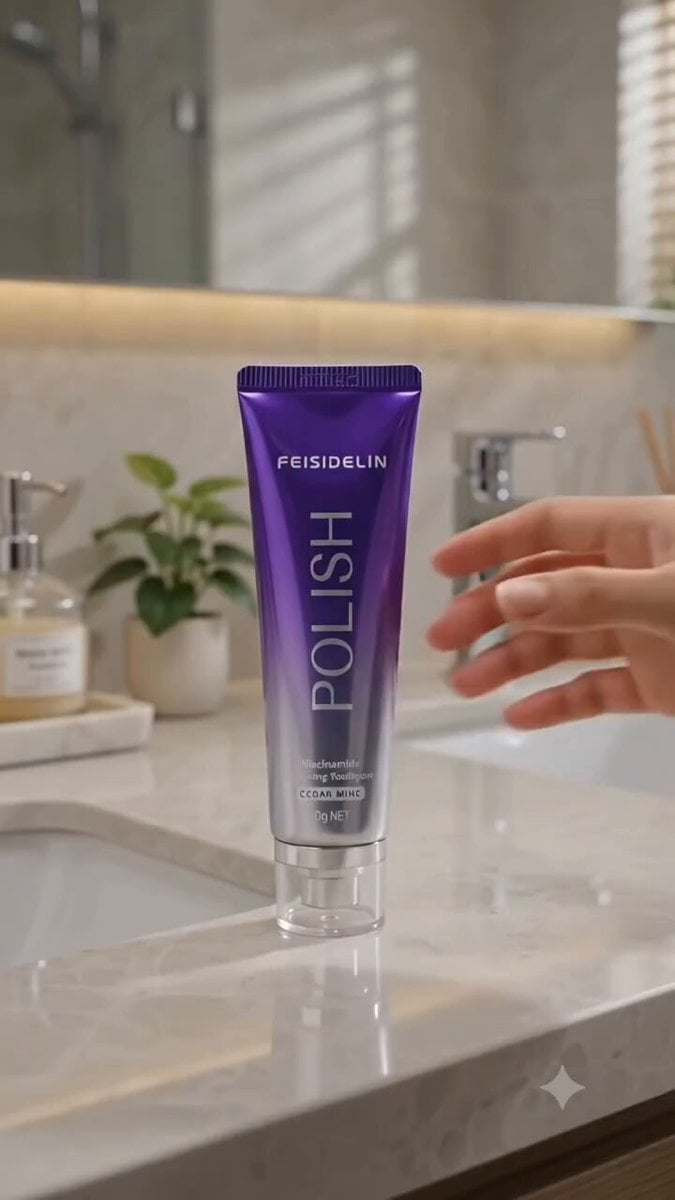
Cinematic Portrait Study 3
Skincare Product Commercial
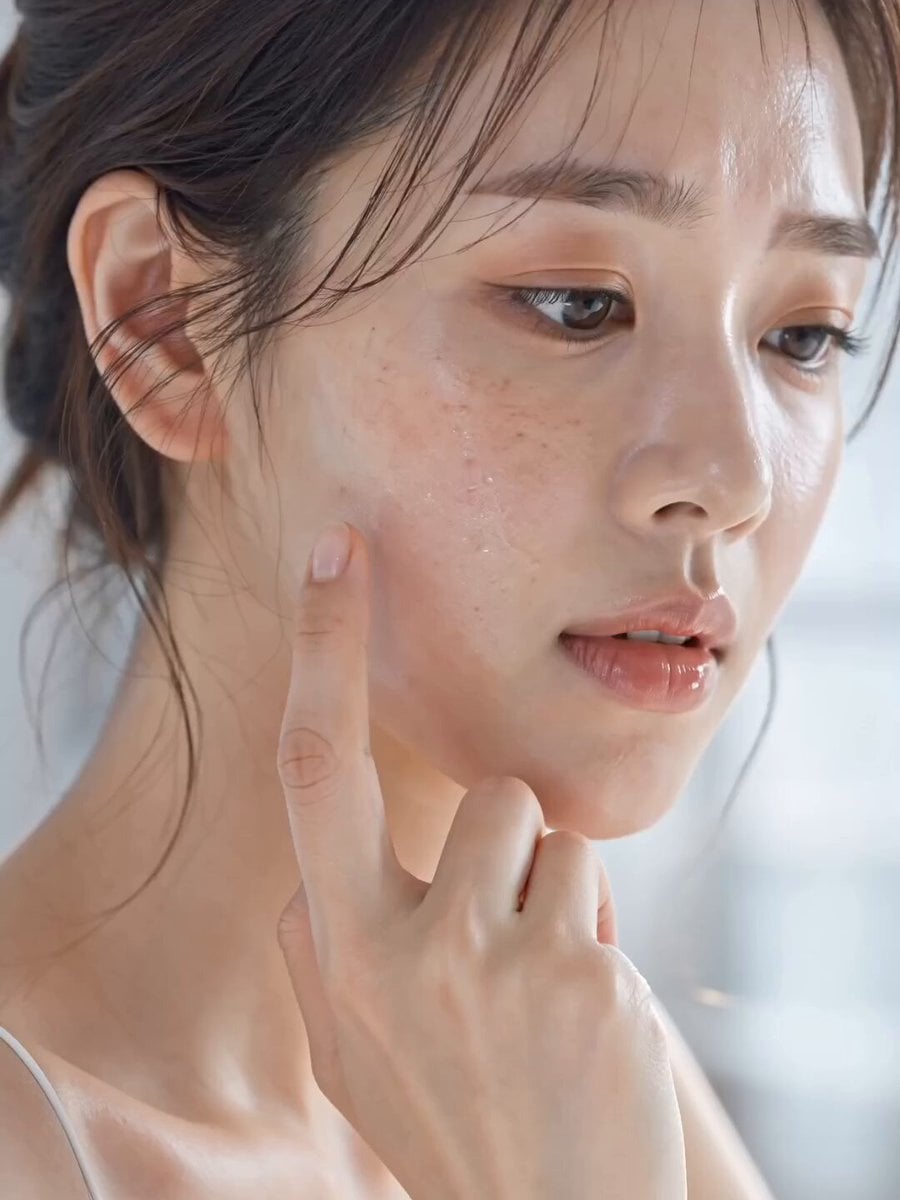
Skincare Product Commercial 3
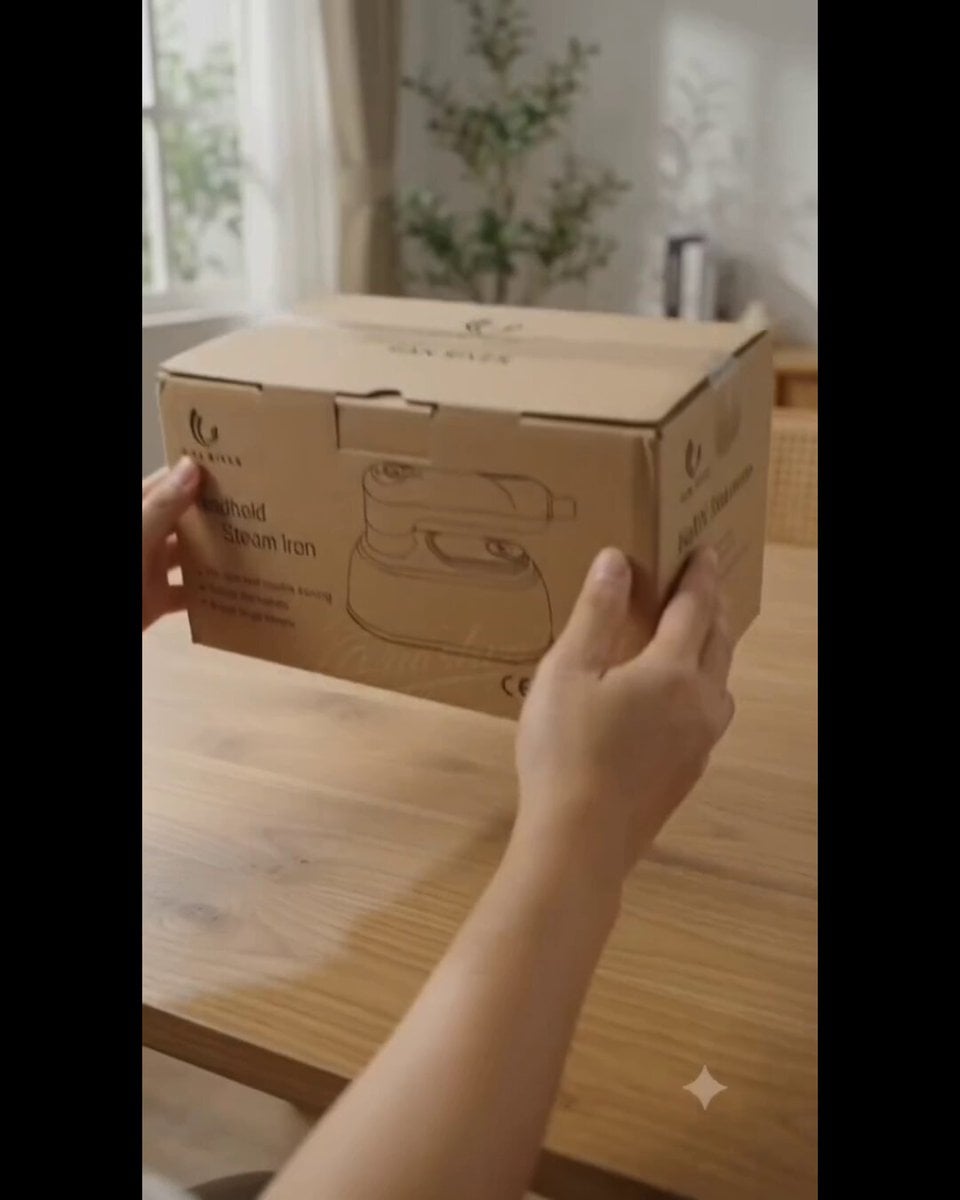
Product UGC Commercial
Ice Queen — Frozen Battlefield Time Control (Seedance)
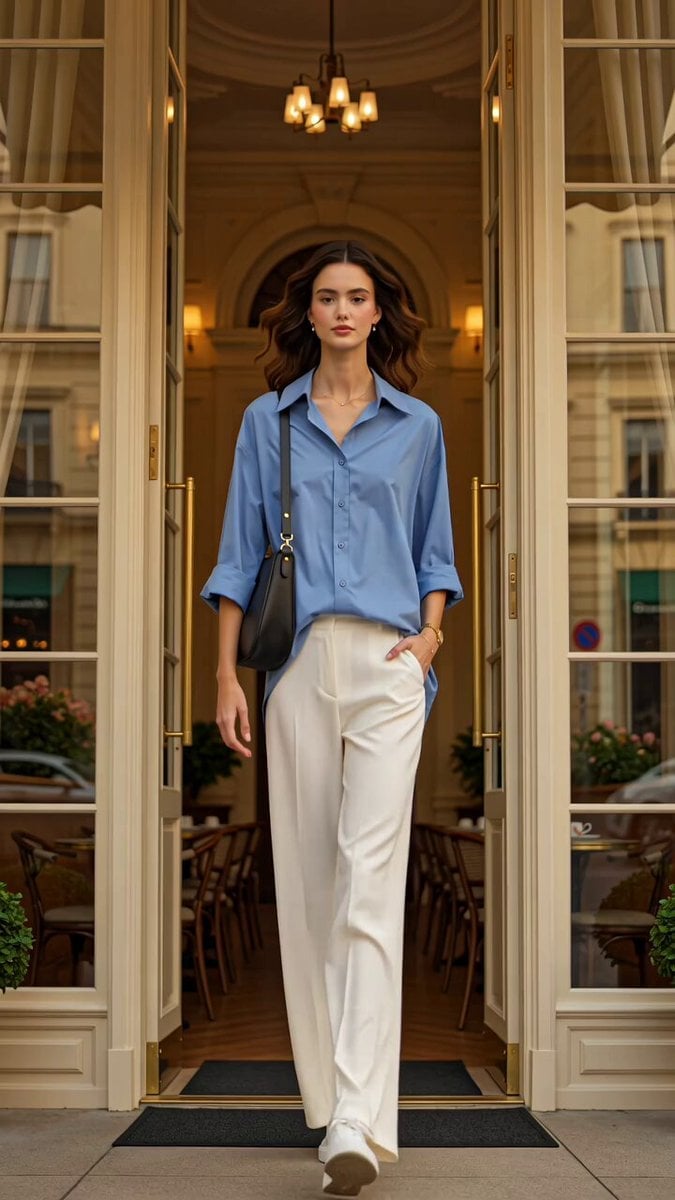
Luxury Fashion European Cafe Commercial
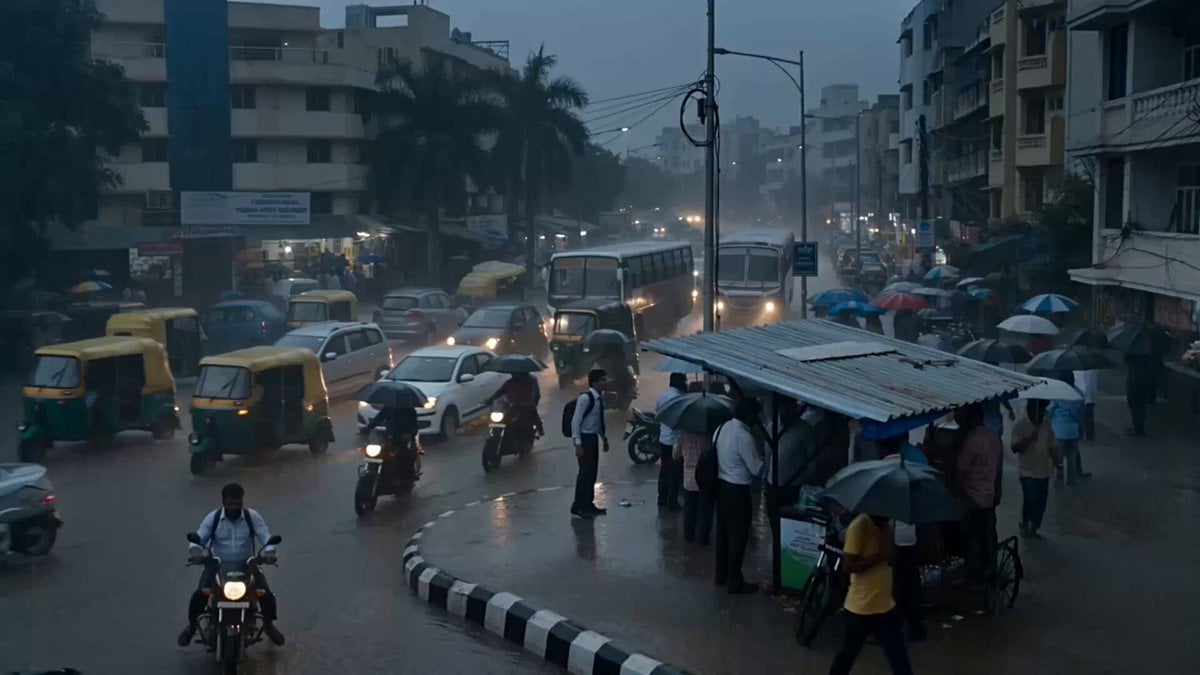
Seedance 2.5 - @Diplomeme - 446818
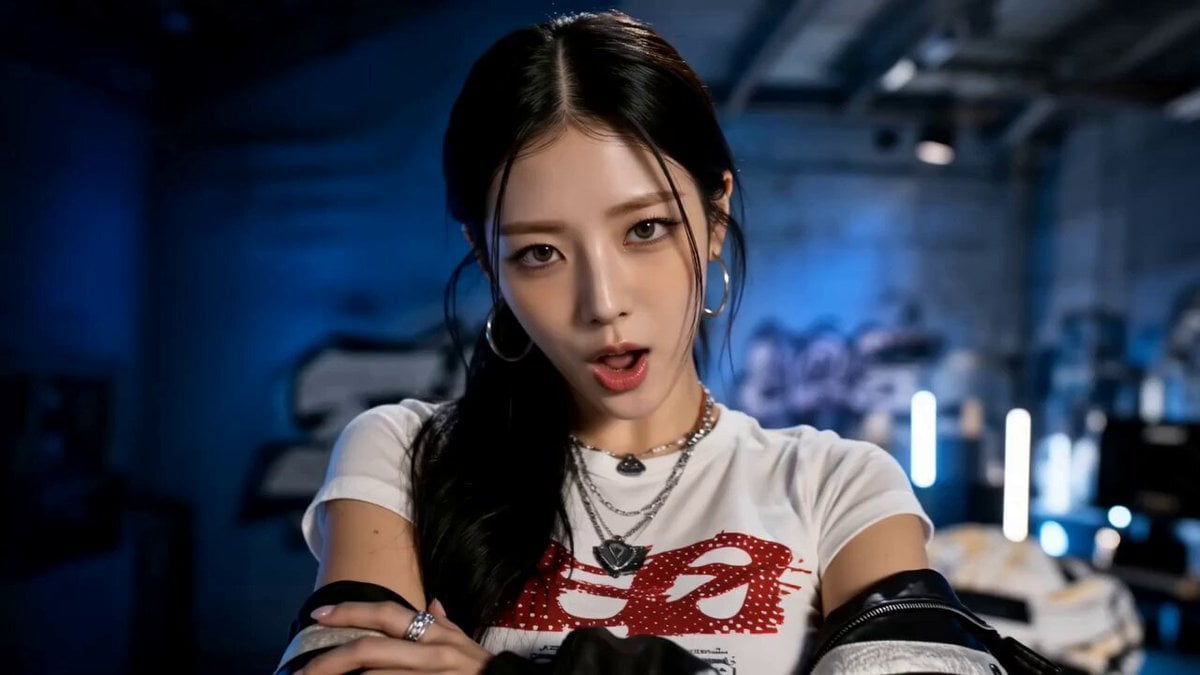
Seedance 2.5 - @AIwithkhan - 901550
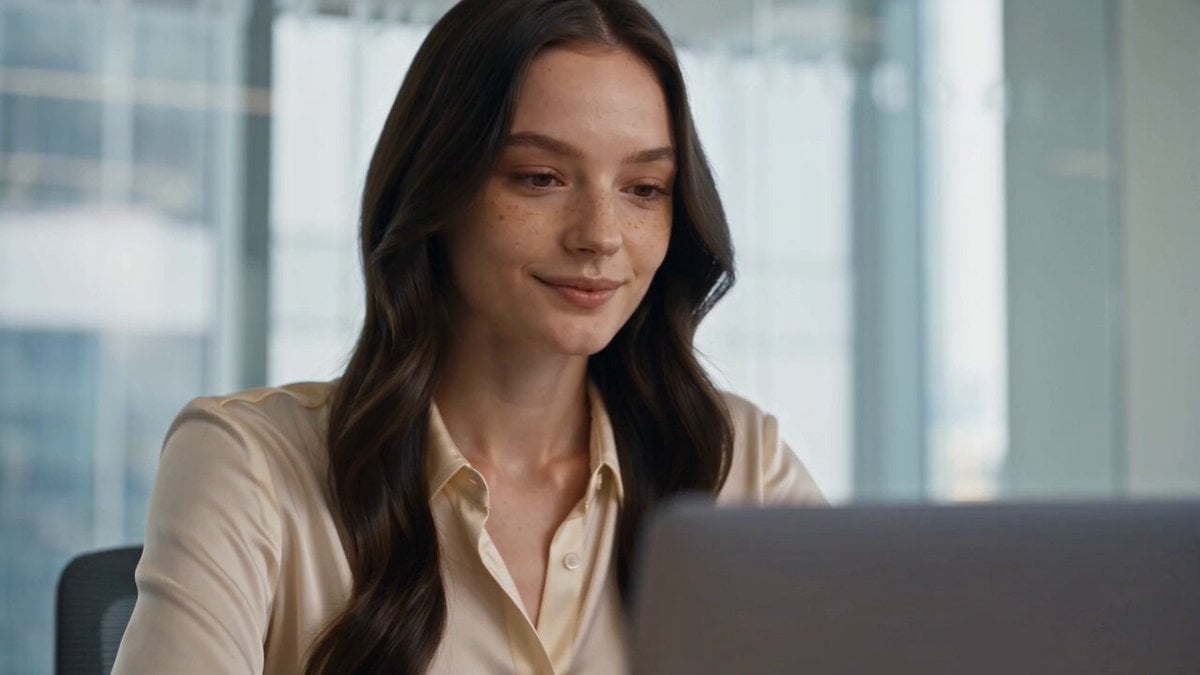
Seedance 2.5 - @AIwithkhan - 801709
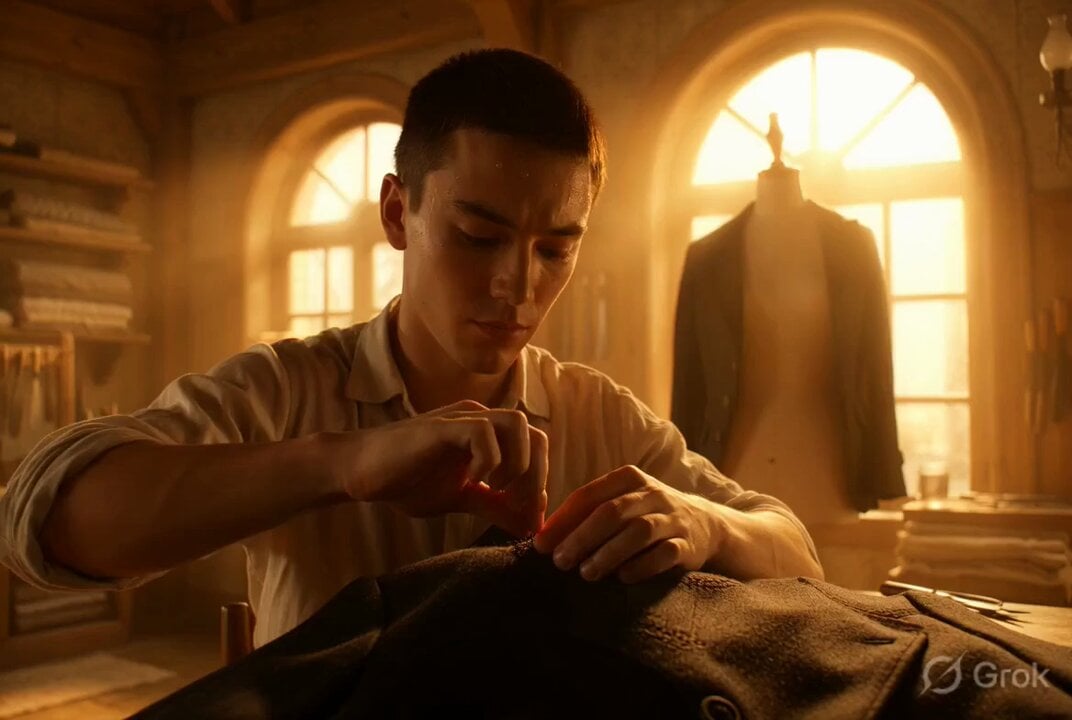
Photorealistic cinematic portrait of a young tailor
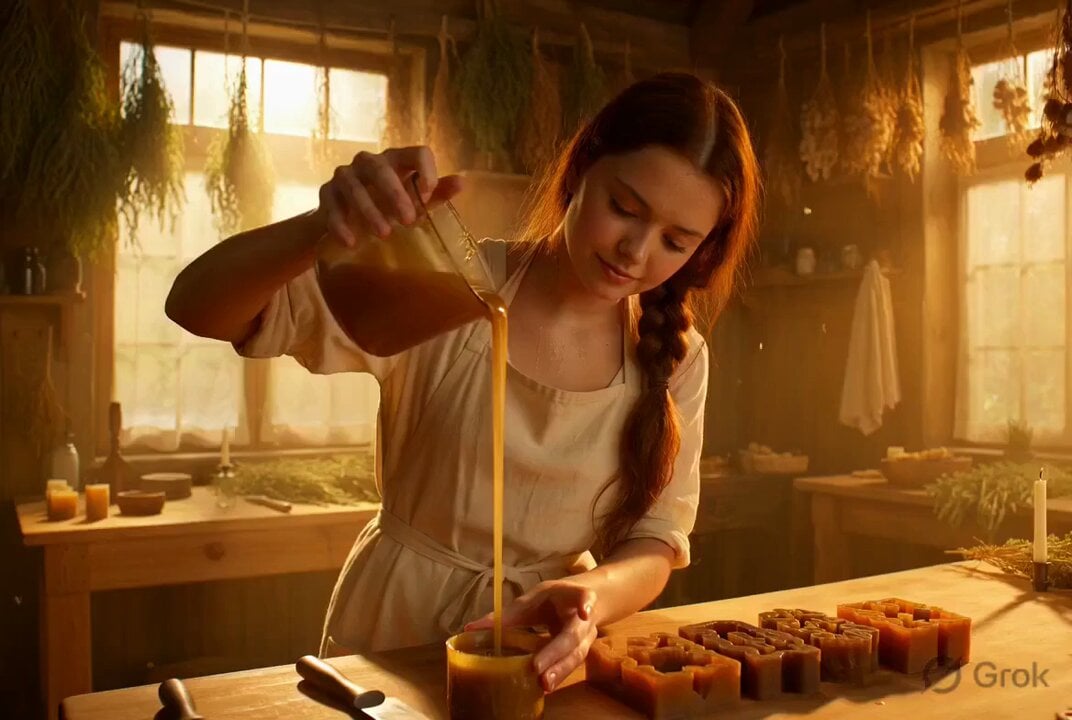
Photorealistic cinematic portrait of a gentle candle maker
Make it yours
Cinematic Portrait Study works as-is. These are the safest ways to change it without losing the look.
Change one field
Copy a single group, rewrite it, and generate again so you can see what that field is doing.
Keep the frame, change the subject
Hold the composition and light of Cinematic Portrait Study, then swap wardrobe, props or the person for a new take.
| If the result… | Why | Fix |
|---|---|---|
| The result drifts from the preview | Too many fields changed at once. | Reuse Cinematic Portrait Study as-is first, then change one group — subject, light, or setting. |
| The model over-stylizes the scene | The prose prompt leaves finish and camera underspecified. | Add one camera or lighting sentence and stay on Seedance 2.5. |
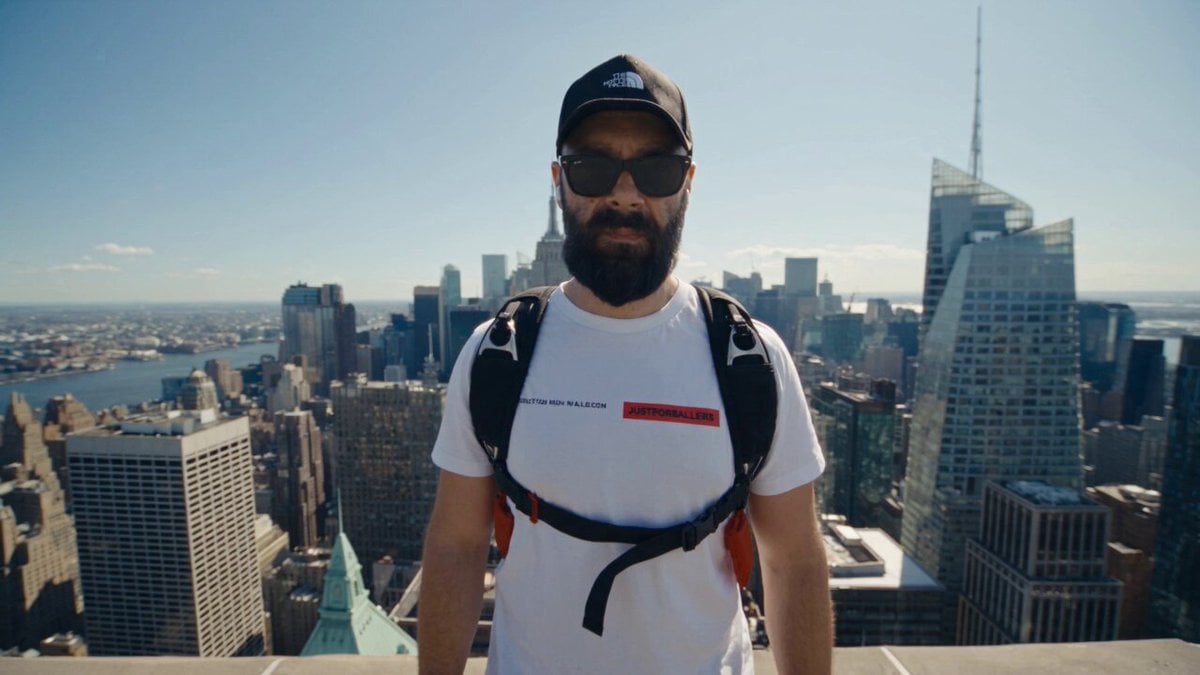
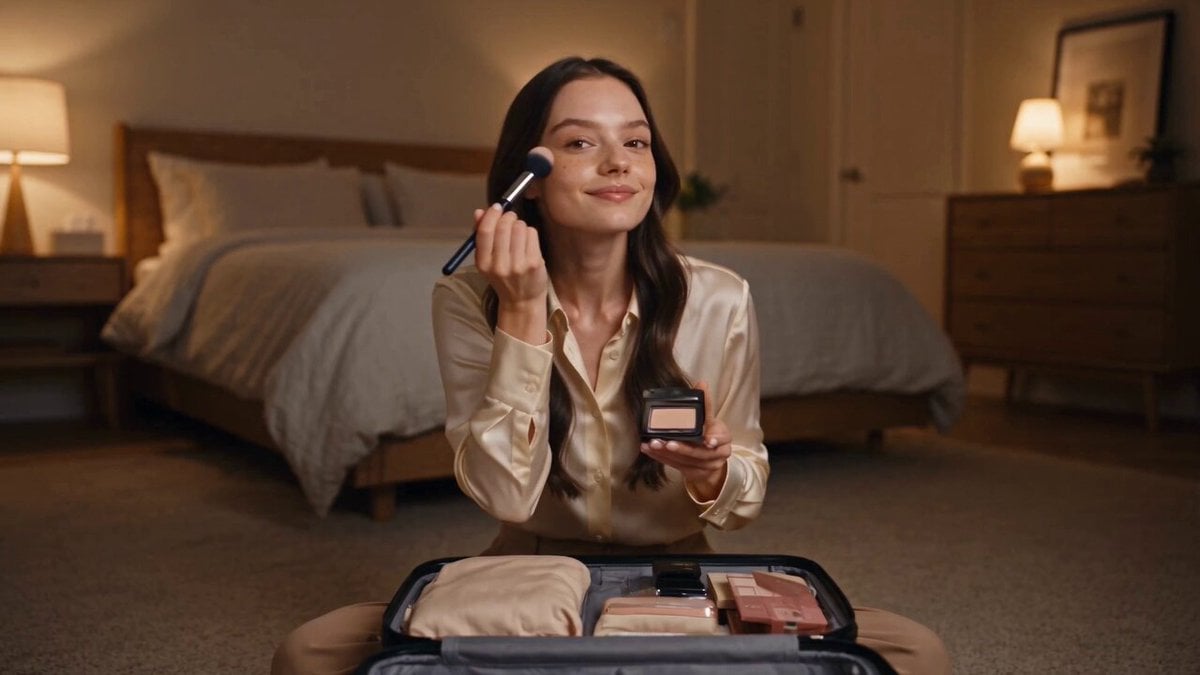
More Seedance 2.5 templates
Other prompts made for Seedance 2.5.

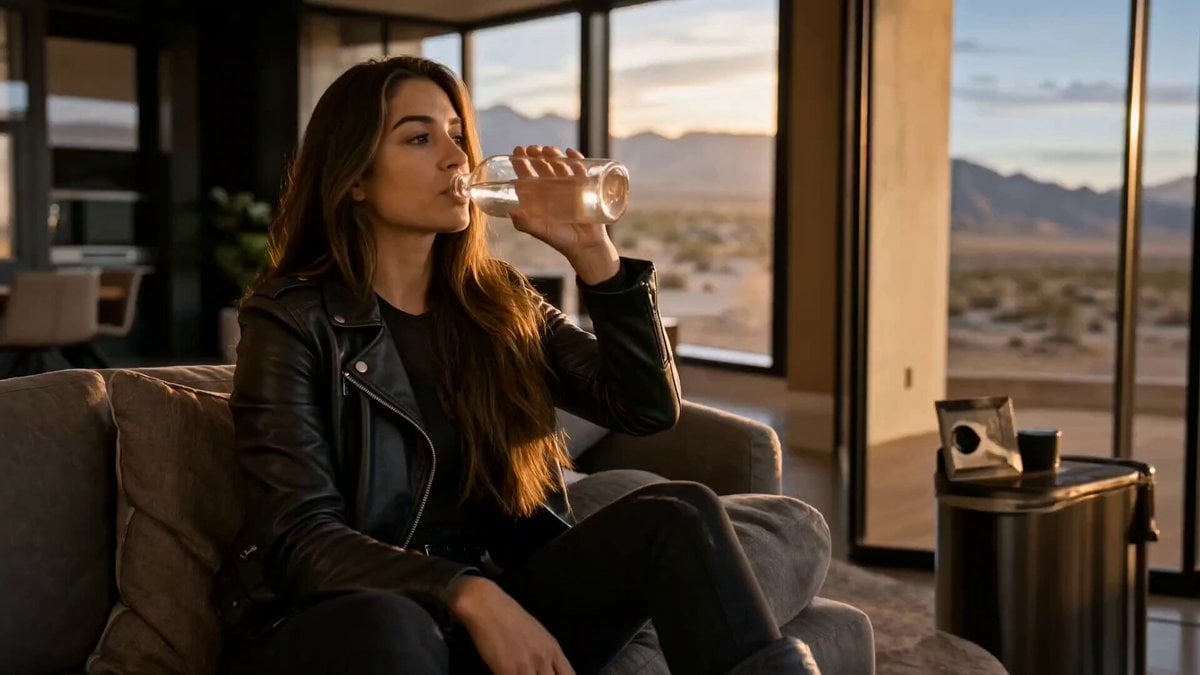

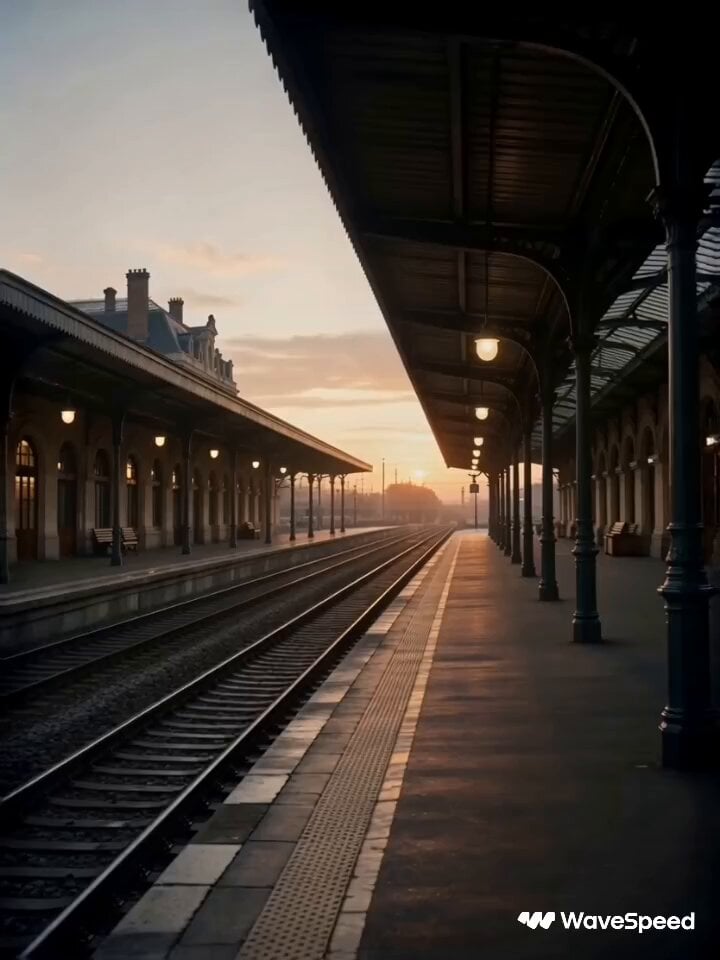
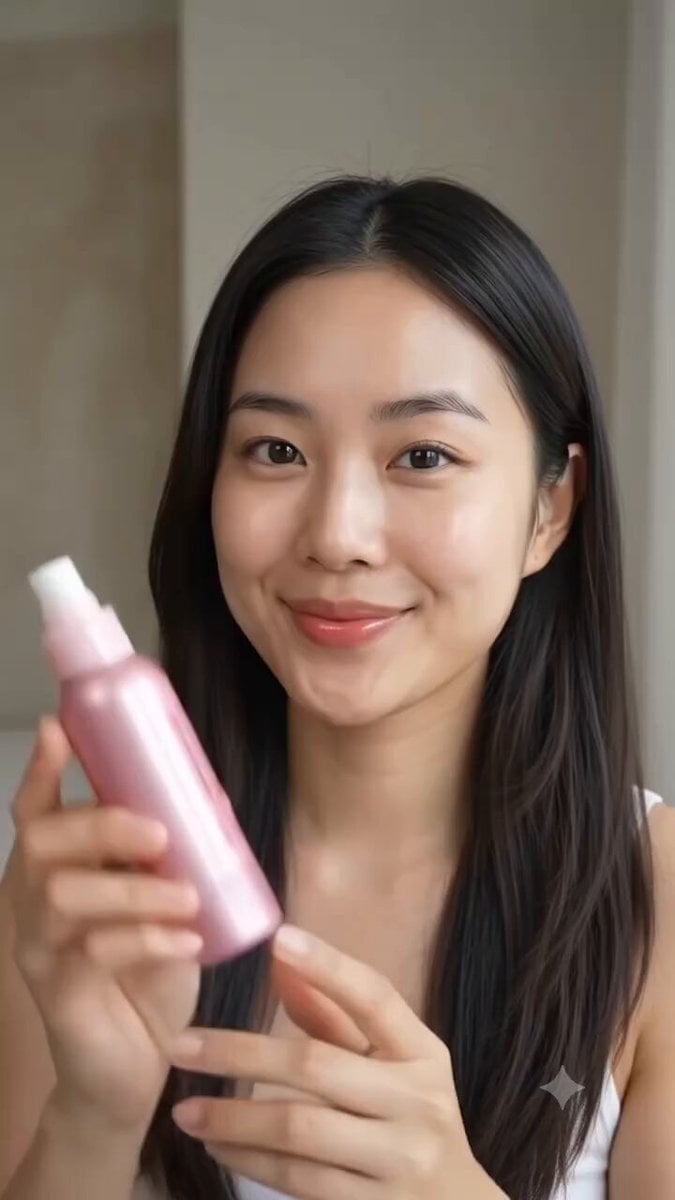
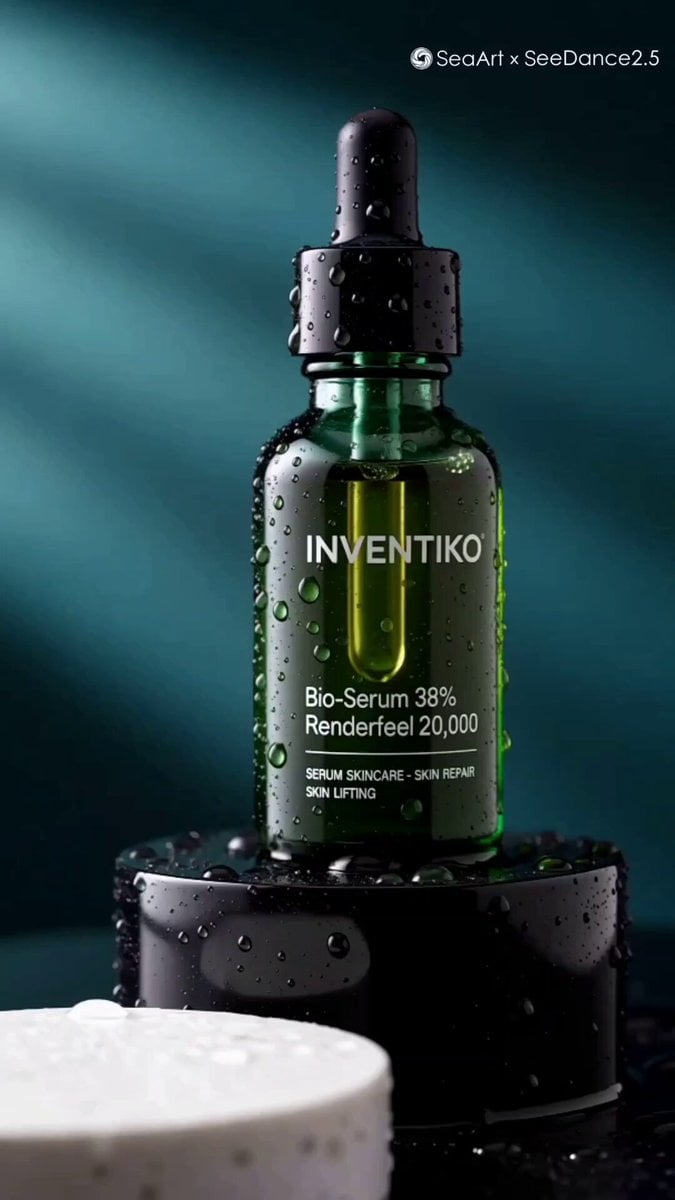
More video prompts
Fresh picks from across the catalog.
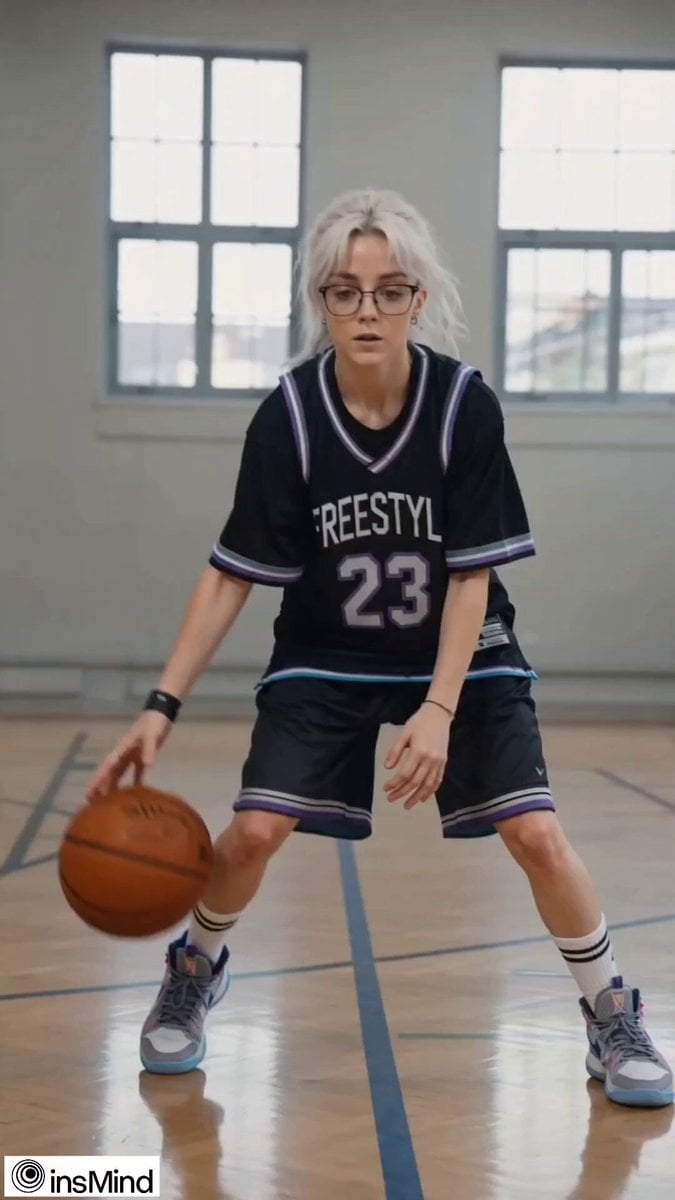
Teenage Girl Basketball Freestyle
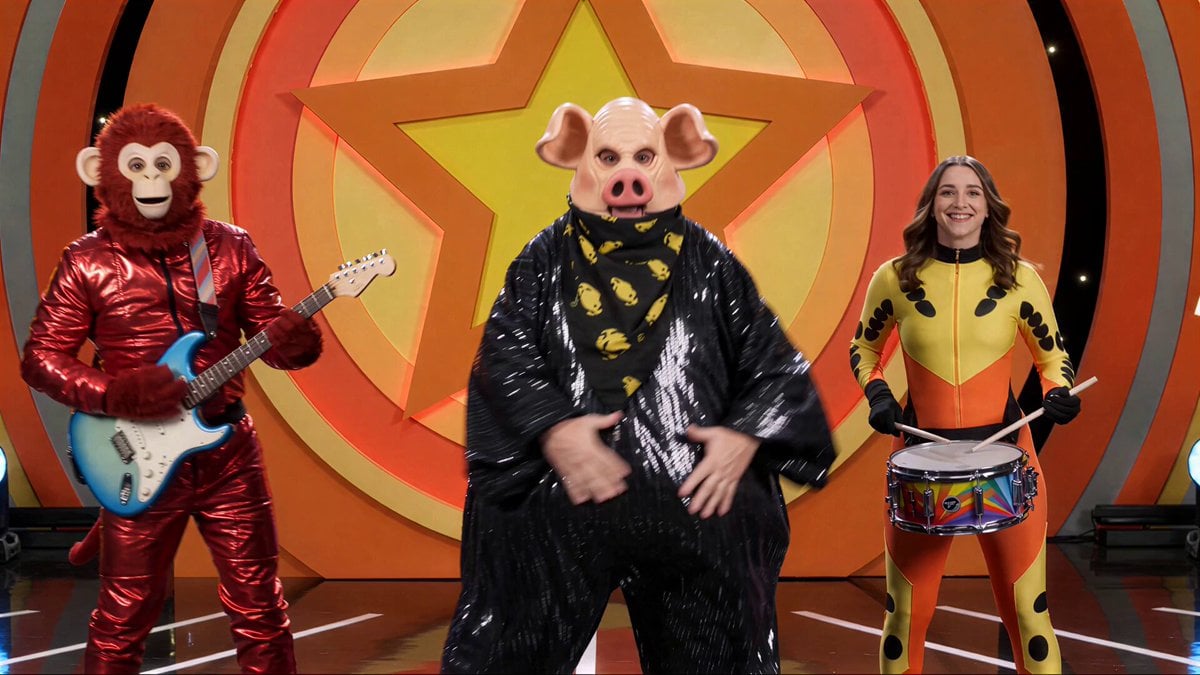
Kids TV Studio Pig Man Host Prompt

Tracking shot of armored muscle car in desert
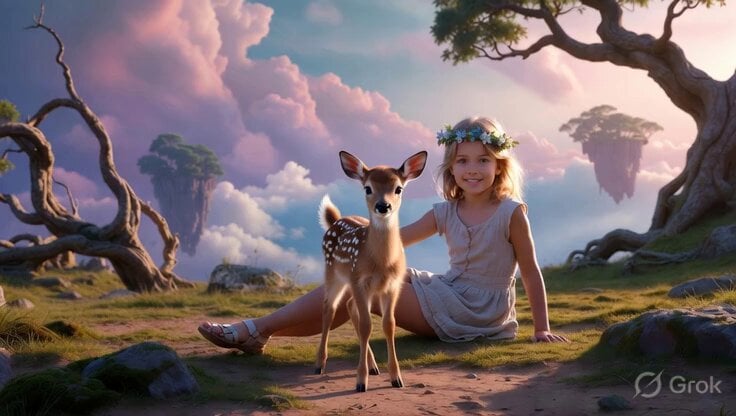
Kids and Deer in Meadow
Elevencreative Time Freeze
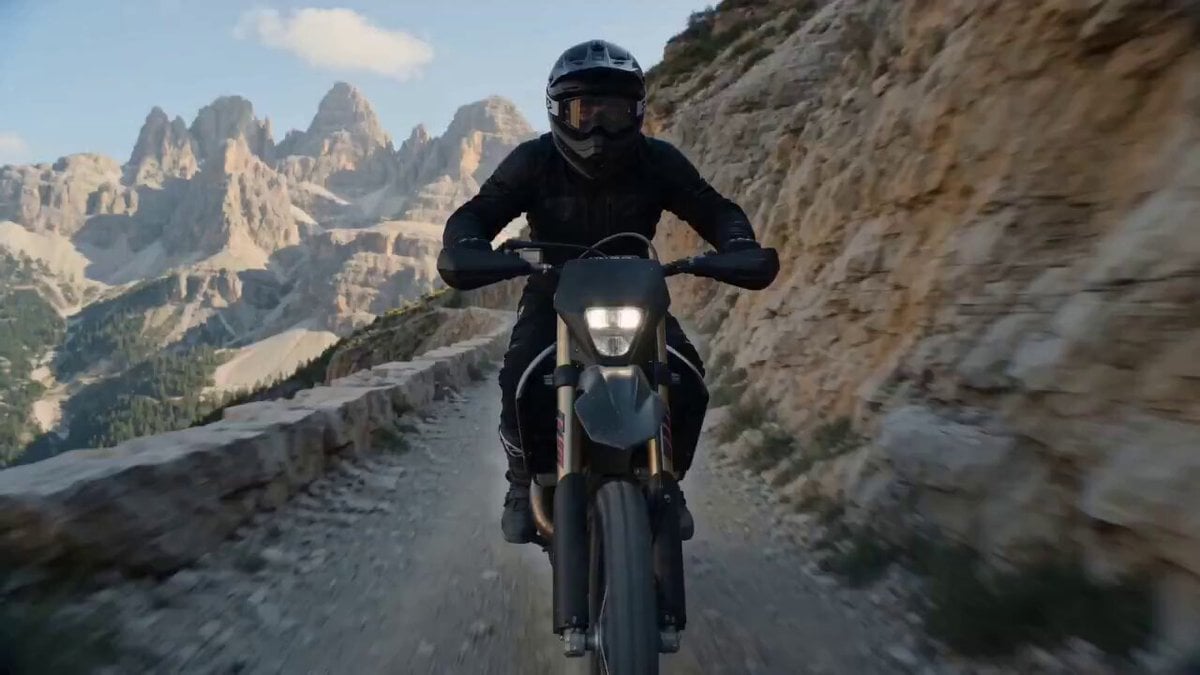
Cinematic Cliff Trail Motorcycle Action

Lop-Eared Bunny Takoyaki Chef

Woman floating down, opening eyes and looking deeply into the viewer's eyes
Majestic Glowing Whale Fantasy
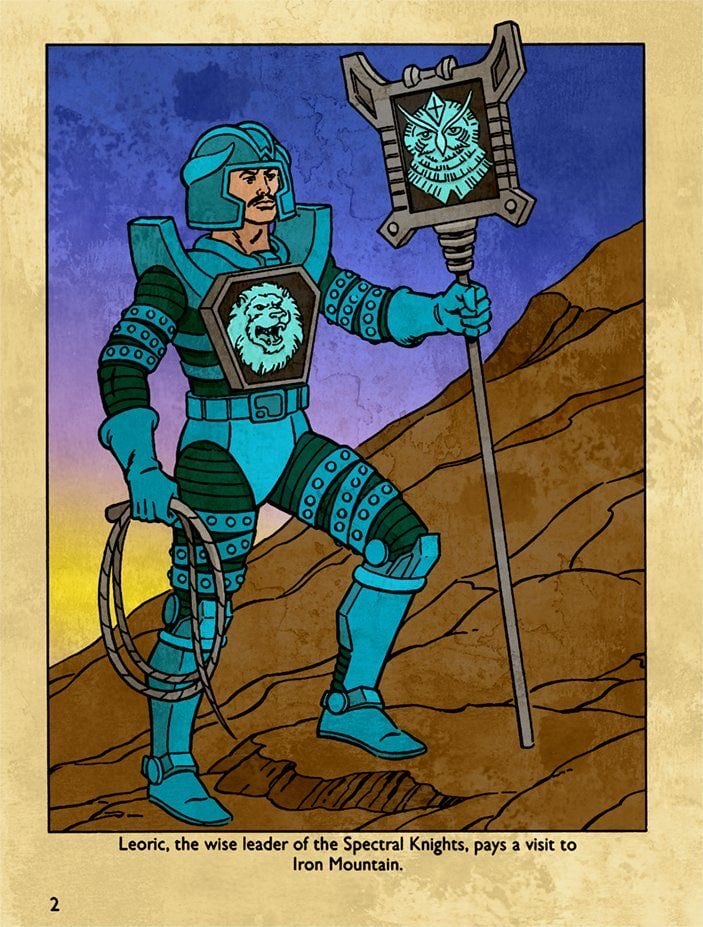
Hyper-Realistic Dune-Style Character Transformation
Browse template categories
Cinematic Portrait Study questions
How do I use the Cinematic Portrait Study template?
Add your photo if the template asks for one, edit the prompt if you like — the template's model and format are already selected — and press Generate. Your version opens in PicX Studio.
Can I customize the Cinematic Portrait Study template?
Yes. You can change the subject, setting, lighting, mood, format, and available model controls before creating your video.
Is the Cinematic Portrait Study template free?
Opening and editing this template is free. Generating uses credits, shown on the Generate button when you are signed in.
Which AI model should I use?
Start with Seedance 2.5, which is the model associated with this template. You can compare another compatible model for a different finish.
Looking for something else? Browse all templates.

Your photo, any look
Thousands of ready templates for every top image and video model, from one credit balance.