
Seedance 2.5 - @AIwithkhan - 901550
Seedance 2.5 video template .
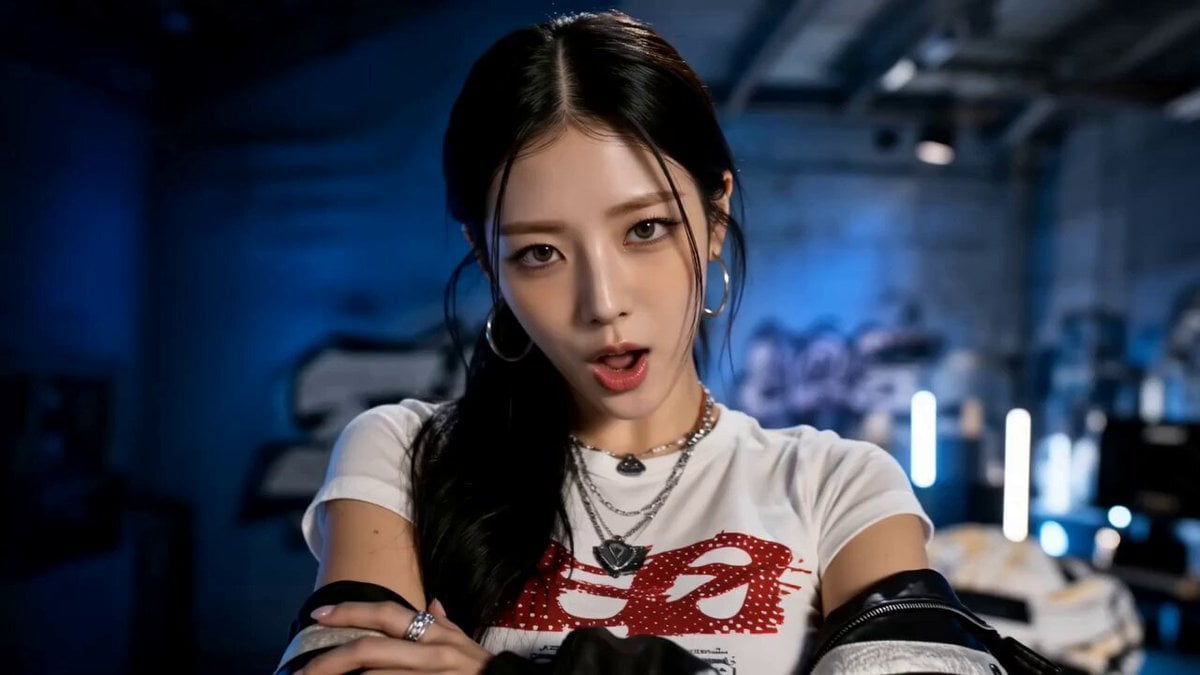
- Prompt included
- Model and format preset
- Free template
The prompt behind this video
Copy the exact prompt behind Seedance 2.5 - @AIwithkhan - 901550, or open it in the studio and make it yours.
Now listen to my rap 🎶 Seedance 2.5 just nailed it Prompt : Use the uploaded reference image as the exact character reference. Lock her facial identity, eye color, skin tone, hairstyle, makeup, body proportions, and overall appearance throughout the entire video. She has long black hair tied in a low ponytail, soft natural makeup, expressive grey-green eyes, and wears the same fitted white graphic baby tee, oversized denim shorts, white crew socks, chunky sneakers, silver hoop earrings, layered necklaces, rings, and an oversized black bomber jacket hanging loosely off her shoulders. Maintain perfect character consistency in every shot. Create a high-end American hip-hop/rap music video inside a premium photography studio transformed into a modern urban performance space. The set features a blue cyclorama backdrop, minimalist graffiti walls, a professional drum kit, vintage brown leather sofa, polished concrete floor, blue neon tube lights, industrial spotlights, subtle atmospheric haze, and cinematic contrast. The aesthetic should feel like a mainstream Western rap music video with luxury production value. The video opens with an ultra-wide close-up as she looks directly into the camera with a confident expression and folded arms. The camera quickly cuts to a dramatic side silhouette where she lowers her head, then raises it while making relaxed hip-hop hand gestures. A full-body wide-angle shot reveals her casually grooving to the beat, shoulders bouncing naturally as her oversized jacket shifts with realistic fabric movement. The camera circles around her in a handheld shoulder-mounted tracking shot while she confidently lip-syncs to the music with expressive facial performance. She points toward the lens, smiles slightly, then steps forward with effortless swagger. A dramatic low-angle hero shot emphasizes her presence as she spreads her arms confidently beneath glowing blue lights. She walks toward a professional drum kit, sits down naturally, and begins striking the drums energetically in perfect rhythm with the music. Fast cuts alternate between overhead, side, and close-up angles showing realistic stick movement, expressive reactions, and synchronized performance. The scene transitions to a blue roller shutter covered in minimalist graffiti where she squats casually with elbows resting on her knees, maintaining eye contact with the camera while continuing to rap confidently. The camera slowly pushes in from the side before cutting to her lounging effortlessly on a vintage brown leather sofa. She leans back comfortably, one arm stretched along the backrest, nodding naturally with the rhythm while continuing her performance. A dramatic side silhouette sequence follows with atmospheric haze and strong blue backlighting as she performs smooth body movements, expressive hand gestures, and confident lip-sync. Her hair moves naturally with subtle airflow while the camera glides around her using wide-angle lenses that enhance depth and energy. The final sequence returns to a full-stage performance. She stands center stage beneath powerful spotlights surrounded by drums, graffiti, neon tubes, and blue studio lighting. The camera slowly pulls backward while she delivers the final lyrics with bold attitude, ending in a confident pose as the lights fade behind her. Professional rap music video cinematography, cinematic handheld movement, wide-angle lens distortion, premium studio lighting, realistic skin texture, natural eye reflections, detailed hair strands, physically accurate lighting and shadows, authentic lip-sync performance, expressive body language, smooth choreography, realistic fabric simulation, high-end fashion editorial styling, luxury commercial quality, immersive urban atmosphere, 16:9 widescreen, no subtitles, no logos, no watermarks, no on-screen text.
How to use Seedance 2.5 - @AIwithkhan - 901550 in 3 steps
- 1Upload ImagePNG, JPG or paste
Add your photo
Upload the photo the template builds on. The prompt, model and format are already set.
- 2…a portrait of your subject in softgolden-hour light, 85mm…
Personalize
Edit the subject and creative details for your destination.
- 3Generate
Generate
Press Generate — your video is created in PicX Studio, so you can compare it with the original and refine one variable at a time.
More like this
Templates with the same subject, style or setup. Open one to see its prompt.
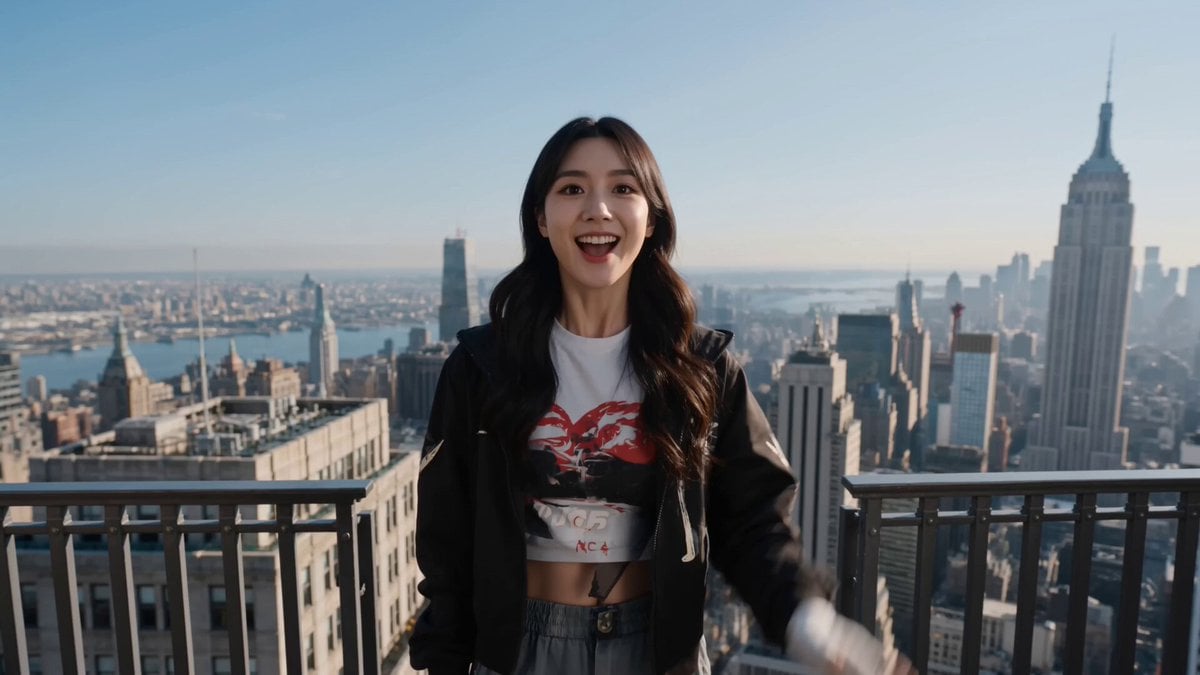
Seedance 2.5 - @AIwithkhan - 728160
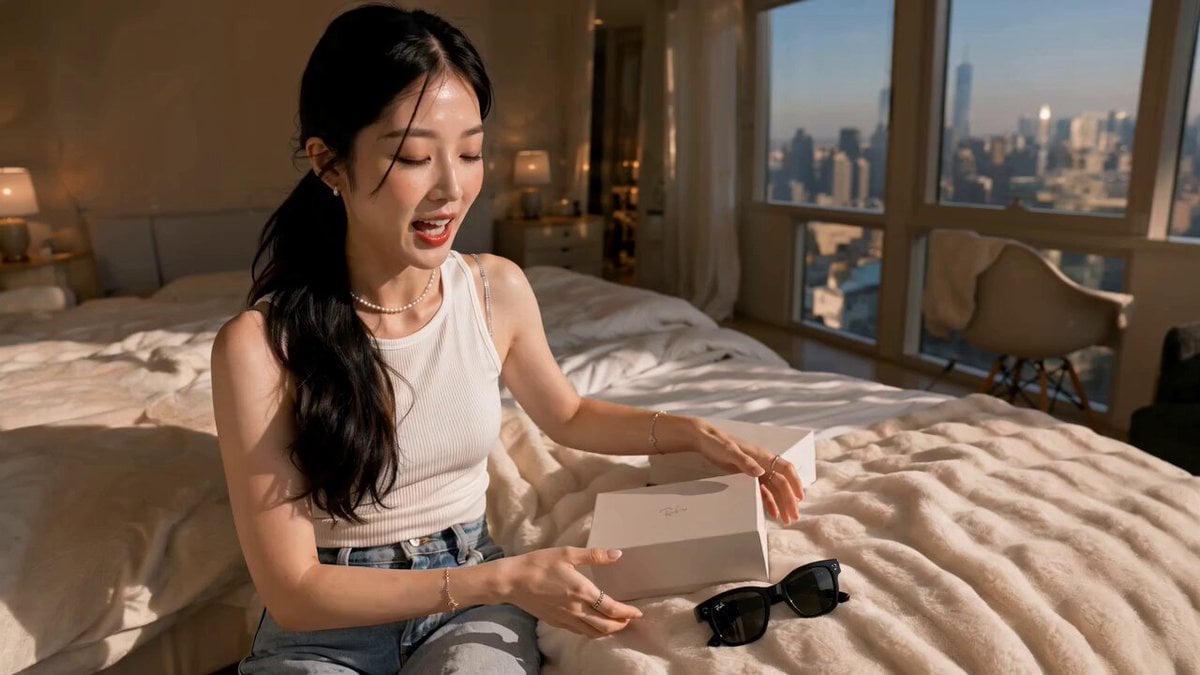
Seedance 2.5 - @AIwithkhan - 275231
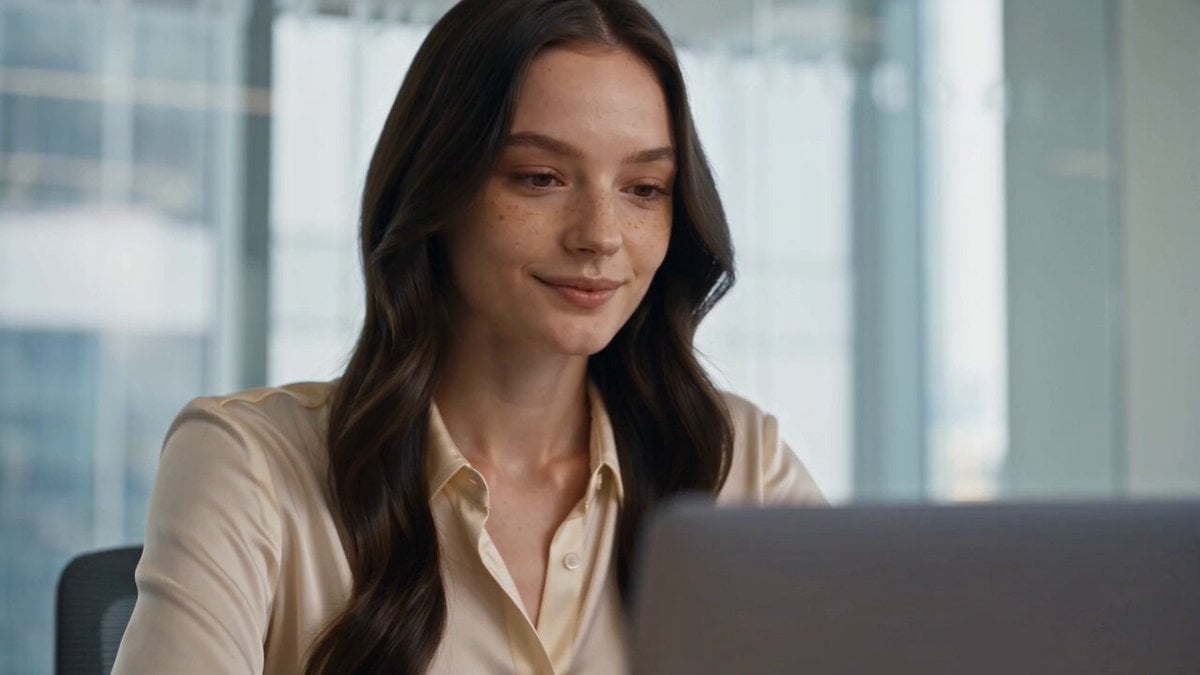
Seedance 2.5 - @AIwithkhan - 801709

Kaleidoscopic Cosmic Dolphin Video

Horror Daffy Duck Video Transition

America 250th Anniversary Celebration

Glowing Water Forest Night Prompt

Soft Pink Roses Dreamer Prompt

Ninja Wizard Levitation Jump

Coffee Cup Interaction Motion

Voice Controlled Water Animation

Pterodactyl Transformation Journey
Make it yours
Seedance 2.5 - @AIwithkhan - 901550 works as-is. These are the safest ways to change it without losing the look.
Change one field
Copy a single group, rewrite it, and generate again so you can see what that field is doing.
Keep the frame, change the subject
Hold the composition and light of Seedance 2.5 - @AIwithkhan - 901550, then swap wardrobe, props or the person for a new take.
| If the result… | Why | Fix |
|---|---|---|
| The result drifts from the preview | Too many fields changed at once. | Reuse Seedance 2.5 - @AIwithkhan - 901550 as-is first, then change one group — subject, light, or setting. |
| The model over-stylizes the scene | The prose prompt leaves finish and camera underspecified. | Add one camera or lighting sentence and stay on Seedance 2.5. |
More Seedance 2.5 templates
Other prompts made for Seedance 2.5.

Wholesome Puppy and Kitten Story - Seedance 2.5
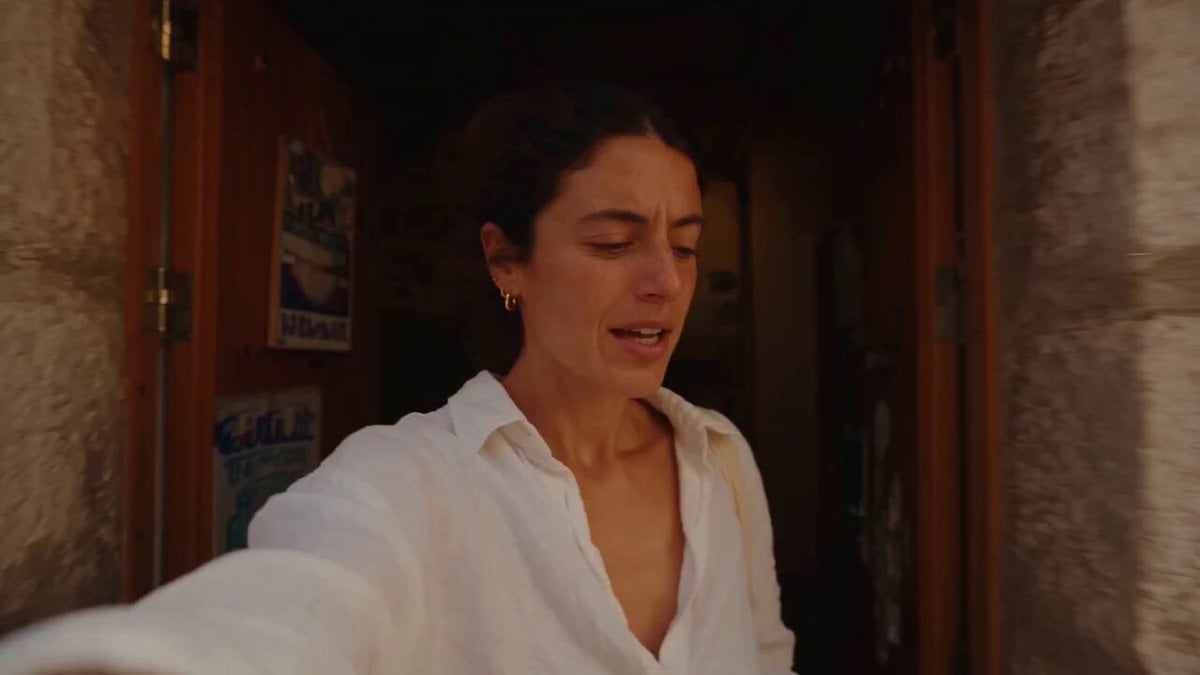
Mediterranean Coffee Run Vlog - Seedance 2.5
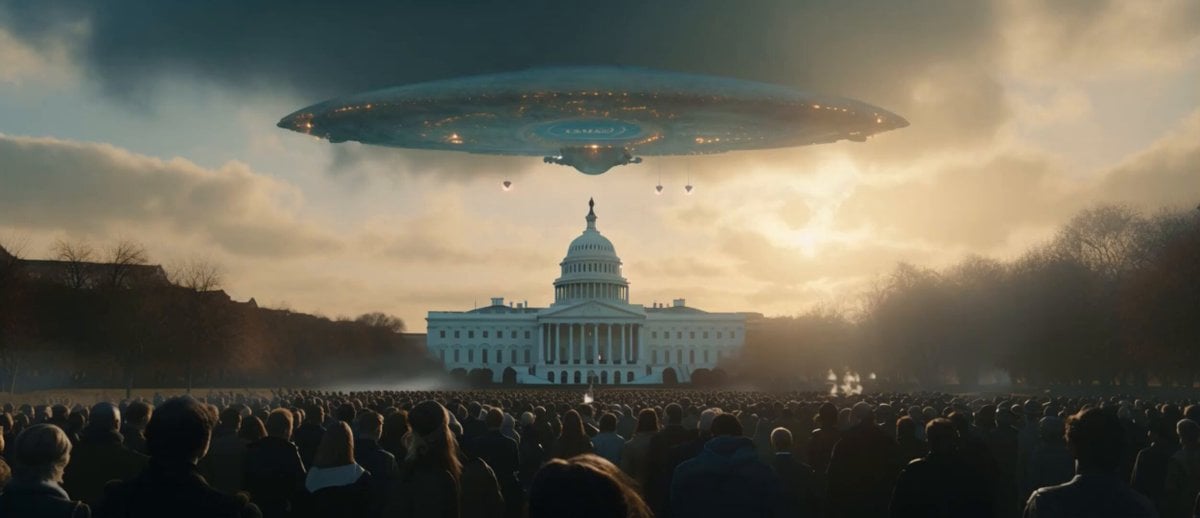
Sci-Fi Disaster Movie Scene - Seedance 2.5

Mysterious Home Exploration Vlog - Seedance 2.5
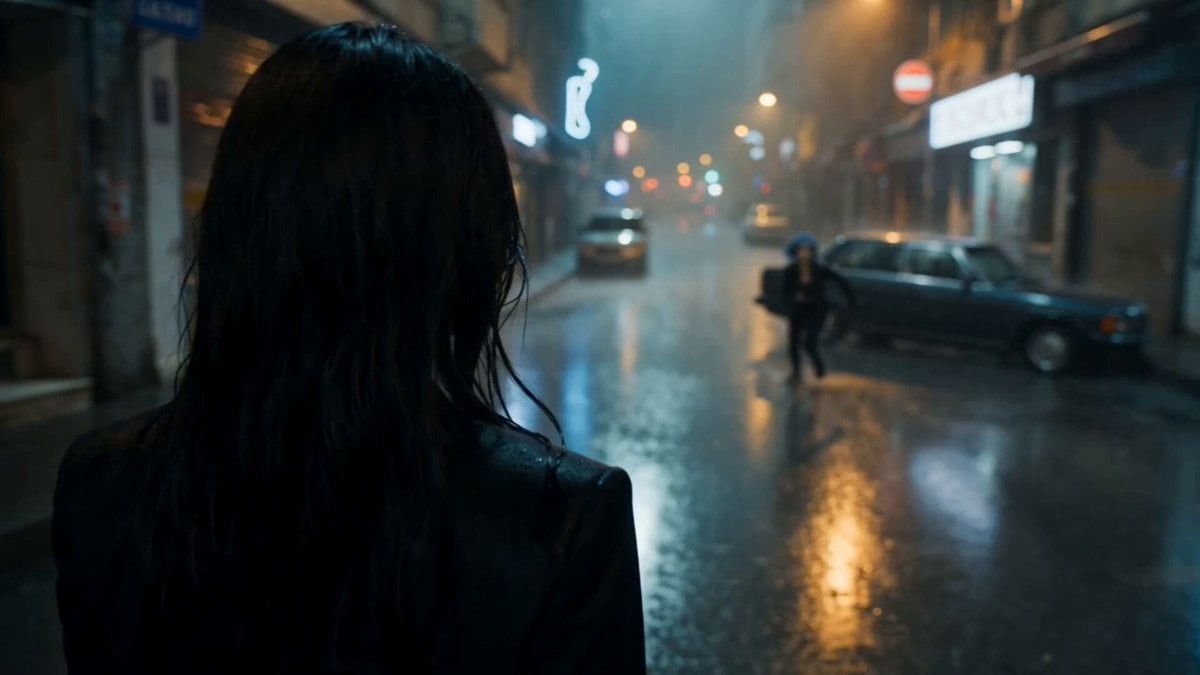
Cinematic Istanbul Night Fight - Seedance 2.5

Magical Room Transformation - Seedance 2.5

Dark Tokusatsu Transformation - Seedance 2.5
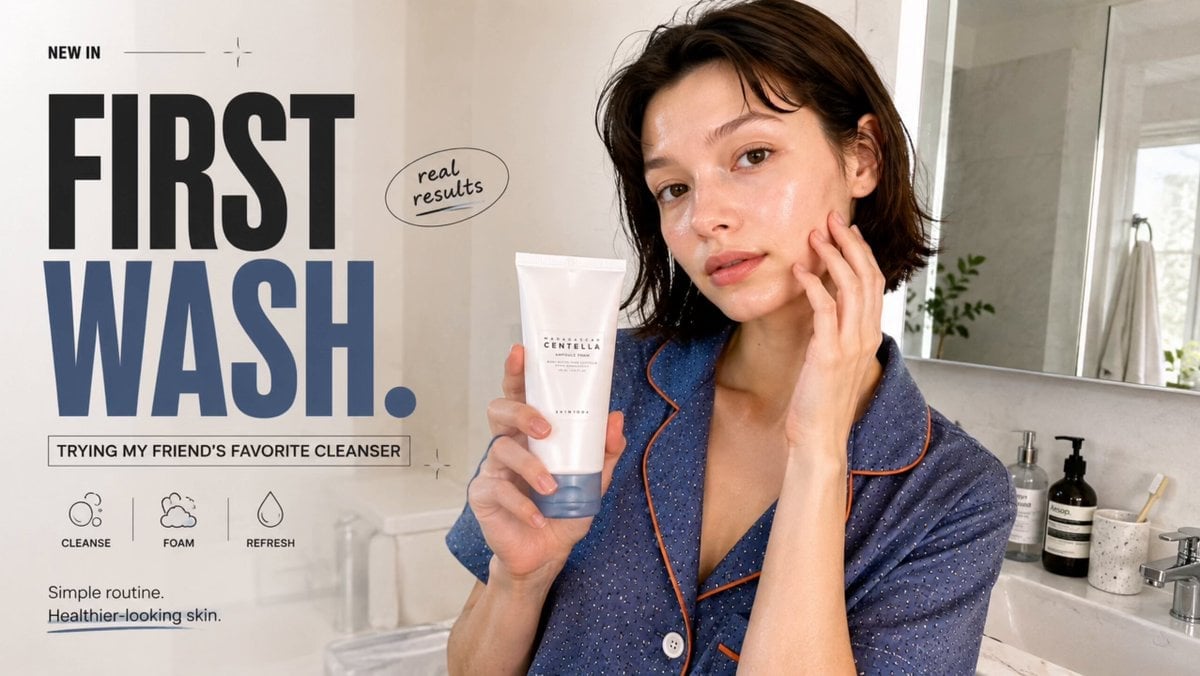
Realistic UGC Cleanser Review - Seedance 2.5
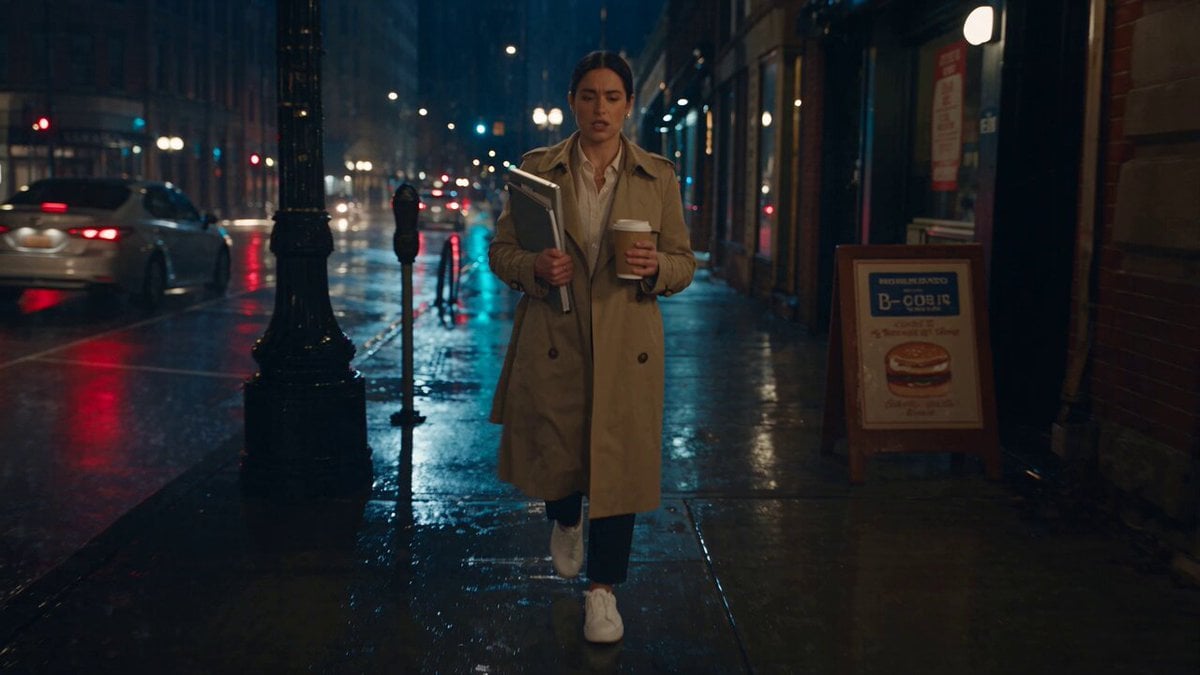
Viking in Modern America Comedy - Seedance 2.5
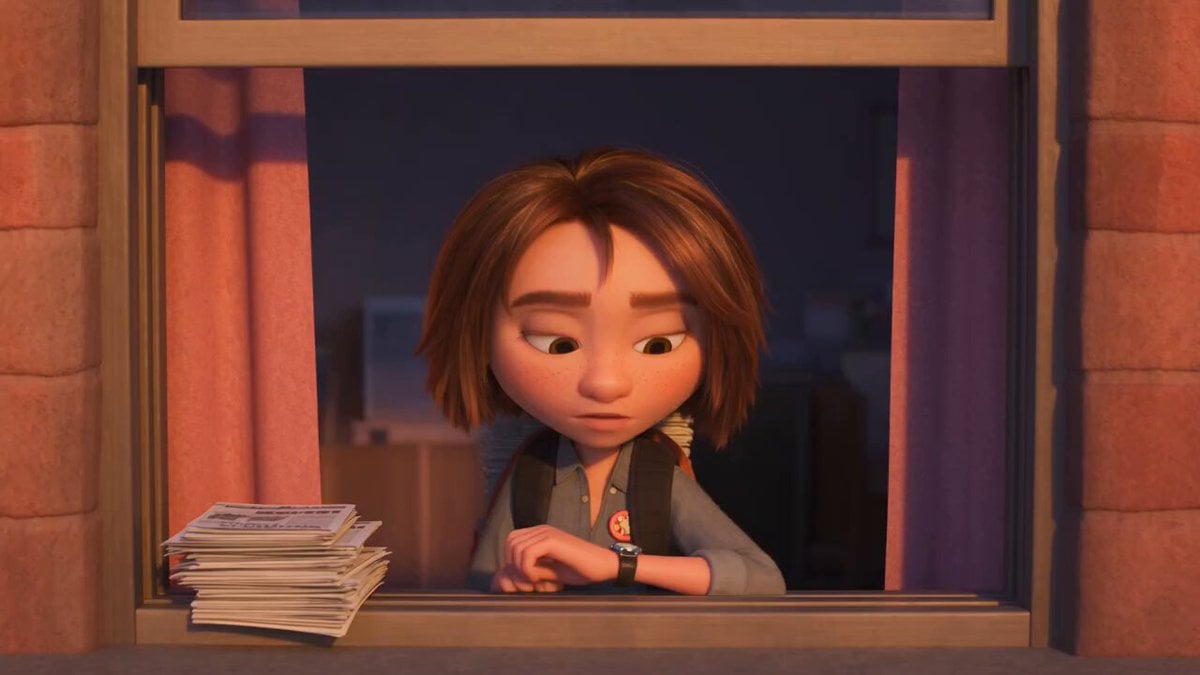
3D Animated Newspaper Delivery Short - Seedance 2.5
More video prompts
Fresh picks from across the catalog.

Scandinavian Interior Real Estate Tour
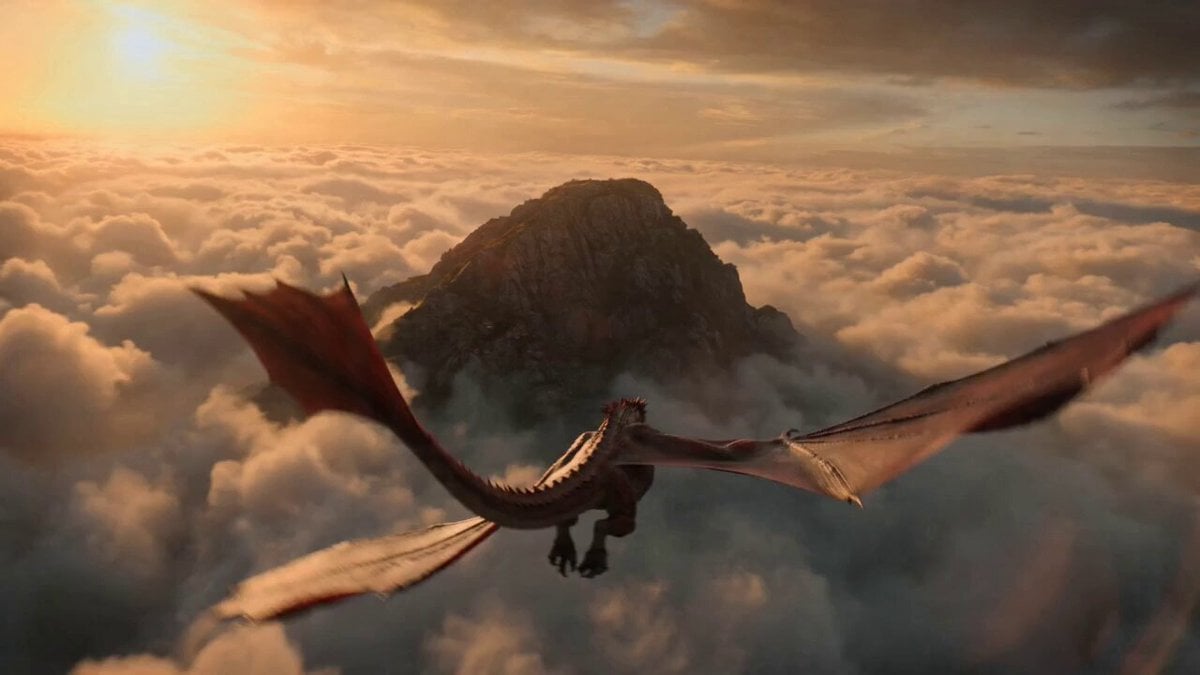
Impossible Fantasy War Shot Video Prompt
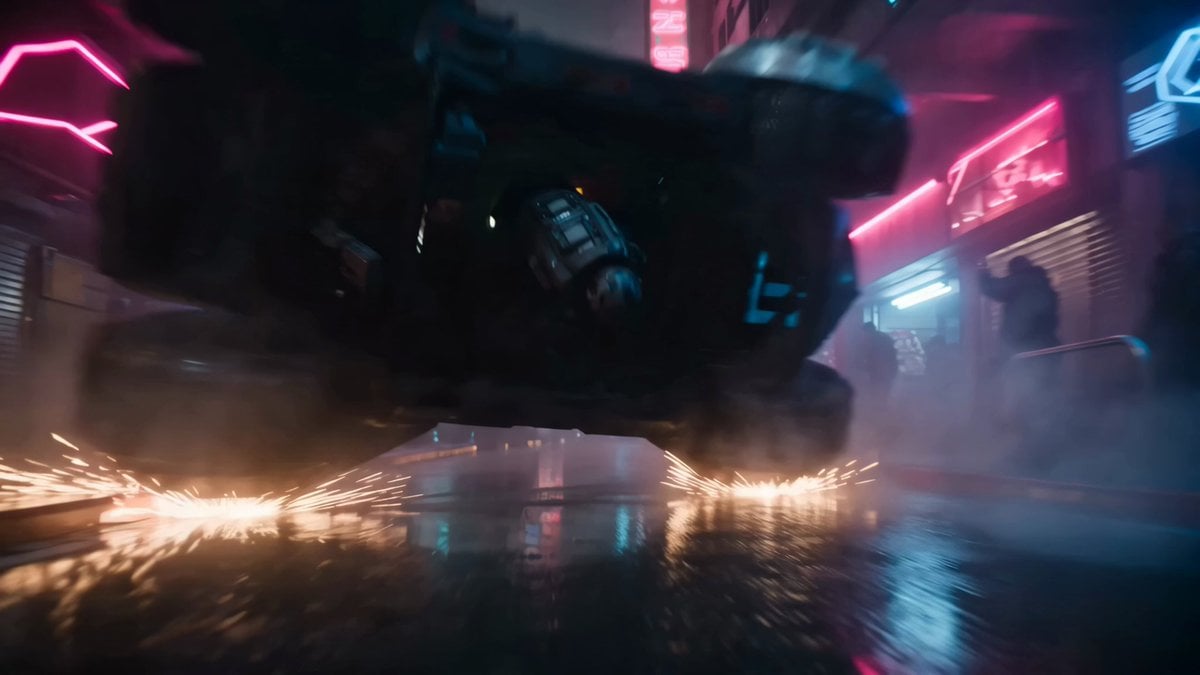
Bounty Hunter Neon Action Sequence
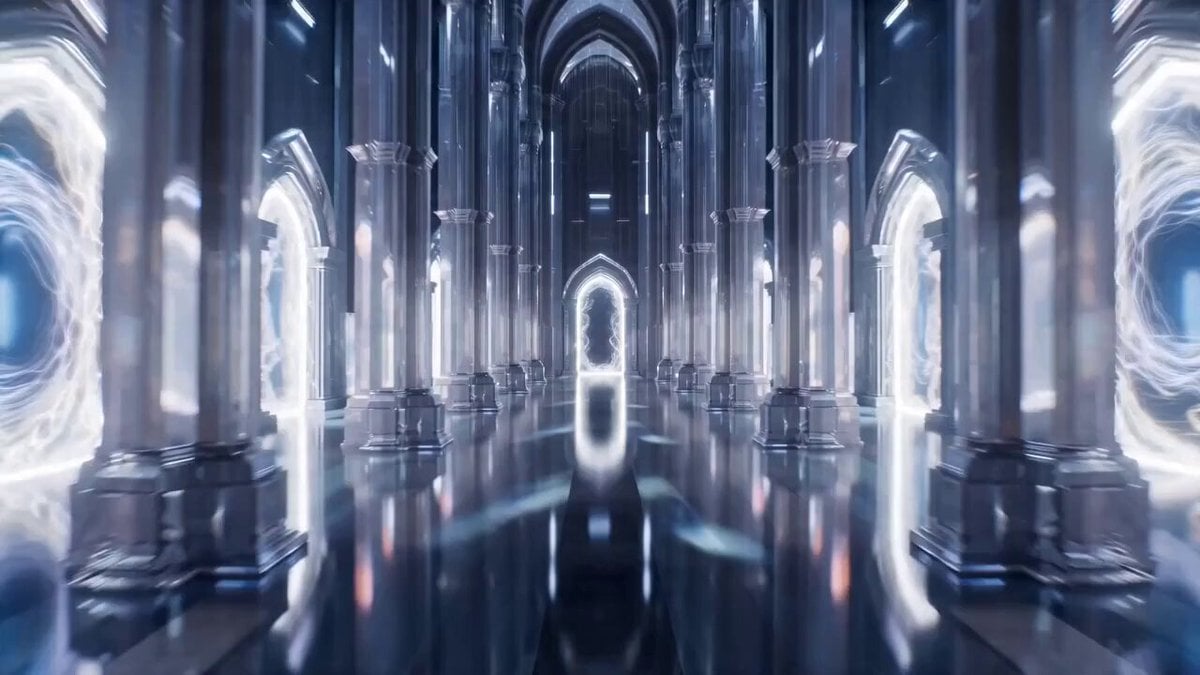
Infinite Palace Multiverse Portals

Continuous Character Transformation Sequence
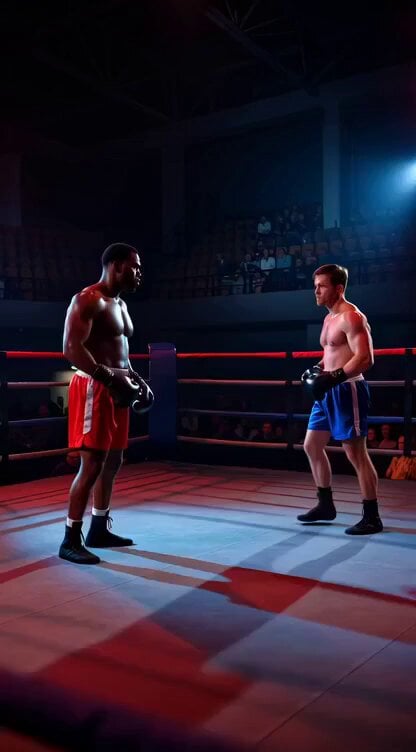
Boxing knockout climax video prompt
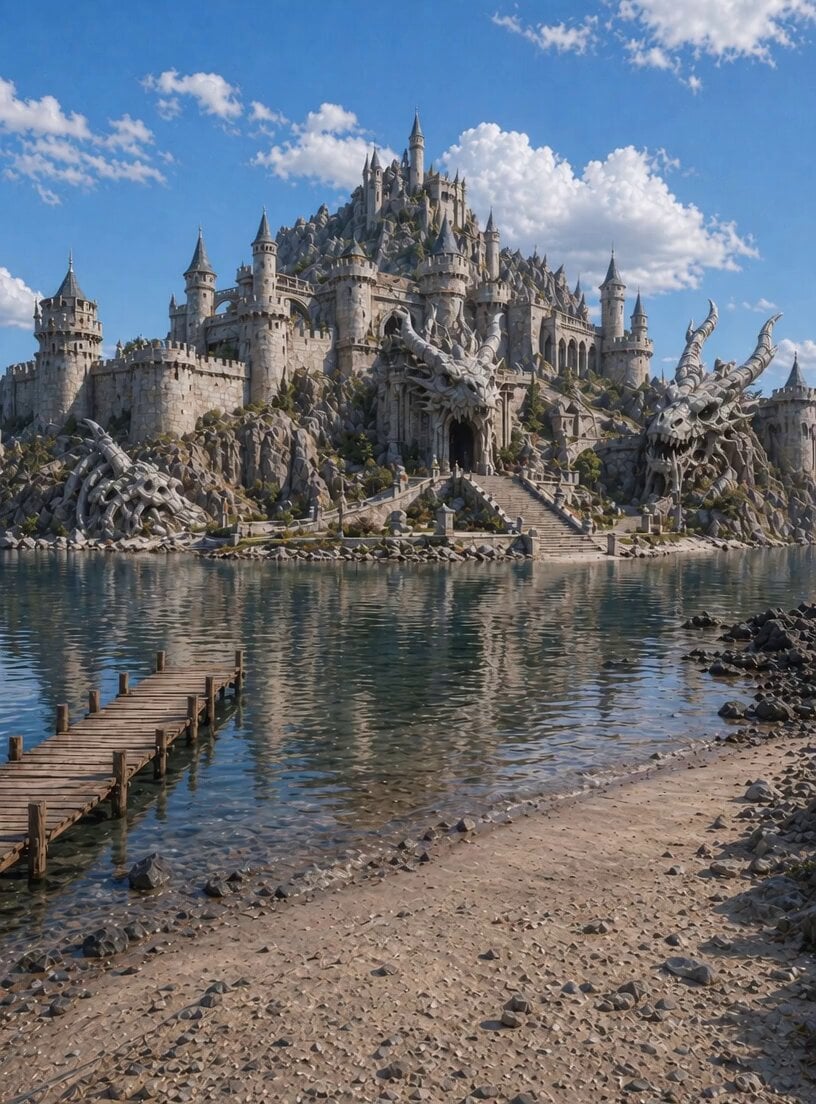
Static Lagoon Camera Setup Video Prompt

4DX Cinema Shark Attack Simulation
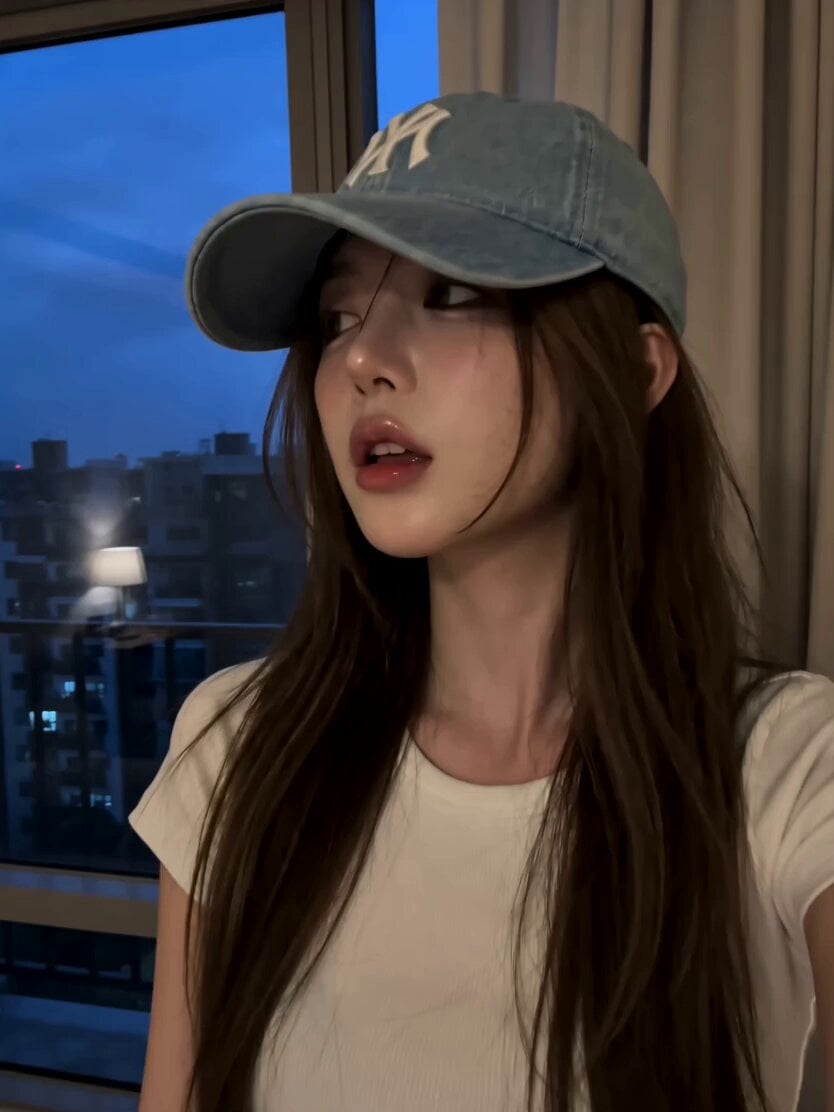
Korean Beauty Bedroom Vlog Selfie
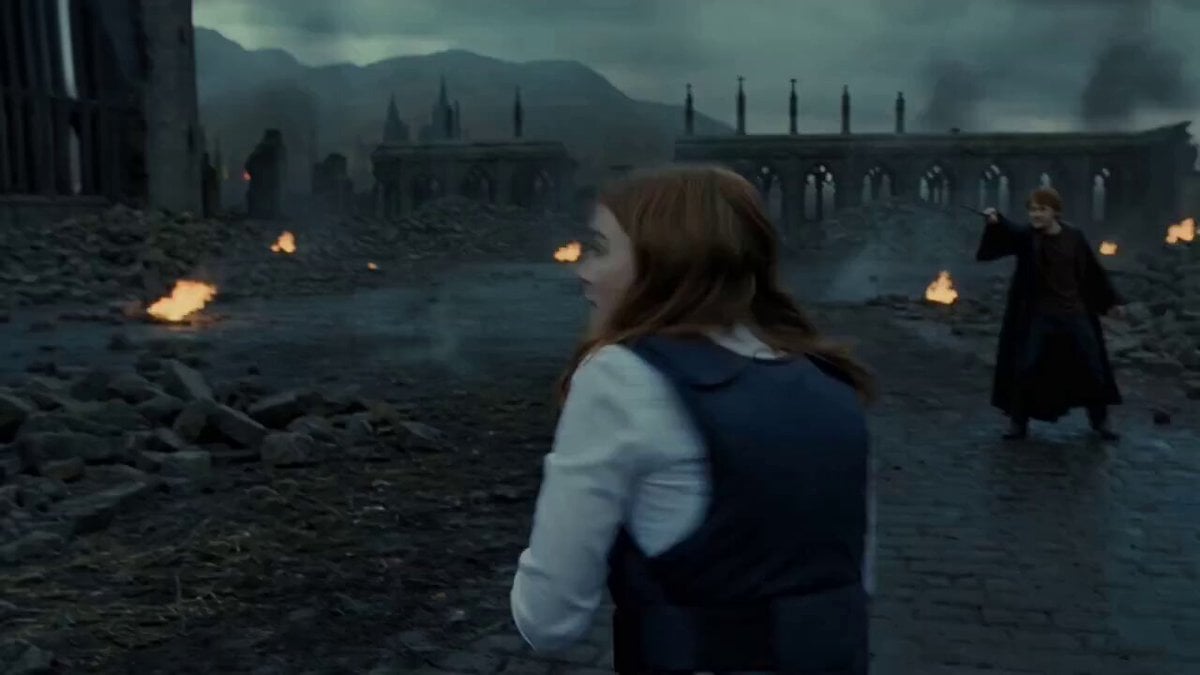
Harry Potter Final Battle Scene
Browse template categories
Seedance 2.5 - @AIwithkhan - 901550 questions
How do I use the Seedance 2.5 - @AIwithkhan - 901550 template?
Add your photo if the template asks for one, edit the prompt if you like — the template's model and format are already selected — and press Generate. Your version opens in PicX Studio.
Can I customize the Seedance 2.5 - @AIwithkhan - 901550 template?
Yes. You can change the subject, setting, lighting, mood, format, and available model controls before creating your video.
Is the Seedance 2.5 - @AIwithkhan - 901550 template free?
Opening and editing this template is free. Generating uses credits, shown on the Generate button when you are signed in.
Which AI model should I use?
Start with Seedance 2.5, which is the model associated with this template. You can compare another compatible model for a different finish.
Looking for something else? Browse all templates.

Your photo, any look
Thousands of ready templates for every top image and video model, from one credit balance.