How do I use the Impossible Fantasy War Shot Video Prompt template?
Edit the prompt in the box under the preview — the template's model and format are already selected — and press Generate. Your version appears right on this page.
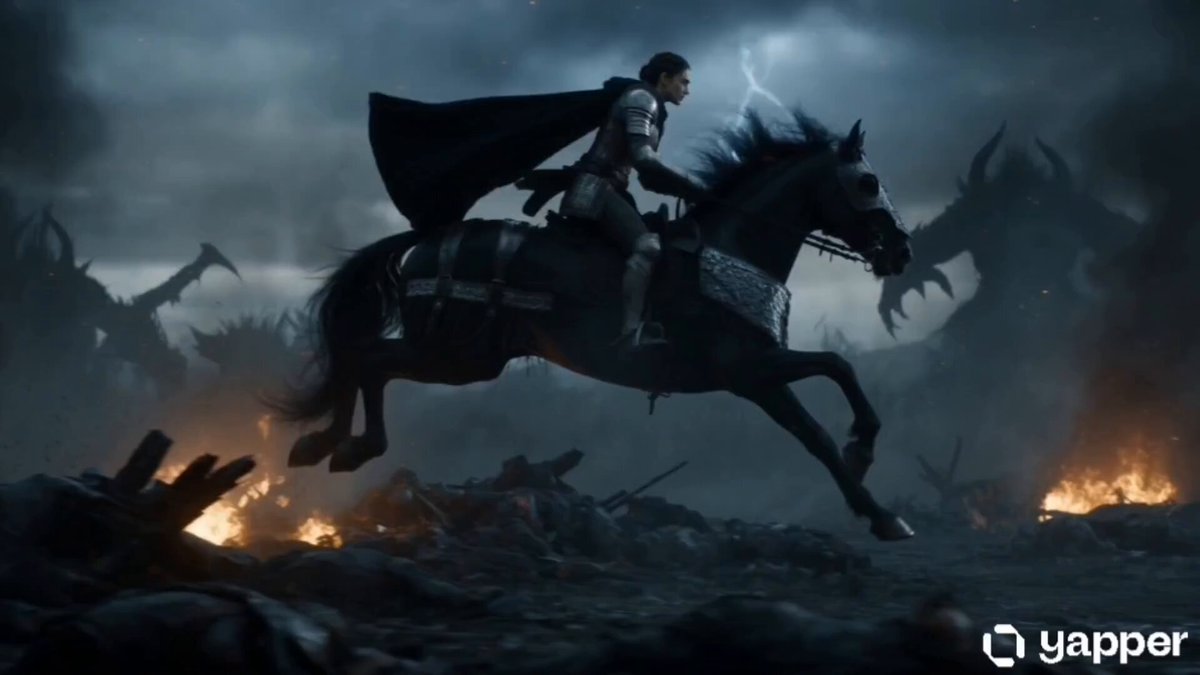
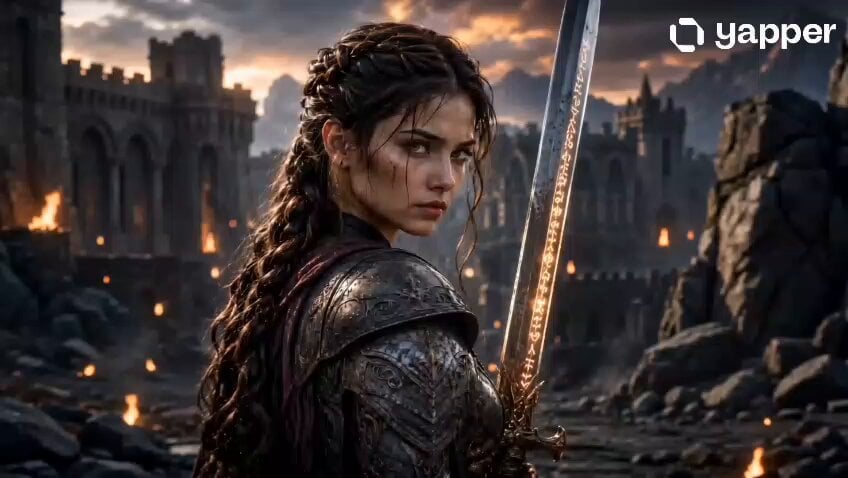
A highly descriptive prompt for Seedance 2.0 generating a 15-second, continuous, impossible camera move through an epic fantasy war scene, starting with a colossal dragon and diving down into a massive battlefield.
- 15-second impossible fantasy war shot. At golden sunset above a sea of clouds, a colossal crimson dragon circles over a mountain battlefield. The camera races toward the dragon, passes between its half-folded wings and along its spine, then dives off the edge of the mountain into the war below. It falls through clouds, projectile trails, and smoke columns, then levels out just above the battlefield, skimming across cavalry charges, shattered chariots, and exploding dust before pulling up over a river of soldiers colliding head-on. Huge scale change, impossible velocity, dragon and battlefield fully connected in one continuous move, epic fantasy realism.
- 15-second impossible fantasy war shot. At golden sunset above a sea of clouds, a colossal crimson dragon circles over a mountain battlefield. The camera races toward the dragon, passes between its half-folded wings and along its spine, then dives off the edge of the mountain into the war below. It falls through clouds, projectile trails, and smoke columns, then levels out just above the battlefield, skimming across cavalry charges, shattered chariots, and exploding dust before pulling up over a river of soldiers colliding head-on. Huge scale change, impossible velocity, dragon and battlefield fully connected in one continuous move, epic fantasy realism.
Edit the prompt in the box under the preview — the template's model and format are already selected — and press Generate. Your version appears right on this page.
Yes. You can change the subject, setting, lighting, mood, format, and available model controls before creating your video.
Opening and editing this template is free. Generating uses credits, shown on the Generate button when you are signed in.
Start with Seedance 2.0, which is the model associated with this template. You can compare another compatible model for a different finish.
Follow a topic to a crawlable collection of related PicX Studio templates.