
Kinetic Typography Watch Commercial
A high-energy 8-second commercial for a luxury watch, featuring bold kinetic typography that interacts with camera motion and speed ramps.
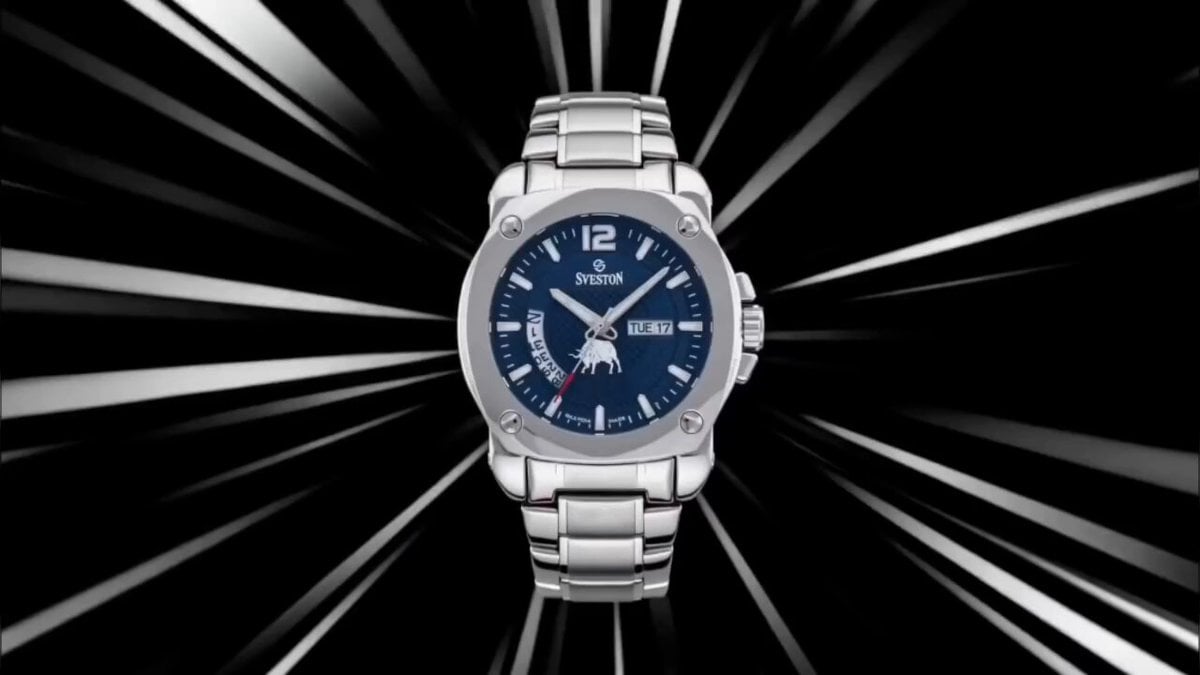
- Prompt included
- Model and format preset
- Free template
The prompt behind this video
Copy the exact prompt behind Kinetic Typography Watch Commercial, or open it in the studio and make it yours.
Camera Simulation: High-contrast cinematic commercial style with kinetic typography integration. 50mm lens. Sharp highlights, deep blacks. Motion blur and speed ramps. Typography interacts with motion and camera. Single 8-second high-energy sequence. Fast rhythm with controlled pauses. Seamless motion. 00:00–00:00.5 · Typographic Impact Hook Black screen → bold text slams into frame: “TIME.” Large, uppercase, centered. Immediate impact. Slight motion blur. 00:00–00:01 · First Product Flash The watch streaks past frame with motion blur behind the text. The word “TIME” subtly distorts as the product passes through it. 00:00–00:01.8 · Kinetic Typography Build Words appear in sequence with motion: “PRECISION” “POWER” “SPEED” Each word enters with a different motion style (slide, scale, rotation). The watch appears briefly between words. 00:00:01.8–00:02.8 · Motion Sync Camera whips around the watch. Typography wraps around the product in 3D space — following its motion path. Words feel attached to movement, not separate. 00:02.8–00:03.8 · Rapid Flash Cuts Fast alternating: - macro dial - bezel edge - bracelet Typography fragments appear with each flash, partially visible. 00:03.8–00:05 · Controlled Slowdown Everything slows. One bold word appears: “CONTROL.” The watch rotates slowly behind it. Clean composition. 00:05–00:06 · Acceleration Burst Camera snaps forward. Typography stretches and compresses with motion. Words trail behind movement like speed lines. 00:06–00:07 · Hero Lock Watch locks into center frame. Typography fades out except one final line. 00:07–00:08 · Final Statement Text appears: “TIME HITS DIFFERENT.” Bold, clean, centered. No motion. End hold.
How to use Kinetic Typography Watch Commercial in 3 steps
- 1Upload ImagePNG, JPG or paste
Add your photo
Upload the photo the template builds on. The prompt, model and format are already set.
- 2…a portrait of your subject in softgolden-hour light, 85mm…
Personalize
Edit the subject and creative details for your destination.
- 3Generate
Generate
Press Generate — your video is created in PicX Studio, so you can compare it with the original and refine one variable at a time.
More like this
Templates with the same subject, style or setup. Open one to see its prompt.
Fruit Cookie Commercial

Silk Road Pomegranate Folk Animation

Mechanical Flower Bloom Brand Film

Multilingual Creative Typography Loop

Crystal Ball Match-Cut Brand Film

Sneaker Product Commercial

Skincare Product Commercial 3

Cinematic Portrait Study 3

Product UGC Commercial

Cinematic Portrait Study
Skincare Product Commercial
High-Speed Kinetic Typography 'Nekozamurai' Motion Graphics
Make it yours
Kinetic Typography Watch Commercial works as-is. These are the safest ways to change it without losing the look.
Change one field
Copy a single group, rewrite it, and generate again so you can see what that field is doing.
Keep the frame, change the subject
Hold the composition and light of Kinetic Typography Watch Commercial, then swap wardrobe, props or the person for a new take.
| If the result… | Why | Fix |
|---|---|---|
| The result drifts from the preview | Too many fields changed at once. | Reuse Kinetic Typography Watch Commercial as-is first, then change one group — subject, light, or setting. |
| The model over-stylizes the scene | The prose prompt leaves finish and camera underspecified. | Add one camera or lighting sentence and stay on Seedance 2.0. |
More Seedance 2.0 templates
Other prompts made for Seedance 2.0.

Comical Martial Arts Punch Scene

Maglev Train Action Sequence

Martial Arts Fight Sequence

Wuxia Protection and Trust Script

Vintage Korean Arcade MiniDV Vlog

Mercedes 190 SL Luxury Ad

Rainy Night Supernatural Reverse Comedy Video Script

Amazon Civilization Discovery

Futuristic South Asian City Transformation

Cozy Luxury Cafe Commercial
More video prompts
Fresh picks from across the catalog.
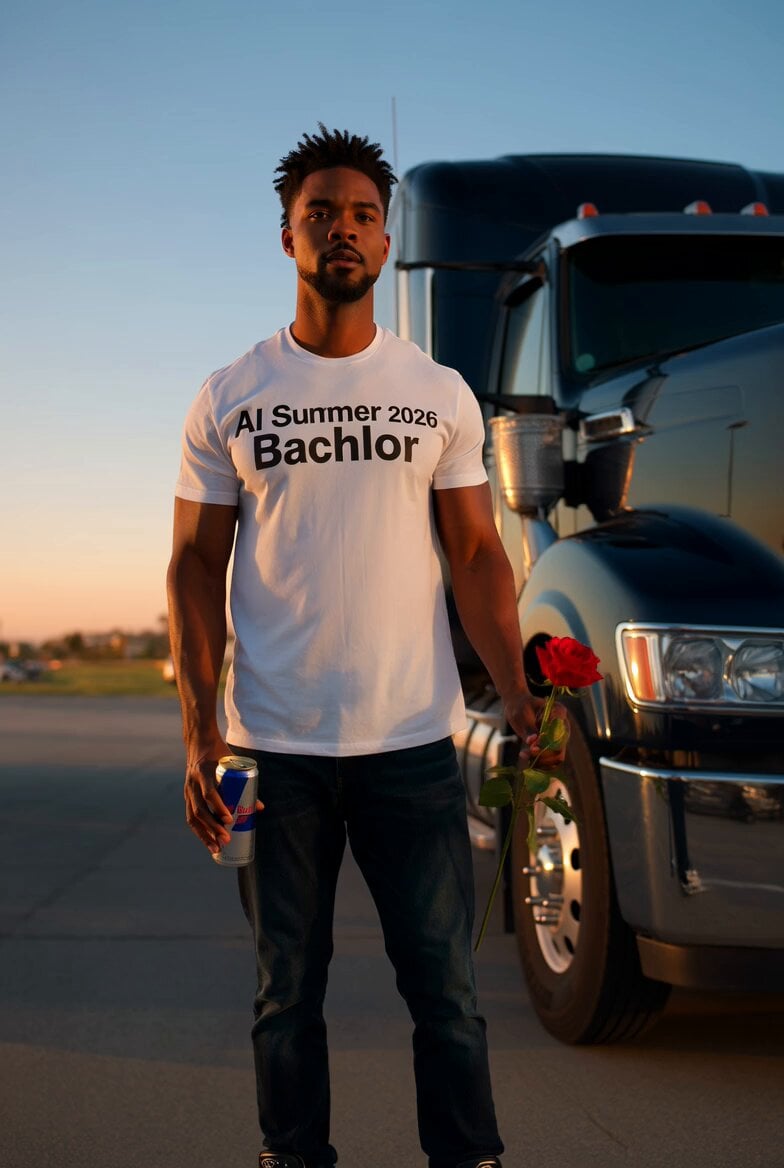
Trucker with Red Bull and Rose
Magical Autonomous Painting Atelier
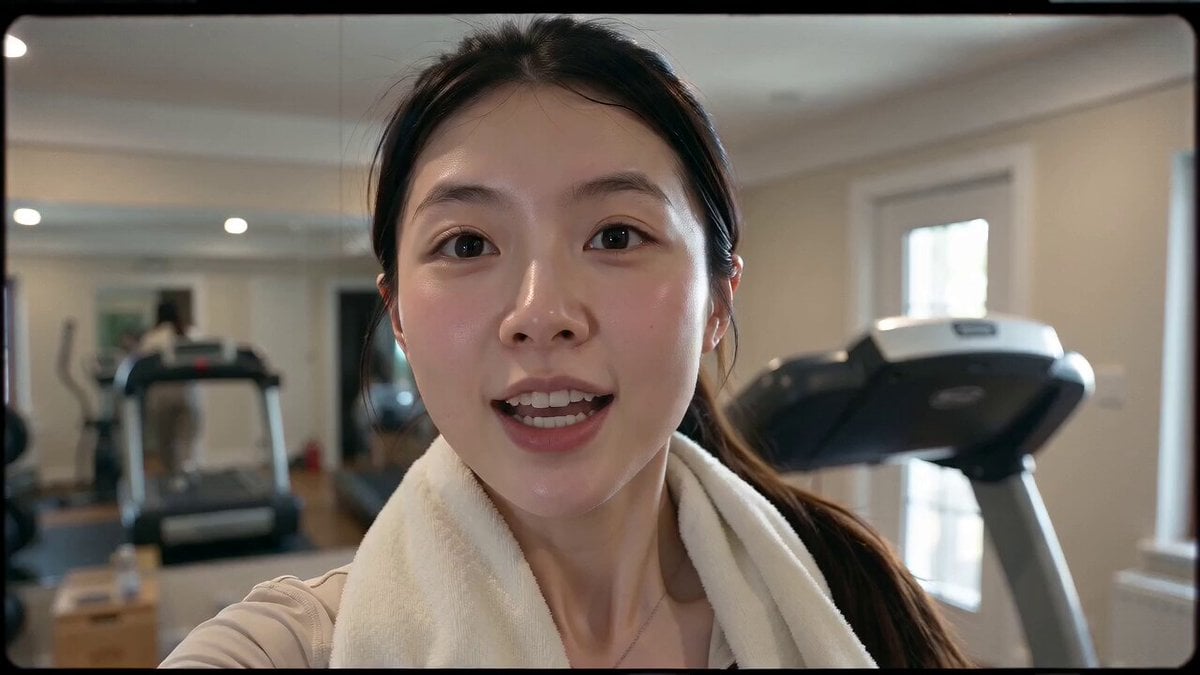
Retro 90s VHS Fitness Vlog
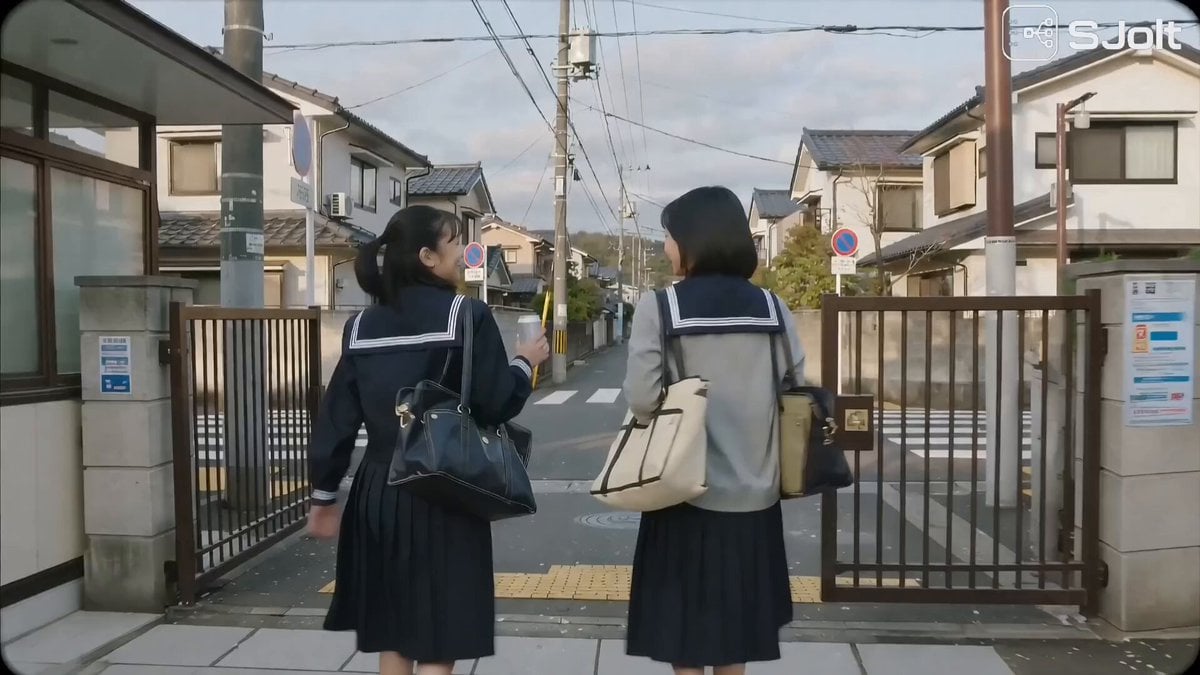
Japanese High School Golden Hour Walk
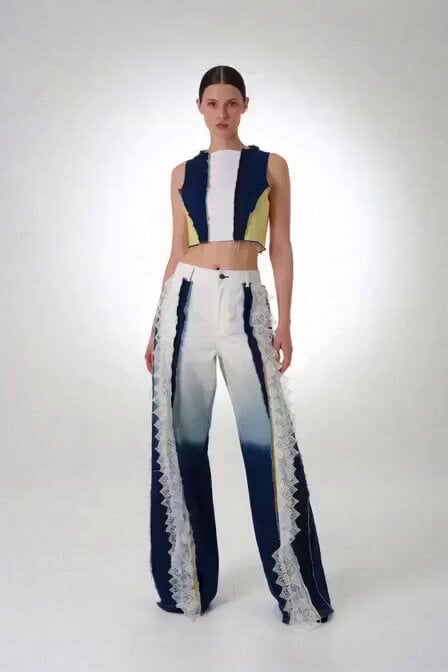
Victoria's Secret Runway Walk
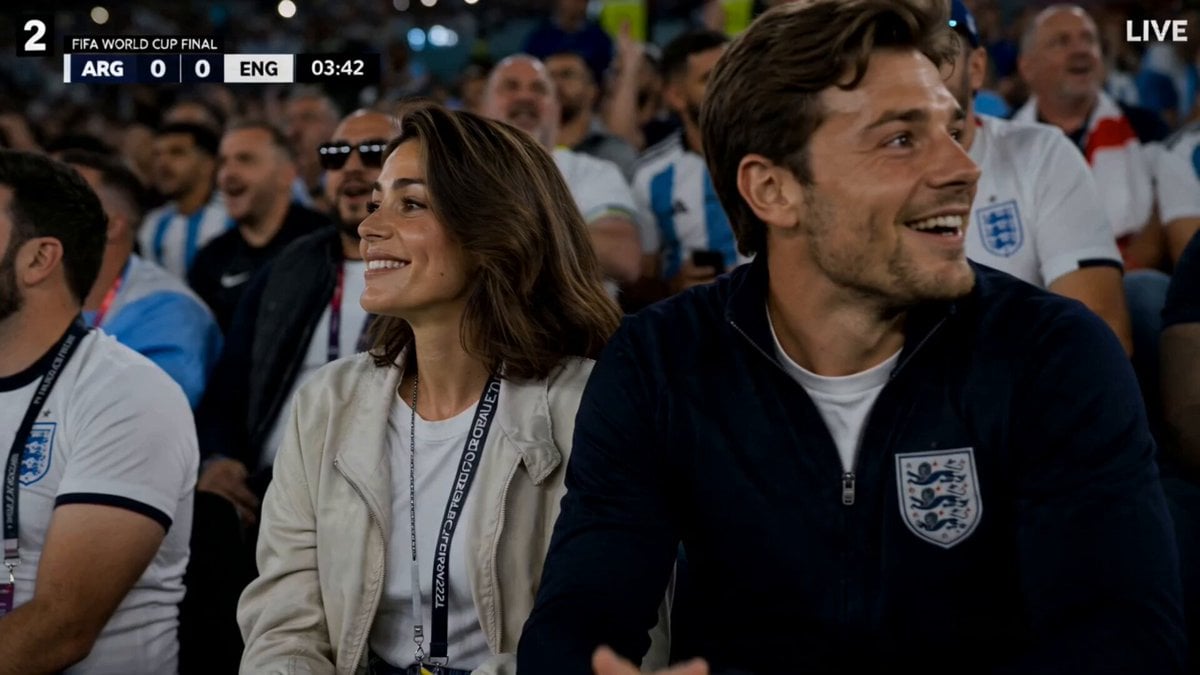
FIFA World Cup Broadcast Goal
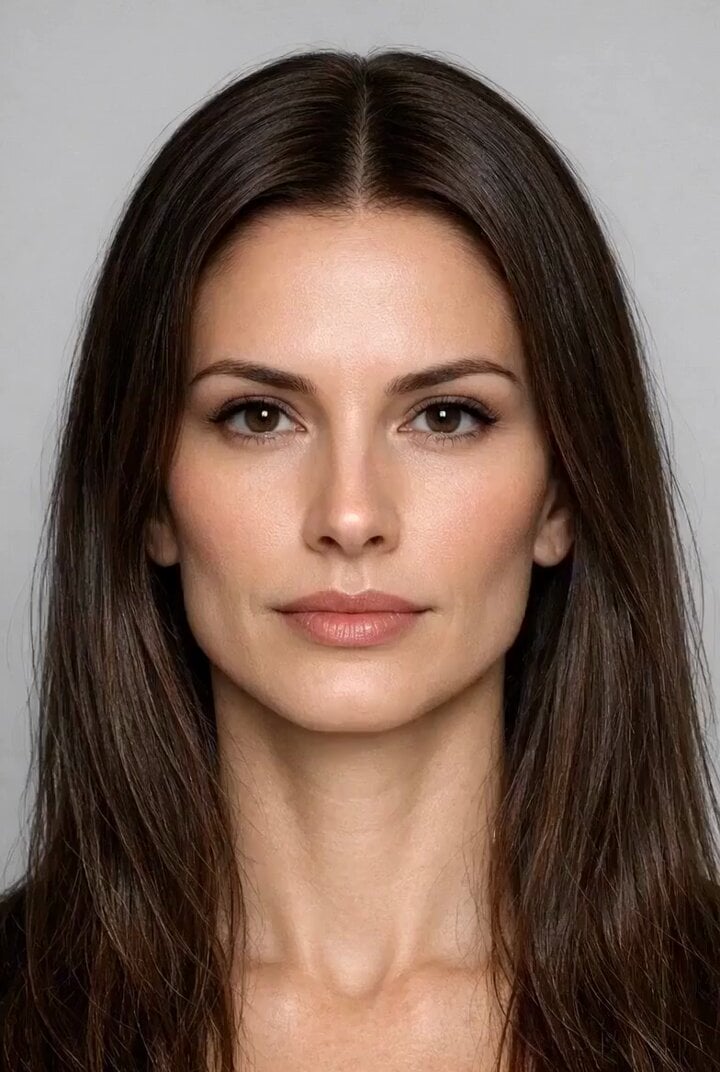
Zero-G Biomechanics Clip 3: Impact and Exhaustion
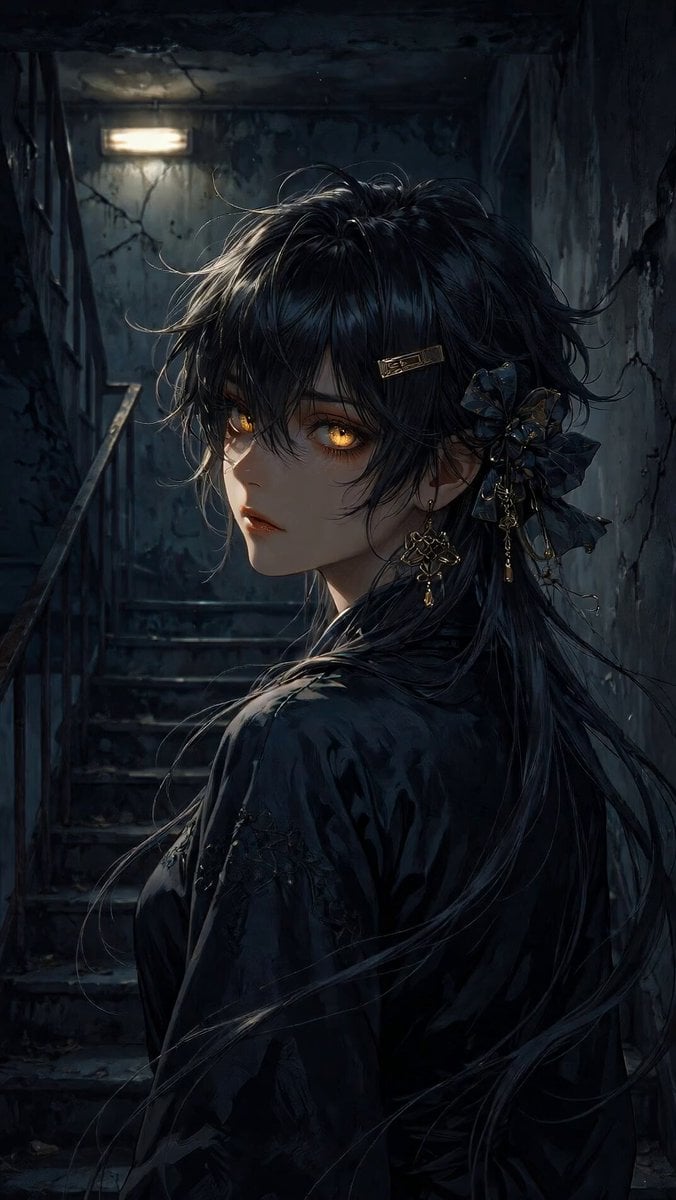
Anime Woman on Dark Stairwell
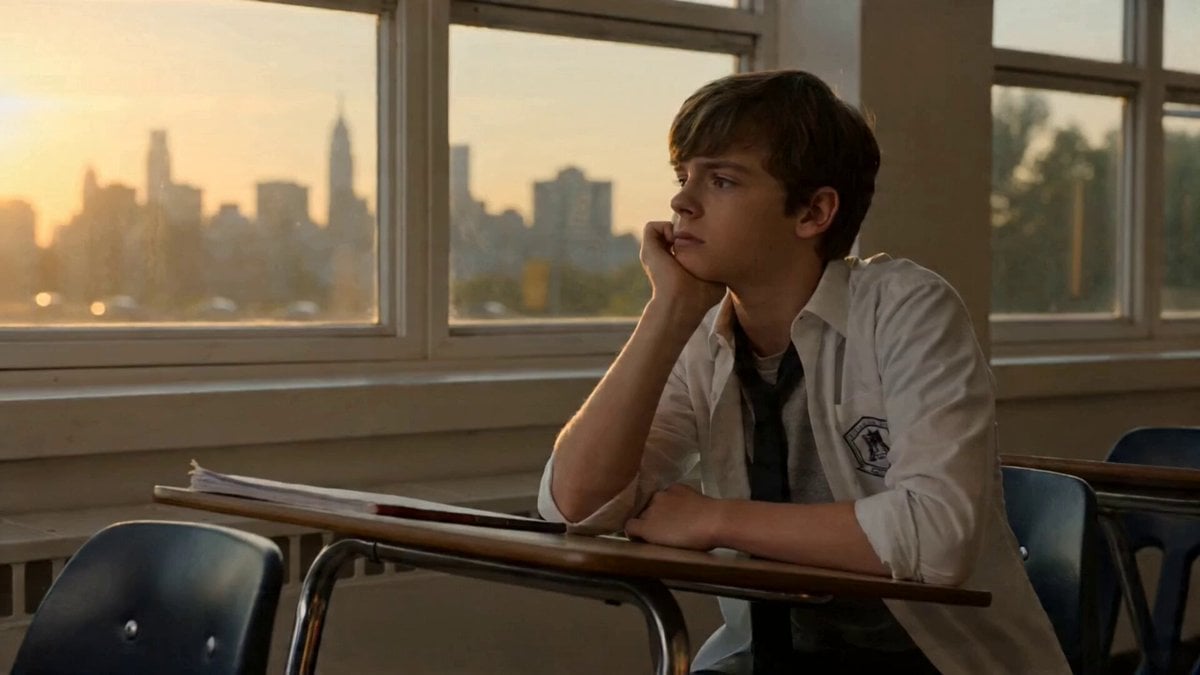
Topview Agent v2 Generates Movie Trailer with Seedance 2.0
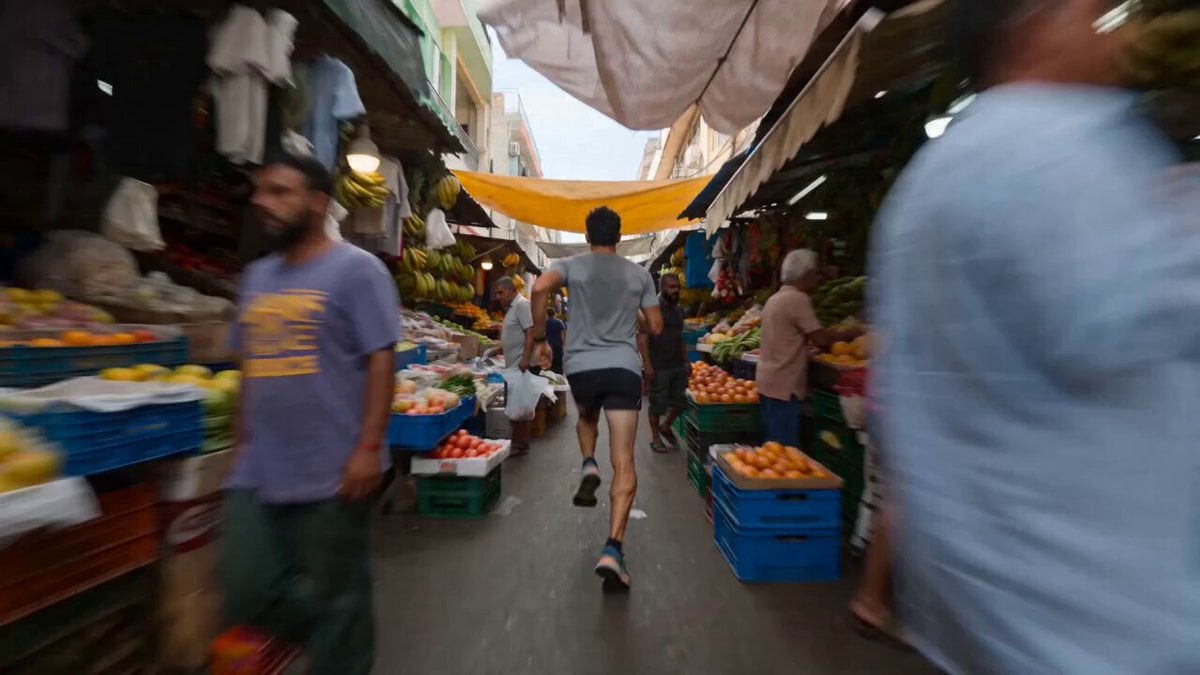
Runner Sprinting Through Crowded Market Video
Browse template categories
Kinetic Typography Watch Commercial questions
How do I use the Kinetic Typography Watch Commercial template?
Add your photo if the template asks for one, edit the prompt if you like — the template's model and format are already selected — and press Generate. Your version opens in PicX Studio.
Can I customize the Kinetic Typography Watch Commercial template?
Yes. You can change the subject, setting, lighting, mood, format, and available model controls before creating your video.
Is the Kinetic Typography Watch Commercial template free?
Opening and editing this template is free. Generating uses credits, shown on the Generate button when you are signed in.
Which AI model should I use?
Start with Seedance 2.0, which is the model associated with this template. You can compare another compatible model for a different finish.
Looking for something else? Browse all templates.

Your photo, any look
Thousands of ready templates for every top image and video model, from one credit balance.