
Mechanical Flower Bloom Brand Film
commercial video direction, product rhythm, and polished visual storytelling.
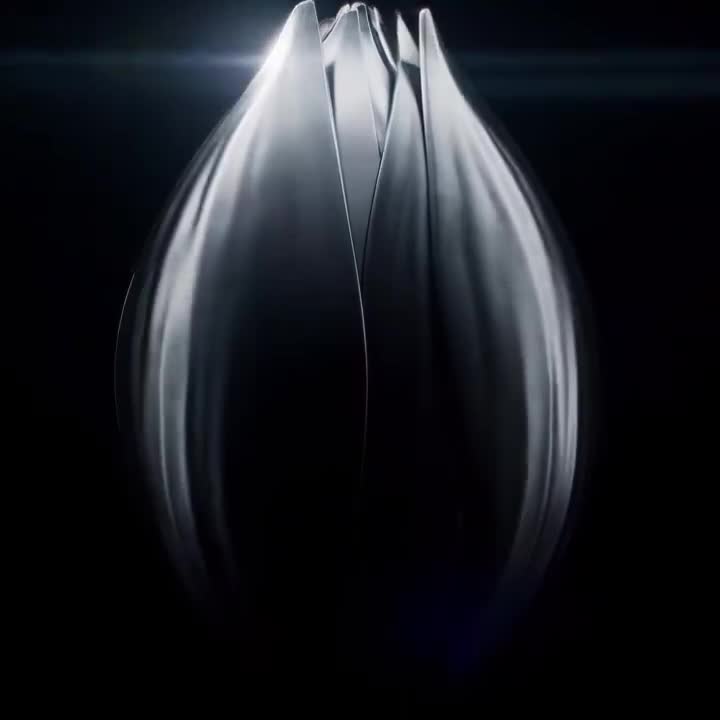
- Prompt included
- Model and format preset
- Free template
The prompt behind this video
Copy the exact prompt behind Mechanical Flower Bloom Brand Film, or open it in the studio and make it yours.
Theme: "Mechanical Flower Bloom". Highlight the video-generation model's strengths in lighting, art detail, realism, camera movement, and cinematic character. The overall style is a high-end technology brand advertisement with strong visual impact. Use a one-shot macro push-in: begin with a metal flower bud in darkness, gradually enter the precision mechanical structure inside the petals, and end with the mechanical flower fully blooming as light spreads outward in a climactic frame. Require realistic physical lighting, refined metal and glass materials, delicate mechanical motion, stable composition, cinematic color grading, and no text.
How to use Mechanical Flower Bloom Brand Film in 3 steps
- 1
Open
The prompt is already in the box next to the preview, with the template's model and format selected.
- 2…a portrait of your subject in softgolden-hour light, 85mm…
Personalize
Edit the subject and creative details for your destination.
- 3Generate
Generate
Press Generate — your video is created in PicX Studio, so you can compare it with the original and refine one variable at a time.
More like this
Templates with the same subject, style or setup. Open one to see its prompt.
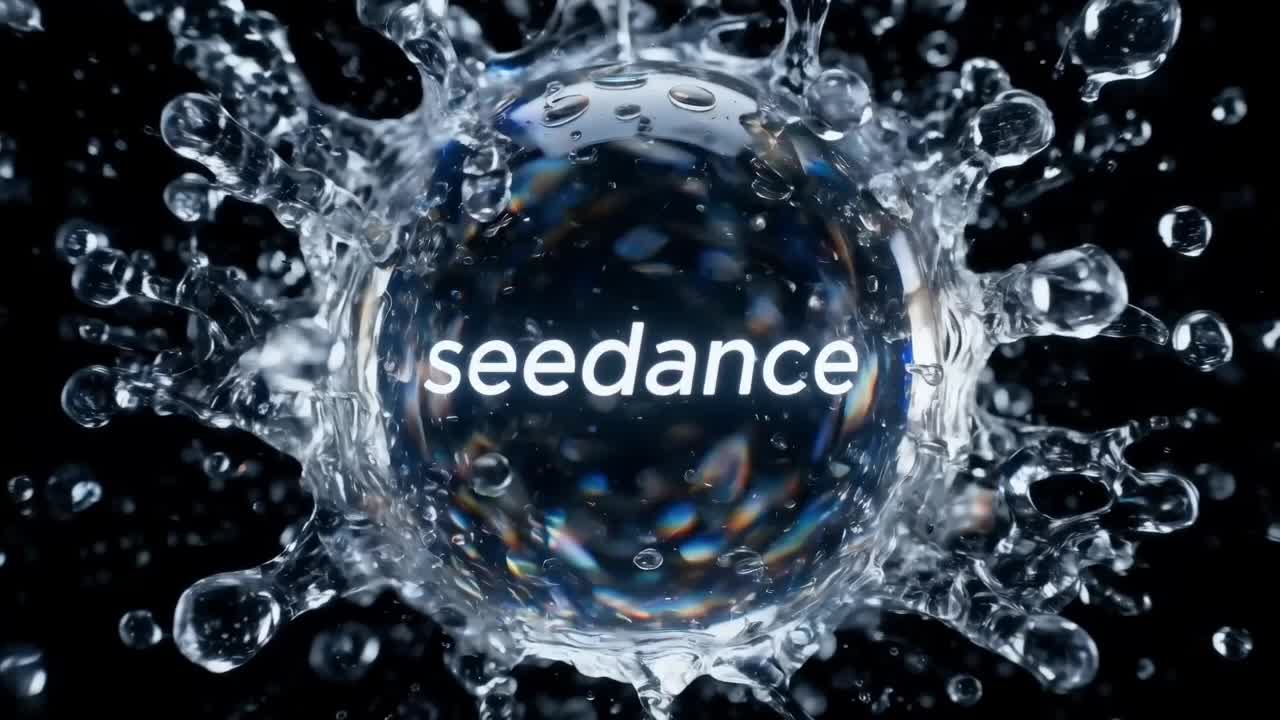
Crystal Ball Match-Cut Brand Film
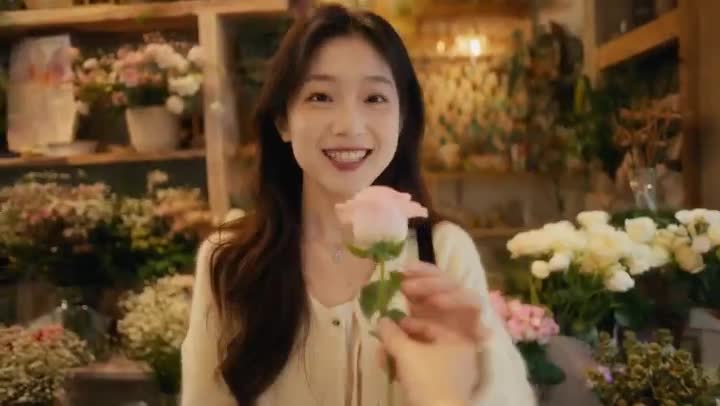
Global Flower Thank-You Film
Oceanic Civilization Epic Sci-Fi Film
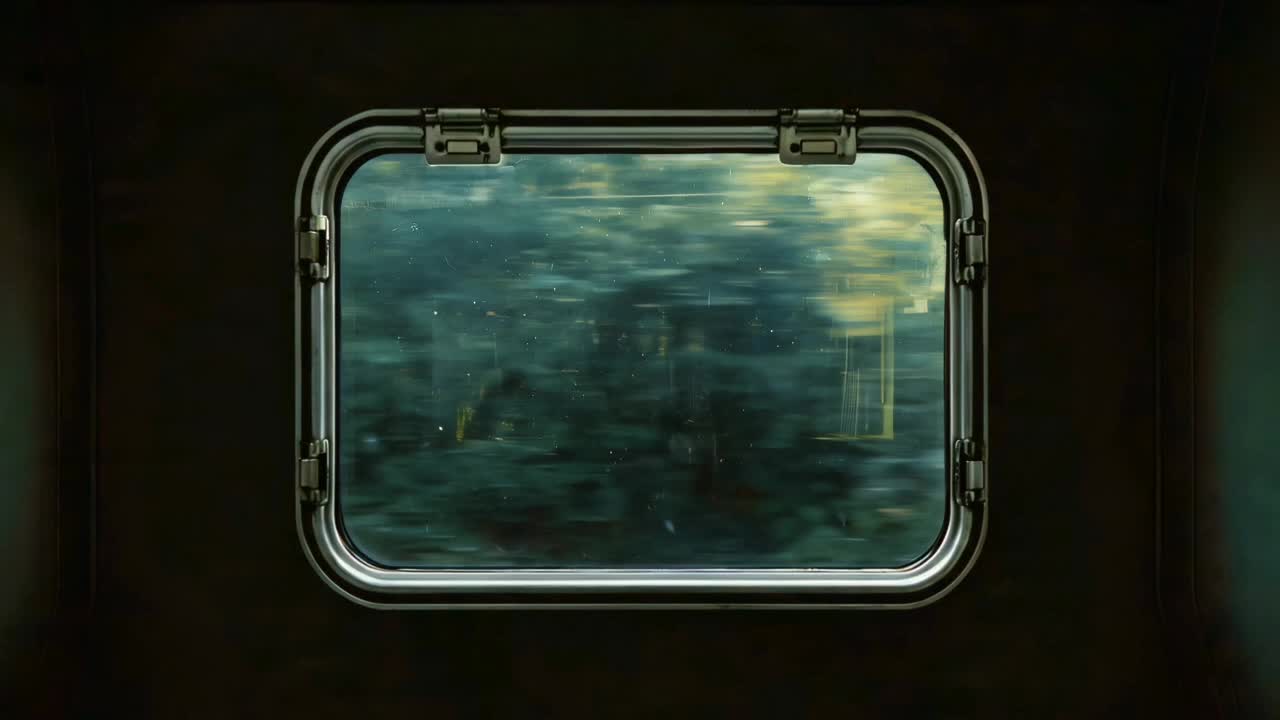
Window-to-Eye Concept Film
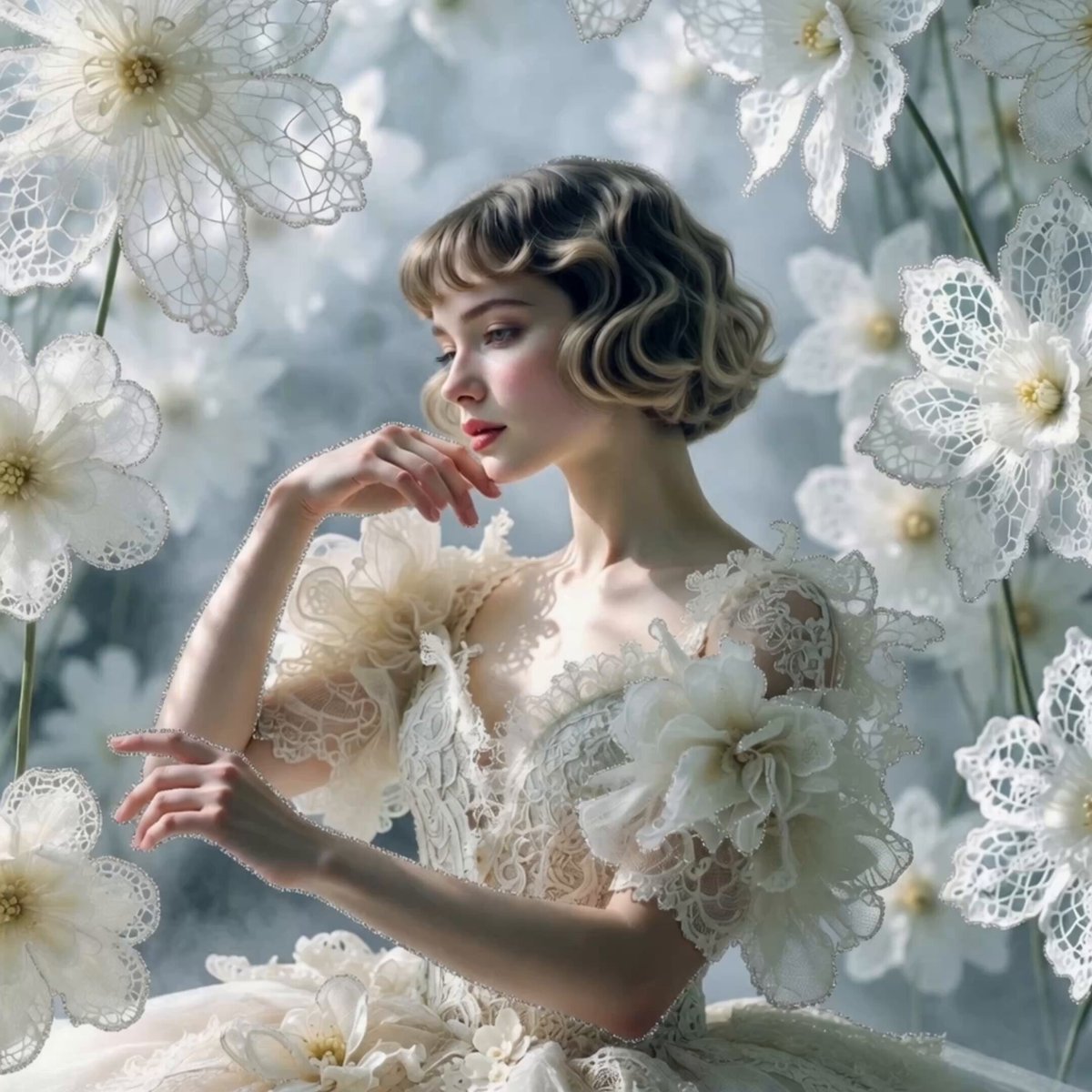
White Lace Blooming Flowers

Blooming Fractal Flowers Video
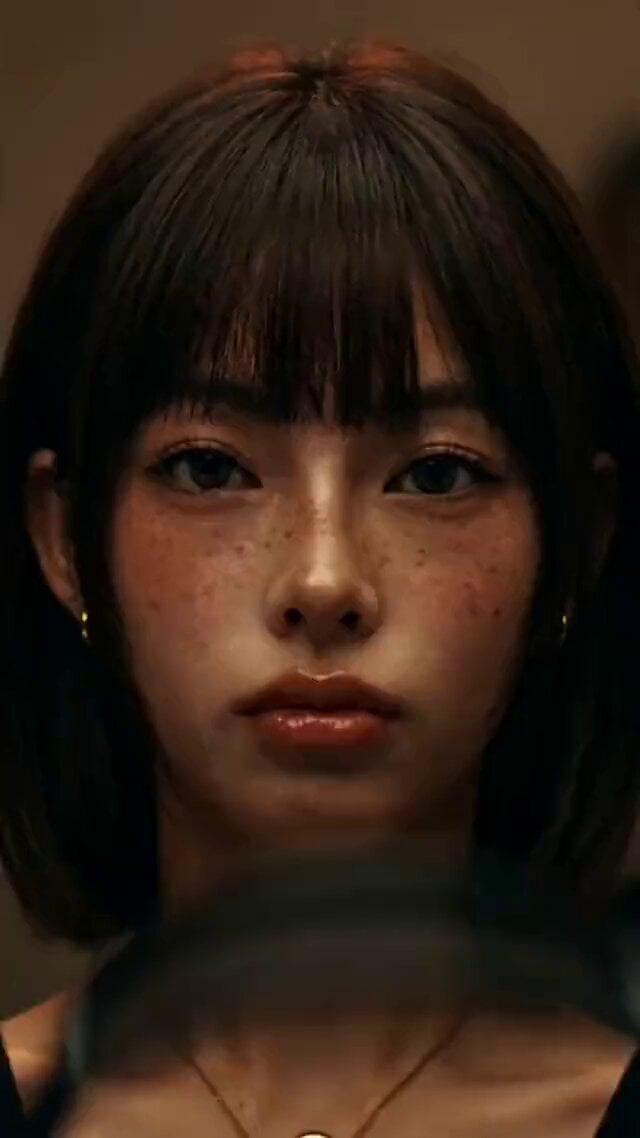
Music Streaming Brand Film Commercial
UGC Skincare Brand Video Commercial

Mechanical Jumping Robot Rabbit
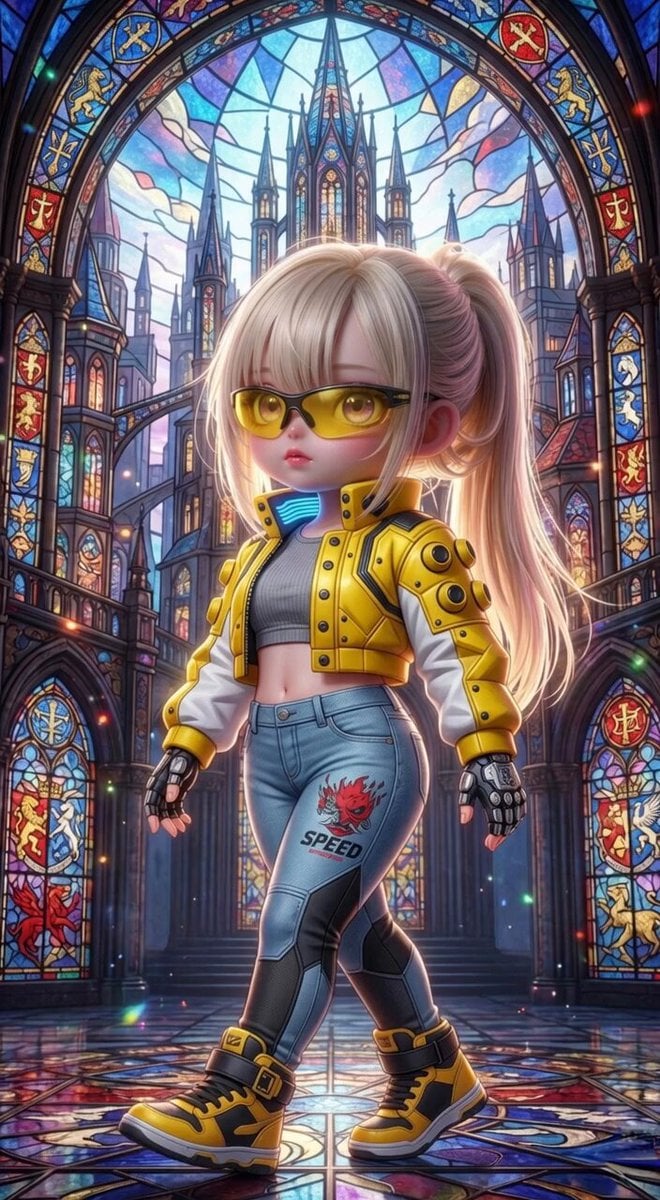
Grok Imagine Mechanical and Ethereal Creature Prompts
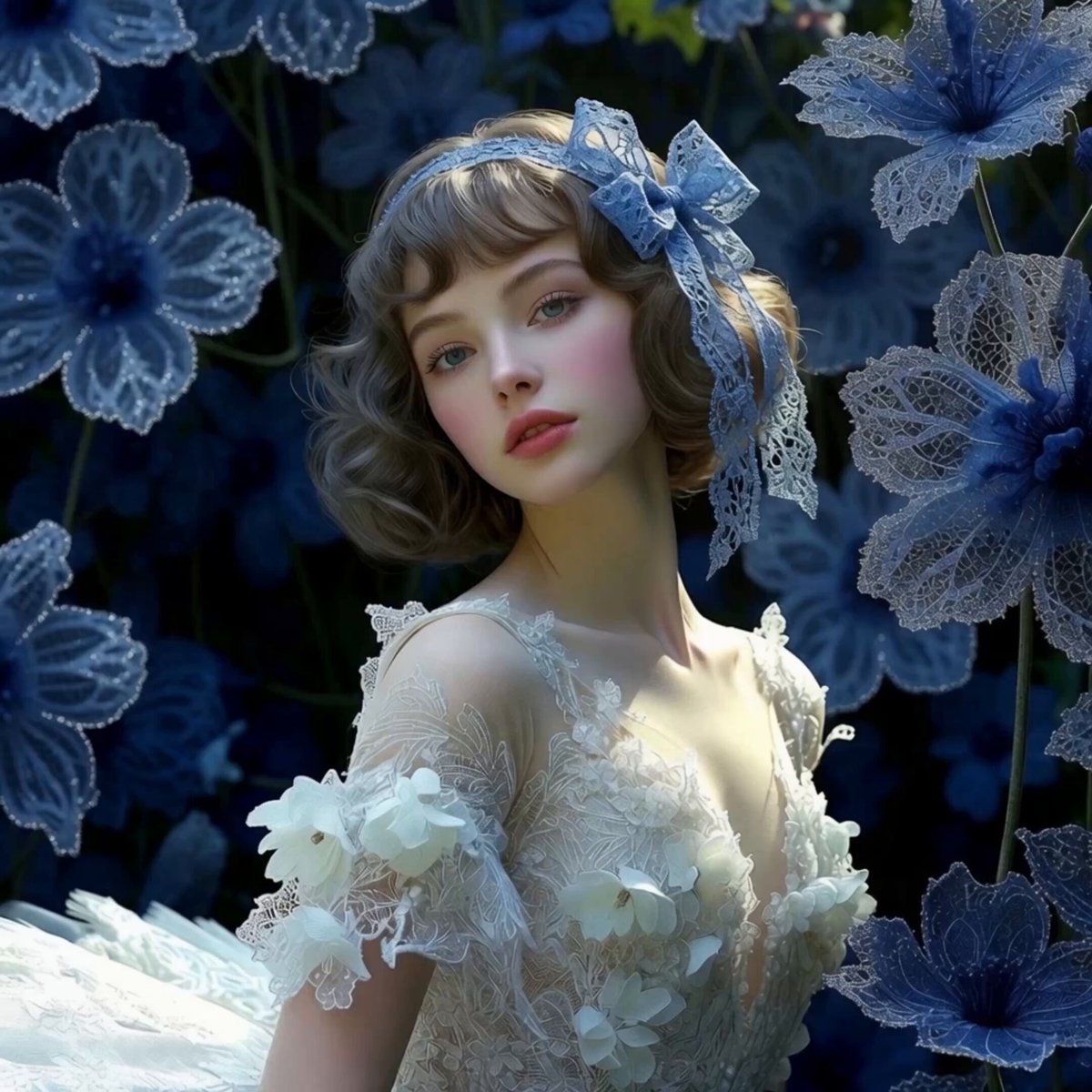
Maiden Among Blue Flowers
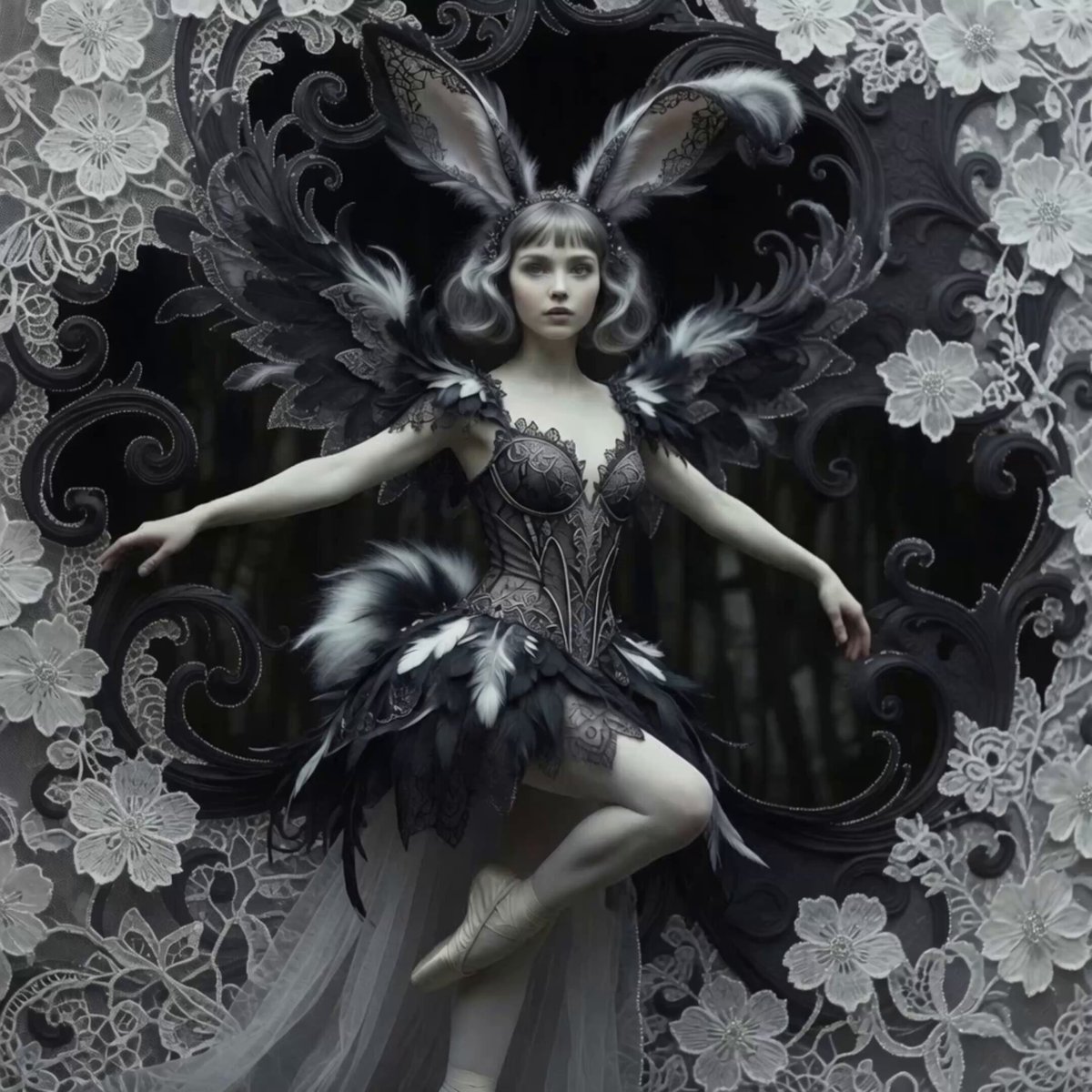
Bunny Ballerina in Sparking Blooms
Make it yours
Mechanical Flower Bloom Brand Film works as-is. These are the safest ways to change it without losing the look.
Change one field
Copy a single group, rewrite it, and generate again so you can see what that field is doing.
Keep the frame, change the subject
Hold the composition and light of Mechanical Flower Bloom Brand Film, then swap wardrobe, props or the person for a new take.
| If the result… | Why | Fix |
|---|---|---|
| The result drifts from the preview | Too many fields changed at once. | Reuse Mechanical Flower Bloom Brand Film as-is first, then change one group — subject, light, or setting. |
| The model over-stylizes the scene | The prose prompt leaves finish and camera underspecified. | Add one camera or lighting sentence and stay on Seedance 2.5. |
More Seedance 2.5 templates
Other prompts made for Seedance 2.5.

Wholesome Puppy and Kitten Story - Seedance 2.5
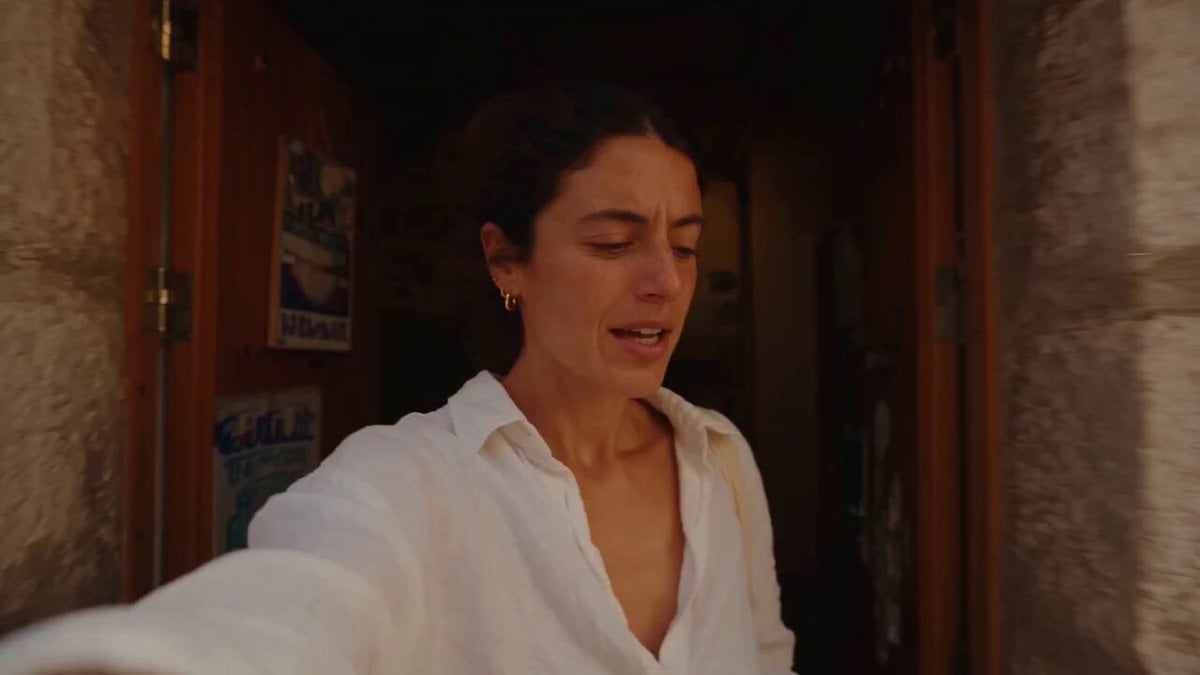
Mediterranean Coffee Run Vlog - Seedance 2.5

Sci-Fi Disaster Movie Scene - Seedance 2.5

Mysterious Home Exploration Vlog - Seedance 2.5
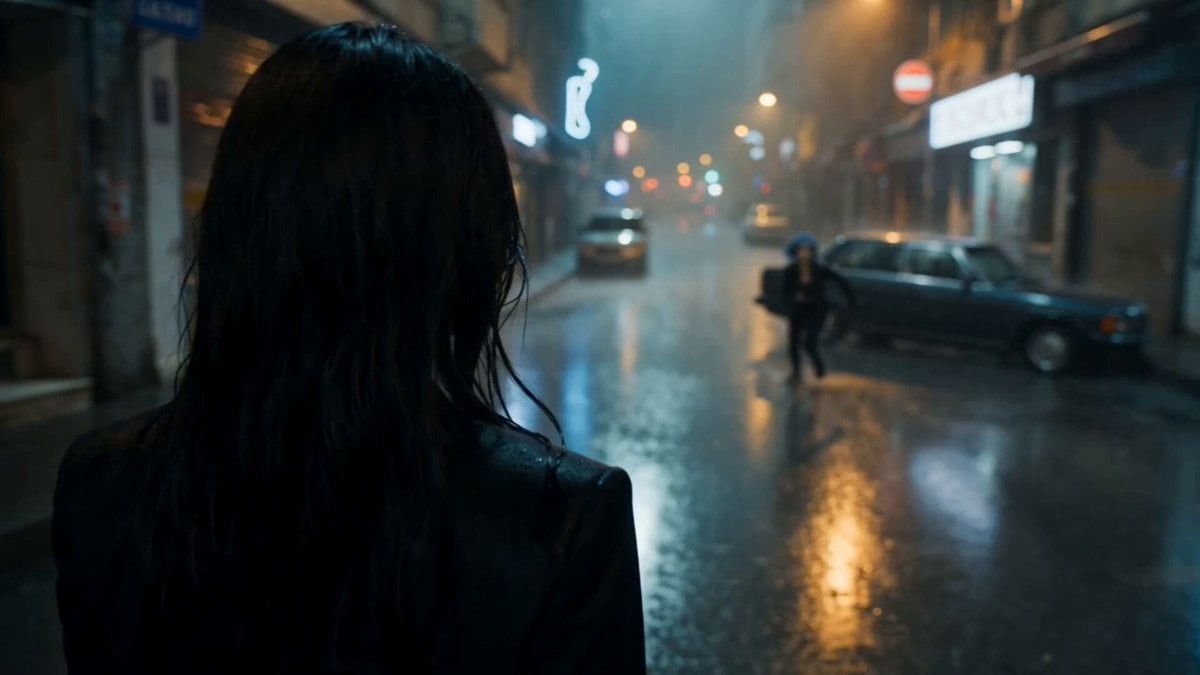
Cinematic Istanbul Night Fight - Seedance 2.5

Magical Room Transformation - Seedance 2.5

Dark Tokusatsu Transformation - Seedance 2.5
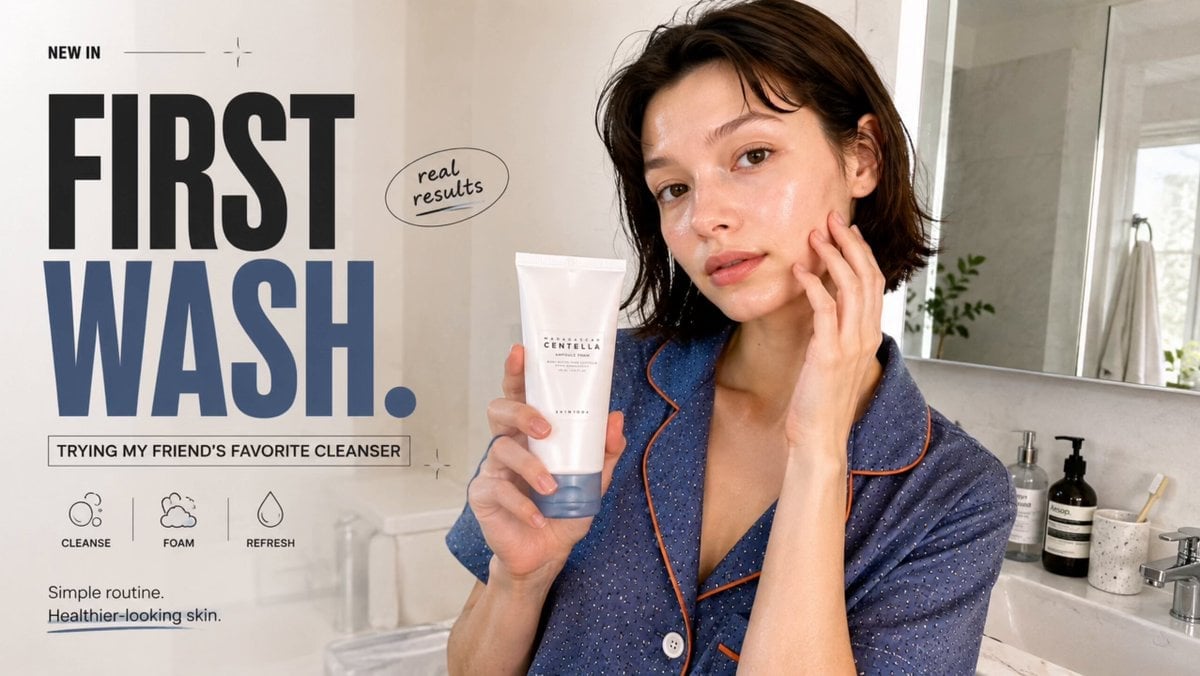
Realistic UGC Cleanser Review - Seedance 2.5
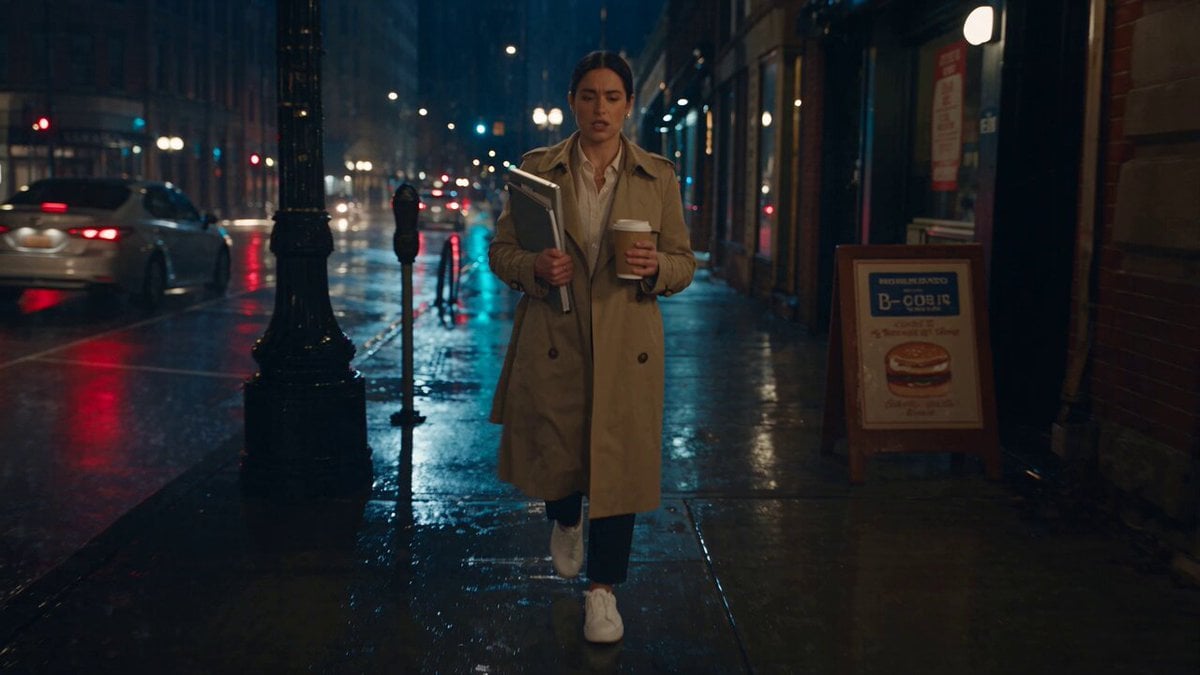
Viking in Modern America Comedy - Seedance 2.5
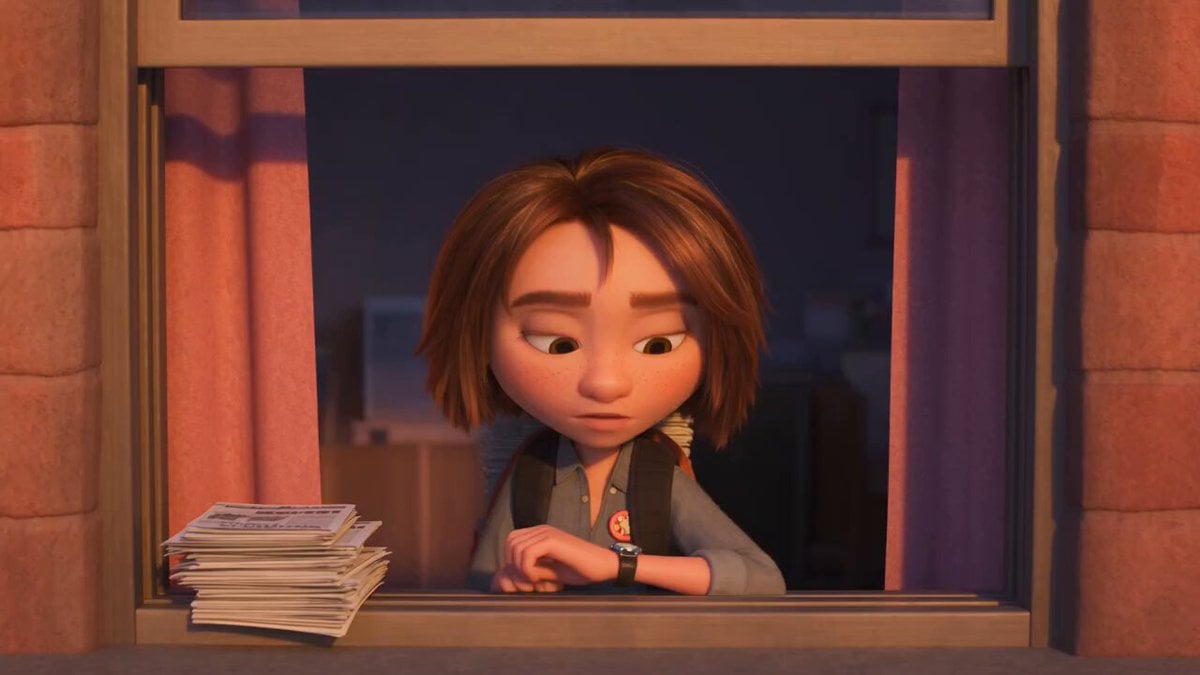
3D Animated Newspaper Delivery Short - Seedance 2.5
More video prompts
Fresh picks from across the catalog.
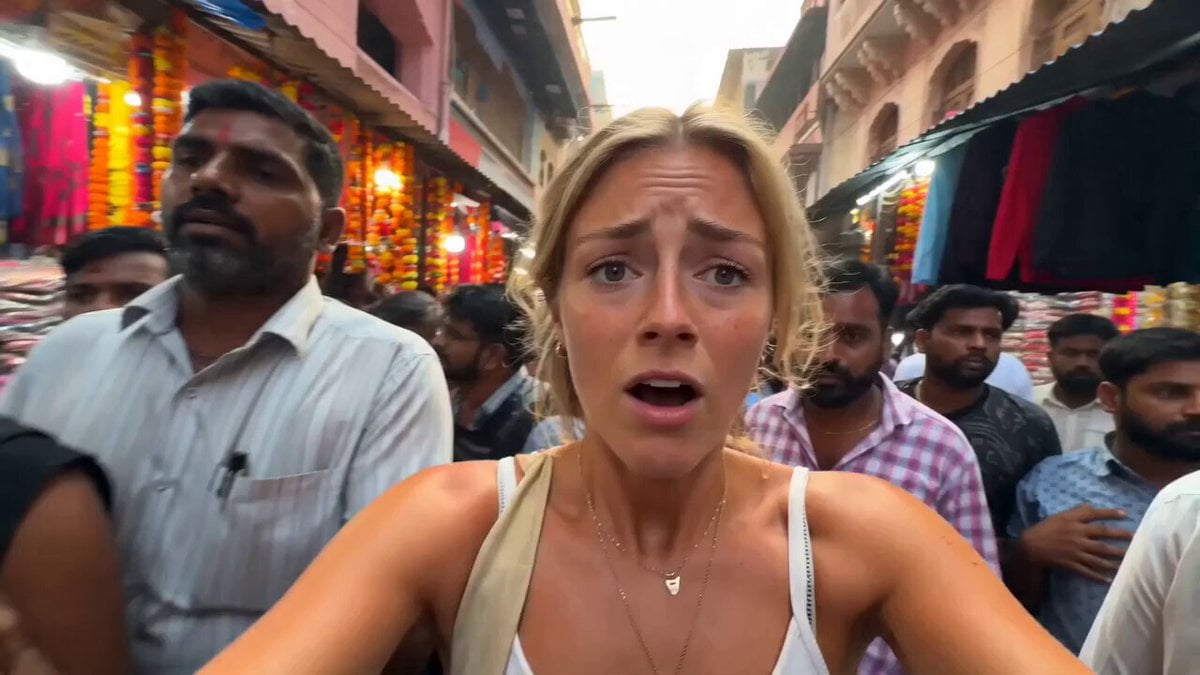
Energetic India Travel Vlog Sequence

Kamen Rider Villain Transformation Sequence Video

Chaotic Neural Palette Animation

Detailed multi-scene action prompt for Seedance 2.0
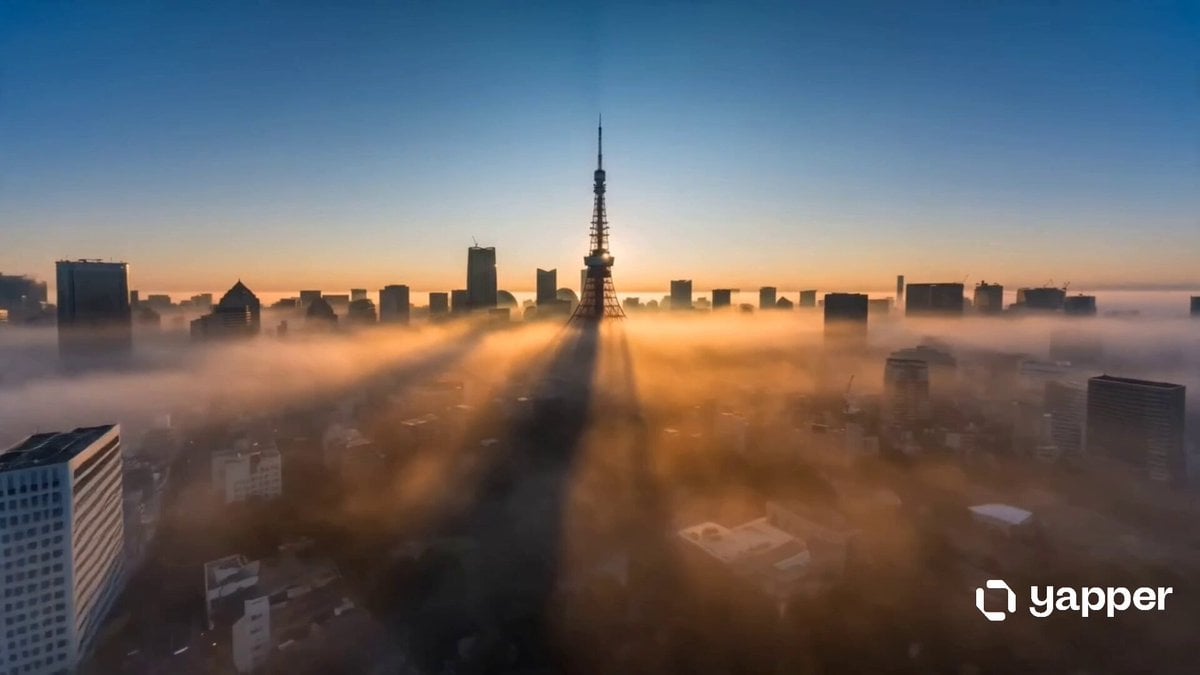
Cinematic Tokyo Travel Intro
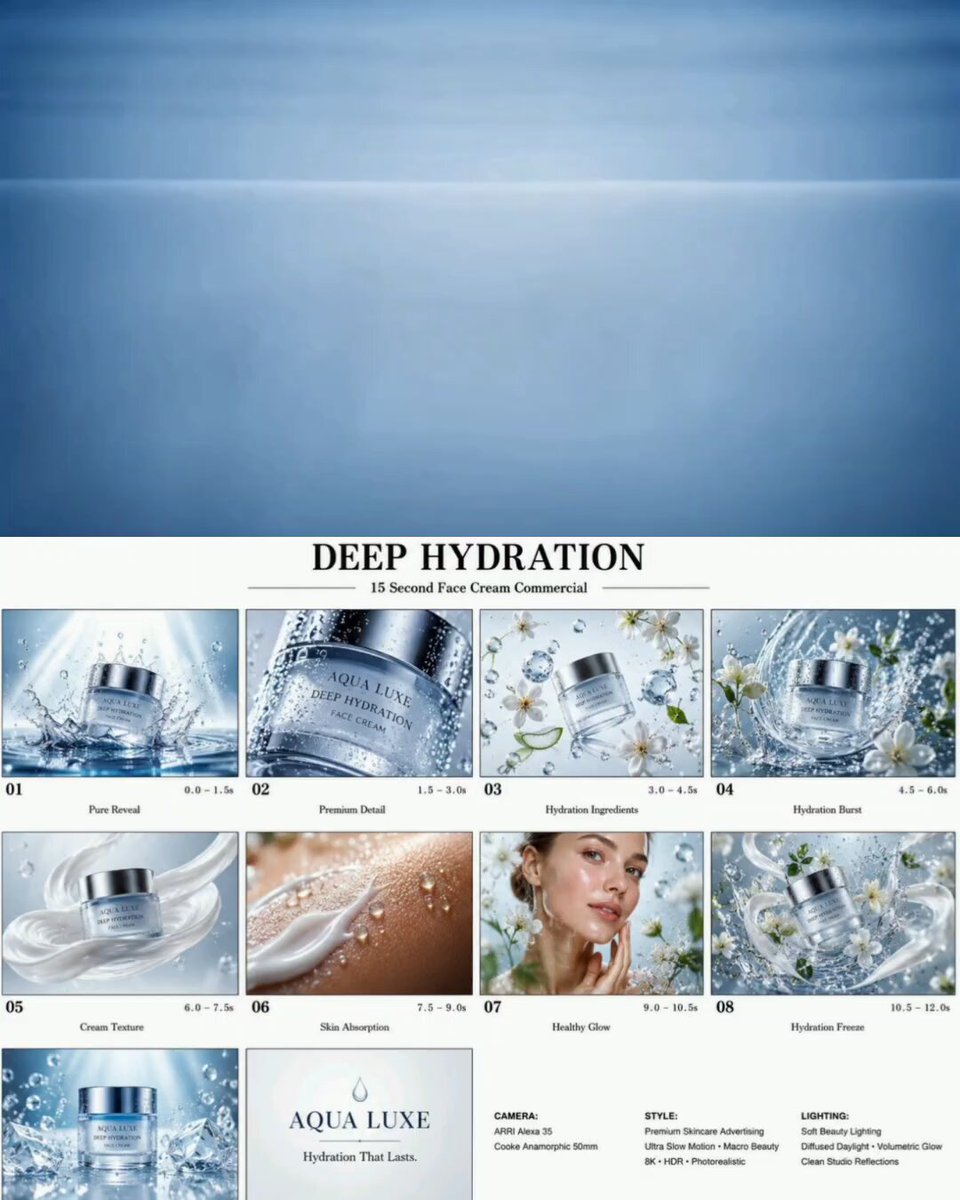
Luxury Skincare Water Droplet Commercial
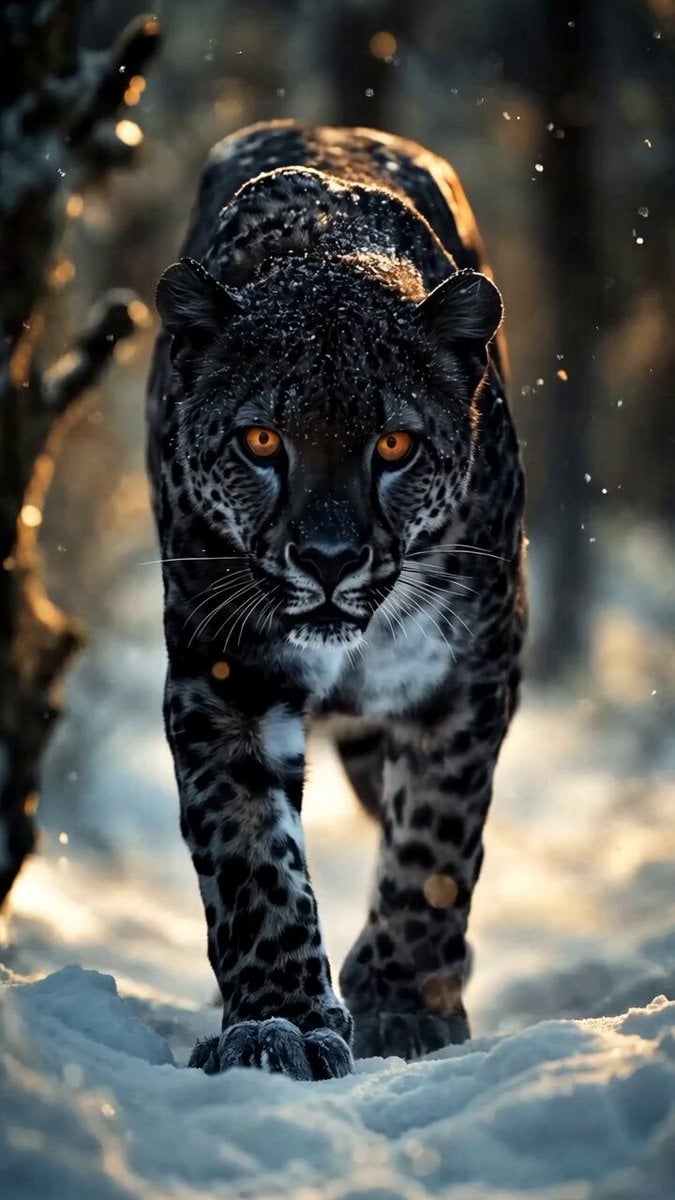
Black Jaguar in Snow Video Prompt
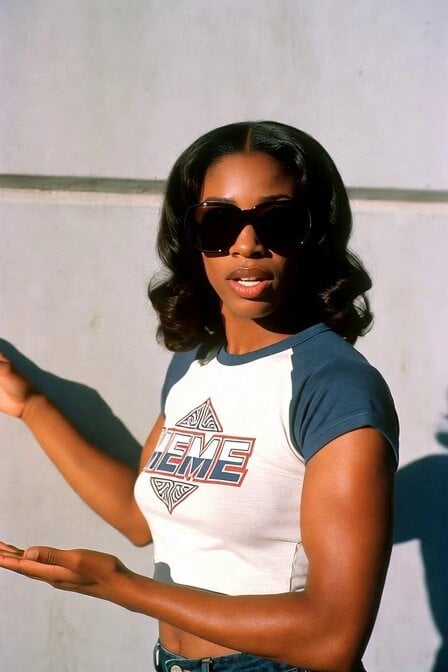
1970s Skater Woman

Zareya Cel-Shaded Anime Cinematic
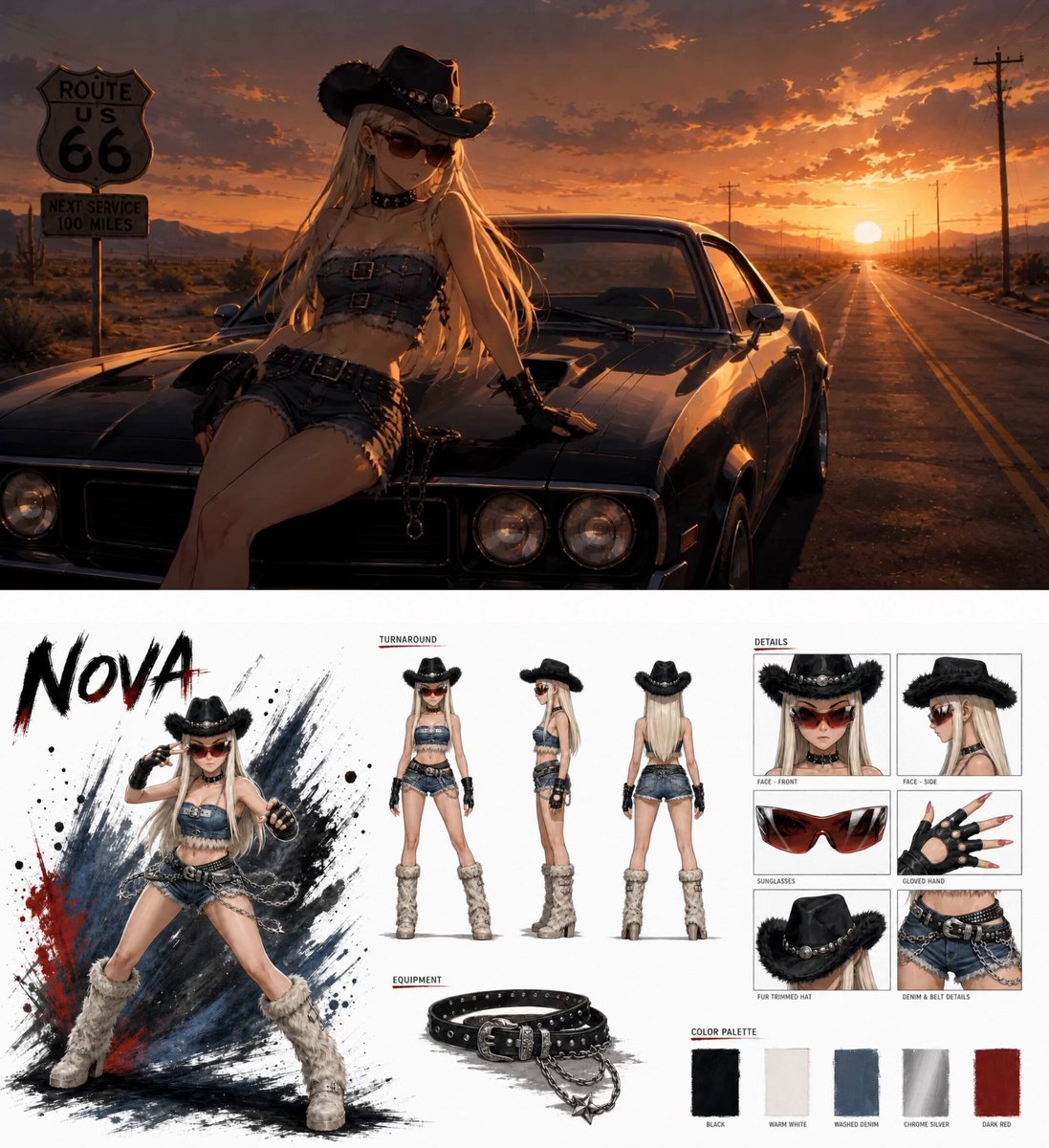
Anime Fashion Short on Route 66
Browse template categories
Mechanical Flower Bloom Brand Film questions
How do I use the Mechanical Flower Bloom Brand Film template?
Add your photo if the template asks for one, edit the prompt if you like — the template's model and format are already selected — and press Generate. Your version opens in PicX Studio.
Can I customize the Mechanical Flower Bloom Brand Film template?
Yes. You can change the subject, setting, lighting, mood, format, and available model controls before creating your video.
Is the Mechanical Flower Bloom Brand Film template free?
Opening and editing this template is free. Generating uses credits, shown on the Generate button when you are signed in.
Which AI model should I use?
Start with Seedance 2.5, which is the model associated with this template. You can compare another compatible model for a different finish.
Looking for something else? Browse all templates.

Your photo, any look
Thousands of ready templates for every top image and video model, from one credit balance.