
Black Jaguar in Snow Video Prompt
A highly detailed video prompt for Grok-imagine showing a black jaguar walking through deep snow with realistic particle physics and fur texture.
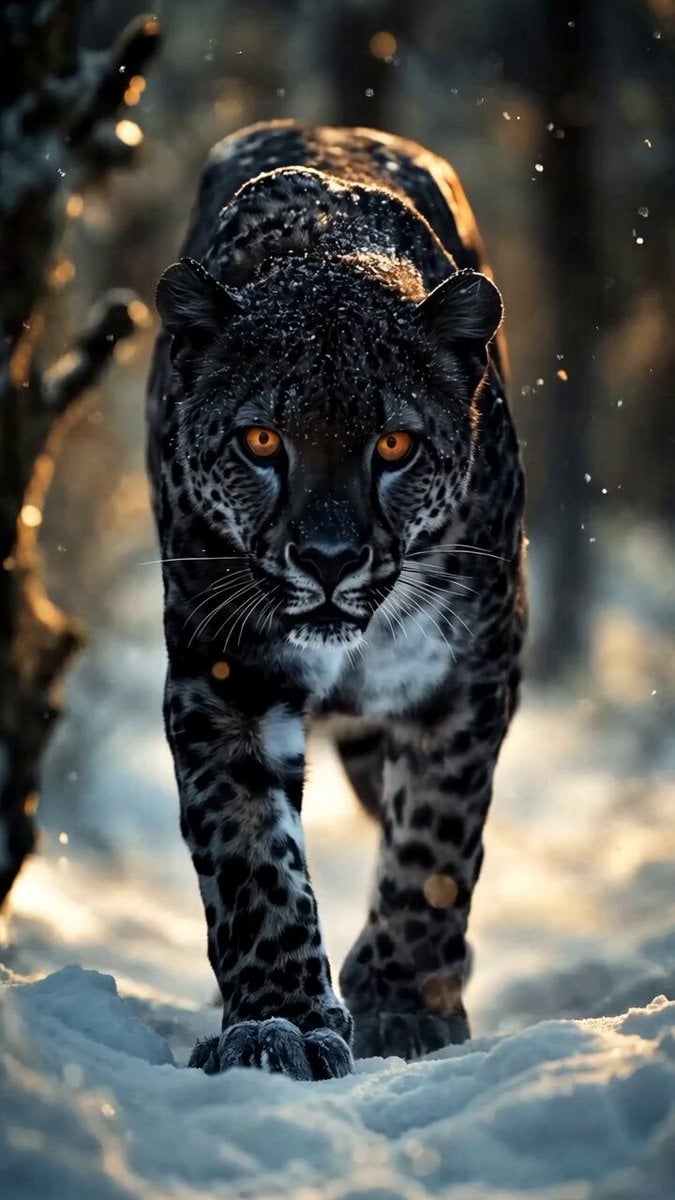
- Prompt included
- Model and format preset
- Premium template
The prompt behind this video
Copy the exact prompt behind Black Jaguar in Snow Video Prompt, or open it in the studio and make it yours.
A black jaguar with glowing orange eyes walks directly toward the camera through deep snow. Its paws sink into the snow, kicking up white powder. Small snowflakes fall gently through the air and rest on its fur. A black jaguar (melanistic leopard) with visible dark rosettes
How to use Black Jaguar in Snow Video Prompt in 3 steps
- 1
Open
The prompt is already in the box next to the preview, with the template's model and format selected.
- 2…a portrait of your subject in softgolden-hour light, 85mm…
Personalize
Edit the subject and creative details for your destination.
- 3Generate
Generate
Press Generate — your video is created in PicX Studio, so you can compare it with the original and refine one variable at a time.
More like this
Templates with the same subject, style or setup. Open one to see its prompt.
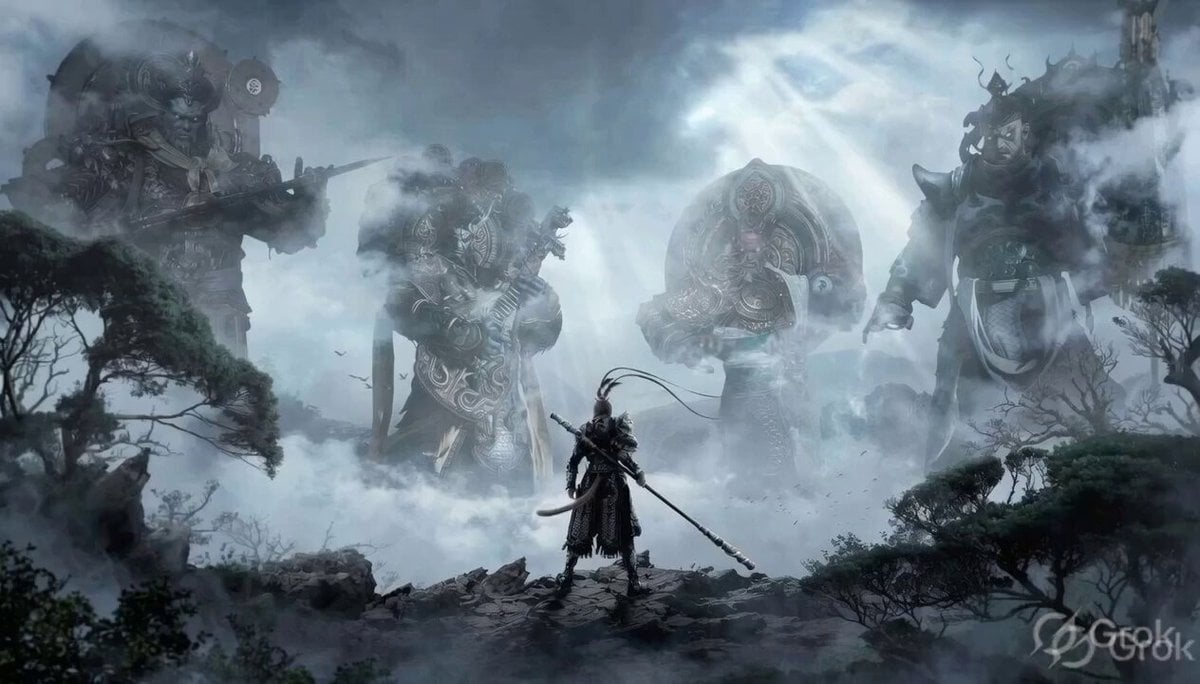
Black Myth Wukong Warrior Scene
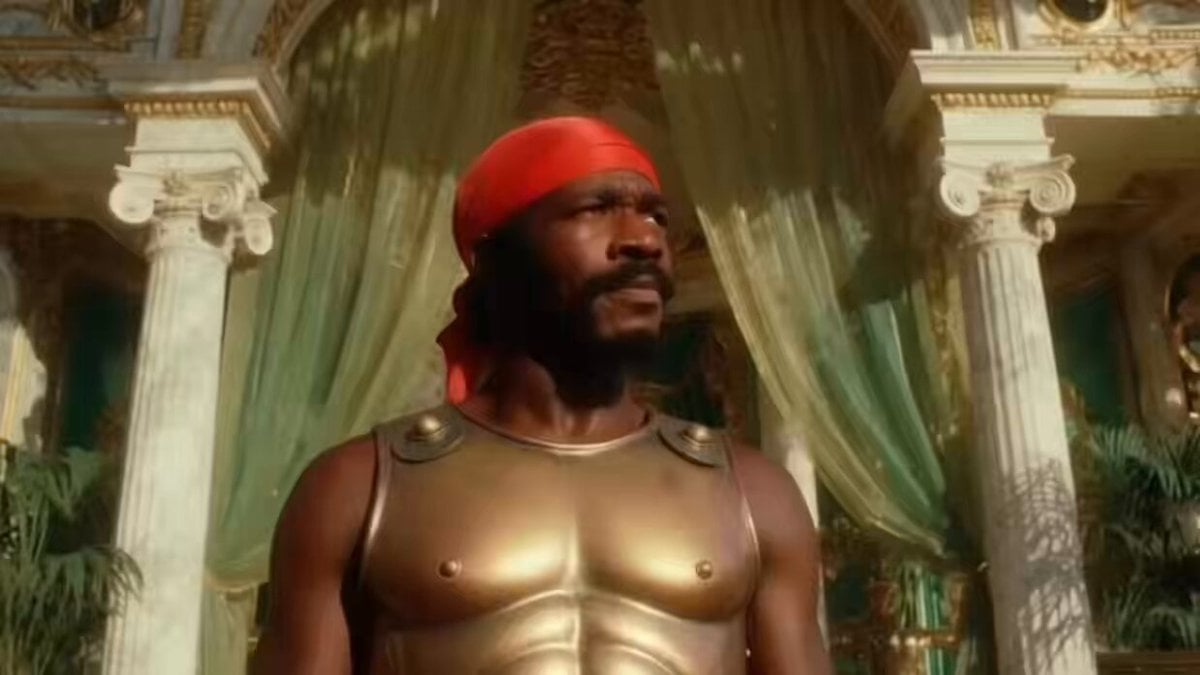
Black Helen of Troy Video
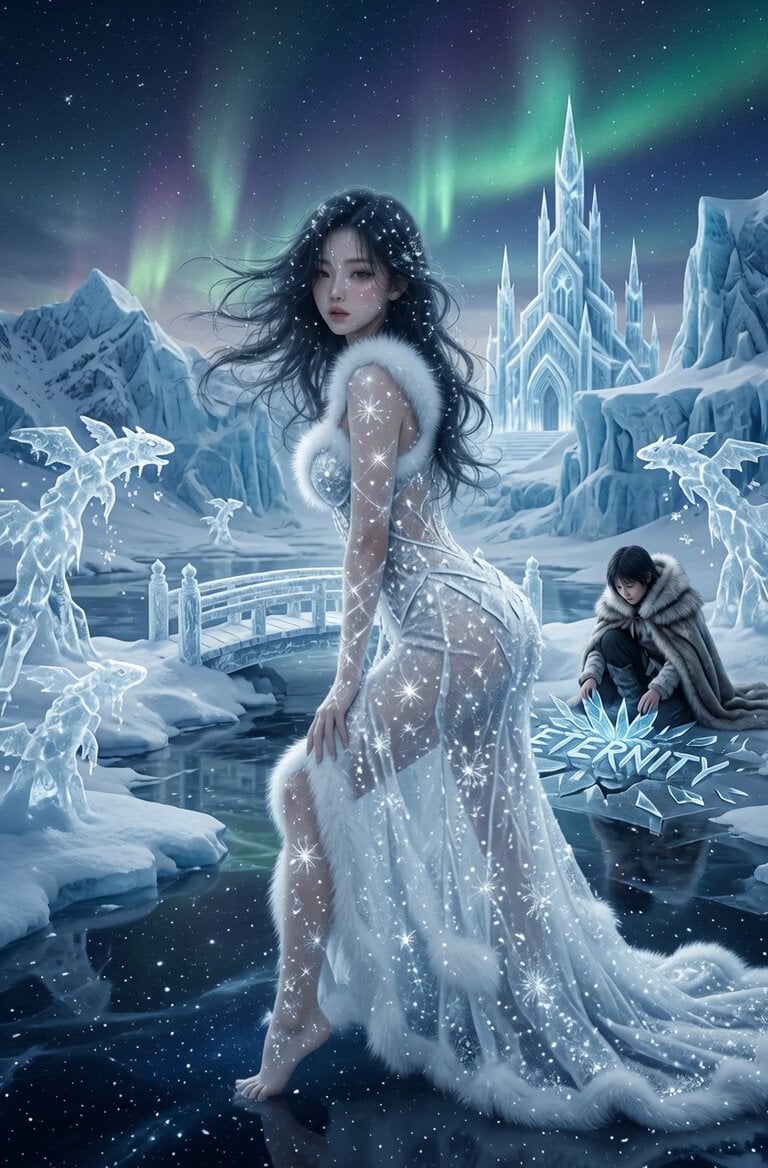
Snow Queen Permafrost Palace Video
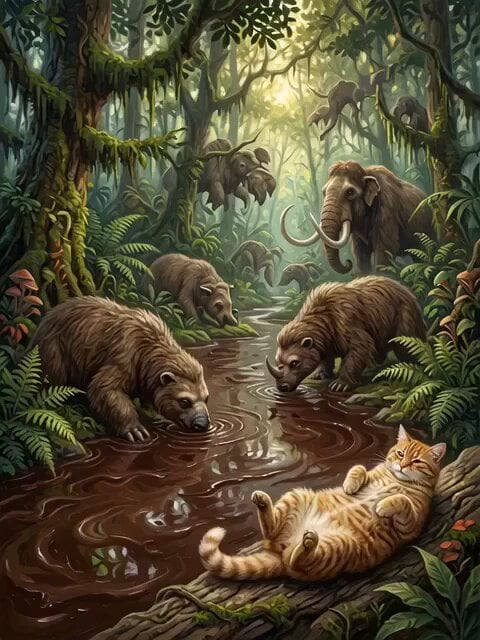
Tiger Striped Black Panther Entry
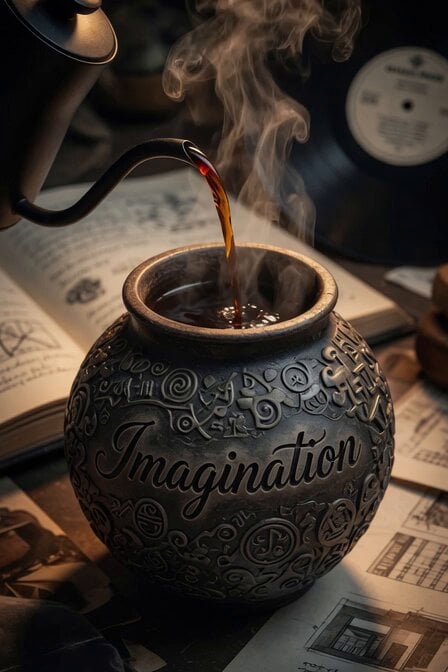
Pouring Black Coffee Close-up
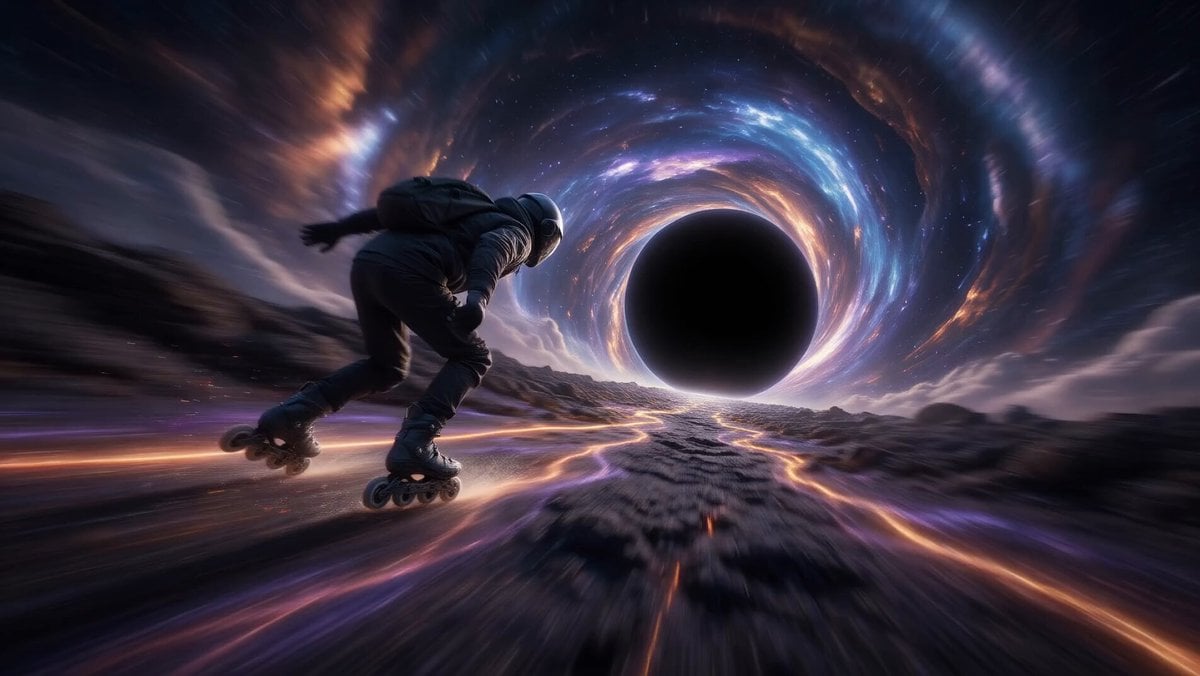
Rollerblading on a Black Hole
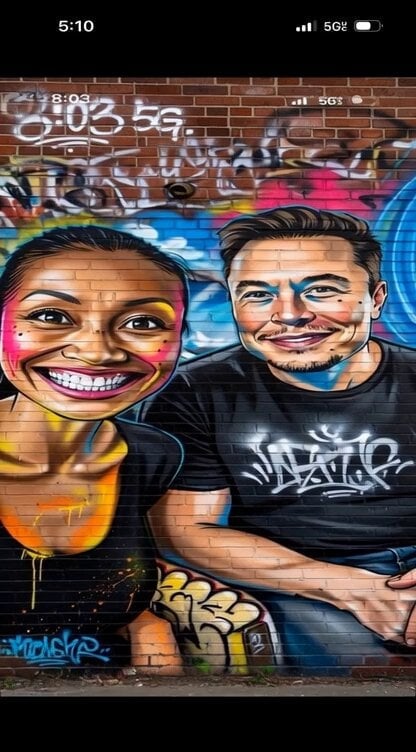
Snowball Hit and Reaction

Cinematic Flight Towards a Supermassive Black Hole
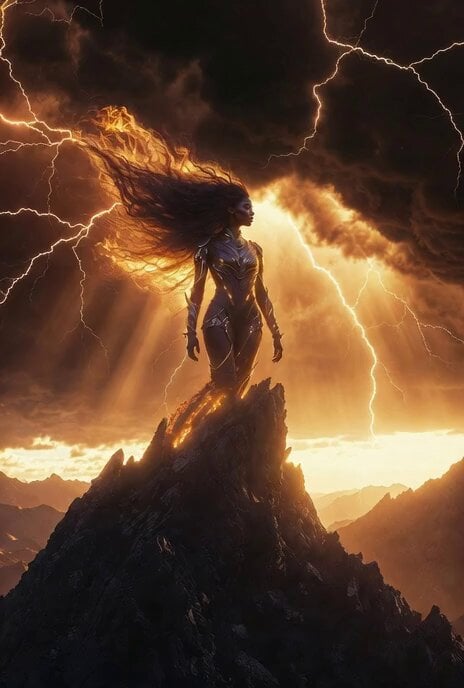
Cinematic Black Woman on Mountain at Golden Hour
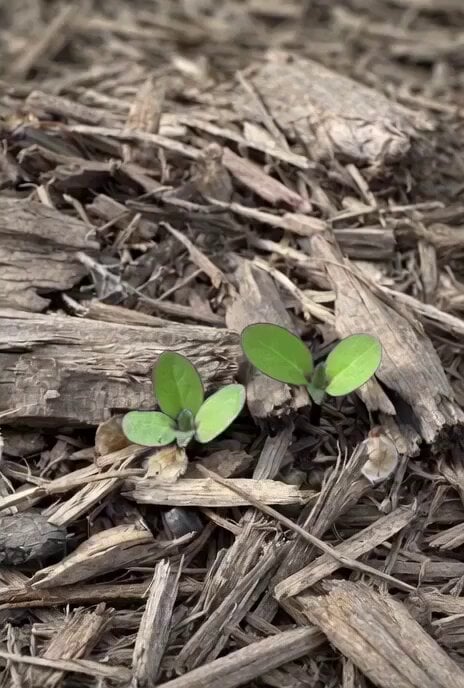
Time-lapse of black cherry sunflowers growing
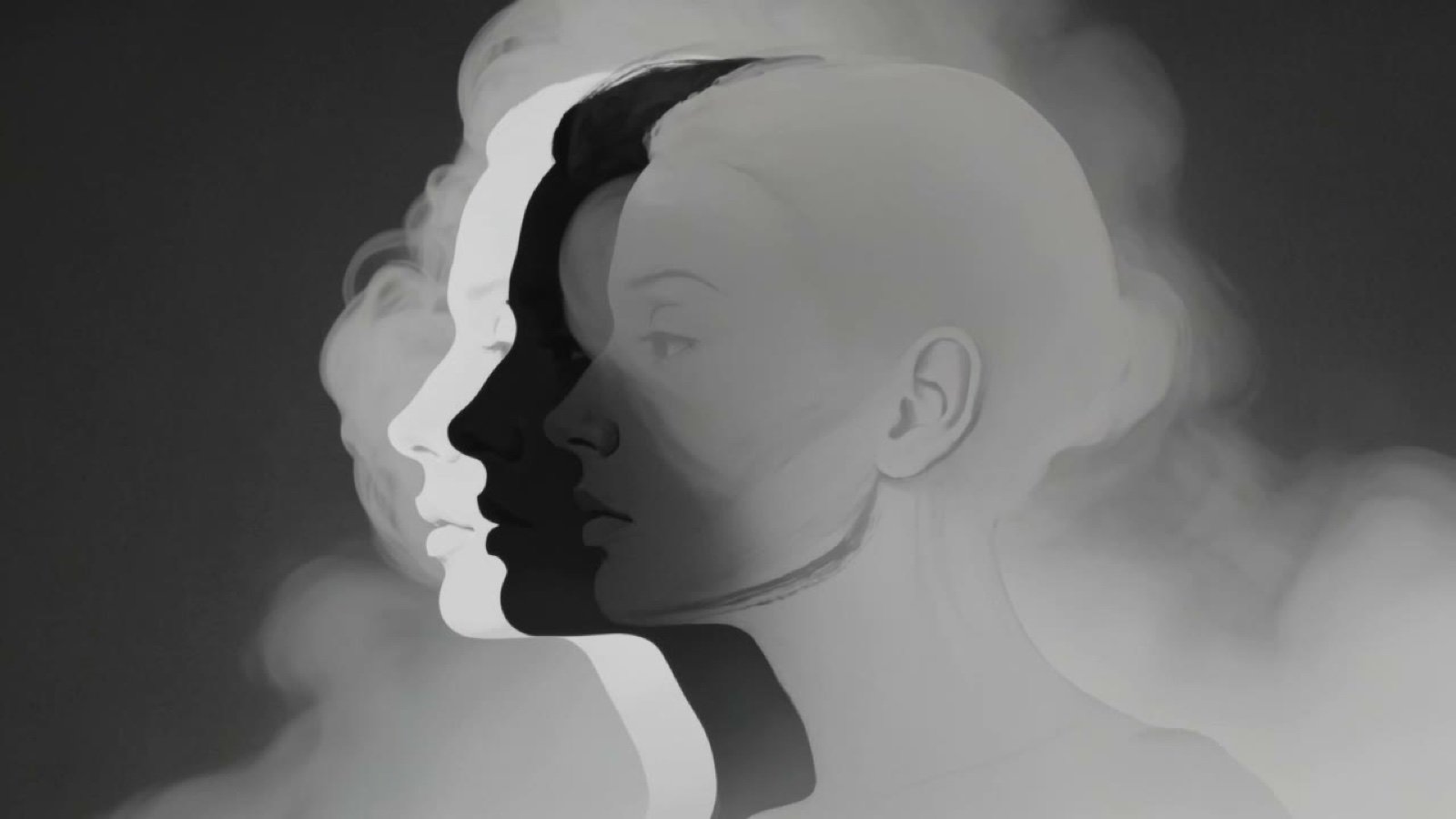
Surreal Black and White Photograph Prompt
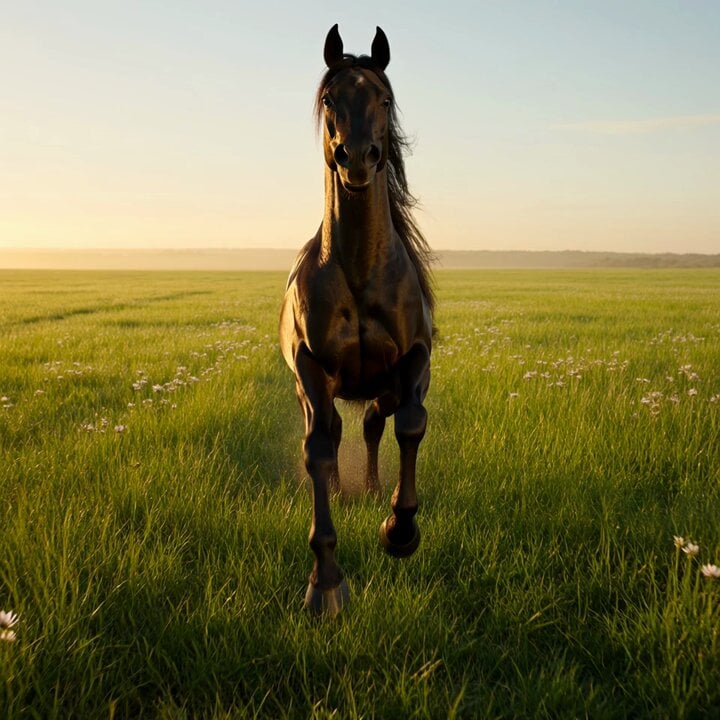
second video prompt of a majestic black horse galloping
Make it yours
Black Jaguar in Snow Video Prompt works as-is. These are the safest ways to change it without losing the look.
Change one field
Copy a single group, rewrite it, and generate again so you can see what that field is doing.
Keep the frame, change the subject
Hold the composition and light of Black Jaguar in Snow Video Prompt, then swap wardrobe, props or the person for a new take.
| If the result… | Why | Fix |
|---|---|---|
| The result drifts from the preview | Too many fields changed at once. | Reuse Black Jaguar in Snow Video Prompt as-is first, then change one group — subject, light, or setting. |
| The model over-stylizes the scene | The prose prompt leaves finish and camera underspecified. | Add one camera or lighting sentence and stay on Grok Imagine. |
More Grok Imagine templates
Other prompts made for Grok Imagine.

Horror Daffy Duck Video Transition

America 250th Anniversary Celebration

Glowing Water Forest Night Prompt

Soft Pink Roses Dreamer Prompt

Ninja Wizard Levitation Jump

Coffee Cup Interaction Motion

Voice Controlled Water Animation

Pterodactyl Transformation Journey

Candle Mandala Mirror Video

Psychedelic Purple Disc World Video
More video prompts
Fresh picks from across the catalog.
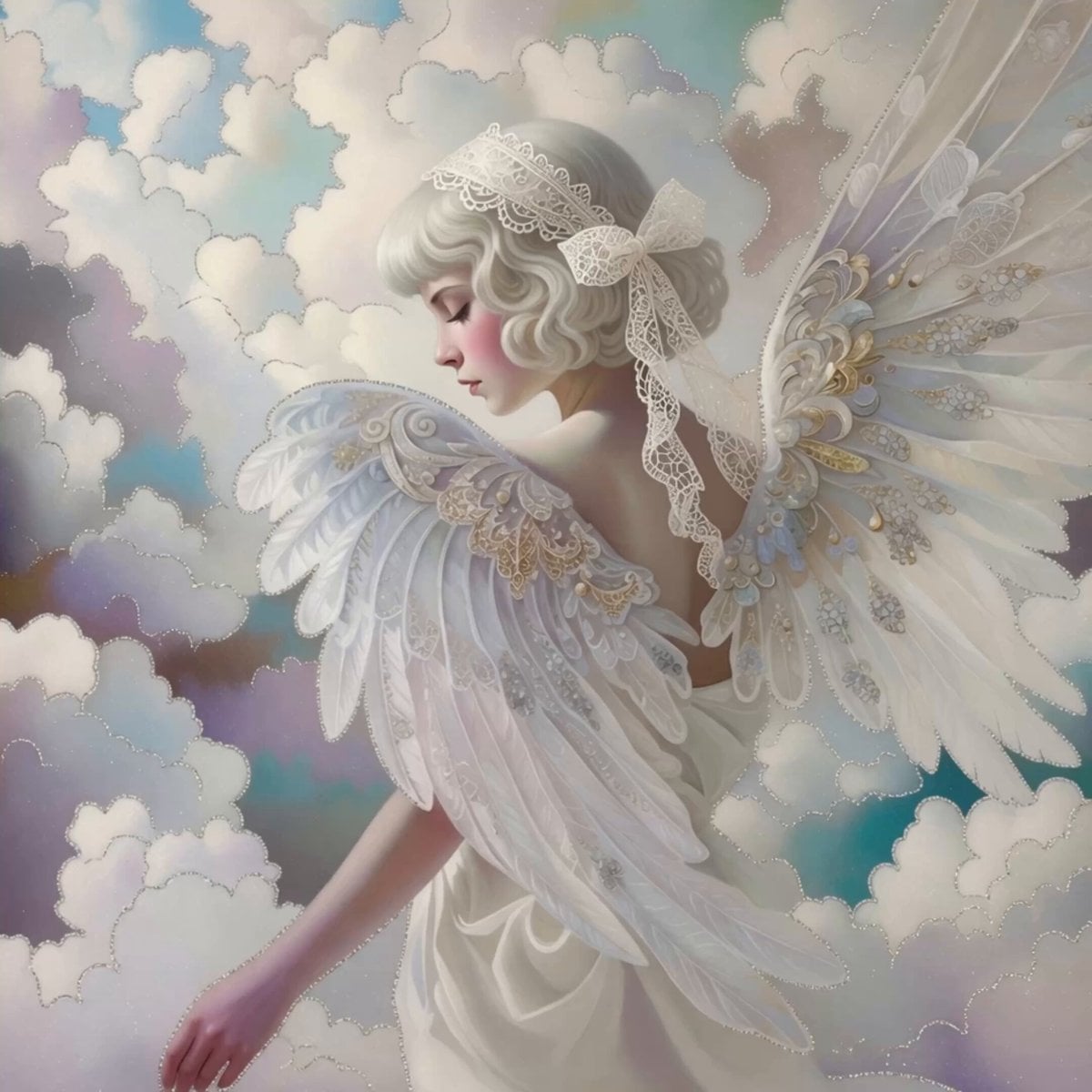
Ethereal Angel in Pastel Clouds
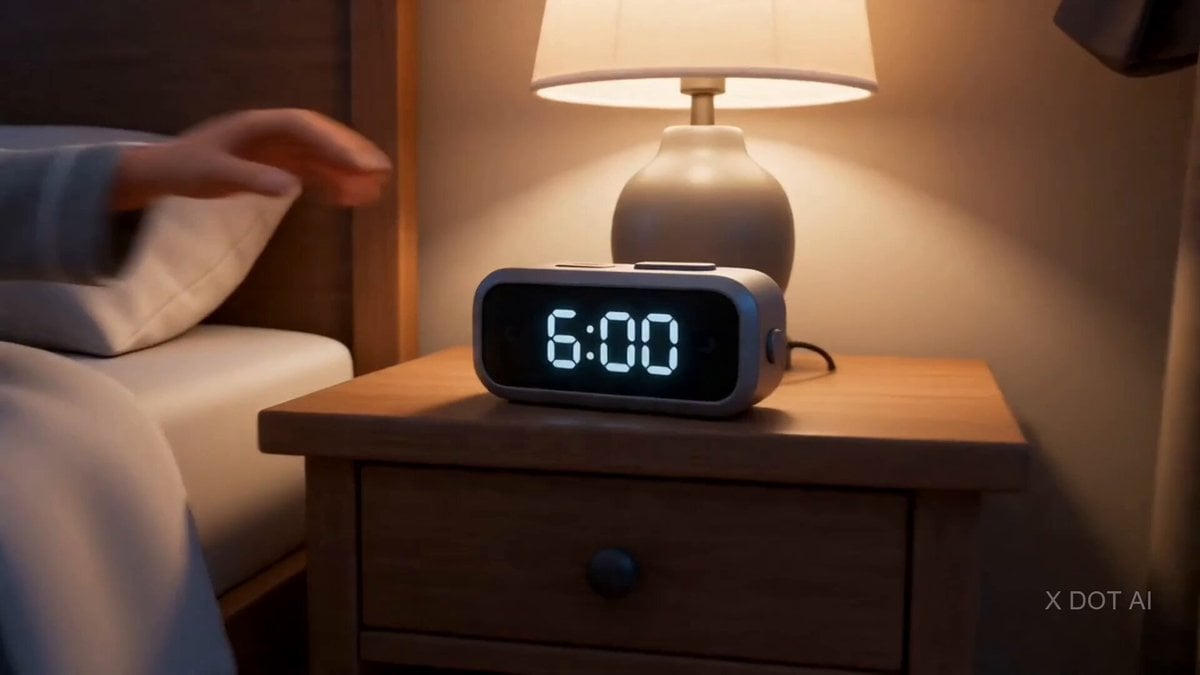
Daily Routine Split-Screen Comparison
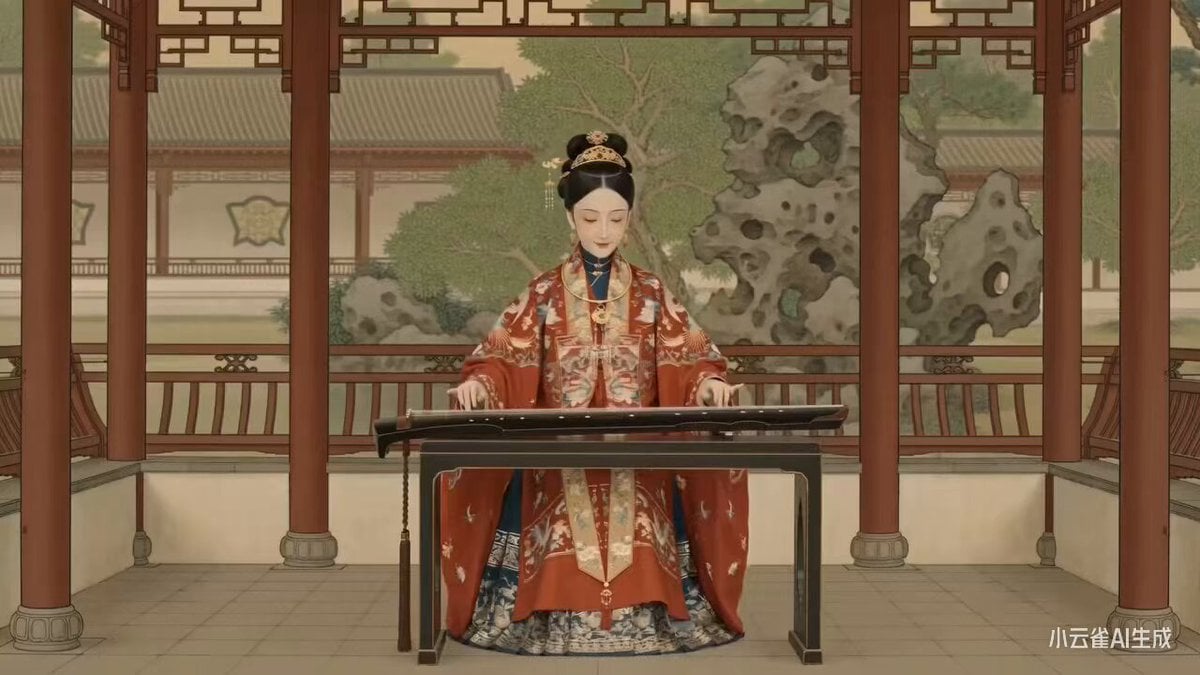
Seedance 2.0 Ming Dynasty Painting Revival Prompt
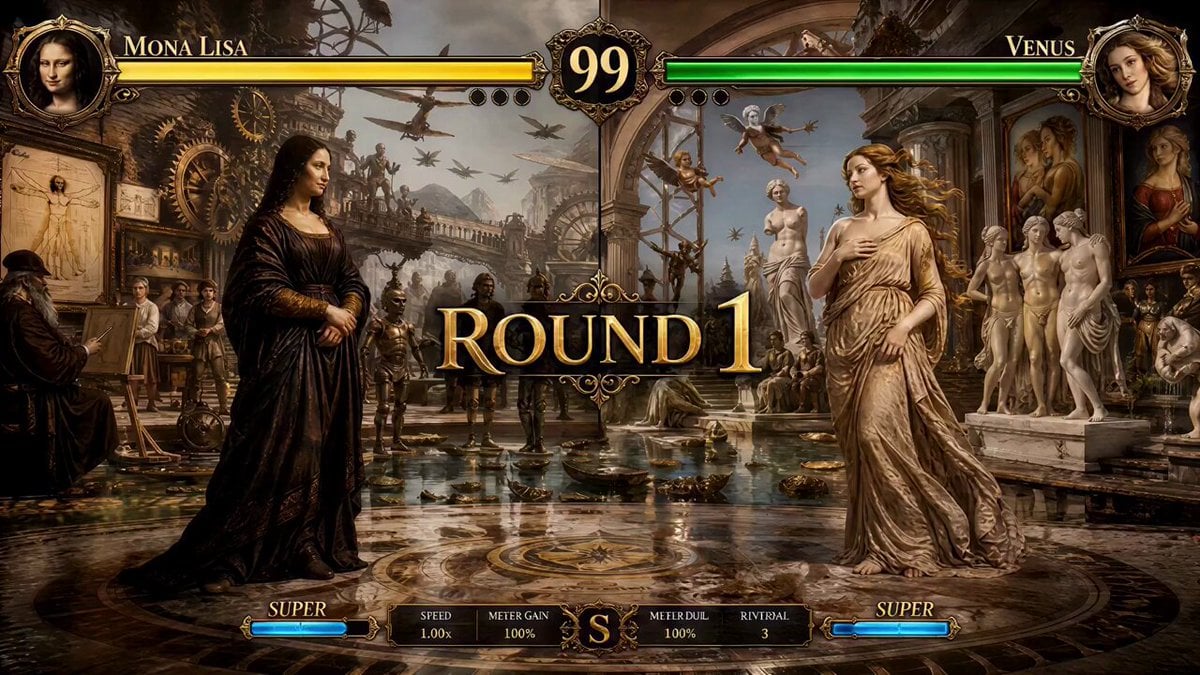
Mona Lisa vs Venus Fighting Game Style
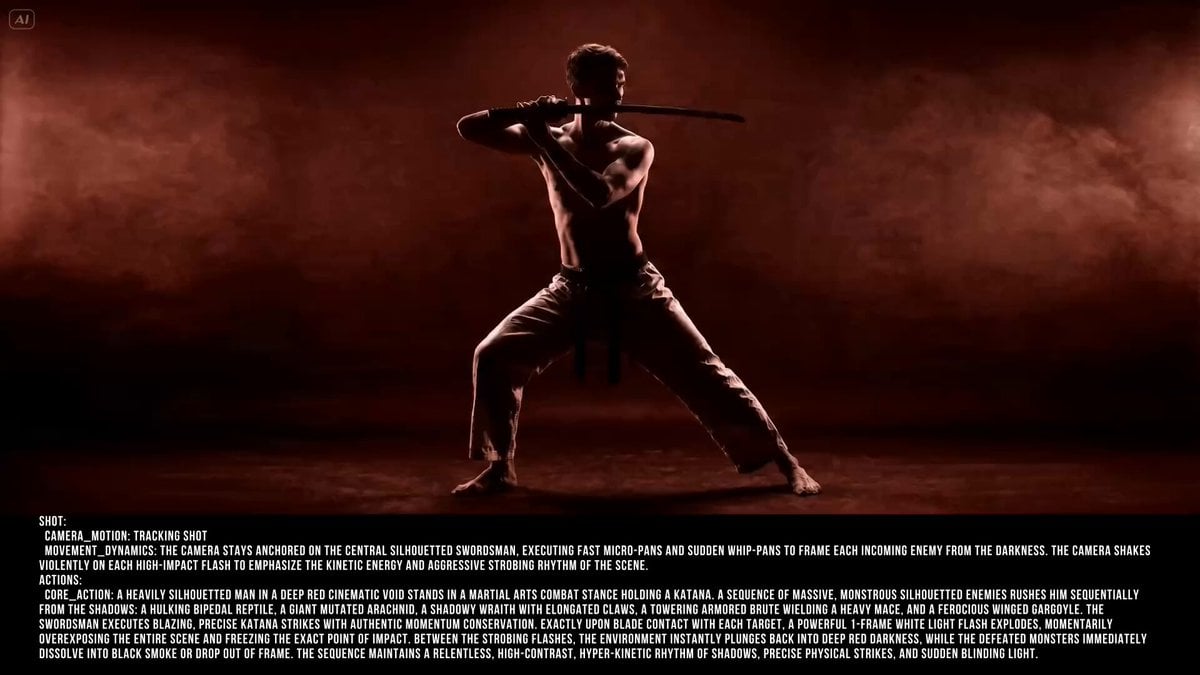
Silhouetted Swordsman Combat Prompt
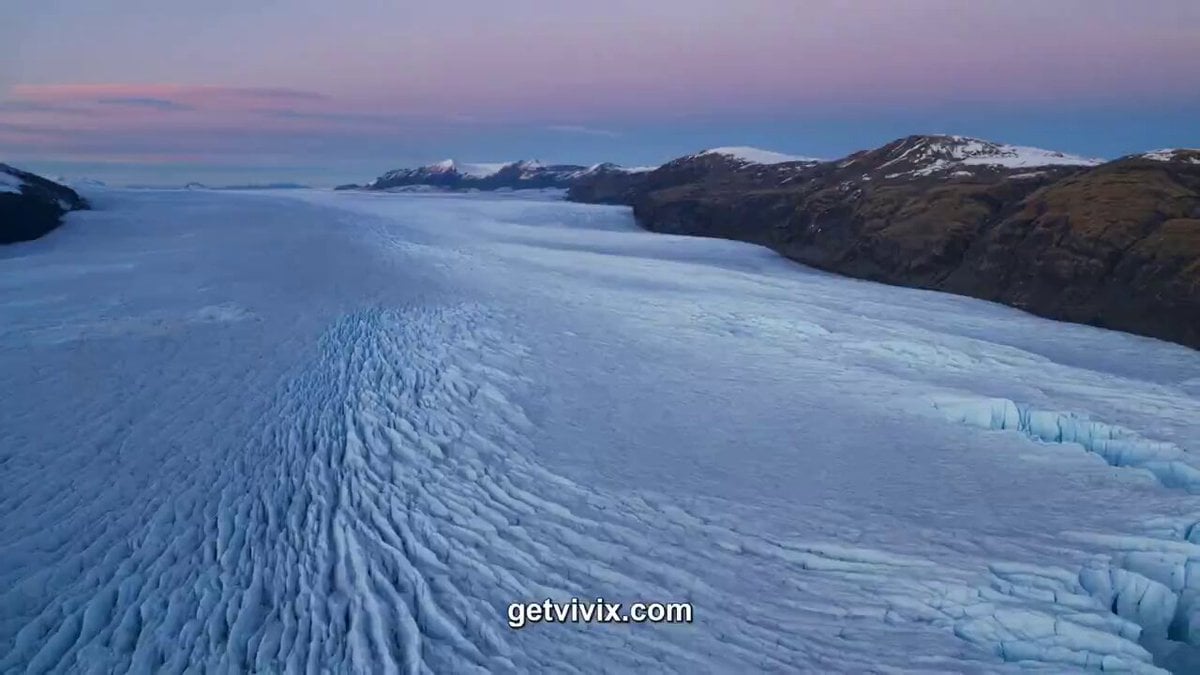
Patagonian Glacier Research Documentary
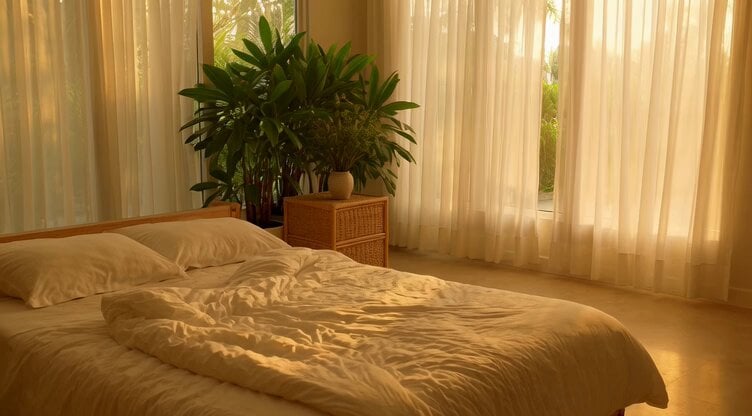
Photorealistic Bright and Airy Bedroom Interior Video Prompt
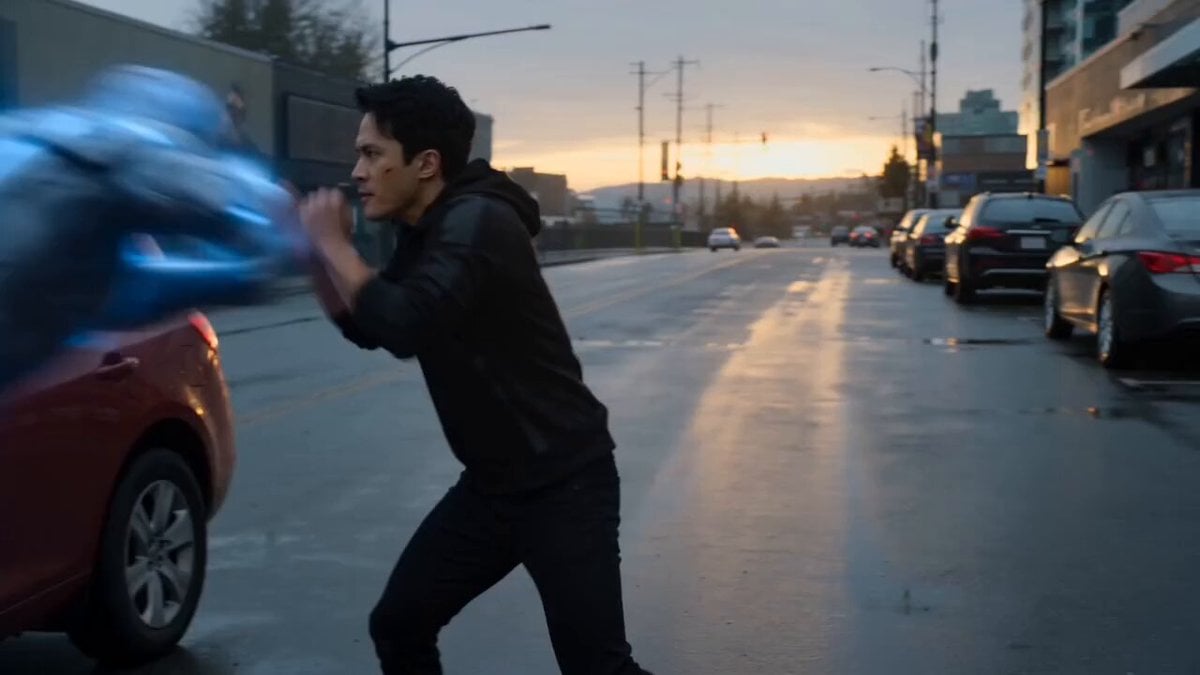
Nano-Armor Transformation Fight
Cinematic Girl Walking to Bright Open Sky
Ski Trip to Whistler with Northern Lights
Browse template categories
Black Jaguar in Snow Video Prompt questions
How do I use the Black Jaguar in Snow Video Prompt template?
Add your photo if the template asks for one, edit the prompt if you like — the template's model and format are already selected — and press Generate. Your version opens in PicX Studio.
Can I customize the Black Jaguar in Snow Video Prompt template?
Yes. You can change the subject, setting, lighting, mood, format, and available model controls before creating your video.
Is the Black Jaguar in Snow Video Prompt template free?
Opening and editing this template is free. Generating uses credits, shown on the Generate button when you are signed in.
Which AI model should I use?
Start with Grok Imagine, which is the model associated with this template. You can compare another compatible model for a different finish.
Looking for something else? Browse all templates.

Your photo, any look
Thousands of ready templates for every top image and video model, from one credit balance.