How do I use the Seedance 2.0 Ming Dynasty Painting Revival Prompt template?
Edit the prompt in the box under the preview — the template's model and format are already selected — and press Generate. Your version appears right on this page.
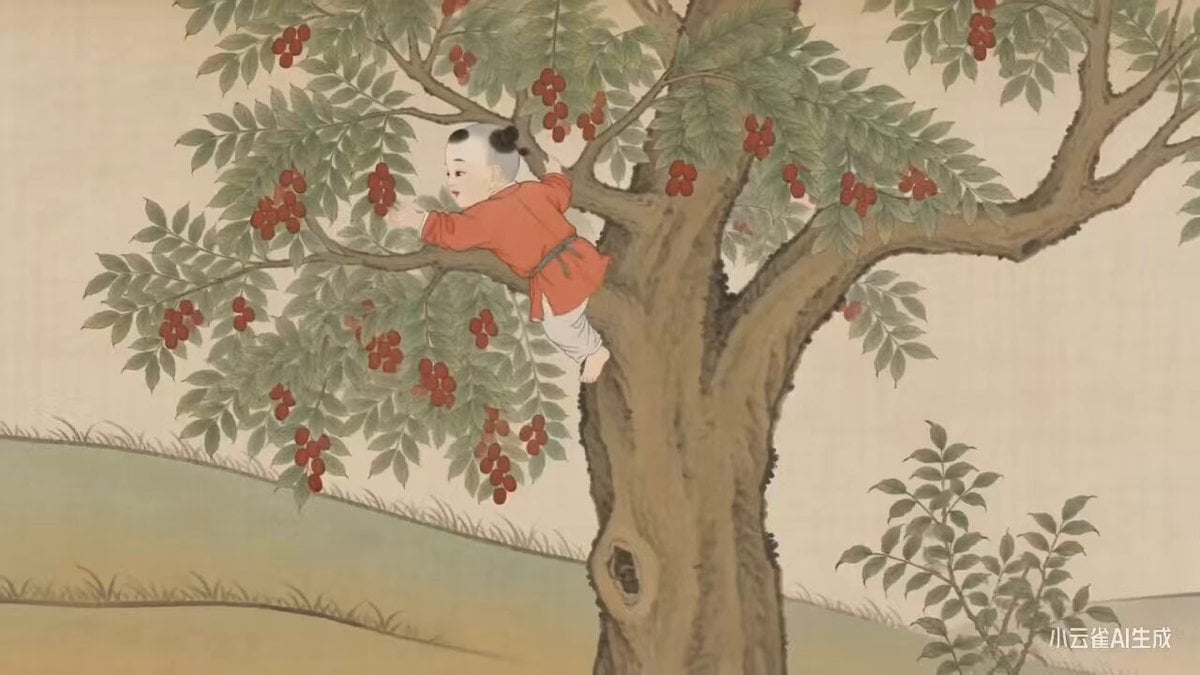
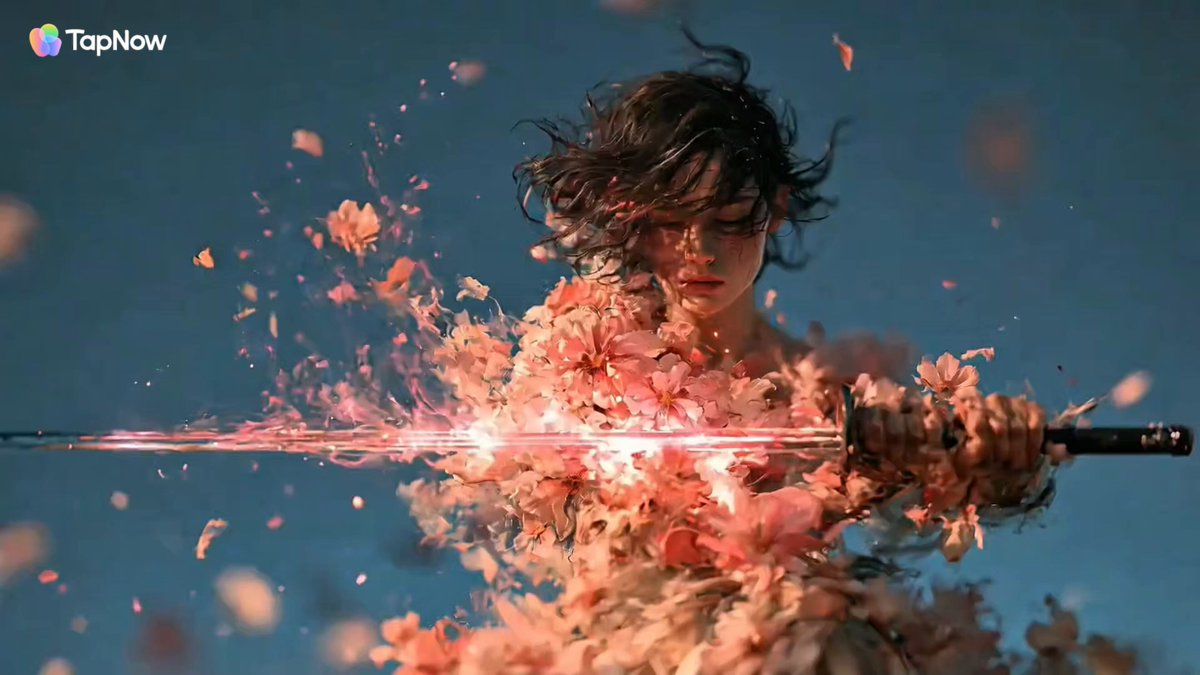
A description of a video generated by Seedance 2.0, which uses AI technology to bring the Ming Dynasty painting 'Hundred Beauties' by Qiu Ying to life, accurately replicating the heavy color and mineral pigment texture…
Using AI technology, Seedance 2.0 awakens the Ming-dynasty painter Qiu Ying's 《百美图》 ("Album of a Hundred Beauties"), precisely recreating the classic texture of fine-brush, heavy-color gongbi painting with mineral pigments, dynamically bringing to life the grand scene of court ladies enjoying spring and playing in the garden grounds, letting a thousand years of Chinese-style aesthetics bloom vividly in the digital age.
Using AI technology, Seedance 2.0 awakens the Ming-dynasty painter Qiu Ying's 《百美图》 ("Album of a Hundred Beauties"), precisely recreating the classic texture of fine-brush, heavy-color gongbi painting with mineral pigments, dynamically bringing to life the grand scene of court ladies enjoying spring and playing in the garden grounds, letting a thousand years of Chinese-style aesthetics bloom vividly in the digital age.
Edit the prompt in the box under the preview — the template's model and format are already selected — and press Generate. Your version appears right on this page.
Yes. You can change the subject, setting, lighting, mood, format, and available model controls before creating your video.
Opening and editing this template is free. Generating uses credits, shown on the Generate button when you are signed in.
Start with Seedance 2.0, which is the model associated with this template. You can compare another compatible model for a different finish.
Follow a topic to a crawlable collection of related PicX Studio templates.