How do I use the Seedance 2.0 Qing Dynasty Painting Revival Prompt template?
Edit the prompt in the box under the preview — the template's model and format are already selected — and press Generate. Your version appears right on this page.
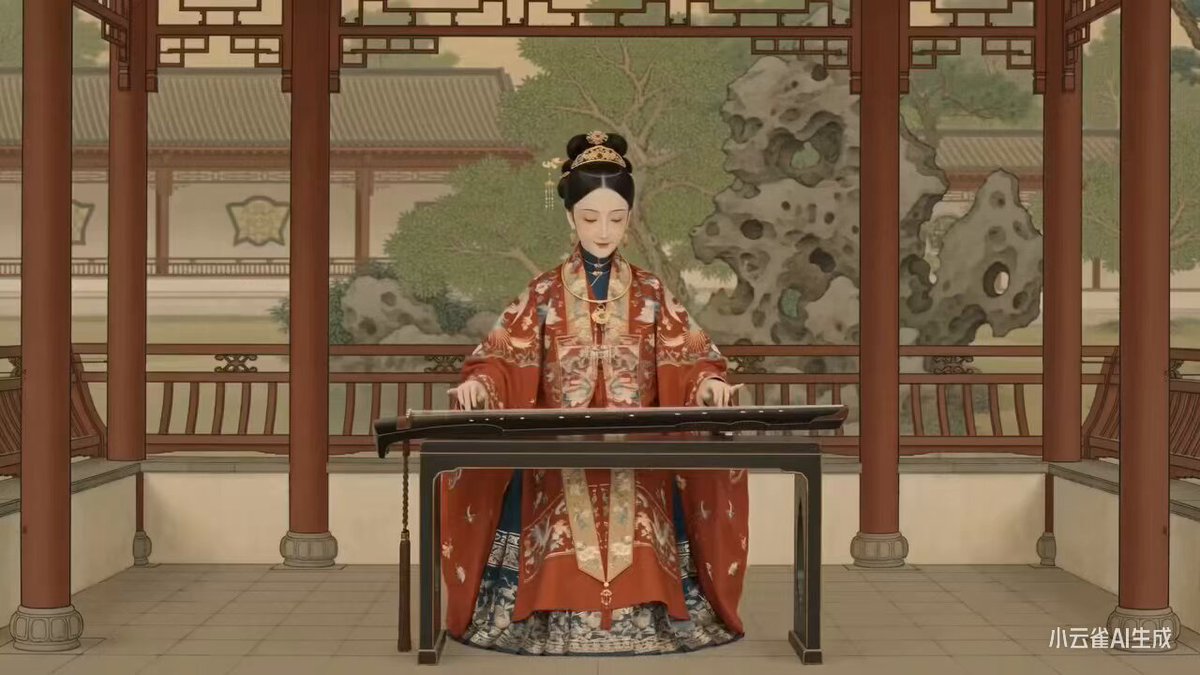
A description of a video generated by Seedance 2.0, which uses AI technology to dynamically revive the Qing Dynasty court Gongbi painting 'Red Rain in Donglin,' capturing the spirit of the brushwork and the innocence of…
Using AI technology, Seedance 2.0 brings the Qing-dynasty court gongbi (fine-brush) painting 《东林红雨》 ("Red Rain over the Eastern Grove") vividly back to life. A jujube grove in mid-autumn, children playing and laughing, dynamically recreating the brush-and-ink spirit of the ancient painting and the innocent charm of everyday street life, using modern technology to awaken traditional Chinese-style art, and experience the vivid charm of a century-old gongbi painting.
Using AI technology, Seedance 2.0 brings the Qing-dynasty court gongbi (fine-brush) painting 《东林红雨》 ("Red Rain over the Eastern Grove") vividly back to life. A jujube grove in mid-autumn, children playing and laughing, dynamically recreating the brush-and-ink spirit of the ancient painting and the innocent charm of everyday street life, using modern technology to awaken traditional Chinese-style art, and experience the vivid charm of a century-old gongbi painting.
Edit the prompt in the box under the preview — the template's model and format are already selected — and press Generate. Your version appears right on this page.
Yes. You can change the subject, setting, lighting, mood, format, and available model controls before creating your video.
Opening and editing this template is free. Generating uses credits, shown on the Generate button when you are signed in.
Start with Seedance 2.0, which is the model associated with this template. You can compare another compatible model for a different finish.
Follow a topic to a crawlable collection of related PicX Studio templates.