
Convenience Store Raccoon and Pug Comedy
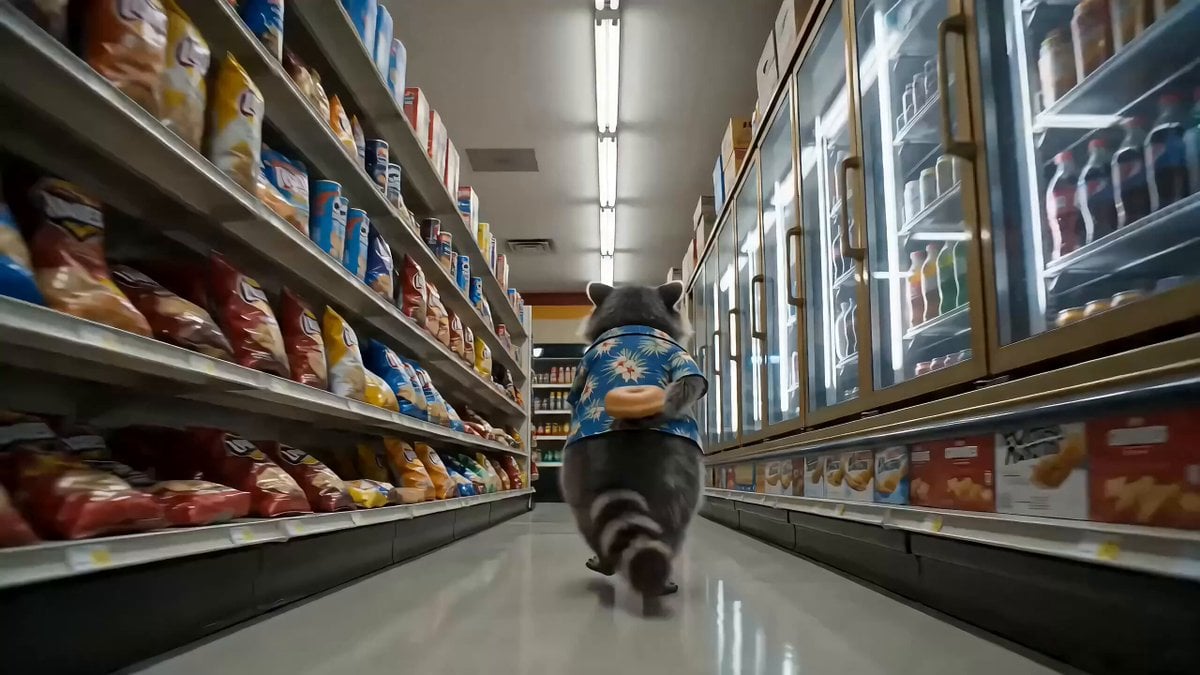
A humorous video prompt featuring a smooth-talking raccoon con-man and a suspicious security pug in a convenience store at night, complete with dialogue and physical comedy.
- Prompt included
- Model and format preset
- Free template
The prompt behind this video
Copy the exact prompt behind Convenience Store Raccoon and Pug Comedy, or open it in the studio and make it yours.
15-second ultra-realistic comedy short, photorealistic live-action style, harsh fluorescent store lighting with neon spill, high detail fur and whiskers, realistic physics, smooth motion, cinematic camera work, funny animal voices with expressive faces. Setting: a small 24-hour convenience store at night, fluorescent overhead lighting mixed with neon window signs glowing outside, cramped snack aisles, a humming drink fridge, a counter with a lottery display, light rain visible through the glass storefront. Dialogue (spoken naturally with funny voices): Ziggy (smooth con-man voice): \"Evening, officer. Lovely fluorescents tonight.\" Sarge (gravelly, suspicious): \"Paws where I can see 'em.\" Ziggy (offended): \"This? I'm just holding it.\" Sarge (barking into radio): \"10-31! DONUT DOWN!\" Deb (flat monotone): \"Not my problem.\" Shot-by-shot timing: [0-3s] Low tracking shot down a snack aisle: a plump grey raccoon with a black bandit mask marking, wearing a tiny open Hawaiian shirt, with remarkably dexterous little black hands, strolls casually while one hand — behind his back — juggles a glazed donut. He nods at the camera: \"Evening, officer. Lovely fluorescents tonight.\" [3-6s] Whip-pan to a stocky fawn-colored pug with a black wrinkled face, wearing a tiny navy-blue security vest with a gold \"SECURITY\" badge and a small utility belt with a mini flashlight, standing at the end of the aisle, flashlight beam hitting Ziggy's face like an interrogation lamp. Sarge growls: \"Paws where I can see 'em.\" [6-9s] Close-up: Ziggy slowly raises both empty hands — while his tail, curled behind him, is visibly holding the donut. He says, deeply offended: \"This? I'm just holding it.\" [9-12s] The donut slips off the tail, rolls down the aisle in a perfect line like a wheel, realistic wobble physics. Both animals watch it, frozen. Then Sarge scrambles after it, tiny legs sliding on polished floor, barking into a shoulder radio: \"10-31! DONUT DOWN!\" [12-14s] Quick cutaway: a scruffy grey Virginia opossum wearing a red employee vest with a crooked name tag reading \"DEB\" watches the donut roll past the counter, deadpan, and says: \"Not my problem.\" The donut rolls out the automatic door into the rain. [14-15s] Freeze-frame hero shot: Sarge and Ziggy side by side at the open door, both staring into the rain at the lost donut, equally devastated. Text overlay optional: \"Nobody won tonight.\" Global style: Extremely realistic fur, whisker, and skin details, harsh fluorescent store lighting with soft neon spill from window signs, realistic reflections on the polished floor and fridge glass, subtle dust particles in light beams, flawless physics for all objects, highly expressive animal faces, comedic timing, 4K photoreal quality, no deformities.
How to use Convenience Store Raccoon and Pug Comedy in 3 steps
- 1
Open
The prompt is already in the box next to the preview, with the template's model and format selected.
- 2…a portrait of your subject in softgolden-hour light, 85mm…
Personalize
Edit the subject and creative details for your destination.
- 3Generate
Generate
Press Generate — your video is created in PicX Studio, so you can compare it with the original and refine one variable at a time.
More like this
Templates with the same subject, style or setup. Open one to see its prompt.

Nostalgic MiniDV Convenience Store Vlog - Seedance 2.5
Cinematic Raccoon Convenience Store Shift Prompt
Korean Horror Zombie Convenience Store Attack
Realistic Tokyo Convenience Store Vlog
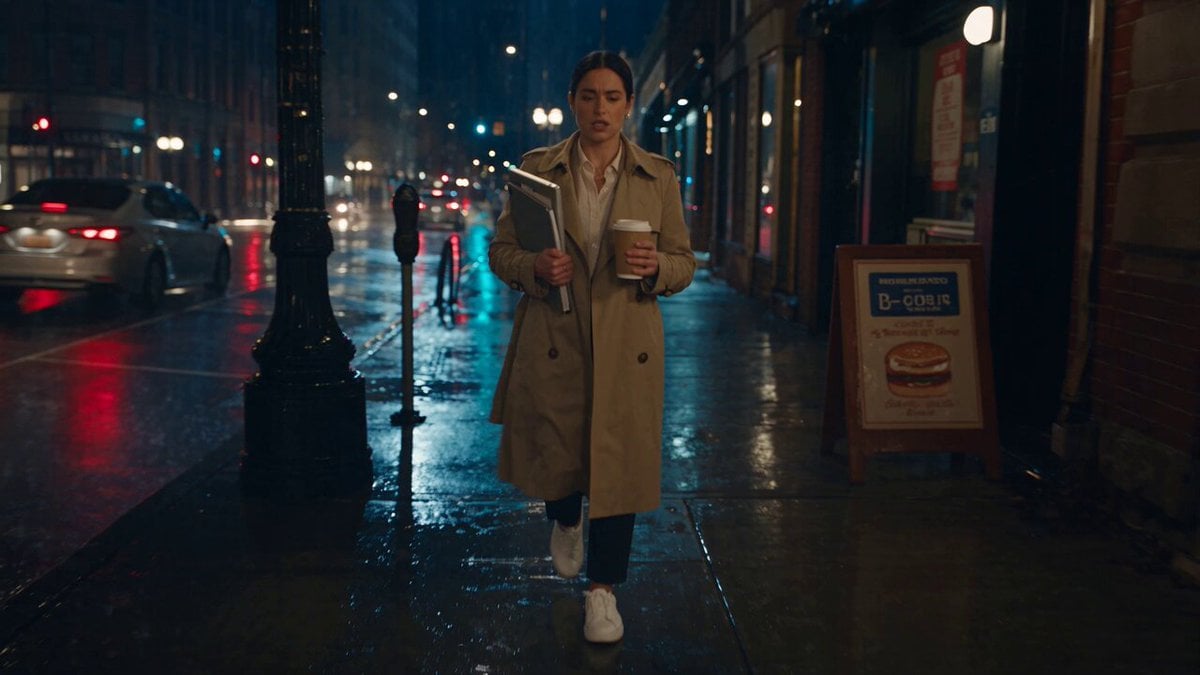
Viking in Modern America Comedy - Seedance 2.5

Cinematic Suspense Convenience Store Video Prompt
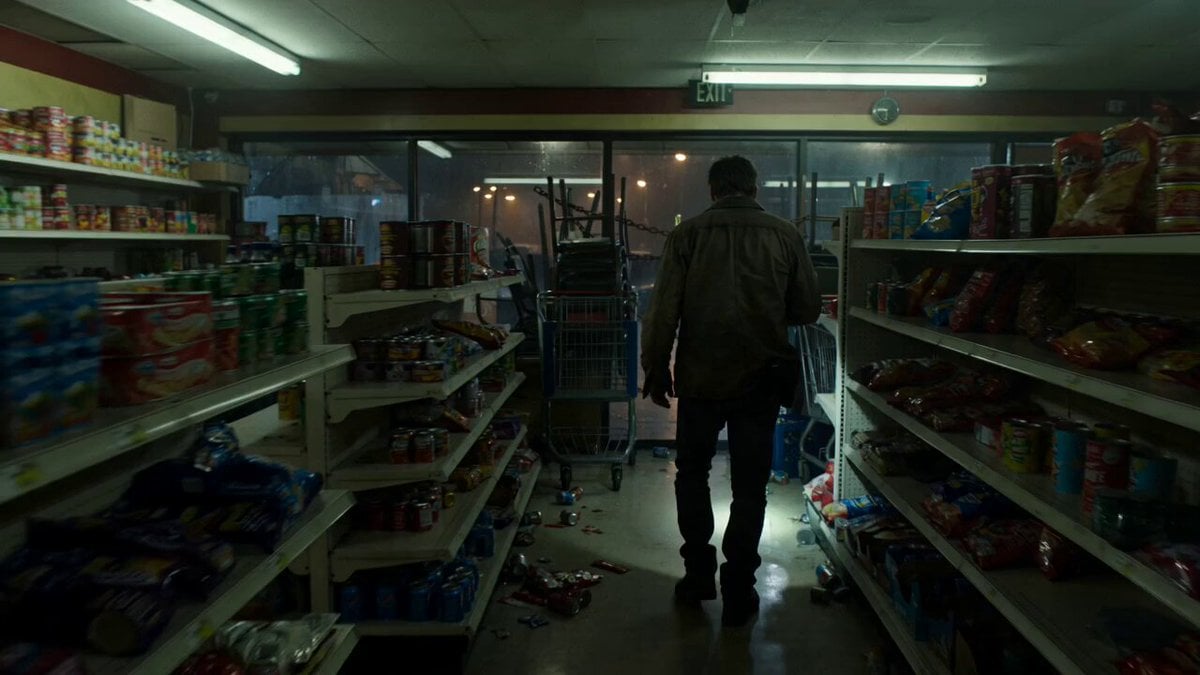
Zombie Apocalypse Convenience Store Shot
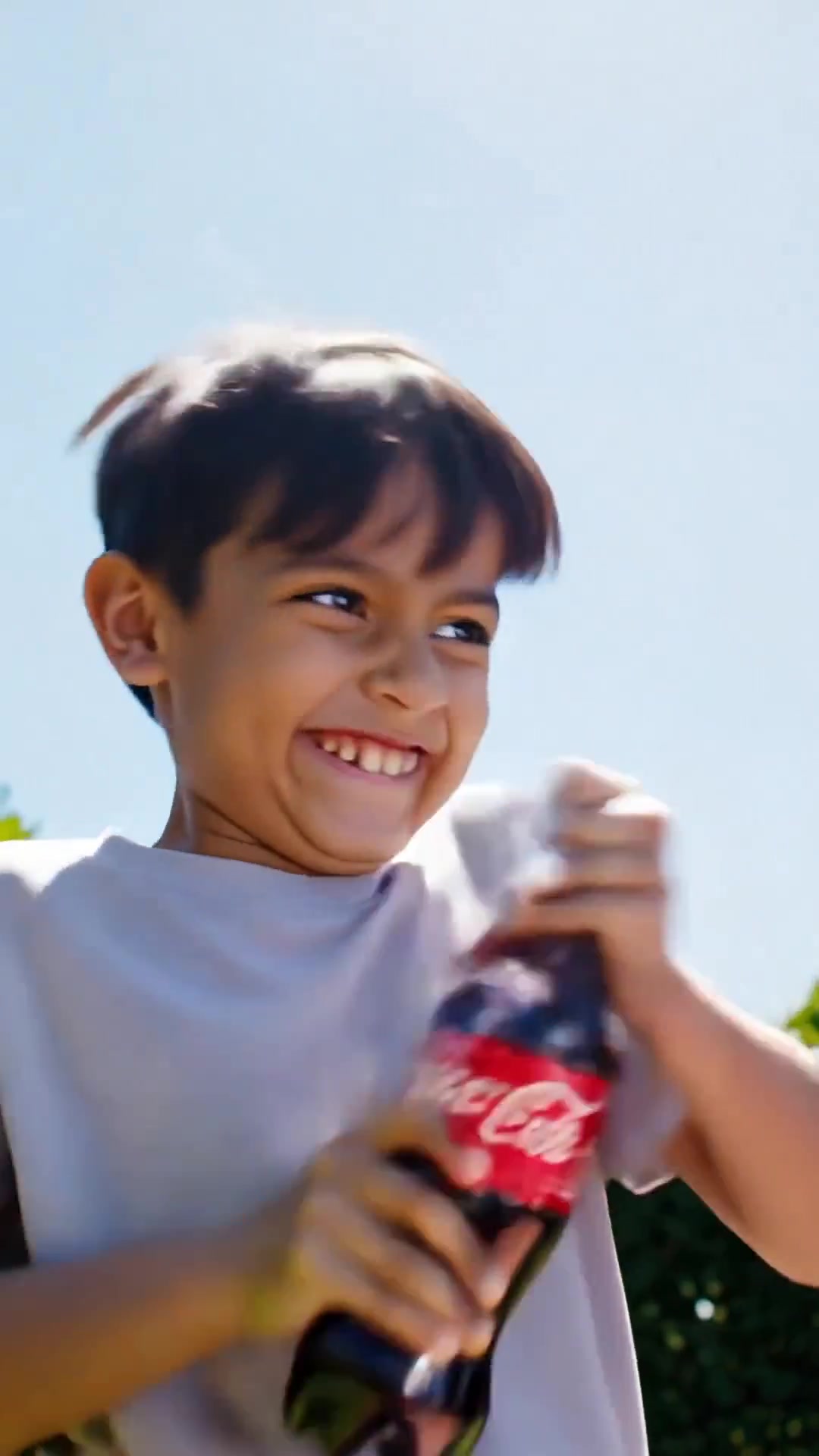
Comedy Coke Bottle Prank Reel — Kling 3.0 O3 Pro

Cartoon Donut Heist Bakery Chase
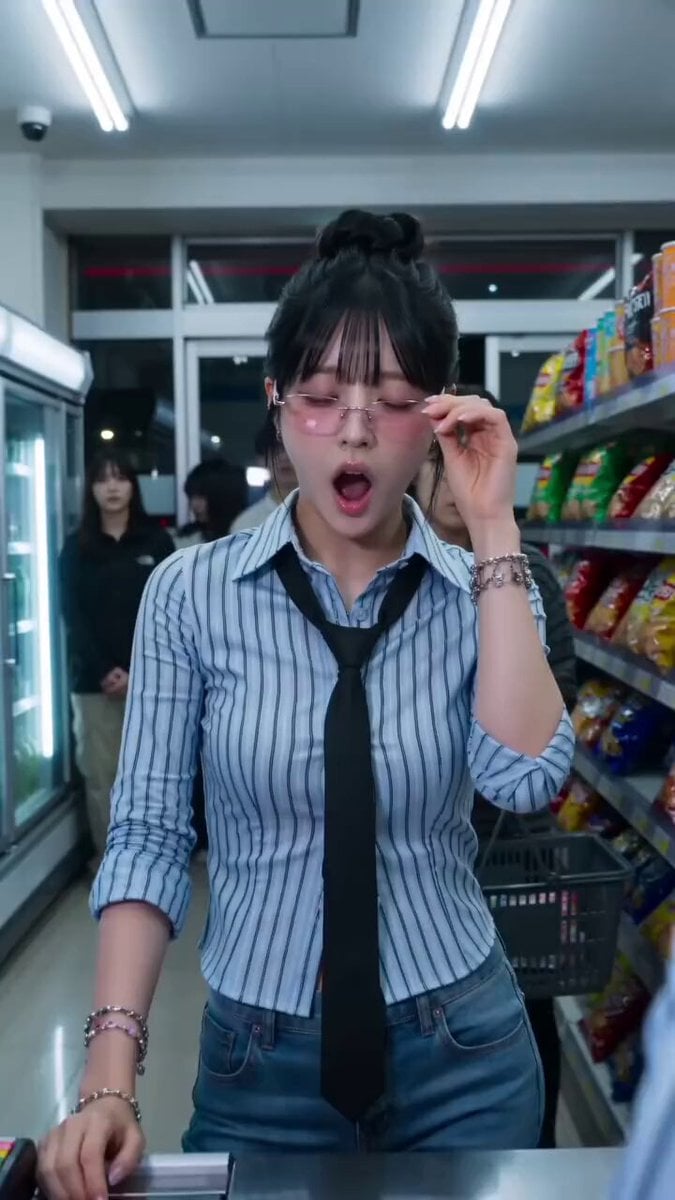
Convenience Store K-Pop Dance Performance
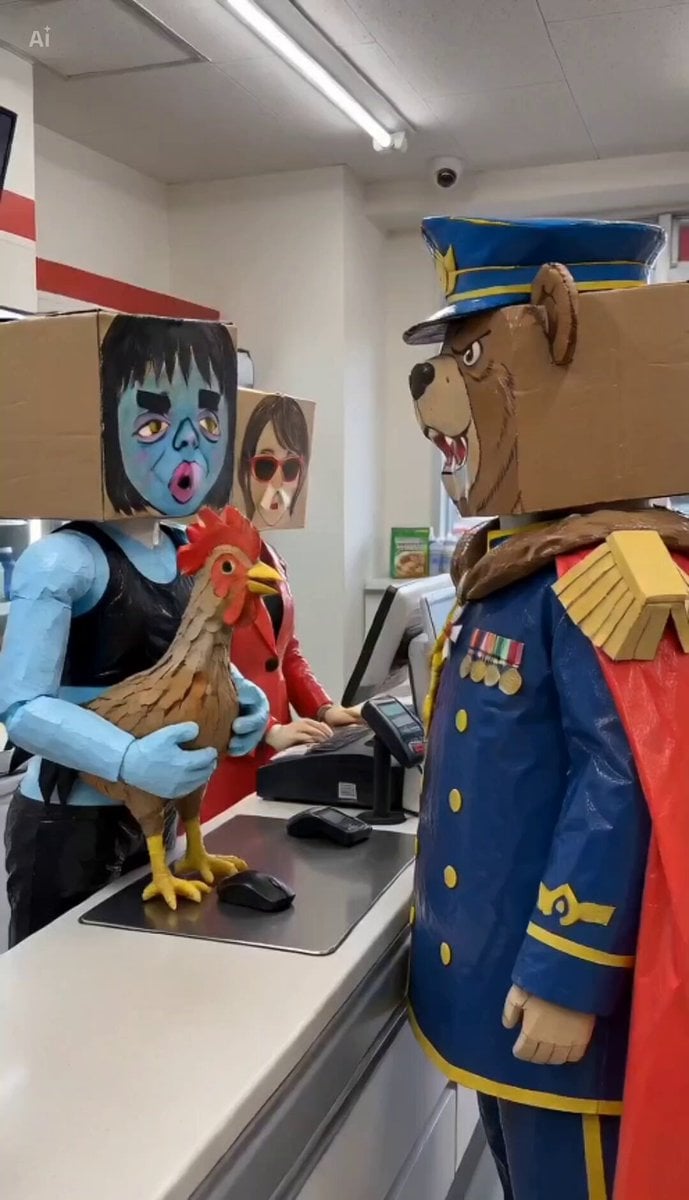
Convenience Store Quarrel Scene
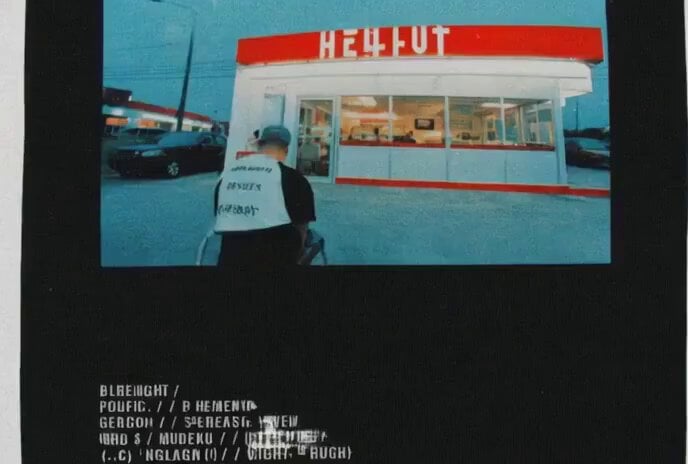
Video prompt for a convenience store devolving into another dimension
Make it yours
Convenience Store Raccoon and Pug Comedy works as-is. These are the safest ways to change it without losing the look.
Change one field
Copy a single group, rewrite it, and generate again so you can see what that field is doing.
Keep the frame, change the subject
Hold the composition and light of Convenience Store Raccoon and Pug Comedy, then swap wardrobe, props or the person for a new take.
| If the result… | Why | Fix |
|---|---|---|
| The result drifts from the preview | Too many fields changed at once. | Reuse Convenience Store Raccoon and Pug Comedy as-is first, then change one group — subject, light, or setting. |
| The model over-stylizes the scene | The prose prompt leaves finish and camera underspecified. | Add one camera or lighting sentence and stay on Seedance 2.0. |
More Seedance 2.0 templates
Other prompts made for Seedance 2.0.

Comical Martial Arts Punch Scene

Maglev Train Action Sequence

Martial Arts Fight Sequence

Wuxia Protection and Trust Script

Vintage Korean Arcade MiniDV Vlog

Mercedes 190 SL Luxury Ad

Rainy Night Supernatural Reverse Comedy Video Script

Amazon Civilization Discovery

Futuristic South Asian City Transformation

Cozy Luxury Cafe Commercial
More video prompts
Fresh picks from across the catalog.

Second Ancient Chinese Costume Quick Change Video
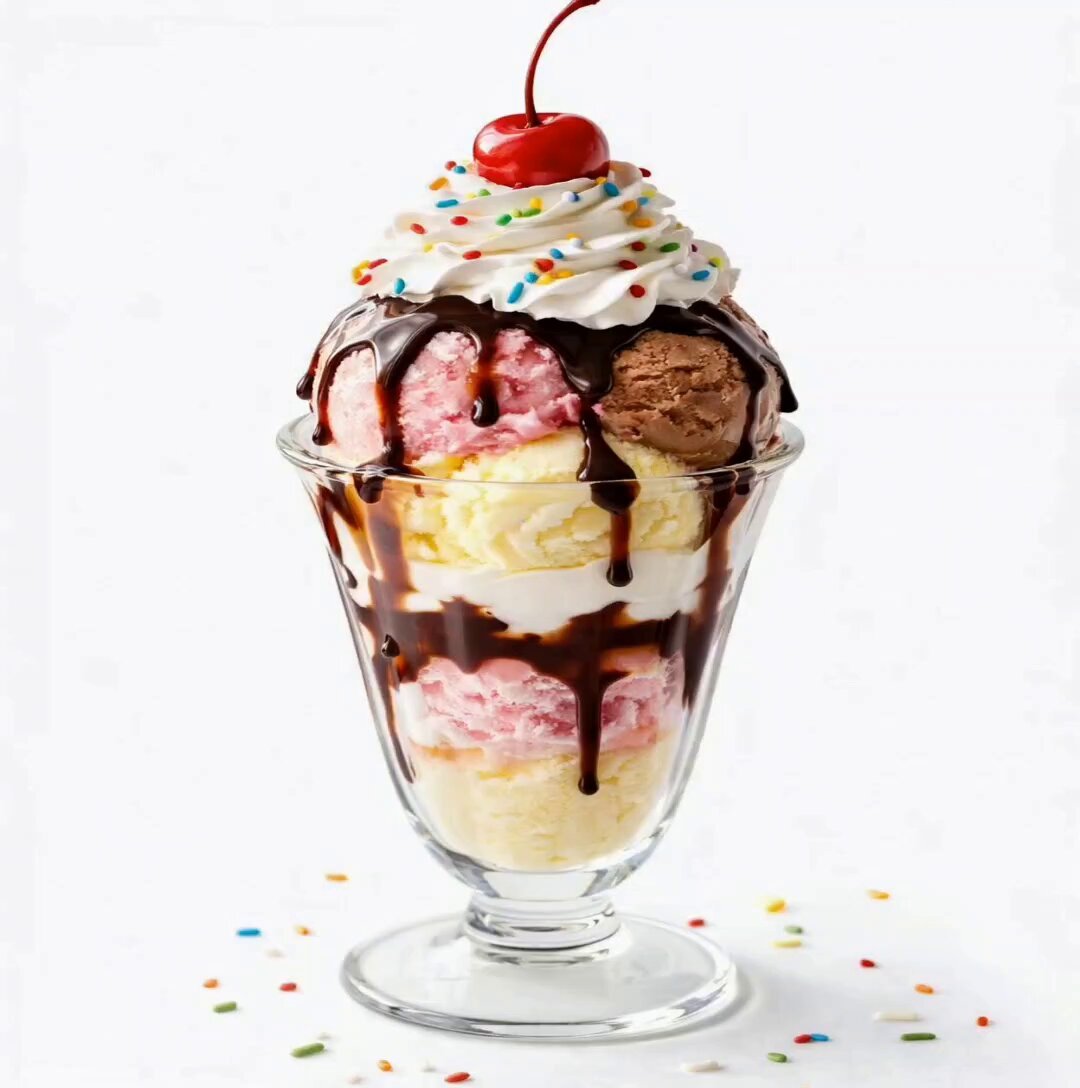
Premium Ice Cream Sundae Commercial

Global Football Dream Cinematic Story
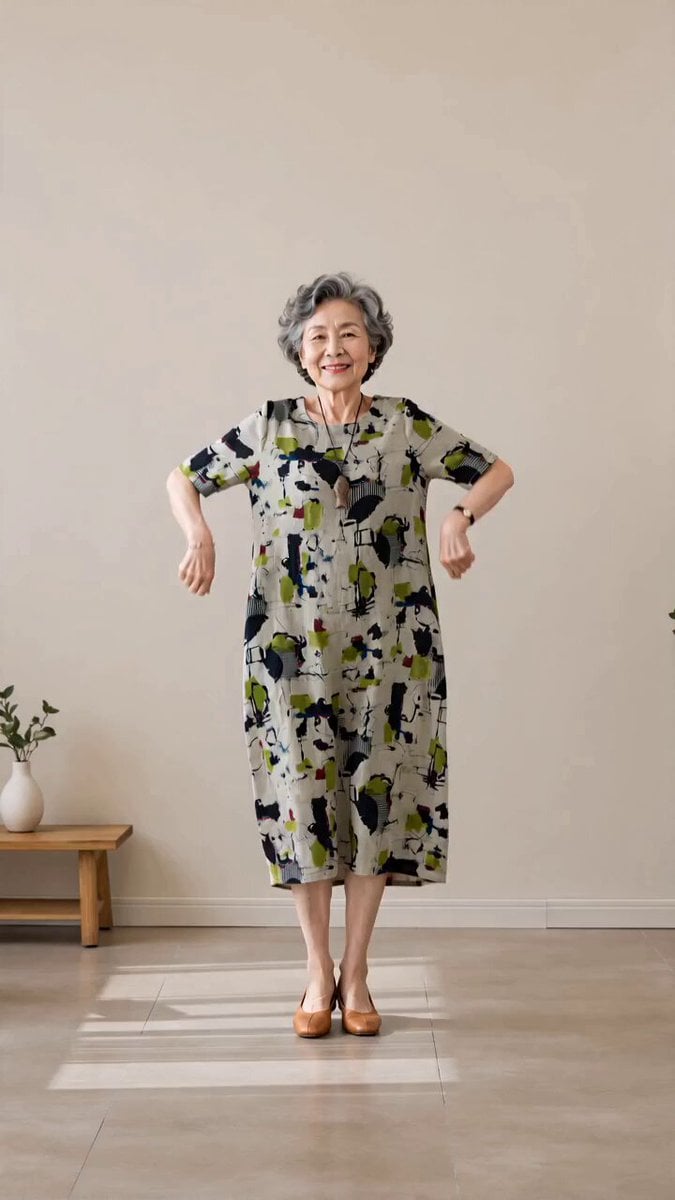
Senior Trot Dance Storyboard Video
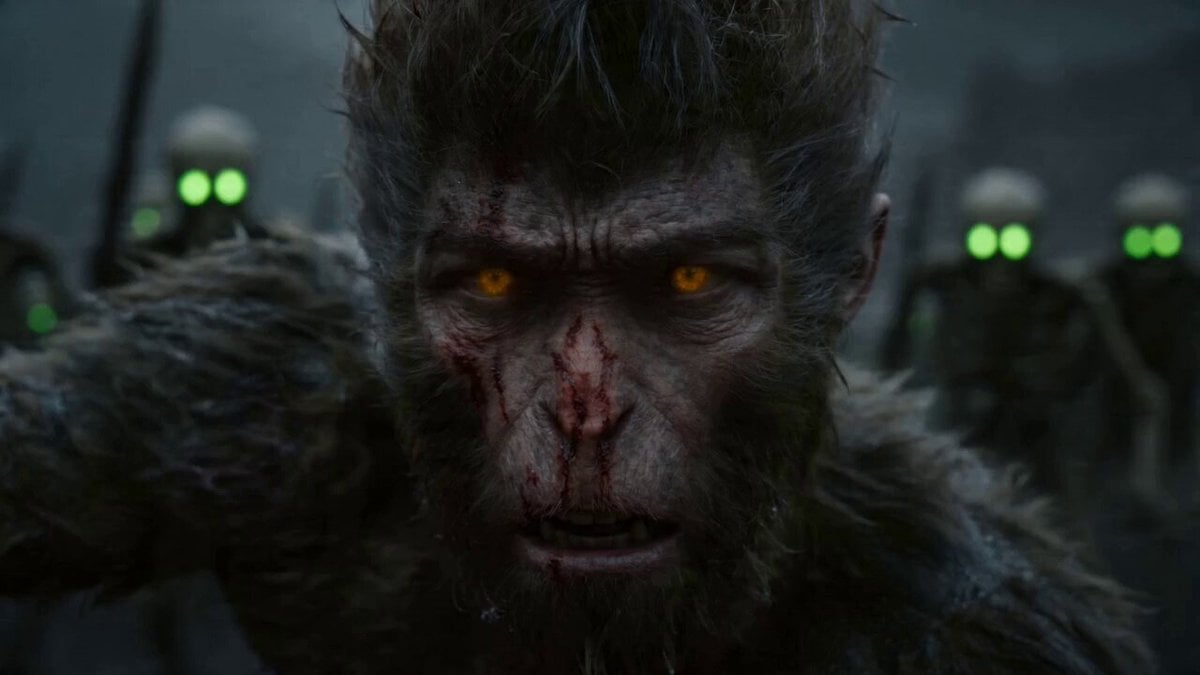
Epic Multi-Shot Sequence of Sun Wukong on a Mythological Battlefield

3D Animated Newspaper Delivery Short - Seedance 2.5
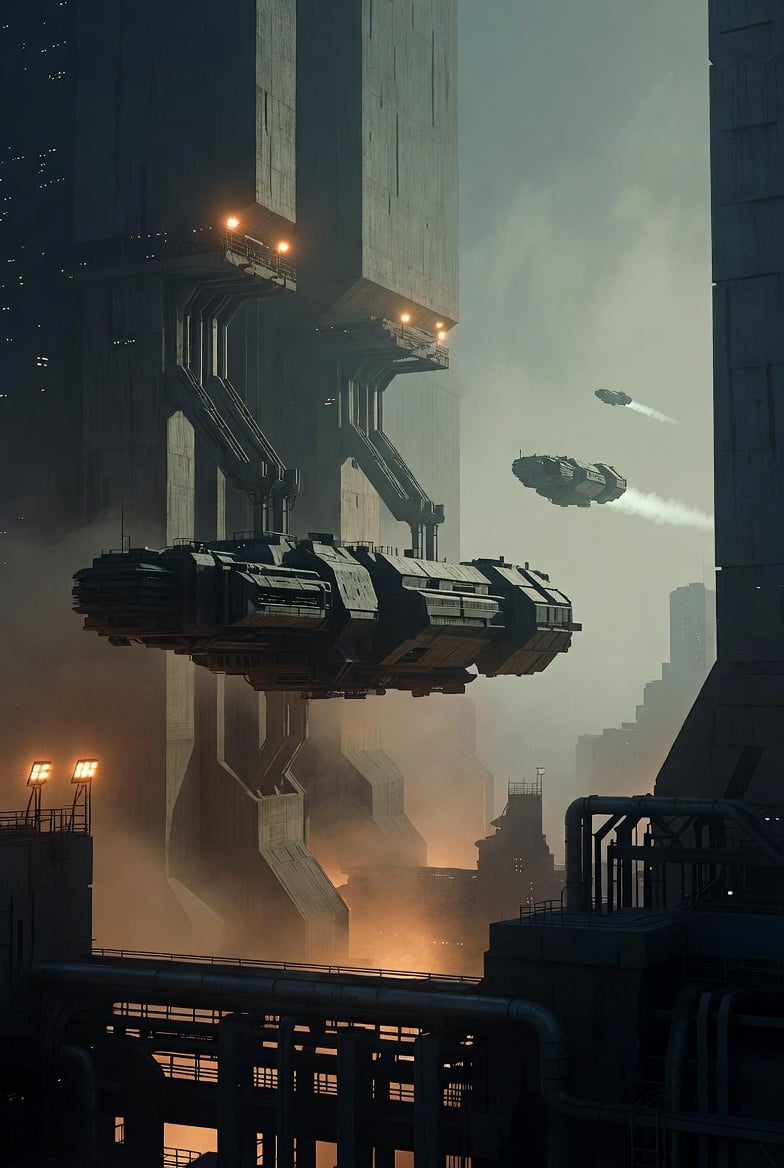
Photorealistic Sci-Fi Cityscape
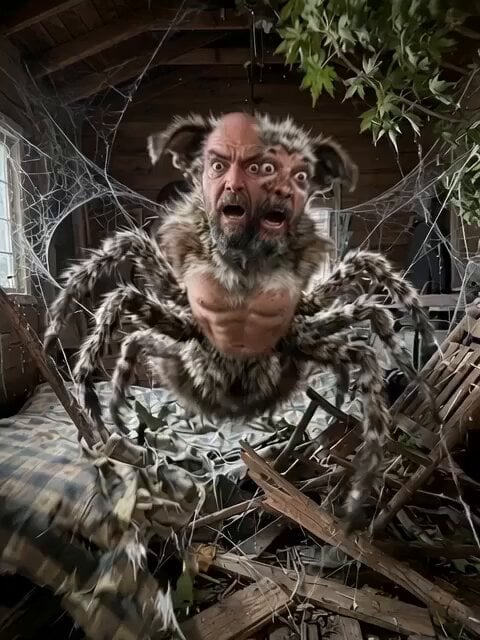
Spiderwolf Man Purgatory Rescue

Korean Idol Childhood Photo Vlog
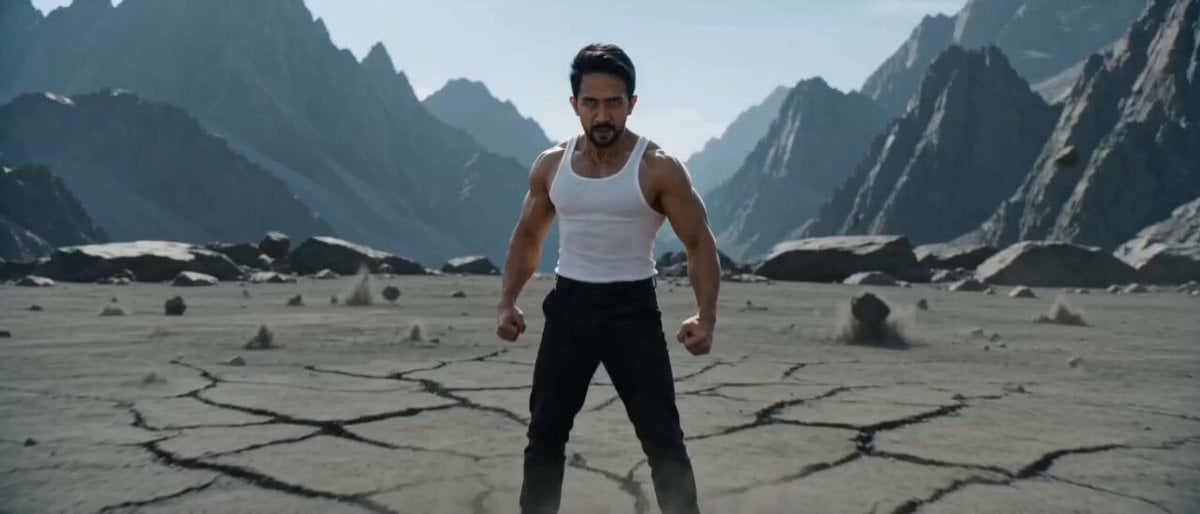
Ultra-Realistic Super Saiyan Transformation
Browse template categories
Convenience Store Raccoon and Pug Comedy questions
How do I use the Convenience Store Raccoon and Pug Comedy template?
Add your photo if the template asks for one, edit the prompt if you like — the template's model and format are already selected — and press Generate. Your version opens in PicX Studio.
Can I customize the Convenience Store Raccoon and Pug Comedy template?
Yes. You can change the subject, setting, lighting, mood, format, and available model controls before creating your video.
Is the Convenience Store Raccoon and Pug Comedy template free?
Opening and editing this template is free. Generating uses credits, shown on the Generate button when you are signed in.
Which AI model should I use?
Start with Seedance 2.0, which is the model associated with this template. You can compare another compatible model for a different finish.
Looking for something else? Browse all templates.

Your photo, any look
Thousands of ready templates for every top image and video model, from one credit balance.