
Cinematic Raccoon Convenience Store Shift Prompt
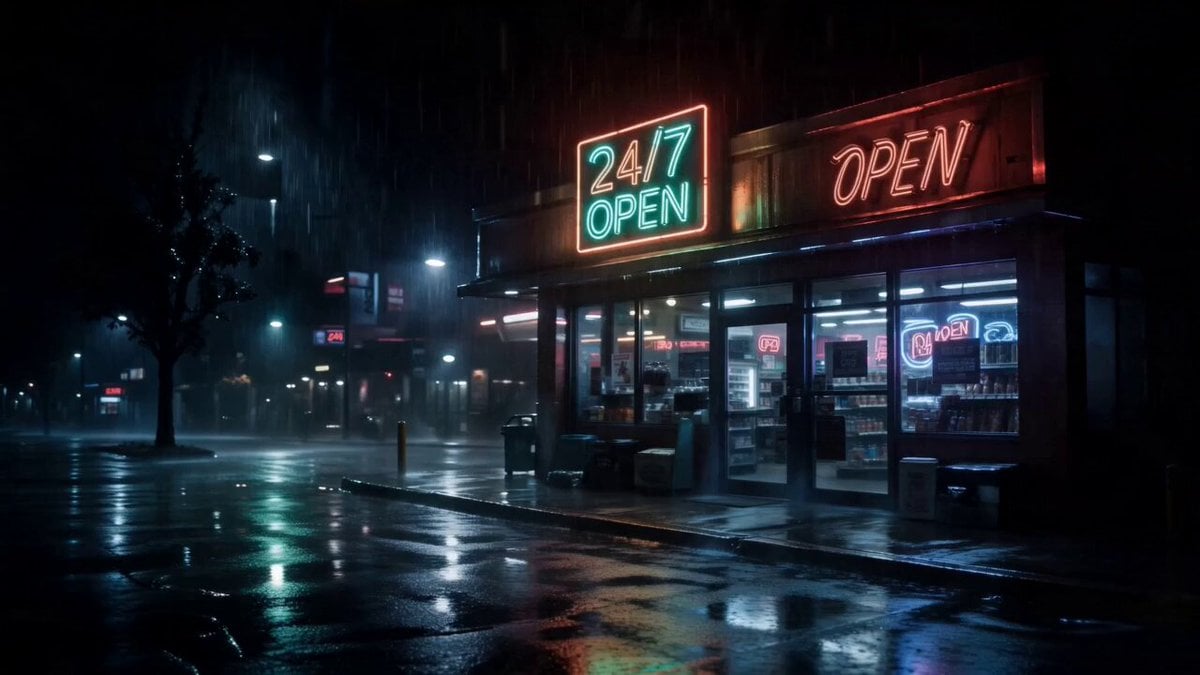
A highly detailed, melancholic cinematic prompt featuring a raccoon working an overnight shift in a neon-lit convenience store.
- Prompt included
- Model and format preset
- Premium template
The prompt behind this video
Copy the exact prompt behind Cinematic Raccoon Convenience Store Shift Prompt, or open it in the studio and make it yours.
Hyper-realistic cinematic raccoon working the overnight shift at a lonely 24/7 convenience store during heavy rain at 3AM, oversized employee uniform, tired eyes, messy wet fur, emotional human-like expressions. Flickering fluorescent lights, empty snack aisles, steaming coffee machine, neon “24/7 OPEN” signs reflecting on wet floors and rainy streets outside. Slow handheld camera movement, cinematic closeups, shallow depth of field, muted colors with neon red and green highlights, security camera aesthetic mixed with movie-quality cinematography. The raccoon quietly scans instant noodles while an angry customer argues in the background. Emotional late-night loneliness, subtle dark comedy, realistic xfur textures, film grain, natural motion blur, 4K HDR realism. Soft emotional piano and ambient synth music, rain sounds, fluorescent hum, melancholic atmosphere. Final scene: raccoon smoking outside in the rain under neon lights, exhausted and alone, cinematic side-profile shot, emotionally devastating mood
How to use Cinematic Raccoon Convenience Store Shift Prompt in 3 steps
- 1
Open
The prompt is already in the box next to the preview, with the template's model and format selected.
- 2…a portrait of your subject in softgolden-hour light, 85mm…
Personalize
Edit the subject and creative details for your destination.
- 3Generate
Generate
Press Generate — your video is created in PicX Studio, so you can compare it with the original and refine one variable at a time.
More like this
Templates with the same subject, style or setup. Open one to see its prompt.

Nostalgic MiniDV Convenience Store Vlog - Seedance 2.5
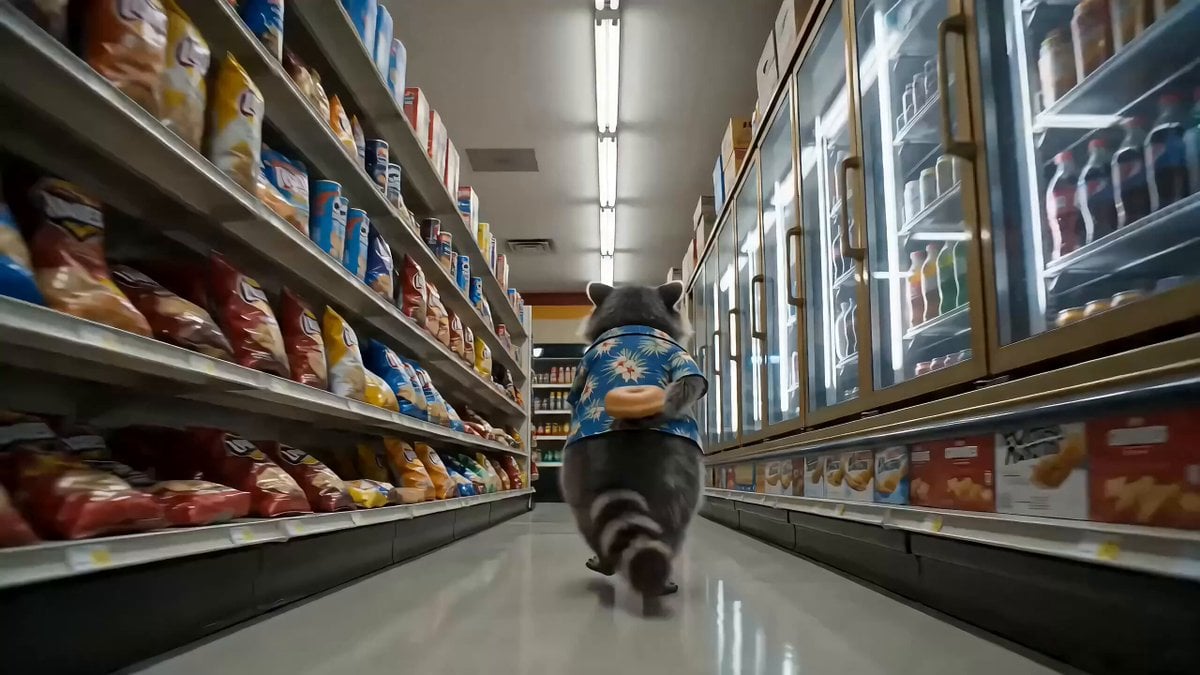
Convenience Store Raccoon and Pug Comedy
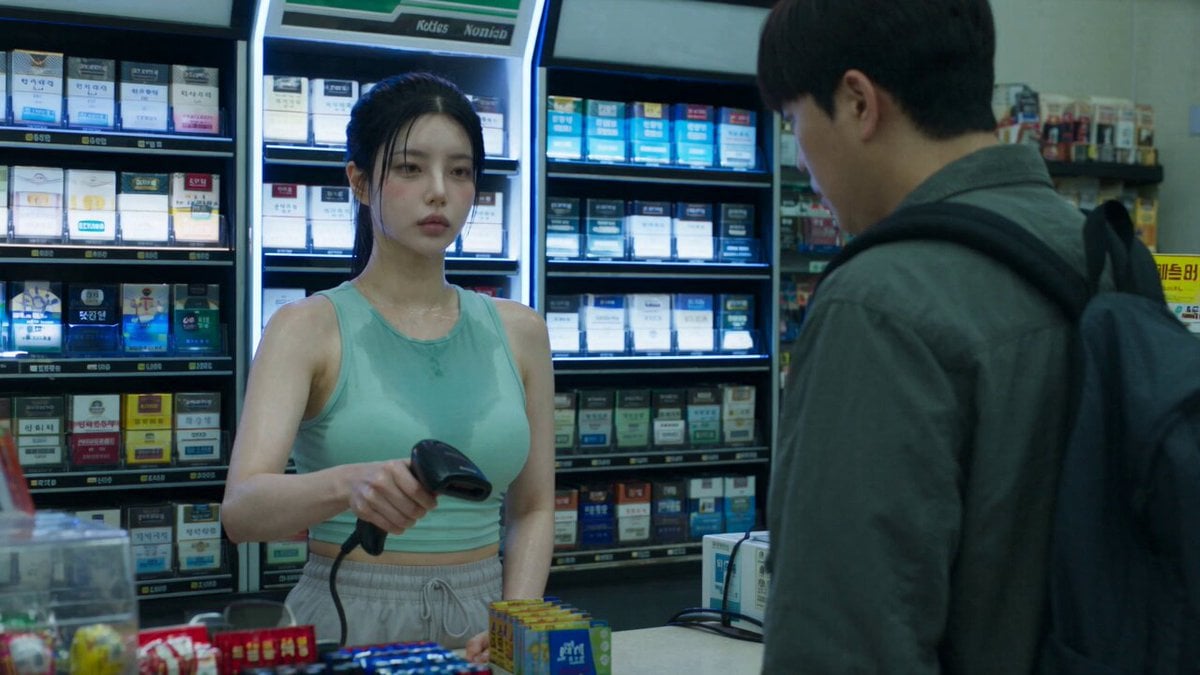
Korean Horror Zombie Convenience Store Attack
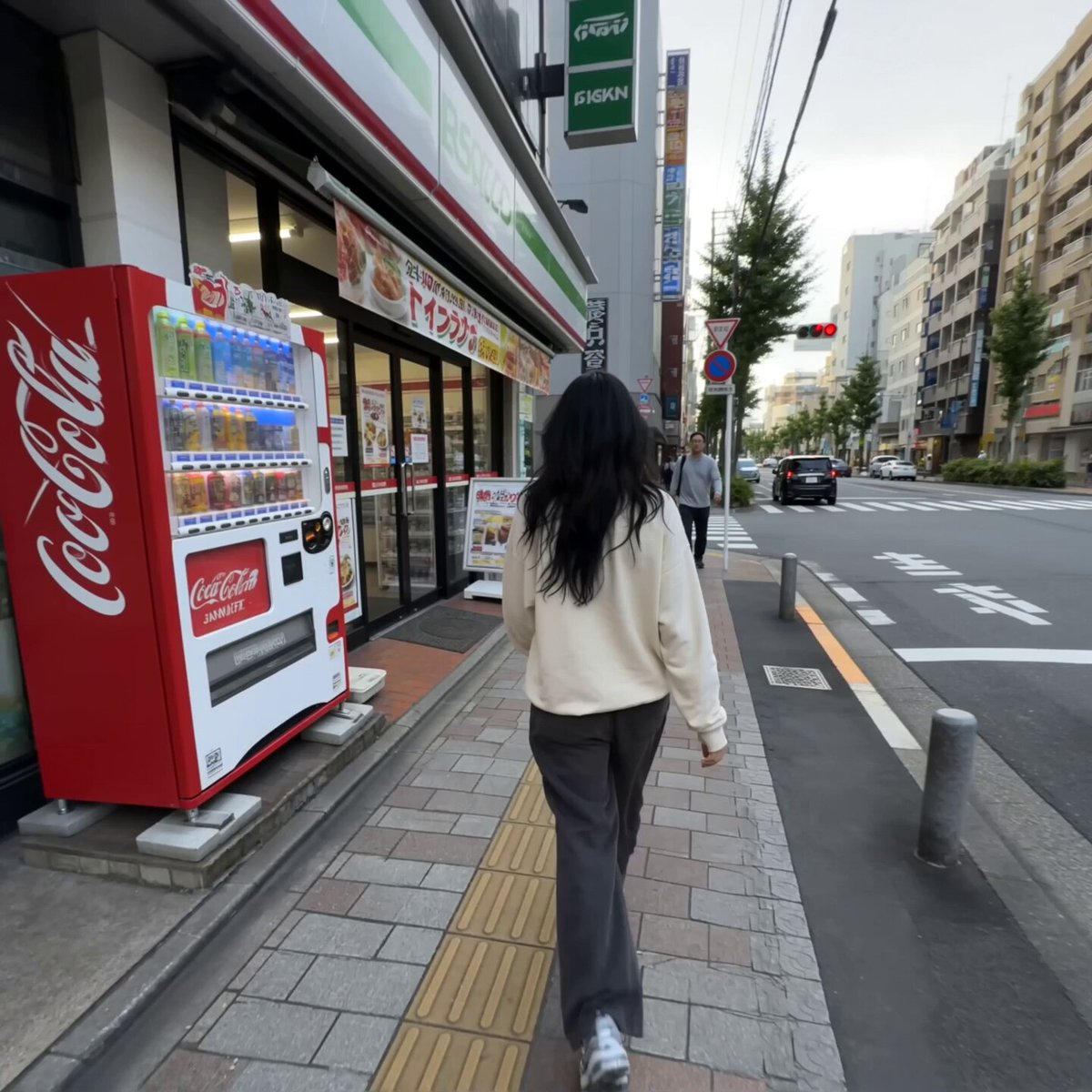
Realistic Tokyo Convenience Store Vlog

Cinematic Suspense Convenience Store Video Prompt
Zombie Apocalypse Convenience Store Shot
Convenience Store K-Pop Dance Performance
Convenience Store Quarrel Scene
Video prompt for a convenience store devolving into another dimension
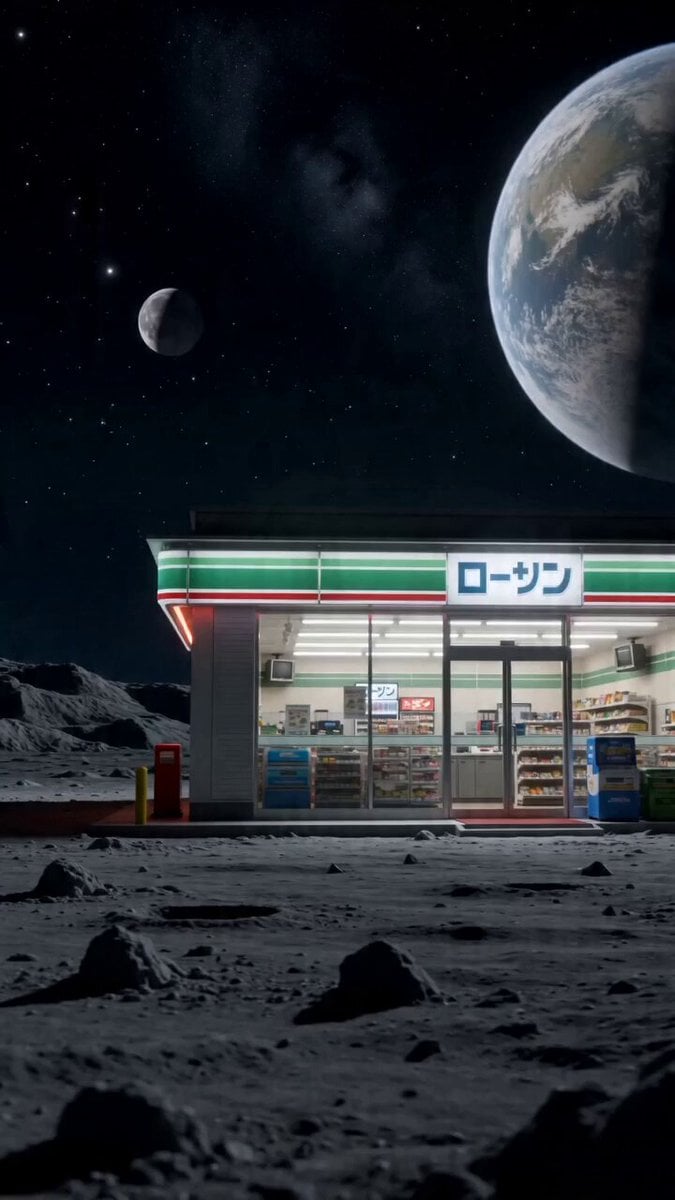
Surreal live-action video of convenience store worker on the moon
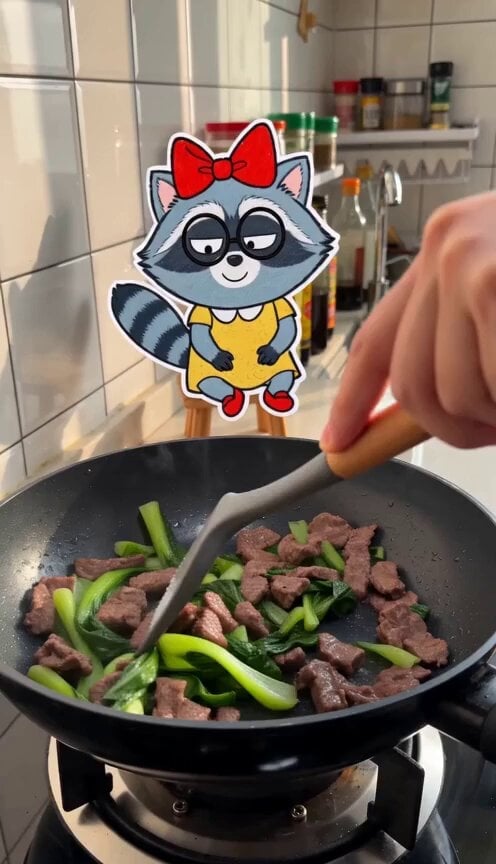
Cooking Vlog with 2D Sticker Raccoon

Raccoon Pippin Dialogue Scene
Make it yours
Cinematic Raccoon Convenience Store Shift Prompt works as-is. These are the safest ways to change it without losing the look.
Change one field
Copy a single group, rewrite it, and generate again so you can see what that field is doing.
Keep the frame, change the subject
Hold the composition and light of Cinematic Raccoon Convenience Store Shift Prompt, then swap wardrobe, props or the person for a new take.
| If the result… | Why | Fix |
|---|---|---|
| The result drifts from the preview | Too many fields changed at once. | Reuse Cinematic Raccoon Convenience Store Shift Prompt as-is first, then change one group — subject, light, or setting. |
| The model over-stylizes the scene | The prose prompt leaves finish and camera underspecified. | Add one camera or lighting sentence and stay on Seedance 2.0. |
More Seedance 2.0 templates
Other prompts made for Seedance 2.0.

Comical Martial Arts Punch Scene

Maglev Train Action Sequence

Martial Arts Fight Sequence

Wuxia Protection and Trust Script

Vintage Korean Arcade MiniDV Vlog

Mercedes 190 SL Luxury Ad

Rainy Night Supernatural Reverse Comedy Video Script

Amazon Civilization Discovery

Futuristic South Asian City Transformation

Cozy Luxury Cafe Commercial
More video prompts
Fresh picks from across the catalog.
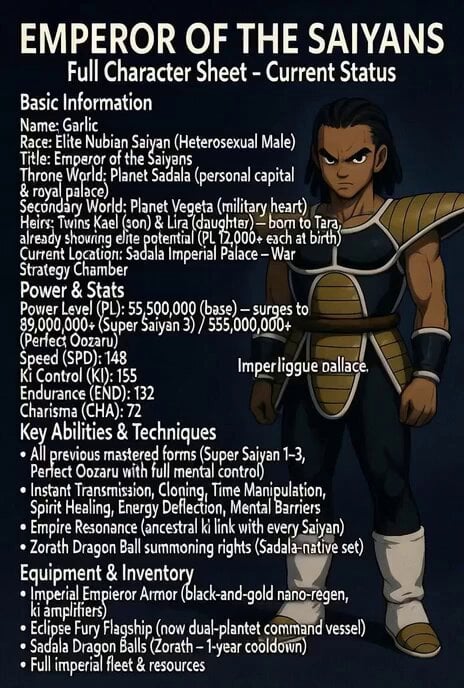
Super Saiyan 3 transformation
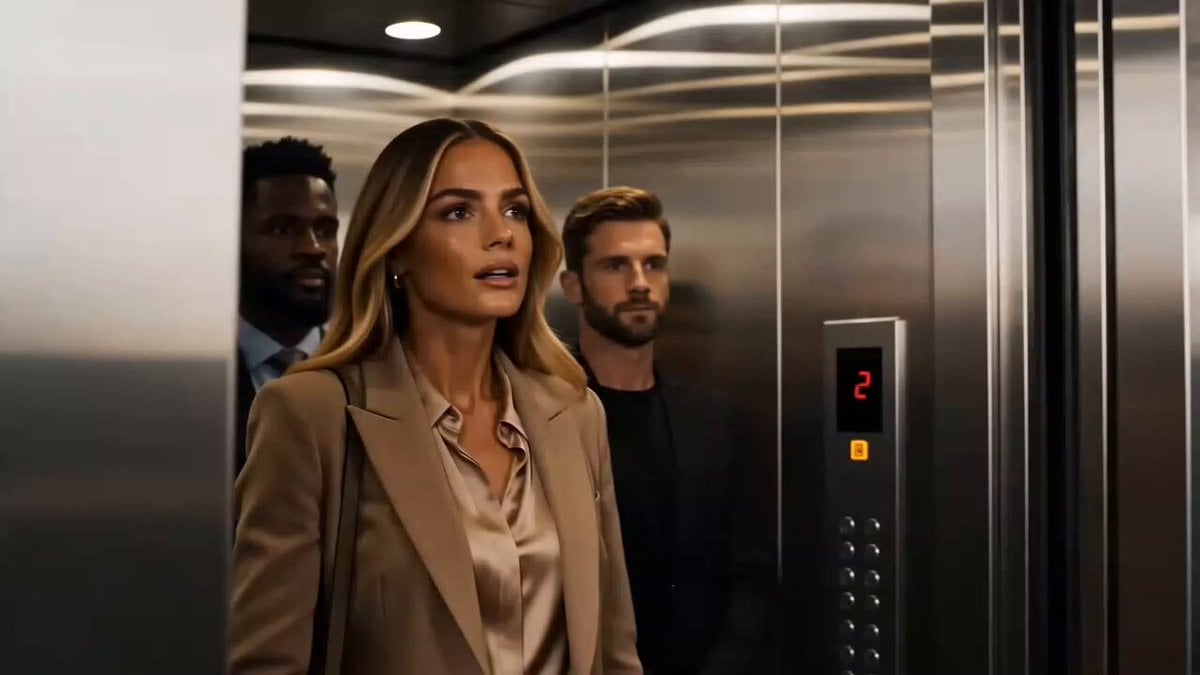
Luxury Perfume Commercial Sequence
Video Prompt for Tesla's Biggest Month Catalysts

Ghibli-Style Flower Arranging Scene
Everyday Morning Routine Bathroom Vlog

Female Golfer Realistic Outdoor Shot
Surreal Apartment Forest Transformation
One-Word Prompts for Grok Imagine Video Generation

Cinematic Roman Soldier Mountain Escape
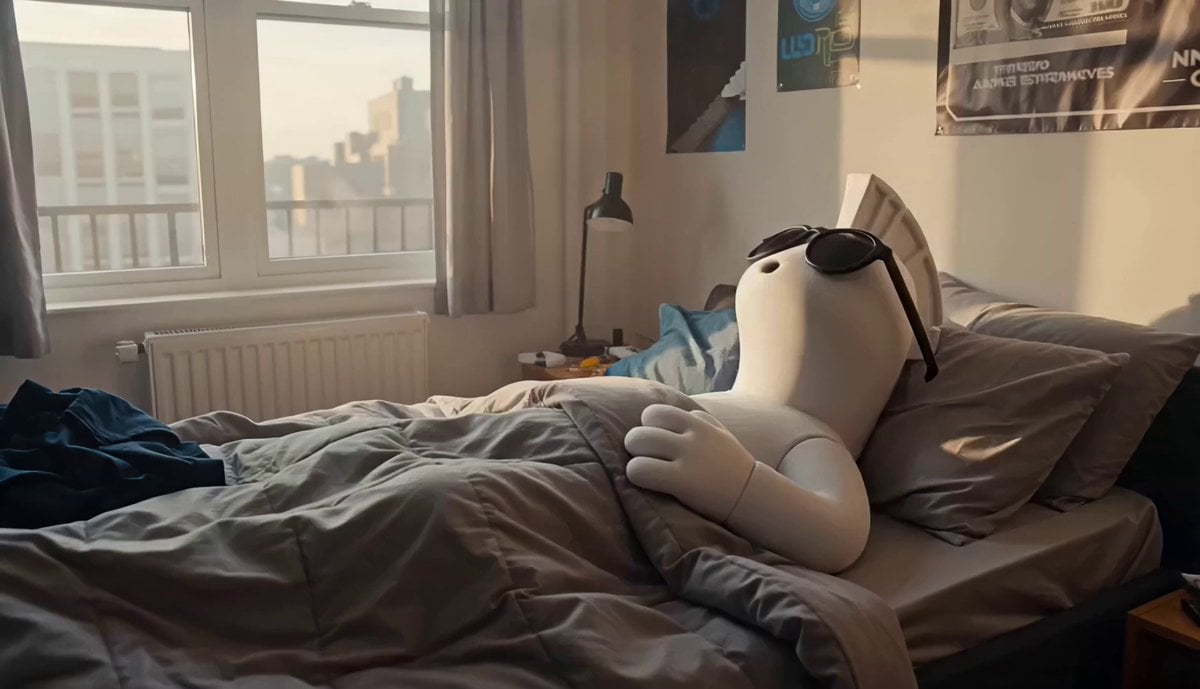
Crypto Creator Daily Vlog Mascot Animation
Browse template categories
Cinematic Raccoon Convenience Store Shift Prompt questions
How do I use the Cinematic Raccoon Convenience Store Shift Prompt template?
Add your photo if the template asks for one, edit the prompt if you like — the template's model and format are already selected — and press Generate. Your version opens in PicX Studio.
Can I customize the Cinematic Raccoon Convenience Store Shift Prompt template?
Yes. You can change the subject, setting, lighting, mood, format, and available model controls before creating your video.
Is the Cinematic Raccoon Convenience Store Shift Prompt template free?
Opening and editing this template is free. Generating uses credits, shown on the Generate button when you are signed in.
Which AI model should I use?
Start with Seedance 2.0, which is the model associated with this template. You can compare another compatible model for a different finish.
Looking for something else? Browse all templates.

Your photo, any look
Thousands of ready templates for every top image and video model, from one credit balance.