
Realistic Tokyo Convenience Store Vlog
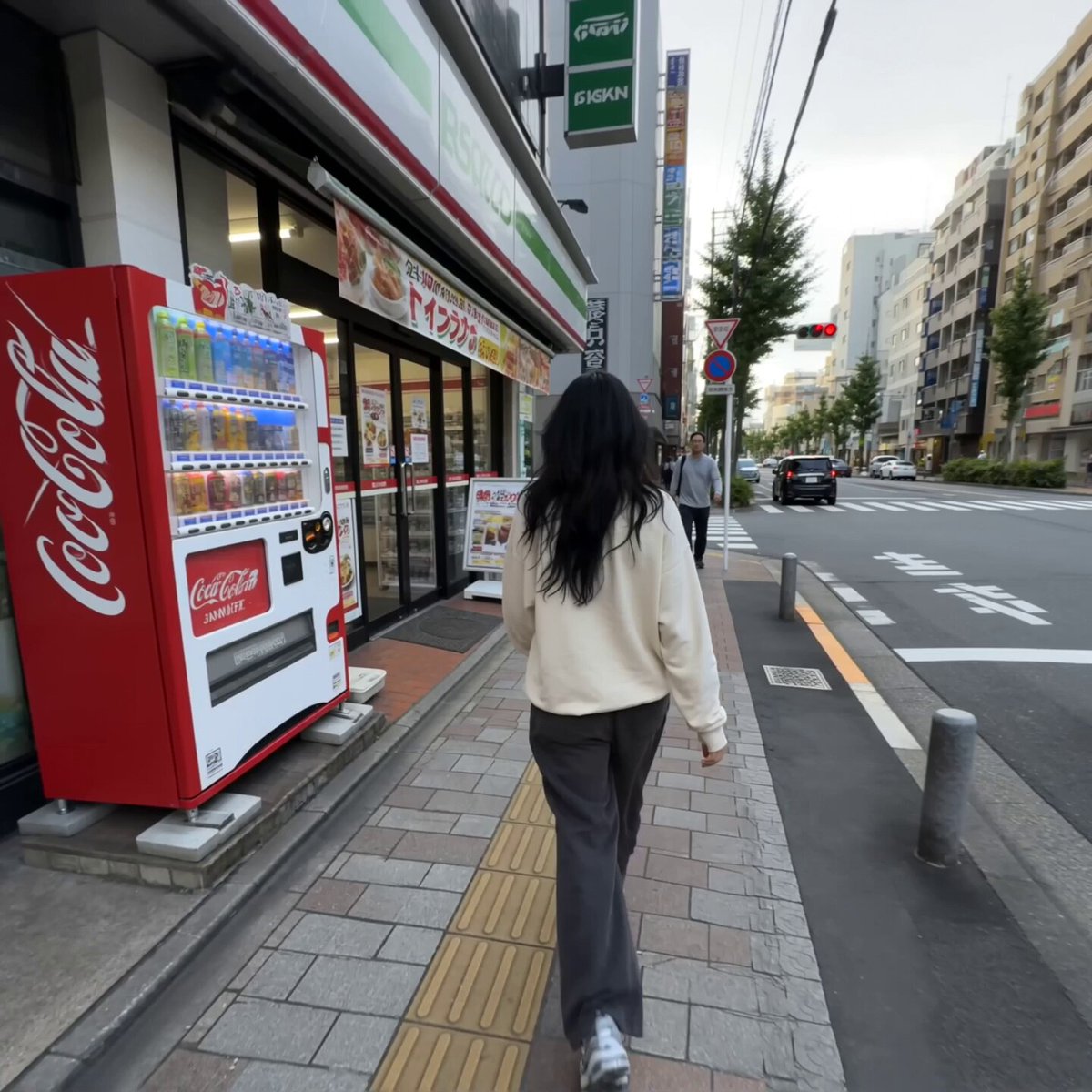
A prompt designed to create a handheld, smartphone-style vlog sequence of a woman walking into a Tokyo convenience store, focusing on natural movement, lighting, and environmental audio.
- Prompt included
- Model and format preset
- Free template
The prompt behind this video
Copy the exact prompt behind Realistic Tokyo Convenience Store Vlog, or open it in the studio and make it yours.
CAMERA Third person handheld smartphone camera operated by a friend walking a few steps behind the girl. Casual vlog footage, not professional cinematography. Natural handheld shake, subtle footsteps vibration, imperfect framing, occasional autofocus adjustment and realistic phone-camera exposure. The camera follows her naturally at walking speed. LOOK Ordinary smartphone video recorded by a friend. Natural lighting, realistic skin texture, natural hair movement, normal phone sharpening and compression, slightly imperfect exposure. No cinematic polish or beauty filter. STYLE Simple everyday lifestyle vlog. Relaxed, spontaneous and believable. No dramatic acting or cinematic choreography. CHARACTER @Image1 The same young American woman from the reference image. Long black hair, naturally pretty face, brown eyes, cream oversized sweatshirt, loose baggy pants and casual sneakers. Keep her exact appearance consistent throughout. SETTING A normal convenience store in Tokyo, Japan. Ordinary Japanese neighborhood outside, glass storefront, bright fluorescent interior, narrow aisles, refrigerated drink cases, Japanese snacks and drinks, baskets and a few ordinary customers. STORYBOARD (15s, ONE CONTINUOUS TAKE) (~0 to 4s, Following Shot) The girl walks normally toward the convenience store. The camera follows casually from several feet behind her at walking speed. Her hair and oversized sweatshirt move naturally as she walks.she turns back towards the camera and gives a smile and a gesture to camera to follow her then She reaches the entrance and opens the glass door. (~4 to 7s, Entering) The camera follows her inside. She walks naturally down the aisle toward the refrigerated drinks. The camera stays behind and slightly to her side with realistic handheld movement. (~7 to 11s, Refrigerator) She reaches the refrigerator and stops. She opens the glass door, looks through the drinks, selects one bottled drink and takes it out. The camera moves slightly closer while remaining handheld. (~11 to 15s, Ending) She closes the refrigerator door while holding the drink. She turns naturally toward the camera, looks at the person filming her and gives a small genuine smile while holding the drink. The camera remains slightly shaky and ends naturally. AUDIO Realistic synchronized location audio throughout the entire recording. No dialogue, no talking, no narration, no voiceover and no music. Include natural footsteps on the pavement and store floor, subtle clothing and hair movement, distant Tokyo street traffic, passing bicycles, faint outdoor city ambience, the glass entrance door opening and closing, the convenience-store door chime, quiet footsteps from other customers, refrigerator compressor hum, the refrigerator door seal opening, bottles and shelves making subtle sounds when she takes the drink, and normal low-level store ambience. Audio should sound like it was captured directly by a smartphone microphon
How to use Realistic Tokyo Convenience Store Vlog in 3 steps
- 1Upload ImagePNG, JPG or paste
Add your photo
Upload the photo the template builds on. The prompt, model and format are already set.
- 2…a portrait of your subject in softgolden-hour light, 85mm…
Personalize
Edit the subject and creative details for your destination.
- 3Generate
Generate
Press Generate — your video is created in PicX Studio, so you can compare it with the original and refine one variable at a time.
More like this
Templates with the same subject, style or setup. Open one to see its prompt.
Nostalgic MiniDV Convenience Store Vlog - Seedance 2.5

Handheld Tokyo Travel Vlog - Seedance 2.5
Smartphone Travel Vlog Tokyo Trip Identity Preserved
Korean Horror Zombie Convenience Store Attack
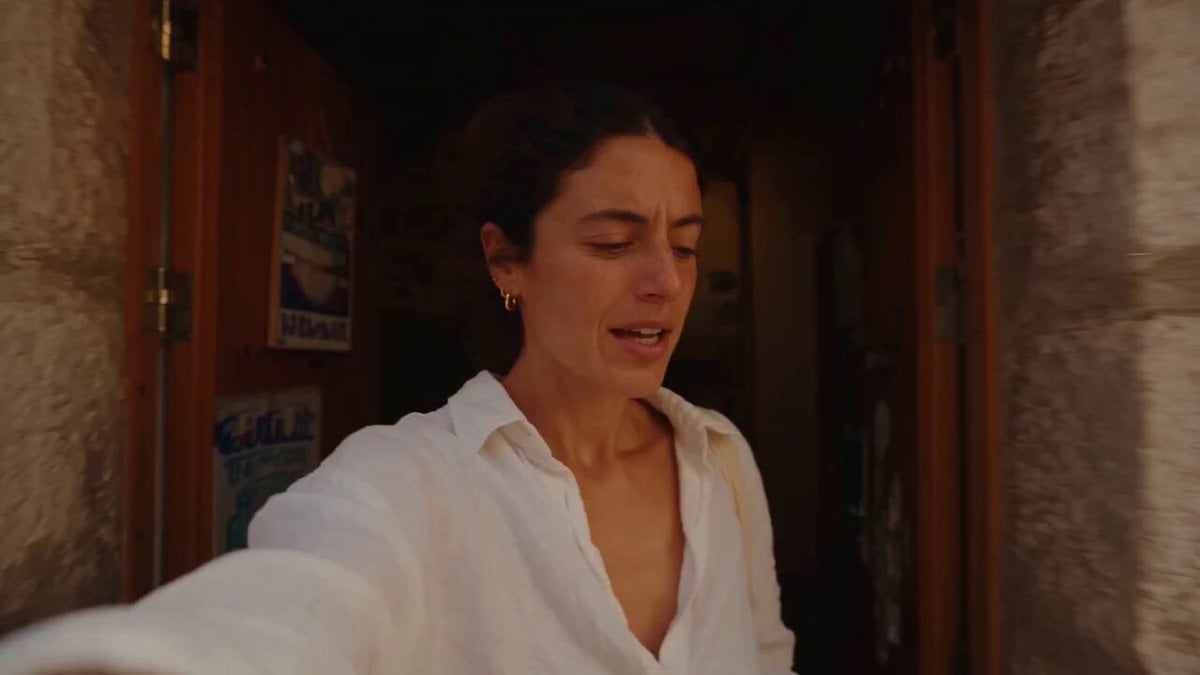
Mediterranean Coffee Run Vlog - Seedance 2.5

Mysterious Home Exploration Vlog - Seedance 2.5
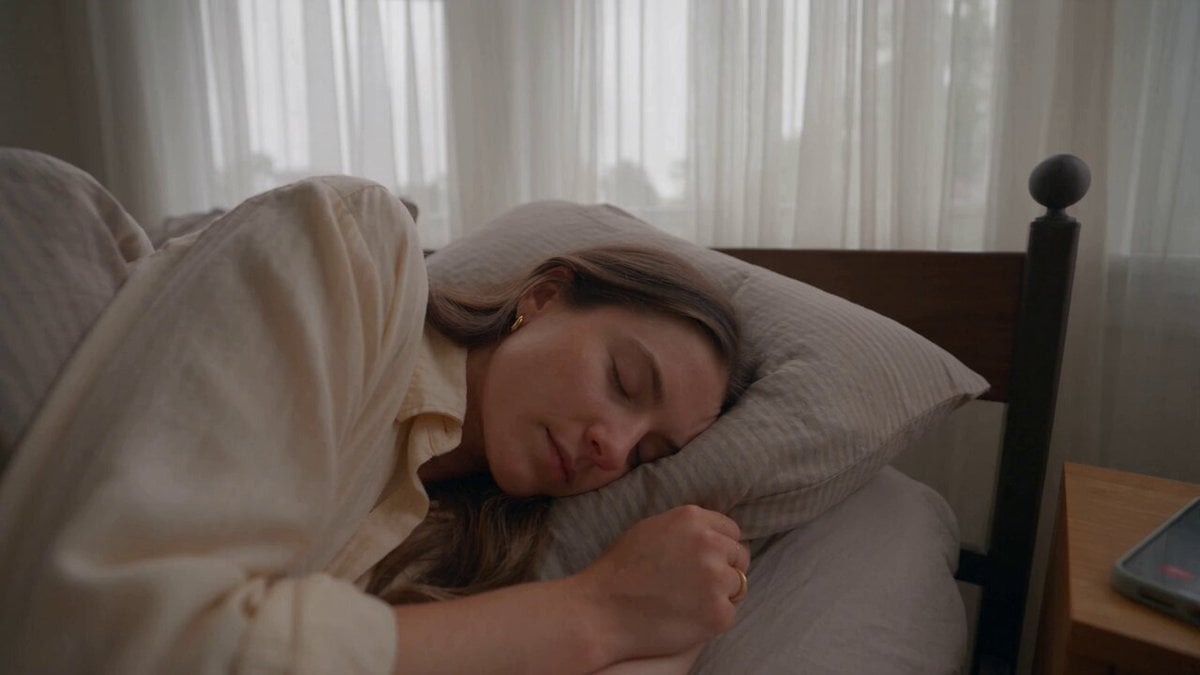
Realistic Morning Routine Lifestyle Vlog - Seedance 2.5
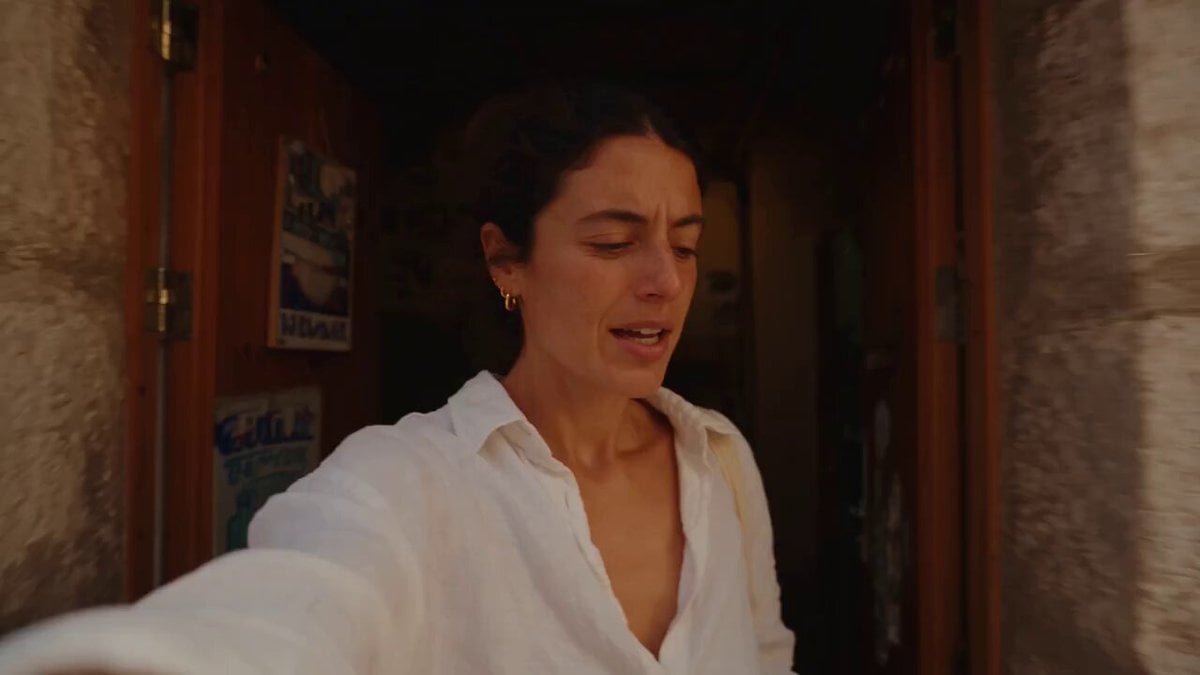
Mediterranean Morning Coffee Run Vlog (Seedance 2.5)

Cinematic Suspense Convenience Store Video Prompt
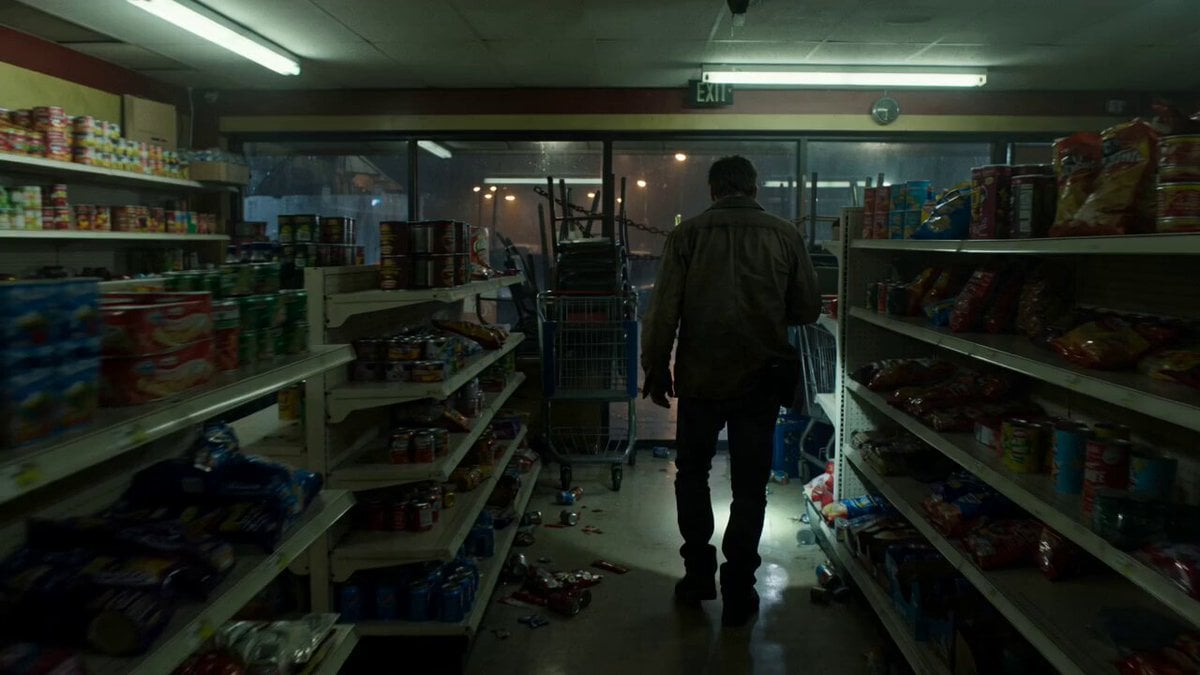
Zombie Apocalypse Convenience Store Shot

Luxury Lifestyle Day Vlog

Luxury Airport Travel Vlog
Make it yours
Realistic Tokyo Convenience Store Vlog works as-is. These are the safest ways to change it without losing the look.
Change one field
Copy a single group, rewrite it, and generate again so you can see what that field is doing.
Keep the frame, change the subject
Hold the composition and light of Realistic Tokyo Convenience Store Vlog, then swap wardrobe, props or the person for a new take.
| If the result… | Why | Fix |
|---|---|---|
| The result drifts from the preview | Too many fields changed at once. | Reuse Realistic Tokyo Convenience Store Vlog as-is first, then change one group — subject, light, or setting. |
| The model over-stylizes the scene | The prose prompt leaves finish and camera underspecified. | Add one camera or lighting sentence and stay on Seedance 2.0. |
More Seedance 2.0 templates
Other prompts made for Seedance 2.0.

Comical Martial Arts Punch Scene

Maglev Train Action Sequence

Martial Arts Fight Sequence

Wuxia Protection and Trust Script

Vintage Korean Arcade MiniDV Vlog

Mercedes 190 SL Luxury Ad

Rainy Night Supernatural Reverse Comedy Video Script

Amazon Civilization Discovery

Futuristic South Asian City Transformation

Cozy Luxury Cafe Commercial
More video prompts
Fresh picks from across the catalog.
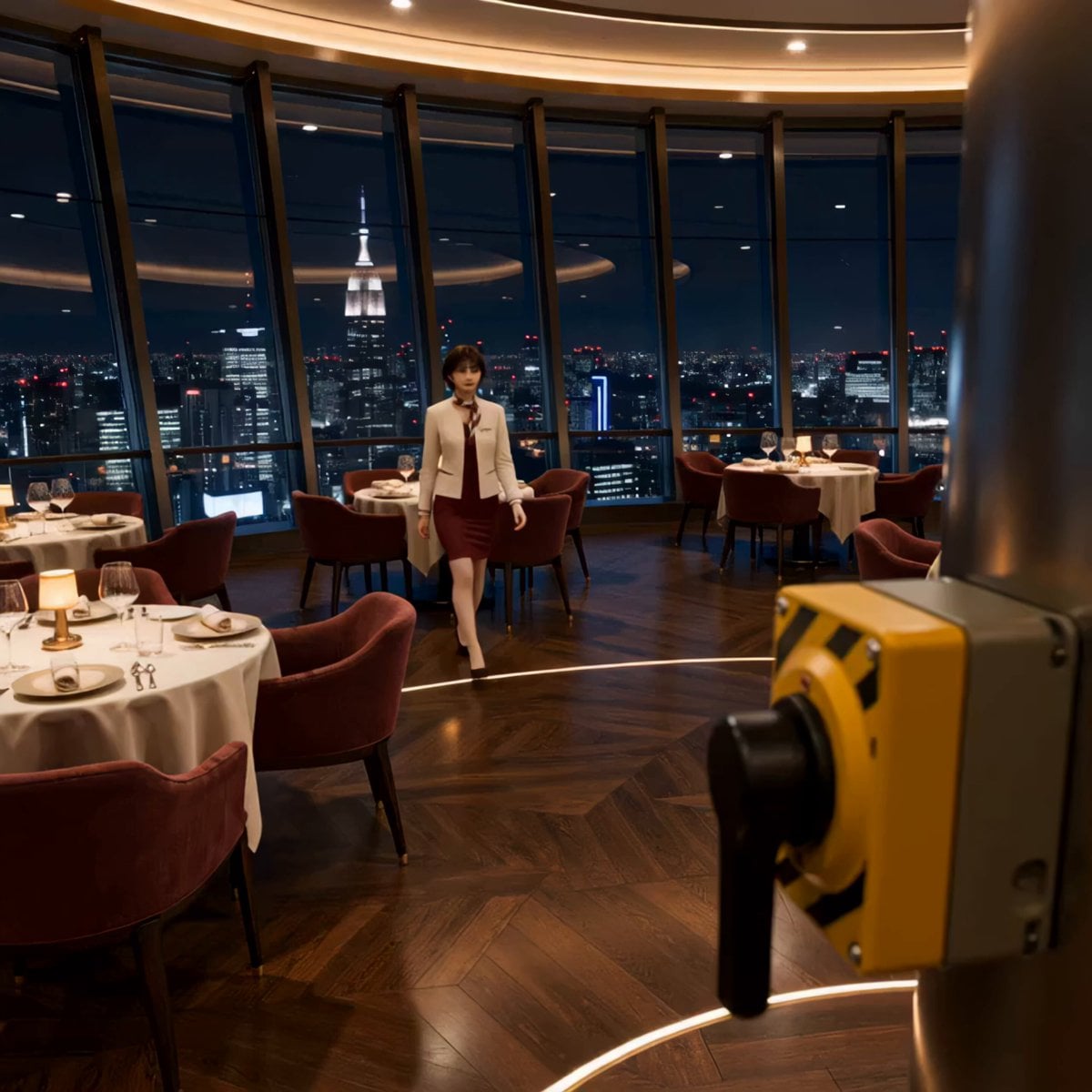
Luxury Restaurant Floor Manager Video

Grok Imagine prompt of Elon and Snoopy on a rocket

Cinematic WWE Wrestling Match with Shocking Twist

Funny Pet Dancing Expression Video
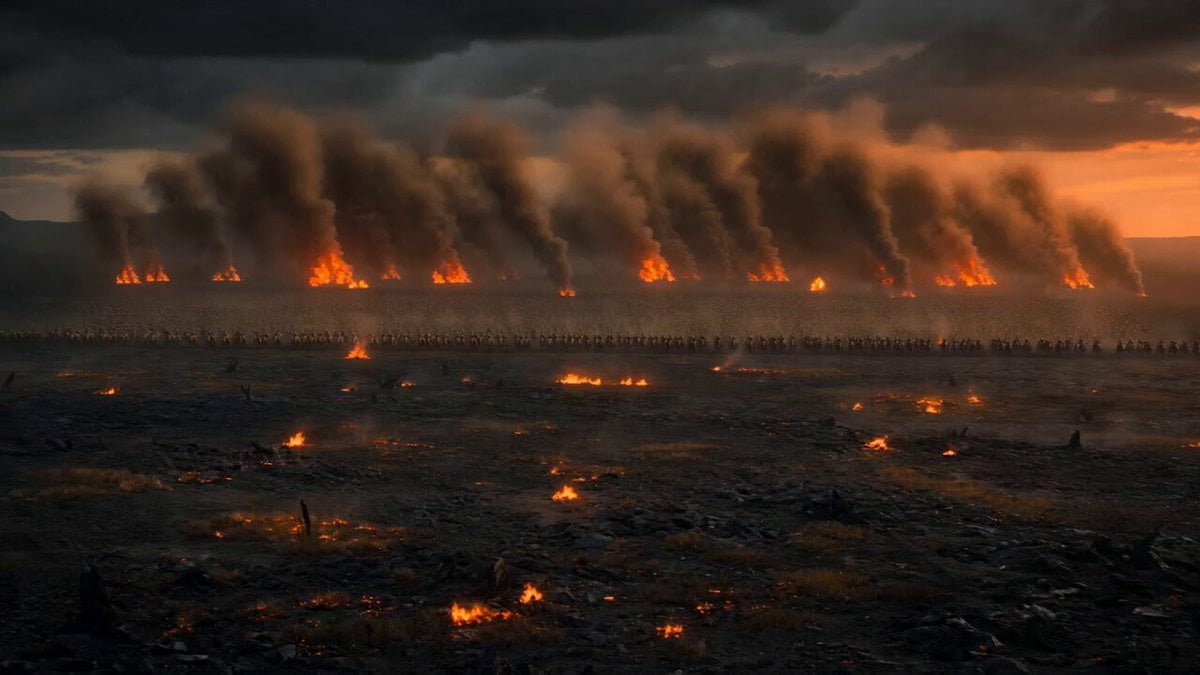
Dark Fantasy Volcanic War Sequence
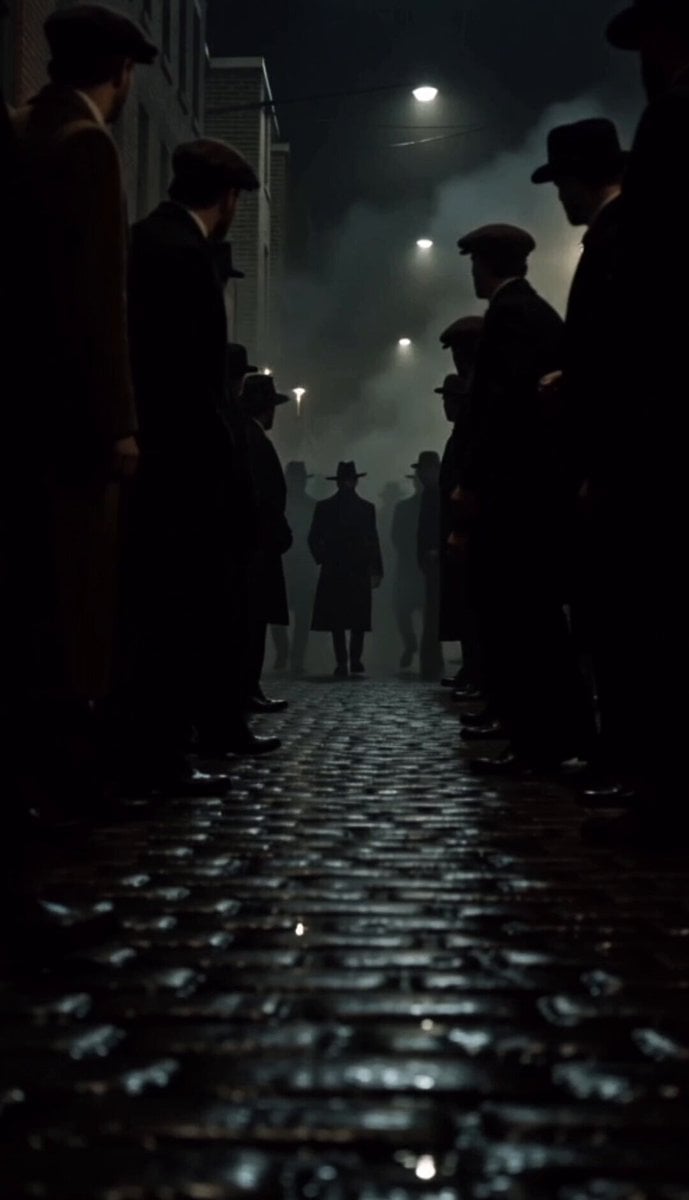
1980s Gritty Film Noir Mafia Scene

Monster Energy Rafael Leão Football Animation
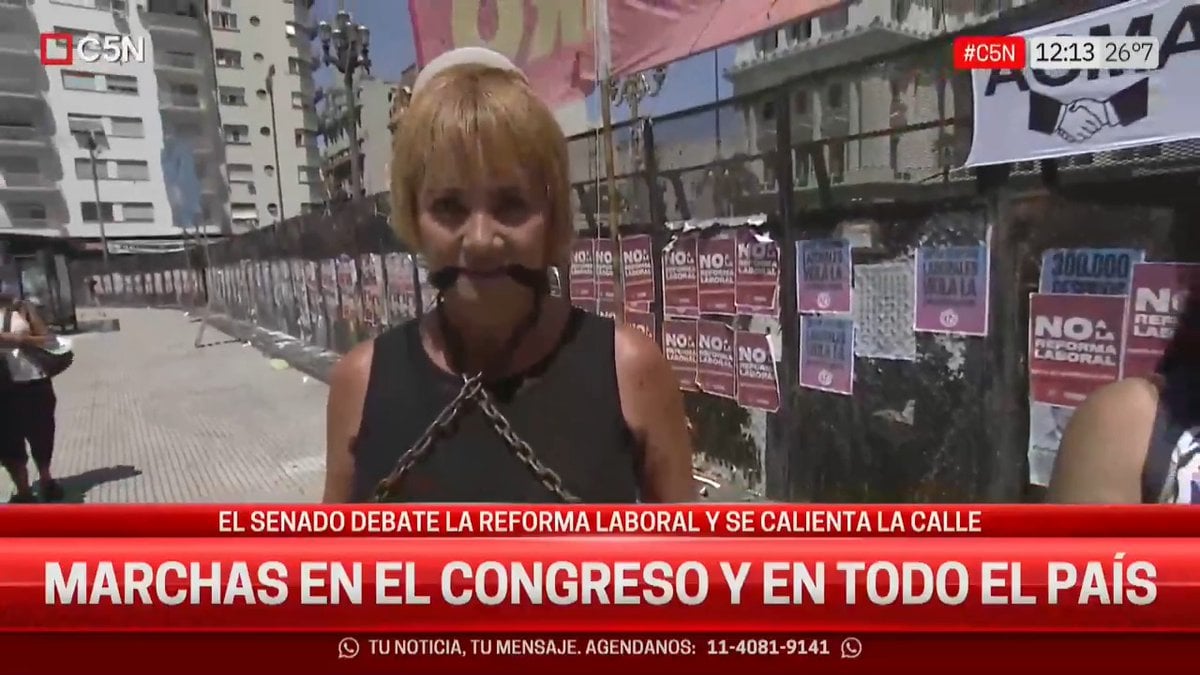
Lumpen Hobo Woman with Chains Prompt

Internet Cafe Coffee Spill Cinematic Story

First-Person Horseback Charge on Medieval Battlefield
Browse template categories
Realistic Tokyo Convenience Store Vlog questions
How do I use the Realistic Tokyo Convenience Store Vlog template?
Add your photo if the template asks for one, edit the prompt if you like — the template's model and format are already selected — and press Generate. Your version opens in PicX Studio.
Can I customize the Realistic Tokyo Convenience Store Vlog template?
Yes. You can change the subject, setting, lighting, mood, format, and available model controls before creating your video.
Is the Realistic Tokyo Convenience Store Vlog template free?
Opening and editing this template is free. Generating uses credits, shown on the Generate button when you are signed in.
Which AI model should I use?
Start with Seedance 2.0, which is the model associated with this template. You can compare another compatible model for a different finish.
Looking for something else? Browse all templates.

Your photo, any look
Thousands of ready templates for every top image and video model, from one credit balance.