
1980s Gritty Film Noir Mafia Scene
A highly complex cinematic prompt for generating a realistic 1980s mob-themed sequence with 35mm film grain and practical lighting.
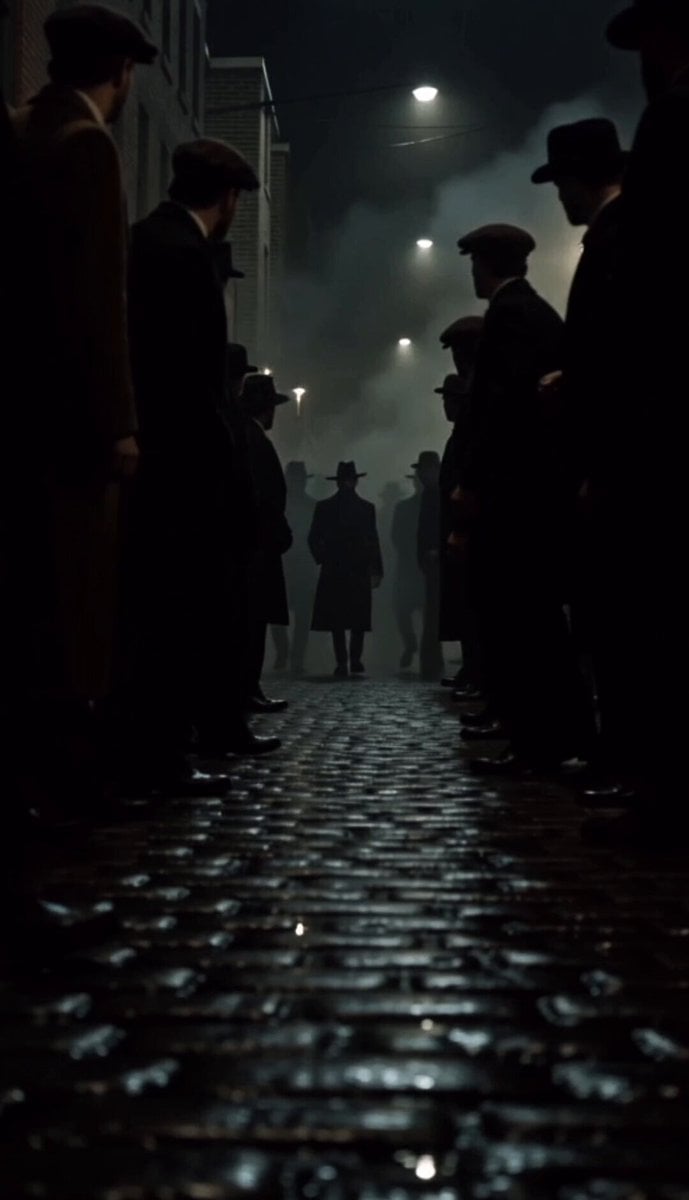
- Prompt included
- Model and format preset
- Free template
The prompt behind this video
Copy the exact prompt behind 1980s Gritty Film Noir Mafia Scene, or open it in the studio and make it yours.
Style: 1980s 35mm film. Anamorphic grain. Practical lighting only. Real location street. No digital polish. Looks like it was actually shot on location in 1982. Camera: Mix of styles — slow tracking steadicam, tight close-ups, low angle wide, slow motion on key moments. Deep shadows. Film burn on cuts. Environment: Real wet cobblestone street at dusk. Old brick buildings. Dim tungsten storefronts. Smoke in the air. Parked vintage cars lining the street. Feels like lived-in 1980s New York or Chicago. Crowd: Real-looking 1980s dressed pedestrians. Naturally parting. Silent. Watching with deep respect. Faces weathered and real — no smooth AI skin. SCENE: Wide low angle slow-mo: Three figures emerge from shadow. Long black coats. Wet cobblestone reflecting their silhouettes. Crowd silently parts. Close-up slow-mo: @ img face — hat brim casting shadow over eyes. Cigar smoke curling past the lens. Expression unreadable. Wide tracking shot: The trio walks forward. Six bodyguards moving like a wall around them. Every face in the crowd watching. Close-up: His hand — cigar between fingers. Smoke trail. Slow motion. Low angle wide: Vintage black Cadillac DeVille waiting. Engine idling. Door opens. Close-up slow-mo: He takes one final drag. Exhales. Steps inside. Door shuts. Wide: Car pulls away into dark wet street. Crowd watches in silence. Lock phrases: 1980s 35mm grain, anamorphic flare, no AI rendering, no digital sharpness, practical location lighting, real human skin texture, photochemical film look, gritty realism, no color grading, raw film negative aesthetic
How to use 1980s Gritty Film Noir Mafia Scene in 3 steps
- 1
Open
The prompt is already in the box next to the preview, with the template's model and format selected.
- 2…a portrait of your subject in softgolden-hour light, 85mm…
Personalize
Edit the subject and creative details for your destination.
- 3Generate
Generate
Press Generate — your video is created in PicX Studio, so you can compare it with the original and refine one variable at a time.
More like this
Templates with the same subject, style or setup. Open one to see its prompt.
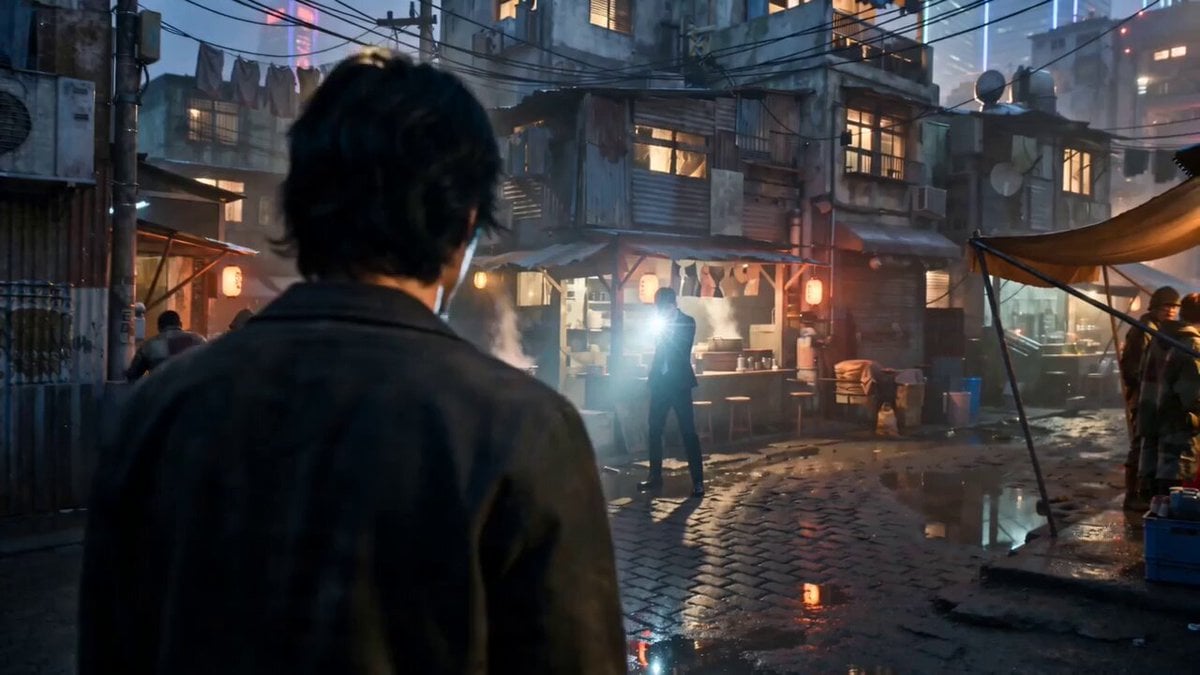
Gritty Cyber-Noir Alley Fight
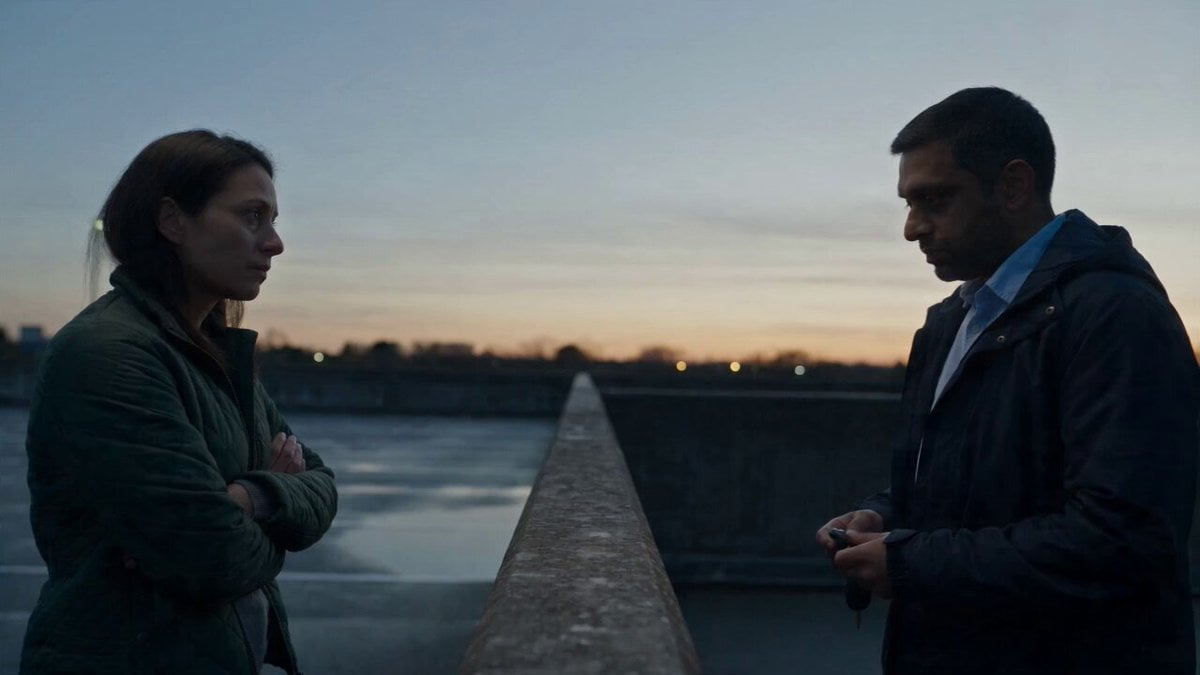
Hospital Car Park Dialogue Lip Sync

Forgotten 1980s High School Documentary Seedance

Global Flower Thank-You Film
Youth Racing Short Film

Mechanical Flower Bloom Brand Film

Oceanic Civilization Epic Sci-Fi Film

Floating Desert Museum Cinematic Film

Haute Couture Dream Bokeh Film
Window-to-Eye Concept Film

Crystal Ball Match-Cut Brand Film

HK Neo-noir Action: Gritty Alley Fight
Make it yours
1980s Gritty Film Noir Mafia Scene works as-is. These are the safest ways to change it without losing the look.
Change one field
Copy a single group, rewrite it, and generate again so you can see what that field is doing.
Keep the frame, change the subject
Hold the composition and light of 1980s Gritty Film Noir Mafia Scene, then swap wardrobe, props or the person for a new take.
| If the result… | Why | Fix |
|---|---|---|
| The result drifts from the preview | Too many fields changed at once. | Reuse 1980s Gritty Film Noir Mafia Scene as-is first, then change one group — subject, light, or setting. |
| The model over-stylizes the scene | The prose prompt leaves finish and camera underspecified. | Add one camera or lighting sentence and stay on Seedance 2.0. |
More Seedance 2.0 templates
Other prompts made for Seedance 2.0.

Comical Martial Arts Punch Scene

Maglev Train Action Sequence

Martial Arts Fight Sequence

Wuxia Protection and Trust Script

Vintage Korean Arcade MiniDV Vlog

Mercedes 190 SL Luxury Ad

Rainy Night Supernatural Reverse Comedy Video Script

Amazon Civilization Discovery

Futuristic South Asian City Transformation

Cozy Luxury Cafe Commercial
More video prompts
Fresh picks from across the catalog.
Cinematic Gaming Short with Seamless Transitions
Cinematic Warrior and Dragon Spirit Prompt
Anime style video prompt of a personified psychotropic drug explaining its effects
Handheld Morning Yoga Vlog
Cats Chasing via Red Mini Motorcycle
Infinite Magical Bookstore Anime Sequence
Female Travel Vlogger in London
Neon Wireframe Parrot

Robot Factory Conversion Video
Historical News Broadcast Video Prompt
Browse template categories
1980s Gritty Film Noir Mafia Scene questions
How do I use the 1980s Gritty Film Noir Mafia Scene template?
Add your photo if the template asks for one, edit the prompt if you like — the template's model and format are already selected — and press Generate. Your version opens in PicX Studio.
Can I customize the 1980s Gritty Film Noir Mafia Scene template?
Yes. You can change the subject, setting, lighting, mood, format, and available model controls before creating your video.
Is the 1980s Gritty Film Noir Mafia Scene template free?
Opening and editing this template is free. Generating uses credits, shown on the Generate button when you are signed in.
Which AI model should I use?
Start with Seedance 2.0, which is the model associated with this template. You can compare another compatible model for a different finish.
Looking for something else? Browse all templates.

Your photo, any look
Thousands of ready templates for every top image and video model, from one credit balance.