How do I use the Historical News Broadcast Video Prompt template?
Edit the prompt in the box under the preview — the template's model and format are already selected — and press Generate. Your version appears right on this page.
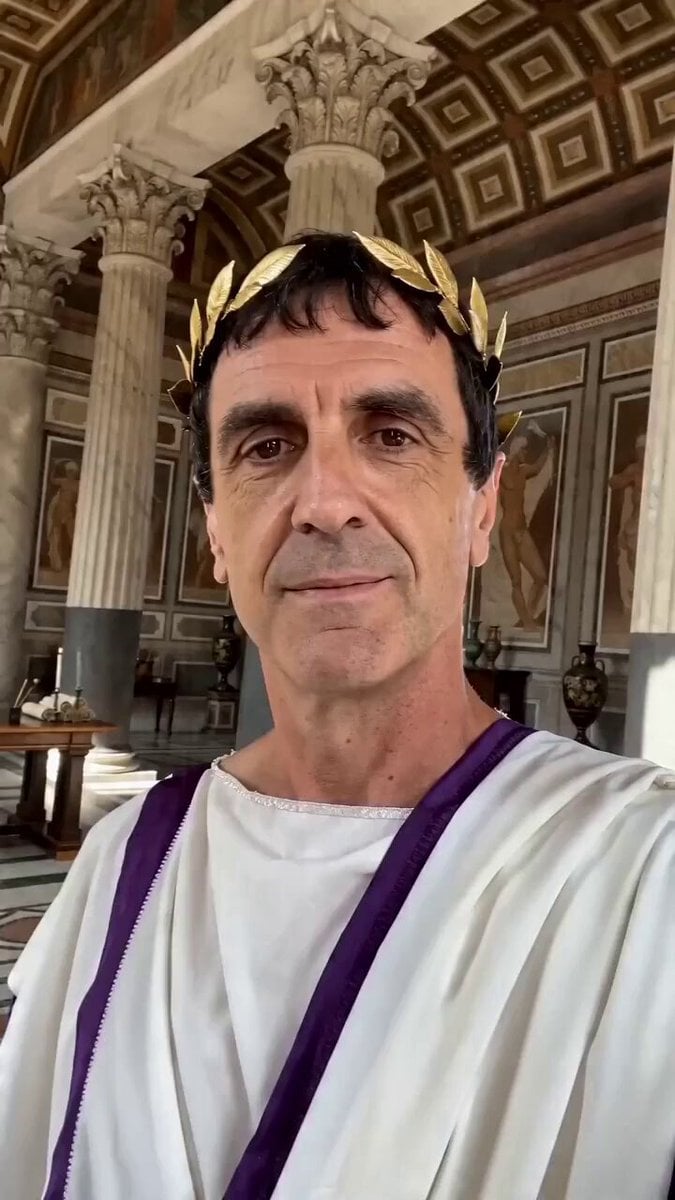
A detailed prompt for Seedance 2.0 to generate a news broadcast video based on a specific historical date (July 20, 1969), using the web search function and presenting the content in the style of a post-Showa era…
ウェブ検索機能を使い、1969年7月20日という日付に関連する世界的に有名で前向きな歴史ニュースを特定してください。 その内容を、昭和後期の日本のニュース放送のような形式で発表してください。 語り手は、厳粛で希望に満ちた歴史的なトーンで、まるで当時の国際ニュースを伝えるヴィンテージのニュース放送のように、出来事を分かりやすく説明します。 字幕は表示しないこと。 テロップも表示しないこと。 画面上に文字は一切表示しないこと。
ウェブ検索機能を使い、1969年7月20日という日付に関連する世界的に有名で前向きな歴史ニュースを特定してください。 その内容を、昭和後期の日本のニュース放送のような形式で発表してください。 語り手は、厳粛で希望に満ちた歴史的なトーンで、まるで当時の国際ニュースを伝えるヴィンテージのニュース放送のように、出来事を分かりやすく説明します。 字幕は表示しないこと。 テロップも表示しないこと。 画面上に文字は一切表示しないこと。
Edit the prompt in the box under the preview — the template's model and format are already selected — and press Generate. Your version appears right on this page.
Yes. You can change the subject, setting, lighting, mood, format, and available model controls before creating your video.
Opening and editing this template is free. Generating uses credits, shown on the Generate button when you are signed in.
Start with Seedance 2.0, which is the model associated with this template. You can compare another compatible model for a different finish.
Follow a topic to a crawlable collection of related PicX Studio templates.