How do I use the Vintage DV Camcorder Badminton Vlog template?
Edit the prompt in the box under the preview — the template's model and format are already selected — and press Generate. Your version appears right on this page.
Creates a nostalgic early-2000s style badminton vlog with authentic camcorder grain, handheld motion, and realistic court play physics.
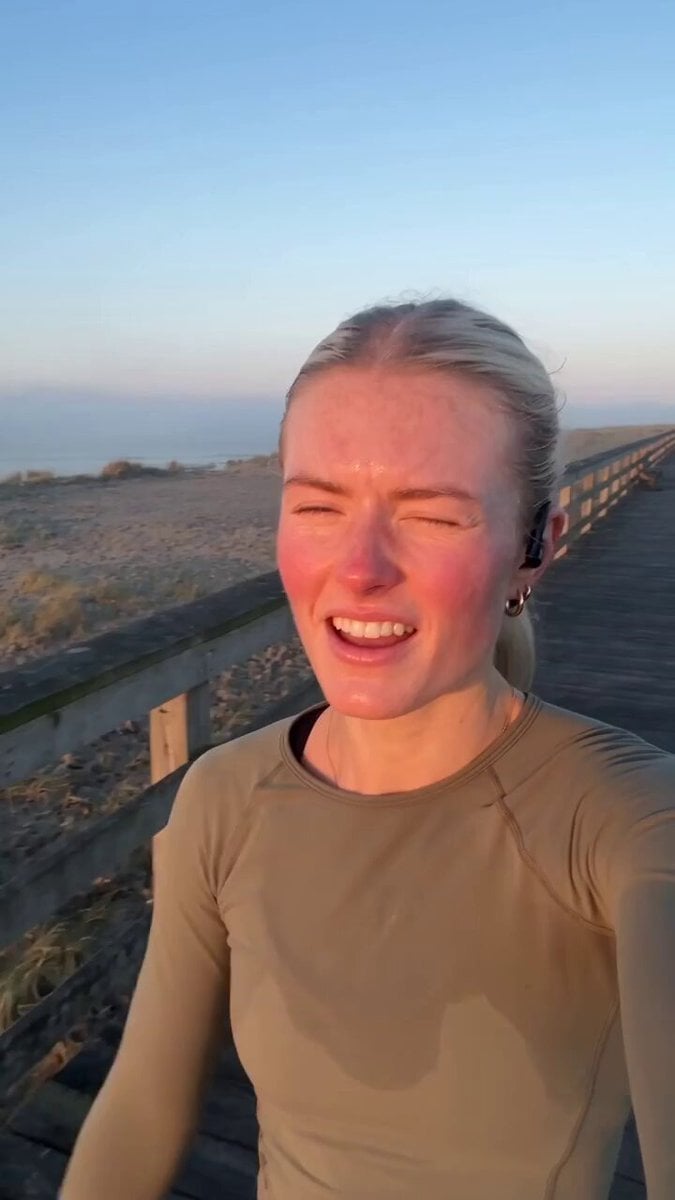
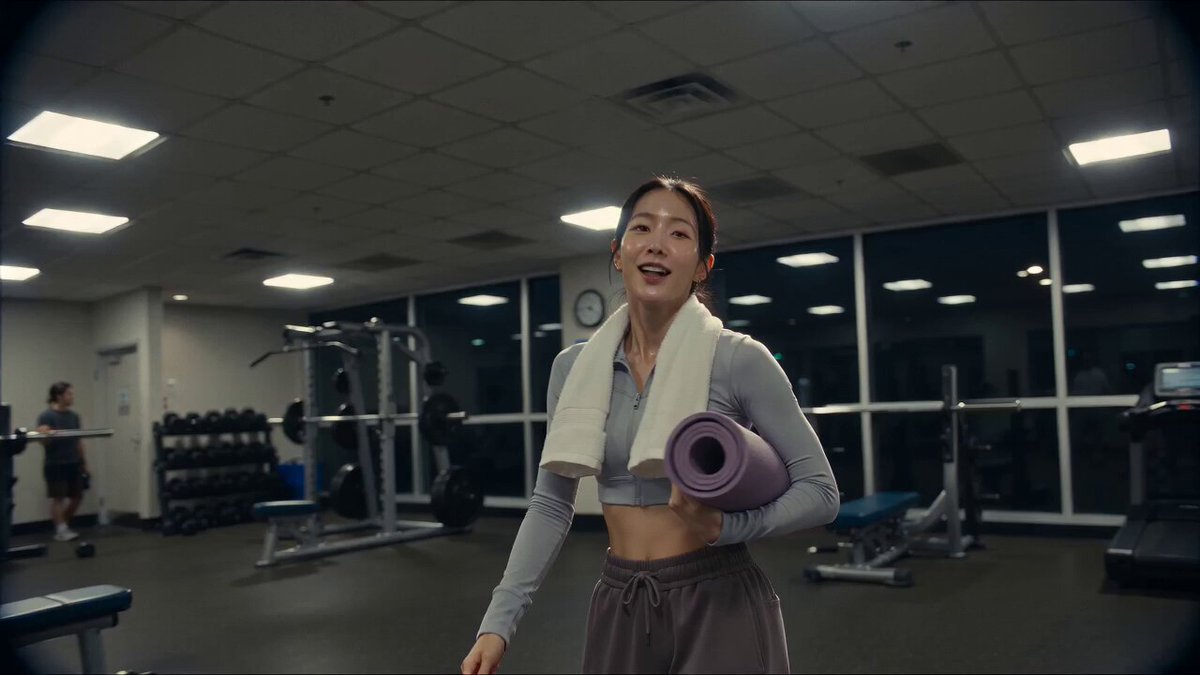
A photorealistic badminton vlog filmed like a real home video with a DV 16mm handheld camcorder. Natural handheld camera shake, soft autofocus, slightly imperfect framing, subtle tape grain, muted colors, realistic indoor lighting, and authentic early-2000s camcorder quality. CHASE, a Korean woman in her 20s with long black hair tied in a ponytail, wearing a modest long-sleeve athletic top, loose black joggers, and white sneakers, walks into a quiet indoor badminton court carrying a racket and sports bag. She smiles naturally at the camera, props it on a bench, performs a few warm-up swings, then plays a short, realistic rally with one partner, making smooth and physically accurate badminton movements. After winning the final point with a clean shot, she laughs, wipes sweat from her forehead with a towel, picks up the camera, gives a thumbs-up, waves warmly, and says, "That was fun! See you next time. Bye!" The video should look completely real, with consistent facial features, natural body movement, accurate racket and shuttlecock physics, no visual glitches, no extra fingers, no duplicated objects, and smooth cinematic realism throughout.
A photorealistic badminton vlog filmed like a real home video with a DV 16mm handheld camcorder. Natural handheld camera shake, soft autofocus, slightly imperfect framing, subtle tape grain, muted colors, realistic indoor lighting, and authentic early-2000s camcorder quality. CHASE, a Korean woman in her 20s with long black hair tied in a ponytail, wearing a modest long-sleeve athletic top, loose black joggers, and white sneakers, walks into a quiet indoor badminton court carrying a racket and sports bag. She smiles naturally at the camera, props it on a bench, performs a few warm-up swings, then plays a short, realistic rally with one partner, making smooth and physically accurate badminton movements. After winning the final point with a clean shot, she laughs, wipes sweat from her forehead with a towel, picks up the camera, gives a thumbs-up, waves warmly, and says, "That was fun! See you next time. Bye!" The video should look completely real, with consistent facial features, natural body movement, accurate racket and shuttlecock physics, no visual glitches, no extra fingers, no duplicated objects, and smooth cinematic realism throughout.
Edit the prompt in the box under the preview — the template's model and format are already selected — and press Generate. Your version appears right on this page.
Yes. You can change the subject, setting, lighting, mood, format, and available model controls before creating your video.
Opening and editing this template is free. Generating uses credits, shown on the Generate button when you are signed in.
Start with Seedance 2.0, which is the model associated with this template. You can compare another compatible model for a different finish.
Follow a topic to a crawlable collection of related PicX Studio templates.