
Detailed Cinematic Prompt for Seedance 2.0
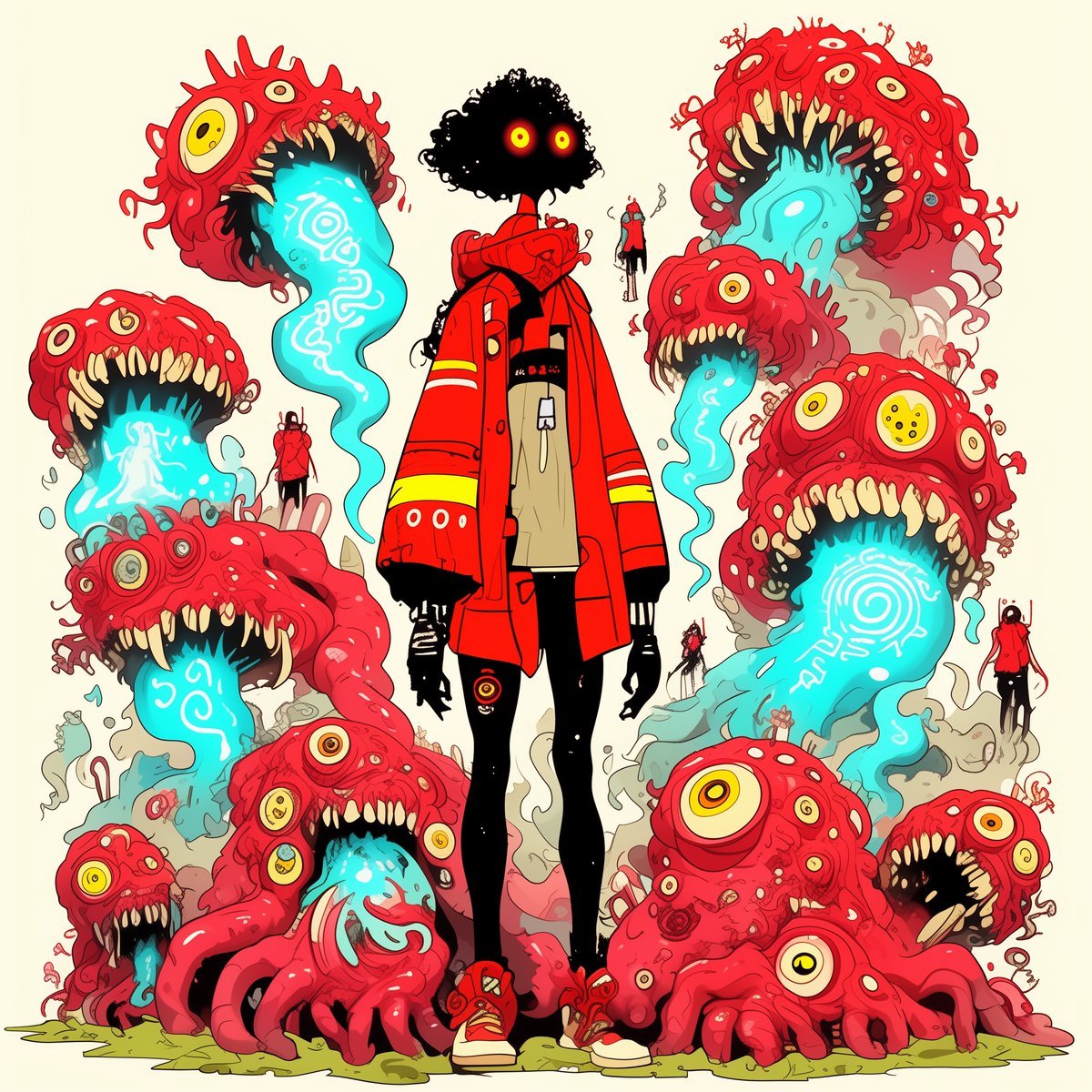
A highly detailed, time-coded cinematic prompt used with Seedance 2.0, incorporating three reference images (a girl, monsters, and a fantasy forest) to create a horror chase sequence.
- Prompt included
- Model and format preset
- Free template
The prompt behind this video
Copy the exact prompt behind Detailed Cinematic Prompt for Seedance 2.0, or open it in the studio and make it yours.
[00:00–00:02] Wide establishing shot of the bizarre fantasy forest @image3 . Towering flesh-like tree trunks packed with blinking embedded eyes rise on both sides, glowing blue liquid runs down roots into occult circular markings on the ground, red storm sky beyond. The corridor feels alive and watching. CAM: slow low push forward, ominous and quiet. [00:02–00:04] The girl @image1 runs into frame through the center path, sprinting hard toward camera, red coat flaring, glowing eyes wide with fear and focus. Her shoes splash through glowing blue runoff, hair bouncing violently. CAM: handheld-style backward chase shot, low and fast. [00:04–00:06] Whip-pan reveal behind her: multiple grotesque monsters @image2 skitter and bound into the corridor, drooling blue slime, eyes rolling wildly, teeth bared. They move with jerky inhuman speed, legs scraping over the slick ground. CAM: snap whip-pan, then brief forward rush with the pack. [00:06–00:08] Sakuga cut barrage: close-up of her @image1 pounding feet through glowing symbols; coat sleeve whipping past lens; monster claws stabbing into the wet soil; embedded eyes in the trees blinking open; blue fluid splashing; one monster lunges just short of her back. Fast, sharp, chaotic cuts. [00:08–00:10] @image1 cuts hard left around a root mass, nearly slipping, catches herself, then vaults over a stream of glowing liquid. One monster @image2 crashes into the roots and another leaps across the frame with jaws wide. CAM: side tracking shot matching her sprint, aggressive parallax through the living trunks. [00:10–00:12] @image1 reaches a circular sigil clearing and skids to a stop at center. The monsters @image2 spread out around her at the edge of the frame, surrounding but not yet striking. The forest eyes all seem to stare inward. CAM: overhead-descending angle into a dramatic low angle on her bracing herself. [00:12–00:14] Horror standoff beat. @image1 slowly raises her head, glowing eyes intensifying, red coat settling in the blue-lit air. The nearest monster @image2 creeps forward, drool stretching, others twitching in anticipation. Blue runoff pulses brighter through the ground symbols. CAM: slow push-in, trembling atmosphere. [00:14–00:15] Final impact image: one monster @image2 explodes forward into frame as @image1 snaps into motion to counter, freezing on the instant before collision—glowing eyes, claws, teeth, flaring coat, occult light reflecting across the flesh-trees. Hard cut ending.
How to use Detailed Cinematic Prompt for Seedance 2.0 in 3 steps
- 1
Open
The prompt is already in the box next to the preview, with the template's model and format selected.
- 2…a portrait of your subject in softgolden-hour light, 85mm…
Personalize
Edit the subject and creative details for your destination.
- 3
 Generate
Press Generate — your video is created in PicX Studio, so you can compare it with the original and refine one variable at a time.
More like this
Templates with the same subject, style or setup. Open one to see its prompt.

Wholesome Puppy and Kitten Story - Seedance 2.5

Mysterious Home Exploration Vlog - Seedance 2.5

Dark Tokusatsu Transformation - Seedance 2.5

Cinematic Xinjiang Drone Landscapes - Seedance 2.5

Late Night Kitchen Phone Recording - Seedance 2.5

3D Animated Cat and Old Man - Seedance

Realistic City Street Story Cinematic Video - Seedance

Seedance 2.0 First Test — Dynamic Motion Showcase

Dragon Rider Cinematic Flight — Seedance 2.5

Sneaker Product Commercial
Cinematic Short Film Scene 2

Cinematic Short Film Scene
Make it yours
Detailed Cinematic Prompt for Seedance 2.0 works as-is. These are the safest ways to change it without losing the look.
Change one field
Copy a single group, rewrite it, and generate again so you can see what that field is doing.
Keep the frame, change the subject
Hold the composition and light of Detailed Cinematic Prompt for Seedance 2.0, then swap wardrobe, props or the person for a new take.
| If the result… | Why | Fix |
|---|---|---|
| The result drifts from the preview | Too many fields changed at once. | Reuse Detailed Cinematic Prompt for Seedance 2.0 as-is first, then change one group — subject, light, or setting. |
| The model over-stylizes the scene | The prose prompt leaves finish and camera underspecified. | Add one camera or lighting sentence and stay on Seedance 2.0. |
More Seedance 2.0 templates
Other prompts made for Seedance 2.0.

Comical Martial Arts Punch Scene

Maglev Train Action Sequence

Martial Arts Fight Sequence

Wuxia Protection and Trust Script

Vintage Korean Arcade MiniDV Vlog

Mercedes 190 SL Luxury Ad

Rainy Night Supernatural Reverse Comedy Video Script

Amazon Civilization Discovery

Futuristic South Asian City Transformation

Cozy Luxury Cafe Commercial
More video prompts
Fresh picks from across the catalog.
Ganesha Ocean POV Video
Futuristic Samurai Cinematic Action
Micro-Scale Ant POV Construction Site
Pixar-Style Football Grandma Animation
Shibuya Scramble Creature Battle Animation
Astronaut in Abandoned Amusement Park
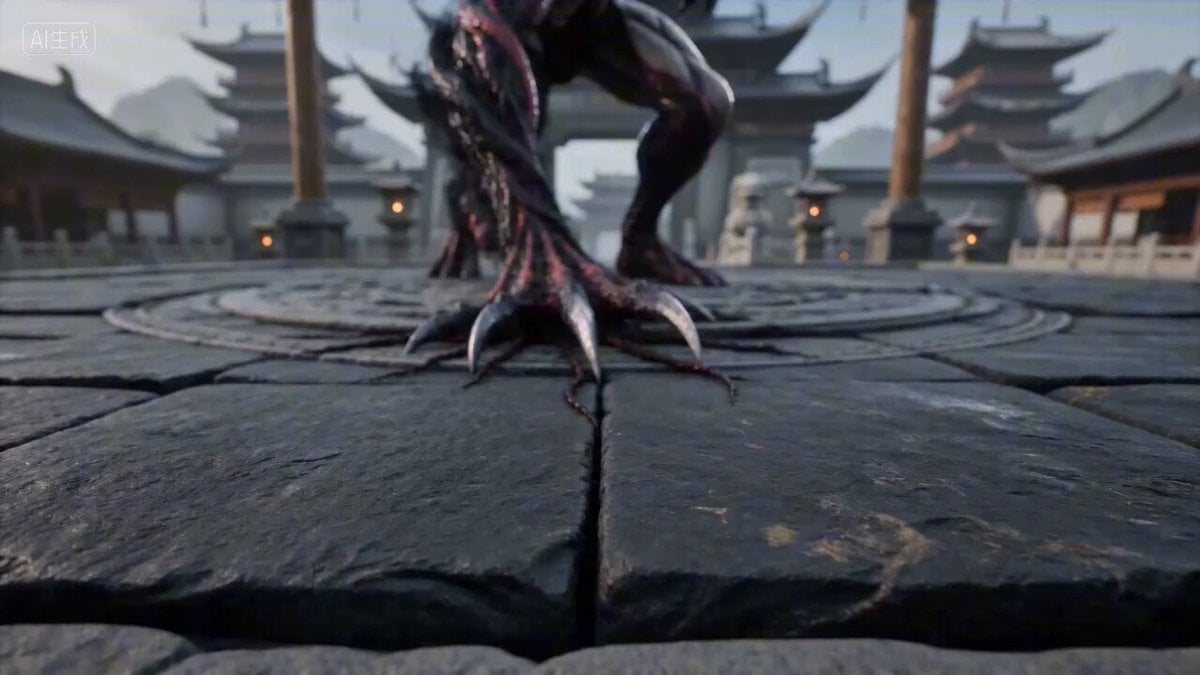
Seedance 2.0 Prompt: Void Lord Transformation Sequence
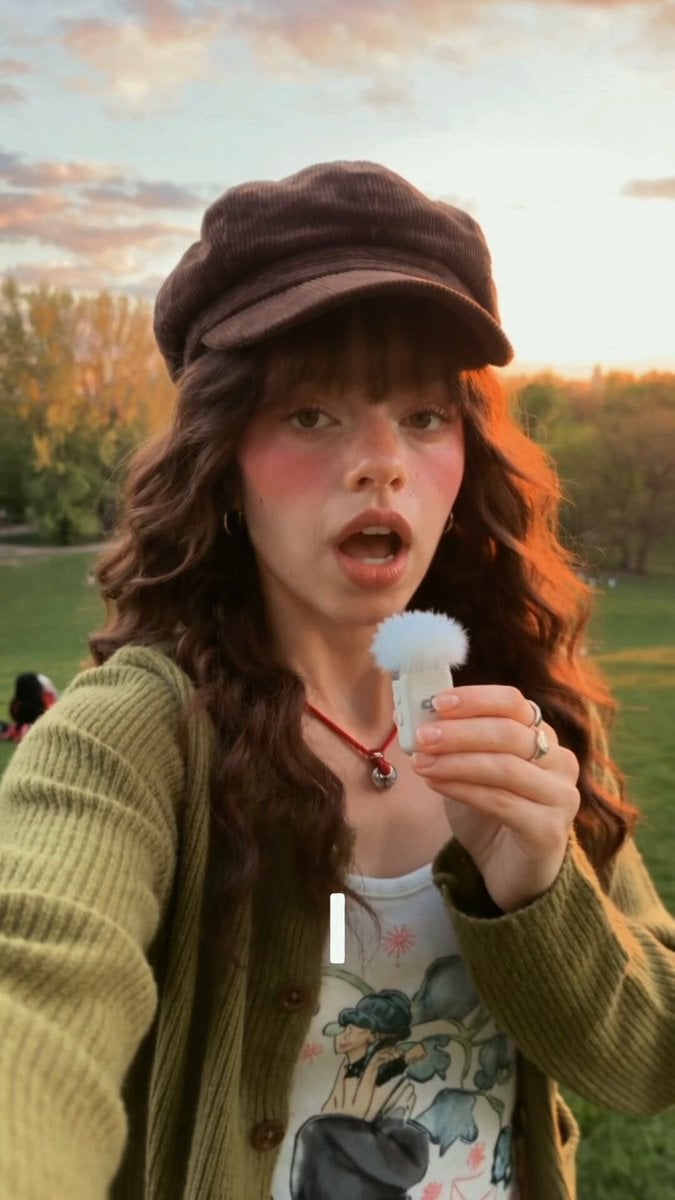
Continuous Unbroken Selfie Vlog Prompt
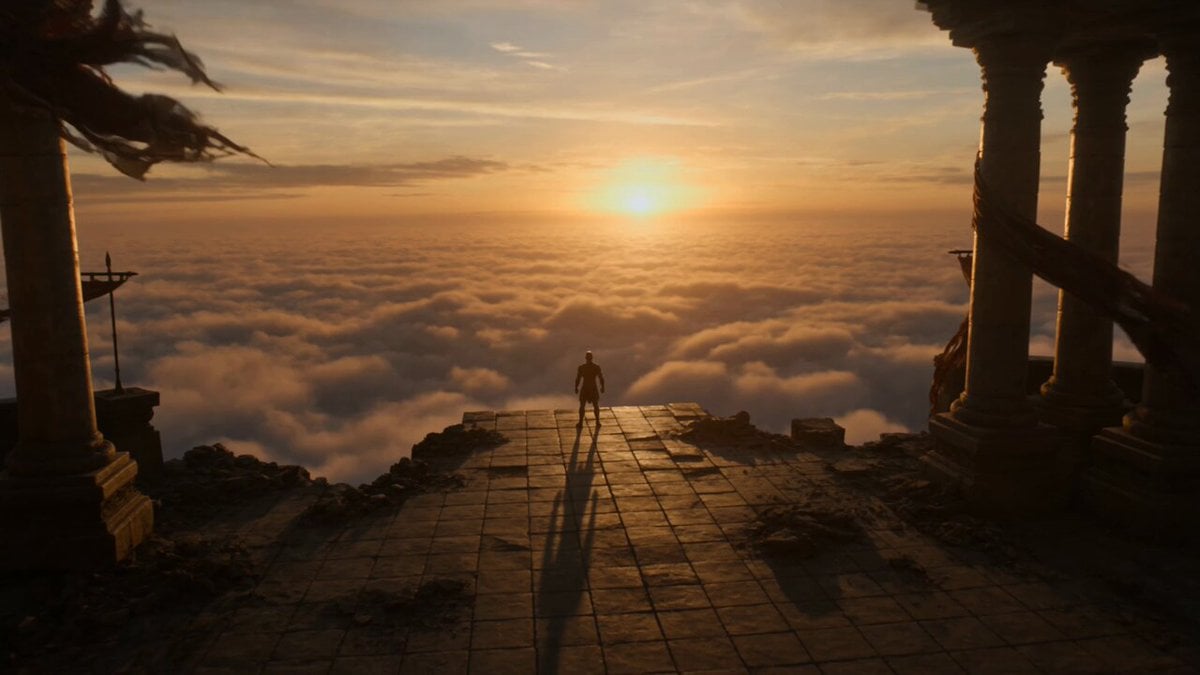
Phoenix Transformation Sequence

Anime Magical Girl Transformation Sequence
Browse template categories
Detailed Cinematic Prompt for Seedance 2.0 questions
How do I use the Detailed Cinematic Prompt for Seedance 2.0 template?
Add your photo if the template asks for one, edit the prompt if you like — the template's model and format are already selected — and press Generate. Your version opens in PicX Studio.
Can I customize the Detailed Cinematic Prompt for Seedance 2.0 template?
Yes. You can change the subject, setting, lighting, mood, format, and available model controls before creating your video.
Is the Detailed Cinematic Prompt for Seedance 2.0 template free?
Opening and editing this template is free. Generating uses credits, shown on the Generate button when you are signed in.
Which AI model should I use?
Start with Seedance 2.0, which is the model associated with this template. You can compare another compatible model for a different finish.
Looking for something else? Browse all templates.

Your photo, any look
Thousands of ready templates for every top image and video model, from one credit balance.