
Continuous Unbroken Selfie Vlog Prompt
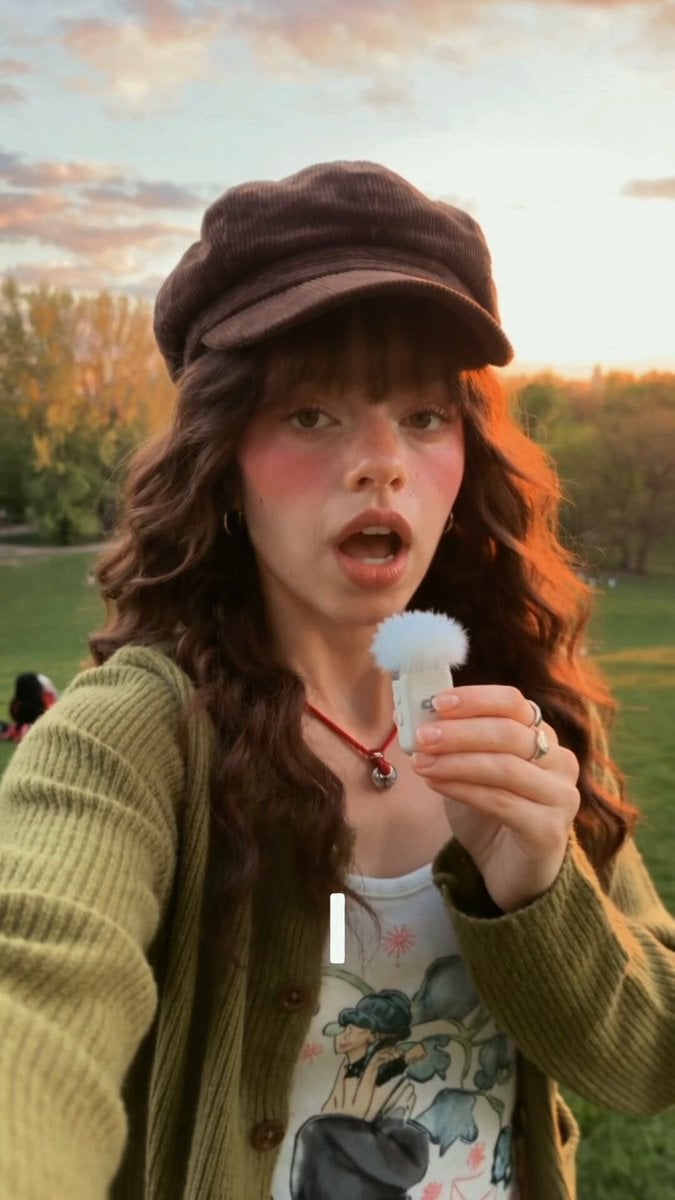
Multi-phase script layout directing an unbroken, continuous handheld vlog scene in a park environment with specific audio/lip-sync markers.
- Prompt included
- Model and format preset
- Free template
The prompt behind this video
Copy the exact prompt behind Continuous Unbroken Selfie Vlog Prompt, or open it in the studio and make it yours.
A single, unbroken continuous take (no cuts) from the perspective of a smartphone camera. Digital camera quality, casual vlog aesthetic, slightly soft focus, not too sharp, with natural handheld camera shake. NO BACKGROUND MUSIC. Phase 1: The Selfie Walk (0:00 - 0:08) The video begins in a close-up selfie angle. A young woman with long wavy brown hair, wearing a brown corduroy newsboy cap, a green cardigan over a white graphic top [REF] is walking through a lush green park with people relaxing on the grass and a city skyline in the background under an evening sky [REF] . She holds the camera with one hand and holds a pearl white DJI Mic with a fluffy white windscreen [REF] close to her mouth with the other. She speaks directly to the lens with a casual expression, her lips syncing to: "I used to spend HOURS every day editing just one video… only to end up burnt out." Phase 2: The Set Down (0:08 - 0:15) In one continuous motion without cutting, the camera perspective tilts down as she [REF] lowers her arm and places the phone down on the grass, propping it against a tree base. She then walks backward away from the camera, revealing a full-body wide shot of her green pleated skirt and brown leg warmers/boots [REF] . She stands in the middle of the park, briefly glances around at the scenery, then brings the white DJI mic [REF] back up to her mouth with renewed energy. She speaks, her lips syncing to: "Until I found VEED. Finally, all I need is just one click and it's DONE!" Phase 3: The Wrap Up (0:15 - 0:20) Still in the same unbroken shot, she [REF] smiles brightly and jogs forward back towards the camera lens. She leans down and picks the phone back up, fluidly transitioning the angle back to a close-up selfie mode. Holding the white DJI mic [REF] in her other hand, she looks into the lens and speaks, lips syncing to: "You should give it a try, guys! Bye!" She gives a cheerful wave to the camera as the video ends.
How to use Continuous Unbroken Selfie Vlog Prompt in 3 steps
- 1
Open
The prompt is already in the box next to the preview, with the template's model and format selected.
- 2…a portrait of your subject in softgolden-hour light, 85mm…
Personalize
Edit the subject and creative details for your destination.
- 3Generate
Generate
Press Generate — your video is created in PicX Studio, so you can compare it with the original and refine one variable at a time.
More like this
Templates with the same subject, style or setup. Open one to see its prompt.
Kyoto Morning Selfie Vlog
Selfie Travel Vlog Mykonos
Smartphone Travel Vlog Tokyo Trip Identity Preserved
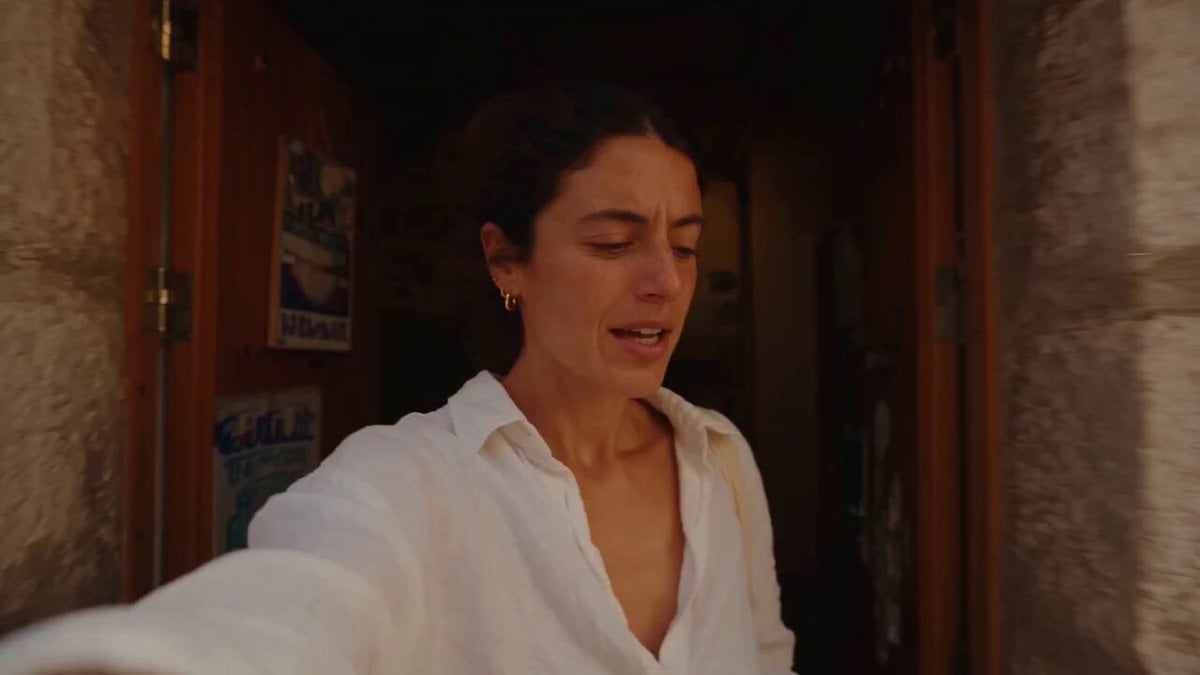
Mediterranean Coffee Run Vlog - Seedance 2.5

Mysterious Home Exploration Vlog - Seedance 2.5
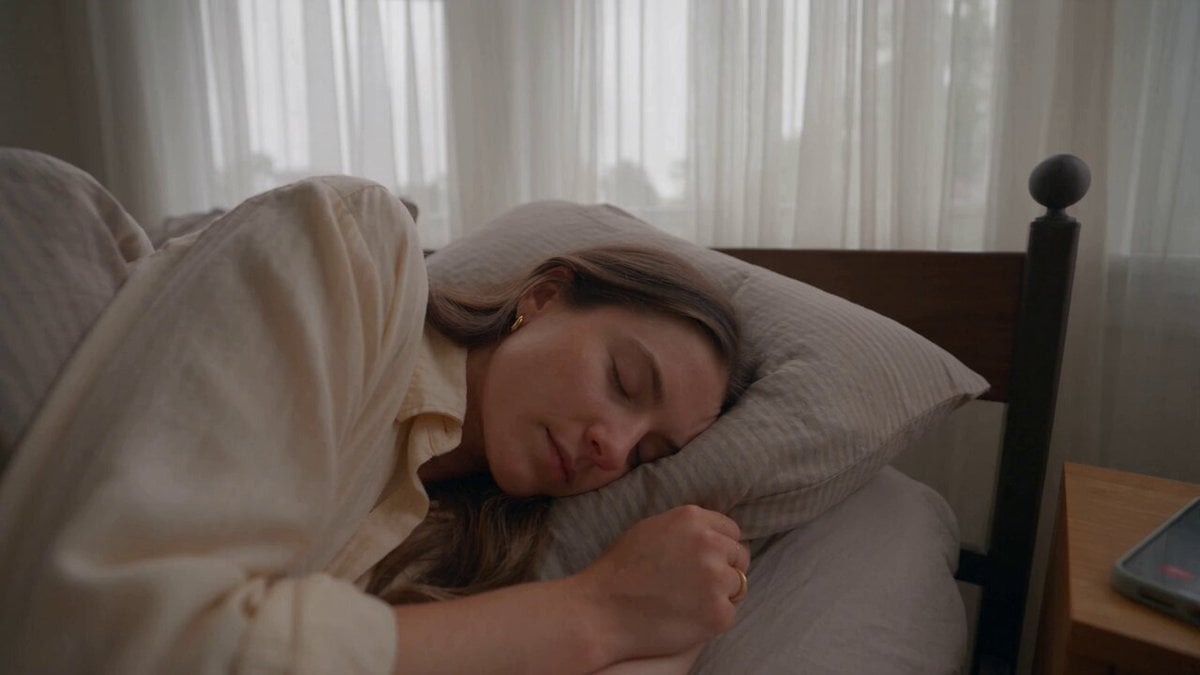
Realistic Morning Routine Lifestyle Vlog - Seedance 2.5

Handheld Tokyo Travel Vlog - Seedance 2.5
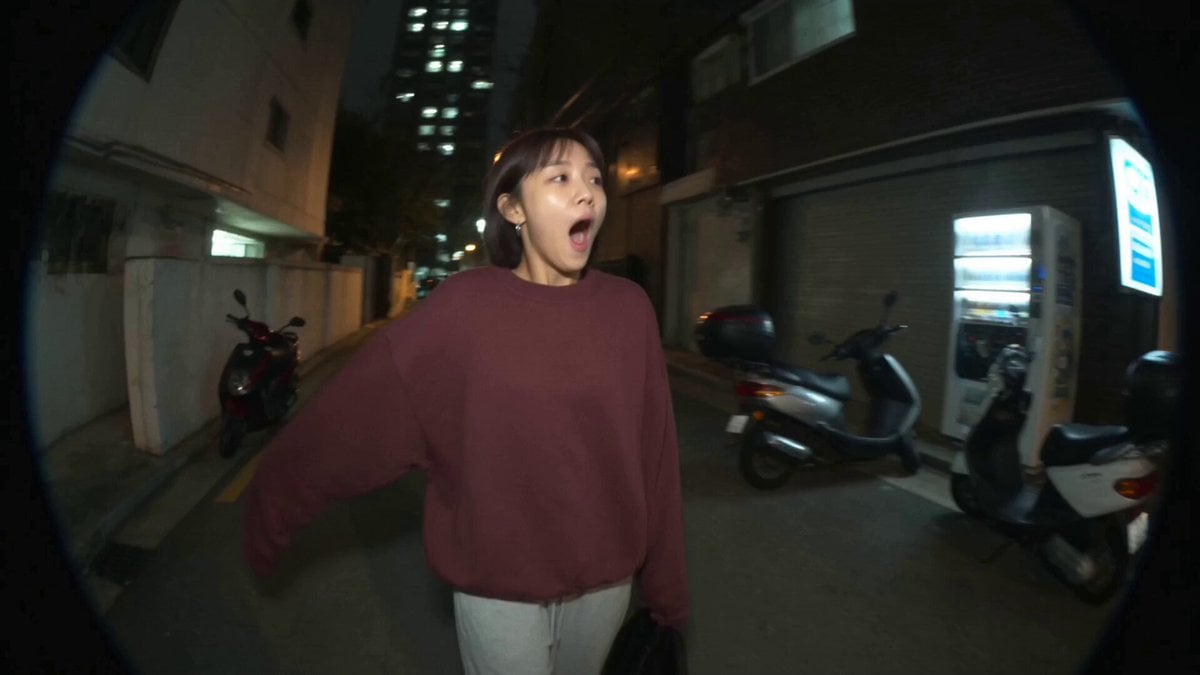
Nostalgic MiniDV Convenience Store Vlog - Seedance 2.5
Mediterranean Morning Coffee Run Vlog (Seedance 2.5)

Luxury Lifestyle Day Vlog

Luxury Airport Travel Vlog
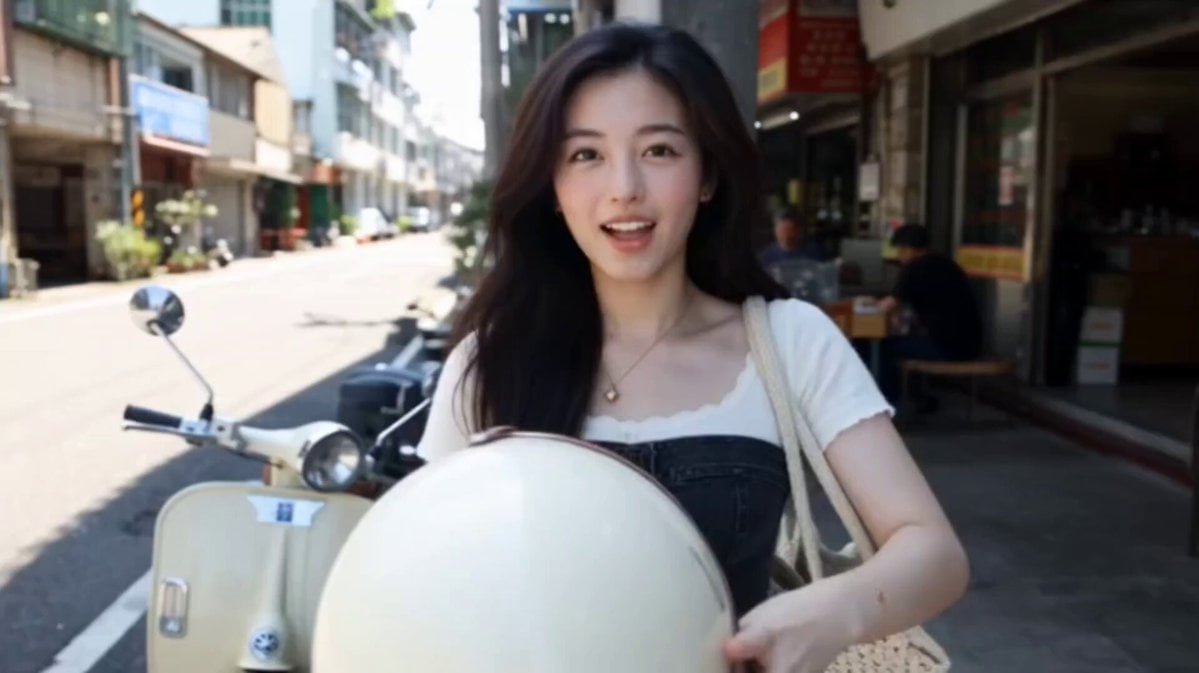
Kenting Lifestyle Travel Vlog
Make it yours
Continuous Unbroken Selfie Vlog Prompt works as-is. These are the safest ways to change it without losing the look.
Change one field
Copy a single group, rewrite it, and generate again so you can see what that field is doing.
Keep the frame, change the subject
Hold the composition and light of Continuous Unbroken Selfie Vlog Prompt, then swap wardrobe, props or the person for a new take.
| If the result… | Why | Fix |
|---|---|---|
| The result drifts from the preview | Too many fields changed at once. | Reuse Continuous Unbroken Selfie Vlog Prompt as-is first, then change one group — subject, light, or setting. |
| The model over-stylizes the scene | The prose prompt leaves finish and camera underspecified. | Add one camera or lighting sentence and stay on Seedance 2.0. |
More Seedance 2.0 templates
Other prompts made for Seedance 2.0.

Comical Martial Arts Punch Scene

Maglev Train Action Sequence

Martial Arts Fight Sequence

Wuxia Protection and Trust Script

Vintage Korean Arcade MiniDV Vlog

Mercedes 190 SL Luxury Ad

Rainy Night Supernatural Reverse Comedy Video Script

Amazon Civilization Discovery

Futuristic South Asian City Transformation

Cozy Luxury Cafe Commercial
More video prompts
Fresh picks from across the catalog.
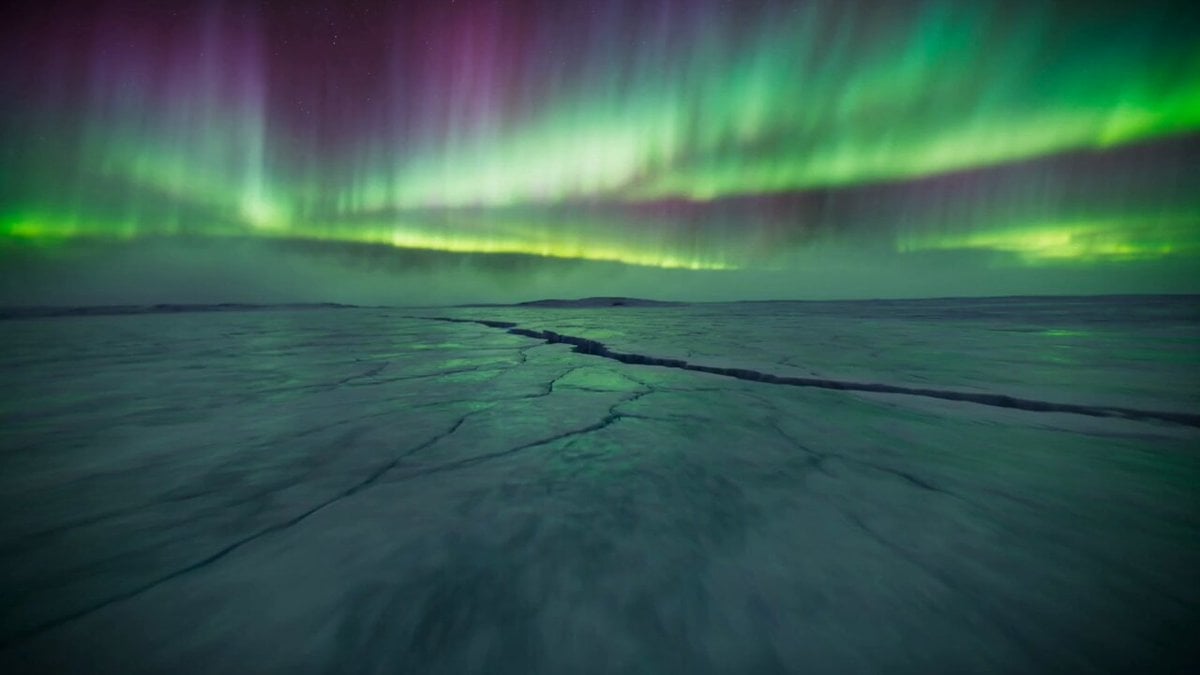
Arctic Canyon Aurora FPV Dive
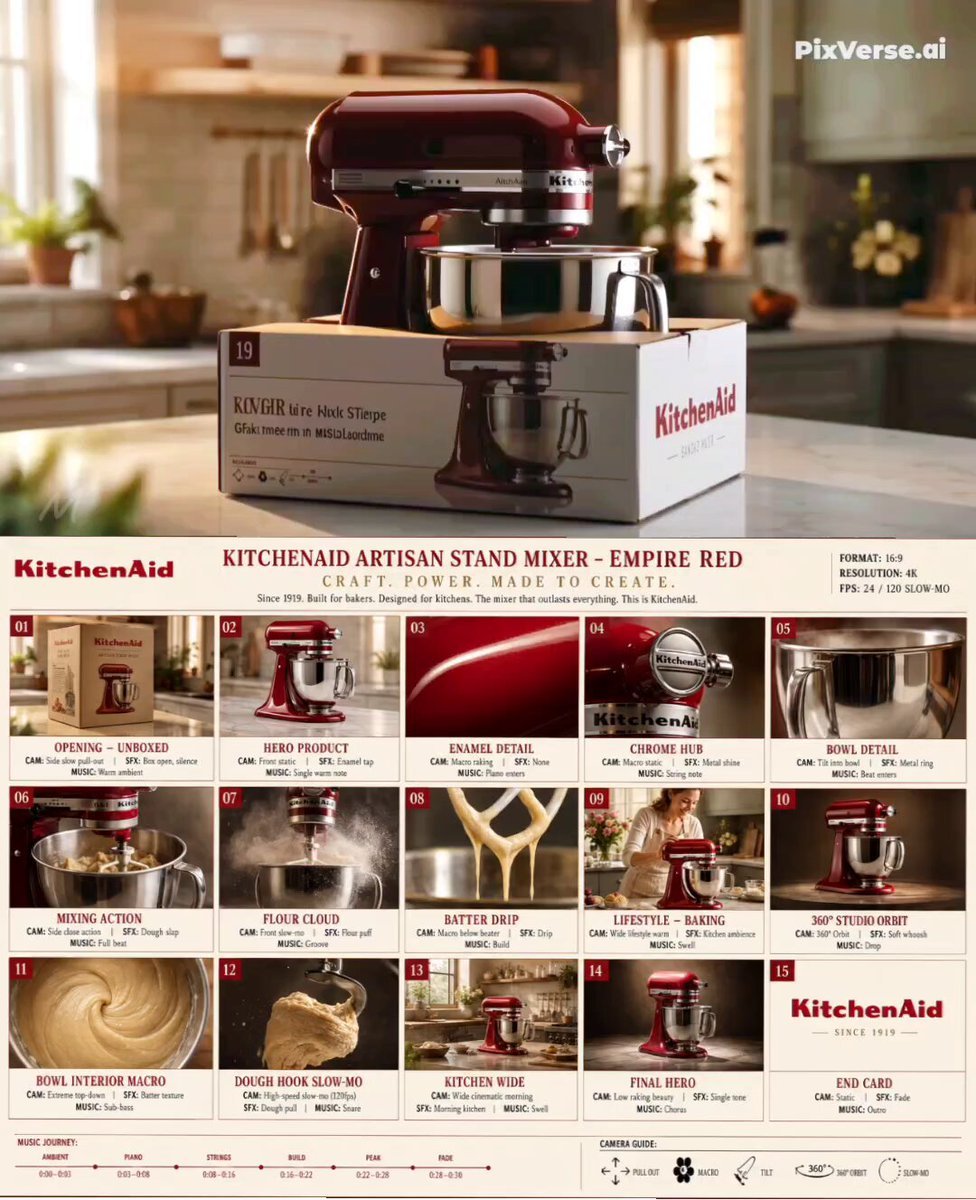
Premium Kitchenware Campaign Style
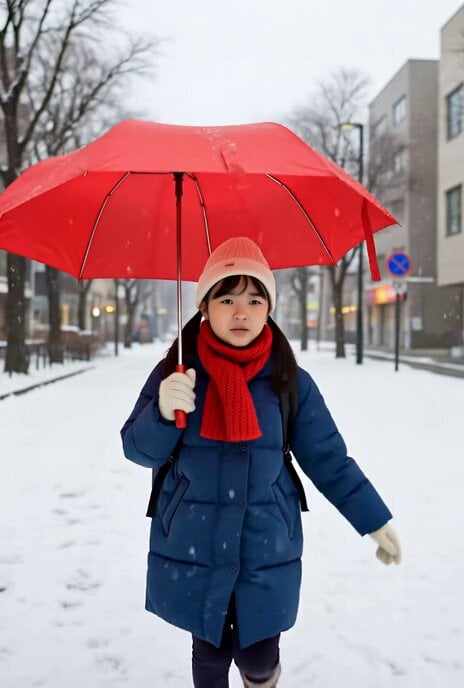
Grok Imagine prompt for a nostalgic scene of walking home in winter
Art Nouveau Pink Elephant
Multi-Character Parkour Action Sequence
Zombie Hunter Supermarket Scene
Cinematic Reveal of Tesla Cybertruck and Showroom
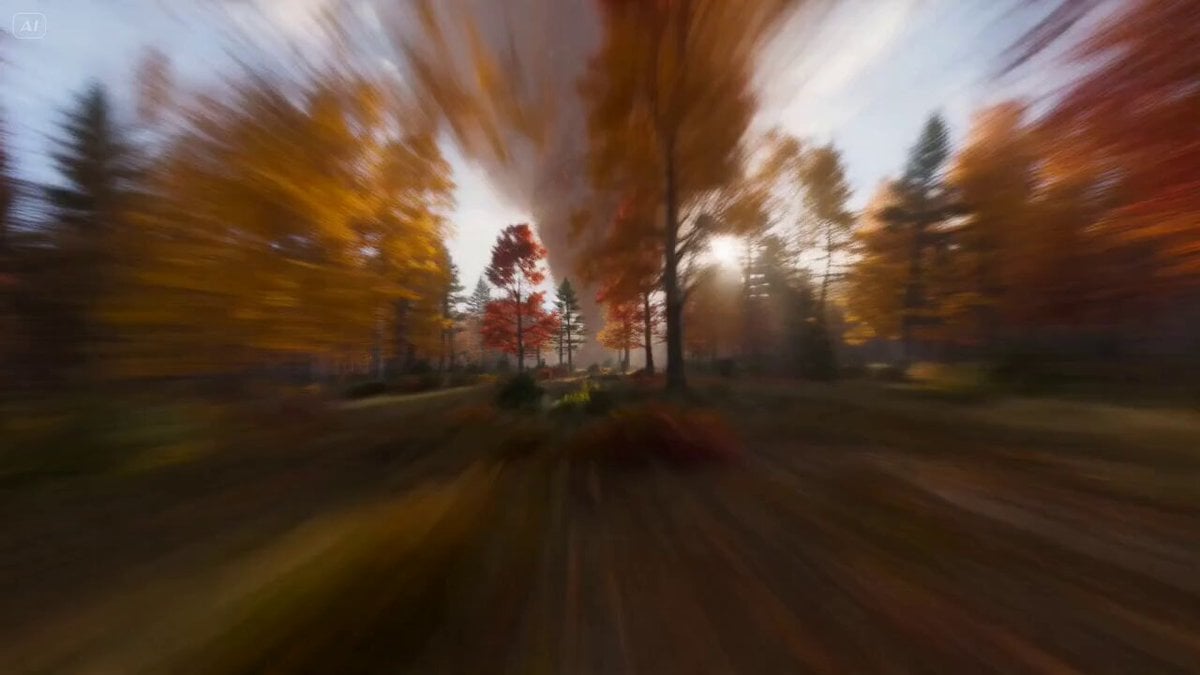
Autumn Leaves Vortex Text VFX

Surreal Staircase Ascent
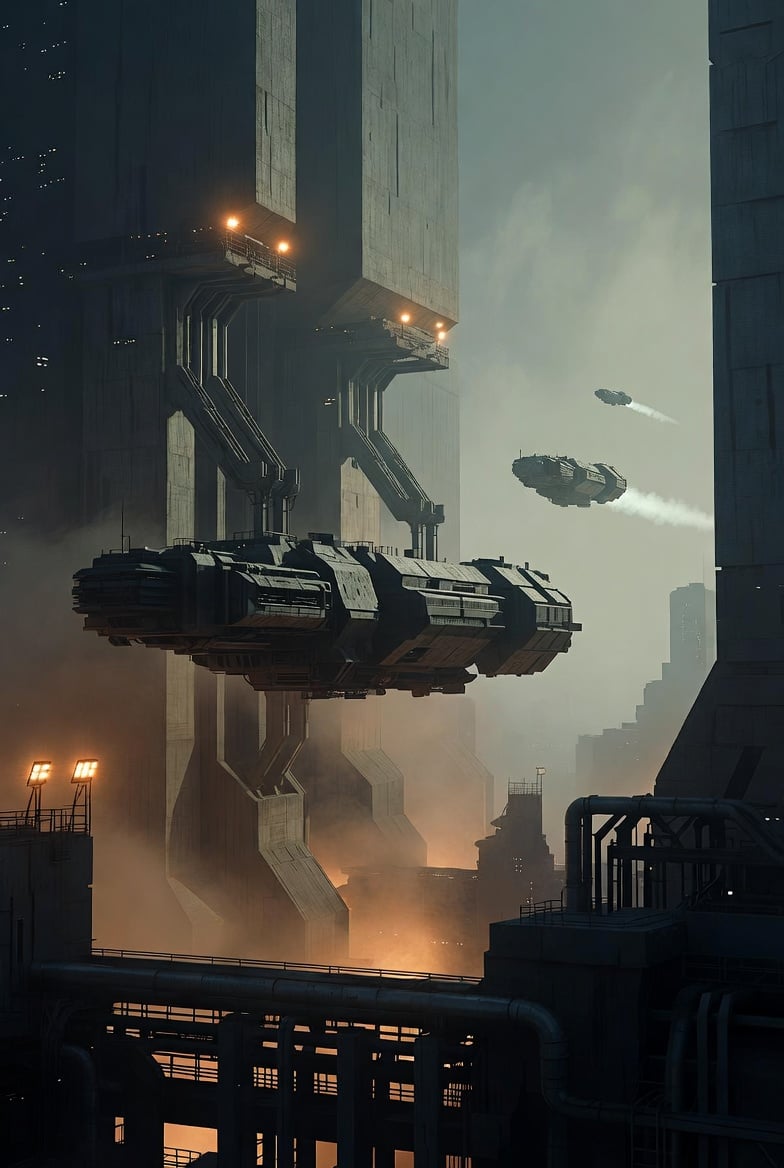
Photorealistic Sci-Fi Cityscape
Browse template categories
Continuous Unbroken Selfie Vlog Prompt questions
How do I use the Continuous Unbroken Selfie Vlog Prompt template?
Add your photo if the template asks for one, edit the prompt if you like — the template's model and format are already selected — and press Generate. Your version opens in PicX Studio.
Can I customize the Continuous Unbroken Selfie Vlog Prompt template?
Yes. You can change the subject, setting, lighting, mood, format, and available model controls before creating your video.
Is the Continuous Unbroken Selfie Vlog Prompt template free?
Opening and editing this template is free. Generating uses credits, shown on the Generate button when you are signed in.
Which AI model should I use?
Start with Seedance 2.0, which is the model associated with this template. You can compare another compatible model for a different finish.
Looking for something else? Browse all templates.

Your photo, any look
Thousands of ready templates for every top image and video model, from one credit balance.