How do I use the Photorealistic Sci-Fi Cityscape template?
Edit the prompt in the box under the preview — the template's model and format are already selected — and press Generate. Your version appears right on this page.
A detailed sci-fi prompt for a brutalist cityscape with massive docking structures and cinematic Blade Runner aesthetics.
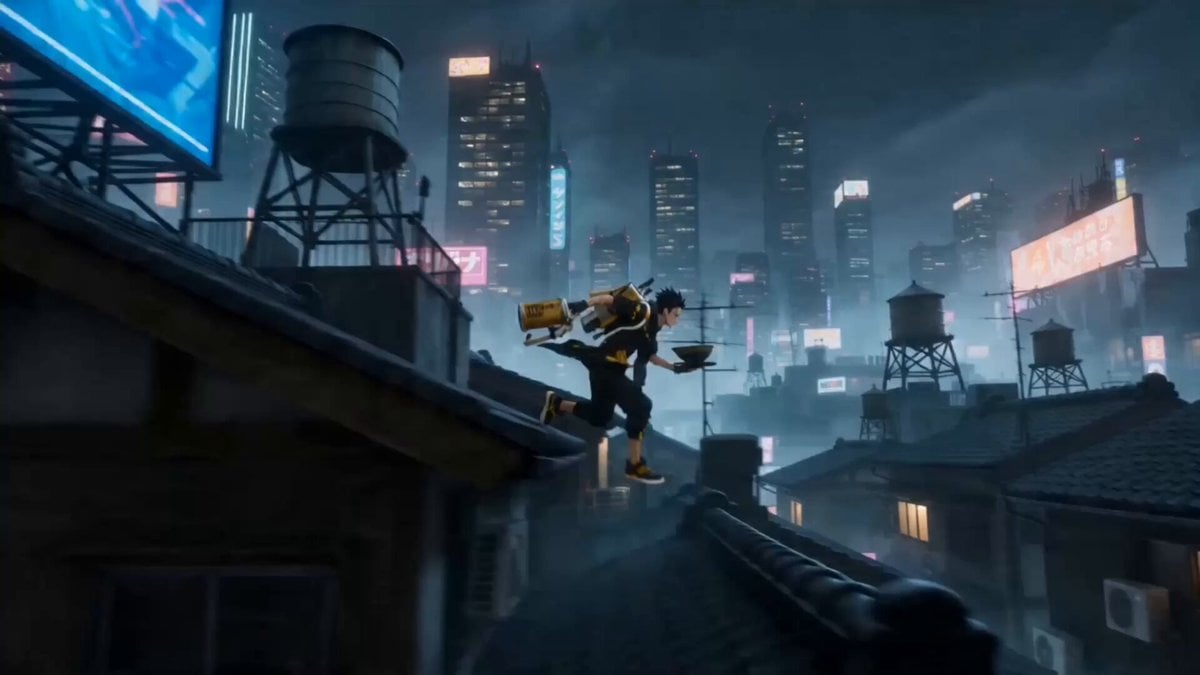
Photorealistic sci-fi cityscape. A massive cargo freighter hovers inches from a kilometers-tall megastructure wall, docking clamps extending. The structure is dense brutalist concrete and exposed piping, amber floodlights bleeding through fog. Three smaller escort craft visible in mid-distance. Shot from below looking up, foreshortened scale. Moody overcast sky. Blade Runner meets Mass Effect. Cinematic lighting, 8K render quality.
Photorealistic sci-fi cityscape. A massive cargo freighter hovers inches from a kilometers-tall megastructure wall, docking clamps extending. The structure is dense brutalist concrete and exposed piping, amber floodlights bleeding through fog. Three smaller escort craft visible in mid-distance. Shot from below looking up, foreshortened scale. Moody overcast sky. Blade Runner meets Mass Effect. Cinematic lighting, 8K render quality.
Edit the prompt in the box under the preview — the template's model and format are already selected — and press Generate. Your version appears right on this page.
Yes. You can change the subject, setting, lighting, mood, format, and available model controls before creating your video.
Opening and editing this template is free. Generating uses credits, shown on the Generate button when you are signed in.
Start with Grok Imagine, which is the model associated with this template. You can compare another compatible model for a different finish.
Follow a topic to a crawlable collection of related PicX Studio templates.