How do I use the Cinematic Beach Monster Battle template?
Edit the prompt in the box under the preview — the template's model and format are already selected — and press Generate. Your version appears right on this page.
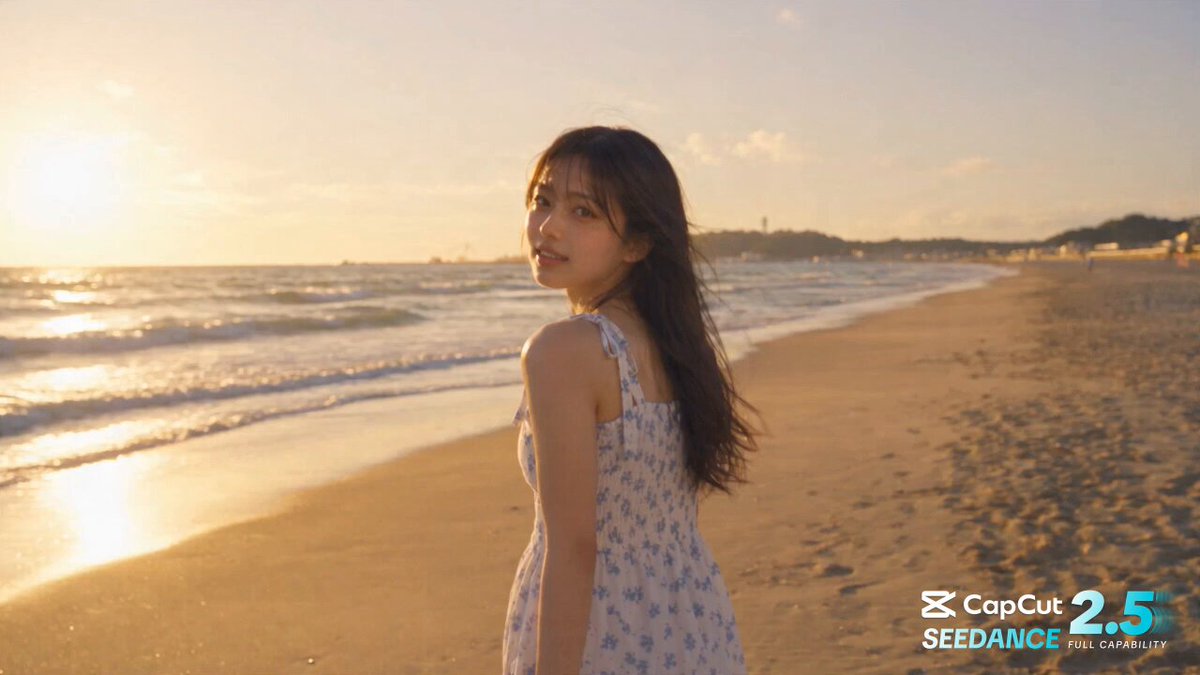
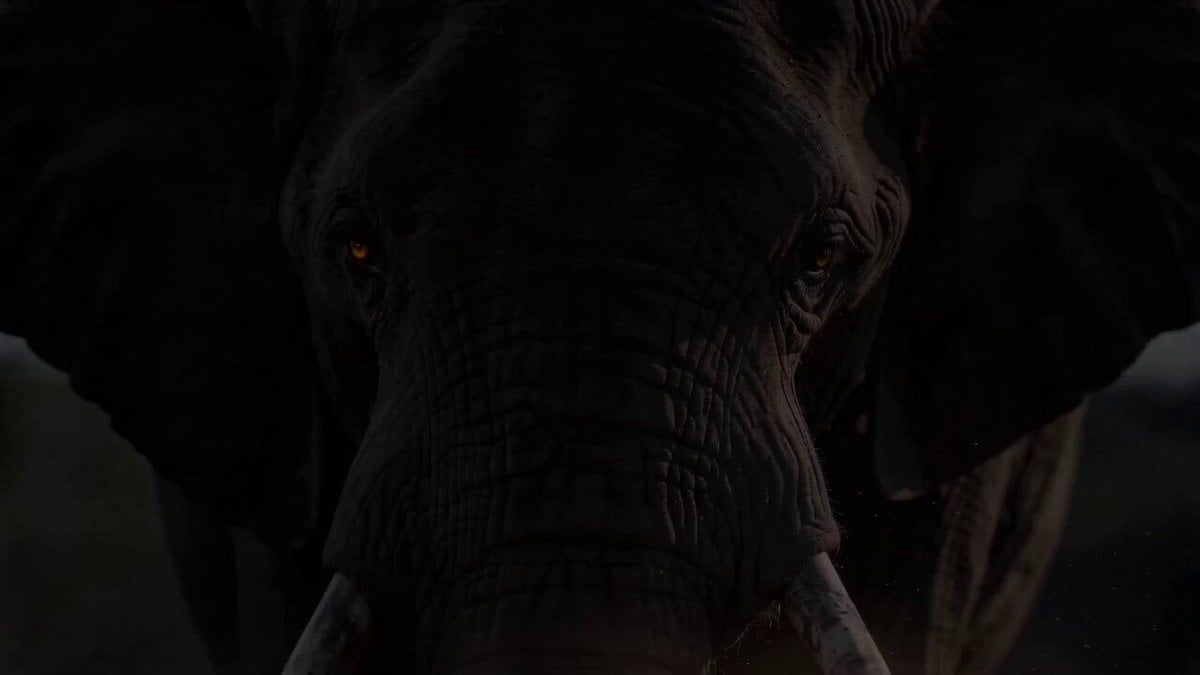
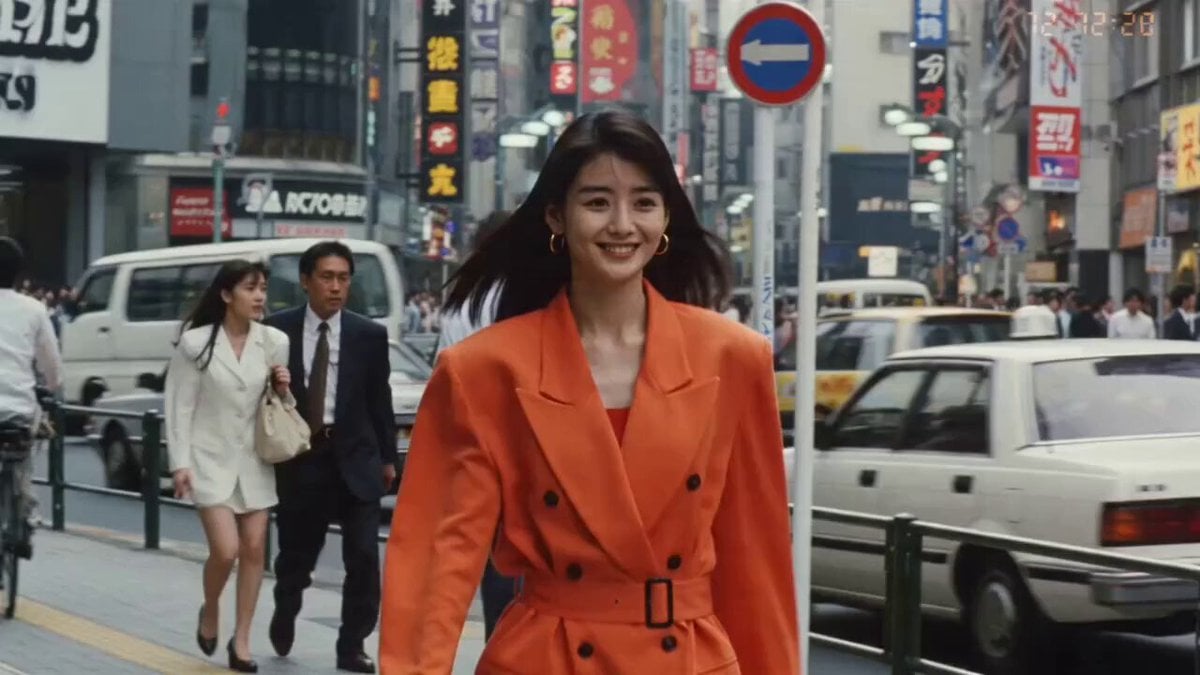
A narrative prompt for Seedance 2.0 featuring a Japanese woman confronting a sea monster, with timed sequence instructions and character dialogue.
Beautiful young Japanese woman (realistic, pastel blue t-shirt, cargo pants) on a beach. 0:00–0:02 Close-up → she looks at ocean. 0:02–0:04 Ocean explodes, sea monster emerges, chaos. 0:04–0:05 She stands calm. 🗣️「マジでうるさい…」 0:05–0:07 Sand + debris lift, air distorts, weapon forms. 0:07–0:09 She charges at extreme speed, monster charges back. 0:09–0:10 Mid-air impact → shockwave. 🗣️「静かにして。」 Phase 2: She recovers, monster evolves, power intensifies. 🗣️「…面倒になってきた。」 Weapons orbit → final charge. 🗣️「これで終わり。」 Final: Massive strike → monster collapses. Wide shot: she stands alone. 🗣️「終わった。」
Beautiful young Japanese woman (realistic, pastel blue t-shirt, cargo pants) on a beach. 0:00–0:02 Close-up → she looks at ocean. 0:02–0:04 Ocean explodes, sea monster emerges, chaos. 0:04–0:05 She stands calm. 🗣️「マジでうるさい…」 0:05–0:07 Sand + debris lift, air distorts, weapon forms. 0:07–0:09 She charges at extreme speed, monster charges back. 0:09–0:10 Mid-air impact → shockwave. 🗣️「静かにして。」 Phase 2: She recovers, monster evolves, power intensifies. 🗣️「…面倒になってきた。」 Weapons orbit → final charge. 🗣️「これで終わり。」 Final: Massive strike → monster collapses. Wide shot: she stands alone. 🗣️「終わった。」
Edit the prompt in the box under the preview — the template's model and format are already selected — and press Generate. Your version appears right on this page.
Yes. You can change the subject, setting, lighting, mood, format, and available model controls before creating your video.
Opening and editing this template is free. Generating uses credits, shown on the Generate button when you are signed in.
Start with Seedance 2.0, which is the model associated with this template. You can compare another compatible model for a different finish.
Follow a topic to a crawlable collection of related PicX Studio templates.