
Cinematic Sorcerer vs Leviathan Multi-Shot Sequence
A highly detailed 15-second cinematic storyboard prompt for a fantasy battle featuring a sorcerer on a cliff and a massive sea leviathan, including precise shot timings and camera moves.
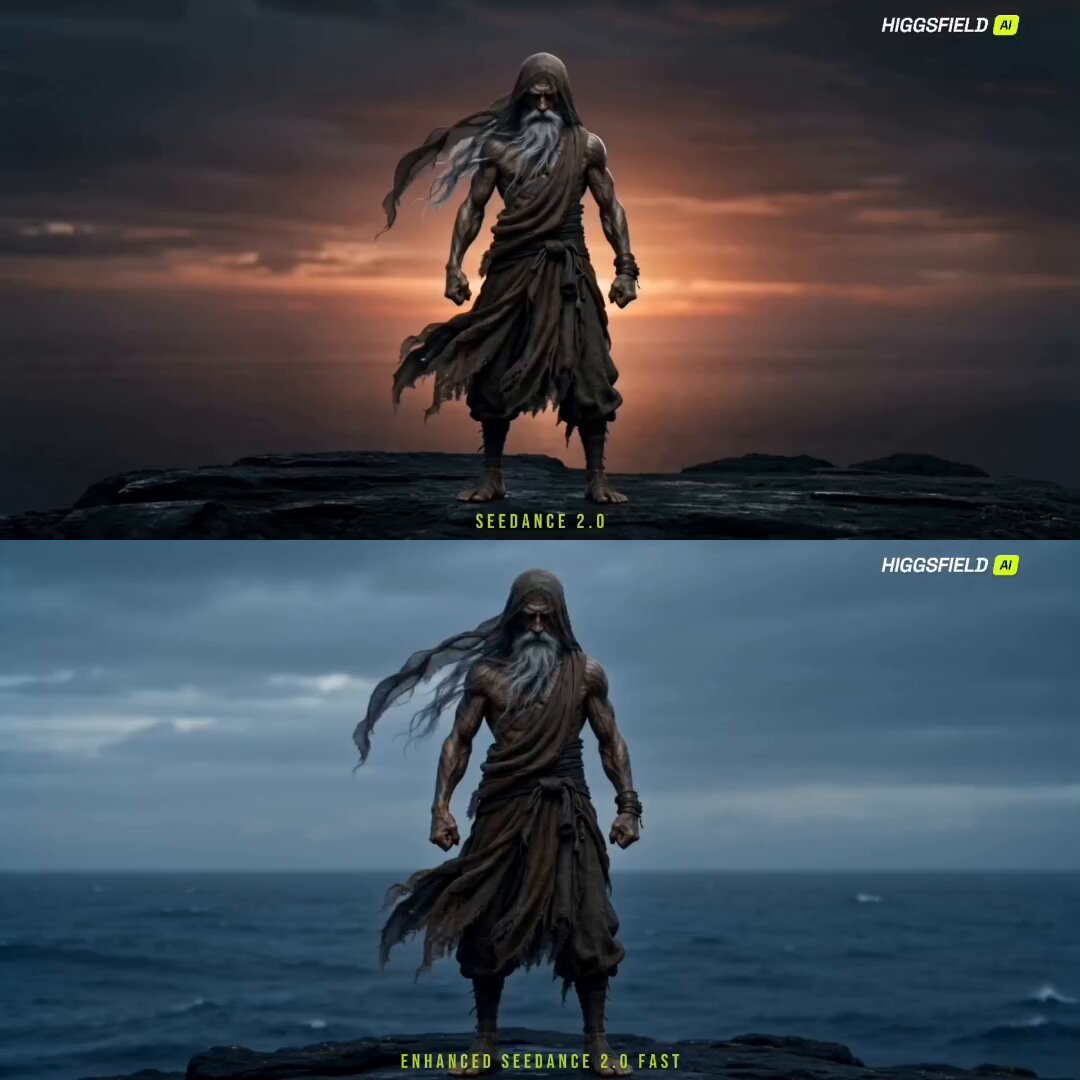
- Prompt included
- Model and format preset
- Premium template
The prompt behind this video
Copy the exact prompt behind Cinematic Sorcerer vs Leviathan Multi-Shot Sequence, or open it in the studio and make it yours.
Shot 1 (0.0s–2.0s): Slow push-in wide — <<<image_1>>> stands motionless on a black sea-cliff at dusk, robes, mesh hood, and long grey beard streaming in the wind, eyes closed in stillness; low wind, distant surf, a single wind-chime note. Shot 2 (2.0s–3.3s): Low angle on the sea below — the water bulges and drains back unnaturally against the cliff base; a deep ominous rumble, water sucking away. Shot 3 (3.3s–5.3s): Crane up fast — <<<image_2>>> erupts from the deep, towering over the cliff, seawater cascading off its scales in sheets; a thunderous roar, crashing water. Shot 4 (5.3s–6.8s): Locked close-up — <<<image_1>>> opens his eyes, calm and razor-sharp, not a flicker of fear, beard whipping; the sound drops to a held hush of wind. Keep <<<image_1>>> face and tattoos locked. Shot 5 (6.8s–8.4s): Low hero angle, push-in — <<<image_1>>> settles into a wind stance, palms opening as a spiraling vortex of air, dust, and storm-light gathers around his arms; a rising whoosh, building drums. Keep <<<image_1>>> design locked. Shot 6 (8.4s–9.8s): Whip pan — <<<image_2>>> lunges down with open maw as <<<image_1>>> sweeps forward, the wind-vortex screaming around him; a roar, an accelerating gale. Shot 7 (9.8s–11.2s): Crash-in extreme — he thrusts both palms and a blade of compressed wind slams into the Leviathan's jaw, a shockwave of spray and pale light bursting outward; a massive concussive boom, drum climax. Shot 8 (11.2s–12.6s): Wide — the monster recoils, hurled back into the sea in an explosion of water and mist, the storm tearing around it; a receding roar, a thunderclap. Shot 9 (12.6s–15.0s): Slow pull-back — <<<image_1>>> lowers his hands and returns to perfect stillness on the cliff edge, robes settling, the calm restored as the sea quiets behind him; the wind softening to that single chime note, then a smooth hold before fade. Global style lock: gritty photoreal cinematic fantasy action; stable picture, consistent character design, no distortion, no subtitles, no watermarks.
How to use Cinematic Sorcerer vs Leviathan Multi-Shot Sequence in 3 steps
- 1
Open
The prompt is already in the box next to the preview, with the template's model and format selected.
- 2…a portrait of your subject in softgolden-hour light, 85mm…
Personalize
Edit the subject and creative details for your destination.
- 3Generate
Generate
Press Generate — your video is created in PicX Studio, so you can compare it with the original and refine one variable at a time.
More like this
Templates with the same subject, style or setup. Open one to see its prompt.
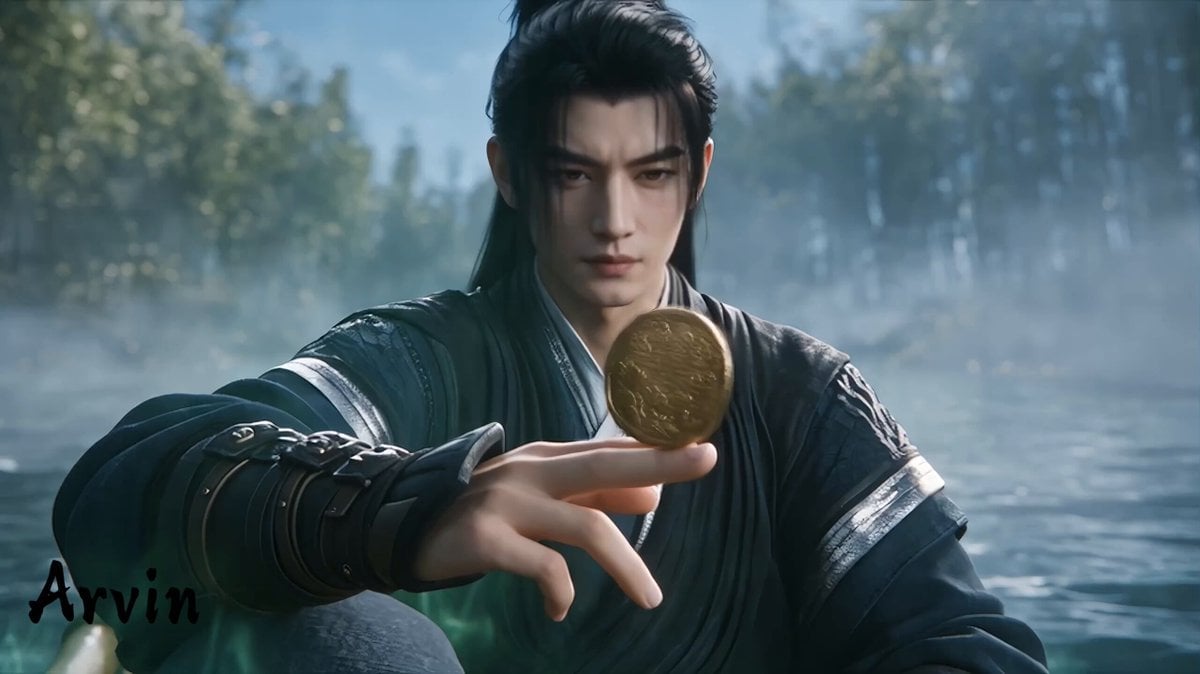
Extended Multi-Shot Xianxia Battle Sequence
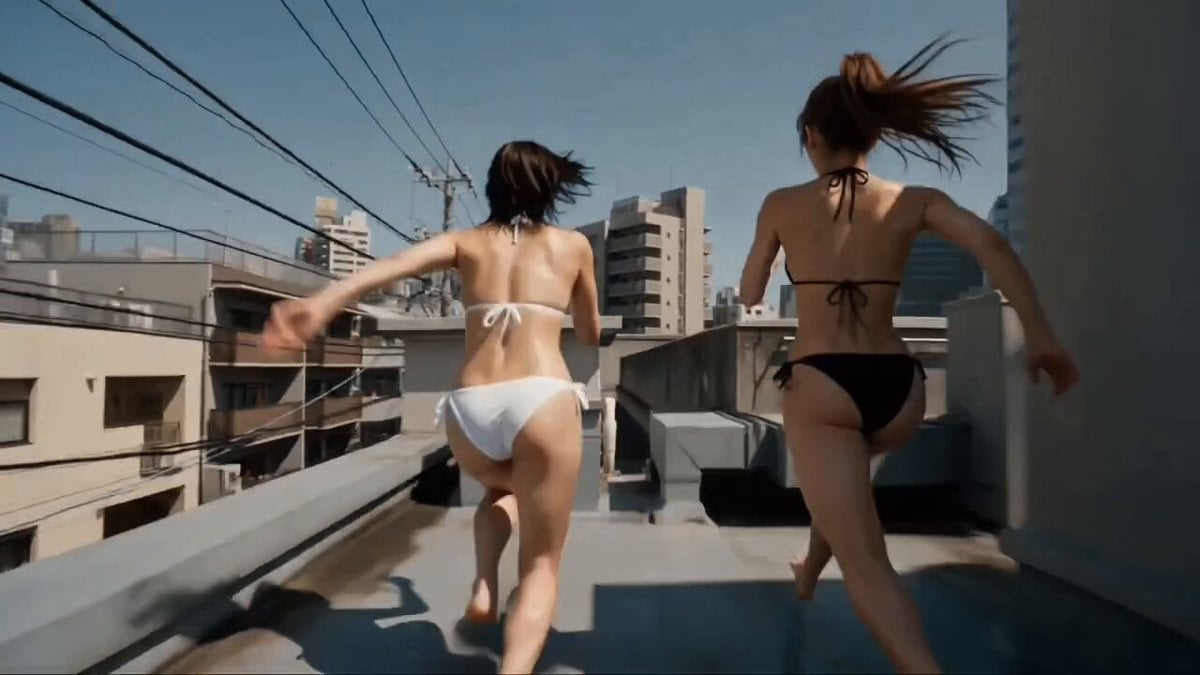
Multi-Character Parkour Action Sequence
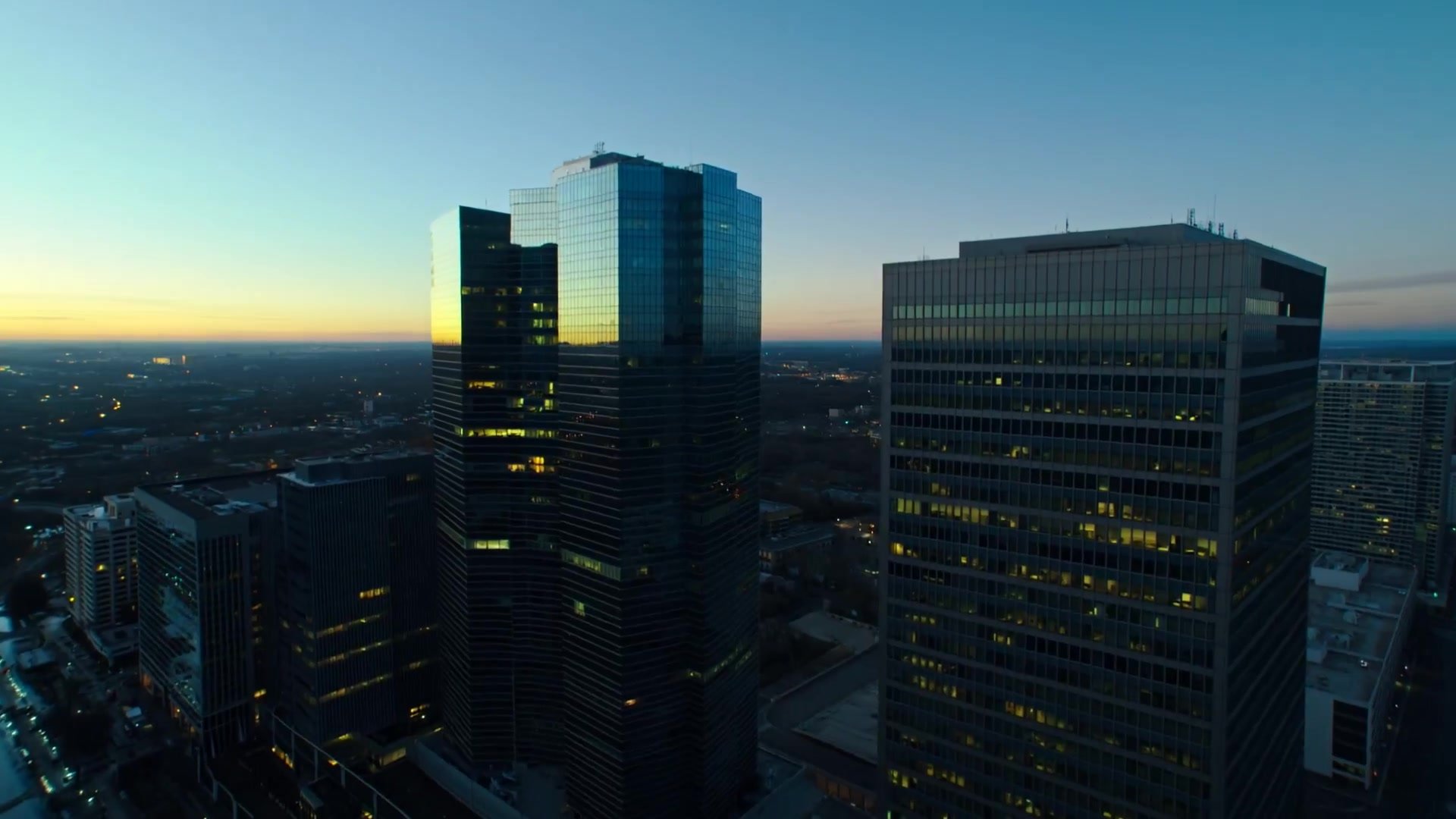
Multi-Shot Heist Sequence — Kling 3.0 O3 Pro
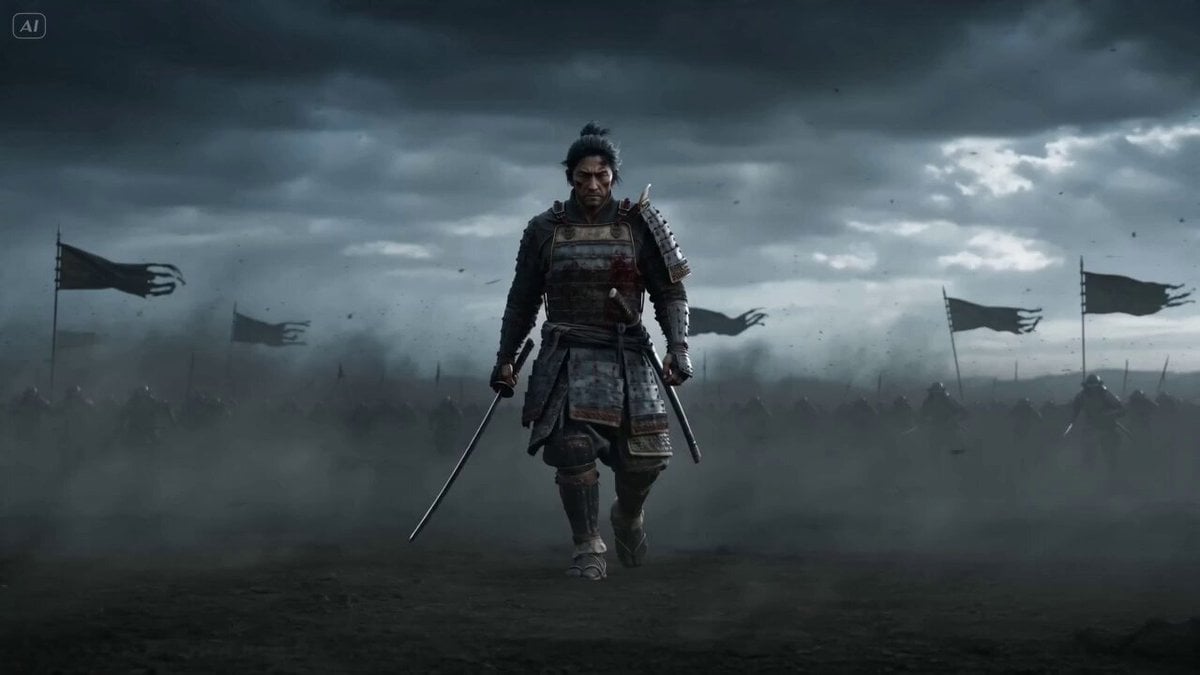
Epic Samurai Multi-Slash Sequence
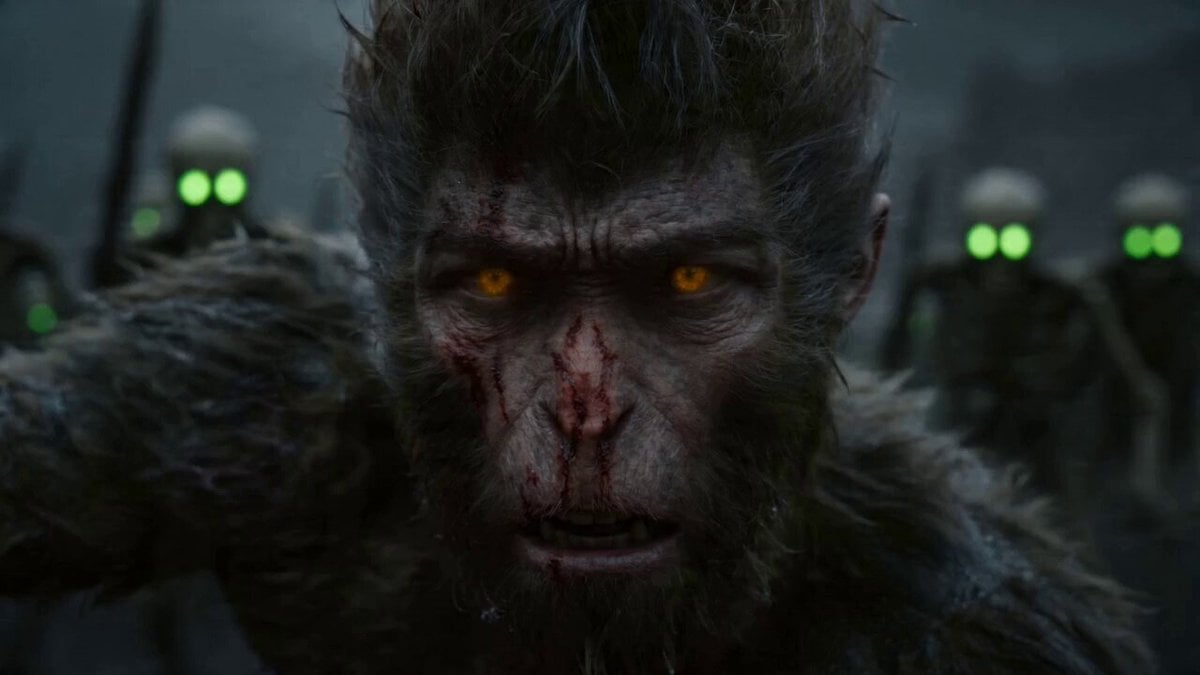
Epic Multi-Shot Sequence of Sun Wukong on a Mythological Battlefield
Multi-Cut Western Duel and Arm Wrestling Sequence
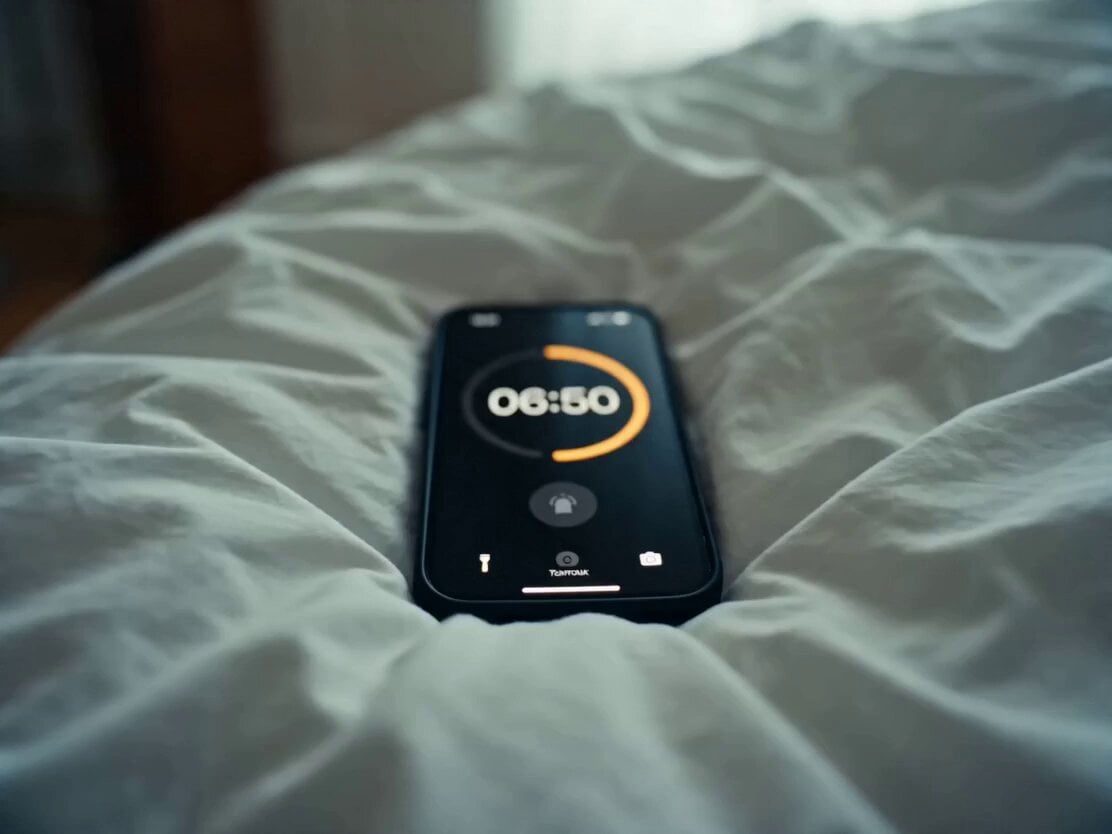
Daily Routine Multi-Shot Sequence
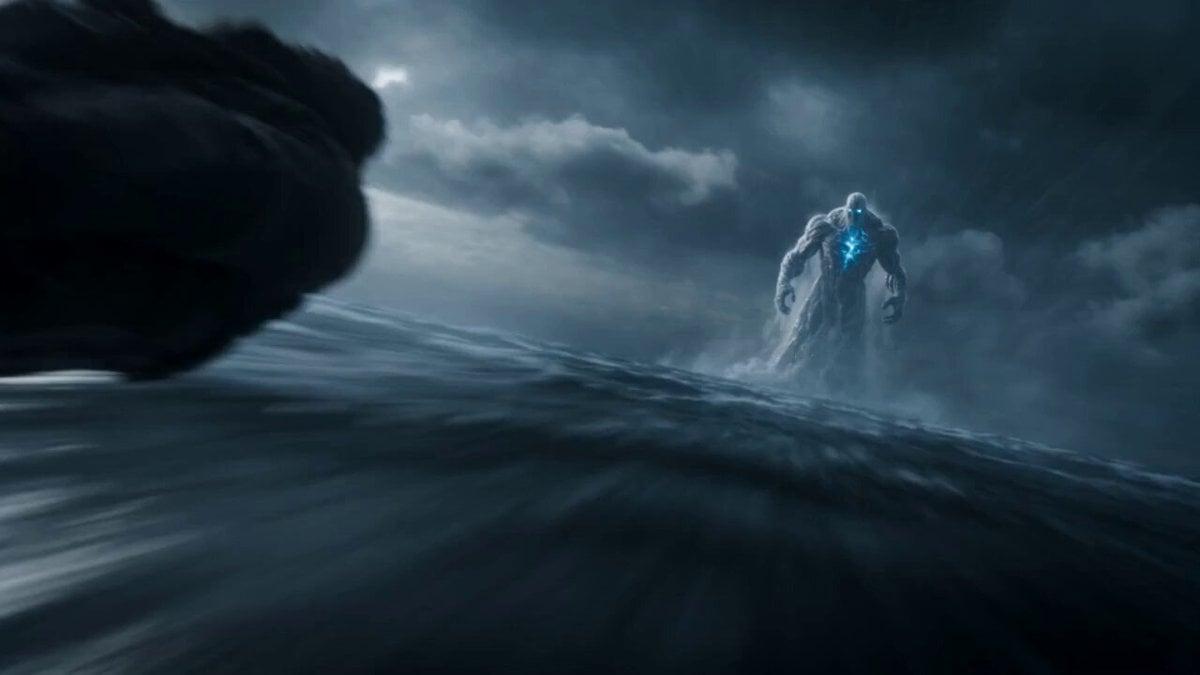
Leviathan Protocol Ocean Battle

Maglev Train Action Sequence

Martial Arts Fight Sequence
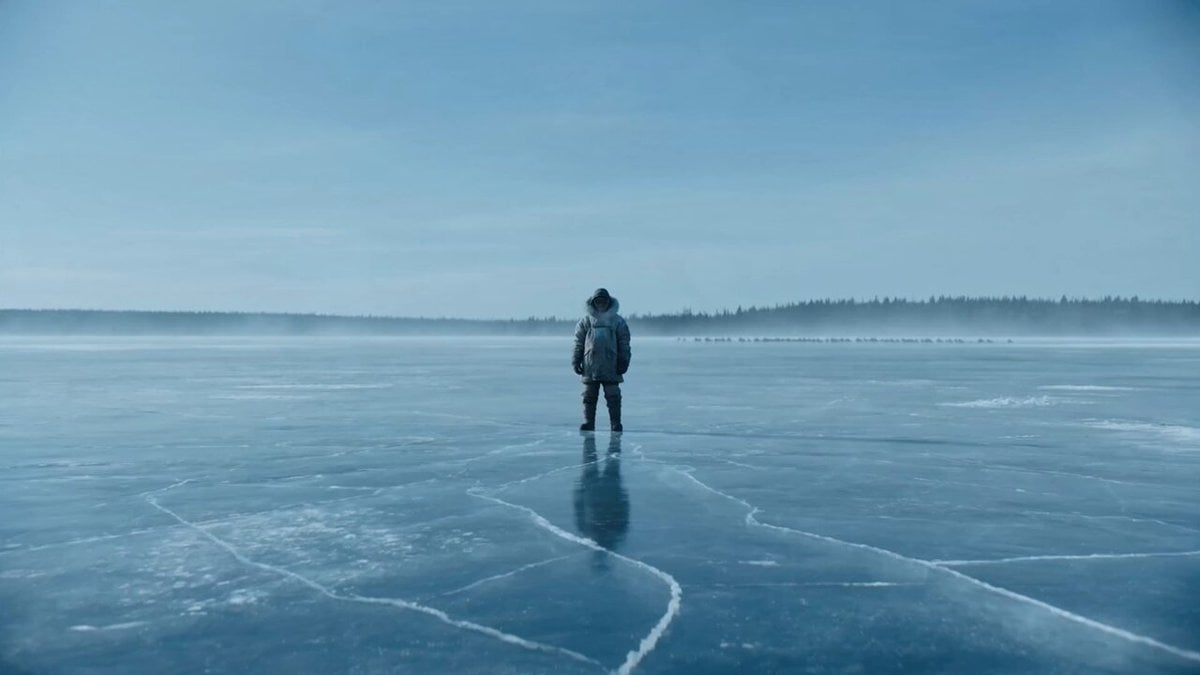
Giant Leviathan Under Frozen Lake
Multi Panel Storyboard Sheet
Make it yours
Cinematic Sorcerer vs Leviathan Multi-Shot Sequence works as-is. These are the safest ways to change it without losing the look.
Change one field
Copy a single group, rewrite it, and generate again so you can see what that field is doing.
Keep the frame, change the subject
Hold the composition and light of Cinematic Sorcerer vs Leviathan Multi-Shot Sequence, then swap wardrobe, props or the person for a new take.
| If the result… | Why | Fix |
|---|---|---|
| The result drifts from the preview | Too many fields changed at once. | Reuse Cinematic Sorcerer vs Leviathan Multi-Shot Sequence as-is first, then change one group — subject, light, or setting. |
| The model over-stylizes the scene | The prose prompt leaves finish and camera underspecified. | Add one camera or lighting sentence and stay on Seedance 2.0. |
More Seedance 2.0 templates
Other prompts made for Seedance 2.0.

Comical Martial Arts Punch Scene

Wuxia Protection and Trust Script

Vintage Korean Arcade MiniDV Vlog

Mercedes 190 SL Luxury Ad

Rainy Night Supernatural Reverse Comedy Video Script

Amazon Civilization Discovery

Futuristic South Asian City Transformation

Cozy Luxury Cafe Commercial

Cyber Ronin Nanotech Transformation Video

Desert Courier and Sandstorm Leviathan Chase
More video prompts
Fresh picks from across the catalog.
Futuristic Space Station Transformation Video
Watercolor forest lake under a starry sky with fireflies and a wooden boat
Cinematic Astronaut Space Leap
Ultra-realistic Macro Miniature City Prompt (Structured JSON)
3D Anime Aesthetic Dance Video Prompt
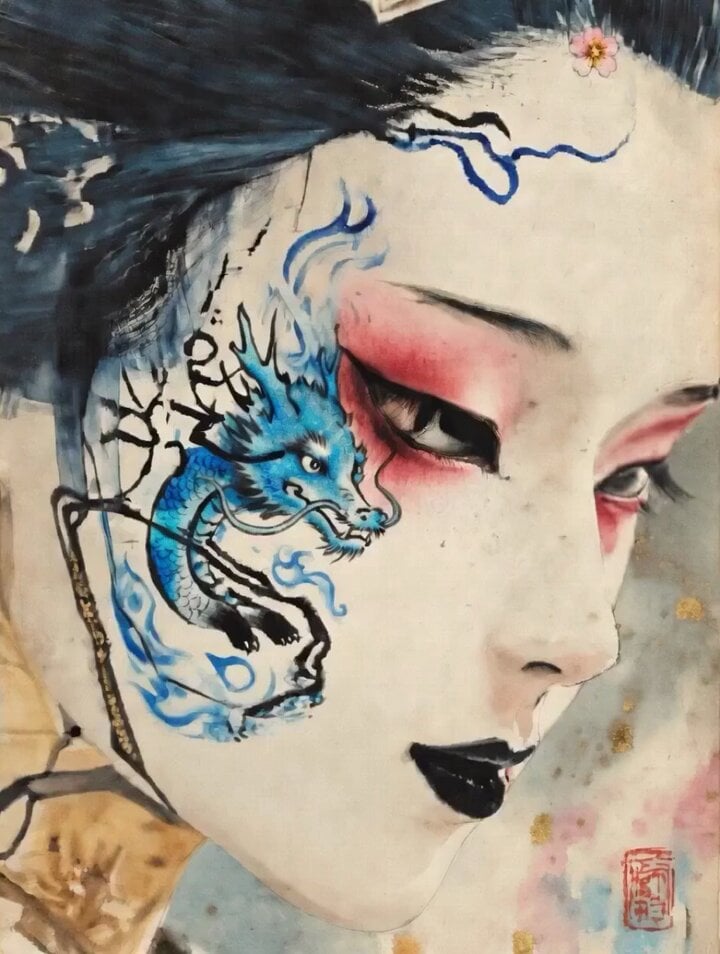
Dragon of Anger and Sorrow
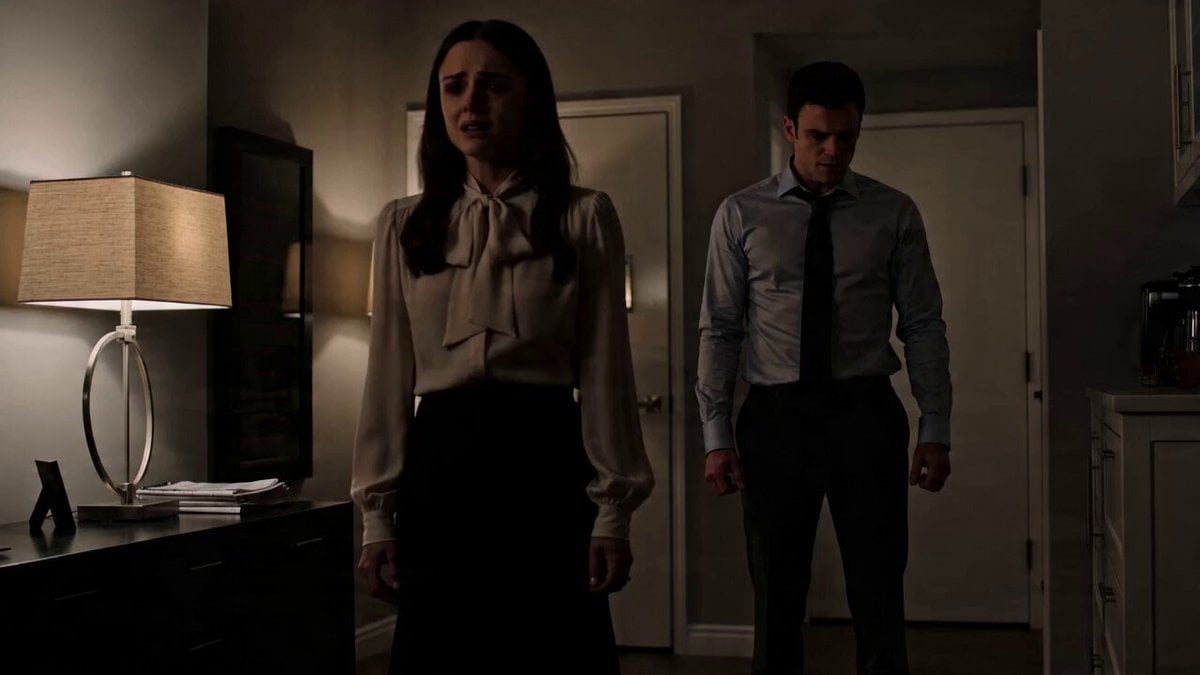
Emotional Drama Scene Prompt
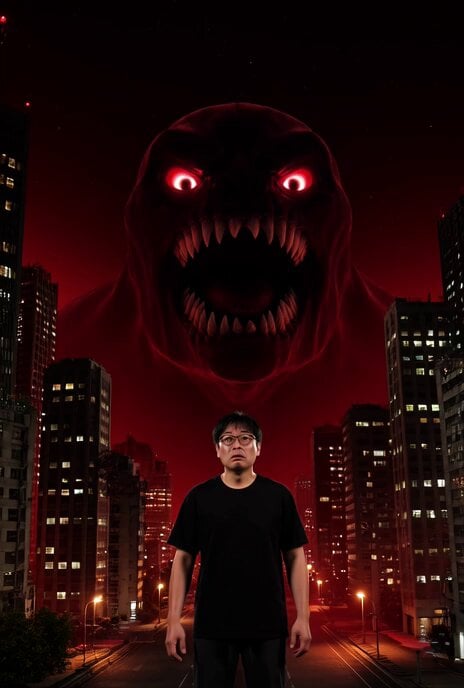
Cyberpunk Tokyo AI Monster Video Prompt
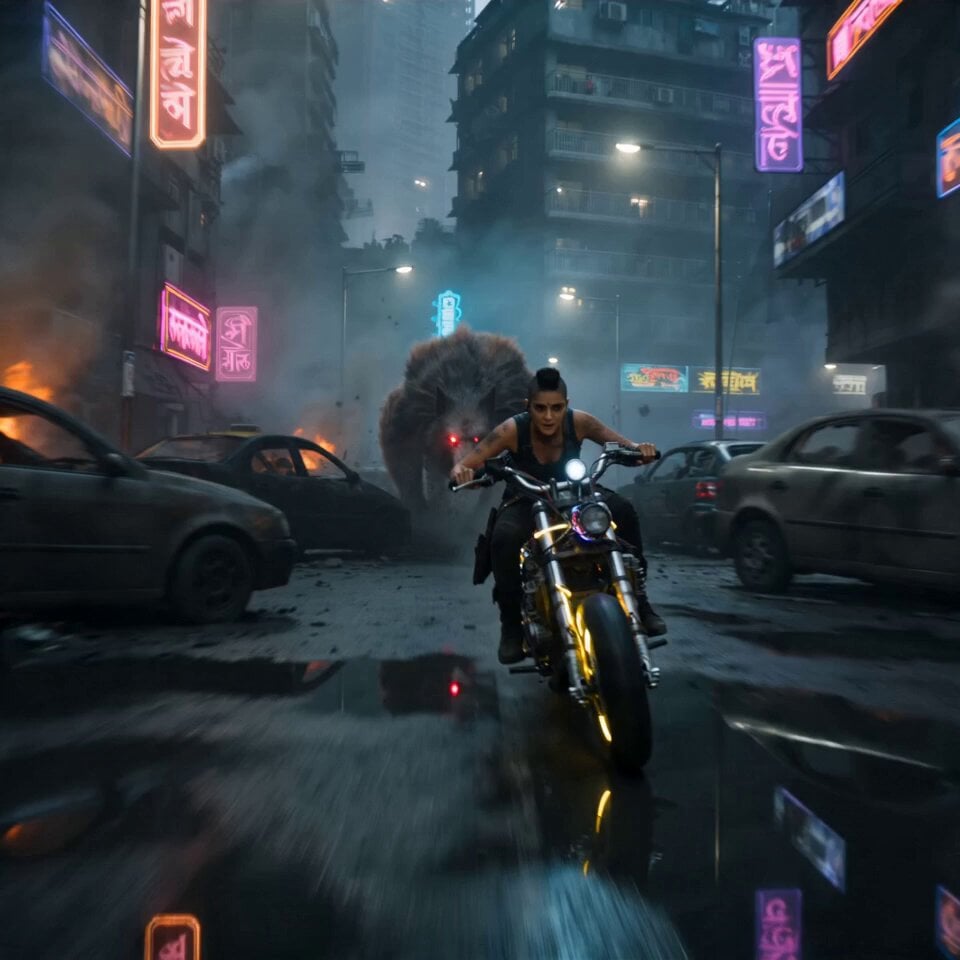
Cyberpunk Mumbai Werewolf Pursuit
Continuous Planet Collapse Escape Sequence
Browse template categories
Cinematic Sorcerer vs Leviathan Multi-Shot Sequence questions
How do I use the Cinematic Sorcerer vs Leviathan Multi-Shot Sequence template?
Add your photo if the template asks for one, edit the prompt if you like — the template's model and format are already selected — and press Generate. Your version opens in PicX Studio.
Can I customize the Cinematic Sorcerer vs Leviathan Multi-Shot Sequence template?
Yes. You can change the subject, setting, lighting, mood, format, and available model controls before creating your video.
Is the Cinematic Sorcerer vs Leviathan Multi-Shot Sequence template free?
Opening and editing this template is free. Generating uses credits, shown on the Generate button when you are signed in.
Which AI model should I use?
Start with Seedance 2.0, which is the model associated with this template. You can compare another compatible model for a different finish.
Looking for something else? Browse all templates.

Your photo, any look
Thousands of ready templates for every top image and video model, from one credit balance.