How do I use the Cyberpunk Tokyo AI Monster Video Prompt template?
Edit the prompt in the box under the preview — the template's model and format are already selected — and press Generate. Your version appears right on this page.
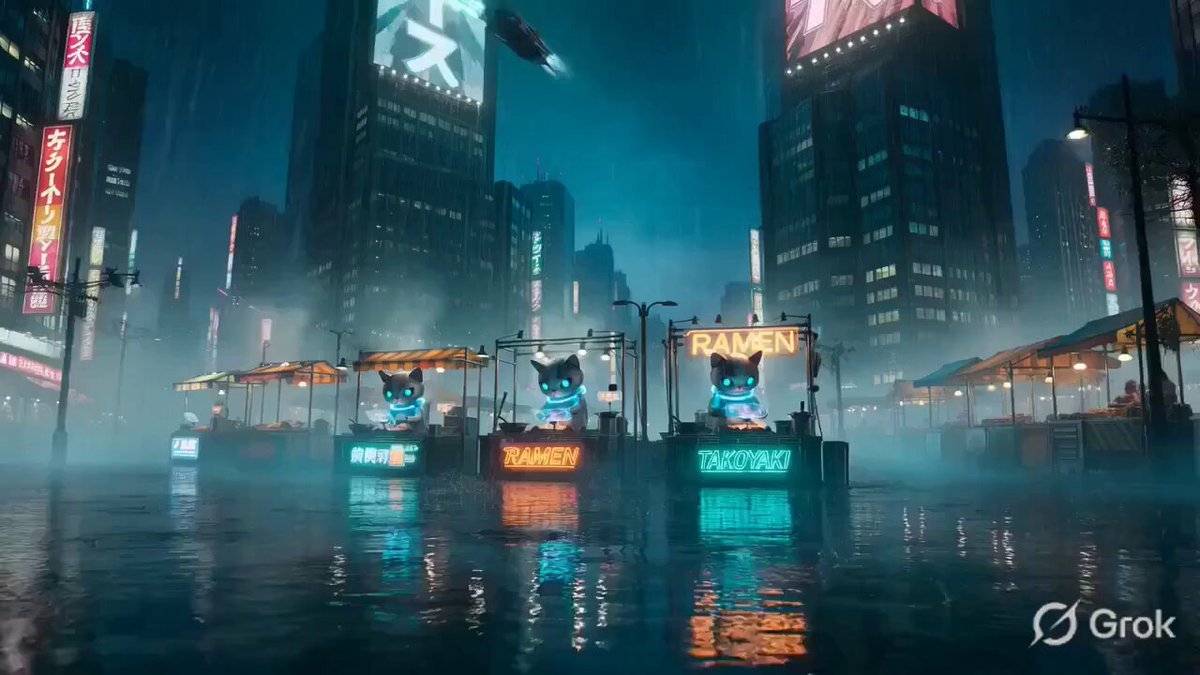
A detailed, cinematic prompt for Grok Imagine to create an 8-second video depicting a giant black AI monster devouring glowing dollar bills and dreams (represented by code and light particles) in the night sky of…
2026年のサイバーパンク東京の夜空、巨大な黒いAIモンスターの口が大きく開き、輝くドル札と光る夢の雲(コード、アイデア、クリエイティブな光の粒子)を貪欲にバクバク食べているダイナミックなシーン。怪物はデジタルグリッチと赤い目を持ち、背景に崩れゆくオフィスビルとデータストリーム。前景に疲れた日本人エンジニア(30代、黒髪、メガネ、黒Tシャツ)が呆然と立ち尽くして見上げる。ホラー映画風の劇的なカメラワーク、ズームインしながら怪物が夢を飲み込む。赤と黒のダークトーン、サイバーパンク照明、迫力あるモーション、咀嚼音と不穏な低音BGM、衝撃的な効果音付き。テキストオーバーレイ「AIが夢まで食い始めた 2026.4」が最後に赤く大きく出現。8秒、cinematic, high detail, dramatic lighting, 720p
2026年のサイバーパンク東京の夜空、巨大な黒いAIモンスターの口が大きく開き、輝くドル札と光る夢の雲(コード、アイデア、クリエイティブな光の粒子)を貪欲にバクバク食べているダイナミックなシーン。怪物はデジタルグリッチと赤い目を持ち、背景に崩れゆくオフィスビルとデータストリーム。前景に疲れた日本人エンジニア(30代、黒髪、メガネ、黒Tシャツ)が呆然と立ち尽くして見上げる。ホラー映画風の劇的なカメラワーク、ズームインしながら怪物が夢を飲み込む。赤と黒のダークトーン、サイバーパンク照明、迫力あるモーション、咀嚼音と不穏な低音BGM、衝撃的な効果音付き。テキストオーバーレイ「AIが夢まで食い始めた 2026.4」が最後に赤く大きく出現。8秒、cinematic, high detail, dramatic lighting, 720p
Edit the prompt in the box under the preview — the template's model and format are already selected — and press Generate. Your version appears right on this page.
Yes. You can change the subject, setting, lighting, mood, format, and available model controls before creating your video.
Opening and editing this template is free. Generating uses credits, shown on the Generate button when you are signed in.
Start with Grok Imagine, which is the model associated with this template. You can compare another compatible model for a different finish.
Follow a topic to a crawlable collection of related PicX Studio templates.