
Global Football Dream Cinematic Story
An emotional and cinematic 15-second story following children playing football globally, transitioning into a futuristic stadium celebration.

- Prompt included
- Model and format preset
- Free template
The prompt behind this video
Copy the exact prompt behind Global Football Dream Cinematic Story, or open it in the studio and make it yours.
Create an ultra-realistic cinematic 15-second football film titled "One Ball, One Dream." 0–3 sec: At dawn, an old football rests on a quiet dirt road. Rapid cinematic cuts reveal children playing football across the globe—on a South American shoreline, in a rural African community, along a European neighborhood street, and atop a busy Asian rooftop. The mood is inspiring and emotional. 3–6 sec: The ball lifts into the air in dramatic slow motion. As it rises, the surroundings seamlessly transform into a spectacular futuristic World Cup-style stadium packed with fans, bright lights, and electric energy. The sound of the crowd intensifies. 6–9 sec: A young athlete charges forward. Cinematic close-ups capture powerful footsteps on the pitch, focused eyes, and beads of sweat reflecting the stadium lights. Determination fills the scene. 9–12 sec: The player unleashes a powerful shot. Time appears to freeze as the ball glides through the air, surrounded by shimmering particles, glowing light trails, and the atmosphere of a world-class arena. 12–15 sec: The ball finds the back of the net. The stadium erupts with celebration. Fireworks illuminate the sky as the camera rises above the arena, revealing countless lights and football fans connected around the world. Final Frame: "One Game. One World." Style: Photorealistic visuals, emotional sports storytelling, global football celebration, cinematic lighting, epic slow-motion sequences, authentic stadium atmosphere, premium commercial production quality, fluid camera movement, ultra-detailed 4K–8K rendering.
How to use Global Football Dream Cinematic Story in 3 steps
- 1
Open
The prompt is already in the box next to the preview, with the template's model and format selected.
- 2…a portrait of your subject in softgolden-hour light, 85mm…
Personalize
Edit the subject and creative details for your destination.
- 3Generate
Generate
Press Generate — your video is created in PicX Studio, so you can compare it with the original and refine one variable at a time.
More like this
Templates with the same subject, style or setup. Open one to see its prompt.

Three-Thousand-Year Football History

Wholesome Puppy and Kitten Story - Seedance 2.5

Realistic City Street Story Cinematic Video - Seedance

Global Flower Thank-You Film

Haute Couture Dream Bokeh Film
3D Animated Football Story

Freestyle Football 16-Step Storyboard

Street to Stadium Football Dream
Intense Football Match Storyboard
Cinematic LEGO Football Match Storyboard

Pixar Style Father Son Football Story

Global Football World Cup Journey
Make it yours
Global Football Dream Cinematic Story works as-is. These are the safest ways to change it without losing the look.
Change one field
Copy a single group, rewrite it, and generate again so you can see what that field is doing.
Keep the frame, change the subject
Hold the composition and light of Global Football Dream Cinematic Story, then swap wardrobe, props or the person for a new take.
| If the result… | Why | Fix |
|---|---|---|
| The result drifts from the preview | Too many fields changed at once. | Reuse Global Football Dream Cinematic Story as-is first, then change one group — subject, light, or setting. |
| The model over-stylizes the scene | The prose prompt leaves finish and camera underspecified. | Add one camera or lighting sentence and stay on Seedance 2.0. |
More Seedance 2.0 templates
Other prompts made for Seedance 2.0.

Comical Martial Arts Punch Scene

Maglev Train Action Sequence

Martial Arts Fight Sequence

Wuxia Protection and Trust Script

Vintage Korean Arcade MiniDV Vlog

Mercedes 190 SL Luxury Ad

Rainy Night Supernatural Reverse Comedy Video Script

Amazon Civilization Discovery

Futuristic South Asian City Transformation

Cozy Luxury Cafe Commercial
More video prompts
Fresh picks from across the catalog.
Humanoid Android Awakening Sequence

Fantasy Epic Ocean Conductor Spectacle

Video Script for 'Accidentally Touching Girlfriend' using Seedance 2.0

POV Shark Attack

Dynamic Image-to-Video Music Visualizer
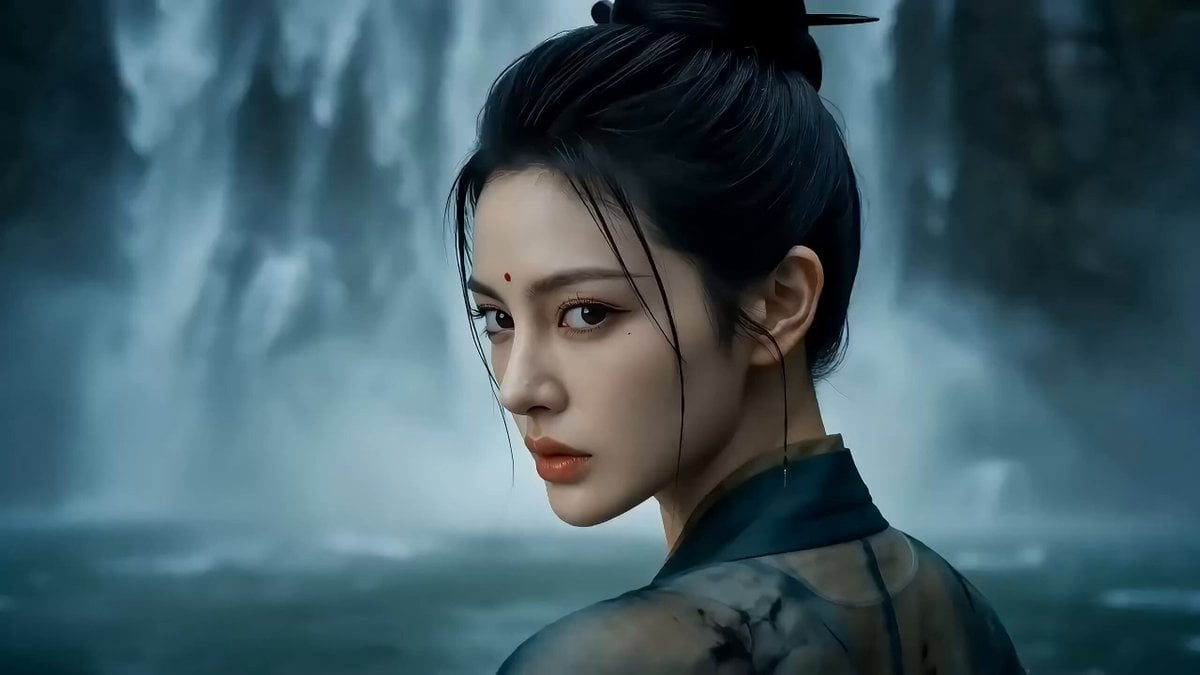
One-shot Wuxia epic with cinematic camera work

Planet X Starship Arrival

AAA Tactical Shooter Mission UI and Gameplay
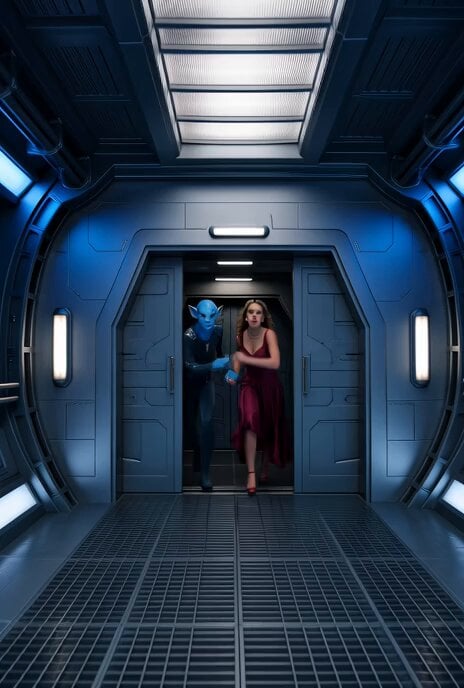
Spaceship Escape Action Scene

AI Agent Dancing on Motorcycle at Sunset
Browse template categories
Global Football Dream Cinematic Story questions
How do I use the Global Football Dream Cinematic Story template?
Add your photo if the template asks for one, edit the prompt if you like — the template's model and format are already selected — and press Generate. Your version opens in PicX Studio.
Can I customize the Global Football Dream Cinematic Story template?
Yes. You can change the subject, setting, lighting, mood, format, and available model controls before creating your video.
Is the Global Football Dream Cinematic Story template free?
Opening and editing this template is free. Generating uses credits, shown on the Generate button when you are signed in.
Which AI model should I use?
Start with Seedance 2.0, which is the model associated with this template. You can compare another compatible model for a different finish.
Looking for something else? Browse all templates.

Your photo, any look
Thousands of ready templates for every top image and video model, from one credit balance.